Note: This Flutter UI Kit can also be bought as a bundle with Ultimate Flutter UI Kit , which contains dozens of full app Flutter UI Kits and hundreds of reusable screens & custom widgets.
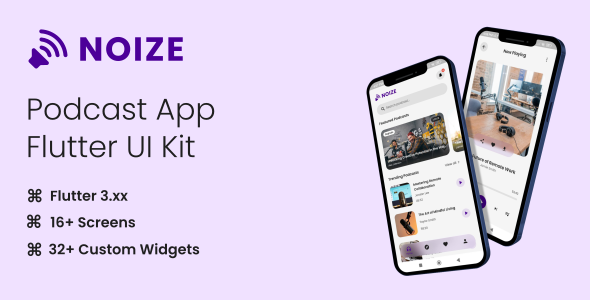
Noize is a comprehensive Flutter UI Kit designed to streamline the development of your next podcast application. This UI Kit offers a modern and user-friendly interface, making it easier than ever to create a robust and visually appealing podcast app. With Noize, you can provide users with an immersive listening experience through intuitive design and seamless navigation.
Features:
- Modern and Clean Design: Noize features a sleek, contemporary design that enhances user engagement and provides a delightful user experience.
- Fully Customizable: Tailor the UI elements to match your brand’s identity. Noize’s components are designed to be easily customizable.
- Rich Set of Components: Includes a variety of widgets and components, such as buttons, cards, lists, and more, to build a complete podcast app.
Screens Included:
- Splash Screen: Displays the app logo and name with a smooth transition to the home screen.
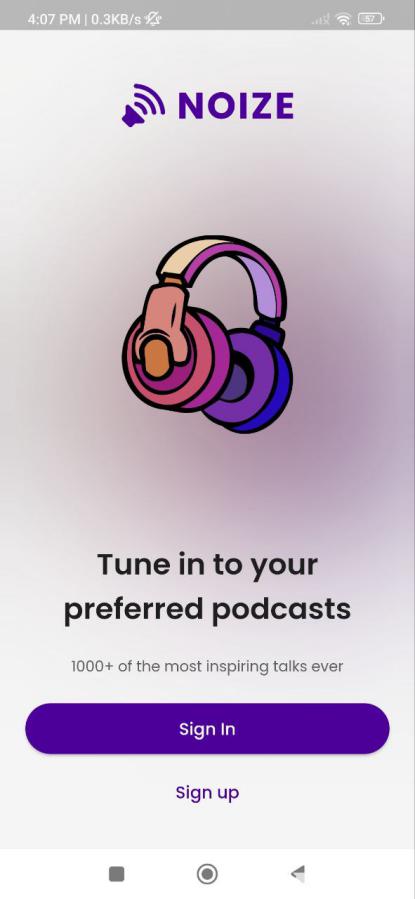
- Onboarding Screens: Screen with illustration and description. Including sign-in and sign-up buttons.
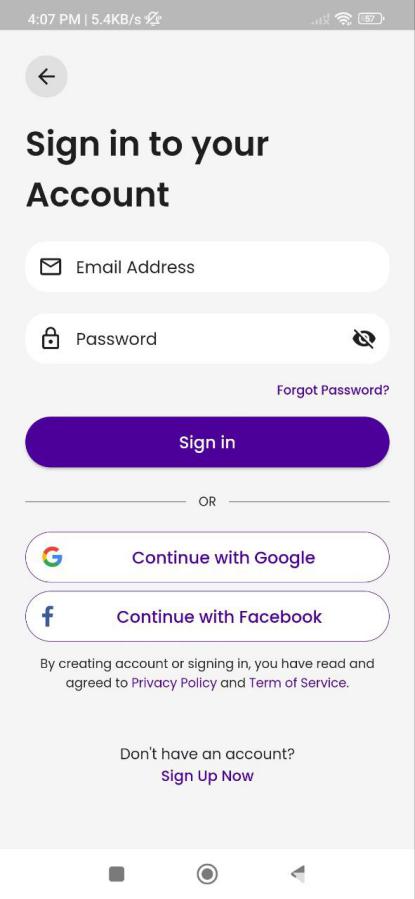
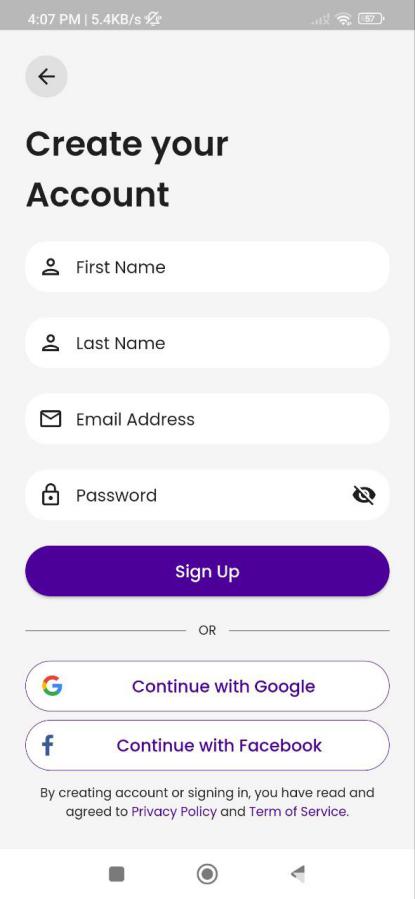
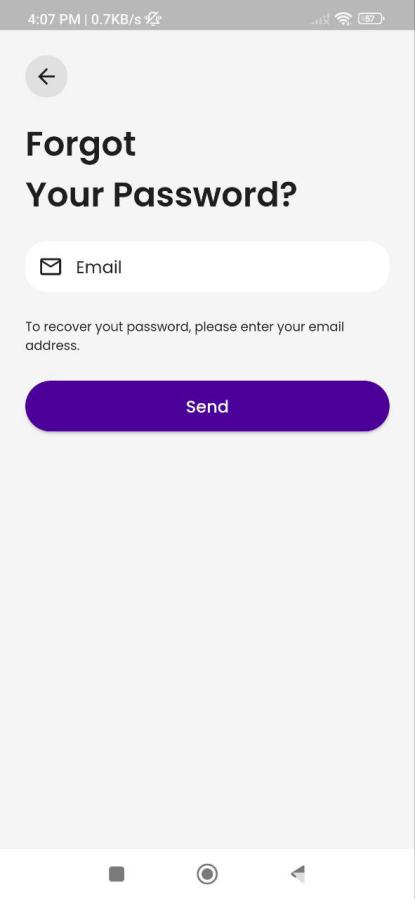
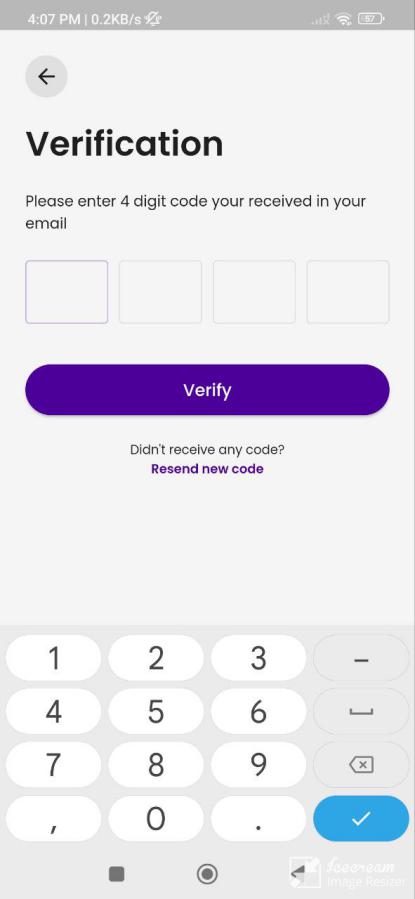
- Login & Sign-Up Screens: Input fields for email, password, social login options, and form validation.
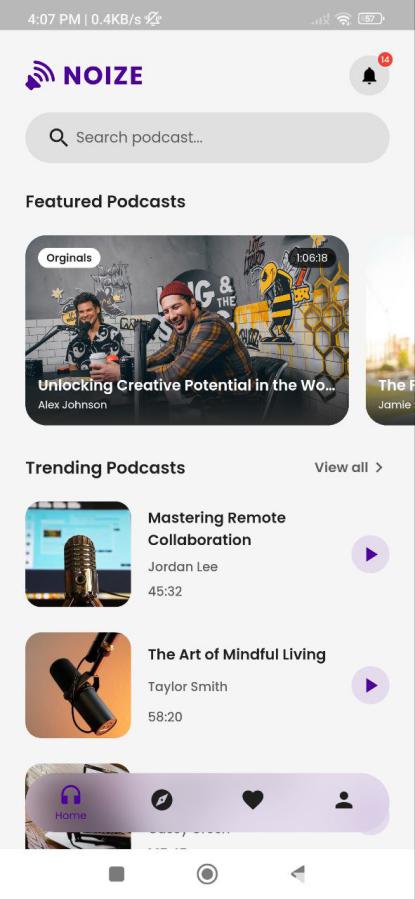
- Home Screen: Featured podcasts, trending episodes, and recently played podcast. Including a search bar and notification.
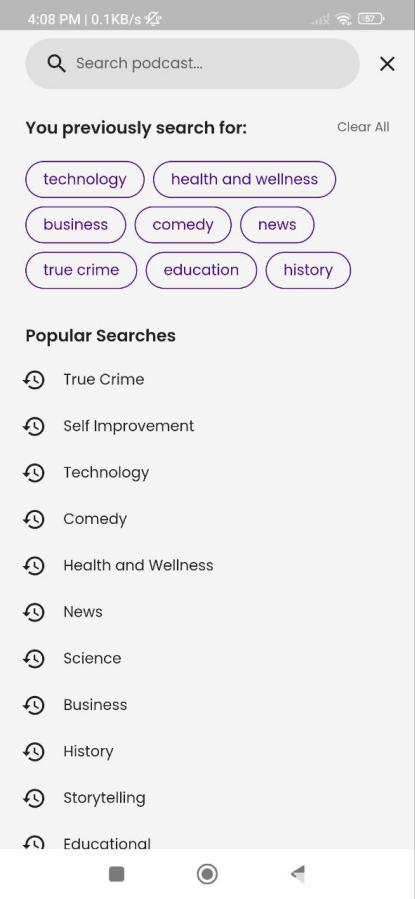
- Search Screen: Search bar with filters for popular searches, and recent searches.
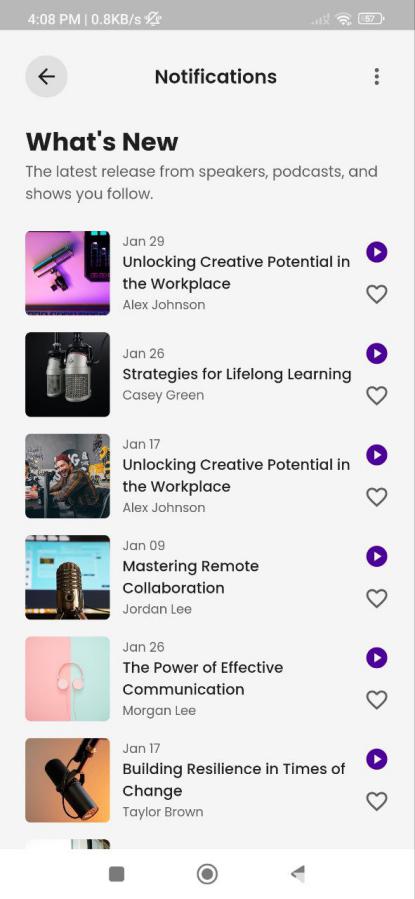
- Notifications Screen: Keeping users informed about updates, new episodes, and other important events related to their subscribed podcasts and app activity.
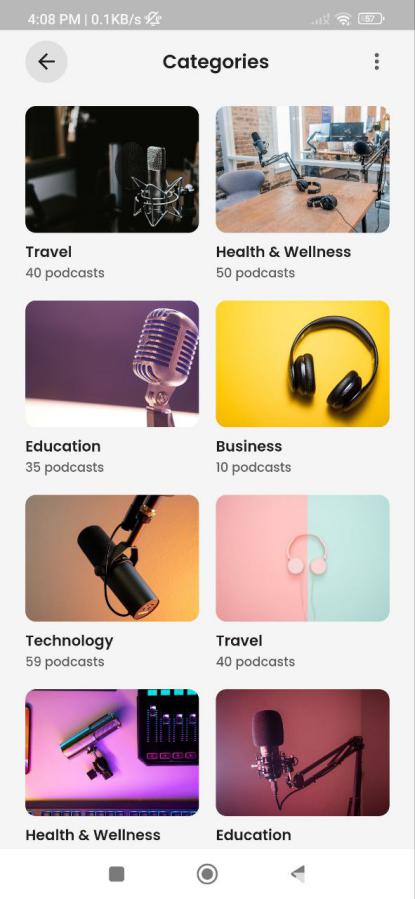
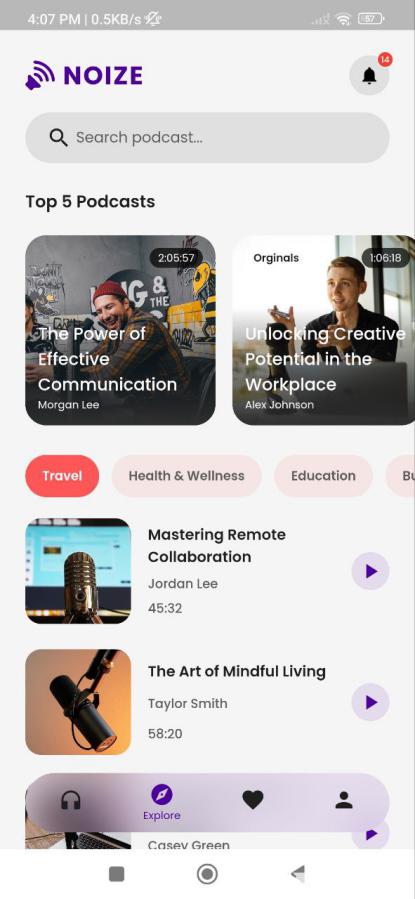
- Explore Screen: To help users discover new and top podcasts and categories.
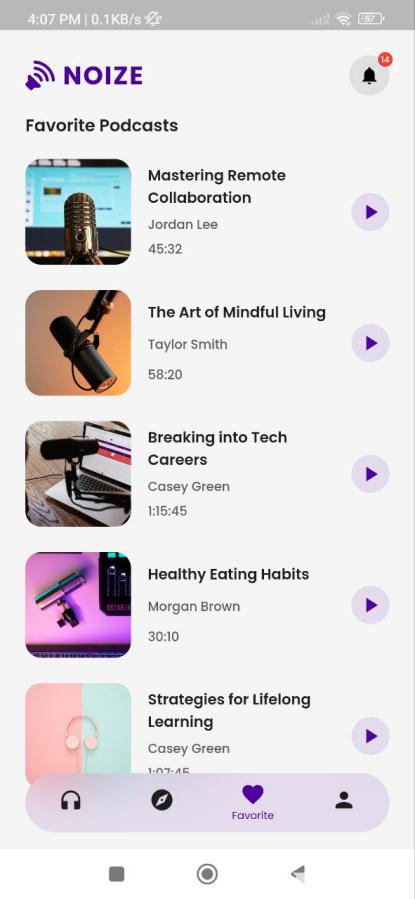
- Favorites Screen: To provide users with a dedicated space to easily access their most-loved podcasts and episodes, ensuring they can quickly find and enjoy their favorite content.
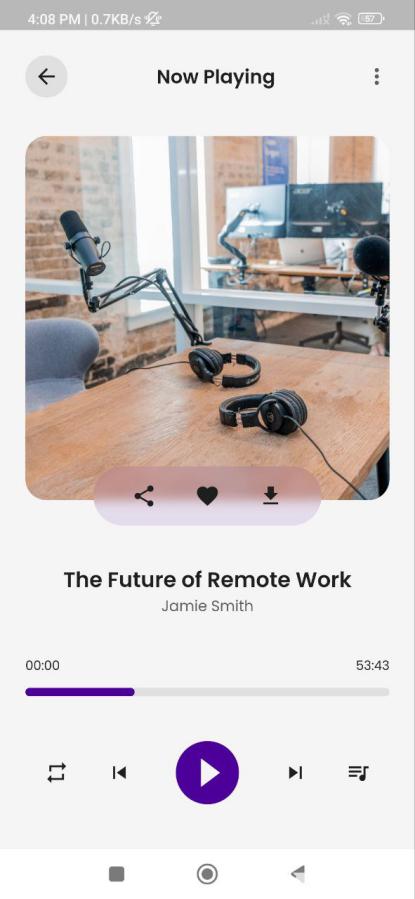
- Player Screen: Playback controls (play/pause, skip, rewind), progress bar, playback speed options, also include podcast thumbnail, share button, favorite button, and download button.
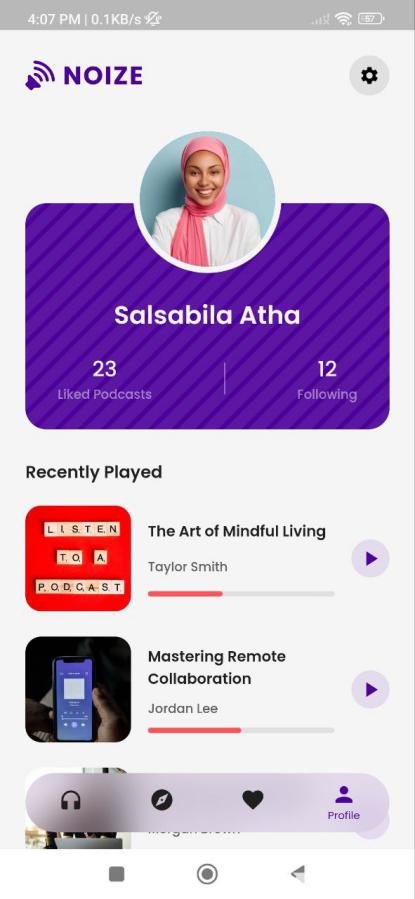
- Profile Screen: Allow users to view and edit their profile, and list of recently played podcasts.
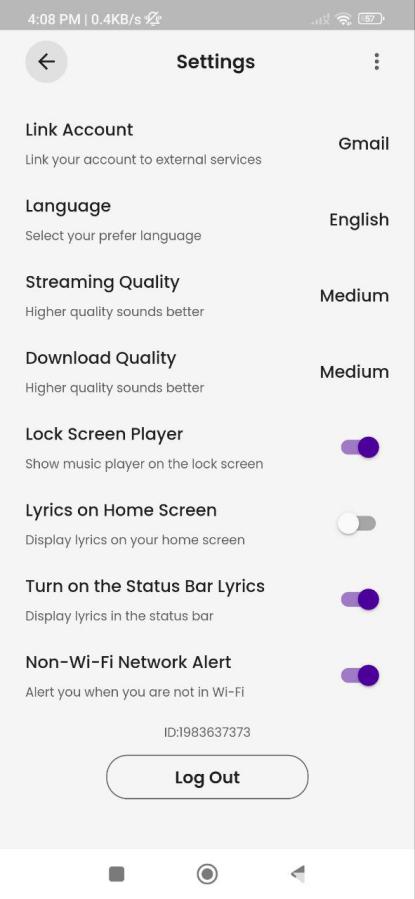
- Settings Screen: Enable users to customize app preferences.
- And several more screens.
Why Choose Noize – Podcast App Flutter UI Kit?
Noize – Podcast App Flutter UI Kit simplifies the process of building a podcast app with its extensive collection of pre-designed screens and components. It saves development time and ensures a consistent, high-quality user experience. Perfect for developers looking to create a polished and functional podcast app, Noize UI Kit is your go-to solution for an effortless and efficient development process.
Get started with Noize – Podcast App Flutter UI Kit today and bring your podcast app to life with style and functionality.