Nitrol – Multifunctional Optimization WordPress Plugin
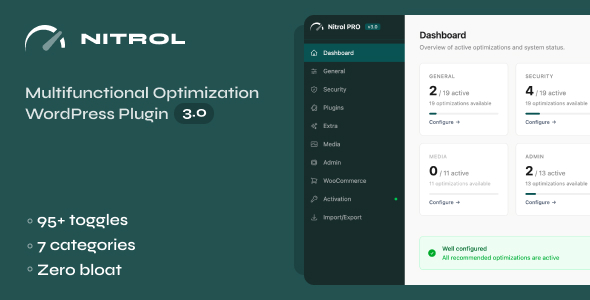
Nitrol PRO gives you full control over your WordPress site’s performance, security, and behavior through a single, modern admin panel. Instead of installing a dozen separate plugins for individual tweaks, Nitrol consolidates 95+ optimization settings into 7 focused categories – each toggle does exactly one thing with zero side effects.
Performance & Cleanup
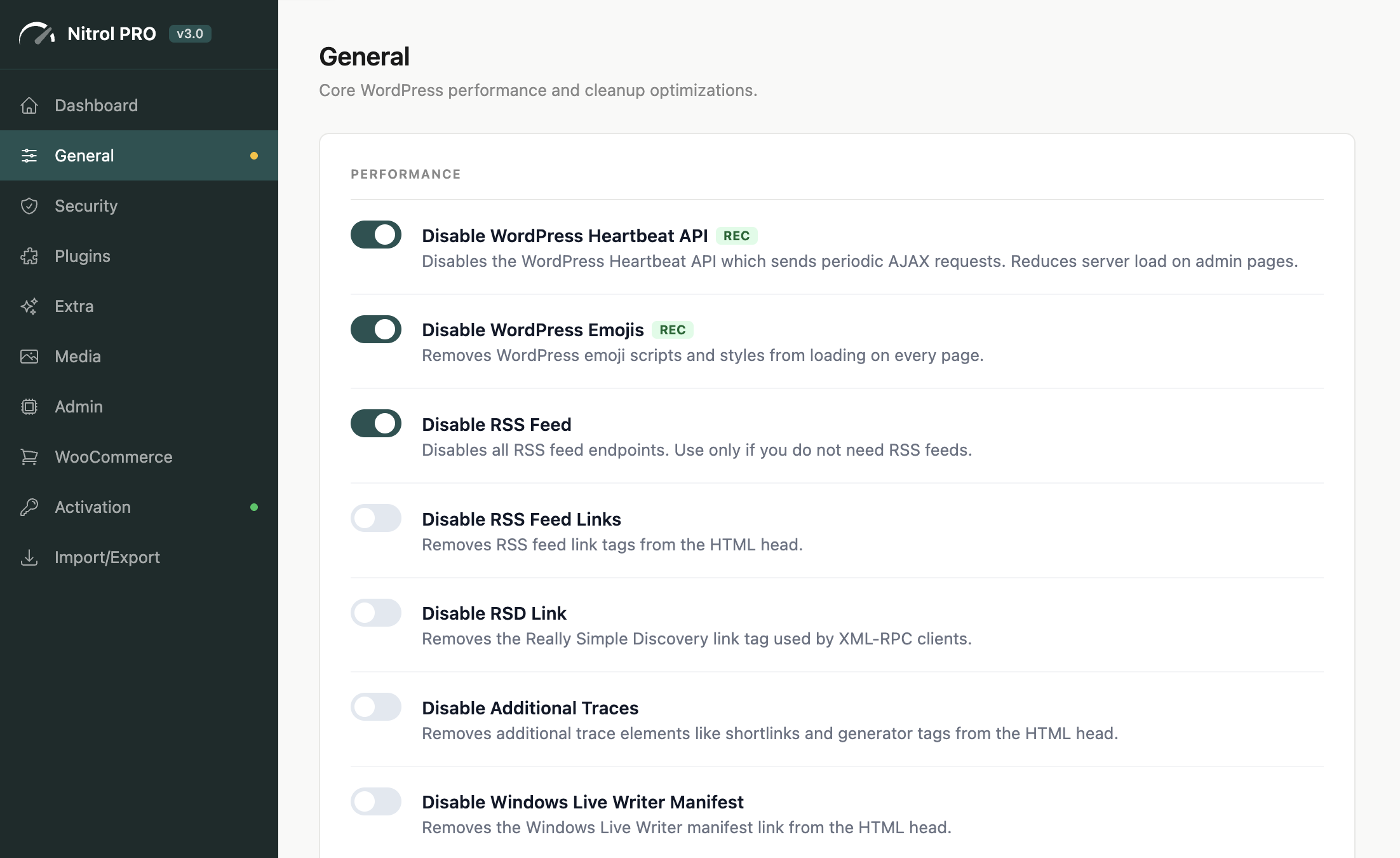
Strip away everything WordPress loads that your site doesn’t need:
|
|
Security Hardening
Protect your site from common attack vectors without touching a config file:
|
|
18 Plugin Integrations
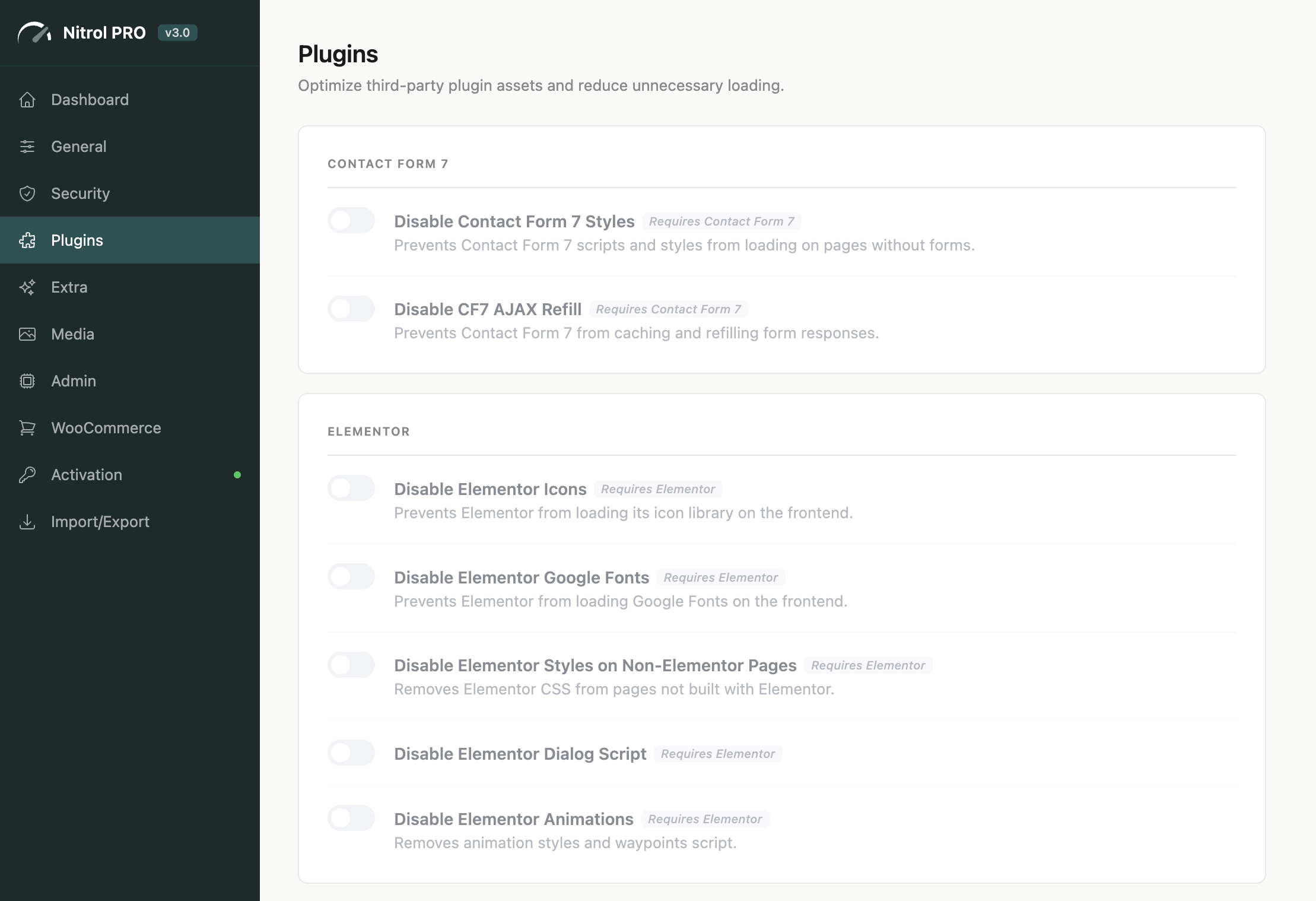
Nitrol automatically detects installed plugins and surfaces relevant optimization options. If a plugin isn’t active, its settings stay hidden – no clutter.
SEO
|
Media Controls
Fine-tune how WordPress handles your uploads and images:
- Allow SVG, WebP, and AVIF uploads
- Disable big image scaling (2560px threshold)
- Remove unused generated image sizes
- Enable progressive JPEG encoding
- Clean special characters from filenames on upload
- Set custom upload size limits
- Redirect attachment pages to parent post
- Disable PDF thumbnail generation
Admin Customization
Tailor the WordPress dashboard to your workflow:
- Remove WP logo from admin bar
- Disable specific dashboard widgets
- Hide update nags and plugin notices
- Control auto-updates independently – core, plugins, themes, translations
- Switch to Classic Editor or Classic Widgets
- Set custom admin footer text
- Hide Screen Options tab
WooCommerce Optimization
Reduce WooCommerce’s footprint on pages that don’t need it:
- Remove WC styles & scripts from non-shop pages
- Disable cart fragments AJAX (major performance win)
- Remove Select2 and password strength meter
- Disable product reviews or specific product tabs
- Customize “Add to Cart” button text
- Redirect to checkout after adding a product
- Hide category product counts
Extra Utilities
- One-click maintenance mode (admins bypass)
- Disable WordPress search
- Disable JPEG compression (keep original quality)
- Add meaningful Gravatar alt text
- Enable shortcodes in widgets and excerpts
- Delay RSS feed publishing
- Redirect 404 pages to homepage
Modern Admin Panel
A React-powered interface that doesn’t look or feel like a typical WordPress settings page. The dashboard shows per-category stats and system information at a glance. Settings are clearly organized with recommended badges, warning labels for potentially breaking changes, and automatic plugin dependency detection that disables toggles when the target plugin isn’t active.
Built for Professionals
|
|
Documentation & Support
Full documentation covers every aspect of the plugin – from installation and initial setup to category-by-category setting explanations, plugin integration details, and import/export workflows. Everything is structured and searchable.
Support is handled through a dedicated ticket system. Each request receives a direct, focused response without community forum noise or delayed triage.
View Documentation Open a Support Ticket
Release Notes & Roadmap
Nitrol PRO is actively maintained and ships regular updates. Each release includes performance refinements, new features, compatibility updates, and fixes – informed directly by real usage and buyer feedback.
Review the full version history or see what is planned and in progress: