MirrorDroid
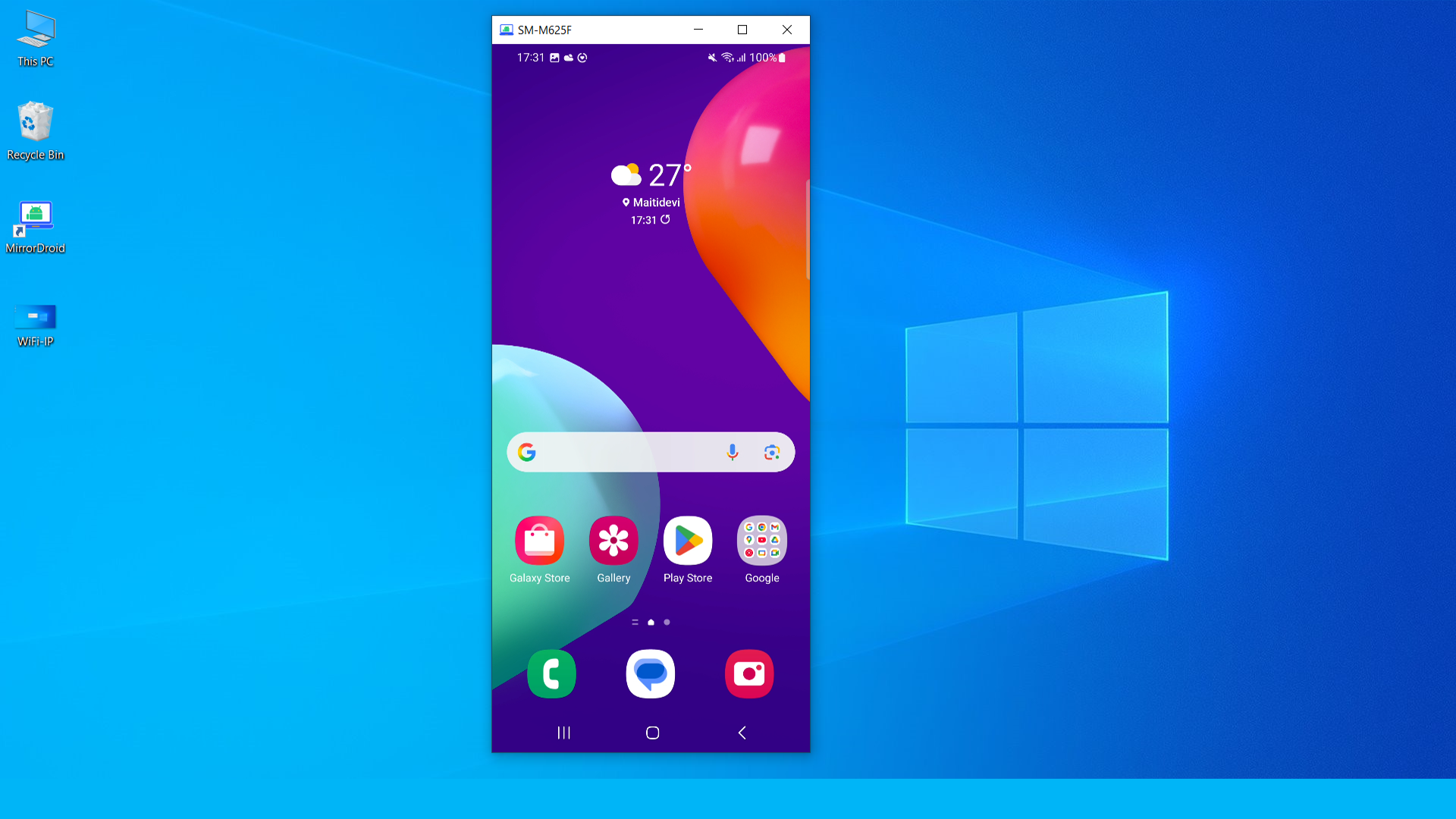
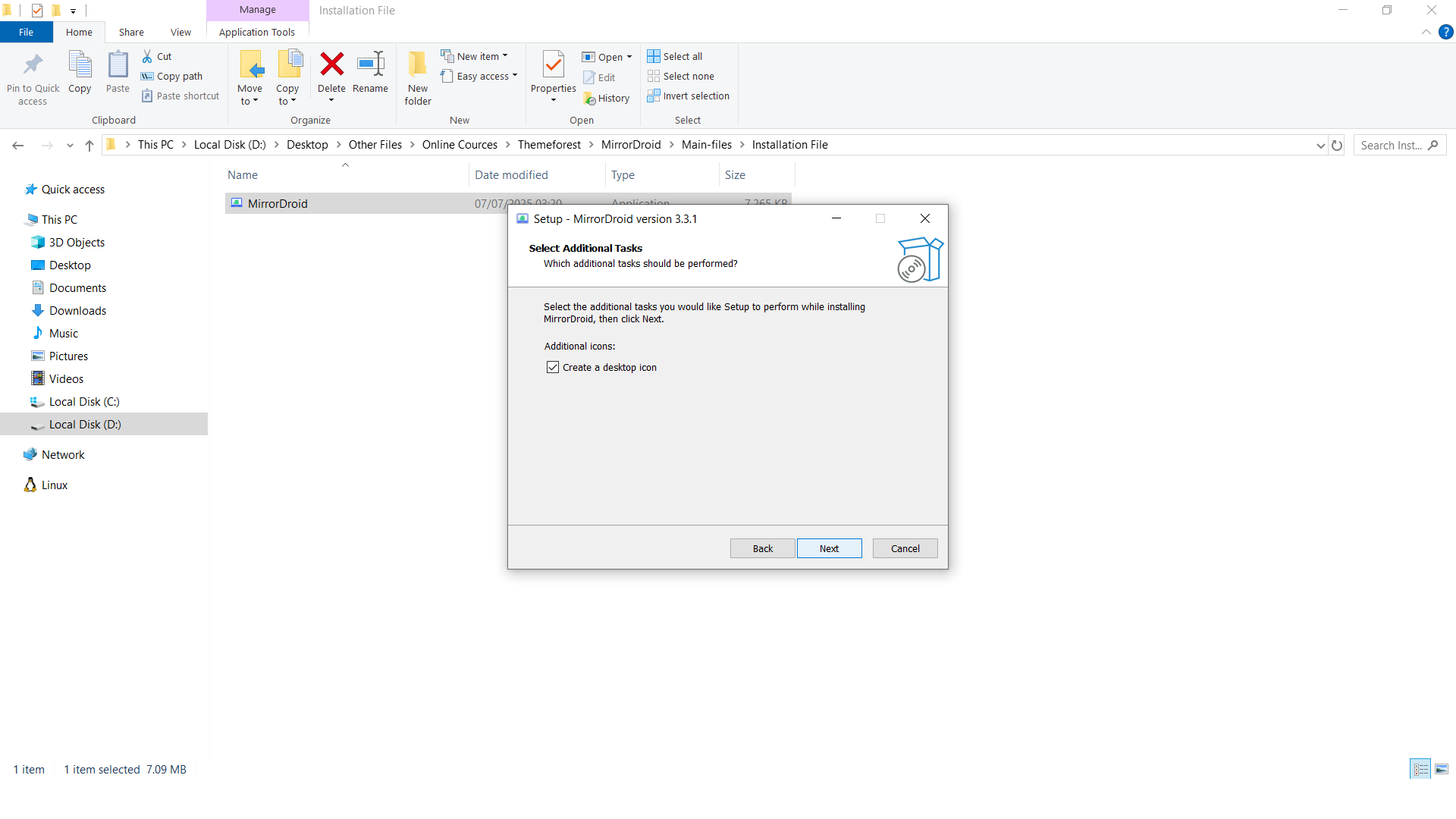
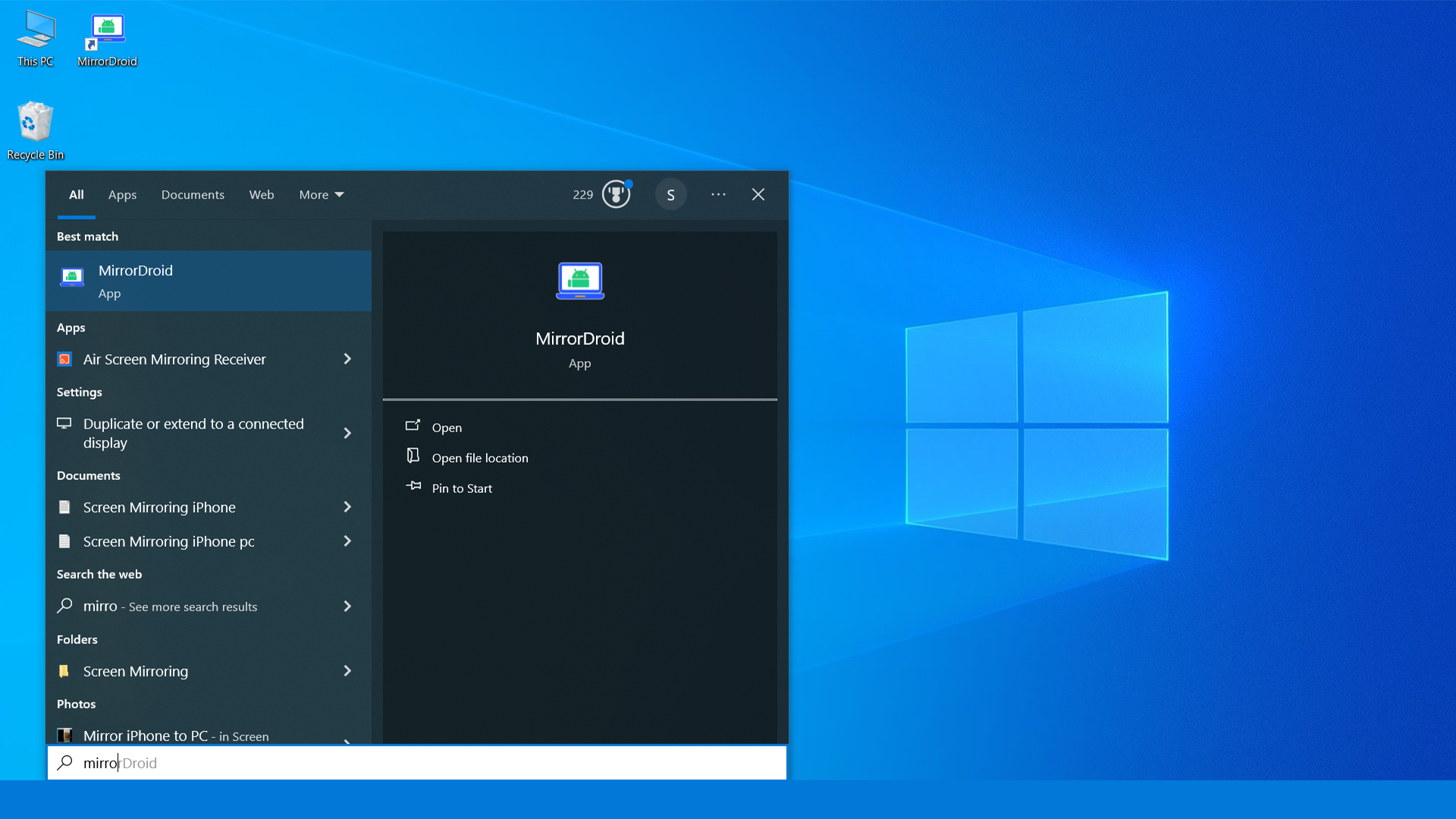
MirroDroid is a simple mirroring application that allows you to easily mirror your Android device to a Windows PC. It is an installable application that works flawlessly and enables you to share your Android device using either a USB connection or Wi-Fi on the same network. Simply install the setup file, open the application, and start mirroring your Android device.
Key Features:
- Easily mirrors your Android device to your PC using ADB.
- Works with both USB and wireless connections via Wi-Fi (IP)
- Choose whether you want the screen to be turned on or off while mirroring
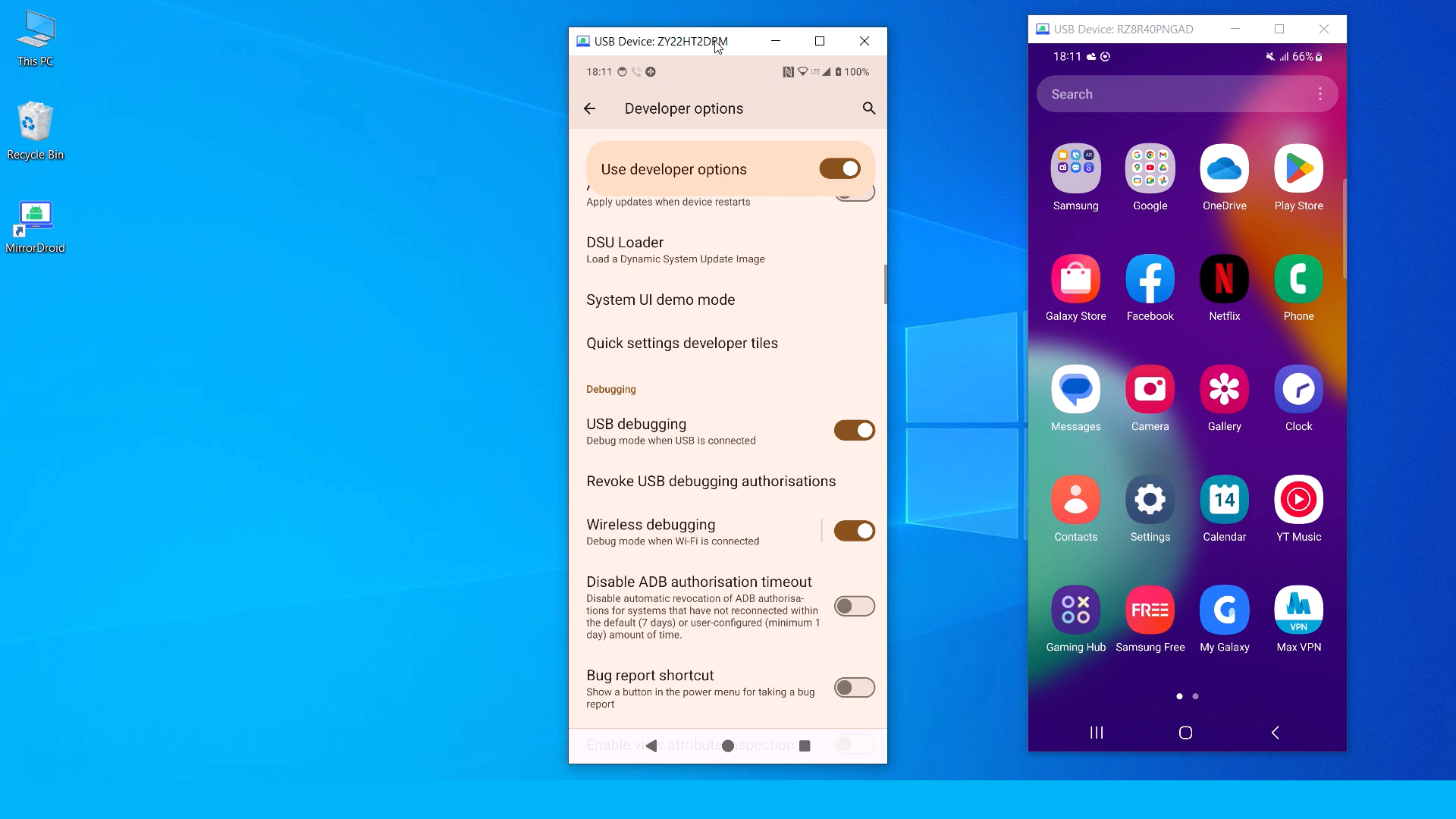
- Mirror multiple devices using USB only
Full Details & Demo Videos: Click here
Frequently Asked Questions
Q. What is MirrorDroid?
- MirrorDroid is a Windows application that allows you to easily mirror an Android device using USB or a wireless connection.
Q. Do I need to install anything to use the software?
- Yes, you need to install the application on your PC.
Q. Can I mirror my phone using USB and wirelessly?
- Yes, you can use both USB and Wi-Fi to mirror your Android device to your PC.
- For USB mirroring, make sure to connect your phone to the PC using a cable.
- For a wireless mirroring, you’ll need to pair your Android device with the PC (available on Android 11 and above).
Q. Can I mirror Multiple devices on a PC using MirrorDroid?
- Yes, you can mirror multiple Android devices on one PC using a USB connection. This will not work on Wi-Fi networks.
Q. Can I choose to turn on or off the screen of Android devices while mirroring?
- Yes, you have the option to turn on or off the device screen while mirroring. However, if the device is inactive and a lock period is set, the mirrored screen will turn black. Make sure the device is active and/or the lock is disabled on your phone.
Q. Do I need to root my Android phone?
- No, you do not need to root your phone. However, you must enable Developer Mode and turn on USB debugging (for USB connections) and wireless debugging (for Wi-Fi connections).
Q. Can this run on lower Android Version devices?
- It is recommended to use devices with Android 11 or higher for optimal USB and wireless screen mirroring. Devices with lower Android versions may still work for USB mirroring, but will have limitations, such as reduced performance, lack of control, or no wireless support.
Q. Do I also get all the source codes?
- Yes, the source code for the setup is included with your purchase. You will receive a setup (.exe) file that extracts all the necessary files to your desired drive. And it is based on ADB and Scrcpy.
Changelog
VERSION 3.1.1 WAS RELEASED ::
Initial release
Support Facilities
If you have any questions about this item, feel free to email us before making a purchase. You can send your product-related queries, installation requests, customization projects, or any other inquiries to: info@heyletslearnsomething.com