screenshots/screenshots/1.jpg screenshots/screenshots/10.jpg screenshots/screenshots/100.jpg screenshots/screenshots/101.jpg screenshots/screenshots/102.jpg screenshots/screenshots/103.jpg screenshots/screenshots/11.jpg screenshots/screenshots/12.jpg screenshots/screenshots/13.jpg screenshots/screenshots/14.jpg screenshots/screenshots/15.jpg screenshots/screenshots/16.jpg screenshots/screenshots/17.jpg screenshots/screenshots/18.jpg screenshots/screenshots/19.jpg screenshots/screenshots/2.jpg screenshots/screenshots/20.jpg screenshots/screenshots/21.jpg screenshots/screenshots/22.jpg screenshots/screenshots/23.jpg screenshots/screenshots/24.jpg screenshots/screenshots/25.jpg screenshots/screenshots/26.jpg screenshots/screenshots/27.jpg screenshots/screenshots/28.jpg screenshots/screenshots/29.jpg screenshots/screenshots/3.jpg screenshots/screenshots/30.jpg screenshots/screenshots/31.jpg screenshots/screenshots/32.jpg screenshots/screenshots/33.jpg screenshots/screenshots/34.jpg screenshots/screenshots/35.jpg screenshots/screenshots/36.jpg screenshots/screenshots/37.jpg screenshots/screenshots/38.jpg screenshots/screenshots/39.jpg screenshots/screenshots/4.jpg screenshots/screenshots/40.jpg screenshots/screenshots/41.jpg screenshots/screenshots/42.jpg screenshots/screenshots/43.jpg screenshots/screenshots/44.jpg screenshots/screenshots/45.jpg screenshots/screenshots/46.jpg screenshots/screenshots/47.jpg screenshots/screenshots/48.jpg screenshots/screenshots/49.jpg screenshots/screenshots/5.jpg screenshots/screenshots/50.jpg screenshots/screenshots/51.jpg screenshots/screenshots/52.jpg screenshots/screenshots/53.jpg screenshots/screenshots/54.jpg screenshots/screenshots/55.jpg screenshots/screenshots/56.jpg screenshots/screenshots/57.jpg screenshots/screenshots/58.jpg screenshots/screenshots/59.jpg screenshots/screenshots/6.jpg screenshots/screenshots/60.jpg screenshots/screenshots/61.jpg screenshots/screenshots/62.jpg screenshots/screenshots/63.jpg screenshots/screenshots/64.jpg screenshots/screenshots/65.jpg screenshots/screenshots/66.jpg screenshots/screenshots/67.jpg screenshots/screenshots/68.jpg screenshots/screenshots/69.jpg screenshots/screenshots/7.jpg screenshots/screenshots/70.jpg screenshots/screenshots/71.jpg screenshots/screenshots/72.jpg screenshots/screenshots/73.jpg screenshots/screenshots/74.jpg screenshots/screenshots/75.jpg screenshots/screenshots/76.jpg screenshots/screenshots/77.jpg screenshots/screenshots/78.jpg screenshots/screenshots/79.jpg screenshots/screenshots/8.jpg screenshots/screenshots/80.jpg screenshots/screenshots/81.jpg screenshots/screenshots/82.jpg screenshots/screenshots/83.jpg screenshots/screenshots/84.jpg screenshots/screenshots/85.jpg screenshots/screenshots/86.jpg screenshots/screenshots/87.jpg screenshots/screenshots/88.jpg screenshots/screenshots/89.jpg screenshots/screenshots/9.jpg screenshots/screenshots/90.jpg screenshots/screenshots/91.jpg screenshots/screenshots/92.jpg screenshots/screenshots/93.jpg screenshots/screenshots/94.jpg screenshots/screenshots/95.jpg screenshots/screenshots/96.jpg screenshots/screenshots/97.jpg screenshots/screenshots/98.jpg screenshots/screenshots/99.jpg
Description
- Will give almost all the details required for MediCare Pro application which like Doctor Appointment, Patient Management, Staff Management, Live Consultation,Inventory Management,Laboratory Management, Bed Management, Care Prescriptions, Reviews, Settings
- Everything was made with a detail-oriented style and follows today’s App Design trends.
- Clean coded & layers are well-organized, carefully named, and grouped.
- Easy customization of text, colors, graphics, and photos.
- 100% free fonts, perfect pixel (high-quality design), and very clean and cool UI. Free updates.
MediCare Pro Flutter UI Kit Features:
- Supported on mobile Android and iPhone
- Dart Language
- UI/UX design from industry experts
- Beautiful and professional looking design
- Smooth Transition Effects
- Font Awesome & Material Icons
- Multiple Font Selection
- Multiple Primary Colors Selection
- Mobile and Tablet Support
- Responsive design for all devices
- Animation Controller
- Complete Mediation App module
- Splash Screen
- Authentication:
- Sign In Screen
- Reset Password Screen
- Sign Up Screen
- DashBoard Screens:
- Doctor Appointment
- Patient Management
- Staff Management
- Live Consultation
- Inventory Management
- Laboratory Management
- Bed Management
- Care Prescriptions
- Reviews
- Settings
- Doctor Appointment Screens:
- Home Screen
- Notifications Screen
- Fillters Screen
- Details Screen
- Book Appointment Screen
- Book Appointment Select Package Screen
- Book Appointment Patient Details Screen
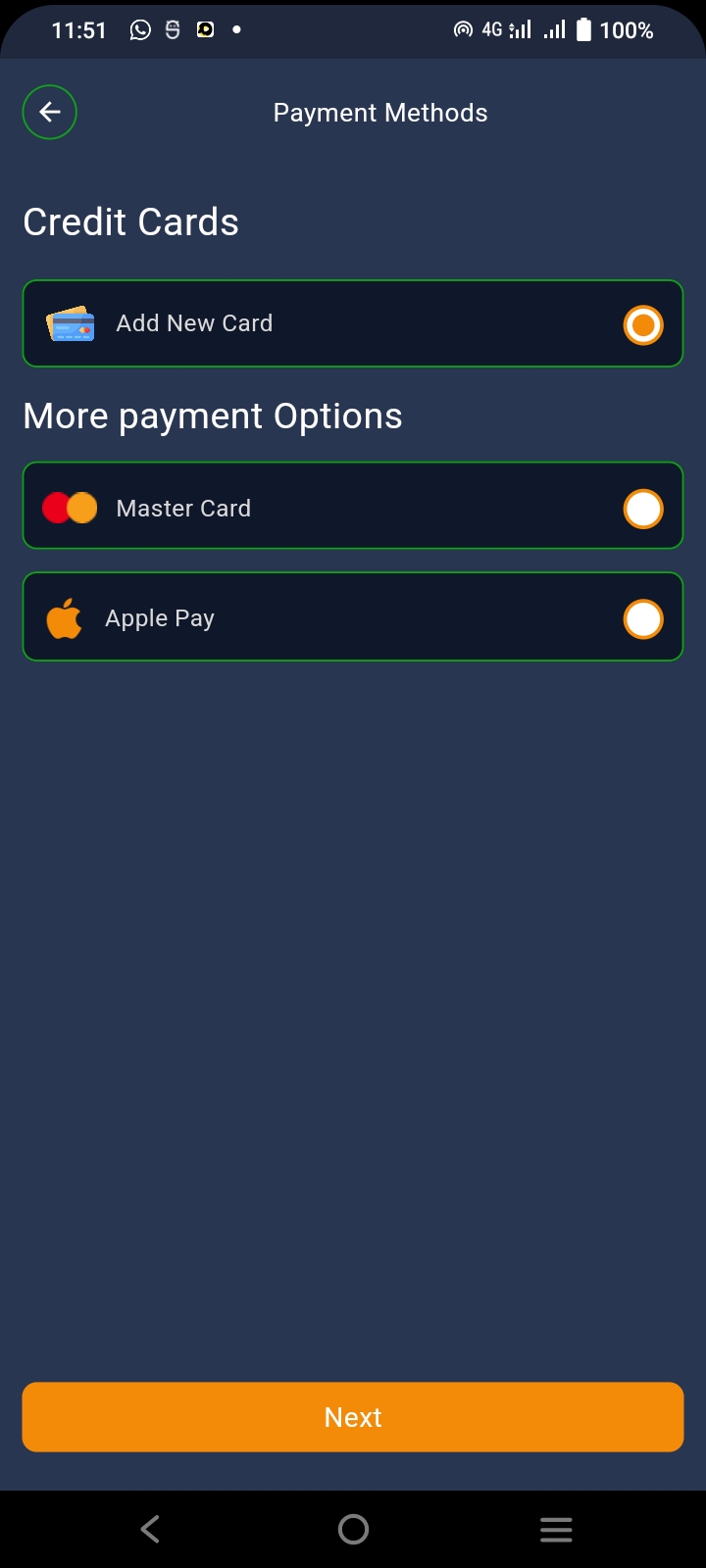
- Book Appointment Payment Method Screen
- Book Appointment Add Card Screen
- Book Appointment View Summary Screen
- Book Appointment Payment Screen
- Book Appointment Appointment Screen
- Book Appointment Message Screen
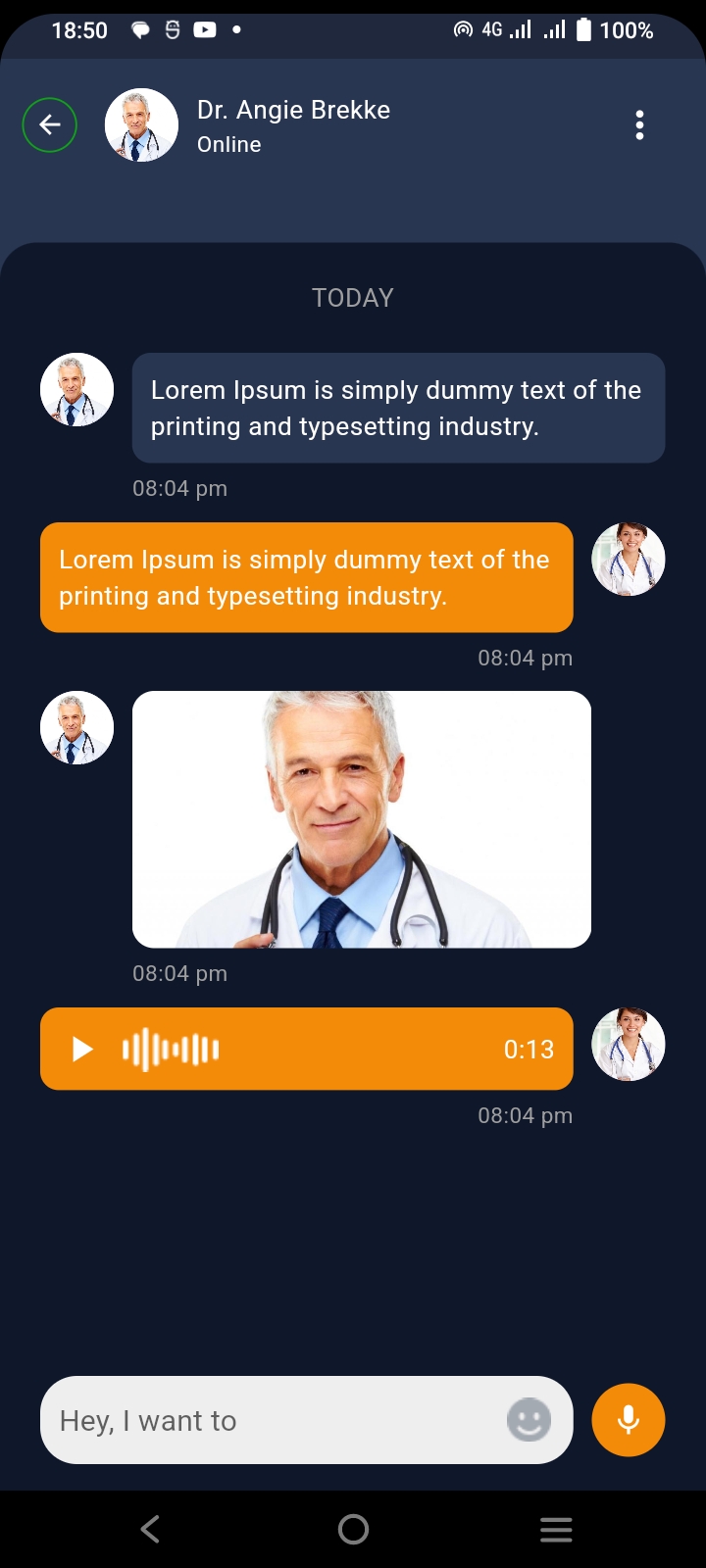
- Book Appointment Chat Screen
- Book Appointment Group Call Screen
- Book Appointment Consultation Ended Screen
- Book Appointment Add Review Screen
- Book Appointment Submit Review Screen
- Doctor Speciality Categories Screen
- Hospital Details Screen
- Hospital Details Specialist Screen
- Hospital Details Gallery Screen
- Hospital Details Review Screen
- Hospital Details About Screen
- Near By Hospitals Screen
- Near By Hospitals Details Screen
- Top Specialist Screen
- Explore Screen
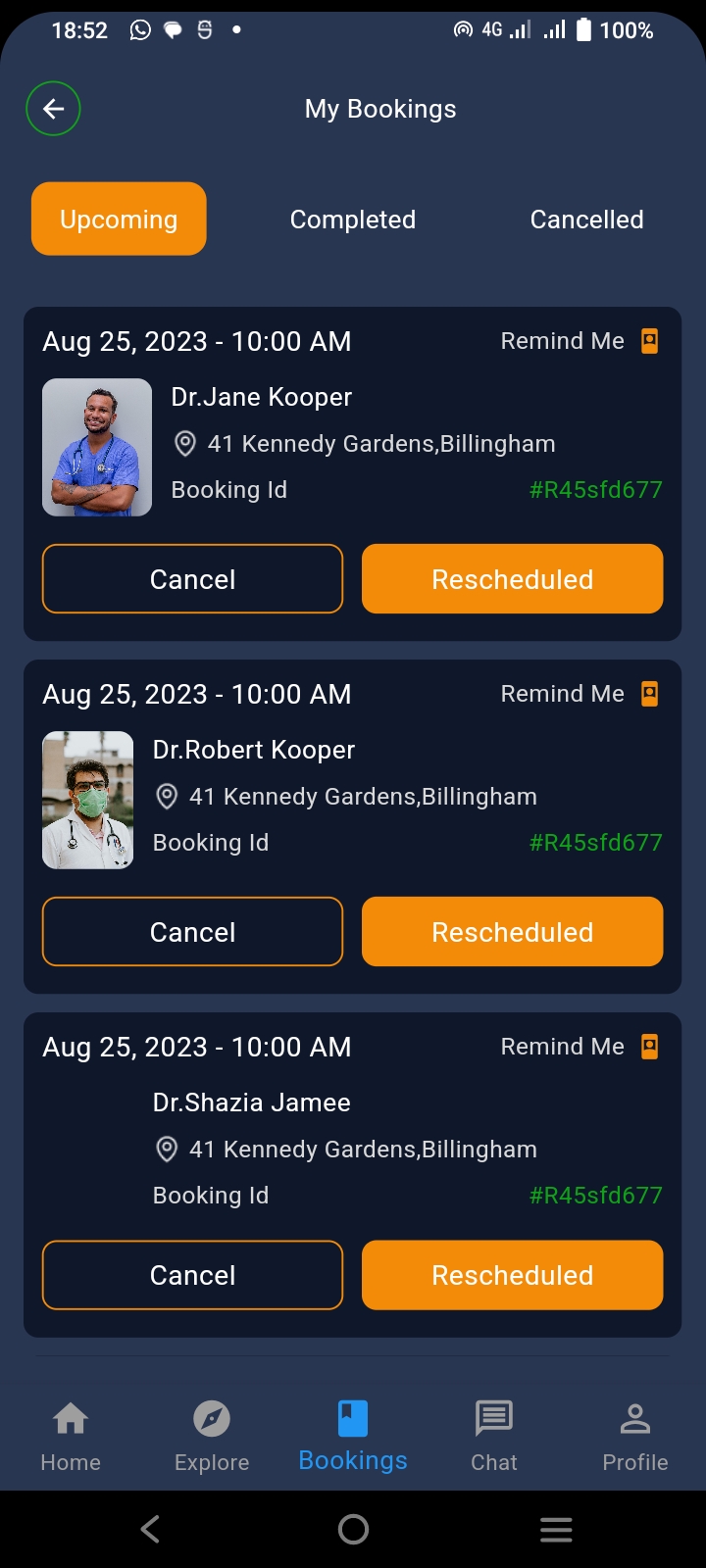
- Booking Screen
- Booking Upcoming Screen
- Booking Completed Screen
- Booking Upcoming Cancel Booking Screen
- Booking Completed Add Review Screen
- Booking Cancelled Add Review Screen
- Chat Screen
- Favorites Doctors and Hospitals Screen
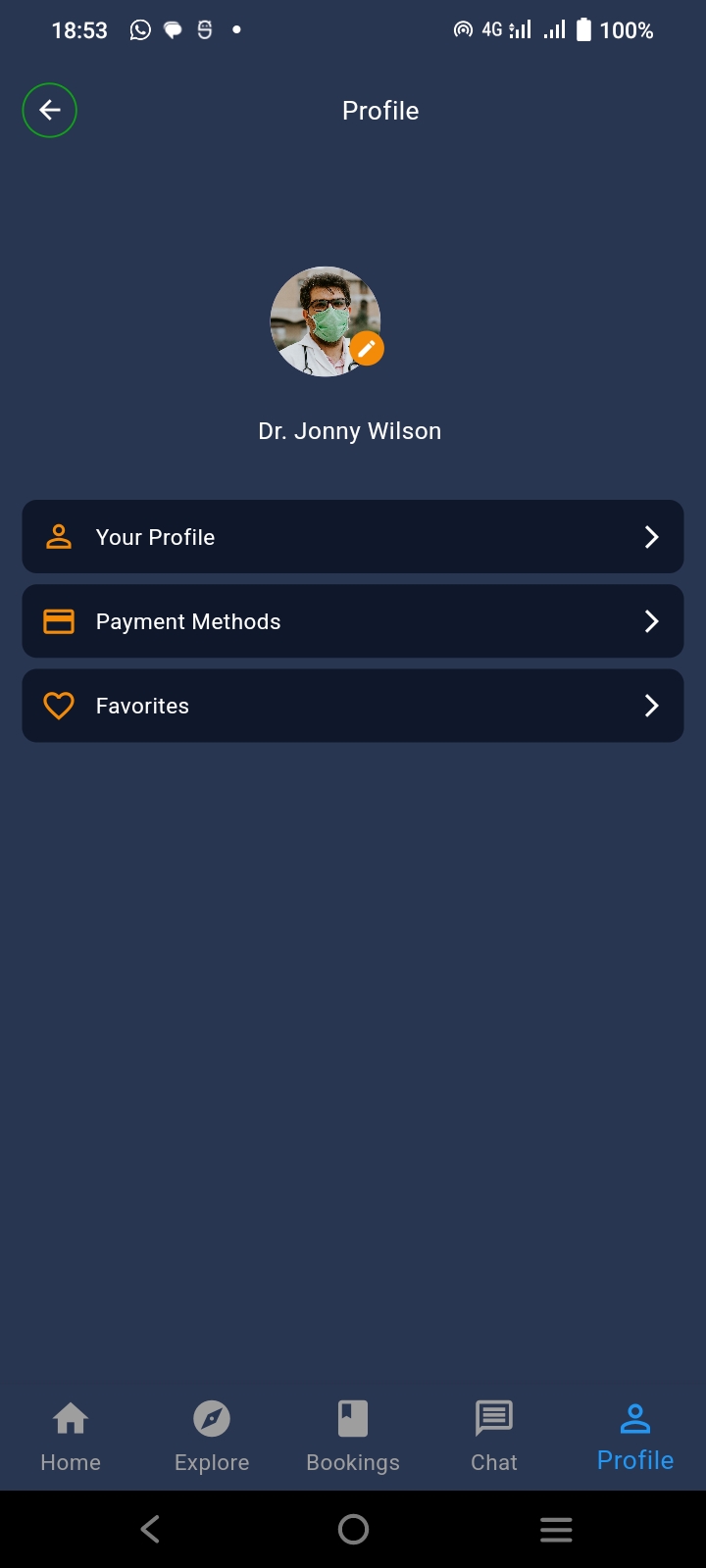
- Profile Screen
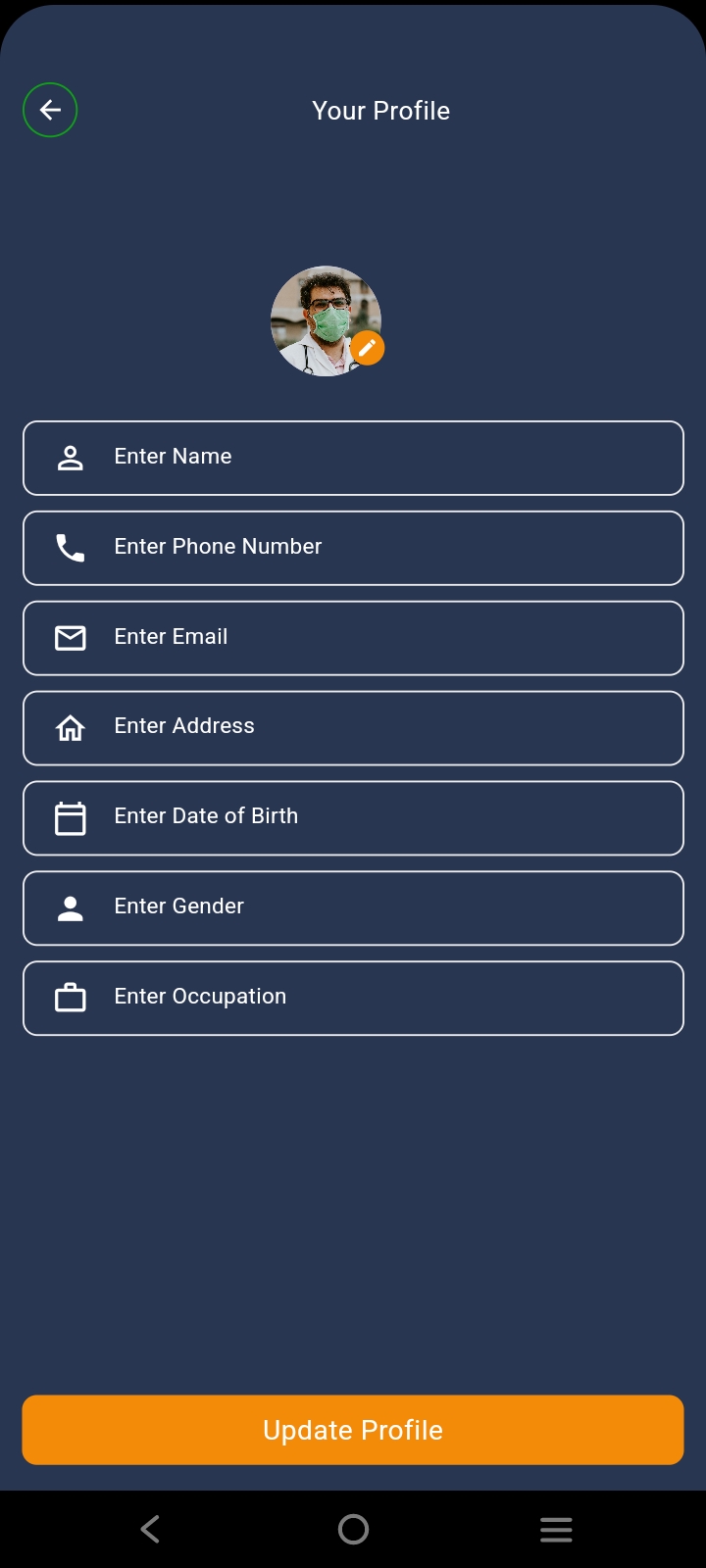
- Your Profile Screen
- Profile Payment Methods Screen
- Patient Management Screens:
- Home Screen
- Home ODP Screen
- Home Appointments Screen
- ODP Details Screen
- Appointments Details Screen
- Patient List Screen
- Staff Management Screens:
- Home Screen
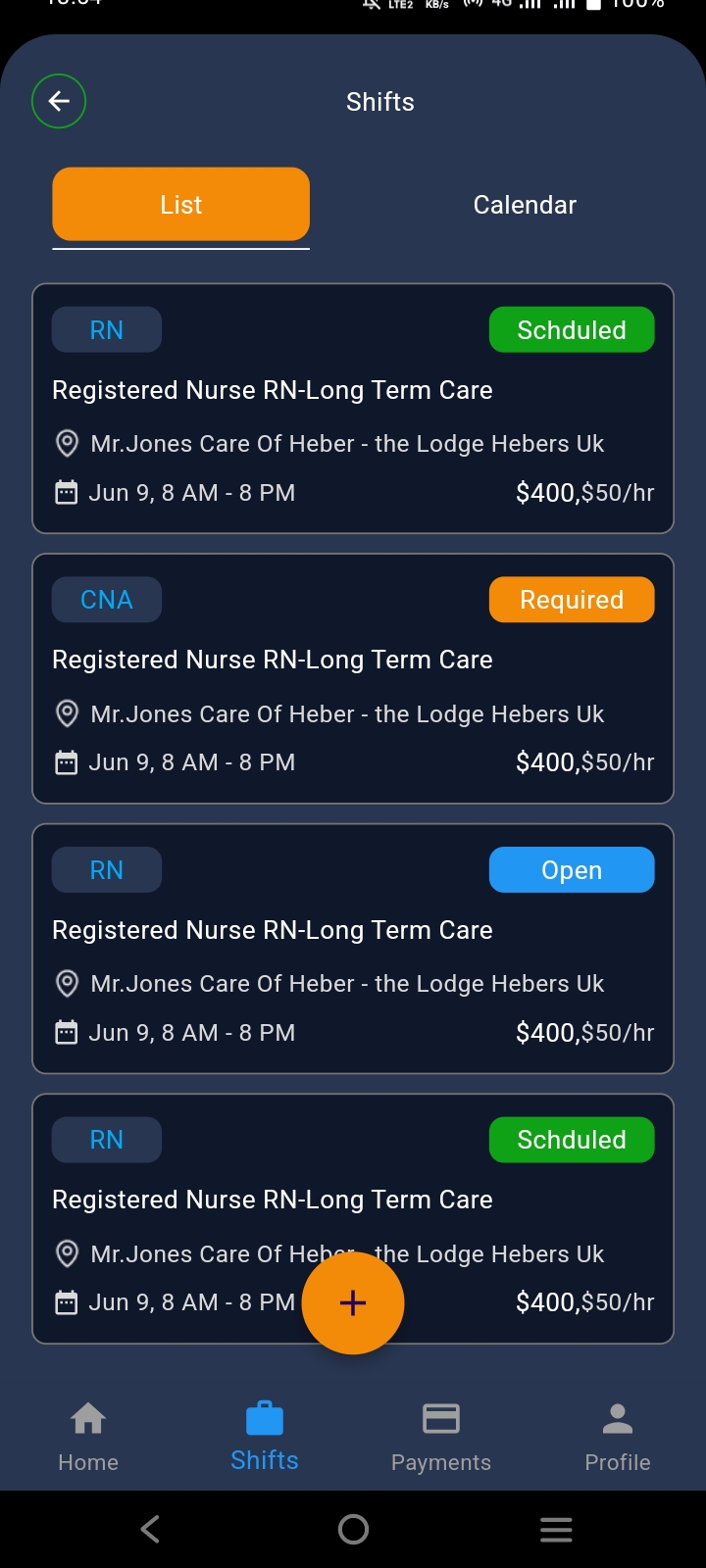
- Shifts Screen
- Shifts List Screen
- Shifts Calendar Screen
- Shifts Details Screen
- Payment Screen
- Payment Shifts Request Screen
- Shifts Details Screen
- Created Shifts Screen
- Profile Screen
- Live Consultations Screens:
- Live Consultation Screen
- Live Consultation Start Screen
- Live Consultation Details Screen
- Inventory Management Screens
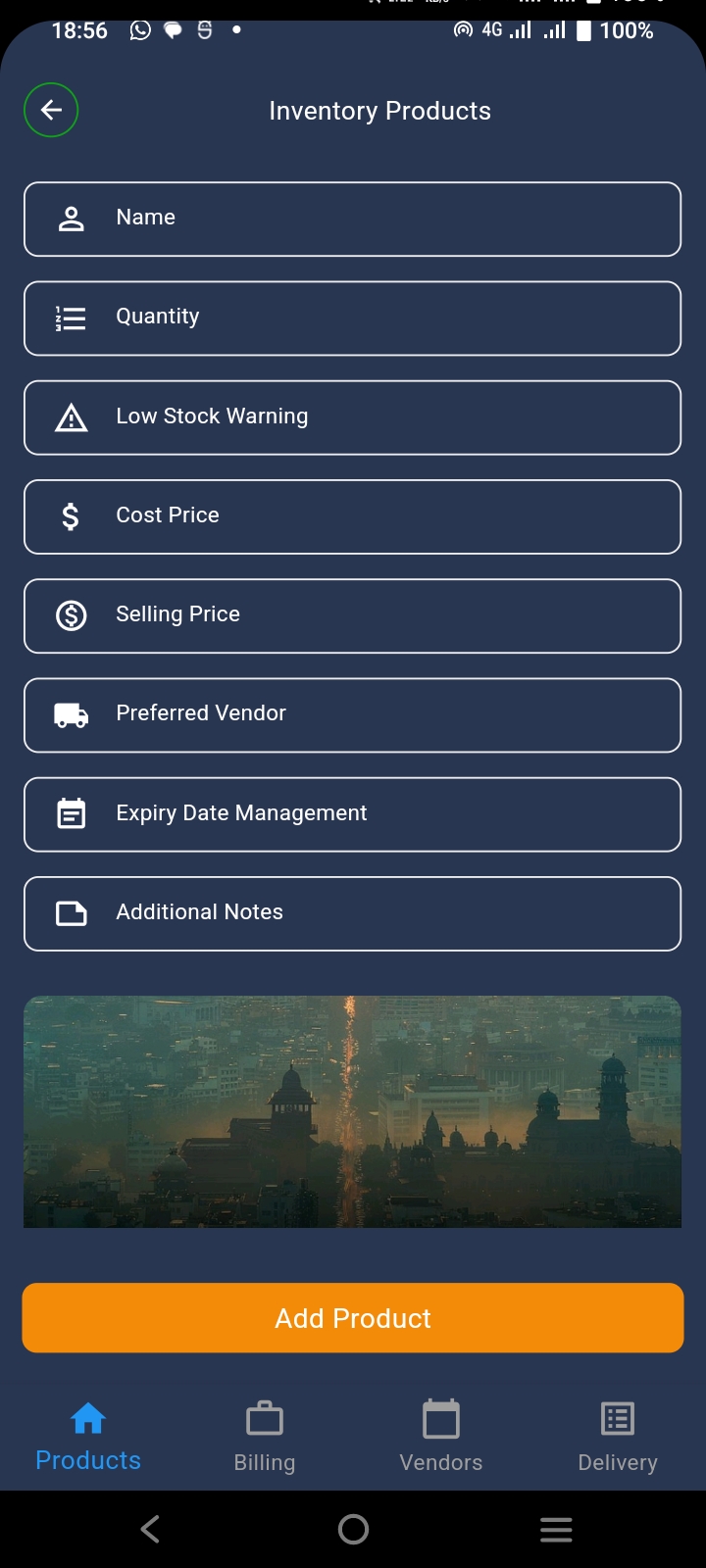
- Add Inventory Products Screen
- Inventory Products Details Screen
- Billing Screen
- Invoices Creation Screen
- Add Invenotry Vendors Screen
- Invenotry Vendors Details Screen
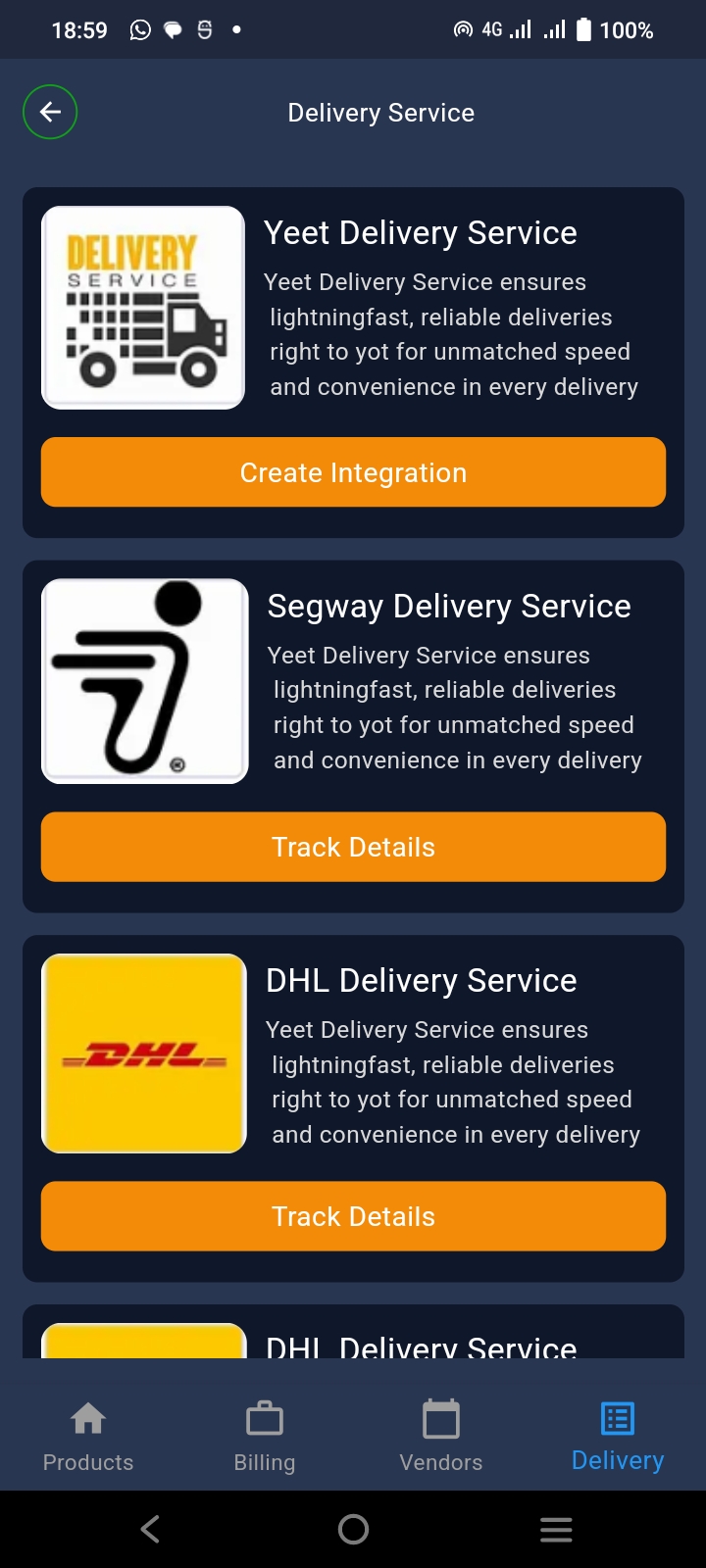
- Invenotry Delivery Service Screen
- Invenotry Delivery Integration Screen
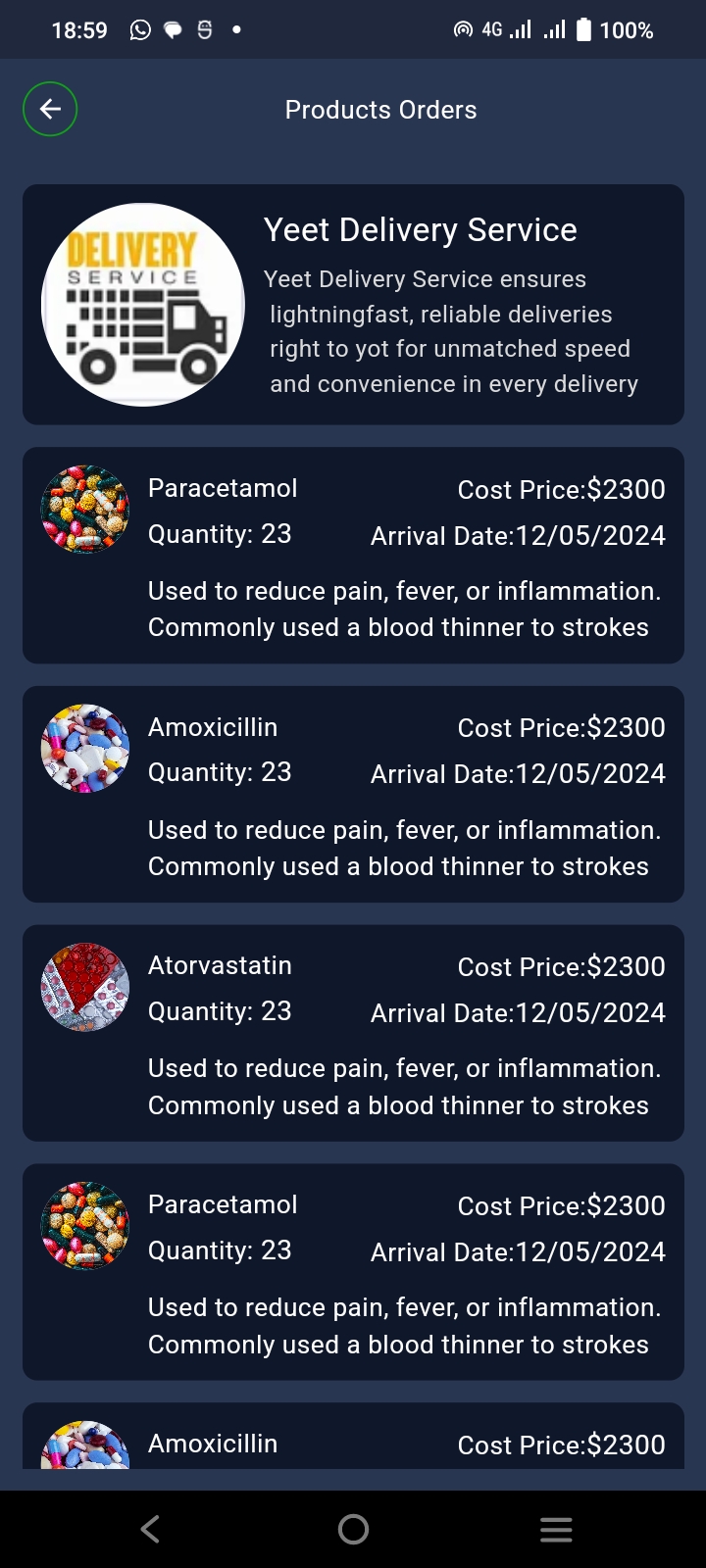
- Invenotry Delivery Products Orders Screen
- Laboratory Screens:
- Home Screen
- Order Test Screen
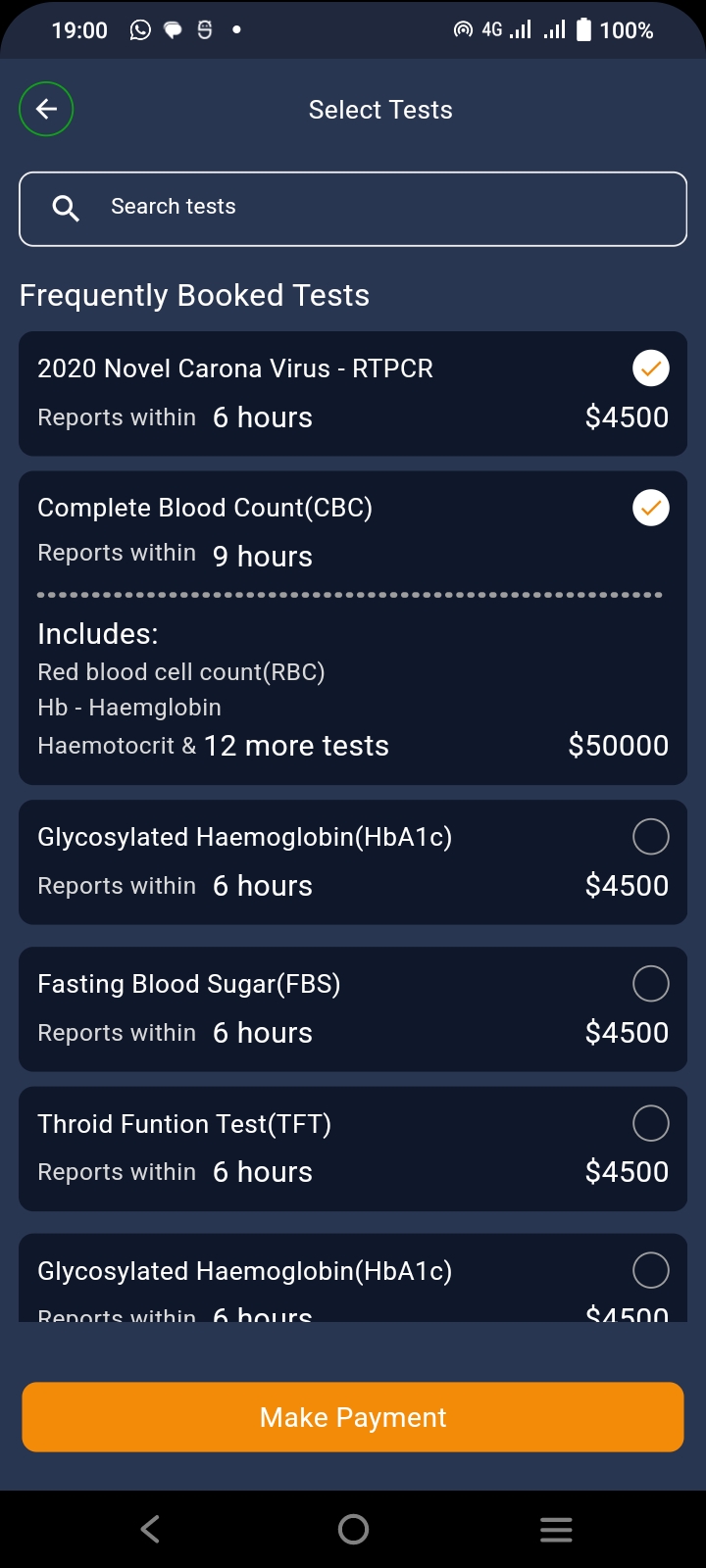
- Select Tests Screen
- Records Screen
- Stats Screen
- Bed Management Screens:
- Bed Assign Screen
- Bed Details Screen
- Edit Bed Assign Screen
- New Bed Assign Screen
- Care Prescriptions Screens:
- Care Prescriptions Screen
- Care Prescriptions Details Screen
- Care Prescriptions Screen
- Terms Of Services Screen
- Reviews Screens:
- Write A Reviews Screen
- Submit Reviews Screen
- Settings Screens:
- Notifications Screen
- Privacy Policy Screen
- Terms Of Service Screen
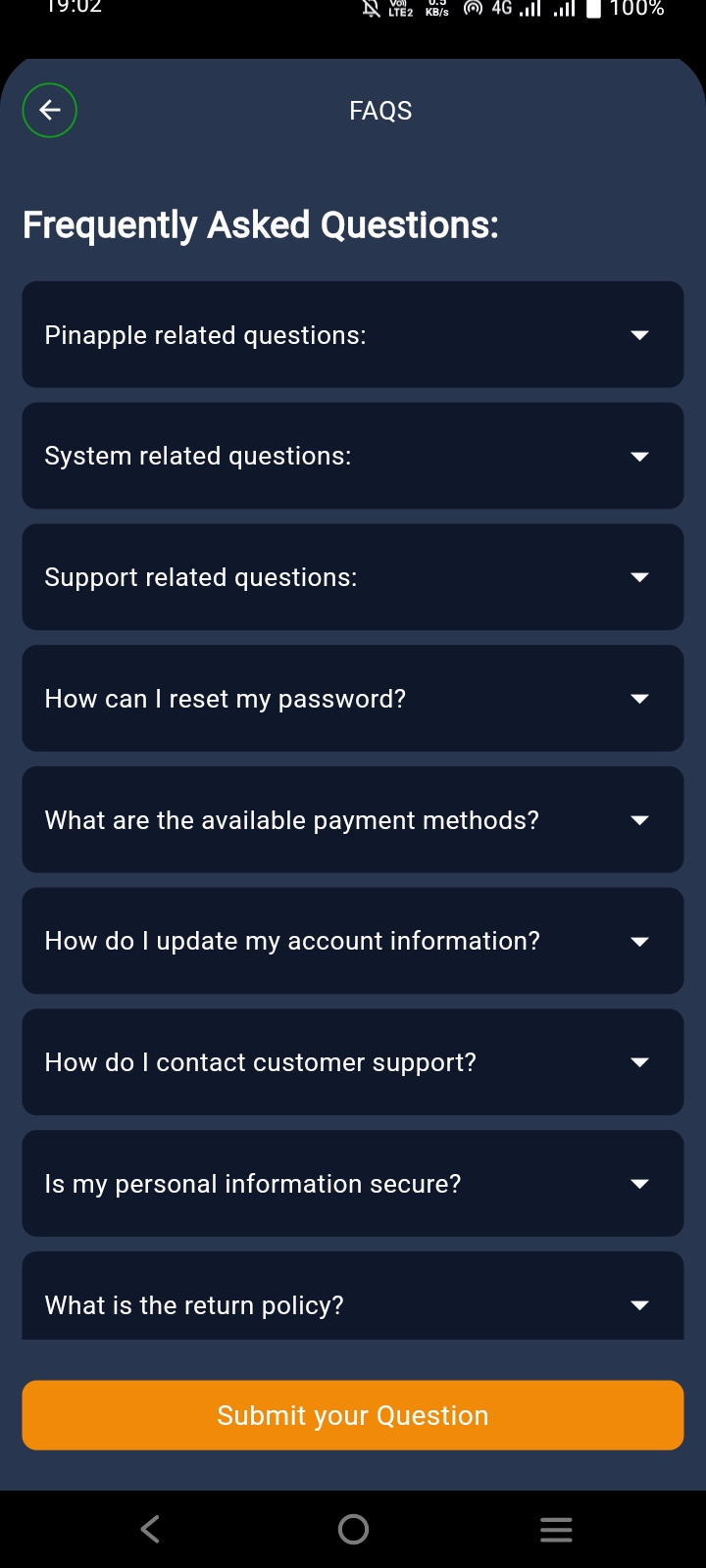
- FAQS Screen
Demo</button>
Download APK:
<button onclick=”window.location.href=’https://drive.google.com/file/d/1jpjEIWUKywfmxsUSTju3yUCl16TzwXQc/view?usp=sharing'">Download APK</button>
Support:
For support, please contact: hakamali1237@gmail.com
WhatsApp:
Watch preview video:
<button onclick=”window.location.href=’https://youtu.be/pqJKOam3yAk?si=_vHK8KCGMlWTE7T-'">VideoFor support, please contact: hakamali1237@gmail.com