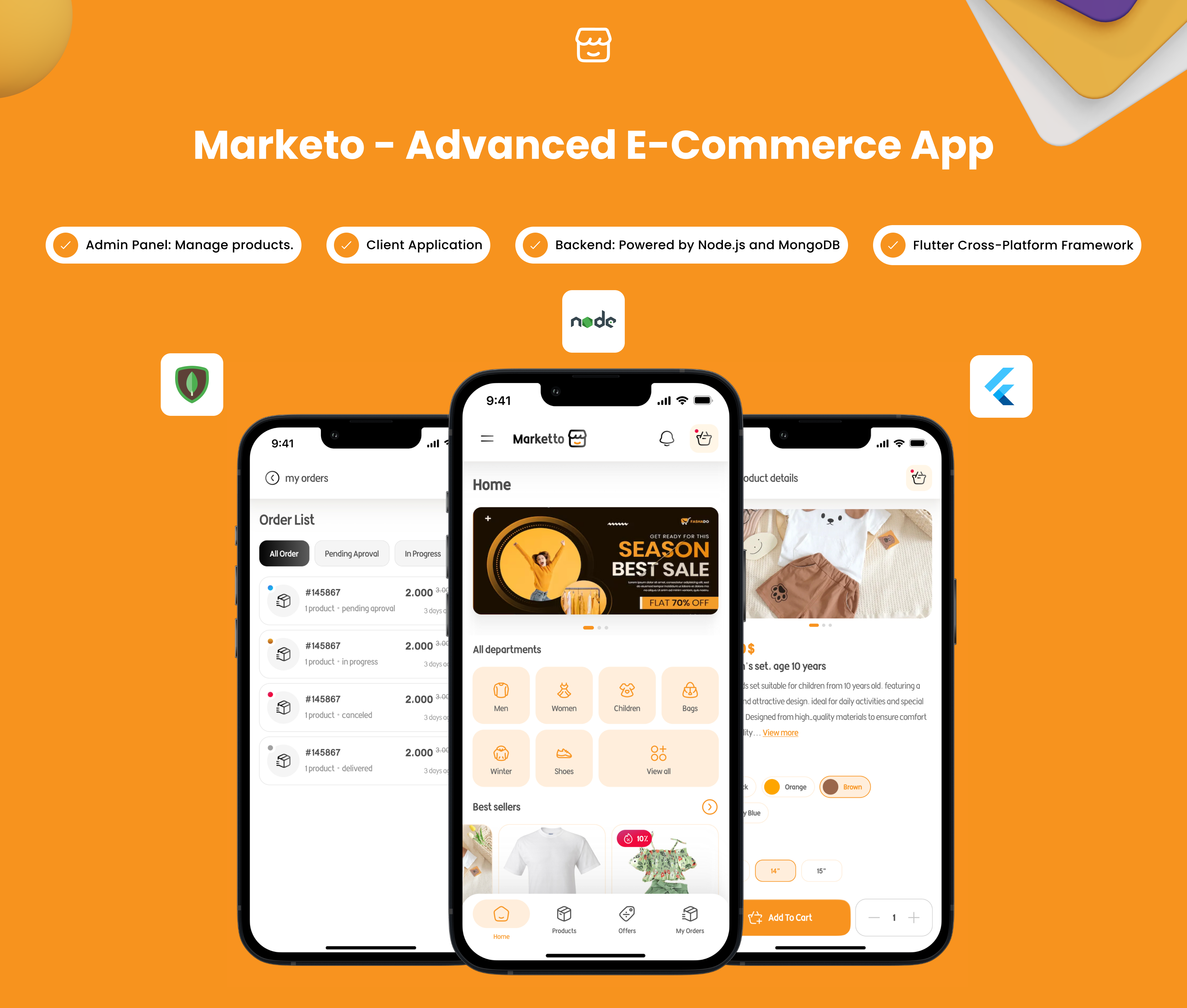
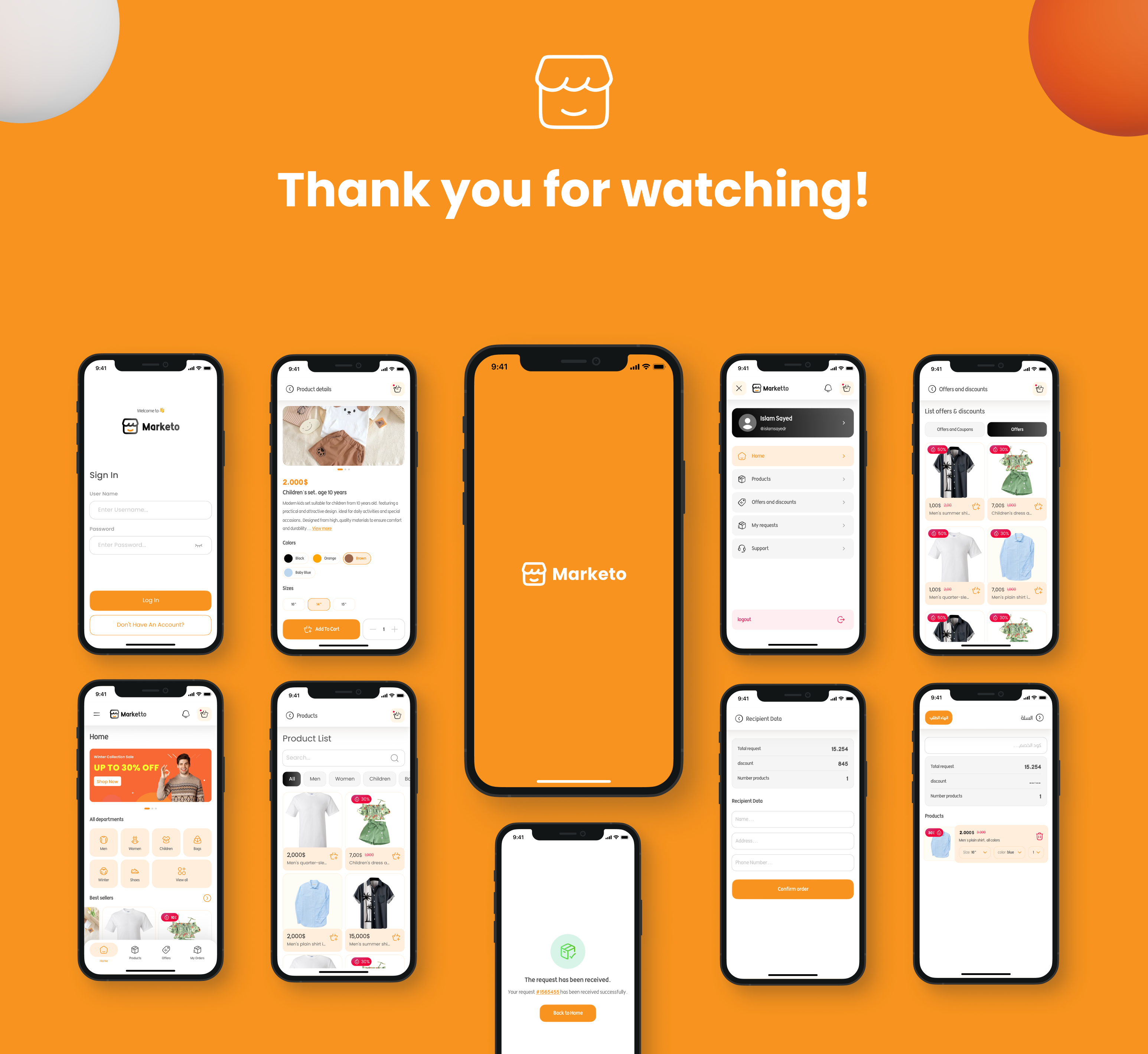
Marketo: The Ultimate E-Commerce Admin and User Flutter App
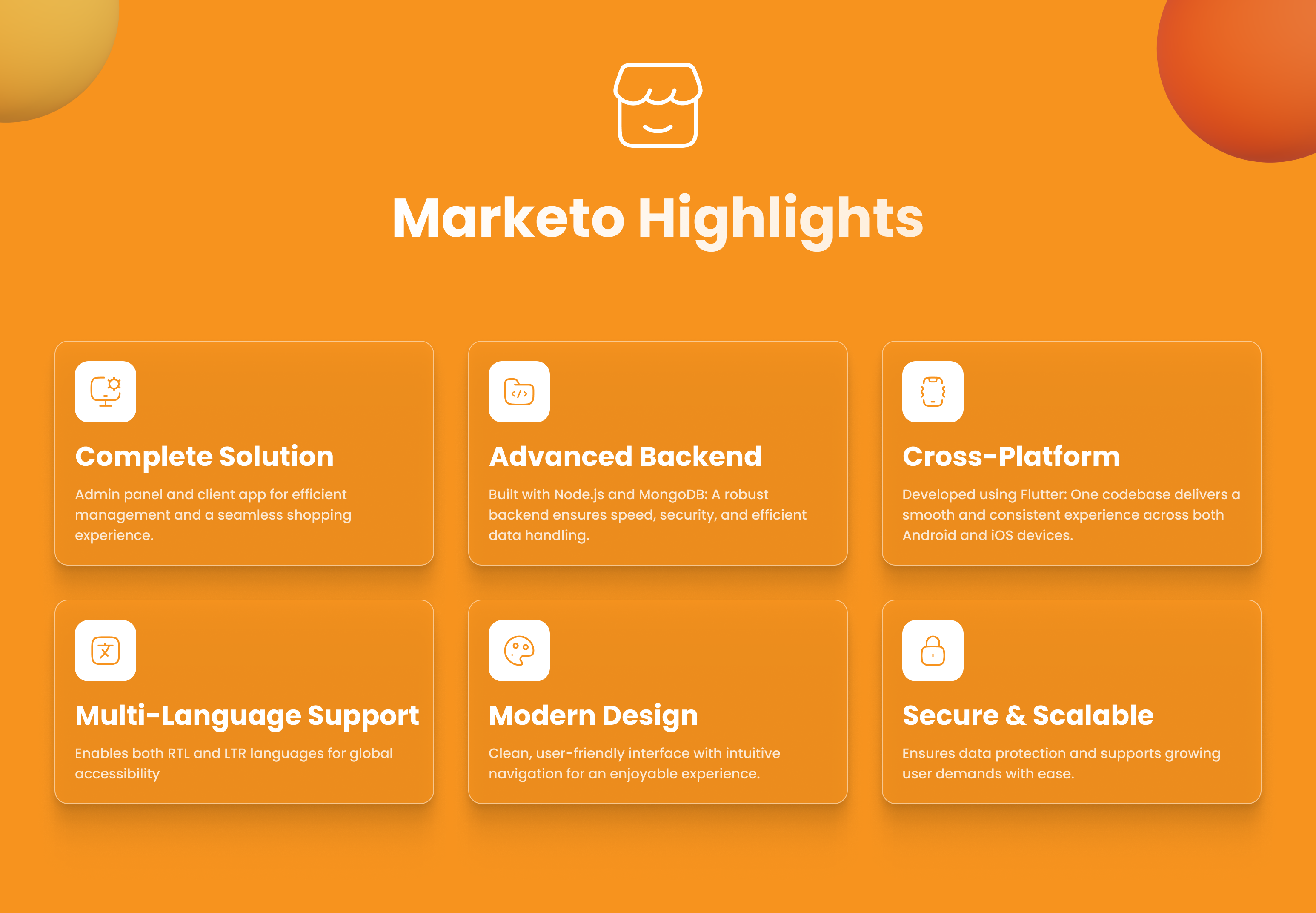
Marketo provides an all-in-one Flutter application tailored for both admin and user roles. It is designed to simplify e-commerce management and enhance user experiences. With its comprehensive features, this app enables admins to efficiently manage their platform while providing users with a seamless shopping experience.
Key Features at a Glance
Product Management:
- Add, edit, and remove products
- Manage product variants and pricing
- Upload product images and descriptions
- Track inventory levels
Category Management:
- Create and organize main categories
- Manage sub-categories
- Link products to appropriate categories
- Create and manage special offers
- Generate and track coupon codes
- Design promotional sliders
- Configure homepage featured sections
Order Management:
- Track all incoming orders
- Update order status
- Monitor delivery progress
- Access order history and analytics
- Key Administrative Screens
- Dashboard Overview
- Product Management Console
- Category Configuration
- Offer Management
- Coupon Administration
- Order Tracking System
- Slider Configuration
- Analytics and Reports
- Customer Interface
- Features Overview
- Browse dynamic homepage sliders
- Explore categorized products
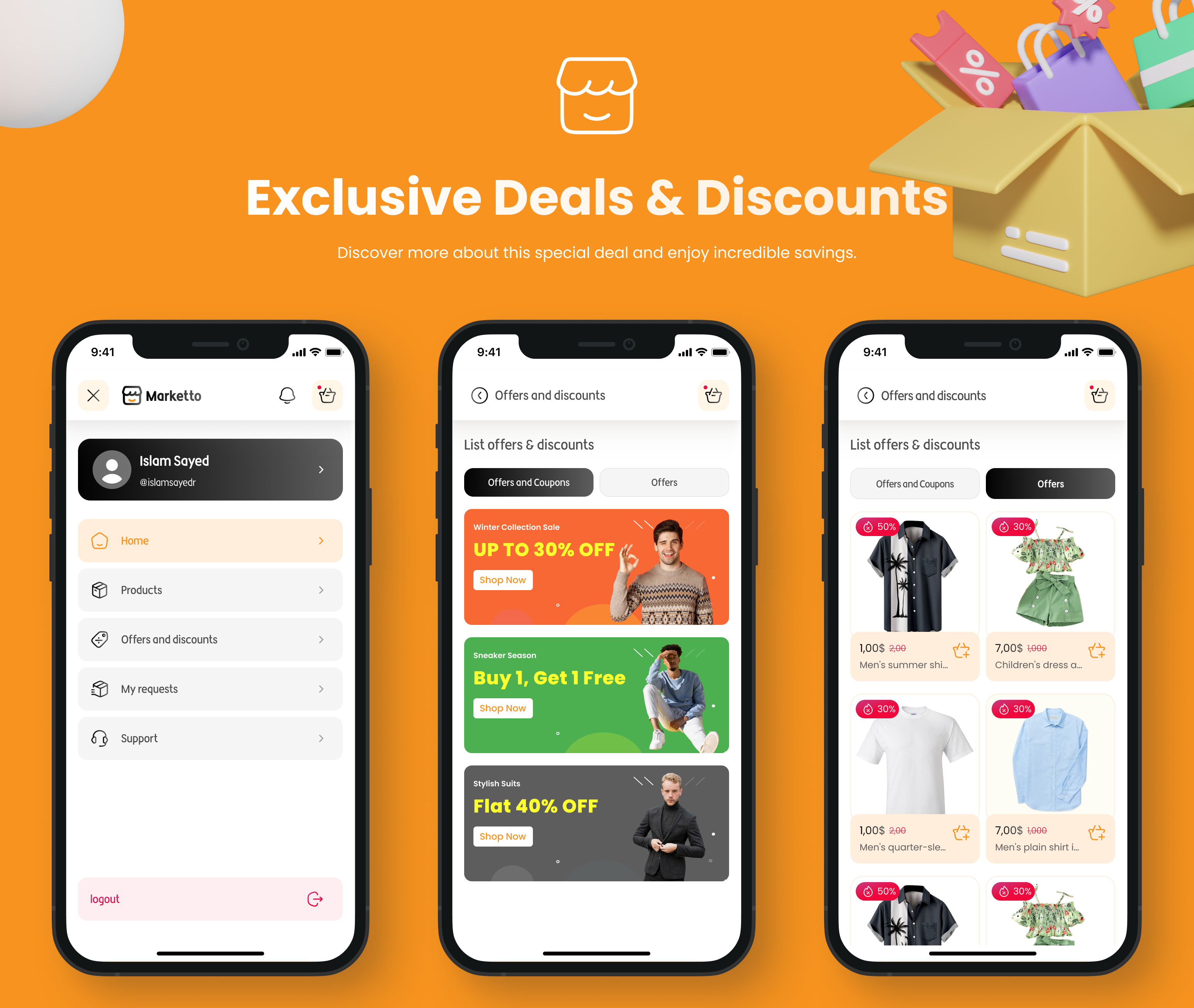
- View special offers and deals
- Access personalized recommendations
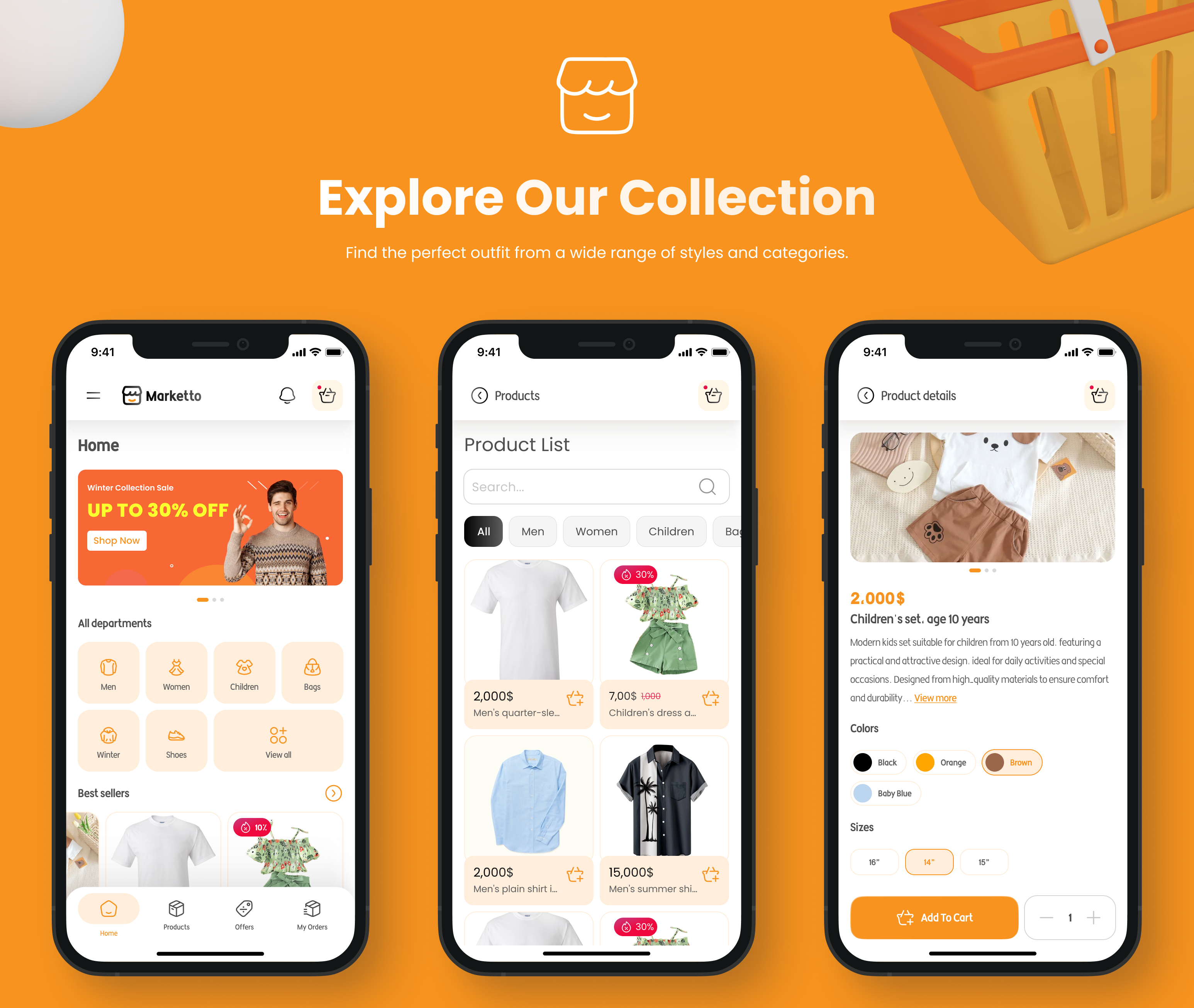
Product Discovery:
- Browse by categories and subcategories
- Search products by name
- Filter products by various attributes
- View “Best Seller” collections
- Explore “New Arrivals”
- Detailed product pages with variants
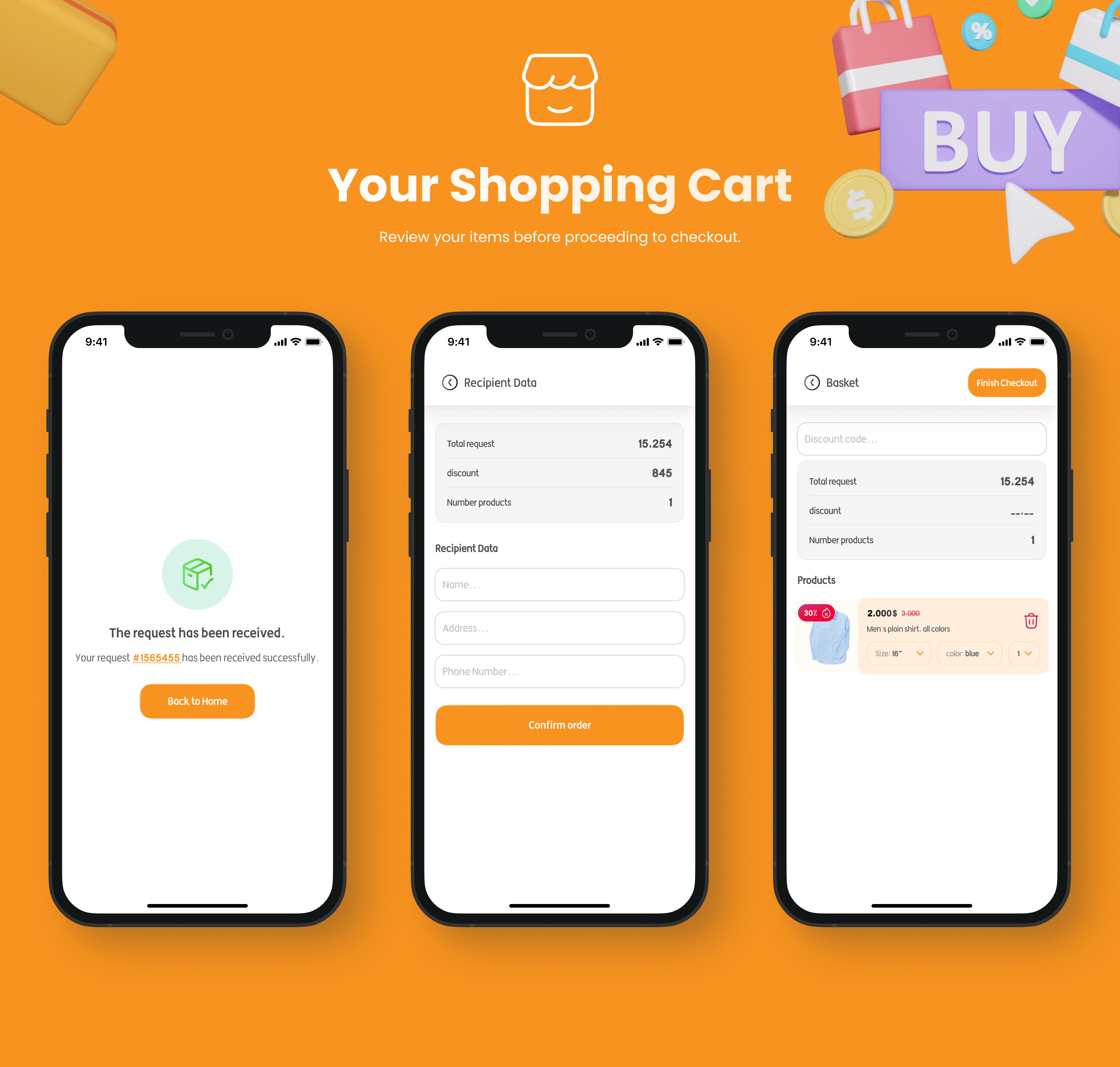
- Shopping cart management
- Coupon application system
- Order tracking capabilities
- Key Customer Screens
- Home Screen (with sliders and featured sections)
- Category Browse
- Product Search
- Product Details
- Shopping Cart
- Checkout Process
- Order History
- Account Management
- Technical Specifications
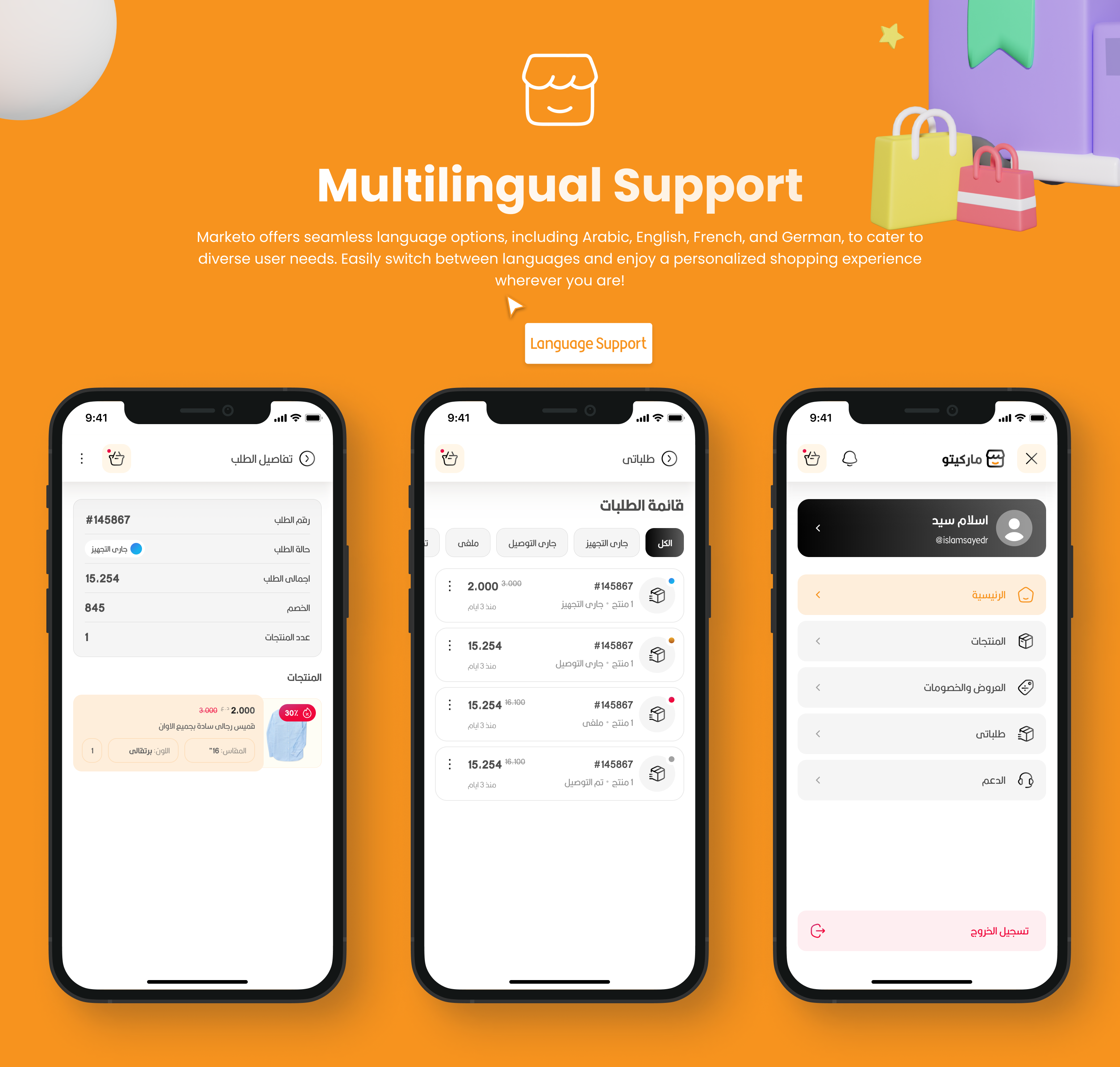
Multilingual Support
- Arabic (ar)
- English (en)
- French (fr)
- German (de)
Integration Requirements
- Backend documentation review required for admin account setup
- API integration for product and order management
- Database configuration for multi-language support
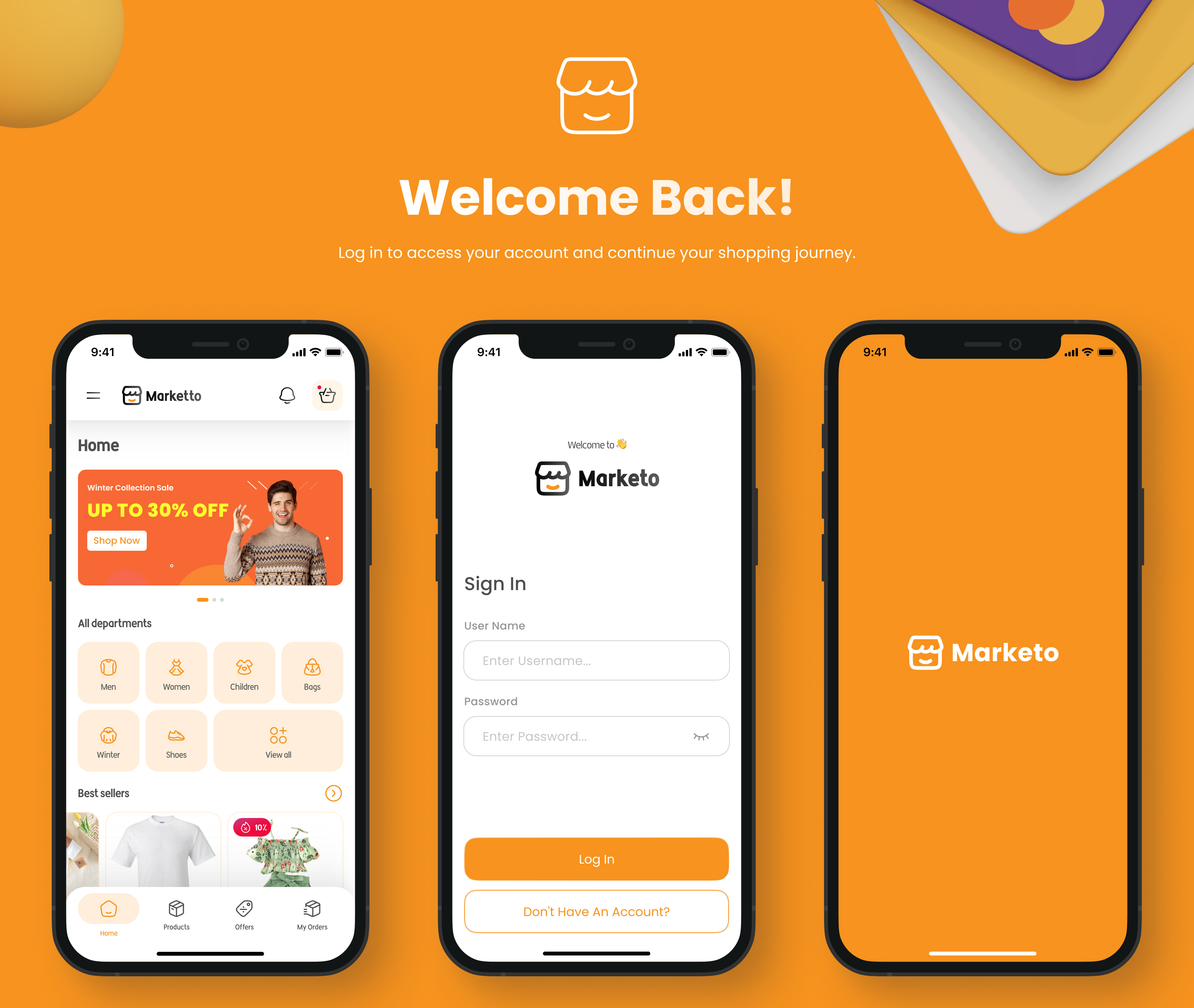
- A secure authentication system for both interfaces
How to Get and Run the App
Follow these steps to set up and run the e-commerce app on your local machine:
Please make sure you have Flutter installed on your system. Follow the installation guide at
Flutter.dev.
Install an editor like VS Code or Android Studio.
Set up an Android emulator or connect a physical device.
Steps to Get and Run the App
Clone the repository
Navigate to the project directory
Fetch the dependencies by running “flutter pub get”
Run the app on your connected device or emulator by running “flutter run
Steps to add new language
you can add a new language by following these steps or you can check the todo list in the project to see the steps in lib/core/enum/enums.dart, main.dart, and my_app.dart
Add a new JSON file in the assets/lang folder with the language code as the filename (e.g., fr.json for French).
Add the translations in the JSON file in the following format:
{
“key”: “value”,
“key2”: “value2”
}
you can use en.json as a reference.
Update the supported locales list in the main.dart and my_app file with the new language code.
Add the new language to the dropdown by updating the language list in lib/core/enum/enums.dart
Thank you for installing the application. Below are your default login credentials to get started:
ADMINUSERNAME=marketo_admin
ADMINPASSWORD=123456mM
Backend API Documentation
API Architecture:
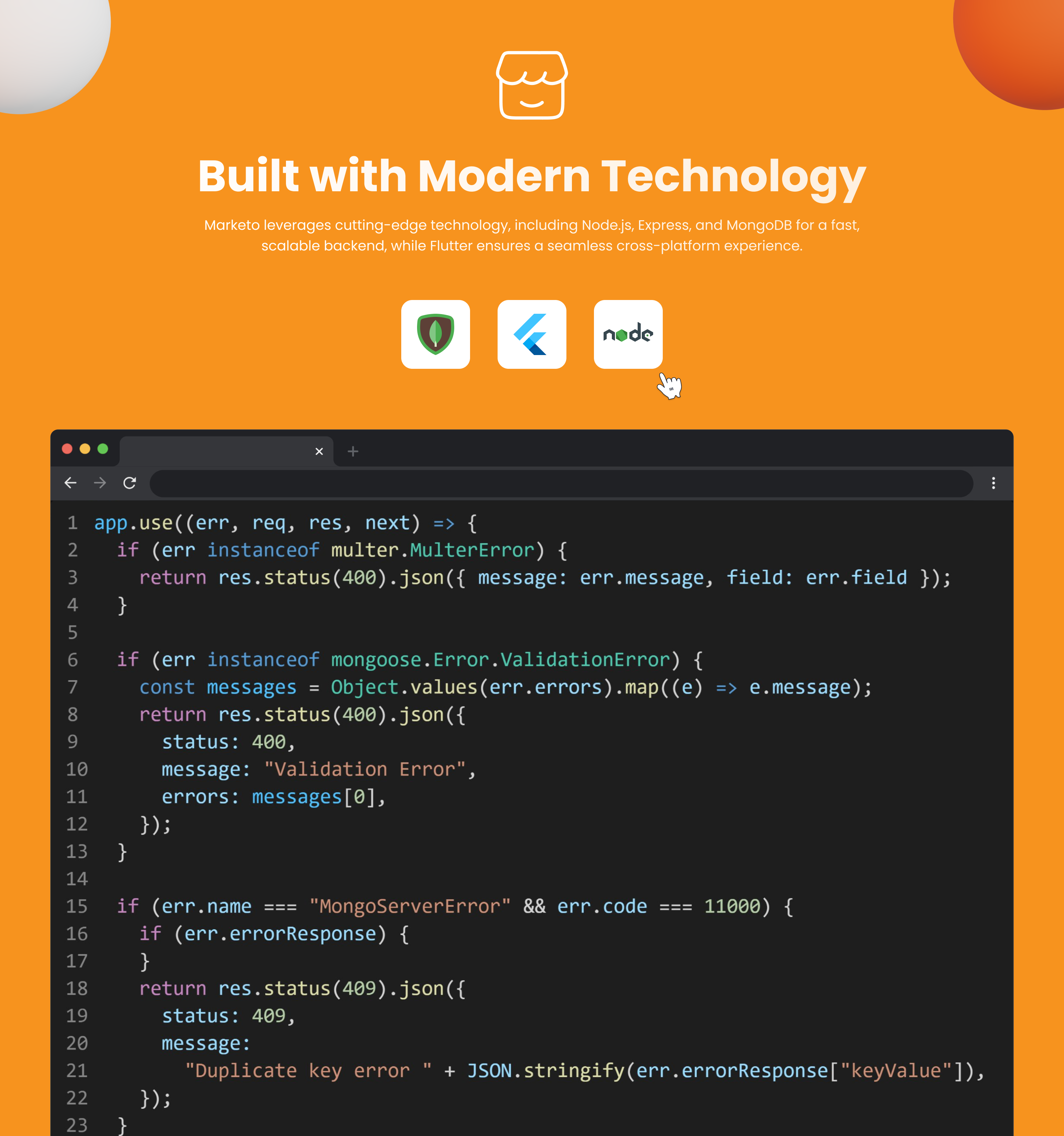
- RESTful API built with Node.js/Express
- MongoDB database for data storage
- JWT authentication
- MVC architecture pattern
Main Endpoints:
# Authentication
POST   /api/auth/register
POST   /api/auth/login

# Users
GET    /api/users
GET    /api/users/:id
PUT    /api/users/:id
DELETE /api/users/:id

# Products
GET    /api/products
POST   /api/products
GET    /api/products/:id
PUT    /api/products/:id
DELETE /api/products/:id

# Orders
GET    /api/orders
POST   /api/orders
GET    /api/orders/:id
PUT    /api/orders/:id
Download the APK file to explore the full functionality of our application and see it in action:
Download Marketo APK
If you have any questions or need support, feel free to contact us at [moradabdelgaber1@gmail.com].