Krishna VPN Pro – The Best Android VPN App!
Krishna VPN Pro is the ultimate Android VPN application that offers both FREE and PAID VPN servers powered by OpenVPN!
️ This powerful app comes with an Admin Panel to manage your app and website remotely , giving you full control anytime, anywhere. ️
Easily add unlimited free and paid VPN servers from the admin panel with just a few clicks! ⚡
It also includes a smooth In-App Purchase Subscription System to:
- Unlock premium VPN servers
- Remove annoying ads
✨ Fast, secure, and easy to use – Krishna VPN Pro is your all-in-one VPN solution!
Watch Video For Understanding App Working Click Here
What You Will Get After the Purchase?
- Android Studio Project Check Demo App , Watch App Video
- PHP Admin Panel, Login email: admin@gmail.com and password: admin
- App Showcase Website
- Documentation
Features of Krishna VPN Pro App
Android 15 Ready – Fully compatible with the latest Android version!
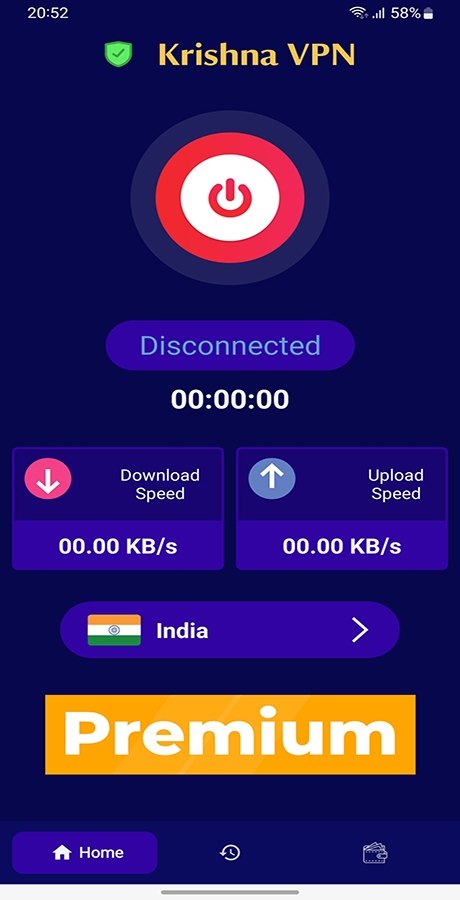
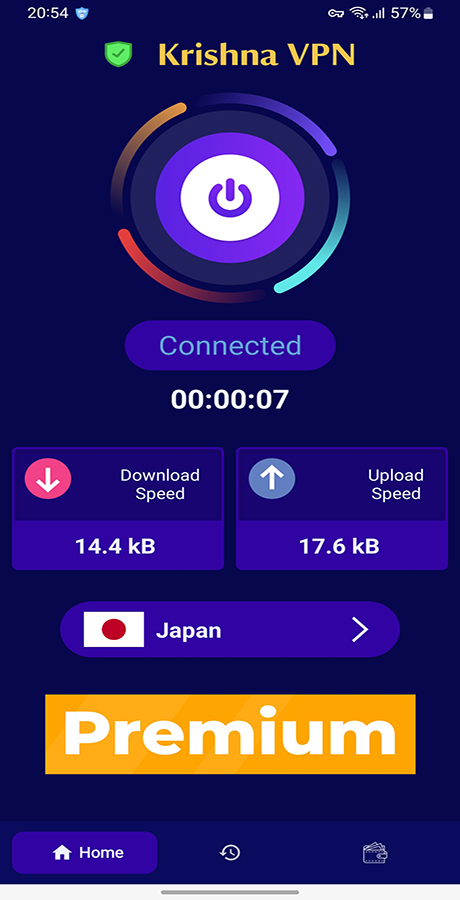
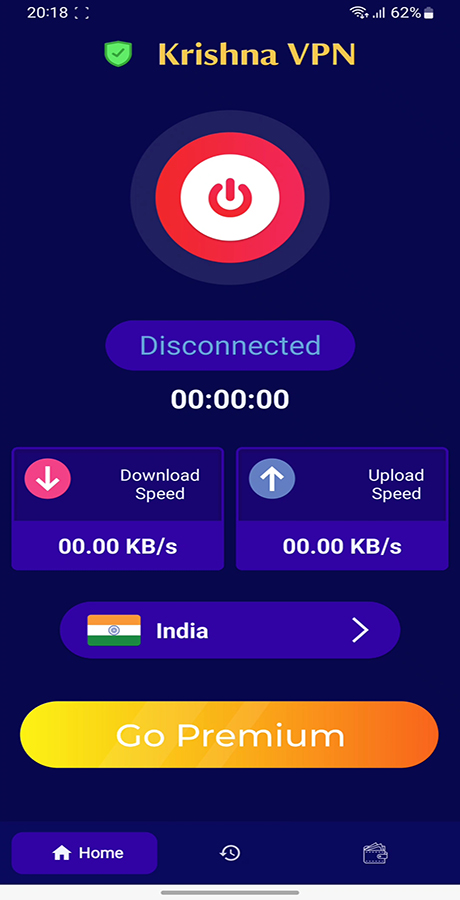
Beautiful Eye-Catching Look – Modern and sleek UI to attract users.
New Splash Screen – Stylish launch screen for a premium feel.
Login with Gmail or Skip – Easy login or skip for quick access.
Unlimited Free Servers – Connect to countless free VPN servers.
Unlimited Paid Servers – Premium access with blazing speed!
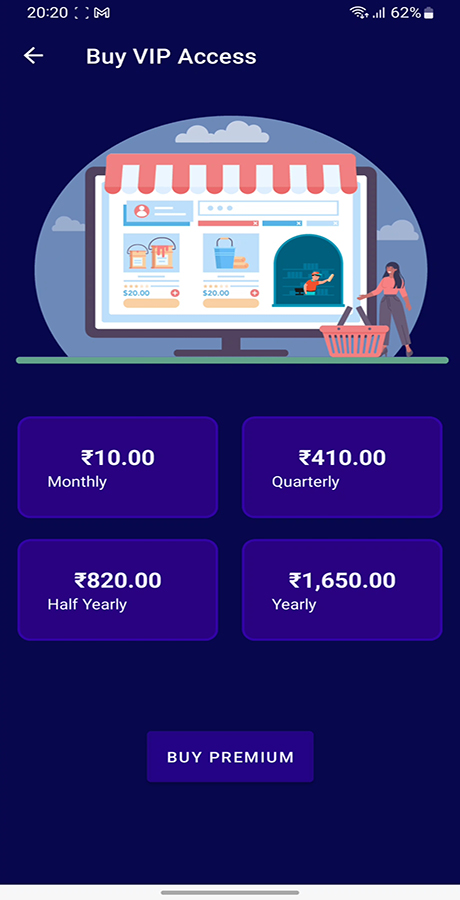
In-App Purchase Subscription – Upgrade anytime with ease.
Auto-Unlock Paid Servers After Purchase – No waiting, instant access!
Auto Subscription Expiry – Automatically ends after the plan duration.
Secure Payment System – Reliable and safe transactions.
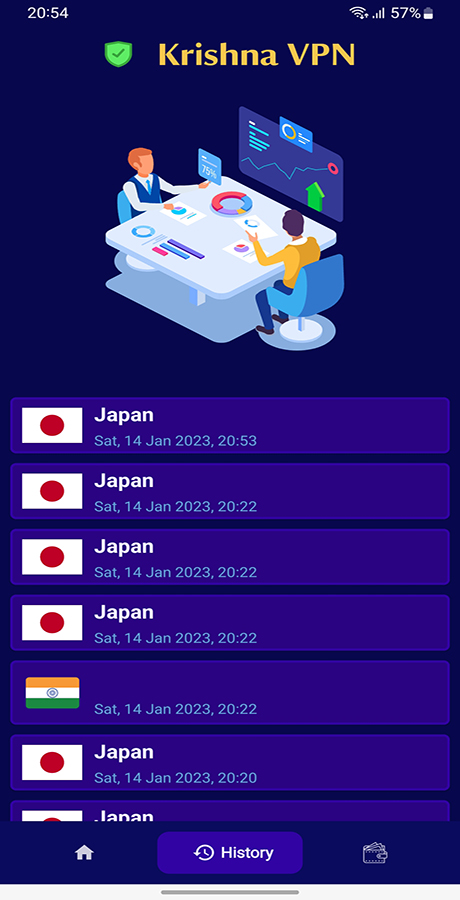
VPN Connection History – Track your connection details easily.
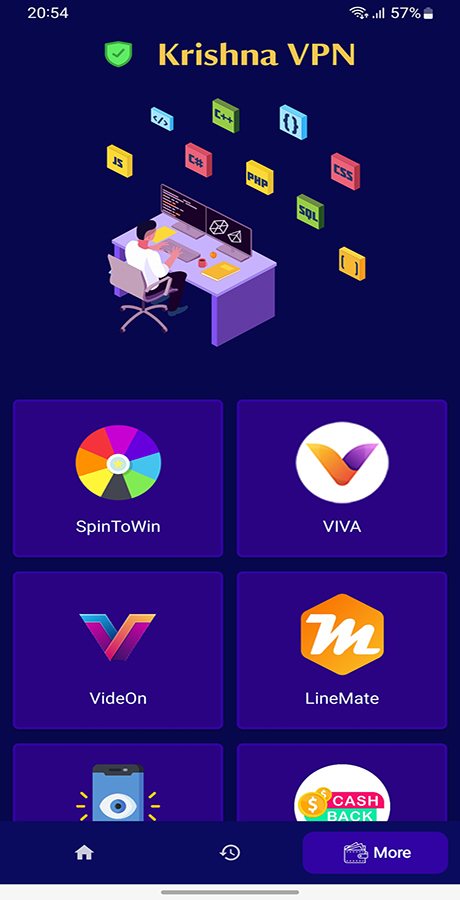
Promote Other Apps – Show your other apps inside and increase downloads.
⚡ Fast & Smooth Experience – Optimized performance with cool animations.
Support Chat Feature – Users can reach out with ease.
App Update Dialog at Startup – Let users know about updates immediately!
️ Features of Krishna VPN Pro Admin Panel
Beautiful Eye-Catching Look – Clean and modern design, you’ll love
Light & Dark Mode – Switch between light and dark themes anytime
️ Full-Screen Mode – Distraction-free working experience
Sidebar Hide Mode – Hidethe sidebar for a more compact view
Easy Navigation – Smooth and intuitive navigation system
Login with Email & Password – Secure access for admins
2-Step Verification (OTP) – Enable/disable for added security
Admin Profile – Manage your personal info and settings
User Management – View, edit, and control user accounts
Contact Users via Chat – Send messages directly to users via support chat
Manage Frontend Website – Update content & images in real-time
SEO Settings – Boost your website’s visibility on Google
️ Secure Admin Panel – Protected and encrypted system
Add Unlimited Free & Paid VPN Servers – No limits, total control
⛔ Enable/Disable Any Server Anytime – Turn servers on/off instantly
️ Manage VPN Countries – Add/edit country data for servers
Add Your Other Apps – Promote other apps directly inside the app
Check Subscribers & History – Monitor subscriptions & past records
Manage App Showcase Reviews – Highlight user testimonials
⚙️ Manage 5 Types of Settings:
- License Settings
- ️ Frontend Settings
- SMTP Settings
- App Update Settings
- Ads Settings
Screenshots:
Changelog :
Update: 03 May 2025 : v10
Updated all dependencies,
Supports SDK 35,
Working Fine in Android 15
Update: 07 October 2024
Updated all dependencies, Removed Applovin adsAdded AdMob Ads OnlyYou can buy premium config files and make app as paid server app.
Update: 16 March 2024
Updated all dependencies Update project to SDK 34 Support Android 14
Released on 25-Jan-2023