.png?auto=format&q=94&cf_fit=crop&gravity=top&h=8000&w=590&s=4cb25e864f54c01fae100ae58dc2fb0e492bb40e84c21bf0c9313a91bbbab8e8)
Screenshot_2022-12-01-23-13-07-579_com.example.kingbrowser.png Screenshot_2022-12-01-23-13-14-405_com.example.kingbrowser.png Screenshot_2022-12-01-23-13-36-663_com.example.kingbrowser.png Screenshot_2022-12-01-23-13-45-215_com.example.kingbrowser.png Screenshot_2022-12-01-23-14-58-709_com.example.kingbrowser.png Screenshot_2022-12-01-23-15-23-359_com.example.kingbrowser.png Screenshot_2022-12-01-23-15-25-601_com.example.kingbrowser.png Screenshot_2022-12-01-23-15-32-171_com.example.kingbrowser.png Screenshot_2022-12-01-23-15-44-508_com.example.kingbrowser.png
King Browser App V2 | Flutter Privacy-Focused Internet Browser
King Browser is a modern, lightweight, and privacy-first Android web browser built with Flutter. It is designed for users who want fast browsing, strong privacy protection, and a clean UI without unnecessary news feeds, push notifications, or distractions.
Privacy & Security Features
- Advanced ad & tracker blocking (45+ blocked domains)
- JavaScript injection to remove ad elements
- HTTPS-First mode (automatically upgrades HTTP to HTTPS)
- Do-Not-Track (DNT) & Sec-GPC headers support
- Fingerprint protection with canvas noise injection
- Clear browsing data automatically on app exit
- App lock with biometric / fingerprint authentication
- Incognito (private) browsing tabs
Browsing Experience
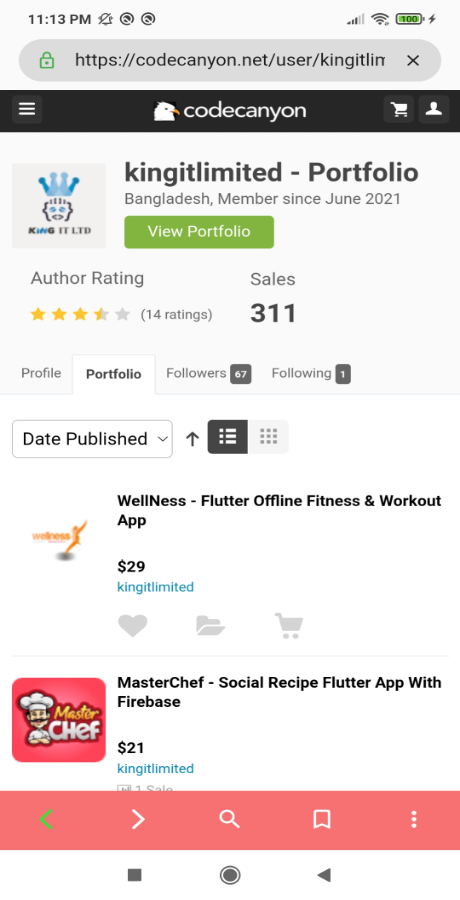
- Full-featured web browsing using InAppWebView engine
- Smart URL bar with Google search support
- Pull-to-refresh pages
- Page loading progress indicator
- Forward & back navigation
- Desktop mode toggle
- Find text within pages
- Share webpage links easily
️ Tab Management
- Multiple tab support
- Grid view & stack view tab layouts
- Swipe to close tabs
- Tab count badge indicator
- New tab quick action
- Separate incognito tab system
- Tab hibernation with configurable timer to save memory
Home Screen & Speed Dial
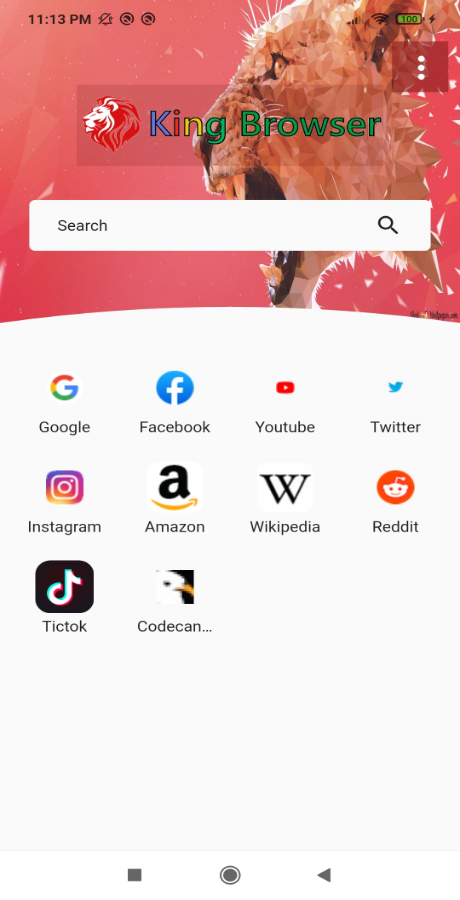
- Speed dial with 8–12 customizable shortcut tiles
- Add, edit, and delete speed dial entries
- Home screen search bar
⭐ Bookmarks & Favorites
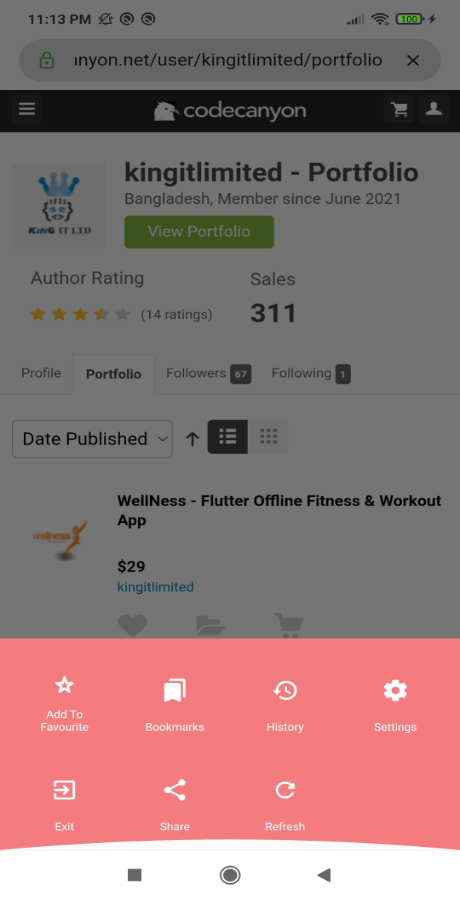
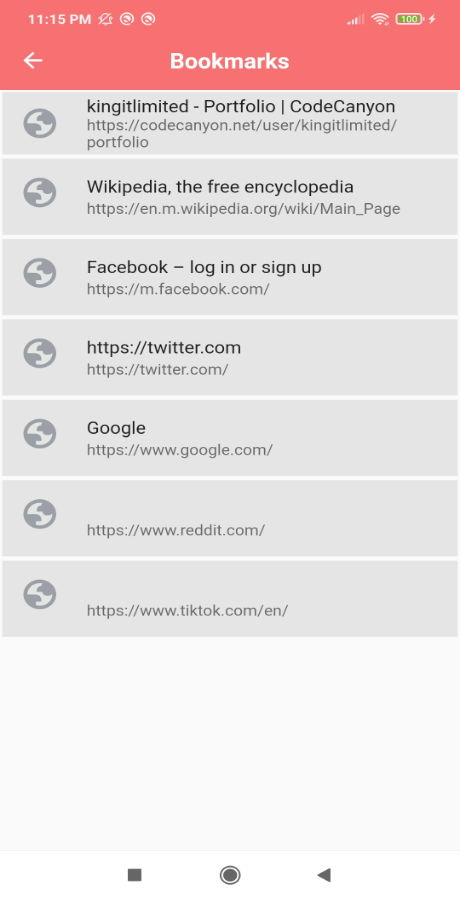
- Add and remove bookmarks
- Create bookmark folders
- Search bookmarks
- Drag & reorder bookmarks
Reader Mode
- Distraction-free reading mode
- Automatically removes ads and clutter from articles
Data Saver Mode
- Data saver toggle
- Block images to reduce data usage
- JavaScript on/off toggle for low-data browsing
⚙️ Settings Panel
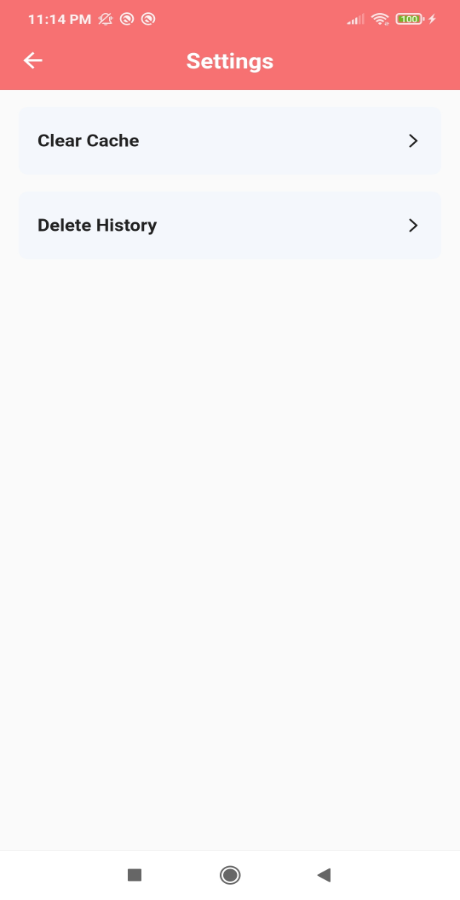
- General: Search engine selection, homepage settings, download path
- Privacy: Ad blocker, HTTPS-first, DNT, fingerprint protection, clear data on exit, app lock
- Browsing: JavaScript toggle, image loading toggle, data saver, tab hibernation, default desktop mode
- About: App version and open-source licenses
UI / UX Design
- Modern purple & indigo color scheme
- Glassmorphism (frosted glass) design
- Bottom URL bar with floating action button menu
- Swipe gestures for tab switching
- Blocked ads counter display
- Material 3 design system
- Dark / Night mode support
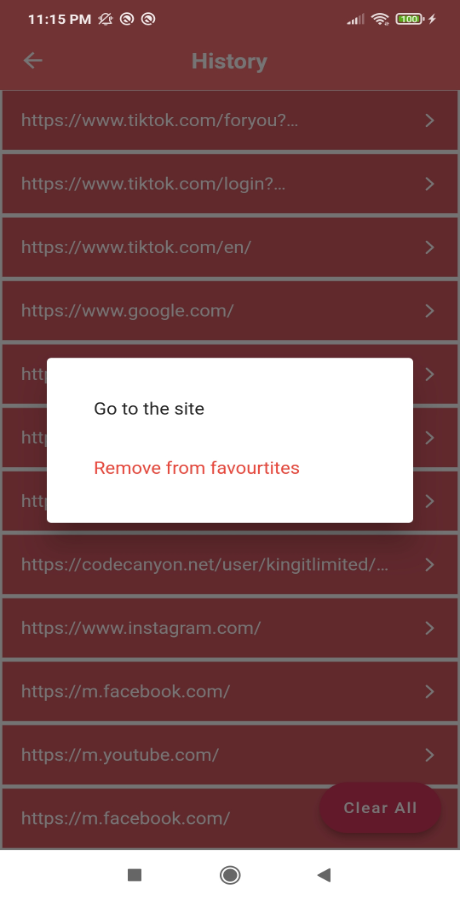
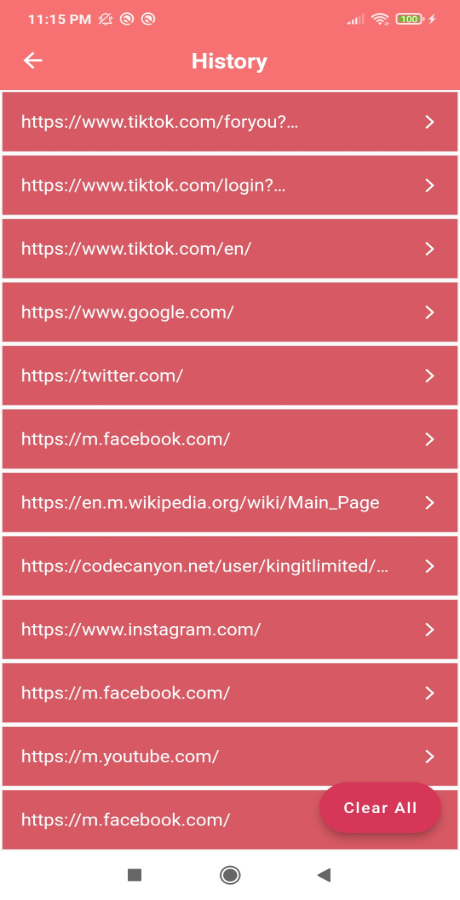
Screenshots
Updates V2 :
⭐ Rate the App
If you are satisfied with this product, please consider rating it on Codecanyon. Your feedback helps improve future updates. Thank you!