Overview
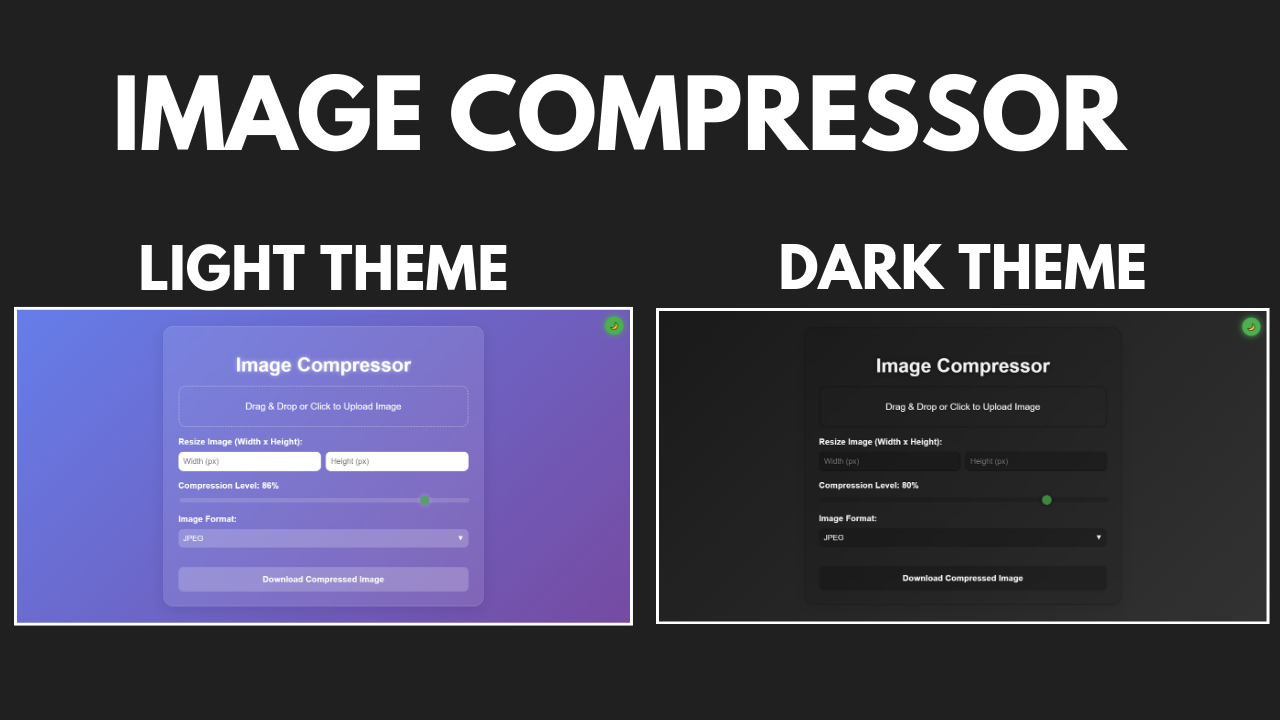
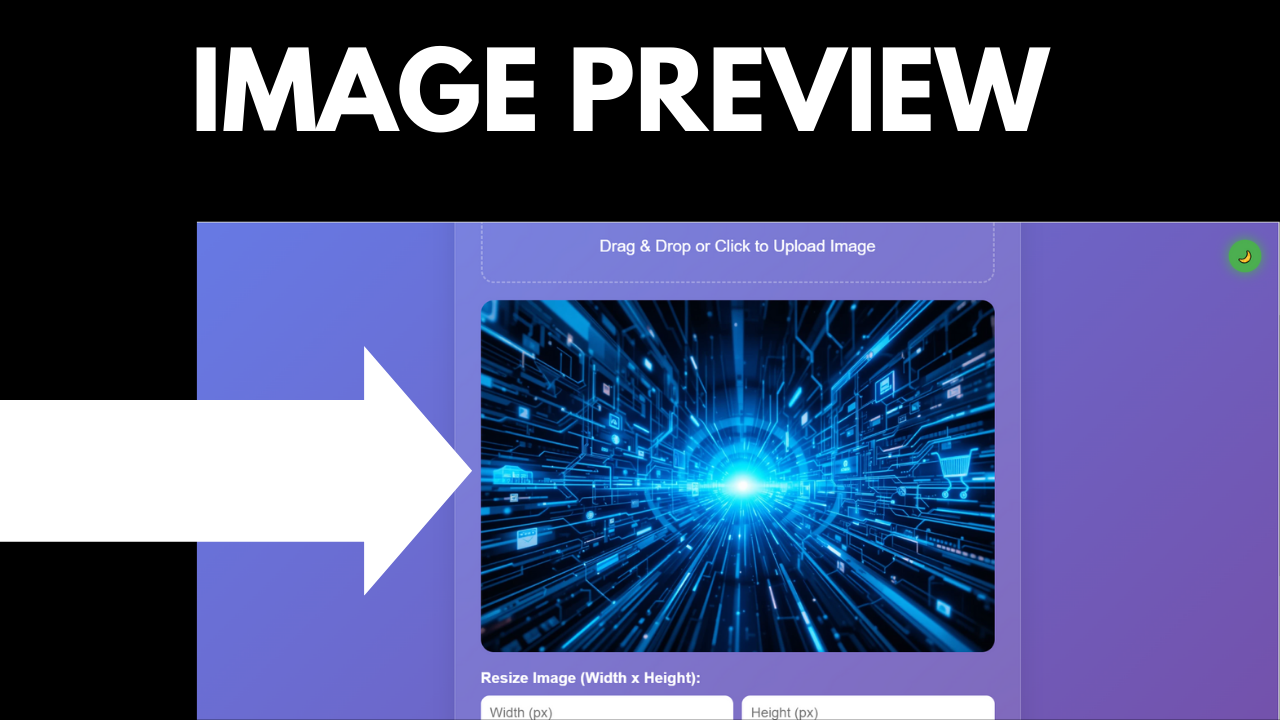
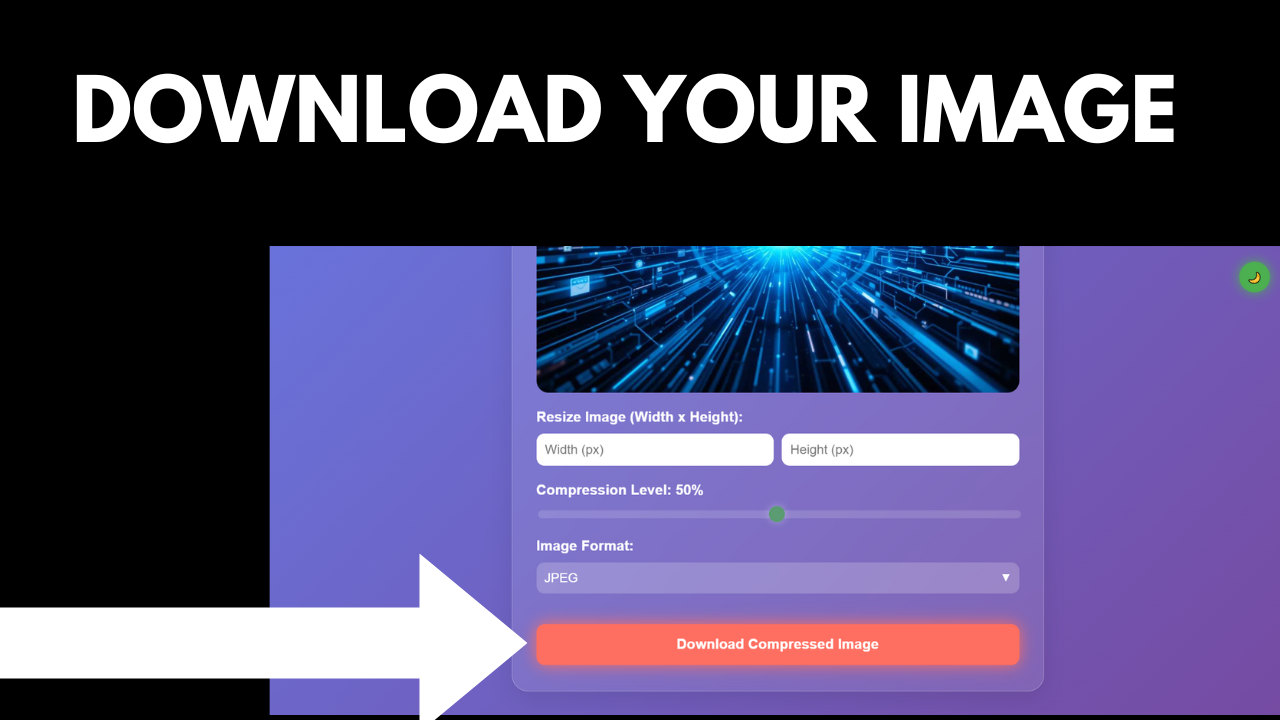
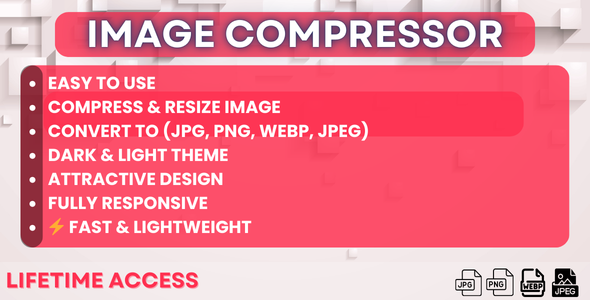
The Image Compressor is a powerful and user-friendly web tool that allows users to compress and resize images quickly and efficiently. With support for multiple formats (JPEG, PNG, JPG, WebP), drag-and-drop functionality, and customizable compression levels, this tool is perfect for designers, developers, and anyone who needs to optimize images for web or storage.
Key Features
- Image Compression: Reduce image file size without significant quality loss.
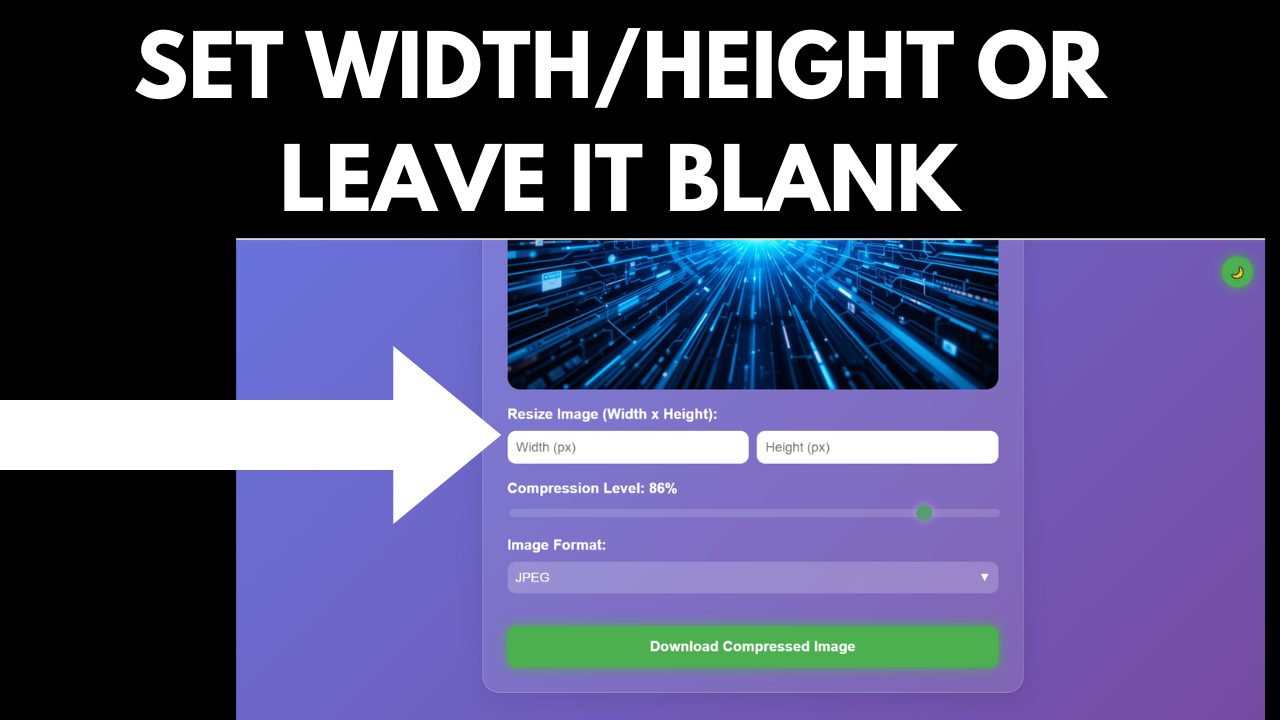
- Image Resizing: Resize images to specific dimensions while maintaining aspect ratio.
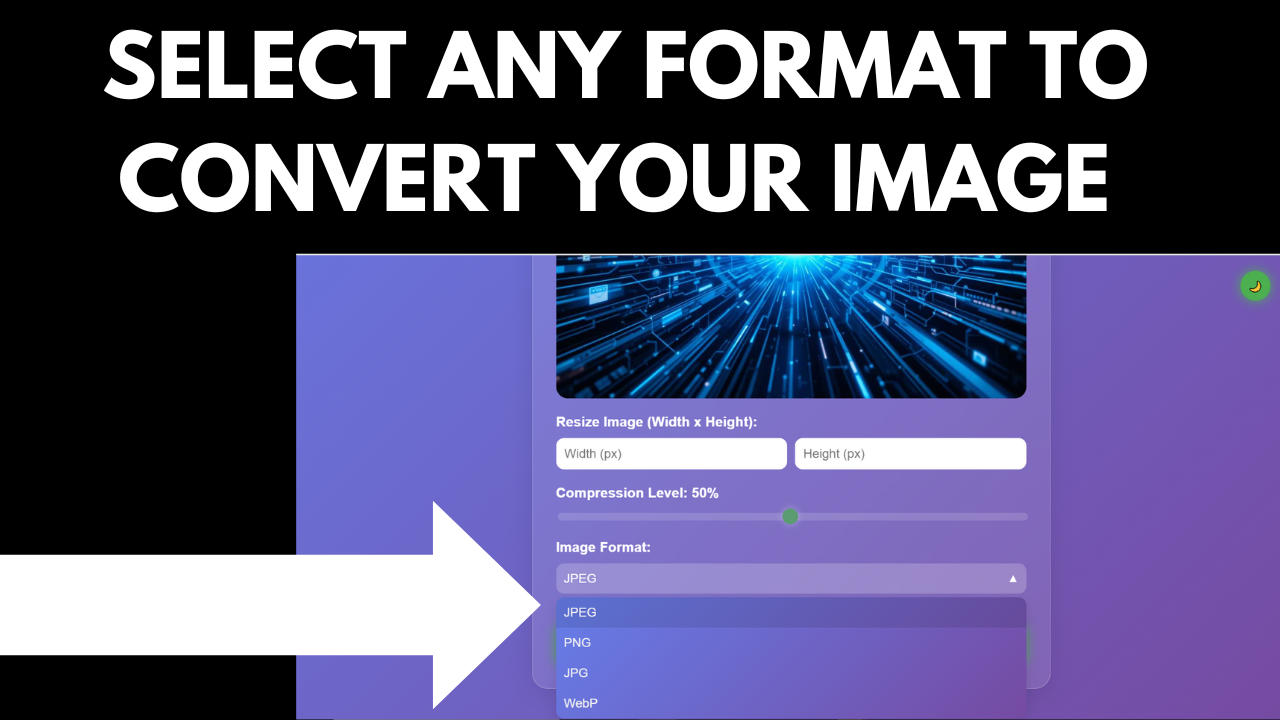
- Multiple Formats: Supports JPEG, PNG, JPG, and WebP formats. ️
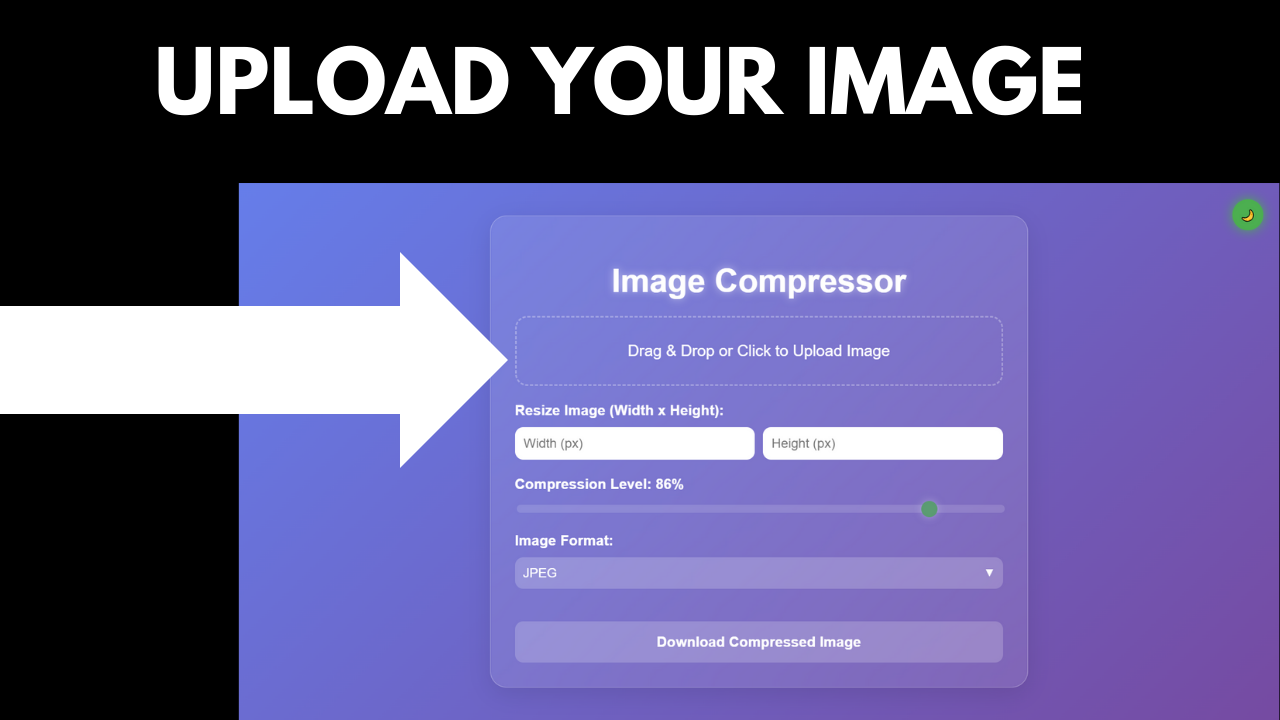
- Drag & Drop: Easily upload images using drag-and-drop or file selection. ️
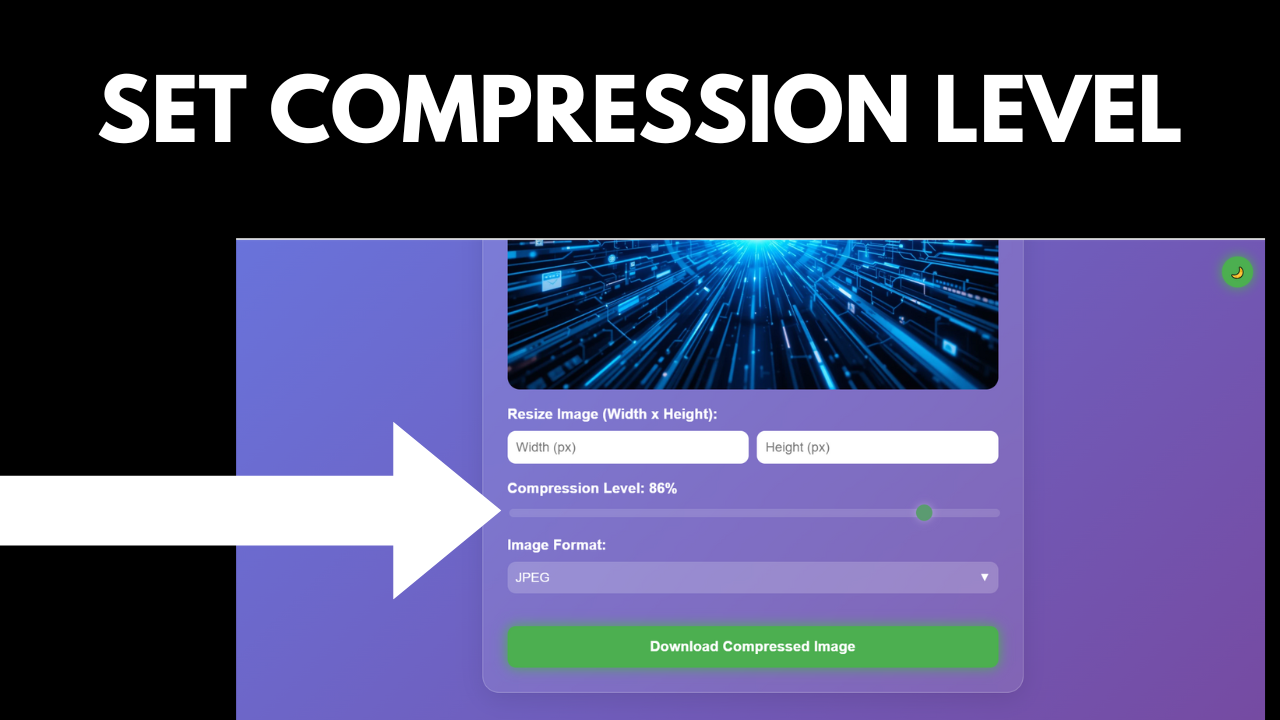
- Customizable Compression: Adjust compression level with a simple slider. ️
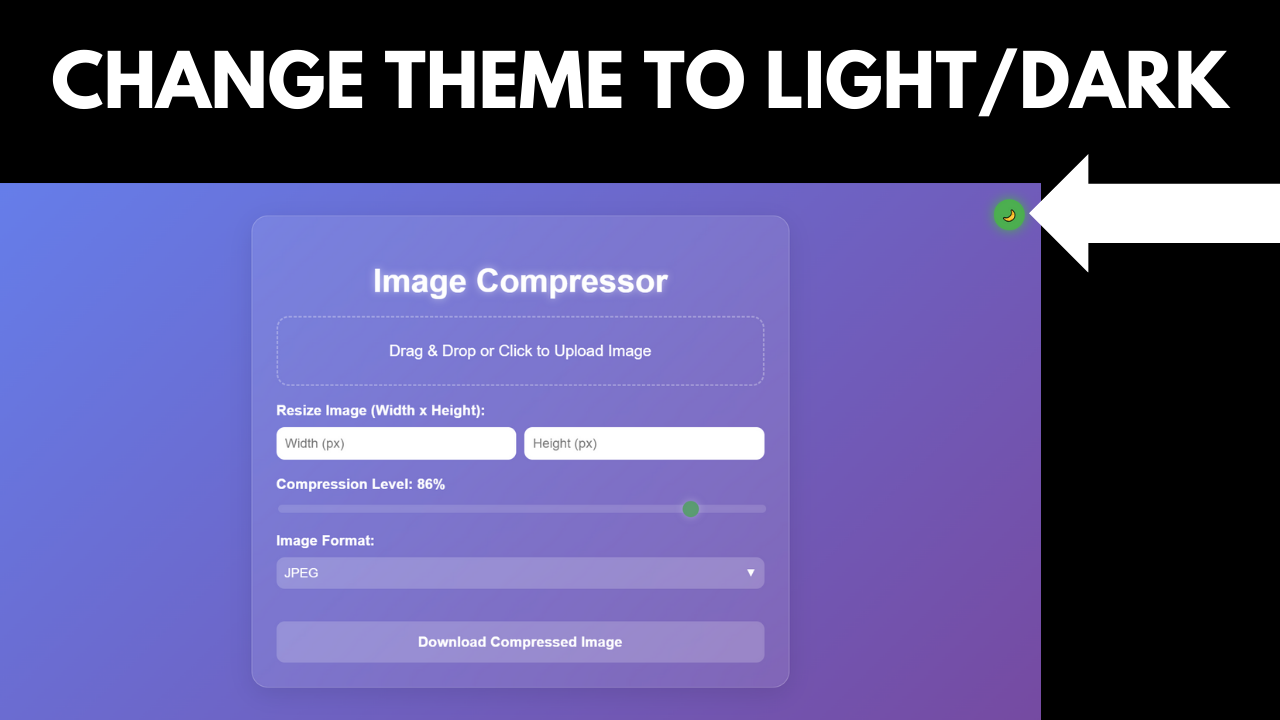
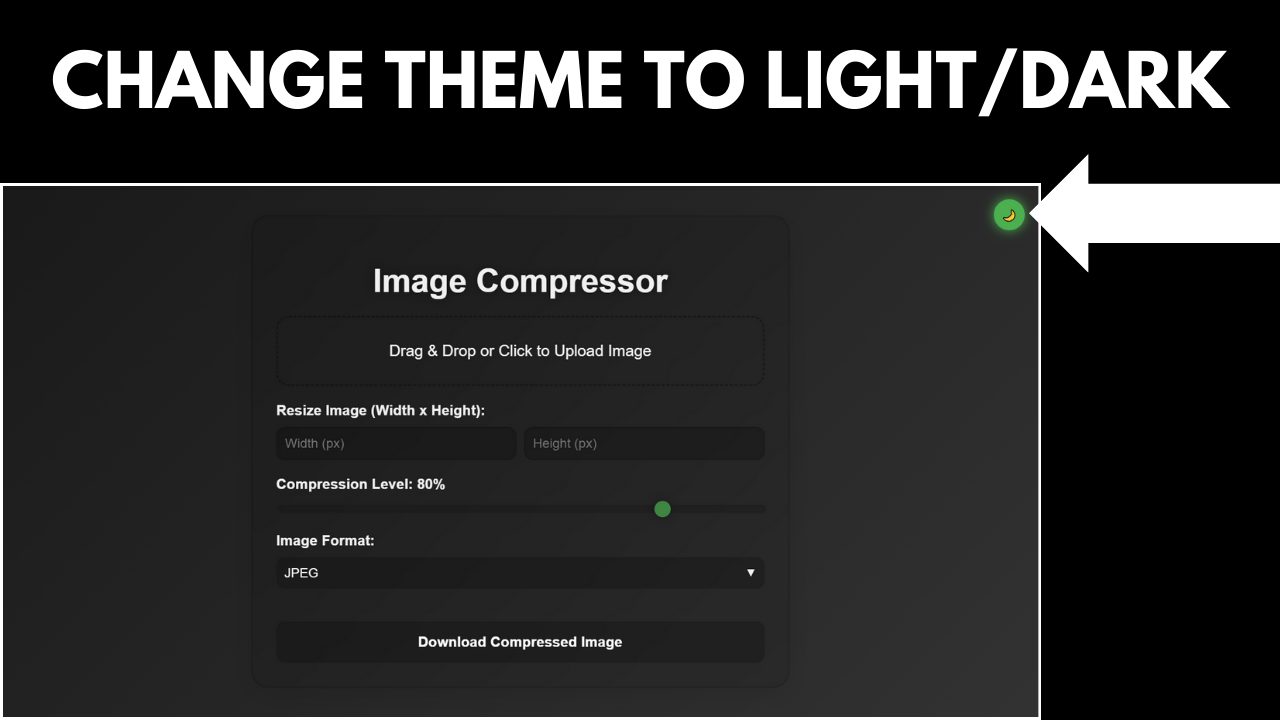
- Dark Mode: Switch between light and dark themes for a comfortable experience.
- Responsive Design: Works seamlessly on both desktop and mobile devices.
Perfect For
- Designers: Optimize images for web or print projects.
- Developers: Integrate image compression into your applications.
- Social Media Managers: Compress images for faster uploads.
- Photographers: Reduce file sizes for easier storage and sharing.
- Casual Users: Easily compress images for personal use.
What’s Included
- Source Code: Clean and well-commented HTML, CSS, and JavaScript files.
- Documentation: Detailed documentation with setup instructions and FAQs.
- Support: Free support for any questions or issues.
FAQs
-
Can I compress multiple images at once?
Currently, the tool supports compressing one image at a time. ️ -
What formats are supported?
The tool supports JPEG, PNG, JPG, and WebP formats. ️ -
Is the tool mobile-friendly?
Yes, the tool is fully responsive and works on all devices. -
Can I resize images?
Yes, you can resize images to specific dimensions while maintaining aspect ratio. -
Does the tool work offline?
Yes, the tool works offline once loaded in the browser.
Support
For any questions or assistance, please contact us at:
- Email: info.xyrotech@gmail.com