Changelog :
March 26,2026
- AdMob Banner (legacy) replaced to Smart Banner
- Encrypted all PTModel...
- instead, moved those data to string.xml
- New Demo APK
- Playable in android studio AVD for testing
- Fixes AdMob banner disappears after game pause or game over
- New Documentation files v2

September 04, 2025
- Android 16 (API 36)
- 16KB page size compatibility
- Android Studio Narwhal Feature Drop | 2025.1.2
- Google Play Billing Library 8.0.0
- Fixes "You Already Own this Item"
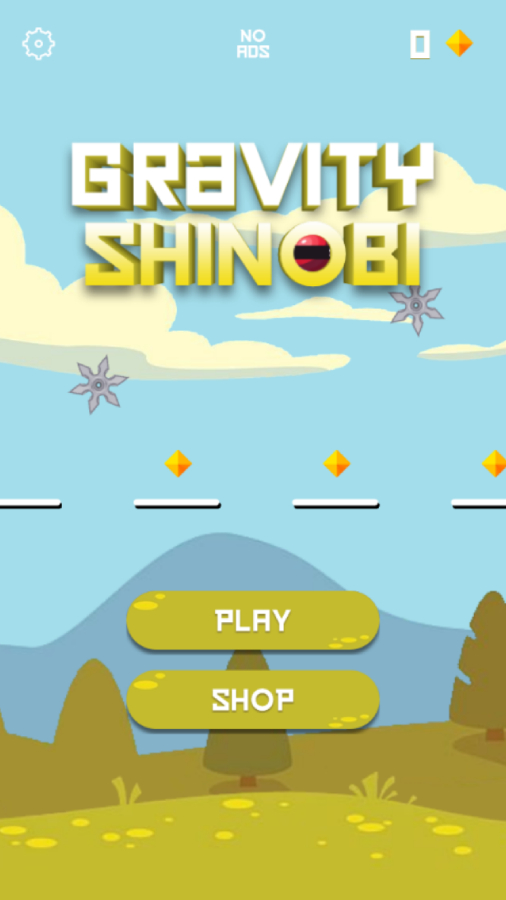
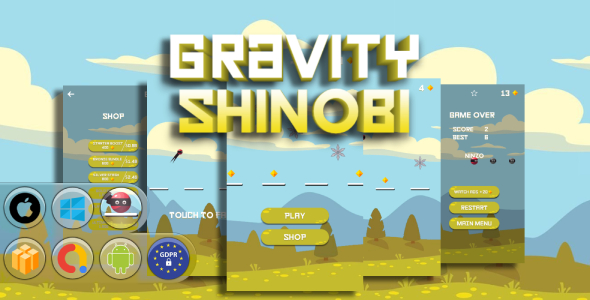
Tap to fall, dodge enemies, and land like a ninja in Gravity Shinobi!
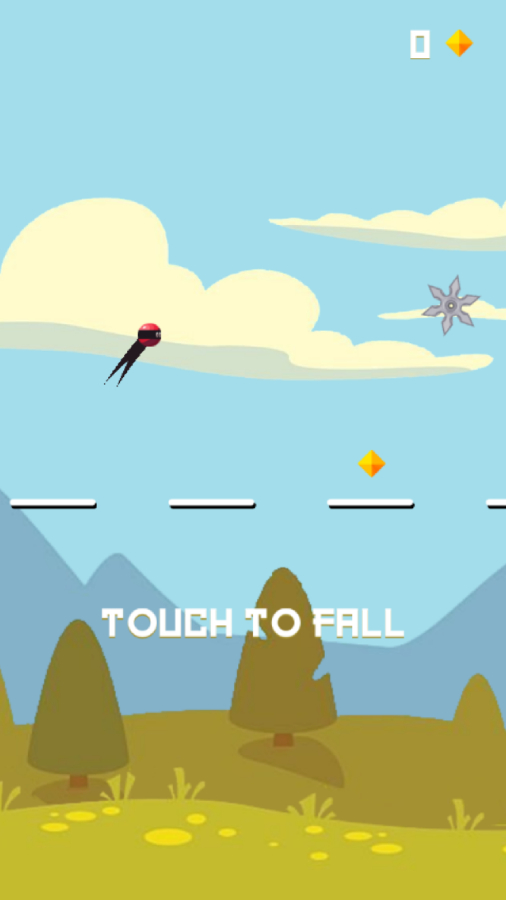
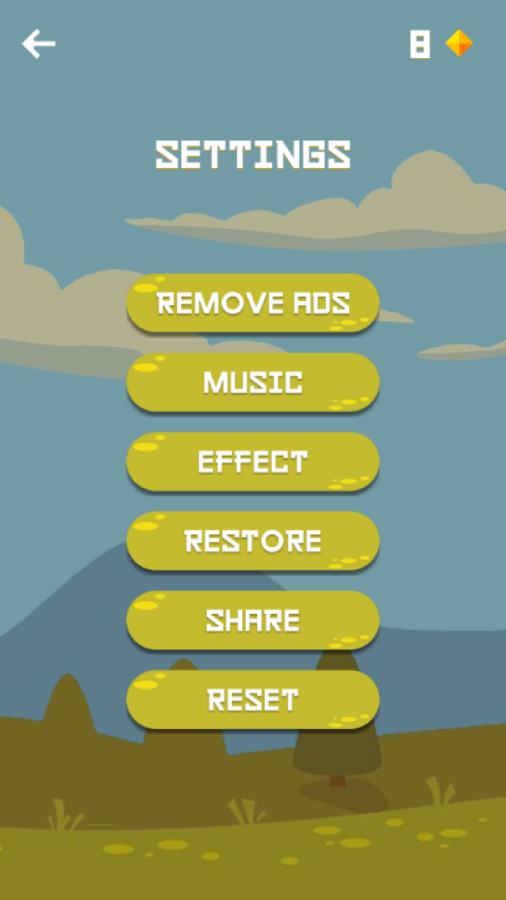
Enter the stealthy, high-speed world of Gravity Shinobi, a tap-to-fall action arcade game where every move counts! Take control of a daring ninja warrior and master the gravity-defying technique of free-falling through floating platforms. Tap the screen to dive downward and time your landing perfectly—only true shinobi can survive the fall.
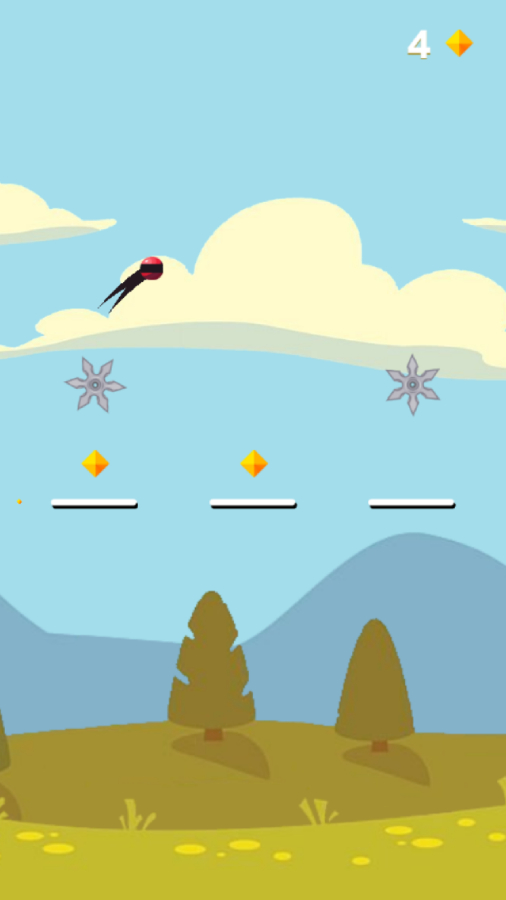
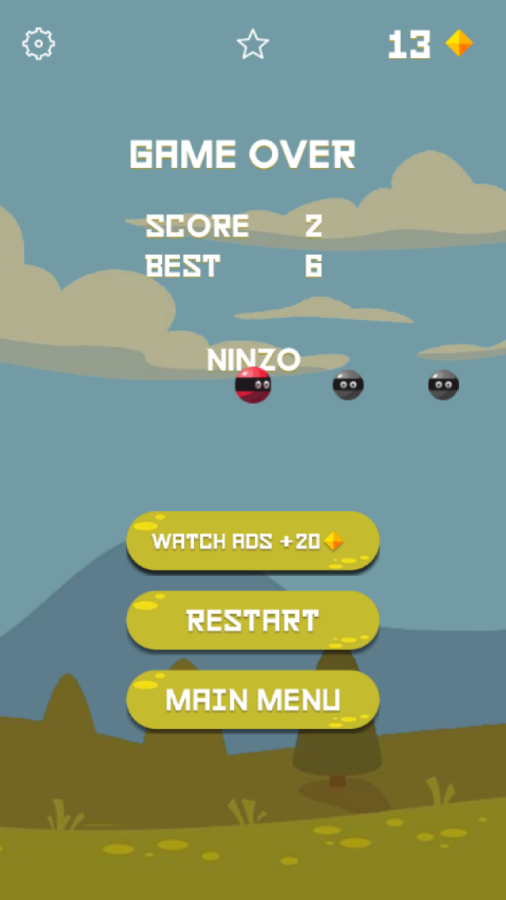
Your mission is simple but challenging: collect precious diamonds, avoid deadly enemies, and land safely on the moving platforms. With each run, you’ll gather more diamonds to unlock a growing roster of unique ninja characters, each with their own distinct flair.
The one-touch control system makes Gravity Shinobi easy to pick up, but its increasing speed and enemy patterns offer an endless challenge for those with true reflexes and strategy. Stay sharp, fall fast, and become the ultimate gravity ninja.
Features:
- Tap-to-fall gameplay: Simple controls with high-speed action.
- Platform precision: Time your fall to land safely on shifting platforms.
- Avoid enemies: Watch out for traps!
- Collect diamonds: Gather gems to unlock new ninja characters.
- Multiple characters: Discover and play as various gravity shinobi.
- Minimalist visuals: Clean, sharp ninja aesthetic.
- Offline play supported: Play anytime, anywhere.
- Endless arcade mode: Keep falling to achieve your highest score.
Whether you’re a fan of ninja games or falling arcade challenges, Gravity Shinobi delivers intense action, precision, and style—all in one tap!
GAME FEATURES :
- Full Game
- Endless Gameplay
- GDPR consent
- 64bit Support
- Share
- Review
- Android 15 Ready (API 35)
- Google Play Billing Library 7.1.1
MONETIZE
- AdMob Banner Ads
- AdMob Interstitial Ads
- AdMob Reward Video Ads
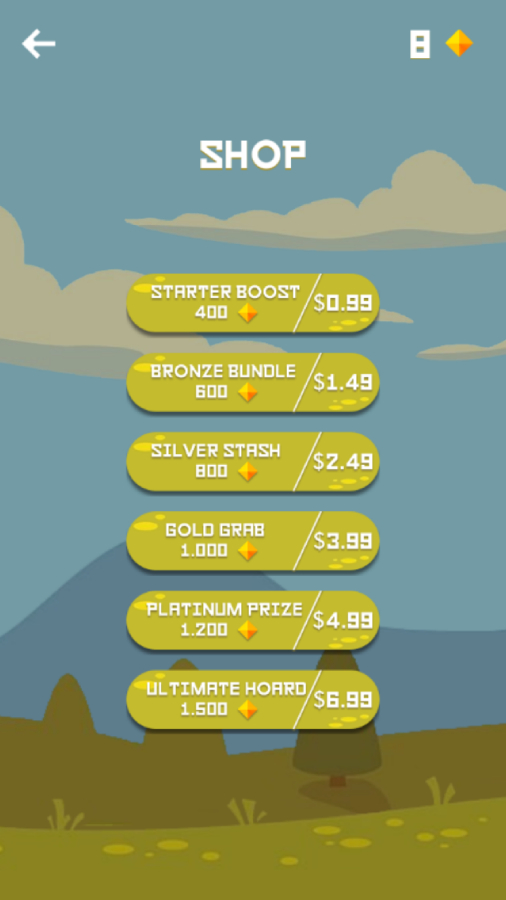
- In-App Purchases
- Remove Ads
INCLUDED FILES :
- Android Studio Project
- iOS XCODE Project
- EXE project
- Gravity Shinobi.bbdoc 2.21.4
- Gravity Shinobi.bbdoc 2.24.3
- Assets (images and sound)
- Game Icon 512px
- Documentation
REQUIREMENT
- Buildbox Classic 2.21.4 or 2.24.3 or Newer ( NOT BUILDBOX 3) optional
- Android Studio Koala | 2024.1.1 or Android Studio Ladybug | 2024.2.1
- java version “1.8.0_371”
- xcode for iOS
INSTRUCTION
- Change Package ID, App Name, icons, graphics and sounds
- Set up Data and ADS ID
- Make sure replace game name and package name with YOUR OWN to avoid strike on store
- Build
- More Included on file documentation
ADDITIONAL INSTRUCTION FOR BUILDBOX 3 USER :
- Don’t open this template (.bbdoc) files with buildbox 3, because it’s won’t works.
- Use buildbox 2 Software 2.21.4 or higher version (if available) to open this project.
IF YOU DON’T HAVE INSTALLED BUILDBOX 2.0 SOFTWARE :
- Visit official link : https://accounts.buildbox.com/licenses
- Sign in with your account
- Download version of your machine ( Windows or Mac )
- Expand details menu to get your license key
- Instal buildbox 2.0 software.
- Input your license key from previous step.
- Update to latest availability software version ( if available ).
- Try open buildbox.bbdoc project and enjoy.