Your Complete Doctor Appointment Solution is Here!
Looking for a powerful and scalable doctor appointment system that’s ready to launch? Our solution is exactly what your clinic, lab, or hospital needs to start booking and managing patients efficiently – both online and offline.
This all-in-one package includes everything you need:
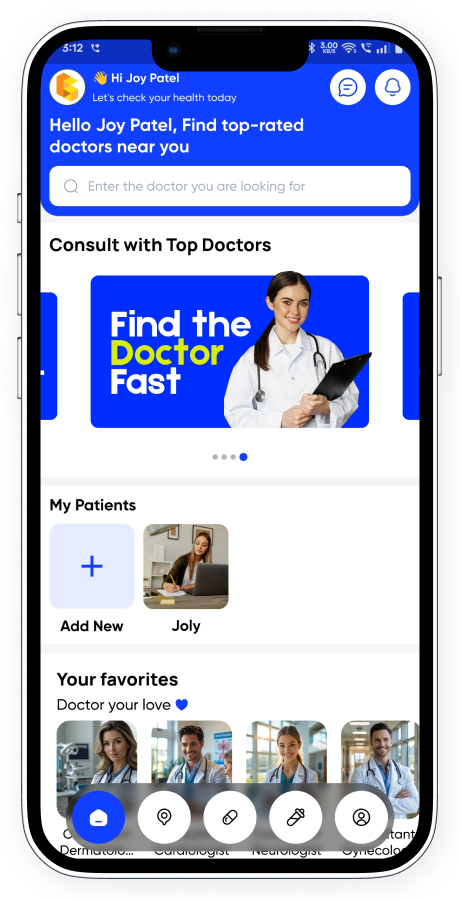
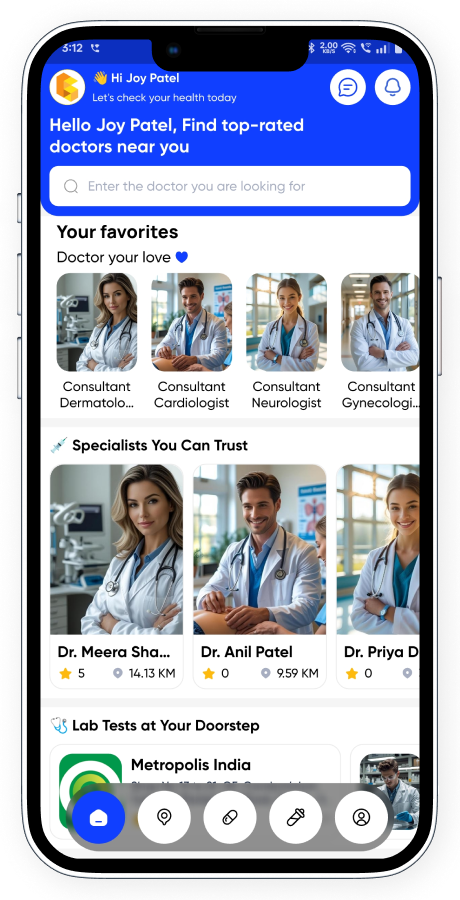
- Customer App: Easy-to-use Android/iOS app for patients to book, track, and manage appointments.
- Doctor / Lab Owner App: Smart and intuitive app for doctors or lab staff to manage their slots, appointments, and patients.
- Powerful Node.js Backend: Fast, secure, and scalable server with REST APIs to handle everything behind the scenes.
- Fully Responsive Website (Extended License): Modern web interface for users who prefer booking through desktop or browser.
Don’t waste time building from scratch — our system is tested, production-ready, and designed to boost your healthcare business instantly.
Get it now and launch your own doctor appointment service in minutes!
What’s included:
- A complete fully working system.
- Customer App (Android & iOS) & Doctor App/Lab Owner Flutter code.
- An Admin Panel (Nodejs Based)
- An Website (ReactJS Based – Extended License Only)
- Database(MySQL)
- Constant development with regular updates.
- Clean, well-structured and maintainable code
- Active customer support to help.
- Value for money system.
- Flexible prices, no surprises!
Customer App Features (4 Powerful Modules)
✅ 1. Doctor Appointment Booking
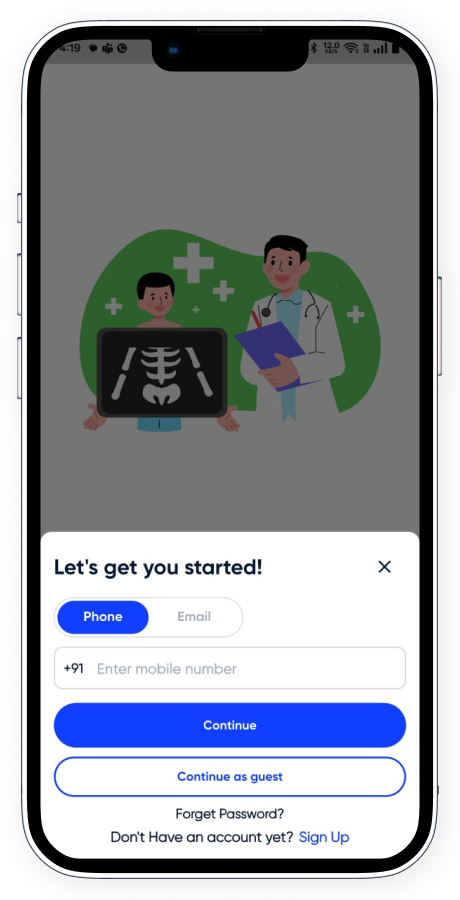
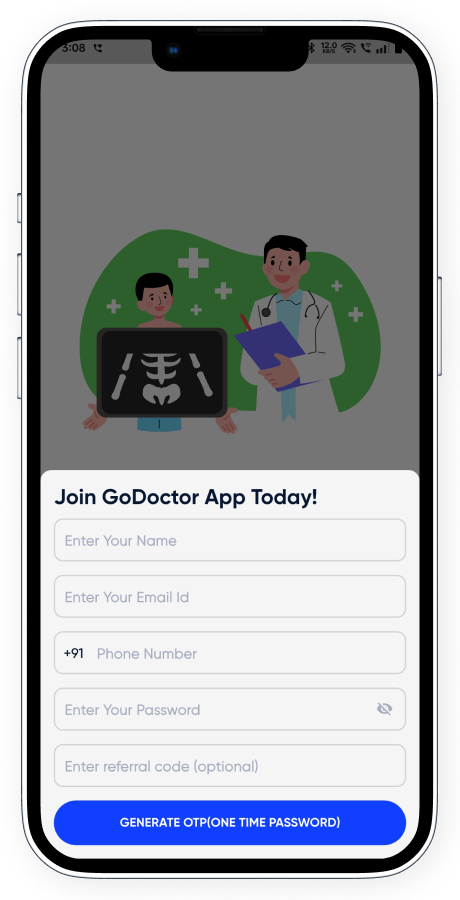
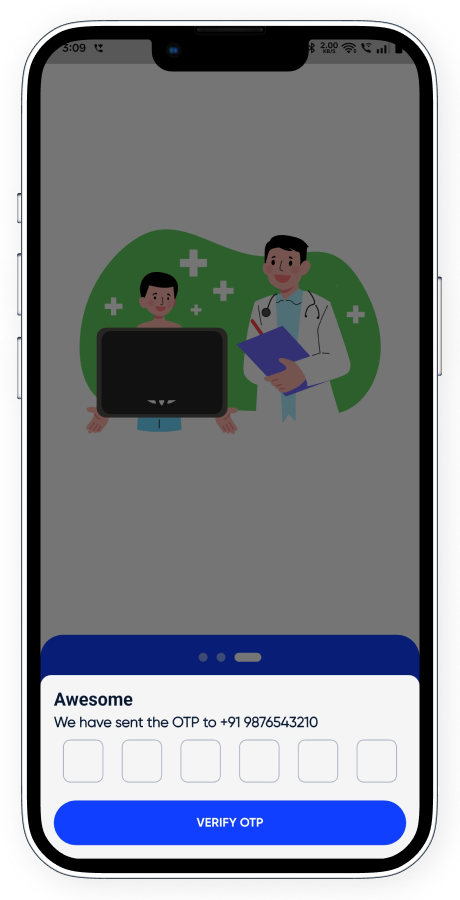
- Quick Signup & Login: Easy onboarding with OTP-based signup and login via phone or email.
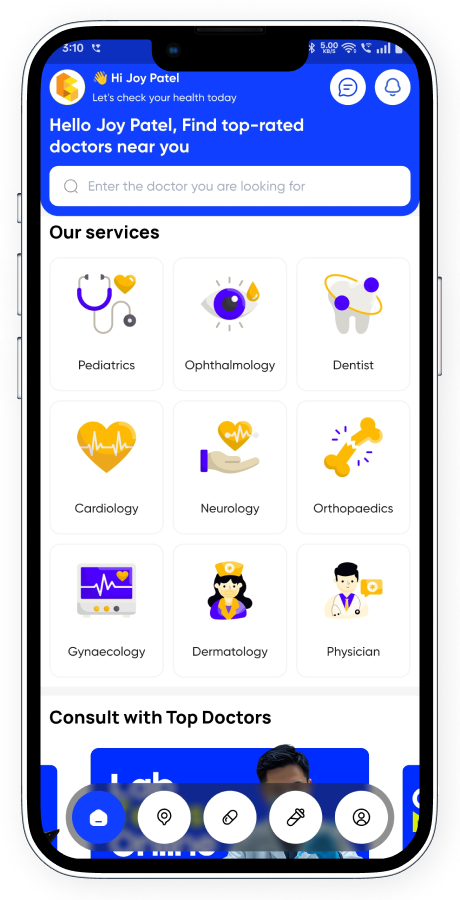
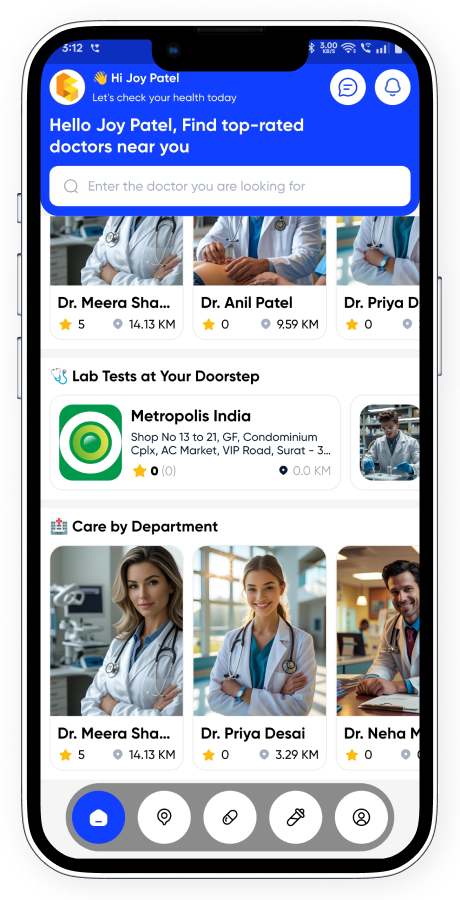
- Personalized Home Screen: View services, family member profiles, favorite doctors, and nearby options.
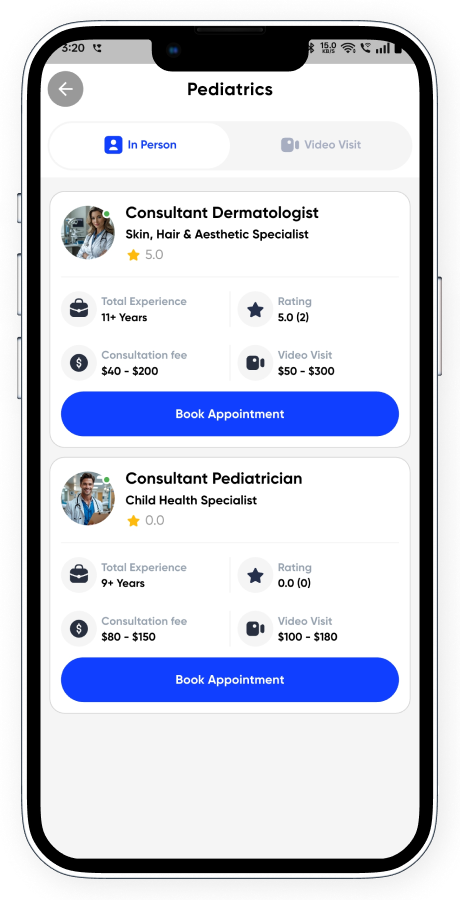
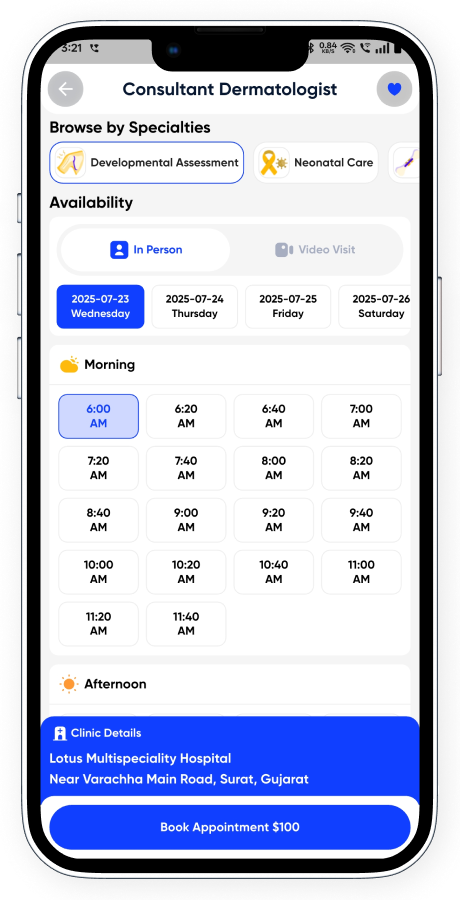
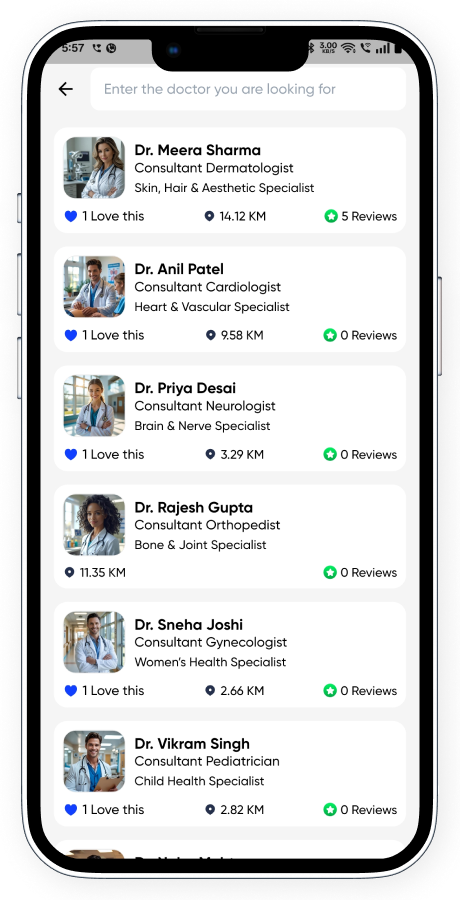
- Service-wise Doctor Listing: Intuitive filter to view doctors based on in-person or video consultation preferences.
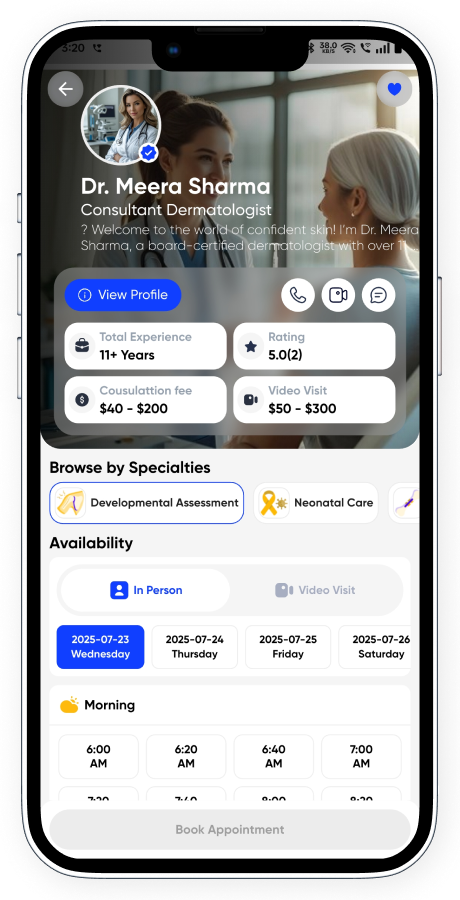
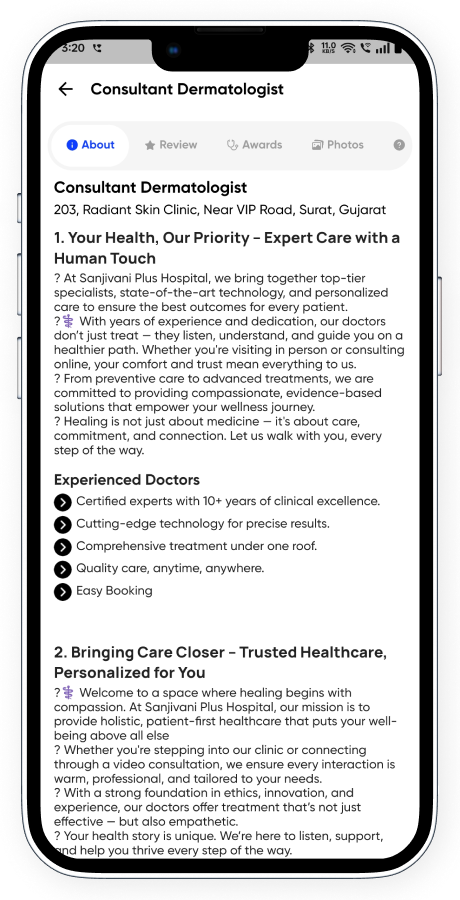
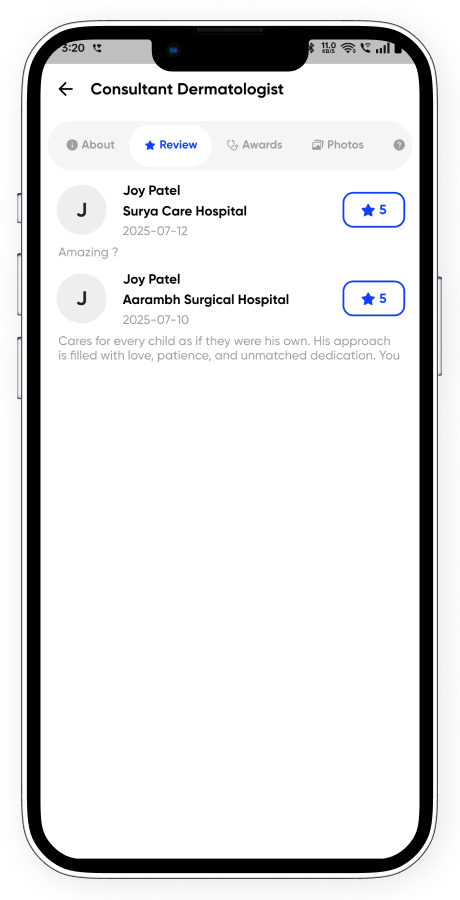
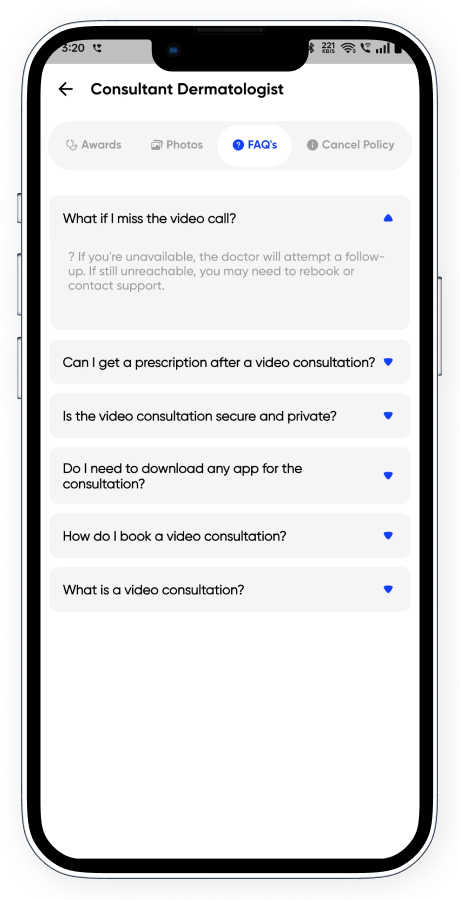
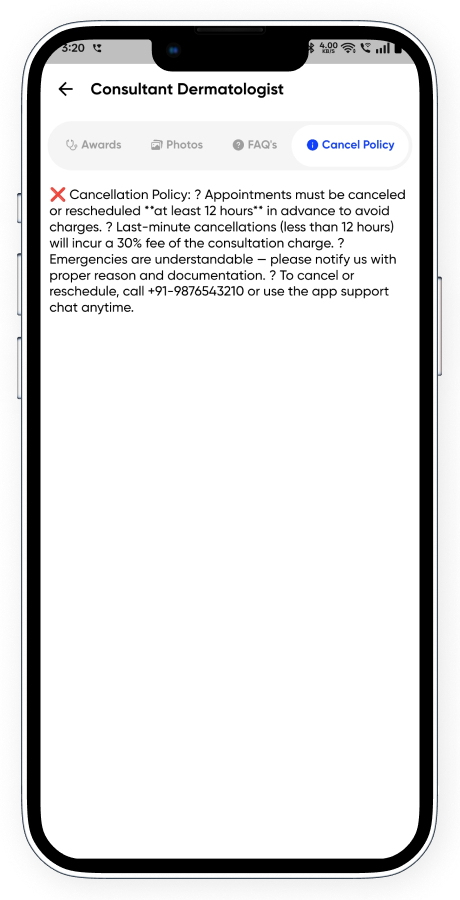
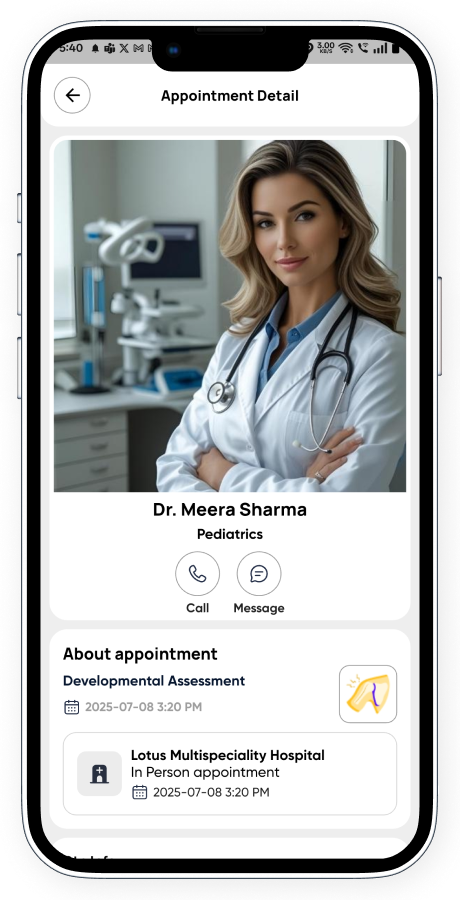
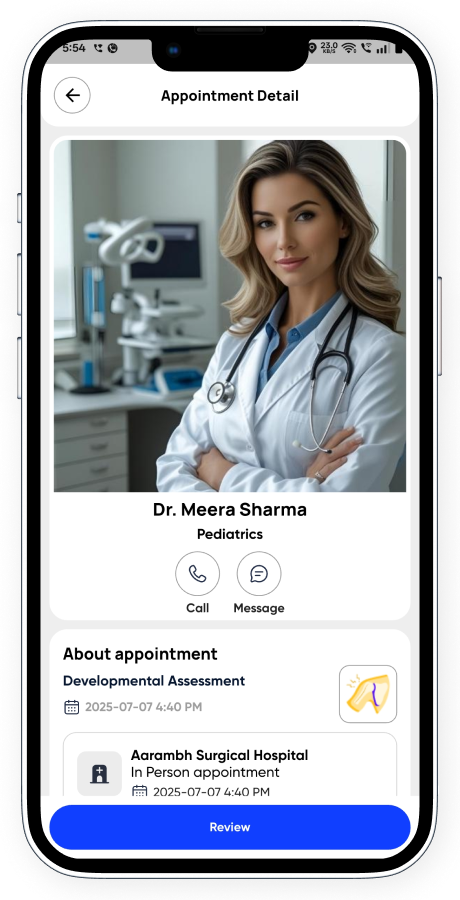
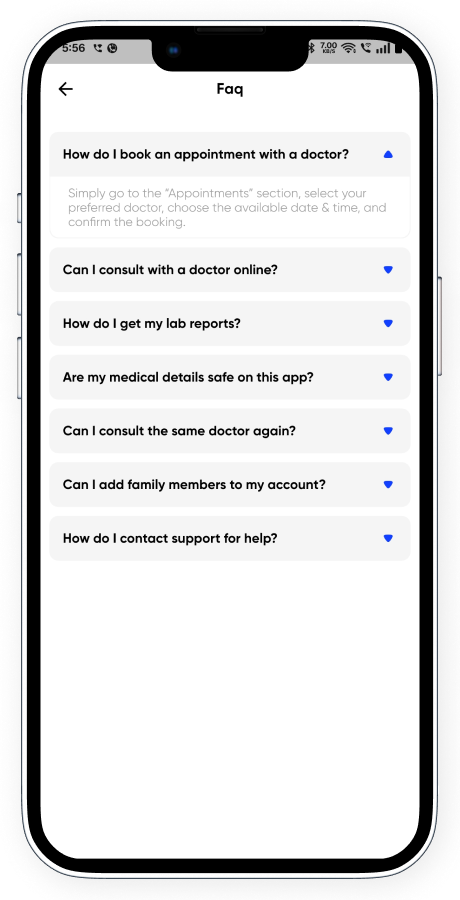
- Comprehensive Doctor Profiles: Showcases experience, ratings, consultation/video call fees, full profile, awards, reviews, FAQs, and cancellation policies.
- Specialties & Availability: View all doctor specialties, and date/time-wise availability at various hospitals or clinics.
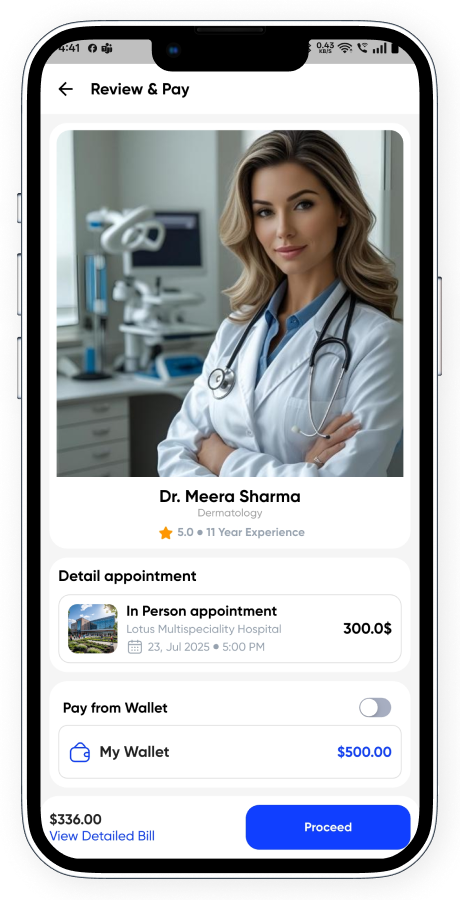
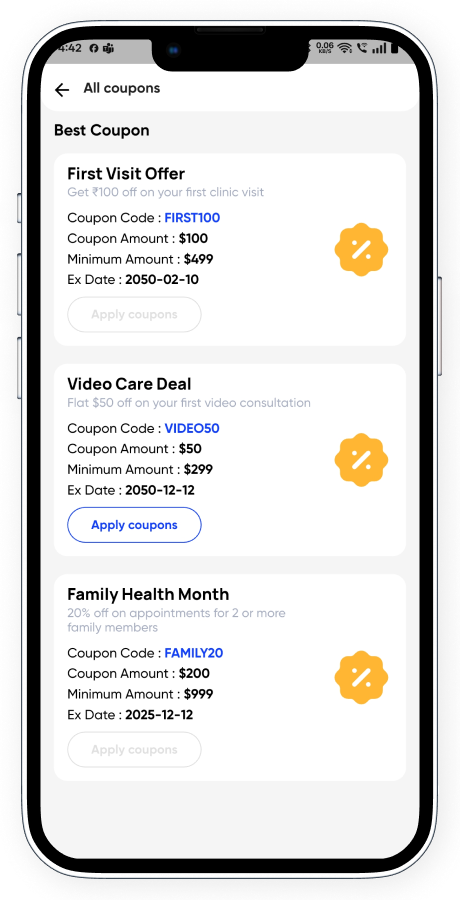
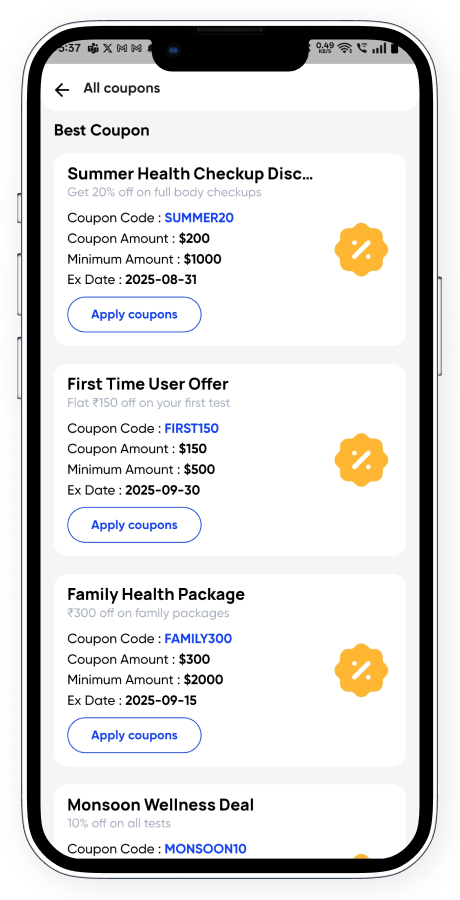
- Multi-patient Booking: Book appointments for multiple patients in one go with notes and coupon support.
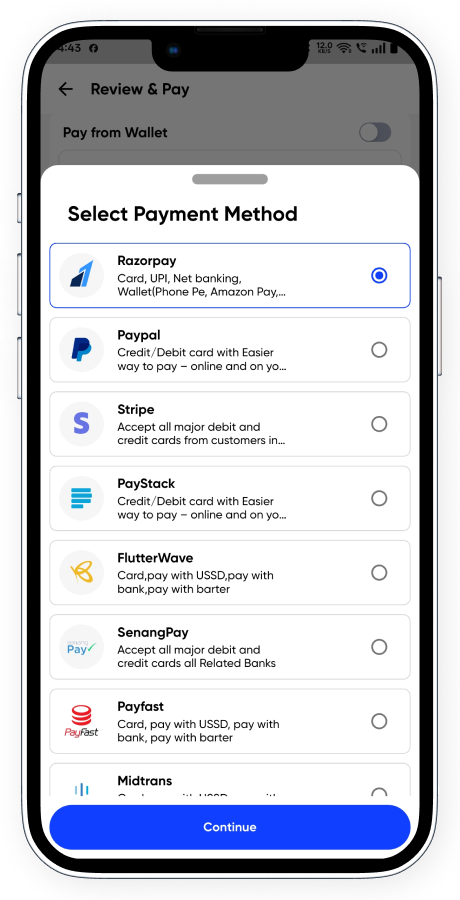
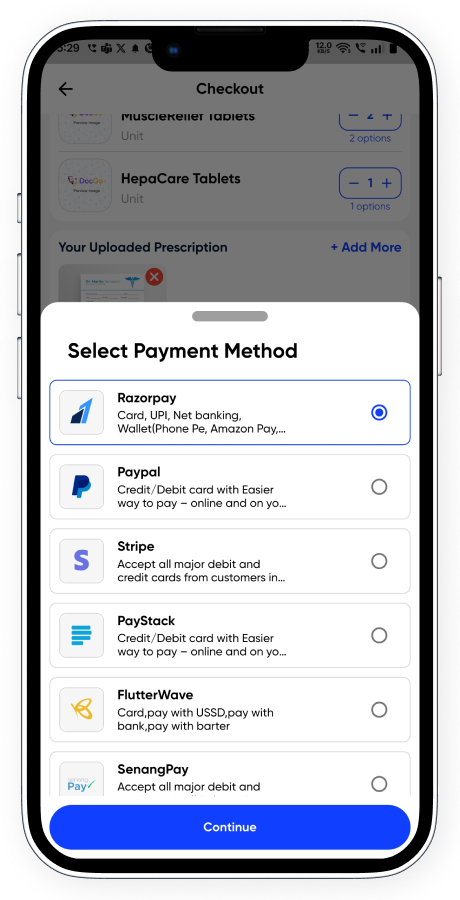
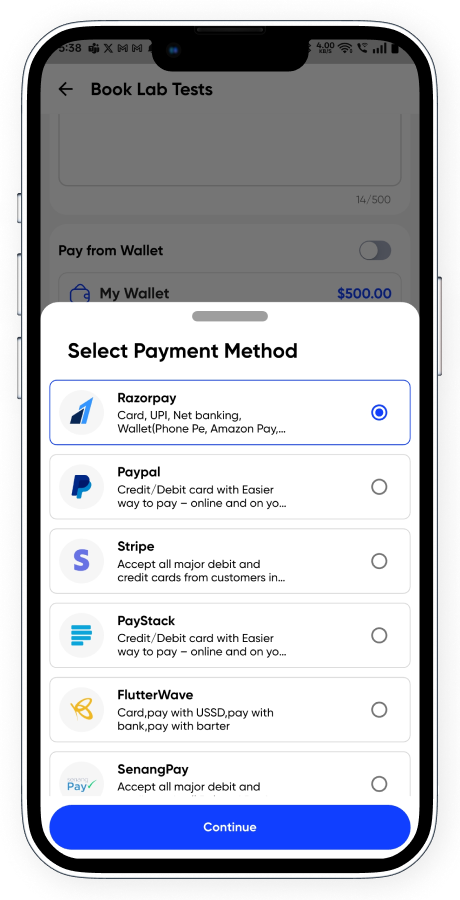
- Multiple Payment Gateways: Integrated with Razorpay, PayPal, Stripe, Paystack, Flutterwave, SenangPay, Payfast, Midtrans, and Cash.
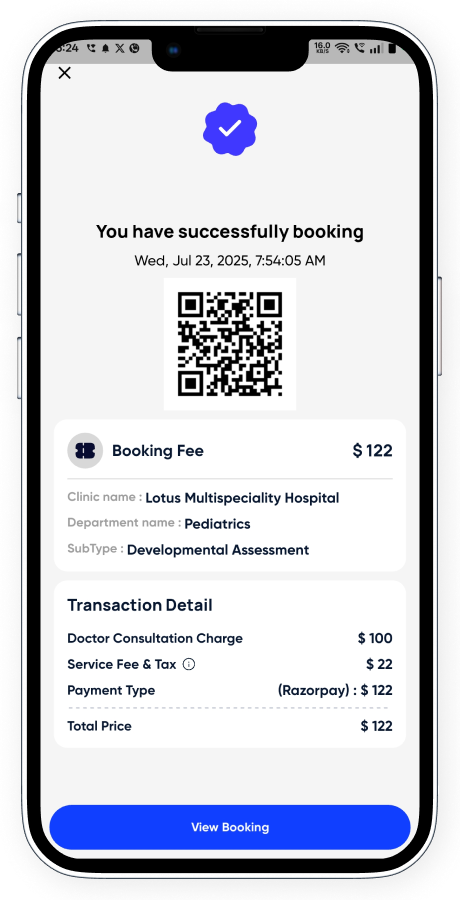
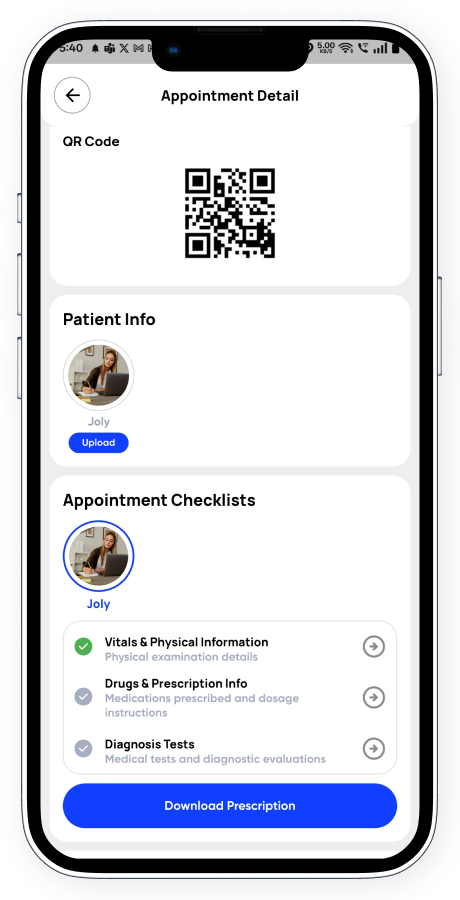
- QR/OTP Code Booking Confirmation: Post-payment, users receive a QR/OTP for check-in and verification.
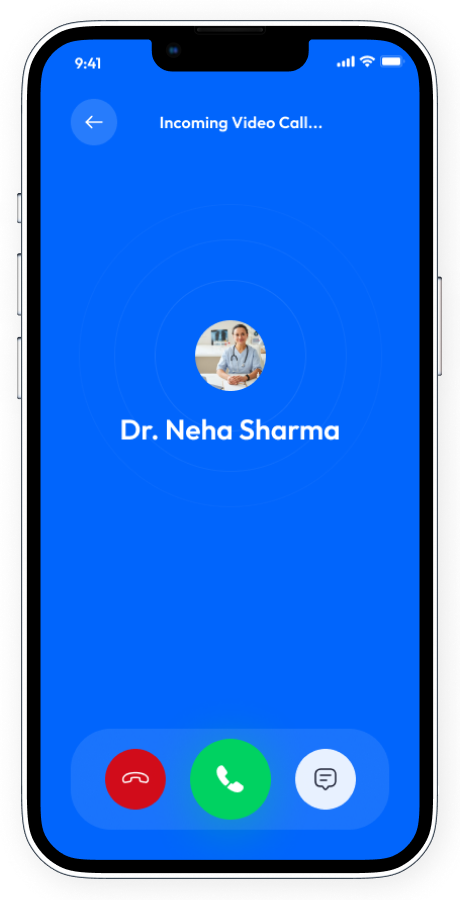
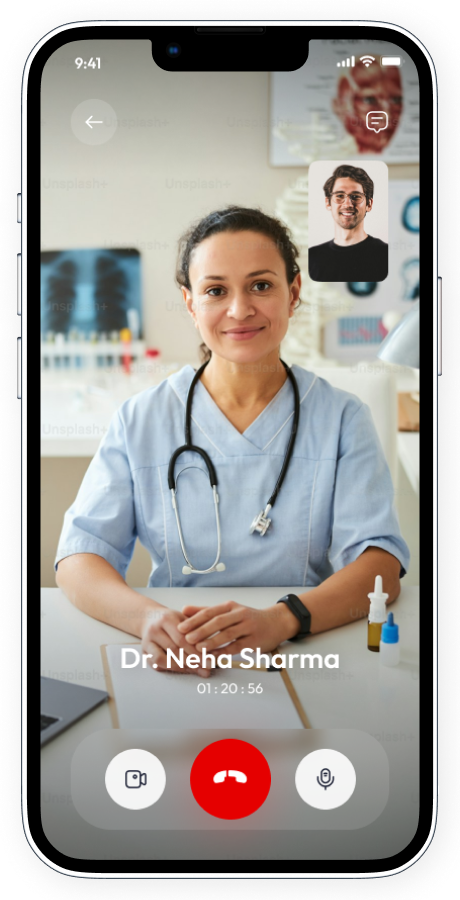
- Video & In-person Support: Smart timer-based video calls and location-wise in-person visit tracking.
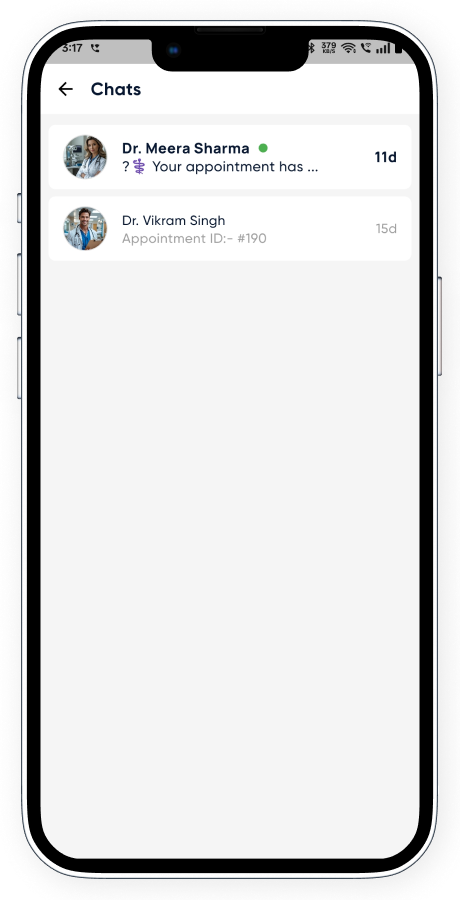
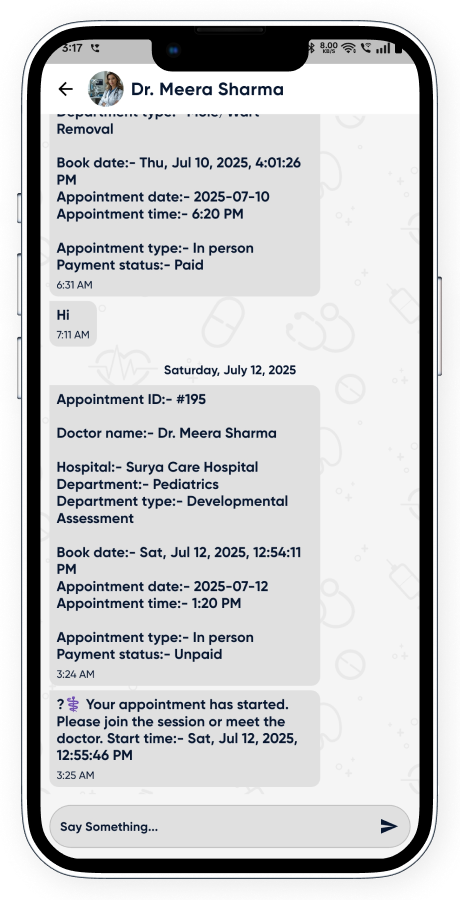
- Instant Chat with Doctor: Free chat access to discuss health concerns right after booking.
- Secure Start/End with QR or OTP: Users must provide QR or OTP to begin and end services at the clinic.
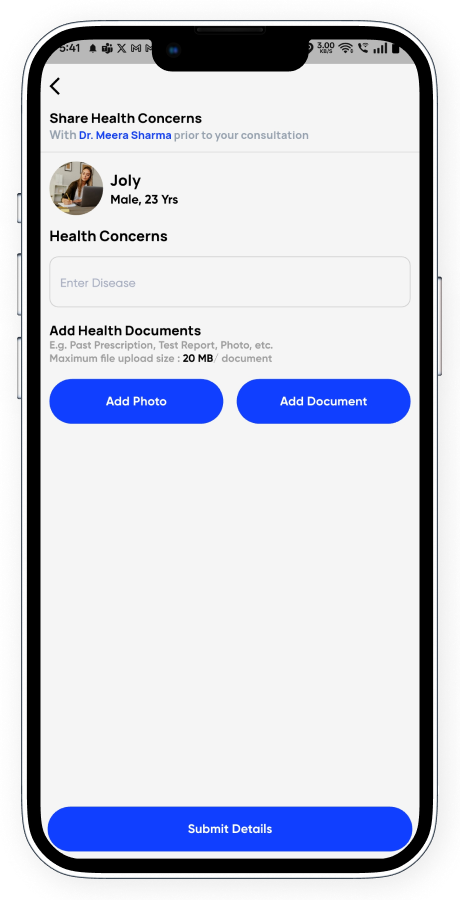
- Upload Medical Concerns: Users can share disease details via text, images, or PDFs for doctor review.
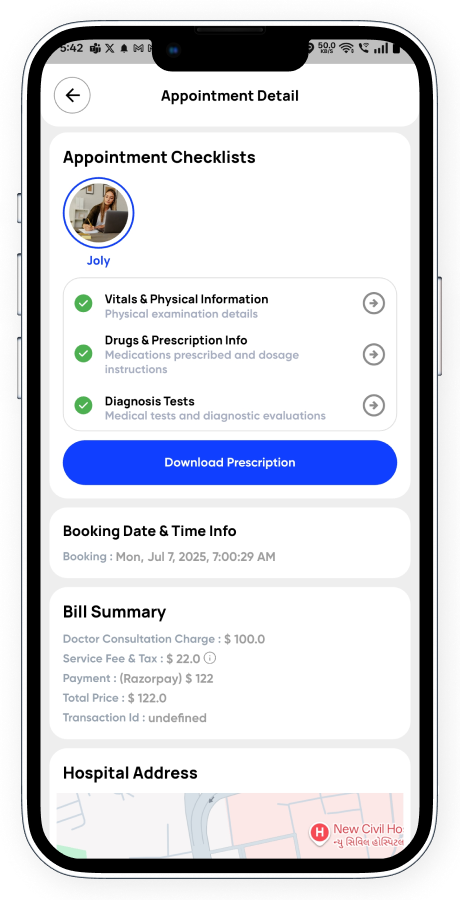
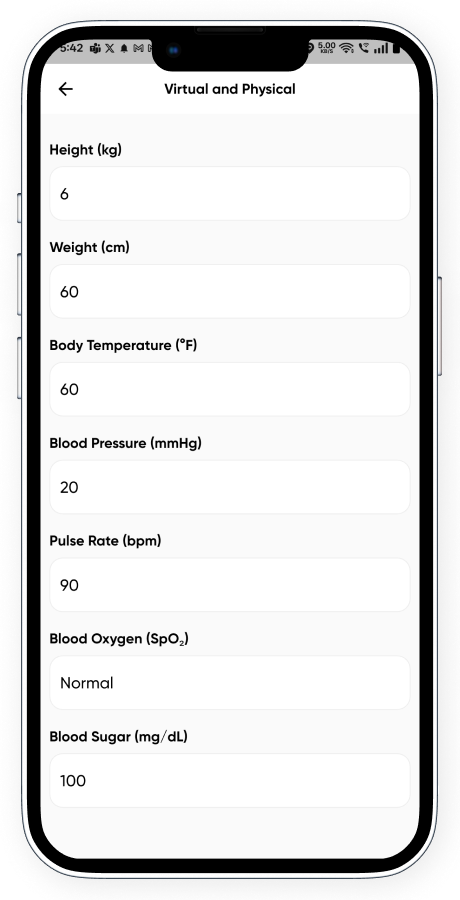
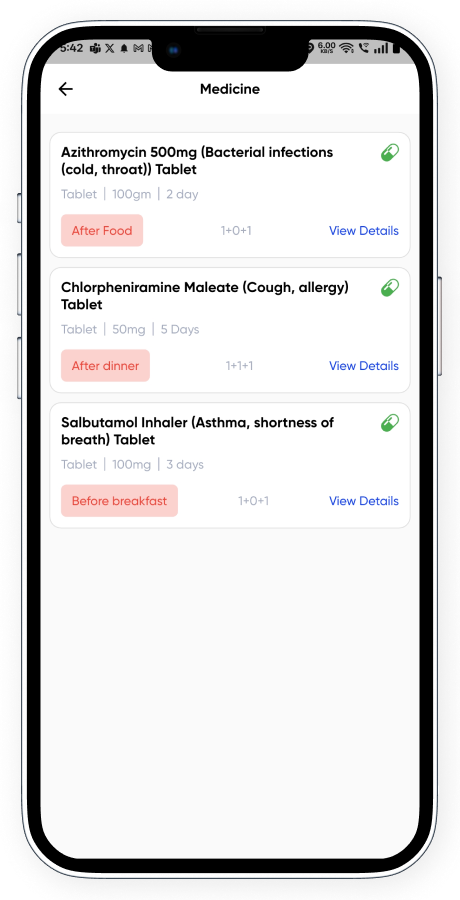
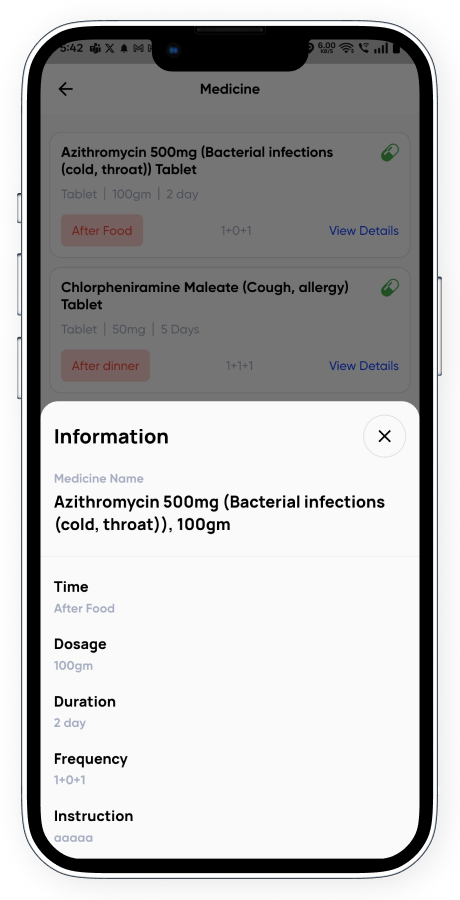
- Real-time Doctor Checklist: During calls or visits, doctors update vitals, prescriptions, tests – visible to patients.
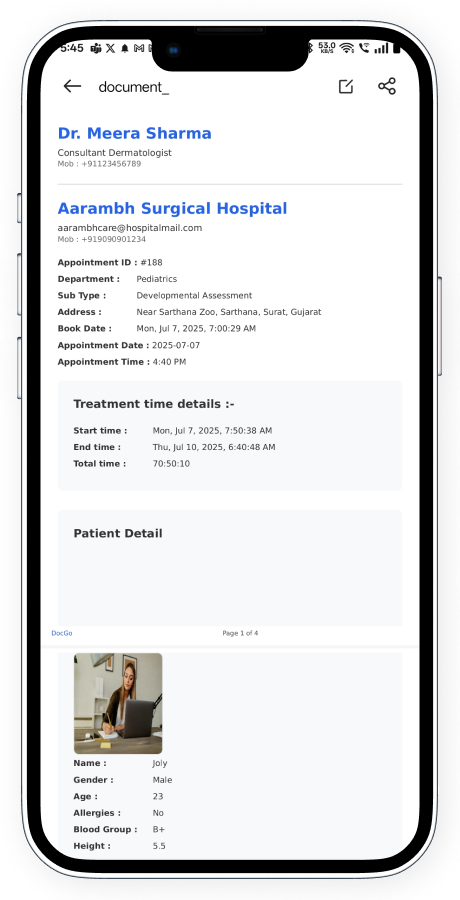
- Downloadable Prescription: Full digital prescription available to download after consultation.
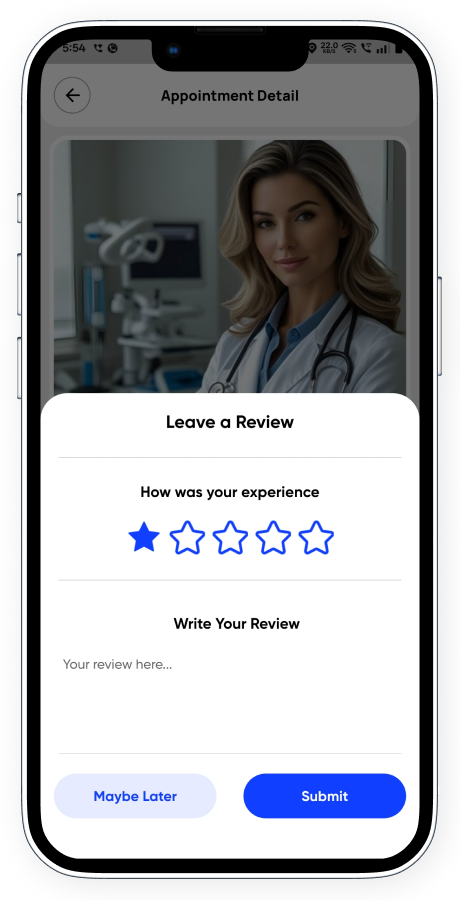
- Rate & Review Doctor: Post-visit rating system to ensure quality and feedback tracking.
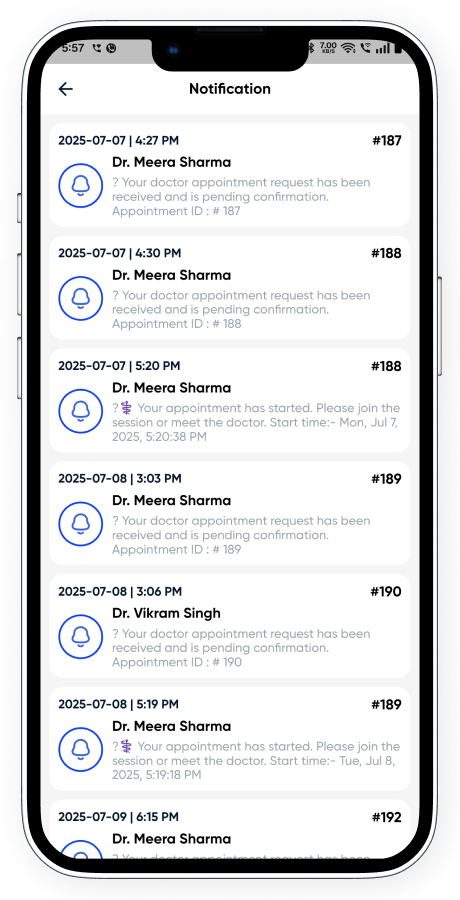
- Smart Notifications: Automated reminders and updates about appointment timing, changes, or doctor notes.
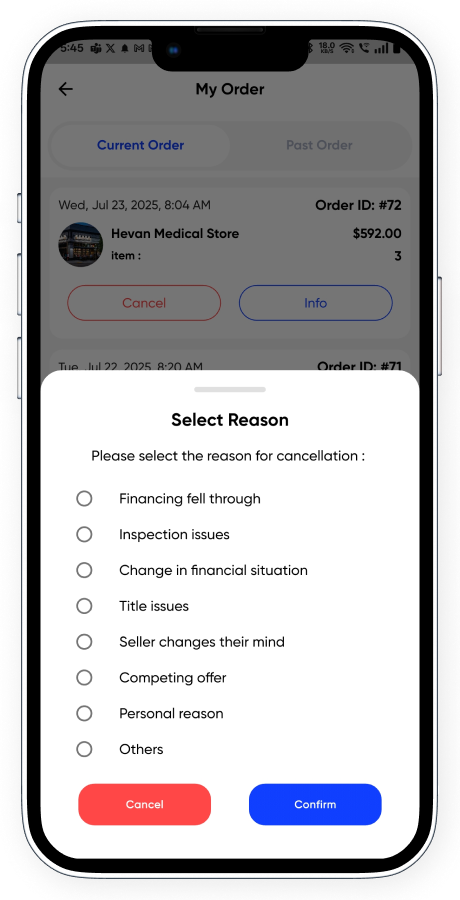
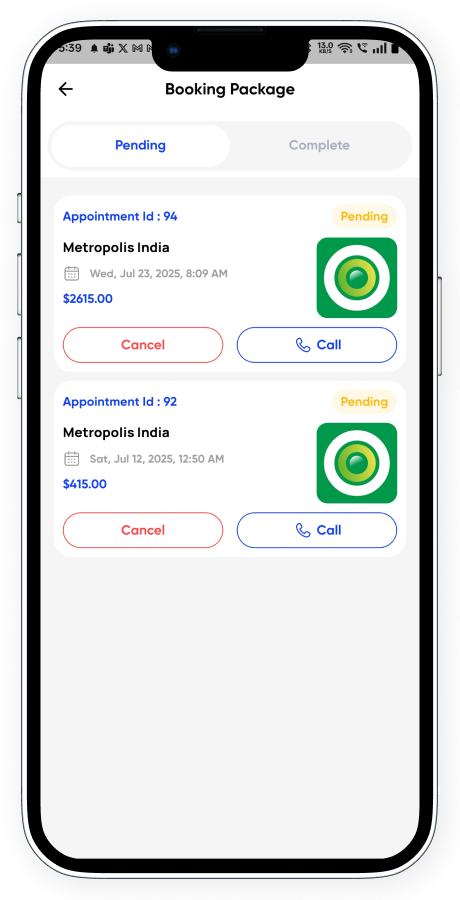
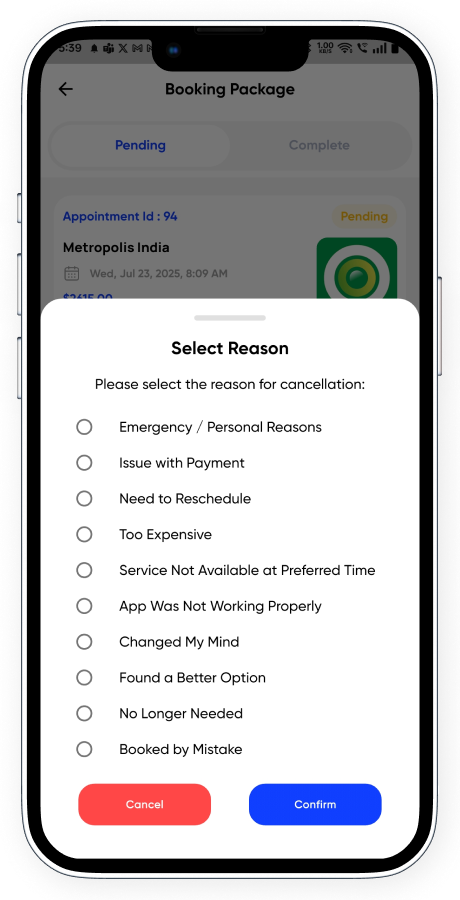
- Flexible Cancellations: Cancel appointments with proper reasons before the scheduled time.
✅ 2. Order Medicine
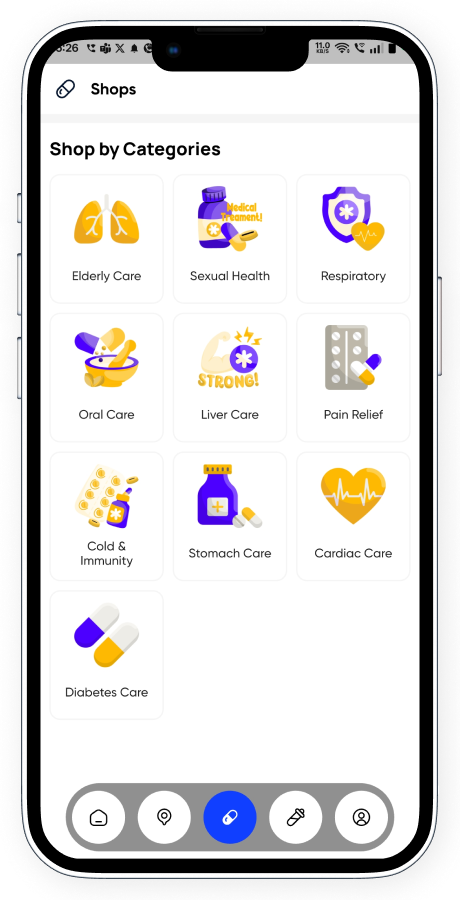
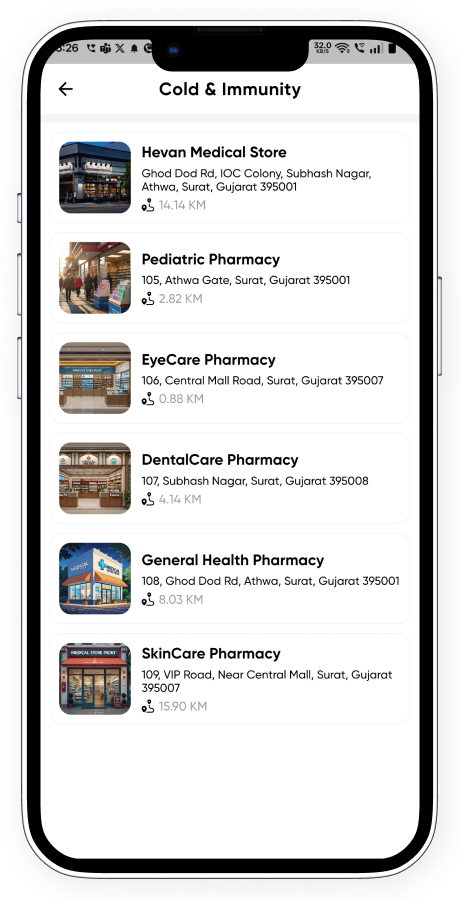
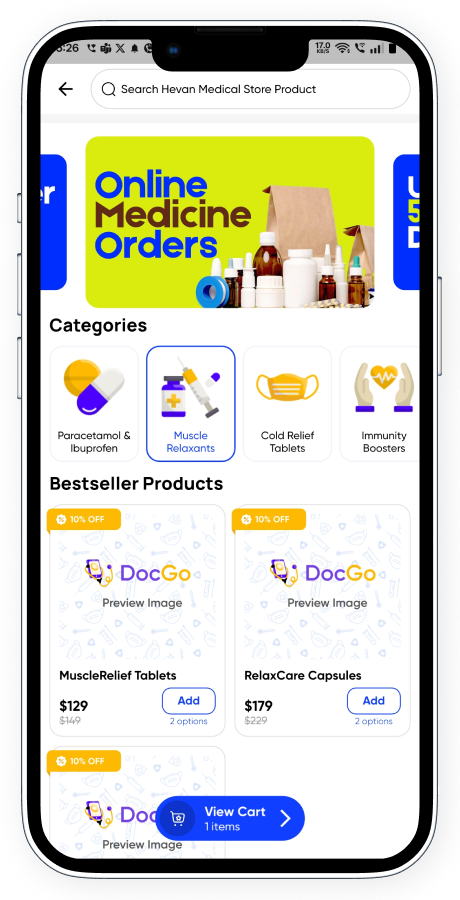
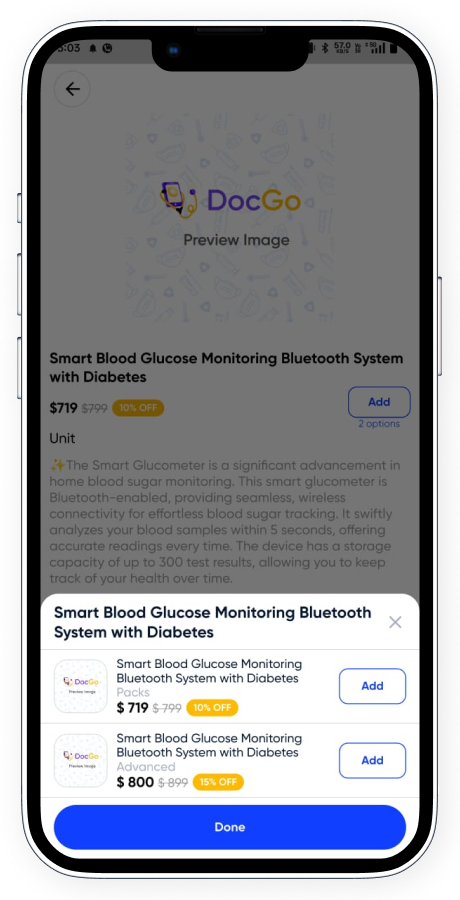
- Medicine Categories: Organized view of medicines by health categories for easy selection.
- Nearby Pharmacy Listing: Filter nearby stores based on location and availability.
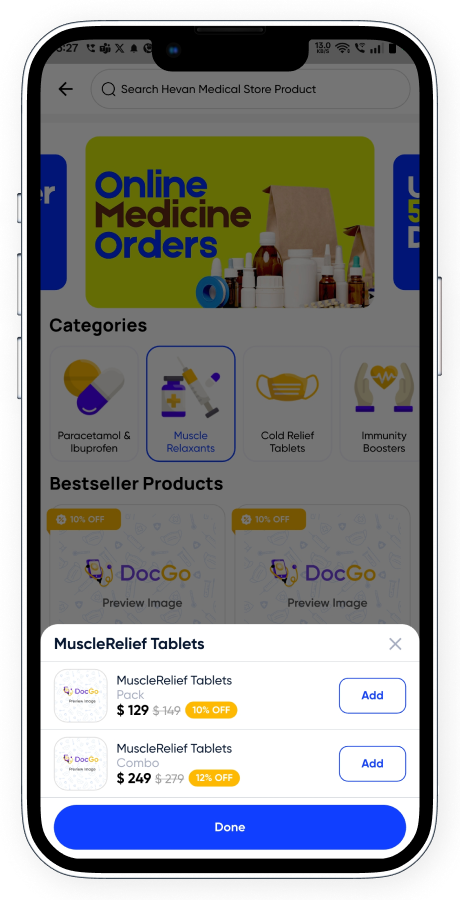
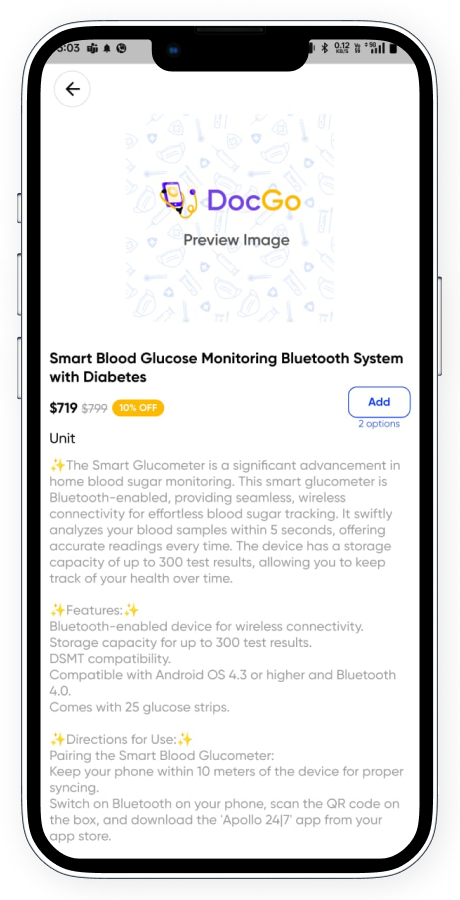
- Store-wise Product View: Users can browse banners, categories, and product variants with pricing.
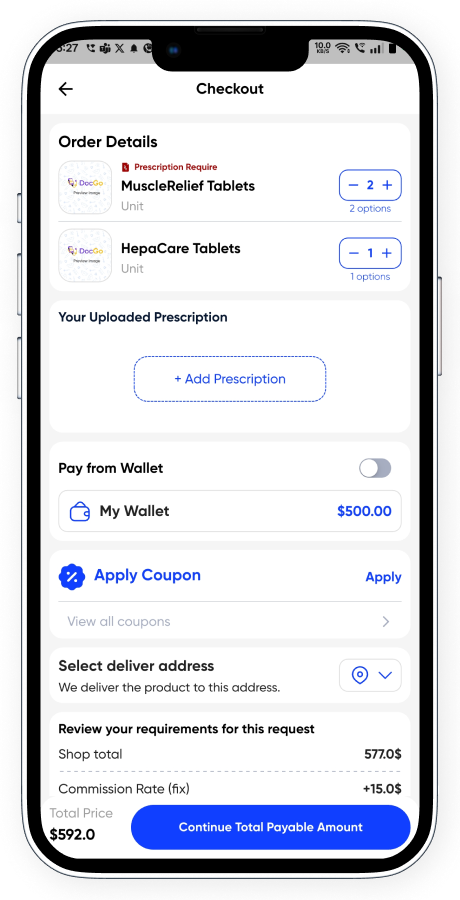
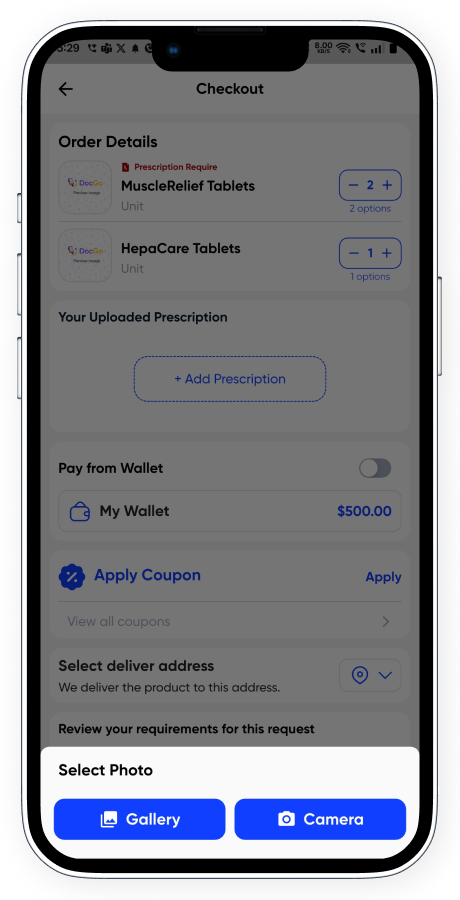
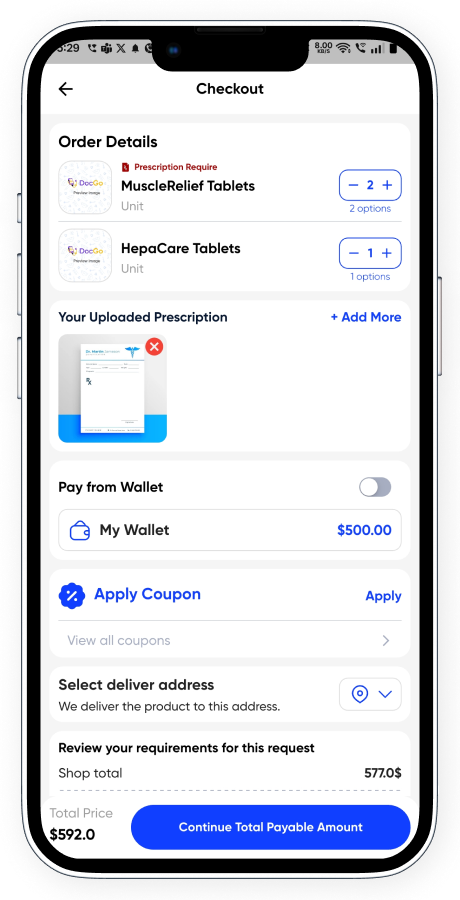
- Prescription Upload: Required for specific medicines, ensuring regulatory compliance.
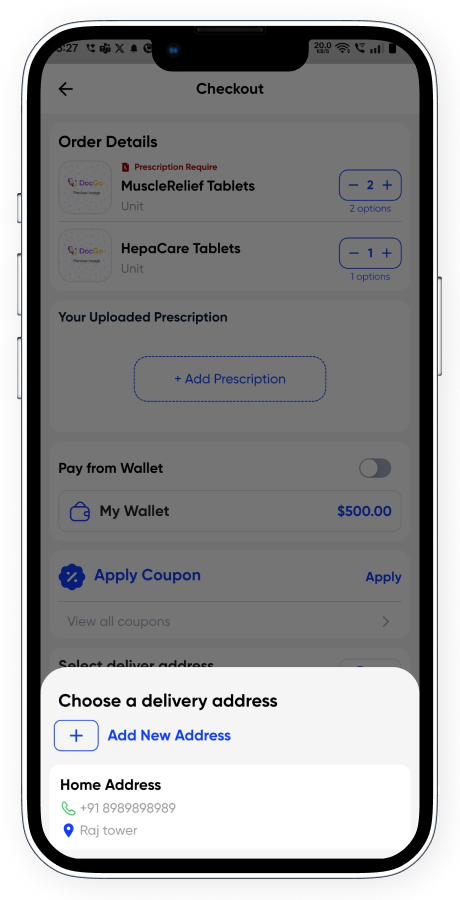
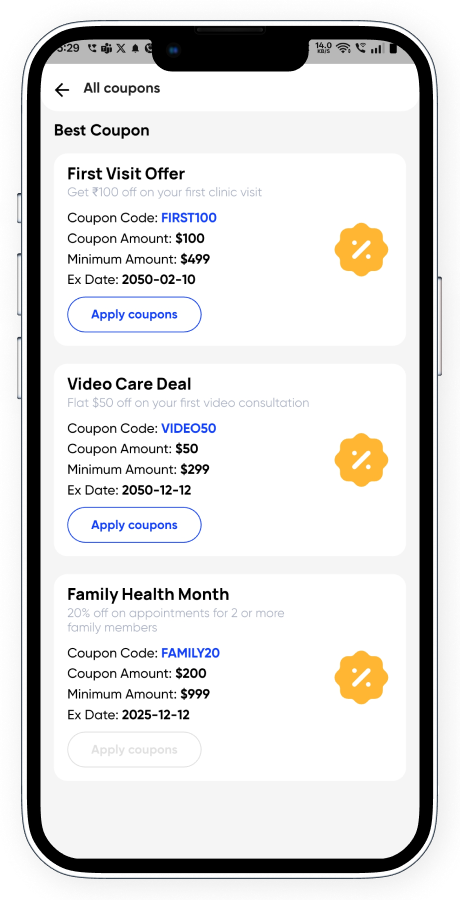
- Quick Checkout: Add address, apply coupons, use wallet, and select preferred payment method.
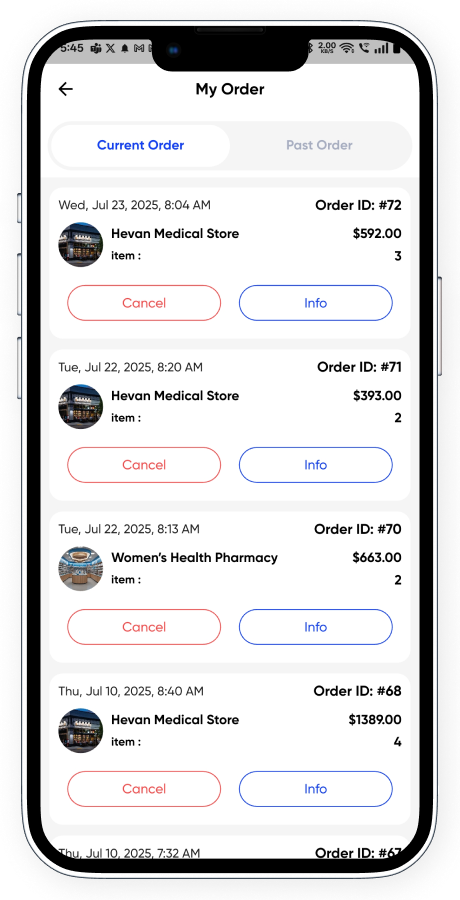
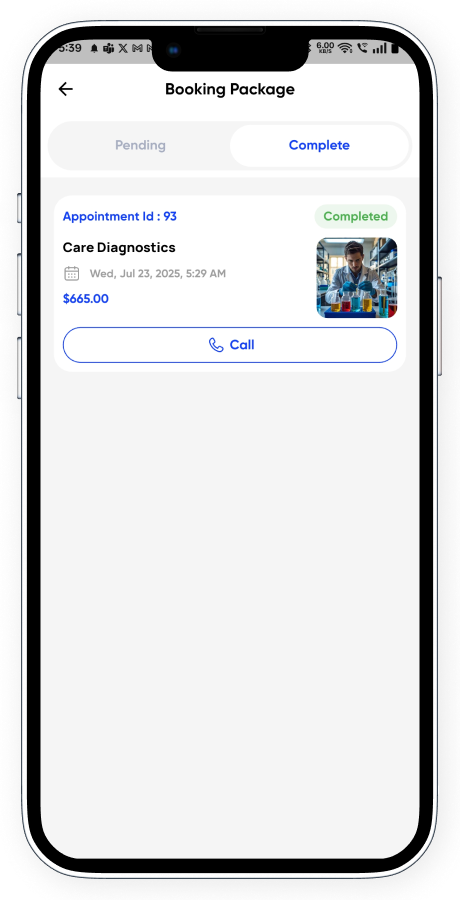
- Order History: Track and manage medicine orders from the profile’s My Orders section.
- Live Delivery Tracking: Stay updated with order status till the medicine is delivered.
- Pre-processing Cancellation: Cancel orders before fulfillment begins.
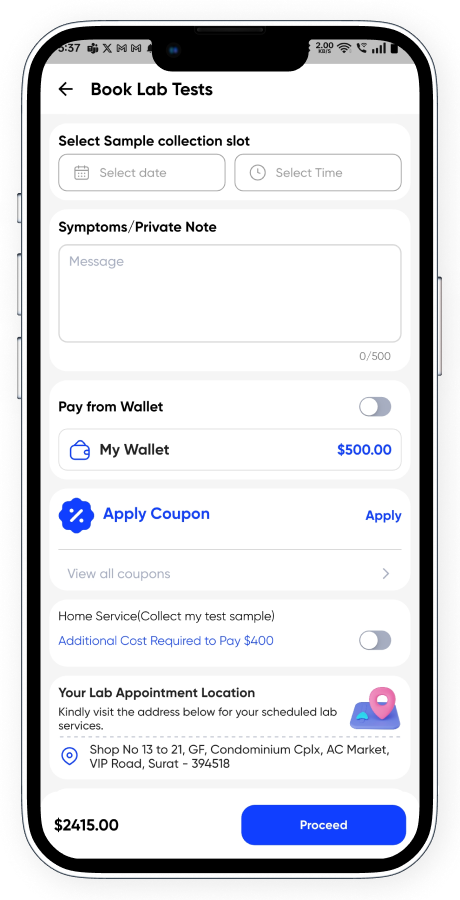
✅ 3. Lab Test Booking
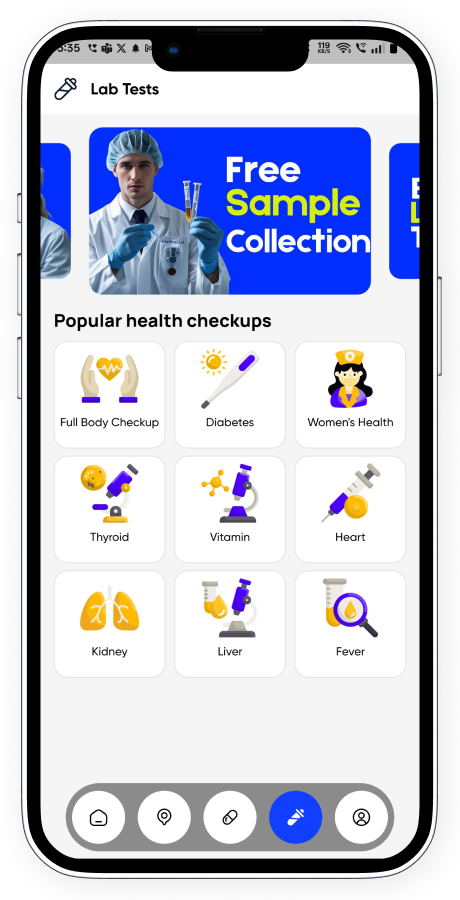
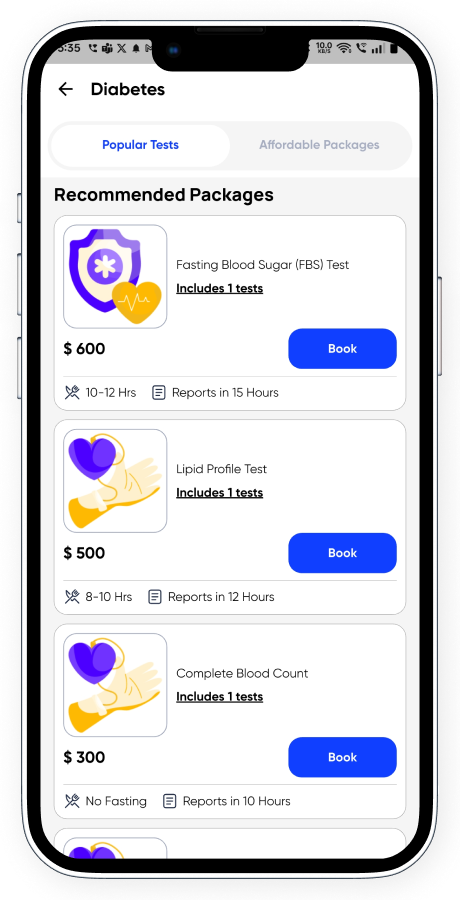
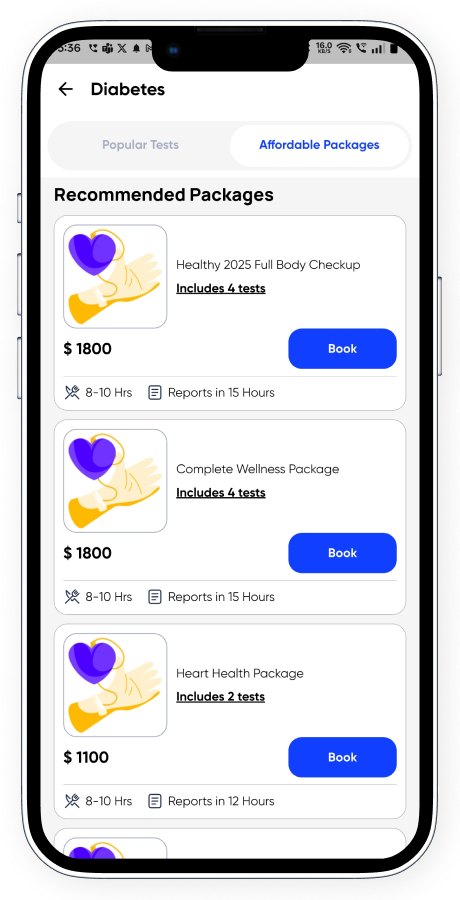
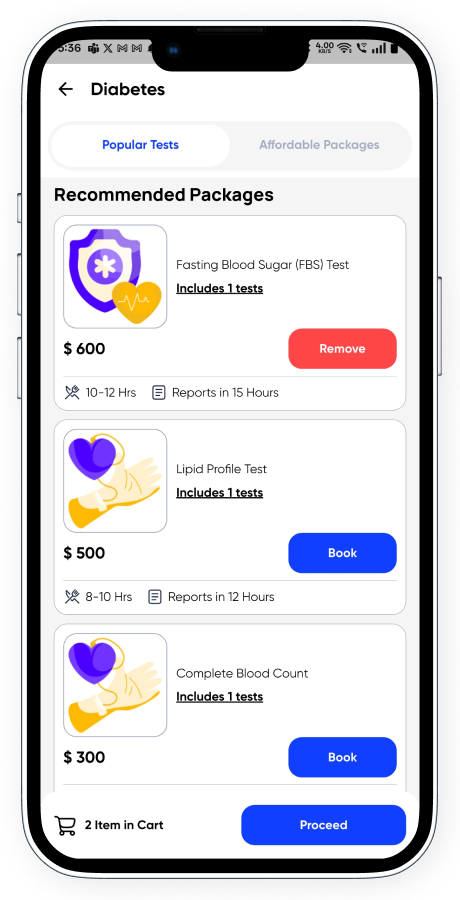
- Health Checkup Banners & Categories: Display trending and essential health test packages.
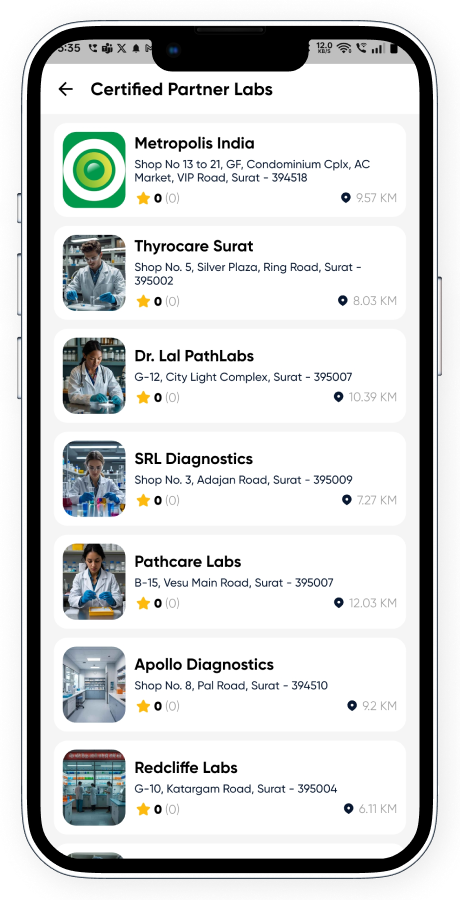
- Nearby Partner Labs: Show list of certified labs with location, distance, and packages.
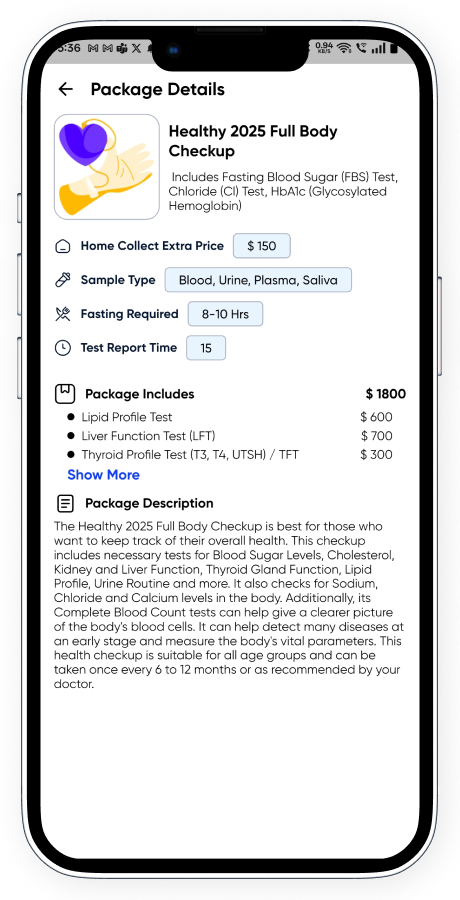
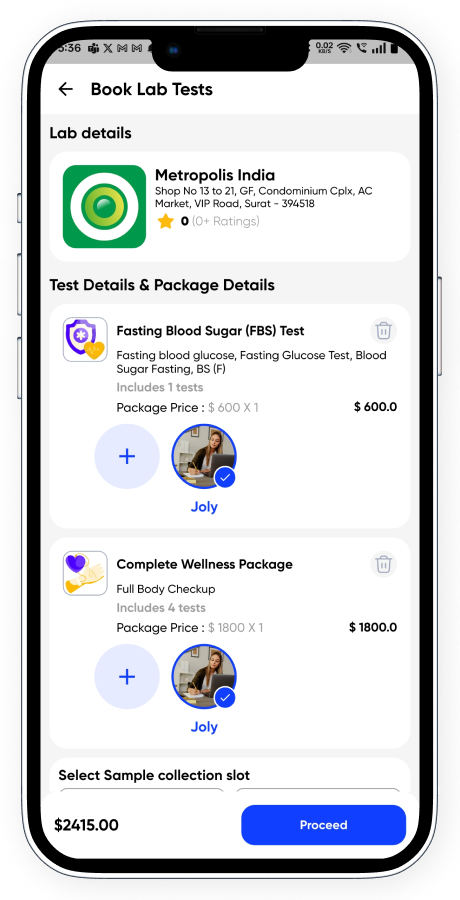
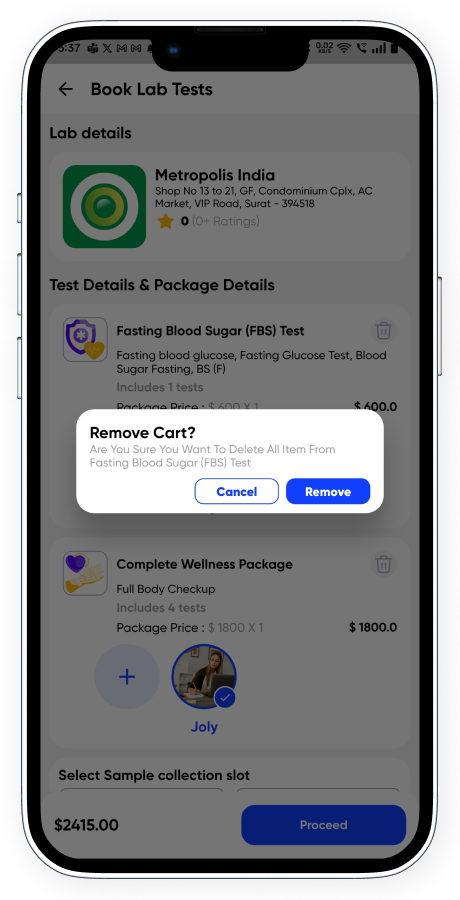
- Multiple Package Selection: Add one or more lab packages in a single booking.
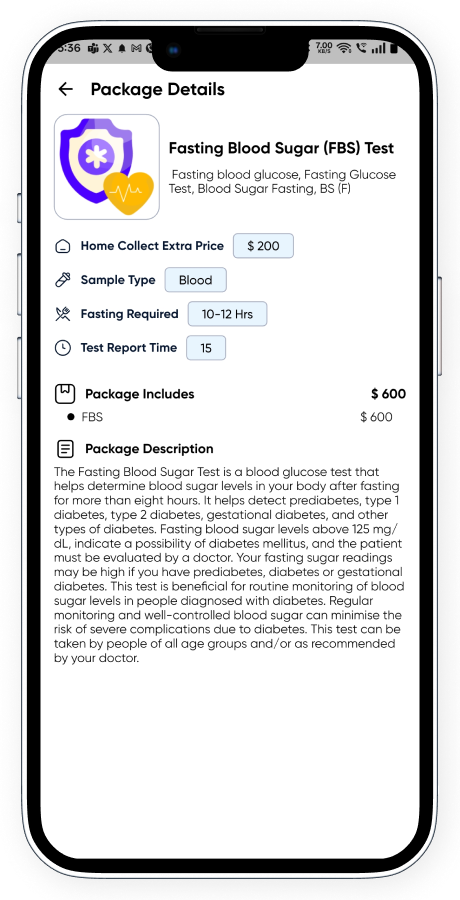
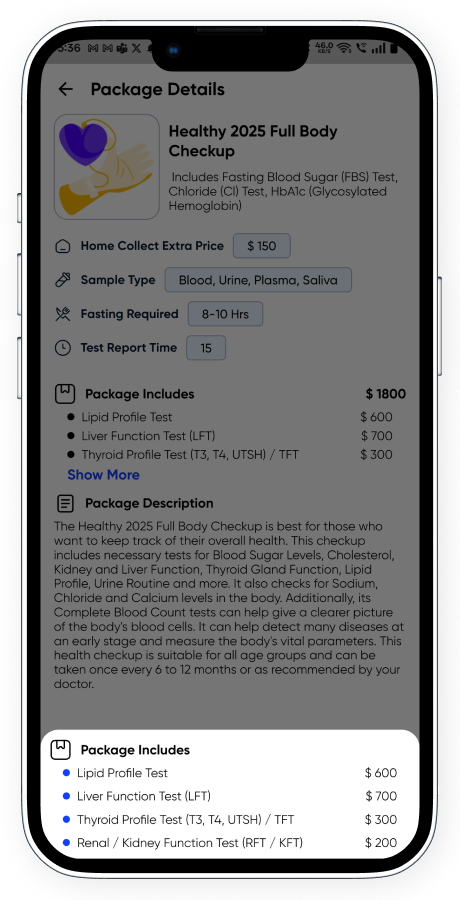
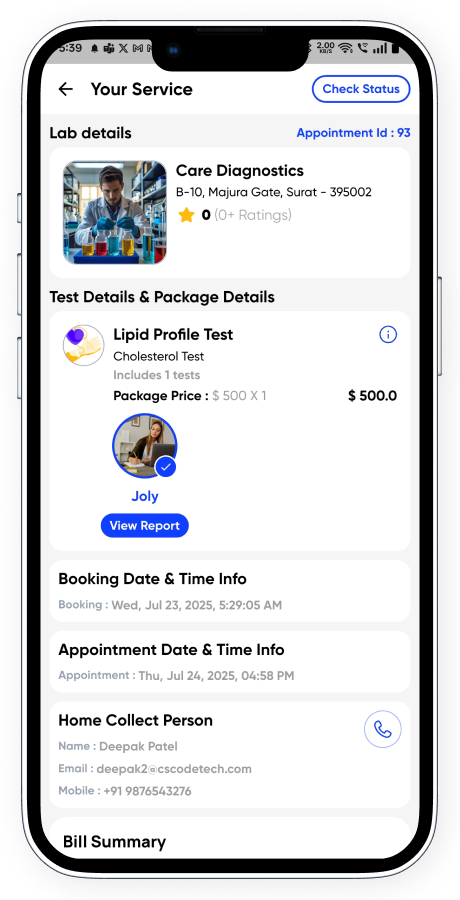
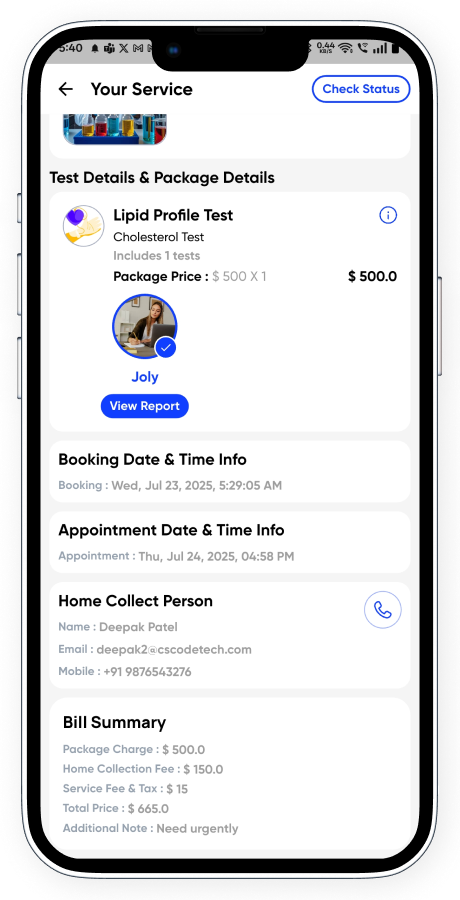
- Detailed Test Info: Includes name, home collection charges, fasting requirements, time, description, and tests included.
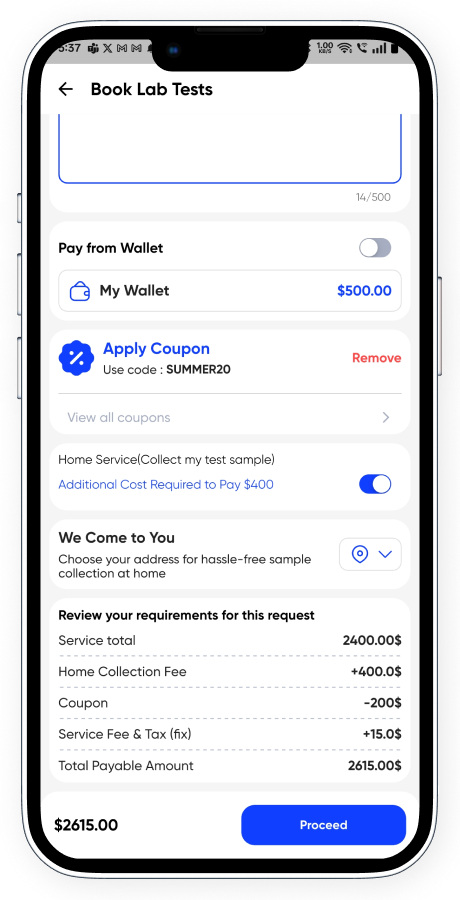
- Multi-patient Collection: Enter individual details for each patient with home address and symptoms.
- Smart Booking Flow: Choose home collection slots, payment method, and private notes.
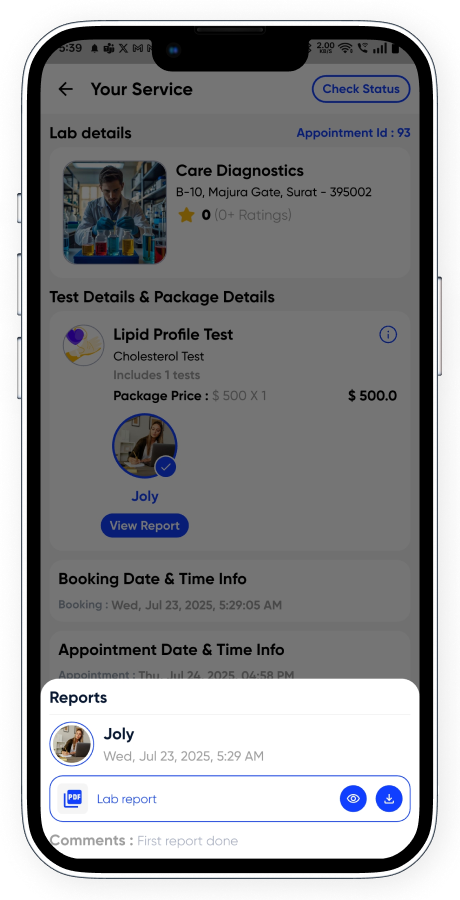
- Report Viewing: Patients can view/download lab reports once uploaded by the lab for each person.
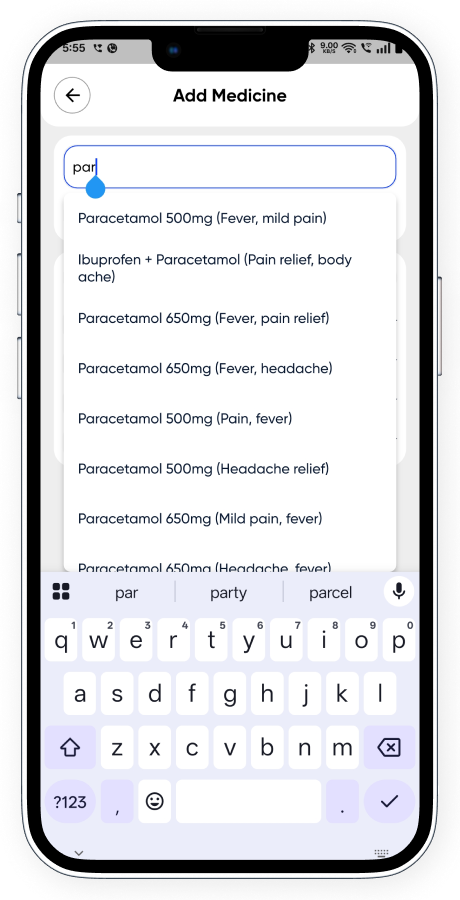
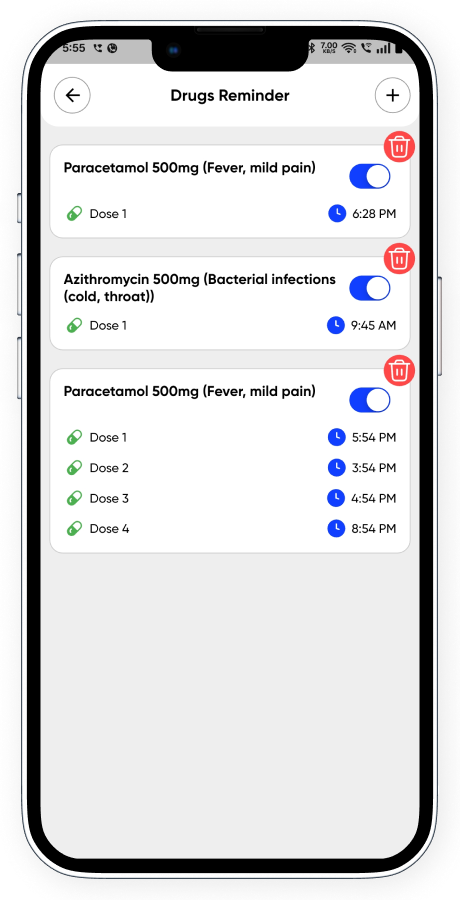
✅ 4. Medicine Reminder
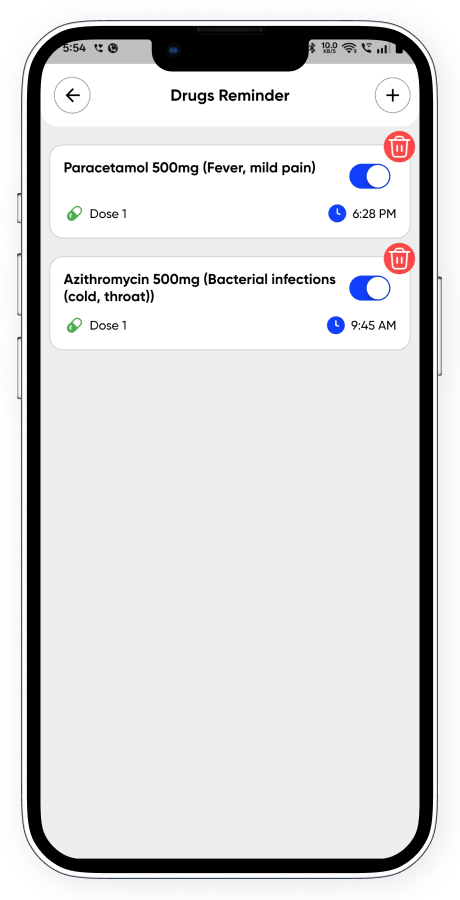
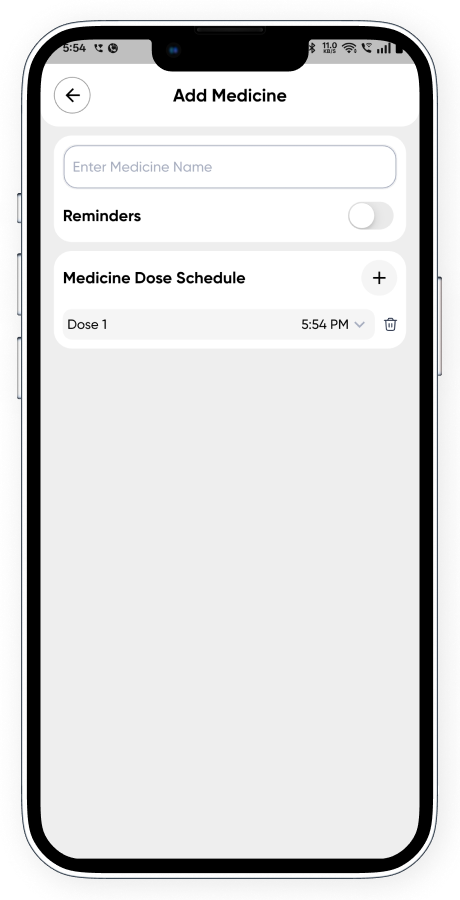
- Custom Reminder Setup: Add multiple reminders with dose and time configurations.
- Daily Notifications: Get timely push reminders to take medications.
- Manage Reminders: Easily activate, deactivate, edit, or delete anytime.
✅ Common Features Across the App
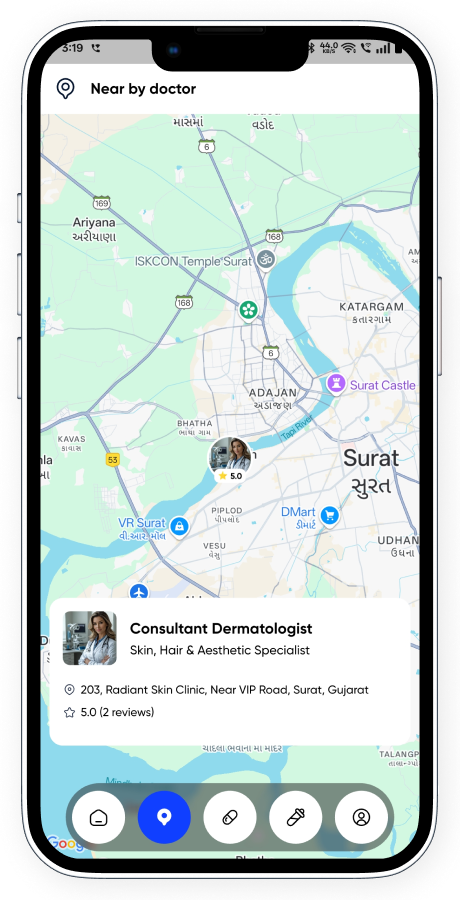
- Map View Integration: Locate doctors or labs nearby with interactive map support.
- Smart Search: Find doctors, labs, or medicines quickly with a powerful search engine.
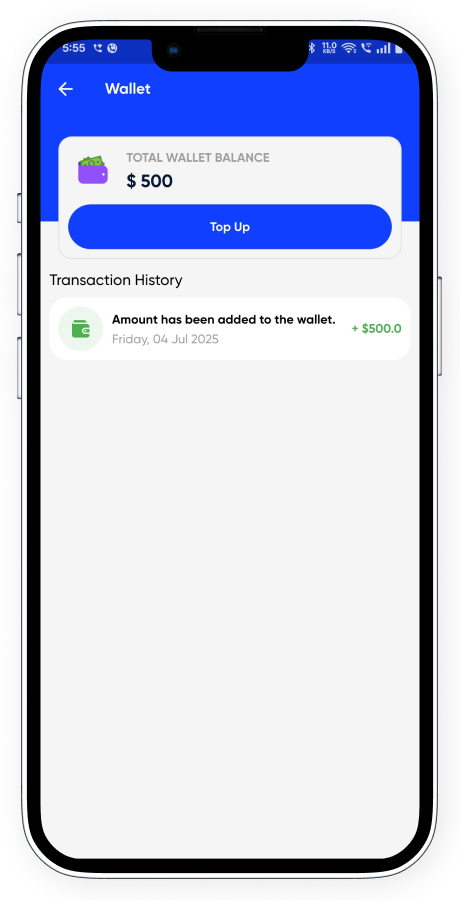
- Wallet Integration: Use in-app wallet for payments, refunds, and offers.
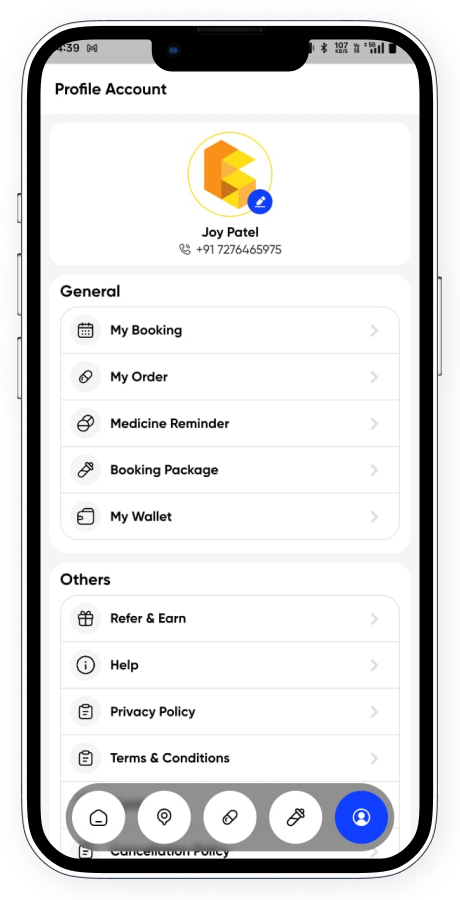
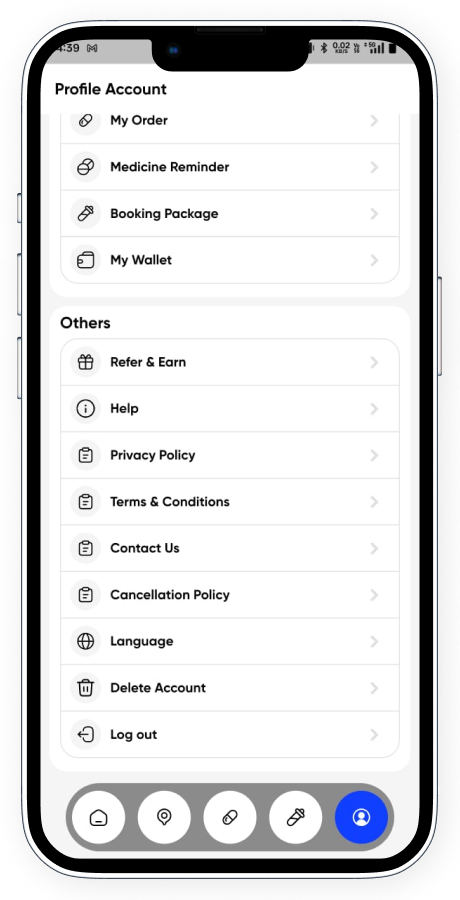
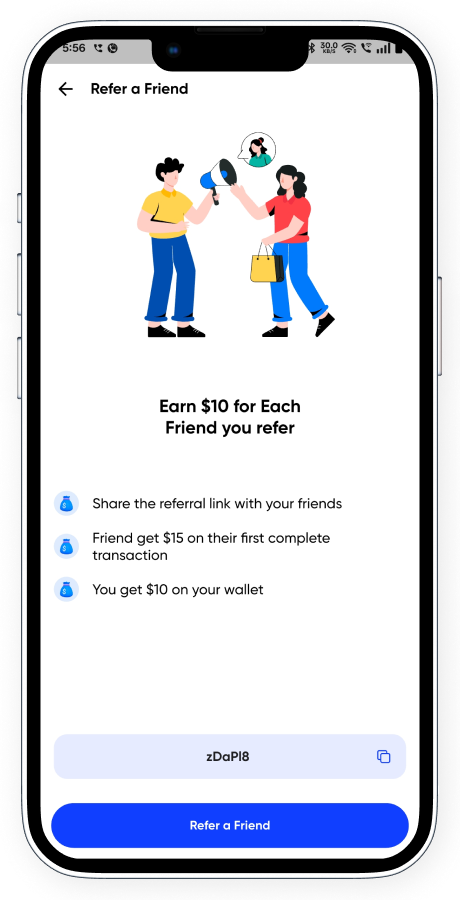
- Refer & Earn: Invite others and earn rewards via referral program.
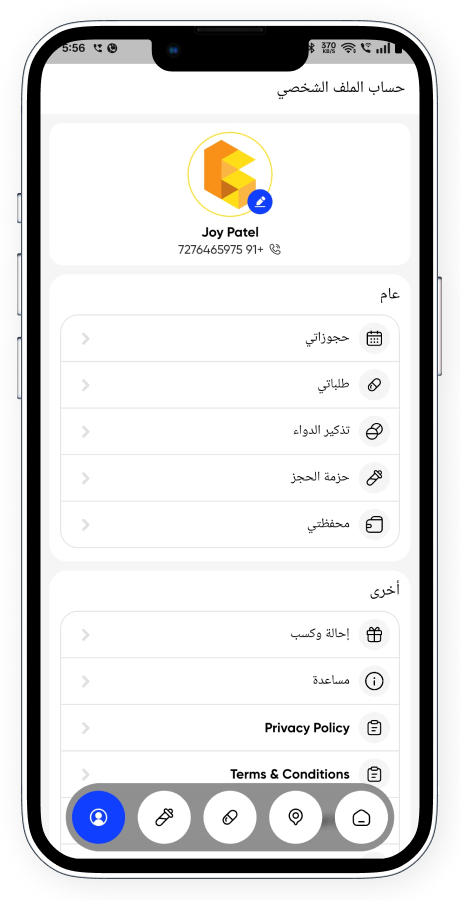
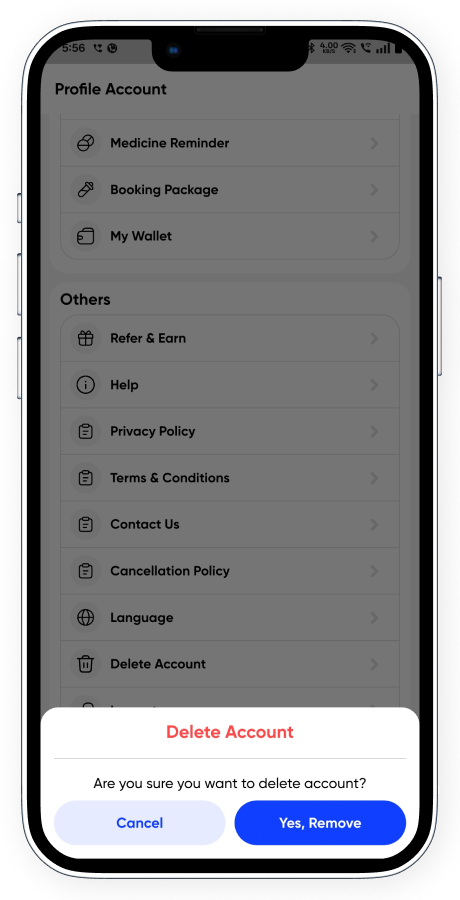
- Profile Management: Edit personal information, manage dependents, and delete account.
- Guest Mode: Allow new users to explore the app before signup.
- Doctor Chat: Continue conversation with doctors post consultation.
- Multi-language Support: Switch to preferred language for comfortable use.
- Instant Notifications: Get all appointment, offer, and system alerts in real-time.
✅ Doctor & Lab Owner App Features
This is a single powerful app designed with dual modules for both Doctors and Lab Owners. Each module comes with its own set of advanced tools to manage appointments, services, labs, and earnings with ease.
✅ Doctor Module Features
- Quick Signup & Login: Doctors can sign up quickly using OTP and login via email or mobile.
- Dashboard Overview: Access all essential modules including services, vitals, awards, earnings, FAQ, receptionist, and more.
- Hospital-wise Service Management: Add services per hospital/clinic with consultation and video call pricing.
- Hospital Timing Setup: Configure weekly availability (morning, afternoon, evening) per hospital without time conflicts.
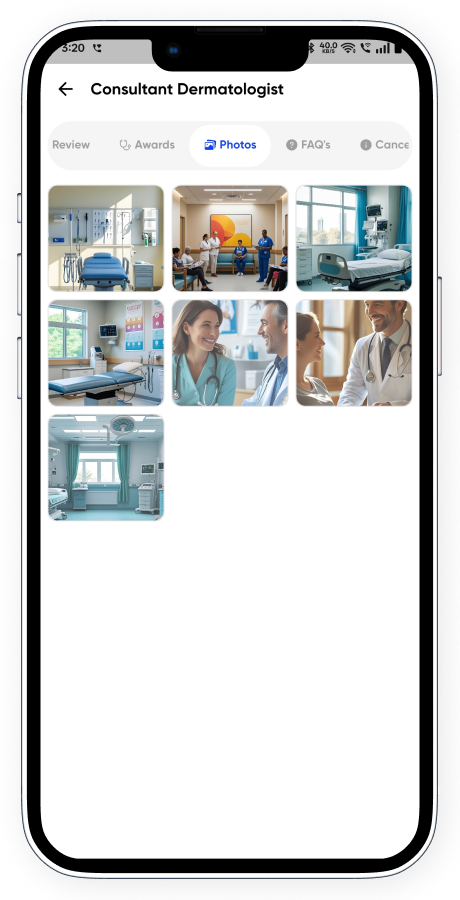
- Profile & Content Management: Add and manage gallery, about section, awards, FAQs, receptionist details, and coupons.
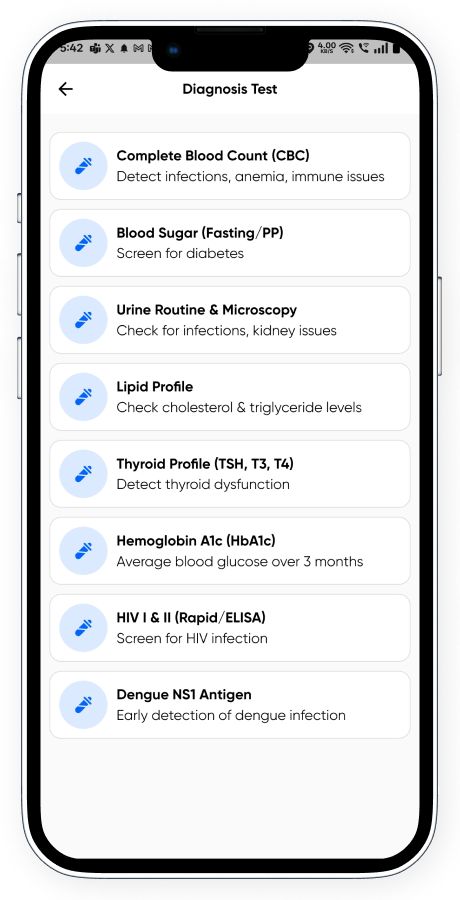
- Clinical Data Entry: Maintain vital & physical records, medicines, and diagnostic tests discussed during consultation.
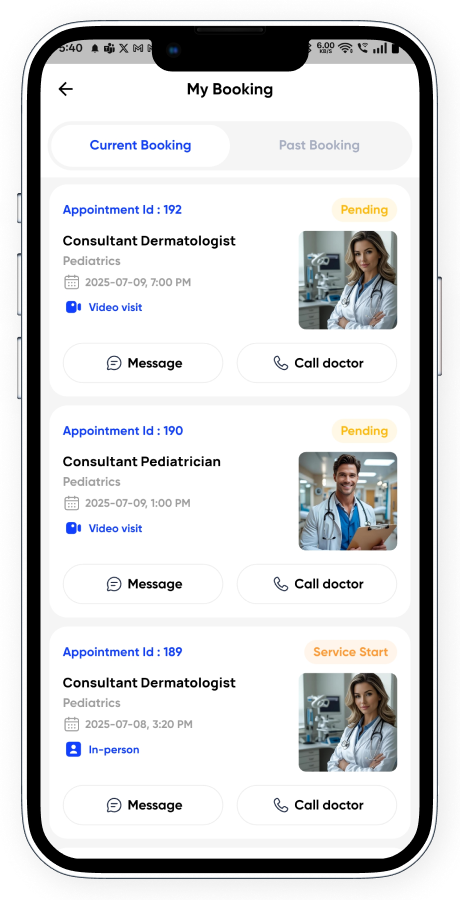
- Appointment Management: View and manage all bookings — join video calls or start/stop in-person appointments using OTP or QR scan.
- Health Concern Access: Review patient-submitted symptoms, descriptions, images, or medical documents before consultation.
- Real-time Prescription Builder: Fill in vitals, medicines (type, dosage, frequency), instructions, and diagnostic test recommendations.
- Digital Prescription Sharing: Instantly share downloadable prescription with the patient after completion.
- Appointment Cancellation: Option to cancel any appointment before start with a valid reason.
- Secure Doctor-Patient Chat: Real-time chat support with patients, active post-booking.
- Personal Settings: Set your signature, additional patient charges, default messages, and consultation duration.
- Earning & Wallet Tracking: Monitor total earnings, manage cash in hand, and raise withdrawal requests.
- Push Notifications: Receive updates on bookings, patient messages, and promotional alerts.
- Multi-language Support: Switch to preferred language for comfortable use.
- Profile Updation: Easily edit and update personal and professional details.
✅ Lab Owner Module Features
- OTP-based Signup & Secure Login: Simple onboarding using mobile number and quick login system.
- Smart Dashboard Access: View insights into lab packages, home collection requests, coupons, and earnings.
- Flexible Test Package Creation: Add individual or bundled lab packages with full details, pricing, and report types.
- Sample Collection Charge Setup: Define extra charges for home collection services per package.
- Multiple Sample Collectors: Add home collection agents with contact details to assign for bookings.
- Promotion via Coupons: Generate and manage coupons for users to redeem on lab bookings.
- Booking Management Panel: View complete booking history with patient data, selected packages, and test details.
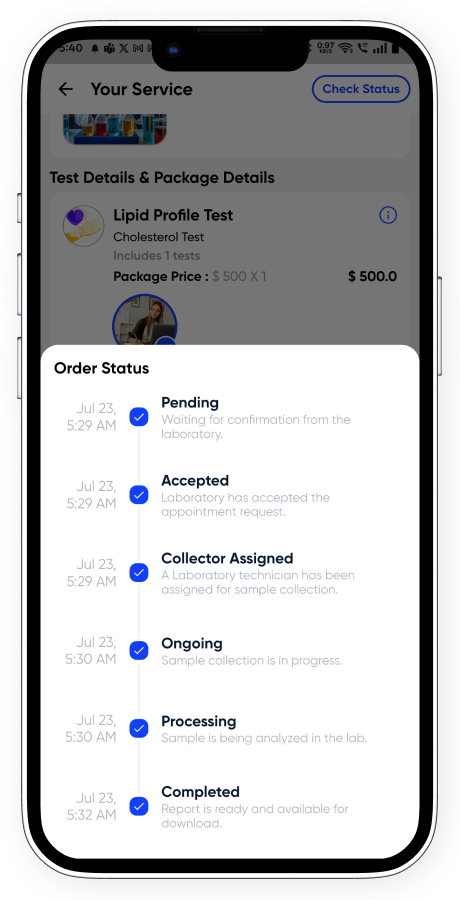
- Live Booking Status Update: Manage and update each booking’s status from Pending to Completed or Cancelled.
-
Booking Statuses with Workflow:
- 1 – Pending
- 2 – Accepted: OTP is generated for verification.
- 3 – Collector Assigned: Assign a collector with name, phone, and email.
- 4 – Ongoing
- 5 – In Progress
- 6 – Completed
- 7 – Cancelled
- Report Upload Feature: Upload diagnostic reports (PDFs) per patient once booking reaches “In Progress” status.
- Real-time Notifications: Users get notified on each status change instantly.
- Profile Management: Update lab owner information including contact, address, and credentials.
- Multi-language Support: Use the app in preferred language for local convenience.
- Account Control: Option to delete the lab owner account if needed.
- Earnings & Withdrawals: View full financial history, manage cash in hand, and request payouts with complete tracking.
Admin Panel Demo Access Click Here
Admin: https://godoctor.cscodetech.cloud
Phone/Email : +91 9999999999 or admin@admin.com
Password : 123
Customer App Demo Access
Note: We have restricted some functions in our demo version, but if you use your own phone number, you can fully experience and test the entire app flow. We have enabled this feature specifically for users who want to sign up and explore the app’s functionalities step by step.
Doctor/Lab Owner Demo Access
Doctor Login Info:
Phone/Email : +91 1234567890 / meera.sharma@cscodetech.com
Pw: 123
Lab Owner Login Info:
Phone : +91 9988776655 / care@cscodetech.com
Password : 123
Website Demo Access
Note: We have restricted some functions in our demo version, but if you use your own phone number, you can fully experience and test the entire app flow. We have enabled this feature specifically for users who want to sign up and explore the app’s functionalities step by step.
Test accounts for payment
- Flutterwave test cards Click here: https://developer.flutterwave.com/docs/test-cards
- Credit Card for Stripe: 4242 4242 4242 4242 – Anything in the CVV and expiration date
- Credit Card for Razorpay: 4111111111111111, Exp: 12/25, CVV: 111
Faced a problem? Need assistance with the product? No worries – our customer support team is always ready to help you.
- Support requests are being processed on business days from 10:00 to 18:00 (IST +05.30) within 24h to 48h.
- We suggest, while our team reviews your support request, please read the documentation that comes in the zip file of Codecanyon. You can download it from Codecanyon: https://codecanyon.net/downloads
- We are in IST+5:30 time zone. We address all the support queries 5 days weekly (Saturday & Sunday off).
- Have pre-sales questions or concerns, please write to us via our website contact page
- If you like our product and support then please drop a rate and write a review at: https://codecanyon.net/downloads
Disclaimer
- Required subdomain configuration for the setup panel
- VPS server required (Nodejs Supported Server)
Refund Policy
- We don’t offer a refund. (If the item is downloaded)
- Please read the description and compatibility content thoroughly before purchasing as we don’t offer a refund if you buy it by mistake.
- Be Aware : We do not sell any of our items outside the Envato market