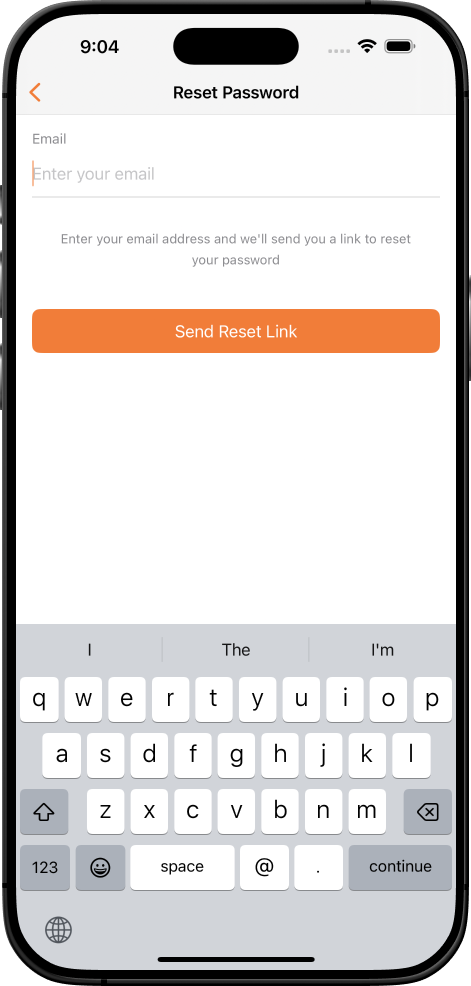
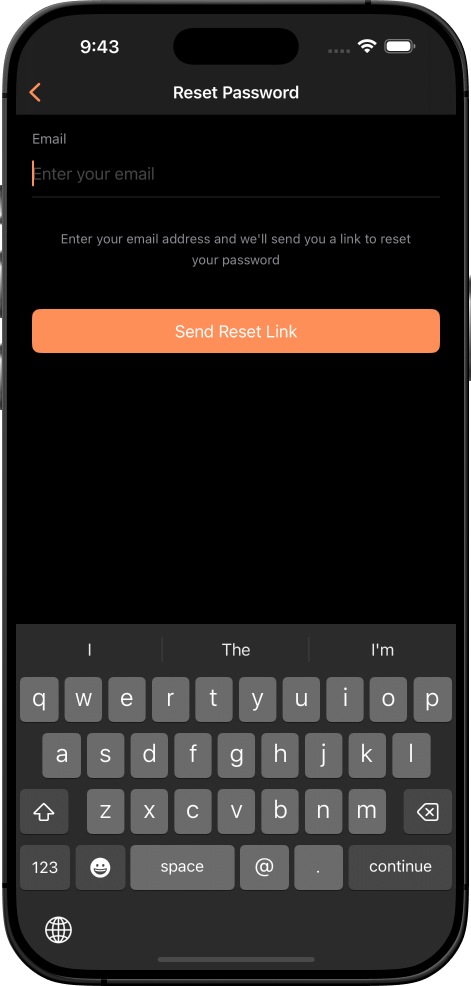
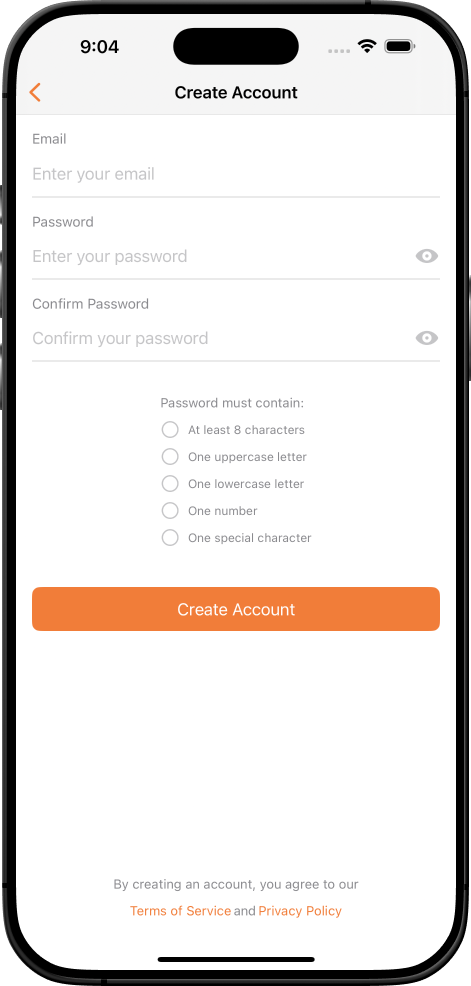
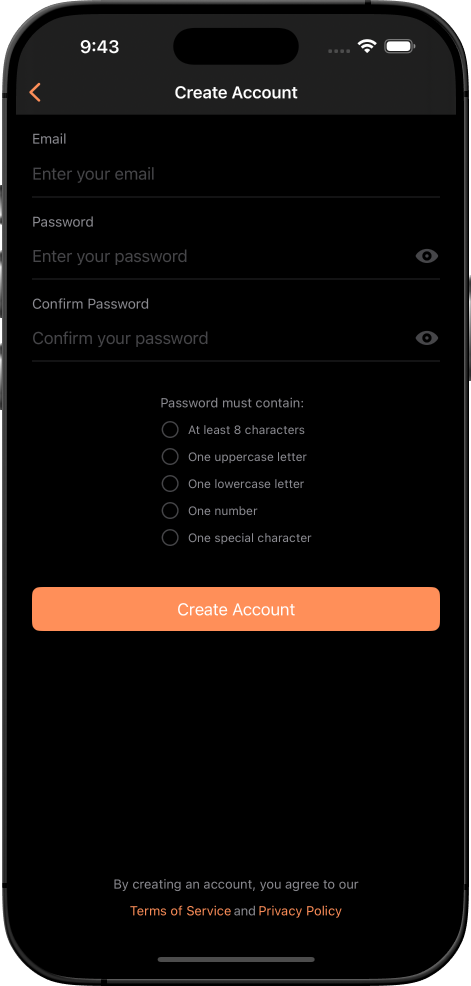
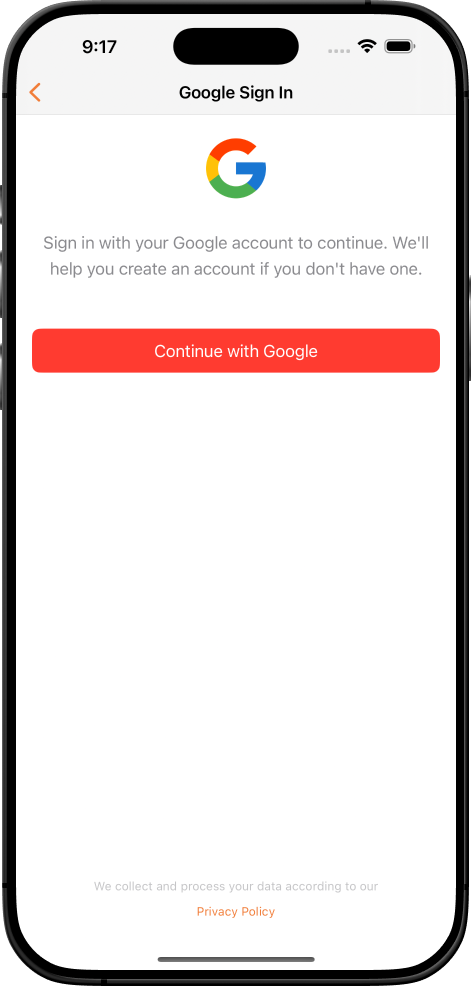
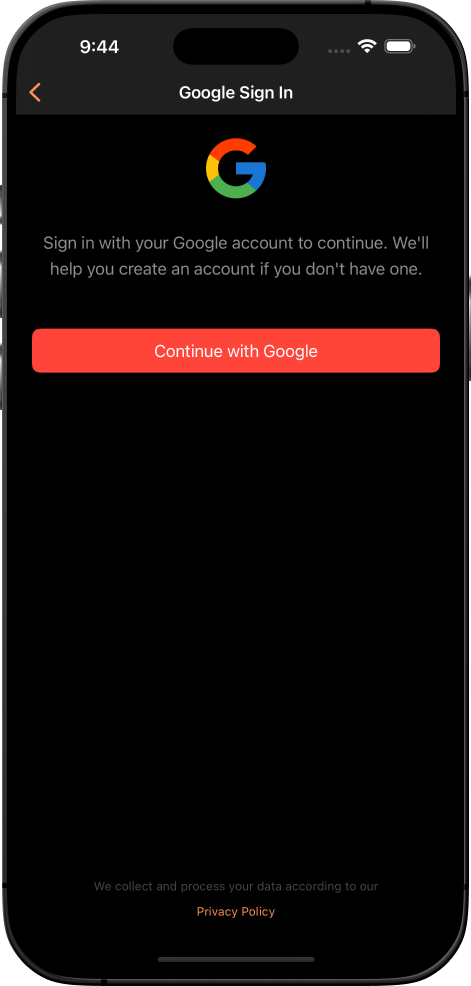
Test Before You Buy:Request TestFlight access to try the full module on your own iOS device within minutes. Download the free TestFlight app, sign in with your email, and test all authentication flows and UI components (see How to test an app on TestFlight). Email devtulon@gmail.com with your TestFlight email and your Facebook username or Facebook ID (open this tutorial video and go to 19:13 minutes to see “How to get your Facebook User Name”) to receive an invitation. Your provided data will be deleted within 72 hours of sending the TestFlight invitation via email. Please follow the below email format for asking the invitation: |
|
Email Format:
Subject: TestFlight Beta Access – Firebase Authentication Pro
To: devtulon@gmail.com

Hi,
I'm interested in testing the Firebase SwiftUI Authentication Pro module before purchase.

TestFlight Login: your.email@example.com
Facebook Login: FacebookID or User Name (see instructions below)

Please send me the TestFlight invitation.

Thank you!

Best regards,
Your Name
|
|
Note: The Facebook email is required to add you as a test user in our Facebook Developer portal for Facebook Login functionality. This email will be removed 72 hours after the invitation email is sent. Other authentication methods (Apple Sign-In, Google, Twitter, Email/Phone) do not require any additional setup. |
AI-Powered Development Ready
The first CodeCanyon iOS module optimized for AI-assisted development with Claude/ChatGPT. Includes 10 architectural documentation files, enabling 50% faster customization using AI tools. Exclusively available on CodeCanyon with full support and updates.
- 10 Architecture Documentation Files: CommunicationProtocol.md, ArchitectureImplementation.md, FirebaseImplementation.md, CodingStandards.md, UIStyleGuide.md, SecurityImplementation.md, TestingGuidelines.md, and more
- AI-Optimized Format: Structured specifically for Claude/ChatGPT integration with clear implementation protocols
- Project Structure Guide: Complete directory structure with 25+ SwiftUI views and components
- Firestore Schema Documentation: Detailed database structure and security rules
- Implementation Priority Guide: Step-by-step setup sequence for fastest integration
Enterprise-Grade Architecture
- MVVM + Router pattern with type-safe navigation and clean separation
- Protocol-oriented, mockable services for easy testing
- Scalable, adaptable architecture with zero vendor lock-in
- Firebase cost optimization: 60-80% reduced reads via caching, batch writes, and offline-first sync
- Smart document structuring and connection pooling for minimal query costs
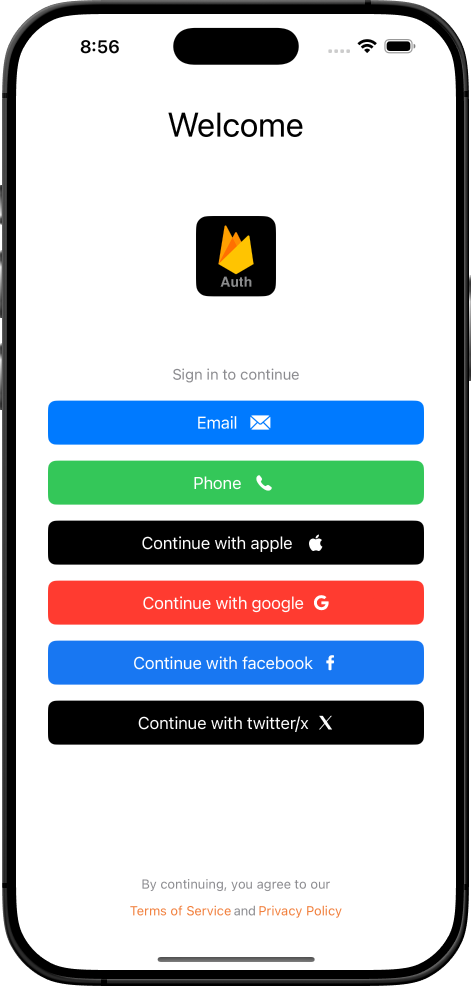
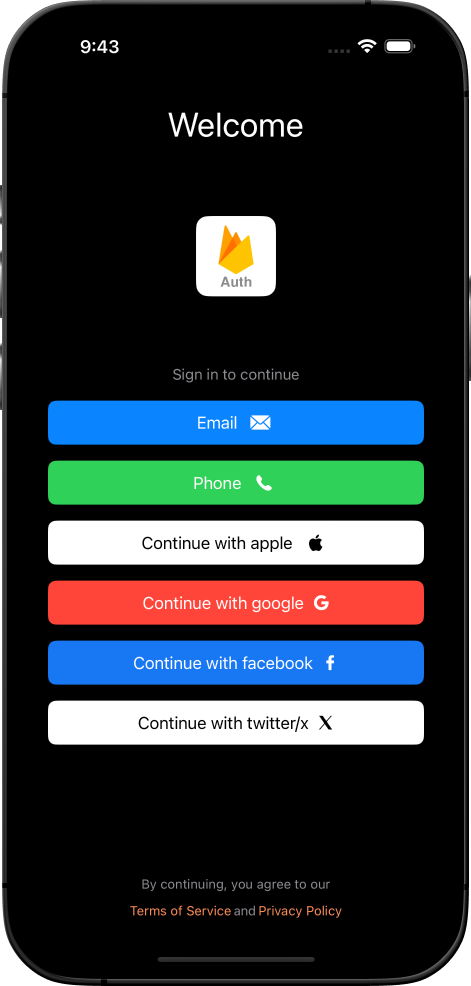
Complete Authentication System
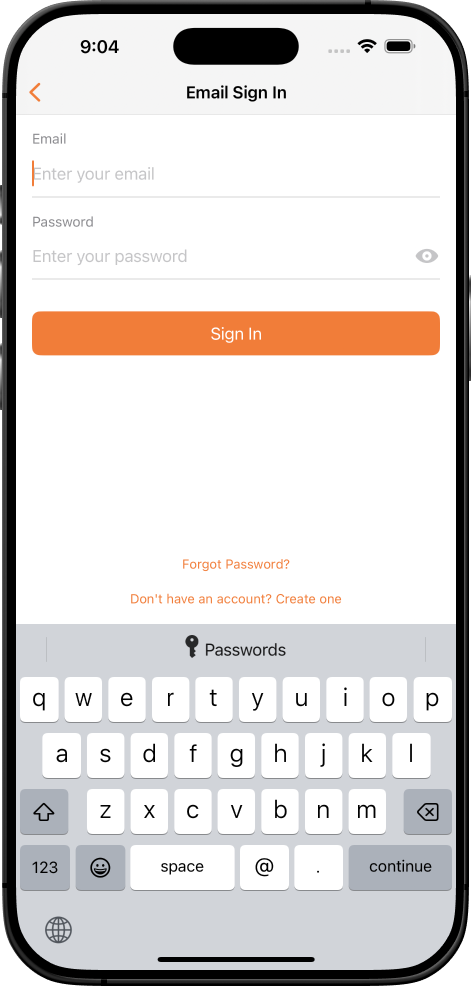
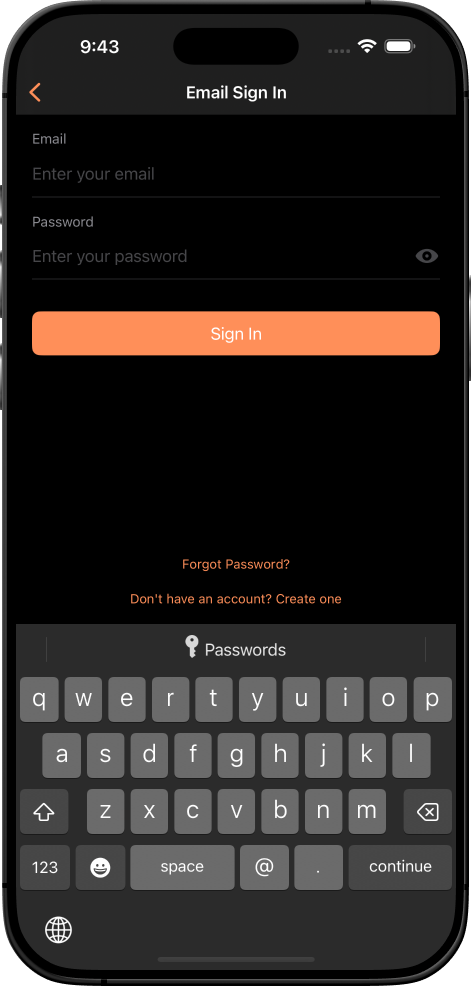
- Email/Password: Verification and password reset flows
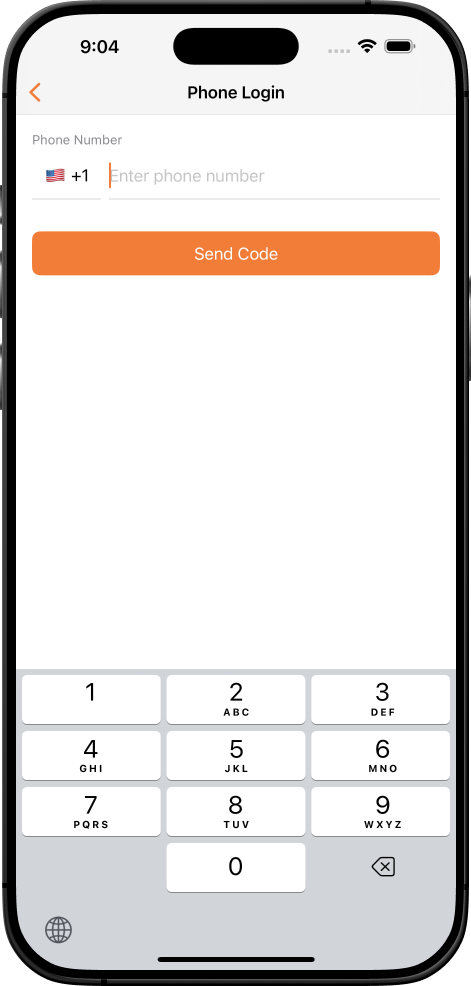
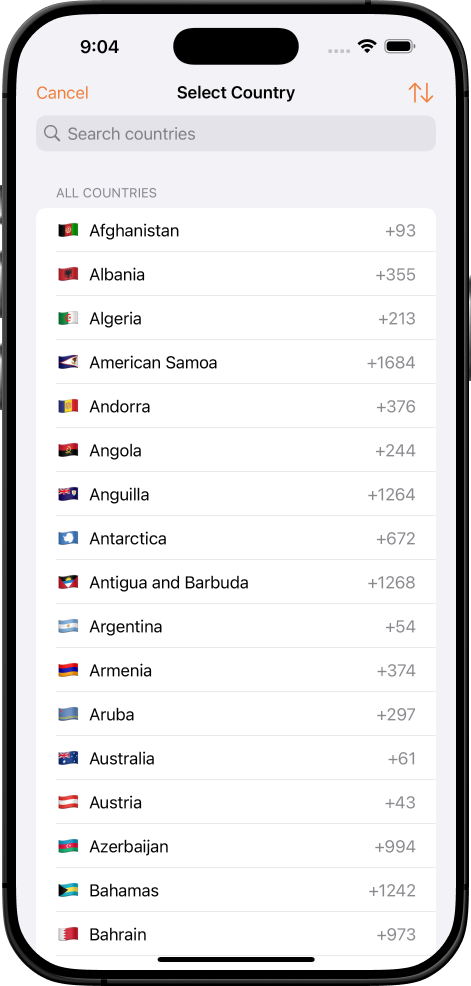
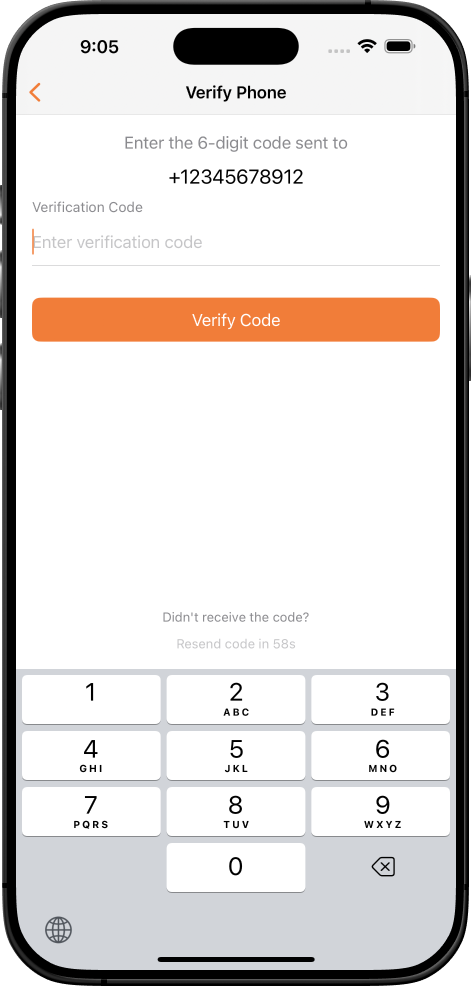
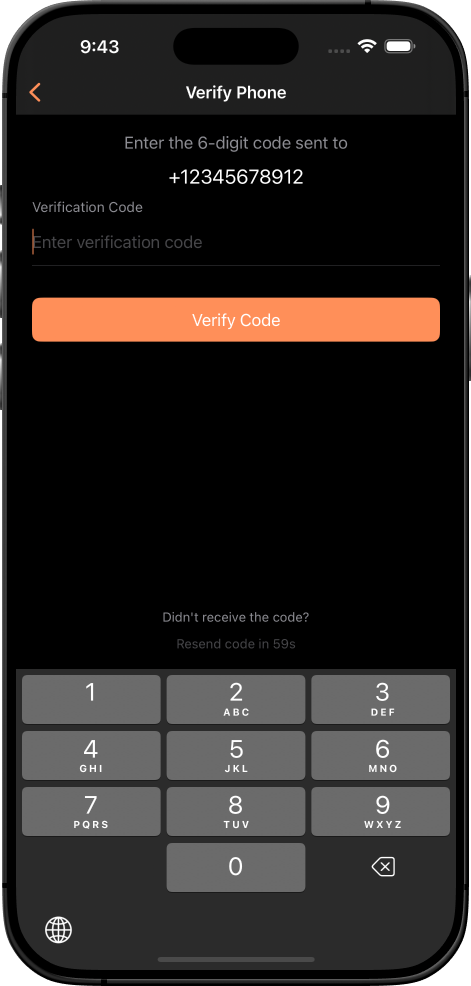
- Phone (SMS): Supports 197+ countries with multi-language validation
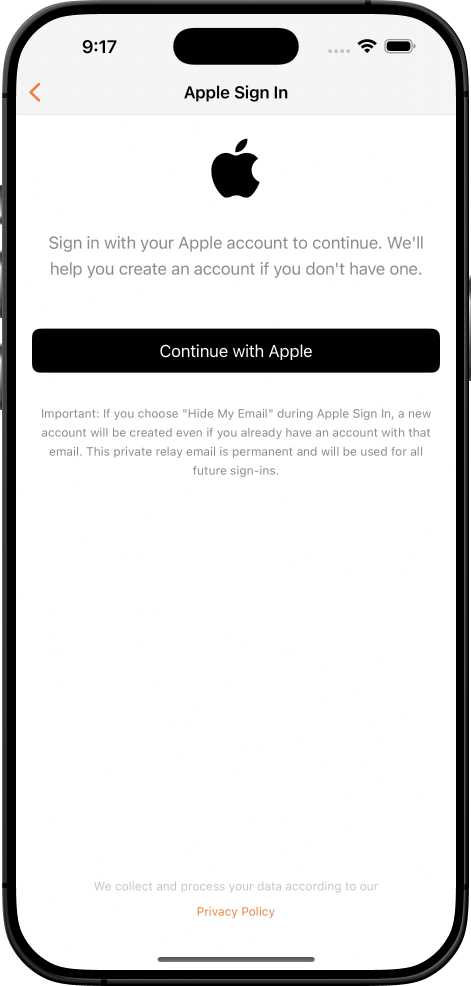
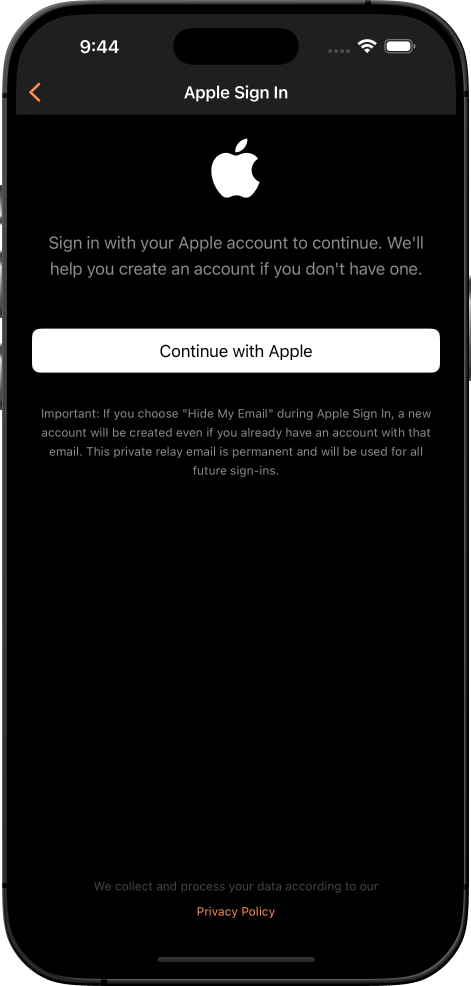
- Apple Sign In: Native integration with privacy compliance
- Google Sign In: Official SDK with credential verification
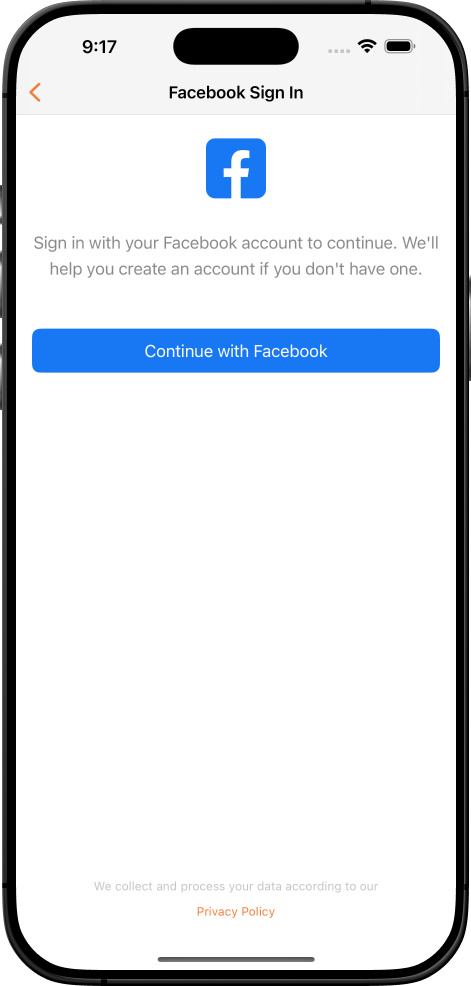
- Facebook Login: Graph API with profile sync
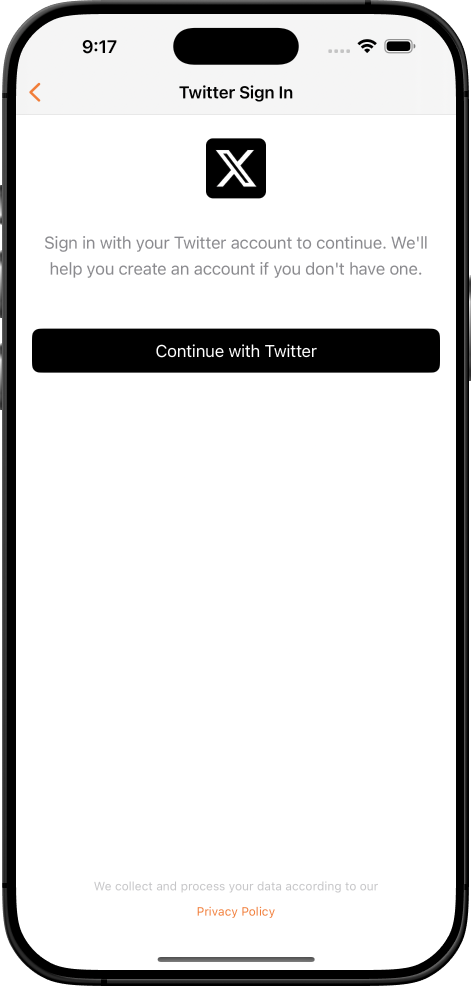
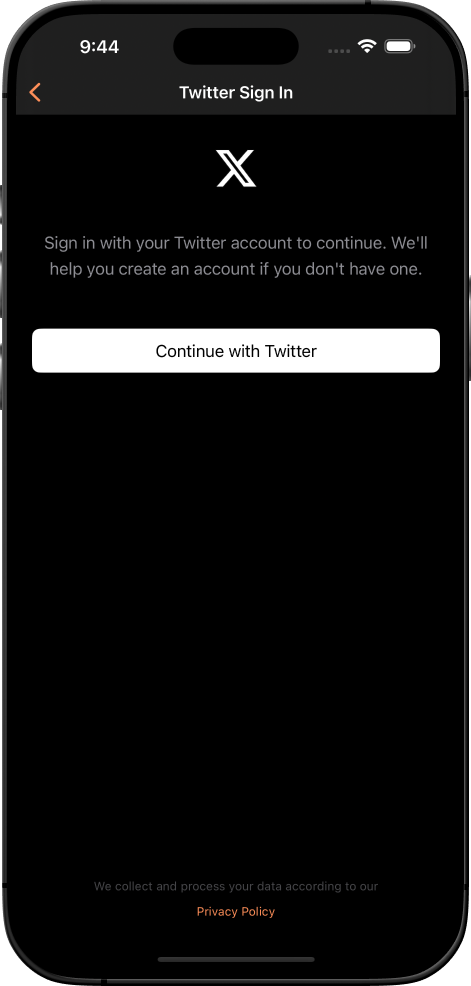
- Twitter OAuth 1.0: Complete authentication flow
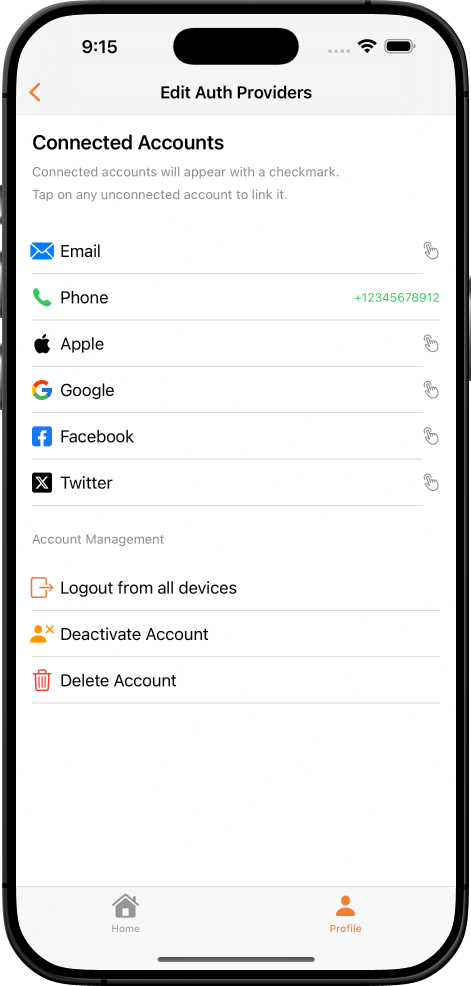
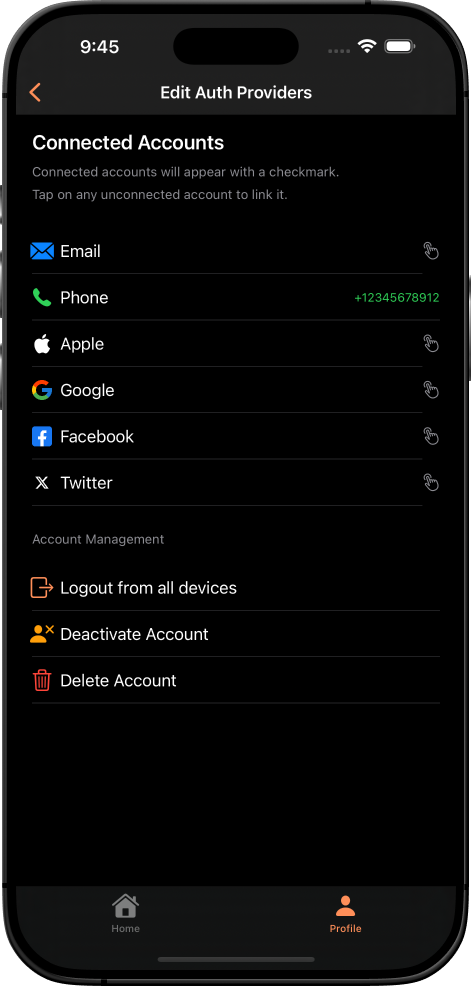
- Provider Linking: Connect and manage multiple authentication methods for single user account
- Security: Session management, token refresh, force logout, and re-authentication
Advanced Profile Management
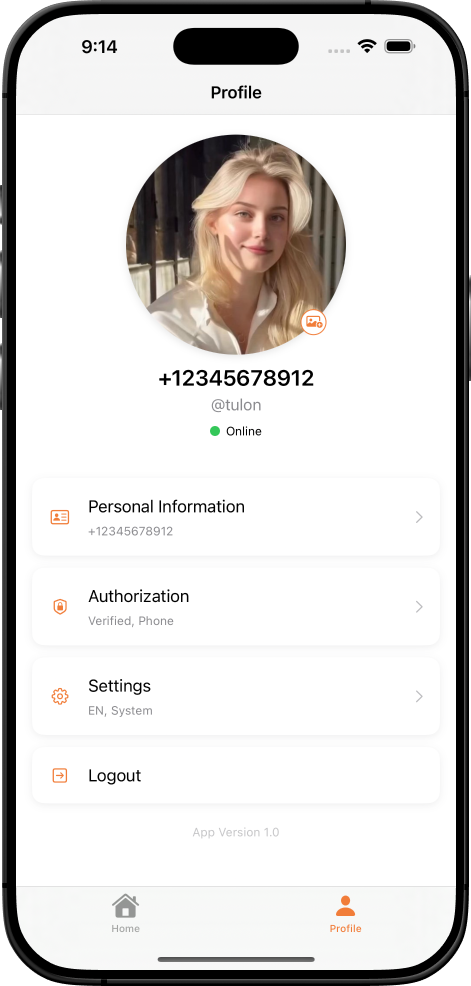
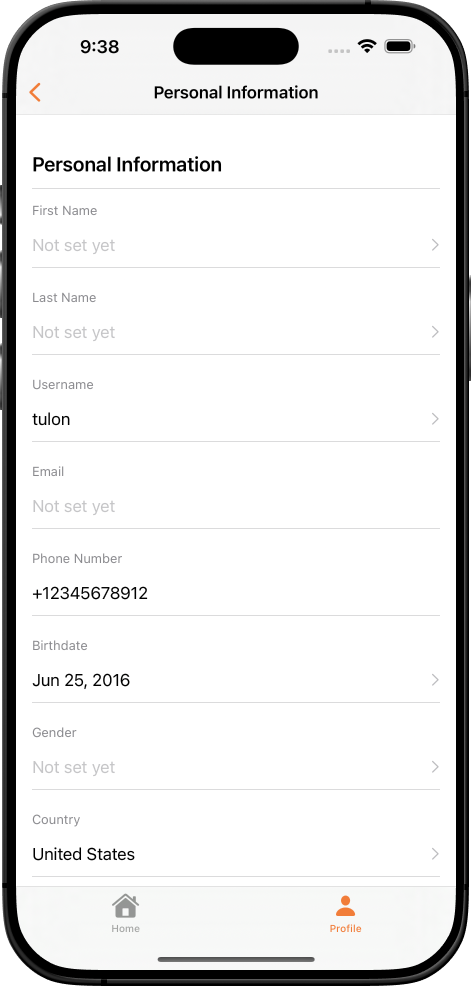
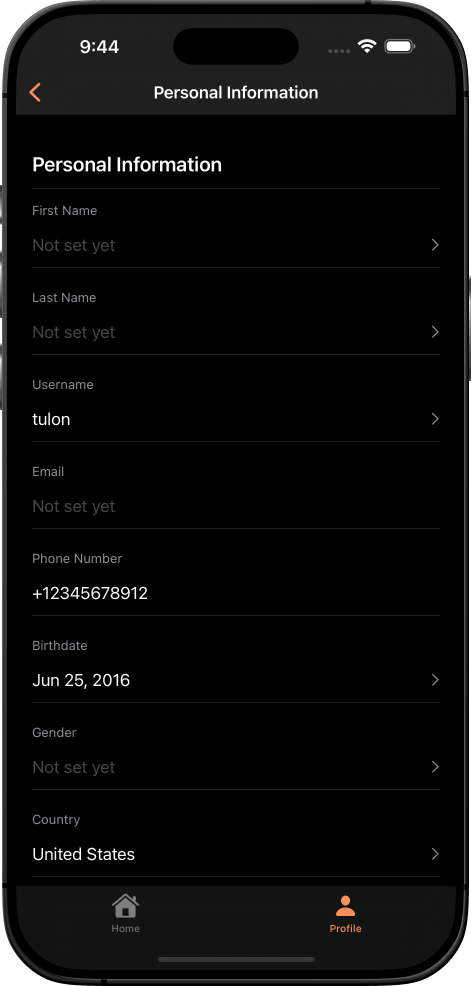
- Real-time profile sync with user-friendly CRUD operations
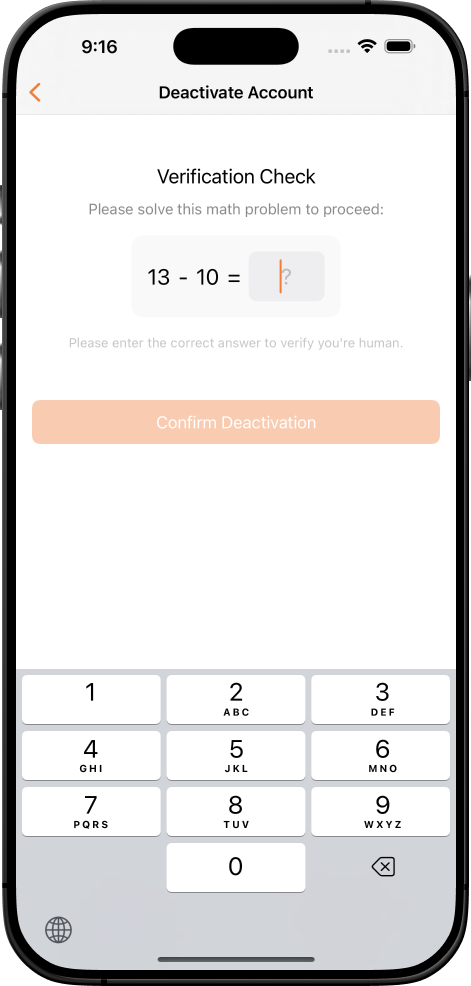
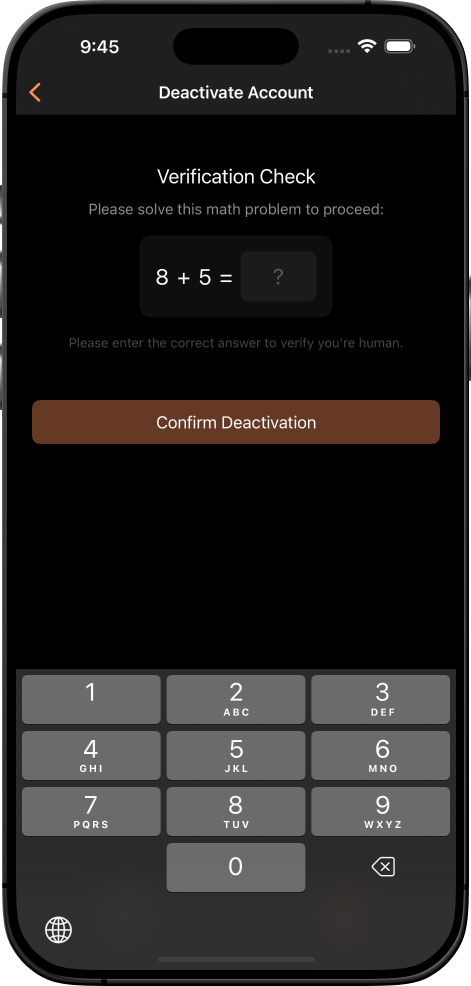
- Account management: Deactivate/delete with confirmation
- Account status management and user data control features
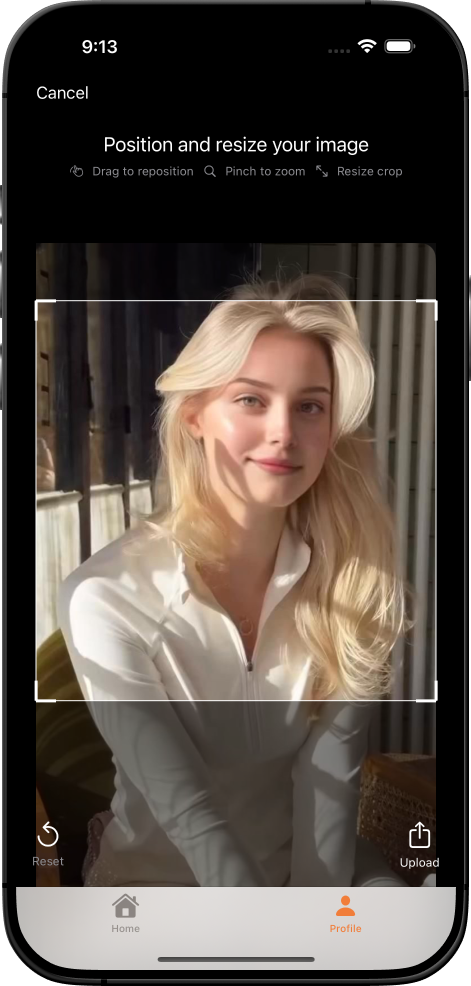
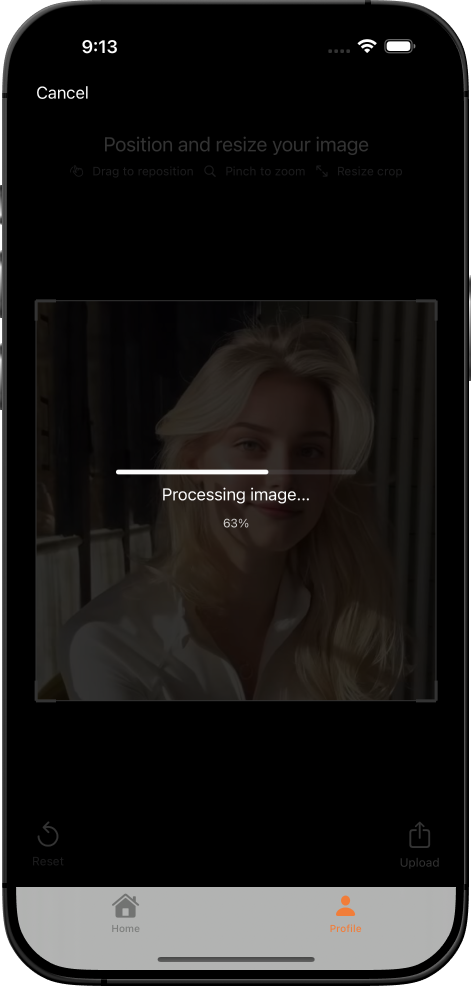
- Professional image system: Multi-size processing (128×128, 256×256, 512×512), gesture-based crop/resize, Firebase Storage integration
Modern SwiftUI Design System
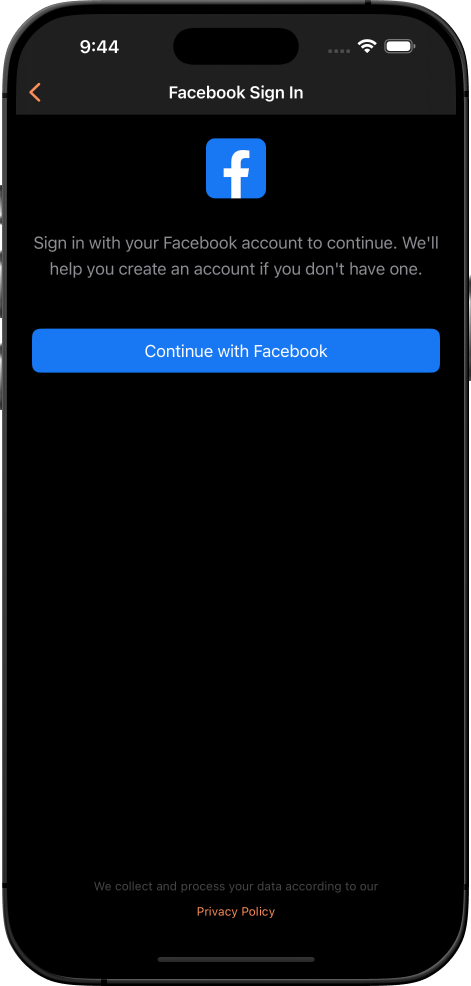
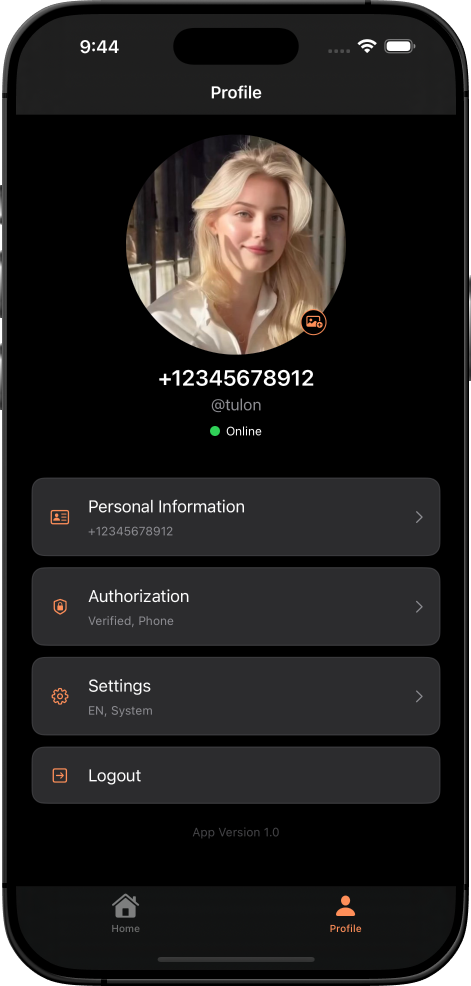
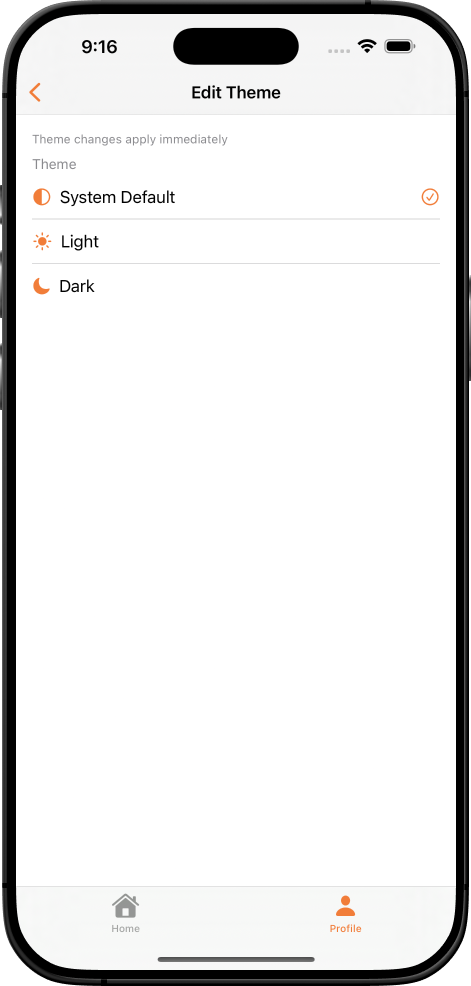
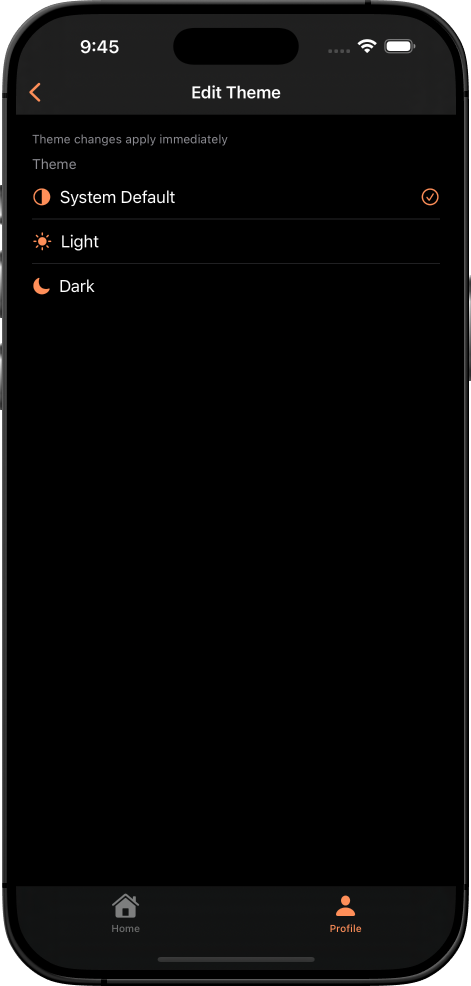
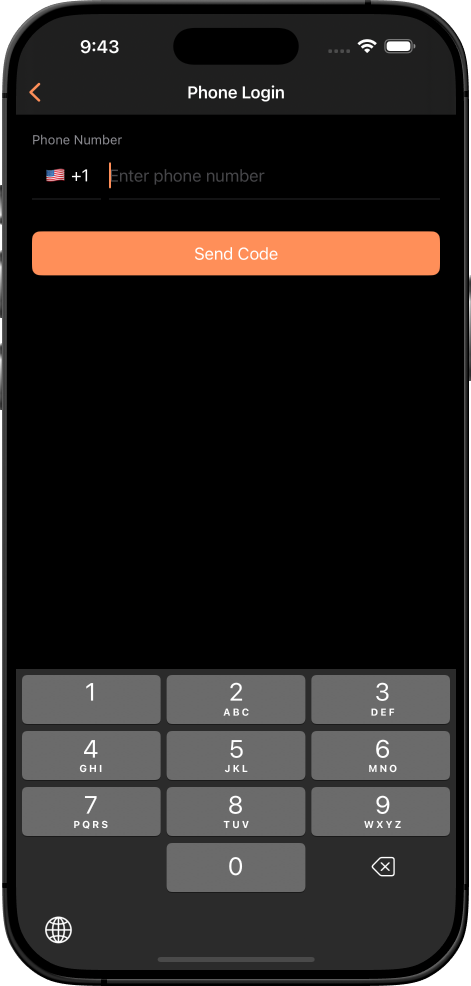
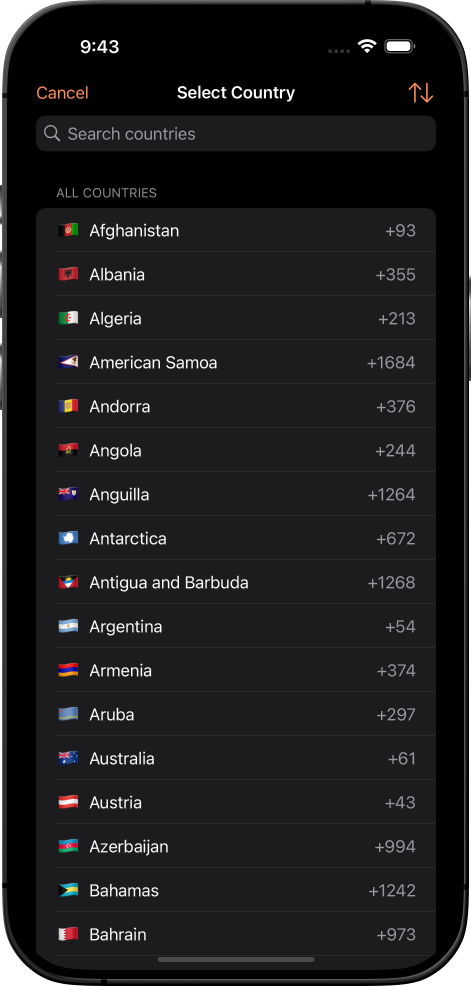
- 60-30-10 color distribution for dark/light mode
- Dynamic Type typography and 8pt grid layout
- 25+ reusable SwiftUI components, fully customizable
- Responsive design for all iOS devices
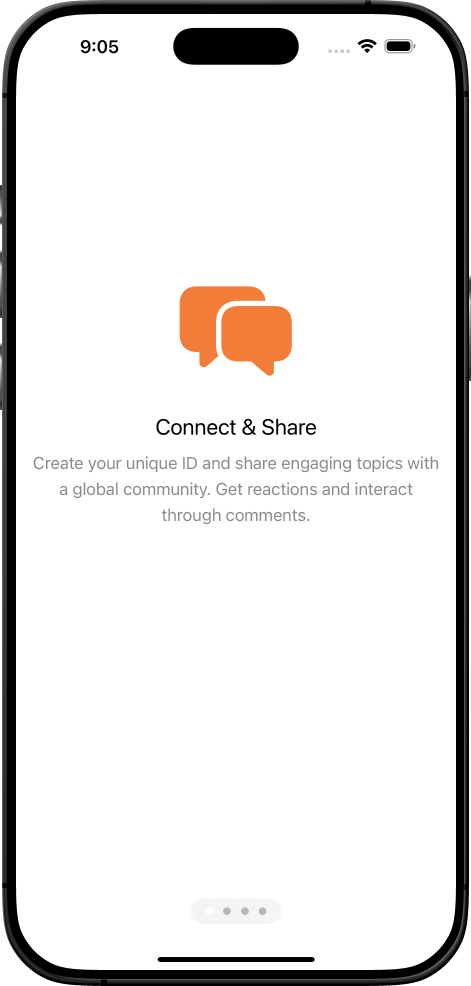
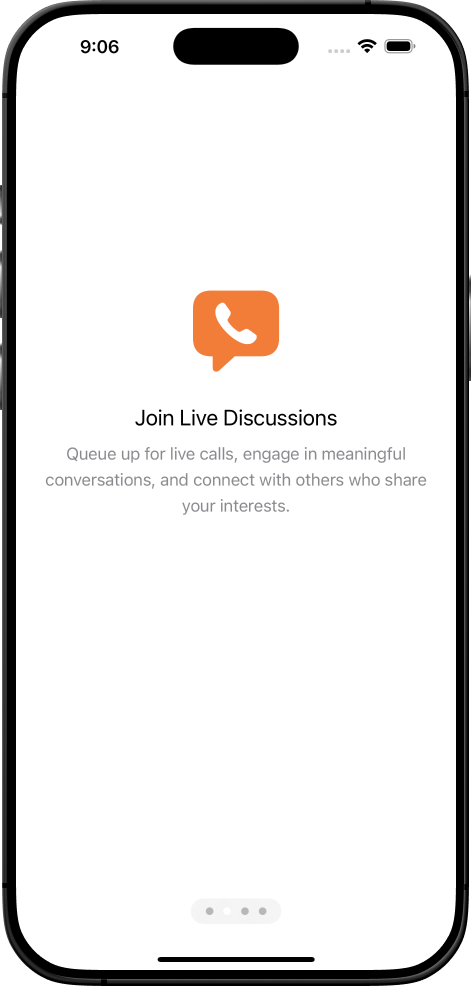
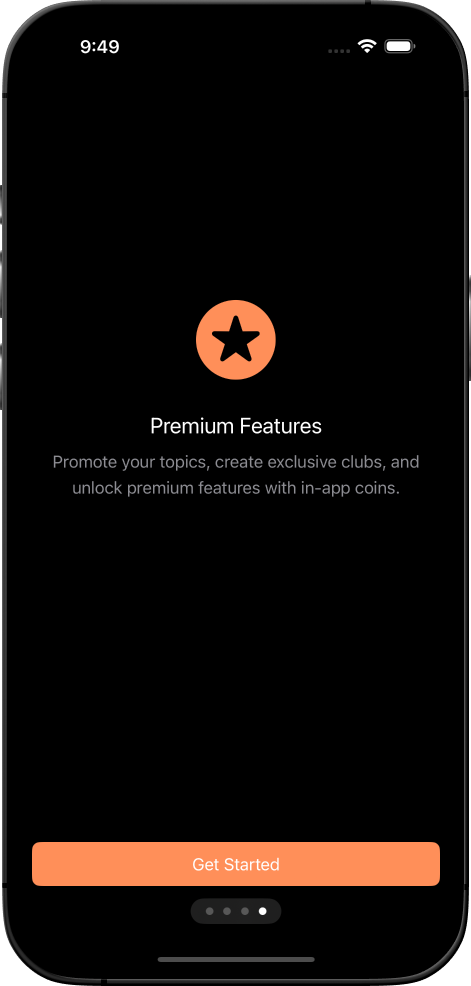
- See our demo video [link placeholder] for UI showcase
Developer Experience Excellence
- ValidationService for centralized input handling
- TaskManager for async operation management
- AlertHelper for consistent alerts
- FormatHelper for localized date/number formatting
- ImageProcessingService for optimized image handling
- Zero hardcoded values, unified styling, and comprehensive logging
iOS 18+ Modern Implementation
- Built for iOS 18+, Swift 5.9+, Xcode 16.1
- Pure SwiftUI 5.0 with no UIKit dependencies
- GDPR-compliant with analytics and error tracking
- Thread-safe concurrency with async/await
- Performance optimized with lazy loading
What’s Included
- Full Xcode 16.1 project with 25+ SwiftUI views
- Firebase integration with cost optimization
- Country list with flags and dial codes (195+ countries)
- App icons, UI assets, and color schemes
- 10 structured documentation files optimized for AI-assisted development
Comprehensive Support
- Free integration support: Setup, troubleshooting, and Firebase assistance
- Custom development available: UI customization, new features, and optimization
- Contact: devtulon@gmail.com or +8801675454866
Technical Specifications
- macOS: Sequoia 15.1.1+, Xcode 16.1+, iOS 18+
- Framework: SwiftUI Native, Swift 5.9+
- Backend: Firebase (Auth, Firestore, Storage)
- Universal iOS app (iPhone/iPad)
Prerequisites & Costs
- Apple Developer Program: $99/year (for Sign in with Apple)
- Firebase Blaze Plan: ~$10-20/month for 1,000 users with optimizations
- Free integrations: Google, Facebook, Twitter accounts
- Firebase Spark Plan supports authentication (excludes Storage)
Implementation Benefits
- Reduces authentication setup from weeks to under 4 hours
- Production-ready for App Store submission
- Scalable from MVP to enterprise
- Reusable across projects with minimal maintenance
- Unlike competitors, offers AI-ready docs and TestFlight access
Licensing
- Standard License: Use in unlimited apps (see CodeCanyon for pricing)
Getting Started
- Purchase: Download the source code and follow the documentation
- Integrate: Use AI-ready docs for rapid setup
- Deploy: Follow guides for seamless integration
Why Choose Us?
- Launch faster: Complete authentication in hours
- Save costs: 60-80% Firebase usage reduction
- AI-ready: Customize with Claude/ChatGPT
- Trusted: Test via TestFlight before buying
- Scalable: Enterprise-grade for startups to large apps
FAQ
-
Do I need a paid Firebase account?
- No, a free Spark Plan works for authentication.
Note: A credit card is required in the Google Cloud Console to activate the Spark Plan, but no charges apply unless you exceed free tier limits. -
Can I customize the UI?
- Yes, fully adaptable to your branding. -
Is a paid Apple Developer Program membership needed?
- Yes, for Sign in with Apple ($99/year). -
How do the AI-ready documentation files help with development?
- The 10 architectural documentation files are specifically formatted for AI assistants like Claude and ChatGPT. You can upload these files to AI tools for instant project understanding, enabling 50% faster customization, bug fixes, and feature additions without manually explaining your codebase structure.
Project Updates
Version 1.0.0 – Initial Release
Video Tutorial
- Complete Setup Guide: Watch the full tutorial for step-by-step installation and configuration
- Feature Demo: View the complete feature showcase demonstrating all authentication flows and UI components