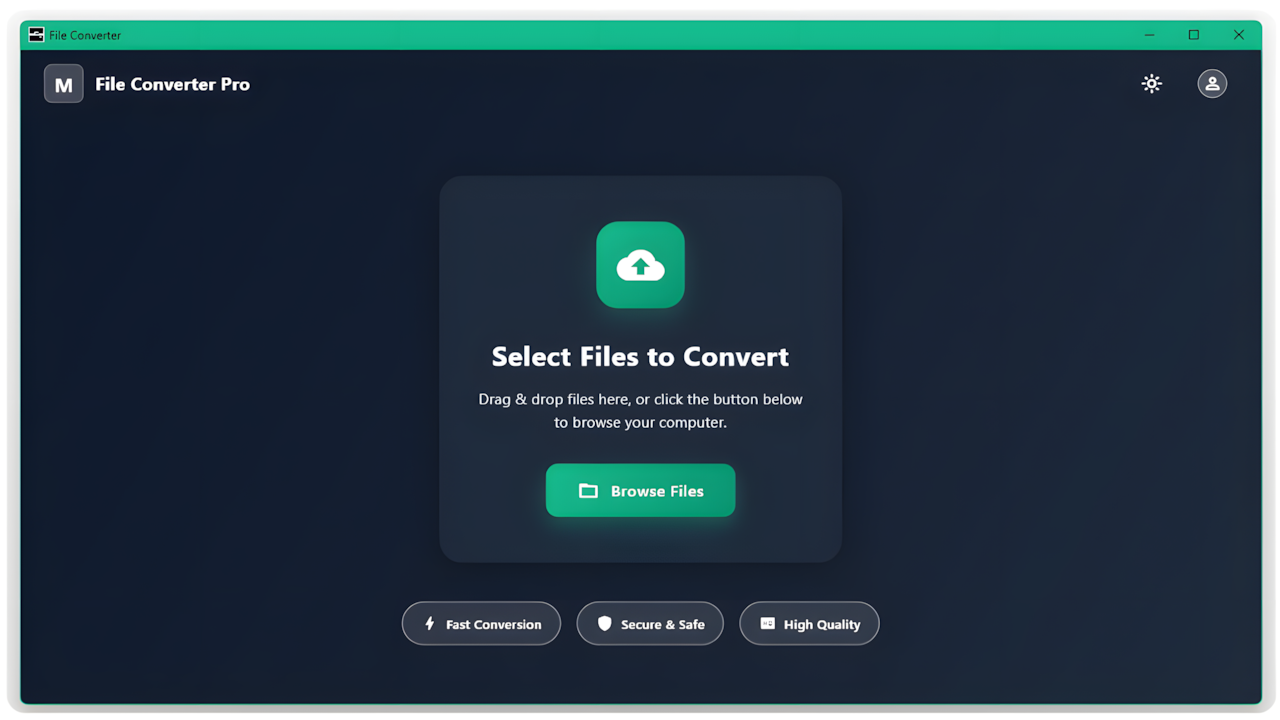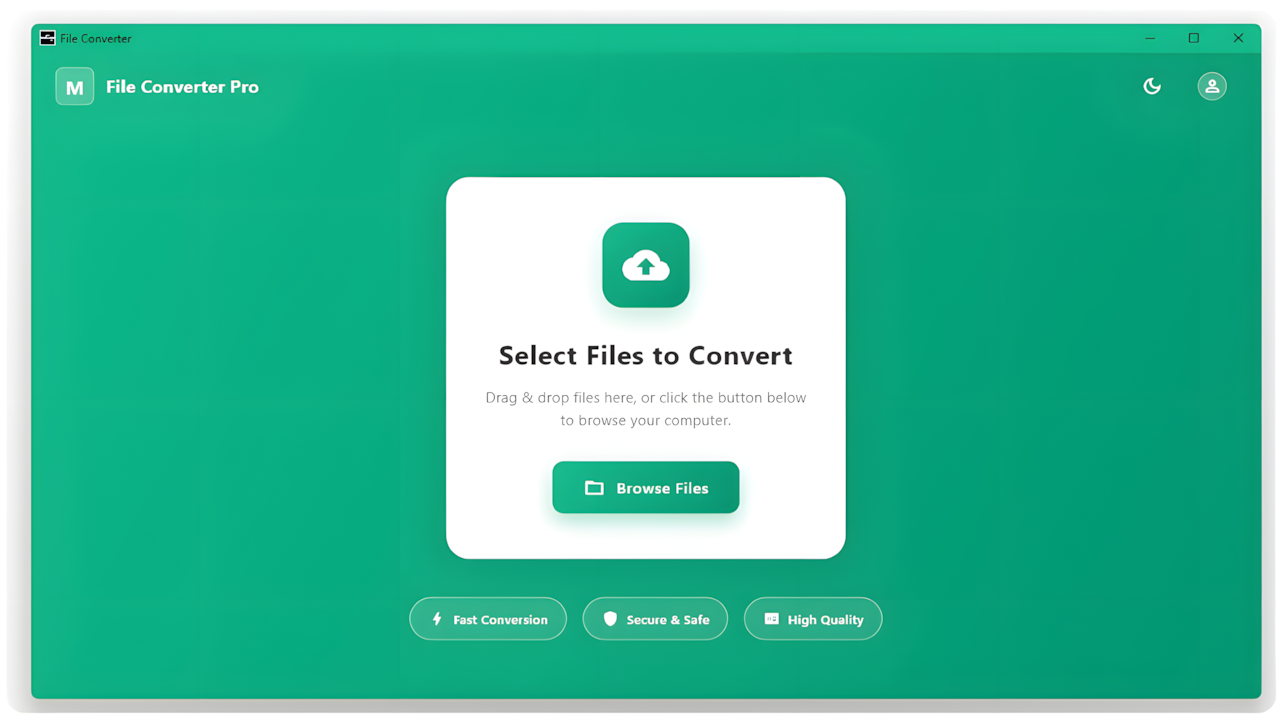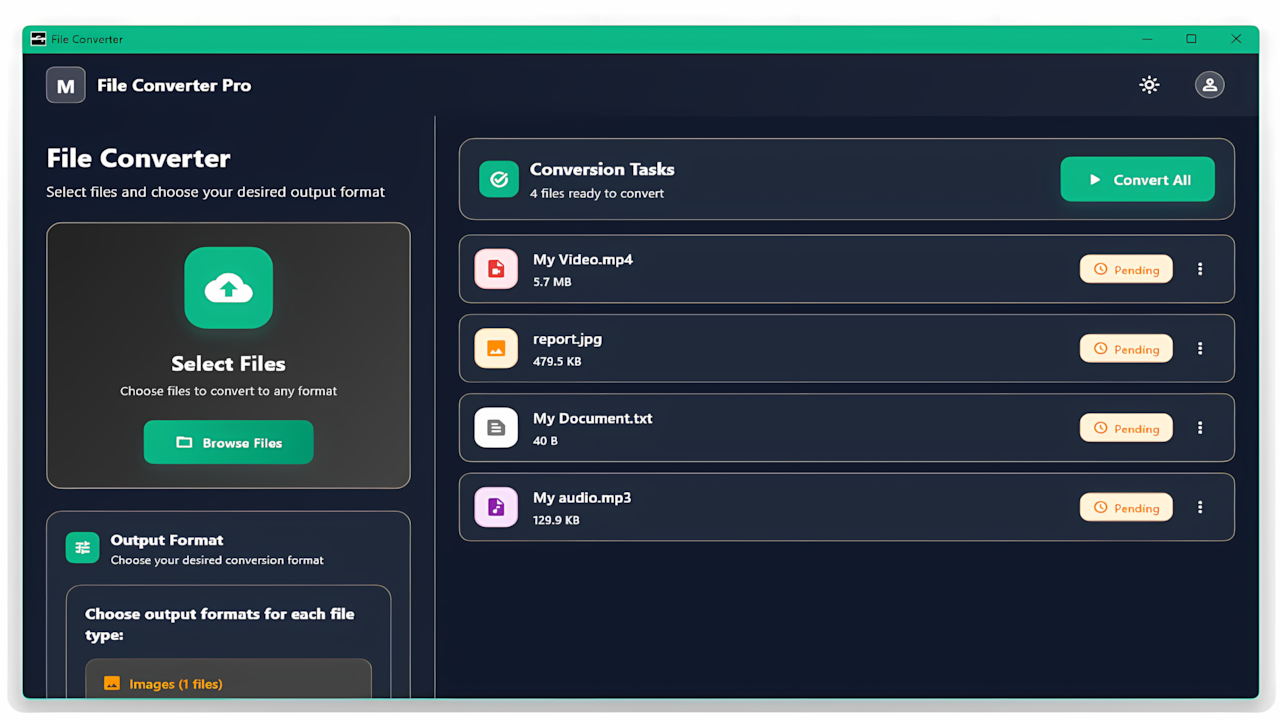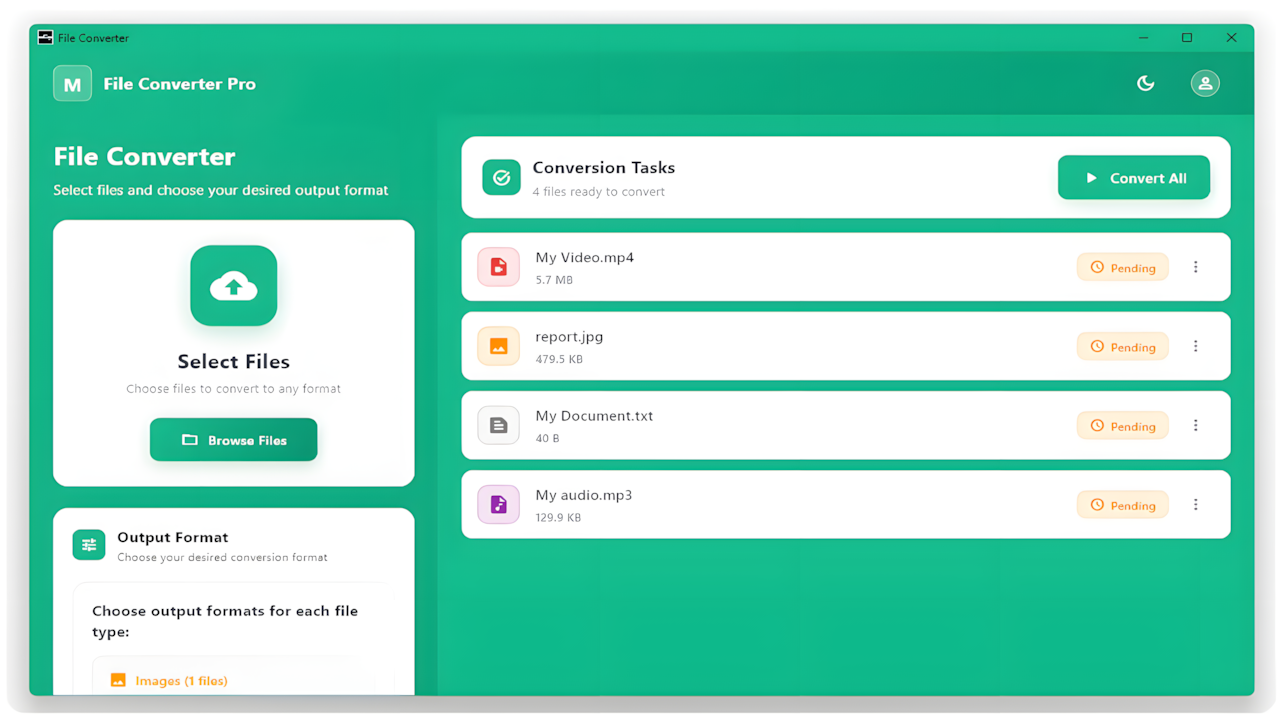
File Converter Pro
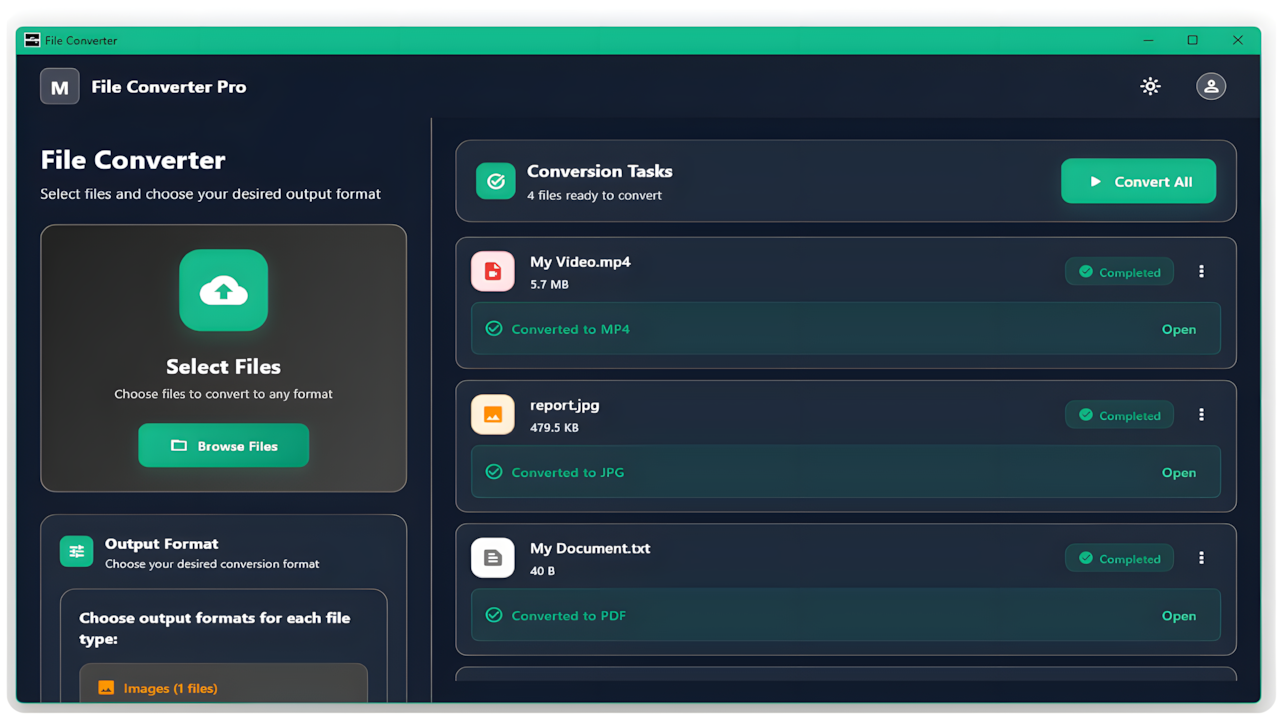
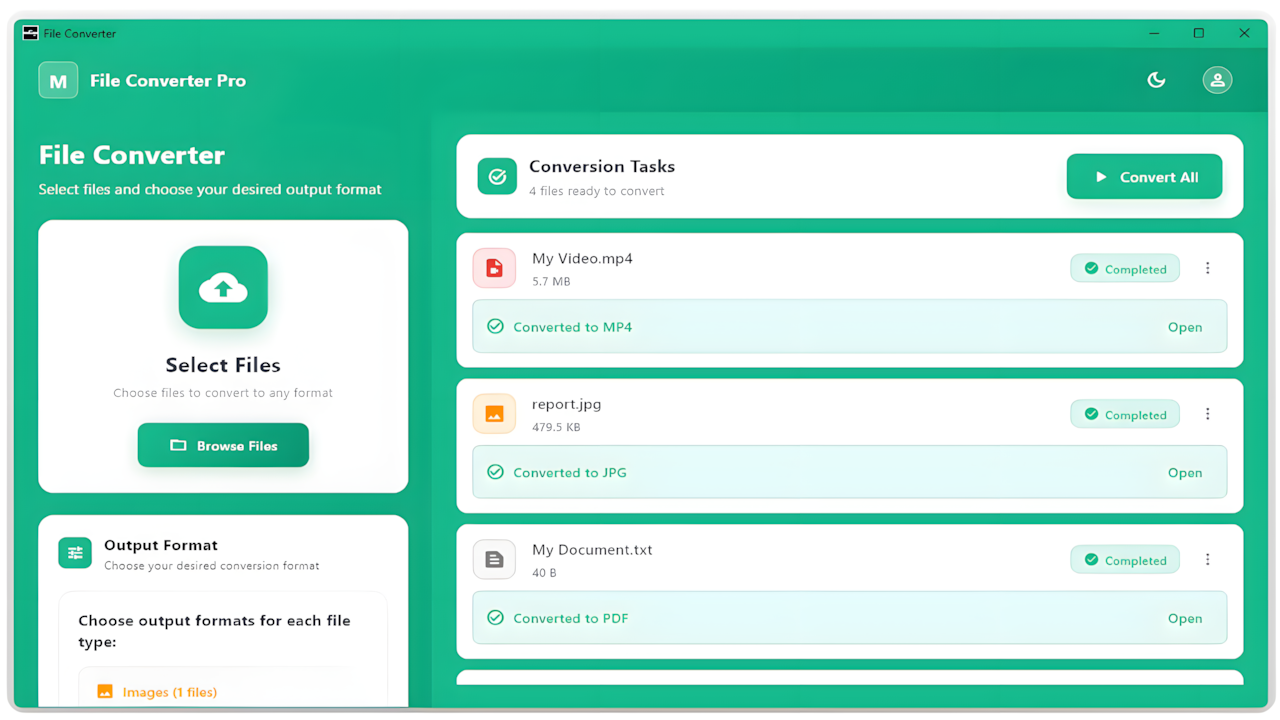
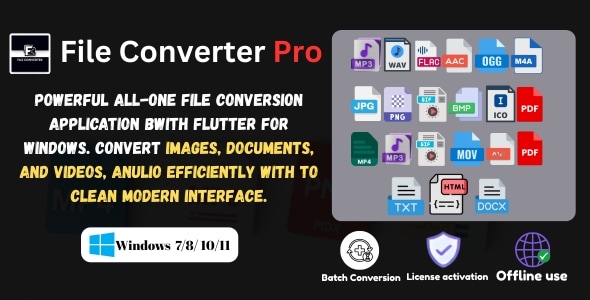
File Converter Pro is a lightweight and powerful Windows tool for converting audio, video, image and document files with fast performance and offline support. Designed for content creators, editors and professionals who require stable and accurate file conversion across multiple formats.
Try the mobile version: Get it on Google Play
Key Features
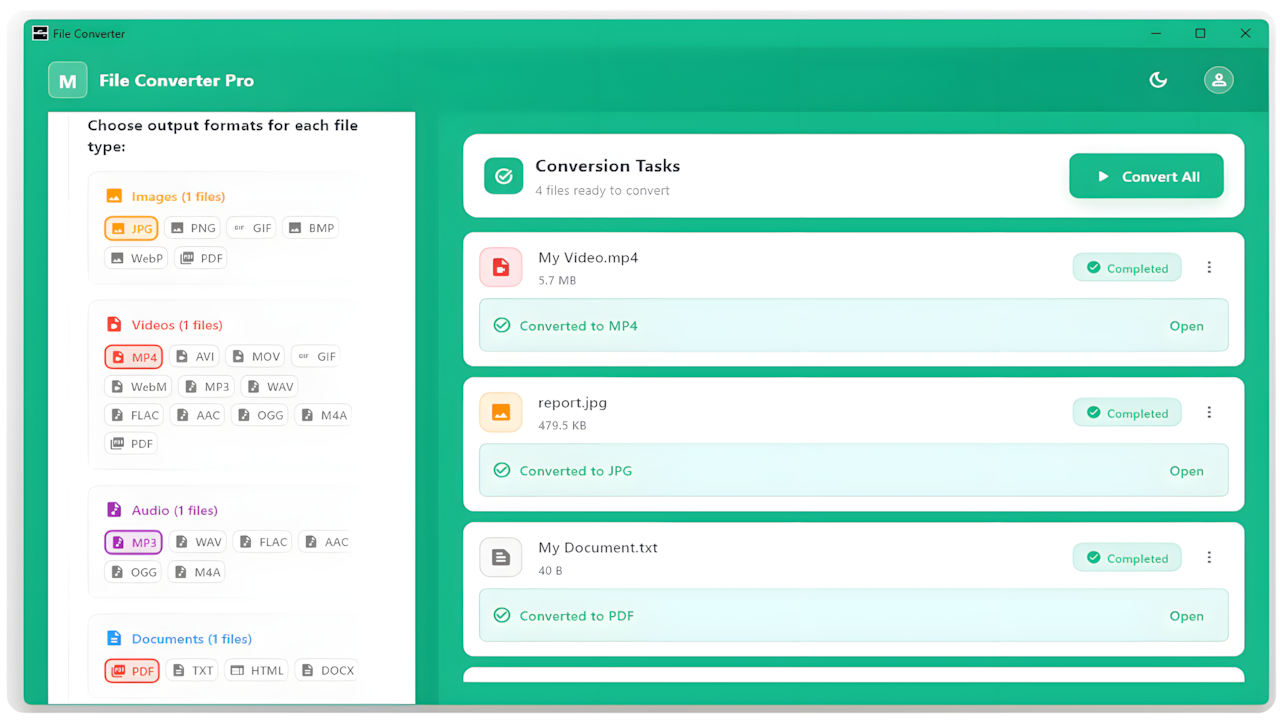
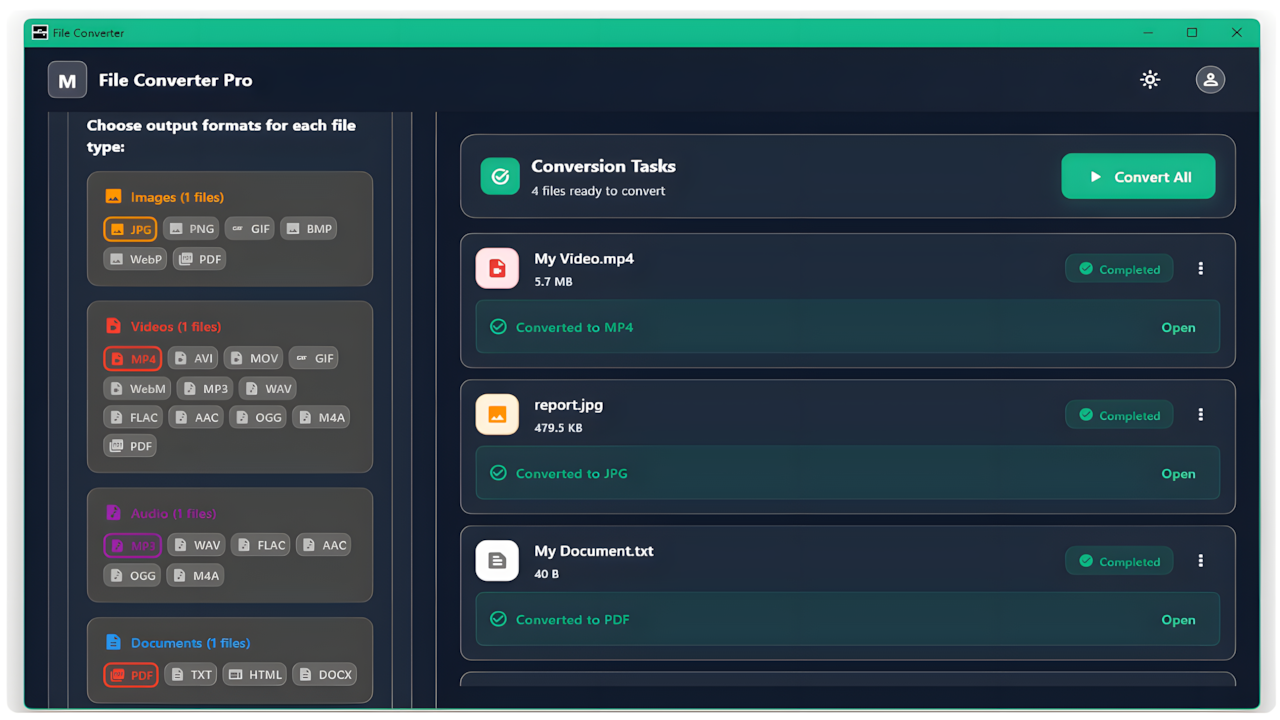
- Convert between many common formats including MP4, AVI, MOV, MP3, WAV, FLAC, AAC, OGG, M4A, JPG, PNG, GIF, BMP, WebP, ICO, TXT, HTML and DOCX
- High-speed optimized conversion engine for all supported file types
- Batch conversion support (convert multiple files at the same time)
- Fully offline operation after activation
- Simple interface: select files, choose output format and convert
Supported Formats
Image Formats
| Format | Convert To |
|---|---|
| JPG | PNG, GIF, BMP, WebP, ICO, PDF |
| PNG | JPG, GIF, BMP, WebP, ICO, PDF |
| GIF | JPG, PNG, BMP, WebP, ICO, PDF |
| BMP | JPG, PNG, GIF, WebP, ICO, PDF |
| WebP | JPG, PNG, GIF, BMP, ICO, PDF |
| ICO | JPG, PNG, GIF, BMP, WebP, PDF |
| PDF input not supported |
Video Formats
Video files support conversion to other video formats, audio formats and PDF export where applicable.
| Format | Convert To |
|---|---|
| MP4 | AVI, MOV, GIF, WebM, MP3, WAV, FLAC, AAC, OGG, M4A, PDF |
| AVI | MP4, MOV, GIF, WebM, MP3, WAV, FLAC, AAC, OGG, M4A, PDF |
| MOV | MP4, AVI, GIF, WebM, MP3, WAV, FLAC, AAC, OGG, M4A, PDF |
| GIF | MP4, AVI, MOV, WebM, PDF |
| WebM | MP4, AVI, MOV, GIF, PDF |
| MP3 | WAV, FLAC, AAC, OGG, M4A |
| WAV | MP3, FLAC, AAC, OGG, M4A |
| FLAC | MP3, WAV, AAC, OGG, M4A |
| AAC | MP3, WAV, FLAC, OGG, M4A |
| OGG | MP3, WAV, FLAC, AAC, M4A |
| M4A | MP3, WAV, FLAC, AAC, OGG |
| PDF input not supported |
Audio Formats
Audio cannot be converted to PDF. Only audio-to-audio conversions are supported.
| Format | Convert To |
|---|---|
| MP3 | WAV, FLAC, AAC, OGG, M4A |
| WAV | MP3, FLAC, AAC, OGG, M4A |
| FLAC | MP3, WAV, AAC, OGG, M4A |
| AAC | MP3, WAV, FLAC, OGG, M4A |
| OGG | MP3, WAV, FLAC, AAC, M4A |
| M4A | MP3, WAV, FLAC, AAC, OGG |
| PDF input not supported |
Document Formats
PDF files cannot be used as input. Only TXT, HTML and DOCX can be converted to PDF.
| Format | Convert To |
|---|---|
| PDF input not supported | |
| TXT | |
| HTML | |
| DOCX |
How to Use
- Launch the application.
- Select your input file or multiple files.
- Choose the desired output format.
- Click Convert to begin processing.
- The converted files will be saved in the selected destination folder.
Support
For assistance, contact support using your purchase code. Response time is within 24 business hours.
Credits and Legal Notice
This software uses FFmpeg binaries under the LGPLv2.1 and GPLv3 licenses. FFmpeg is a trademark of Fabrice Bellard and contributors. The FFmpeg source code was not modified; it is used only as a binary dependency for media processing.