Note:This Add-on script is a Module for Perfex CRM
Brief Description
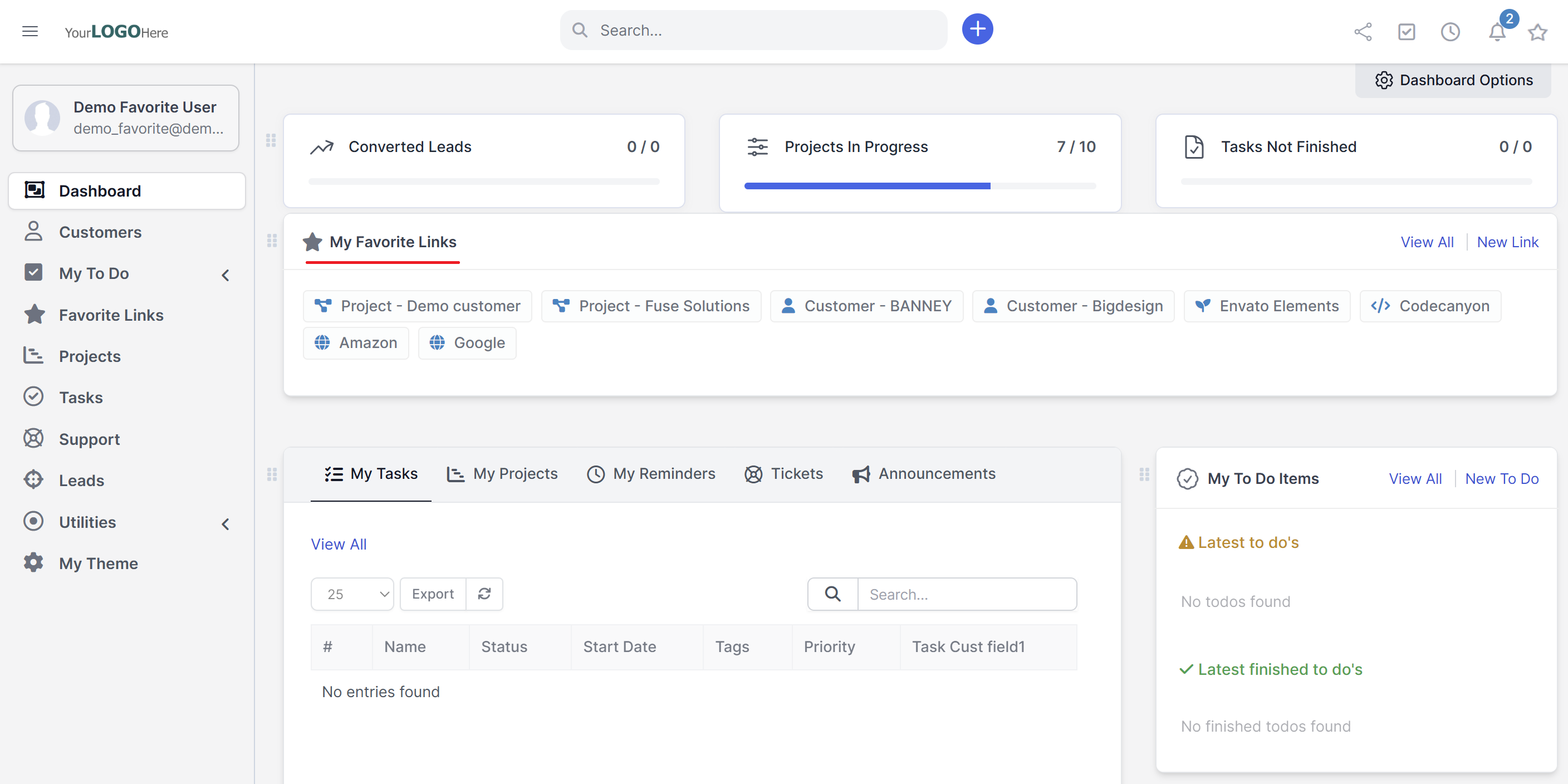
“ Favorite Links ”, module in Perfex CRM empowers Staff and Admin users to personalize their dashboard by adding shortcuts to frequently accessed pages and external resources. This feature ensures fast access, better workflow, and enhanced productivity.
Key features of the module include:
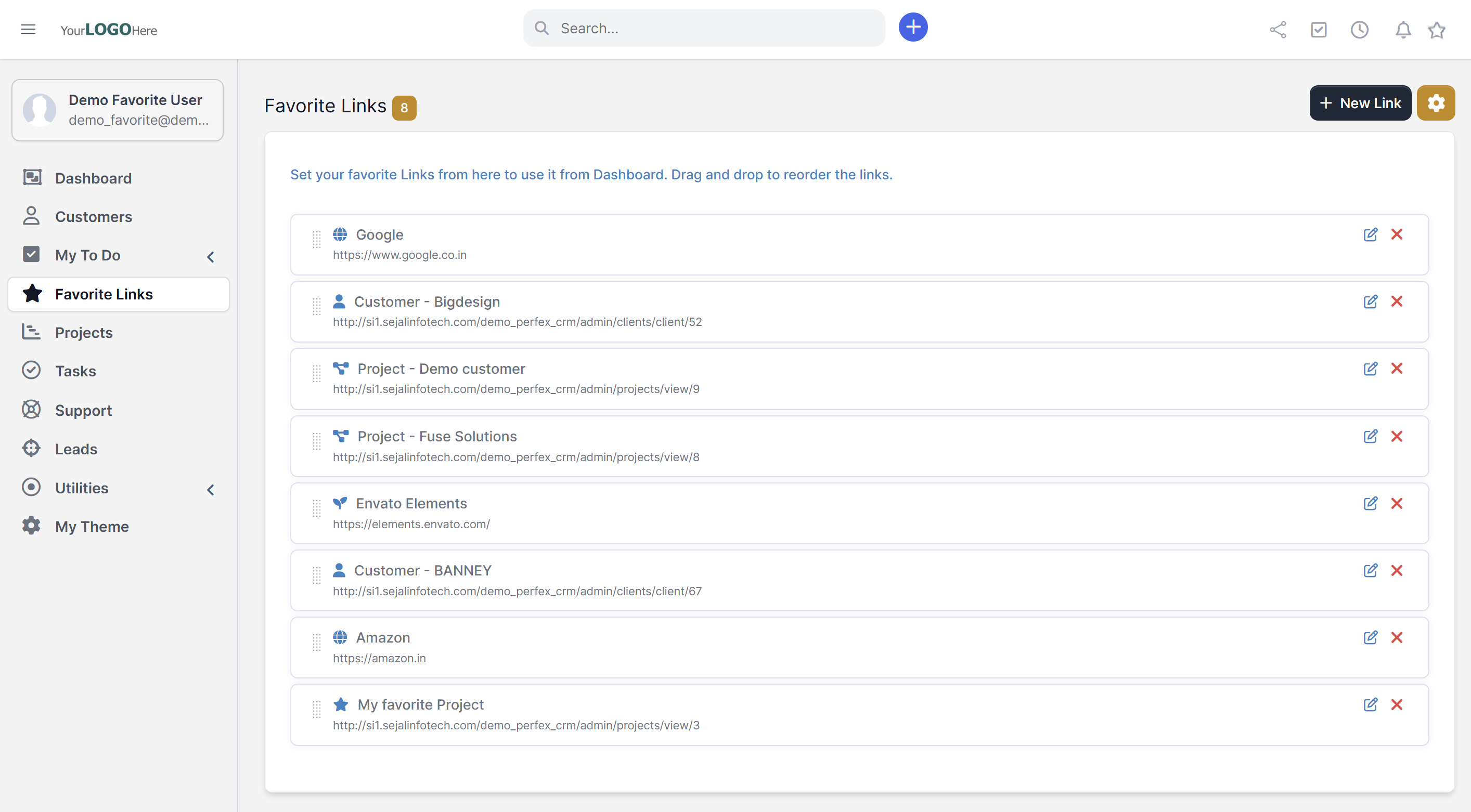
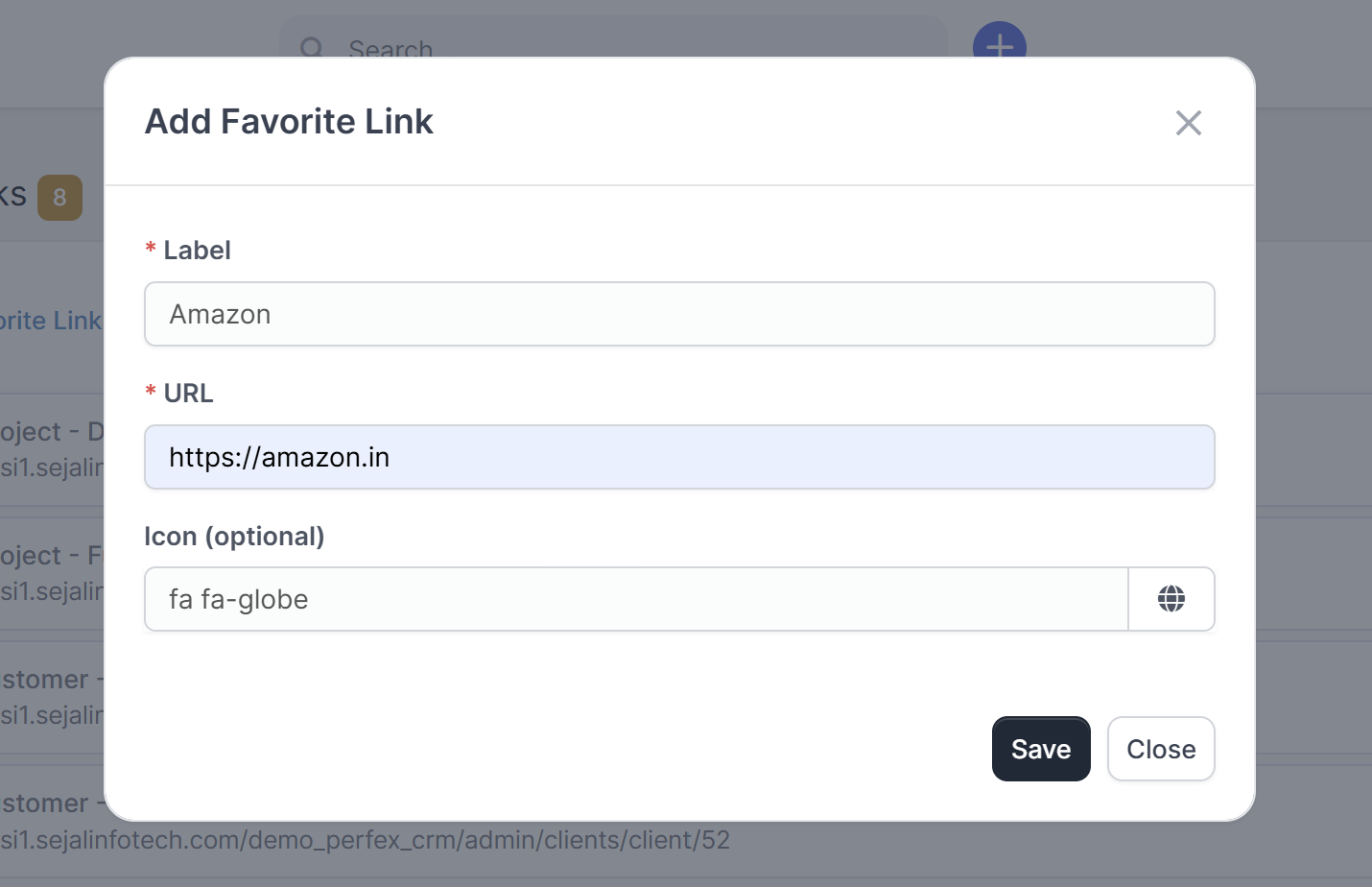
- Add Quick Access Links: Staff/Admin can add links to internal pages within Perfex or external websites.
- Custom Ordering: Users can reorder links according to priority and preference via drag-and-drop.
- Personalized Experience : Each Staff/Admin manages their own set of favorite links.
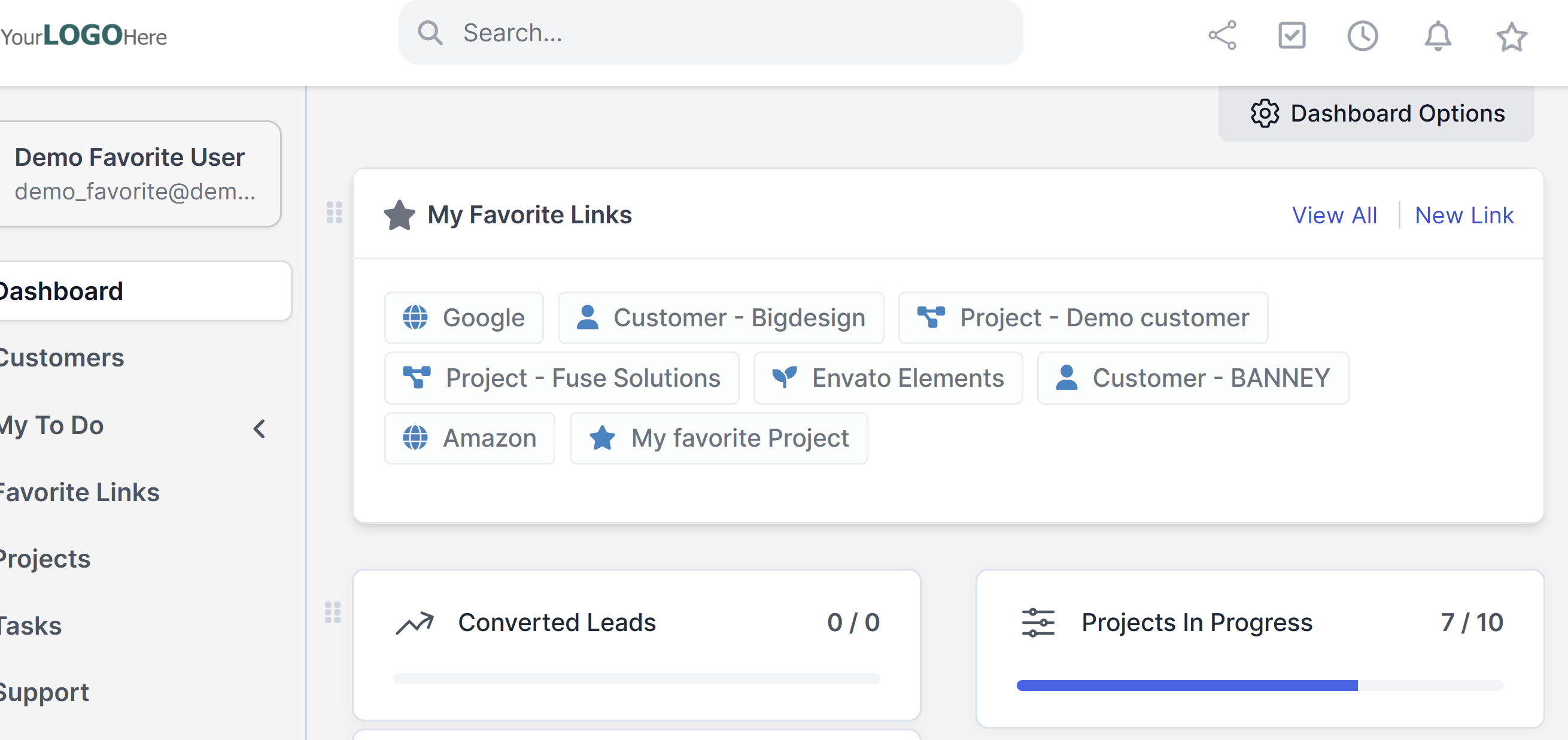
- Quick Link: Favorite links are accessible from any page, as the quick link is integrated into the top header. This ensures that the links remain available across the entire CRM, regardless of the page you are on.
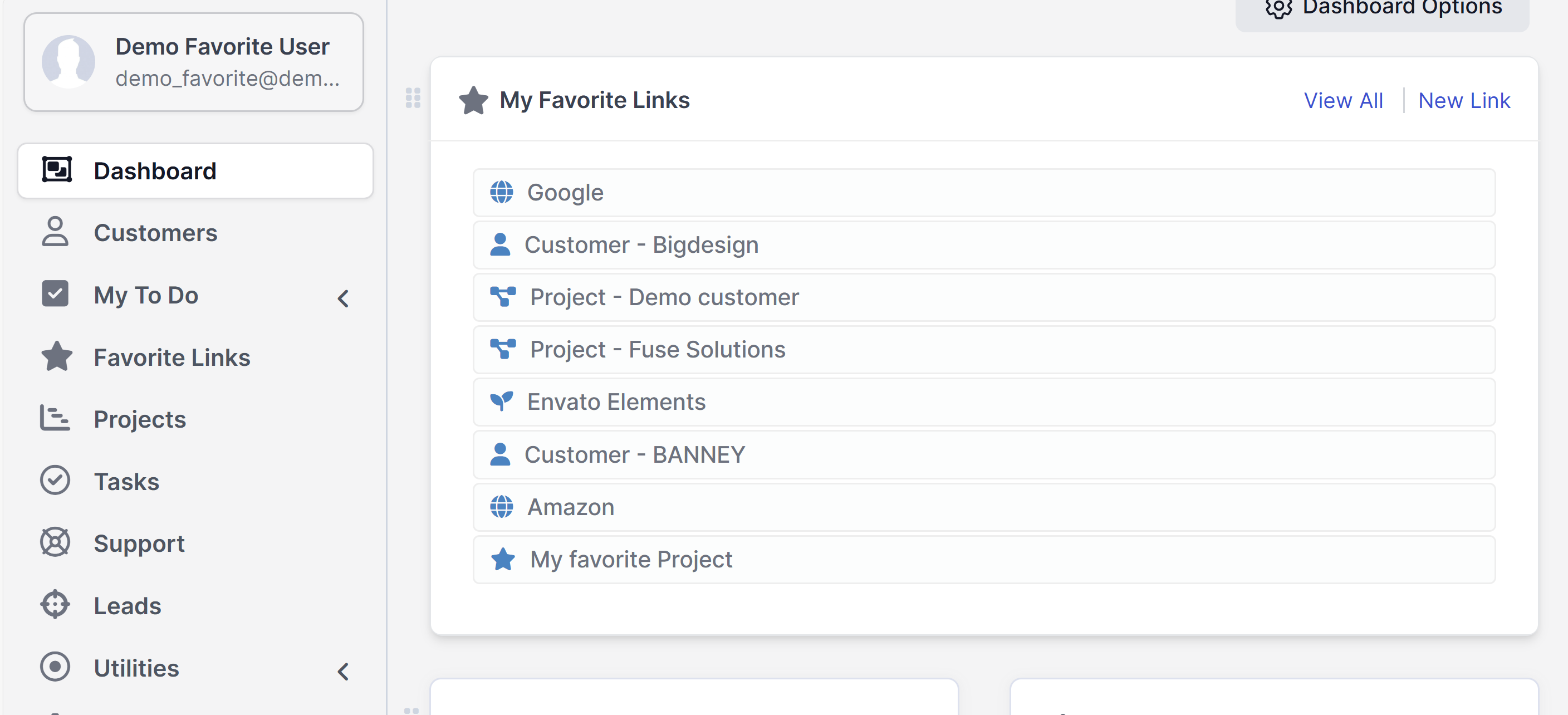
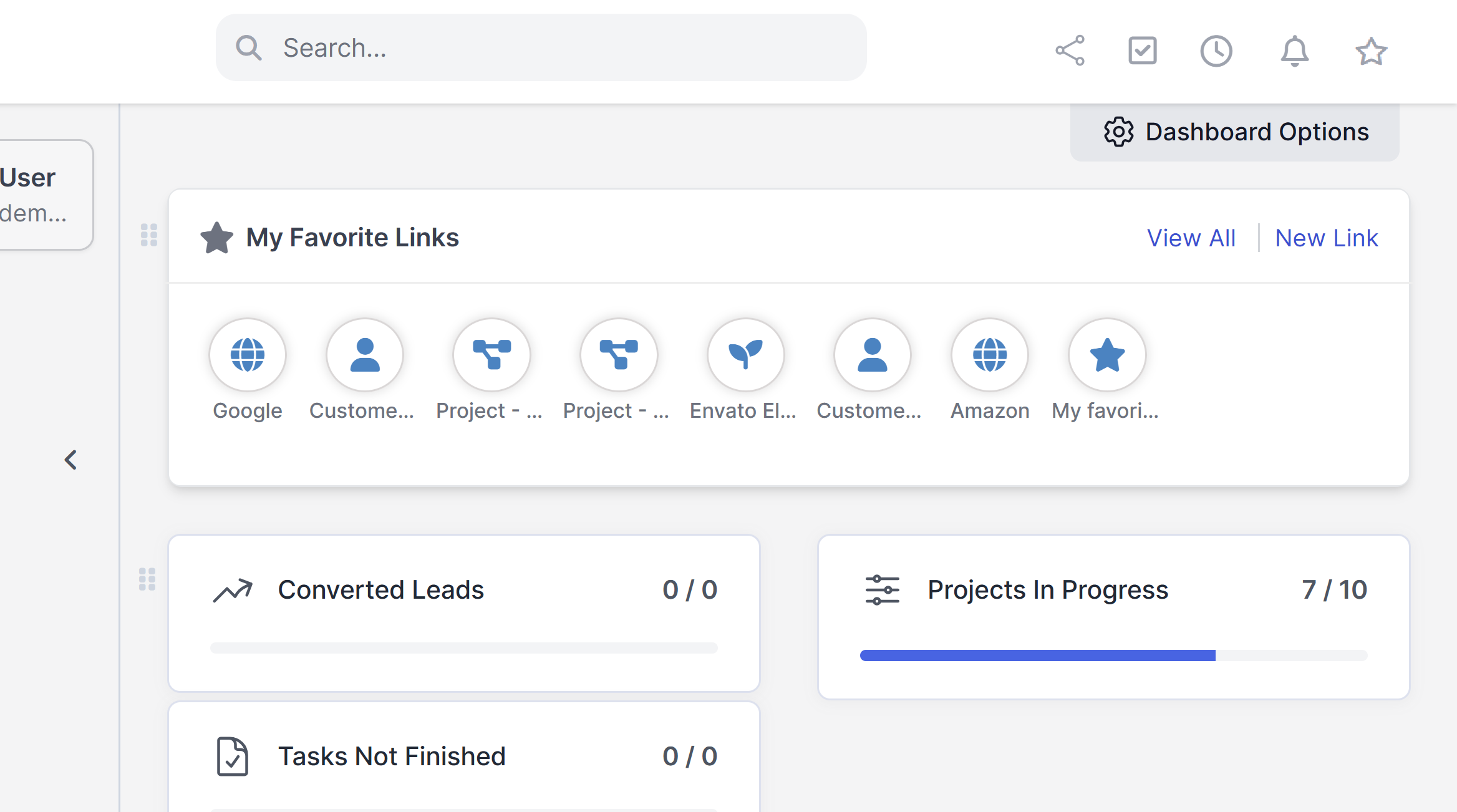
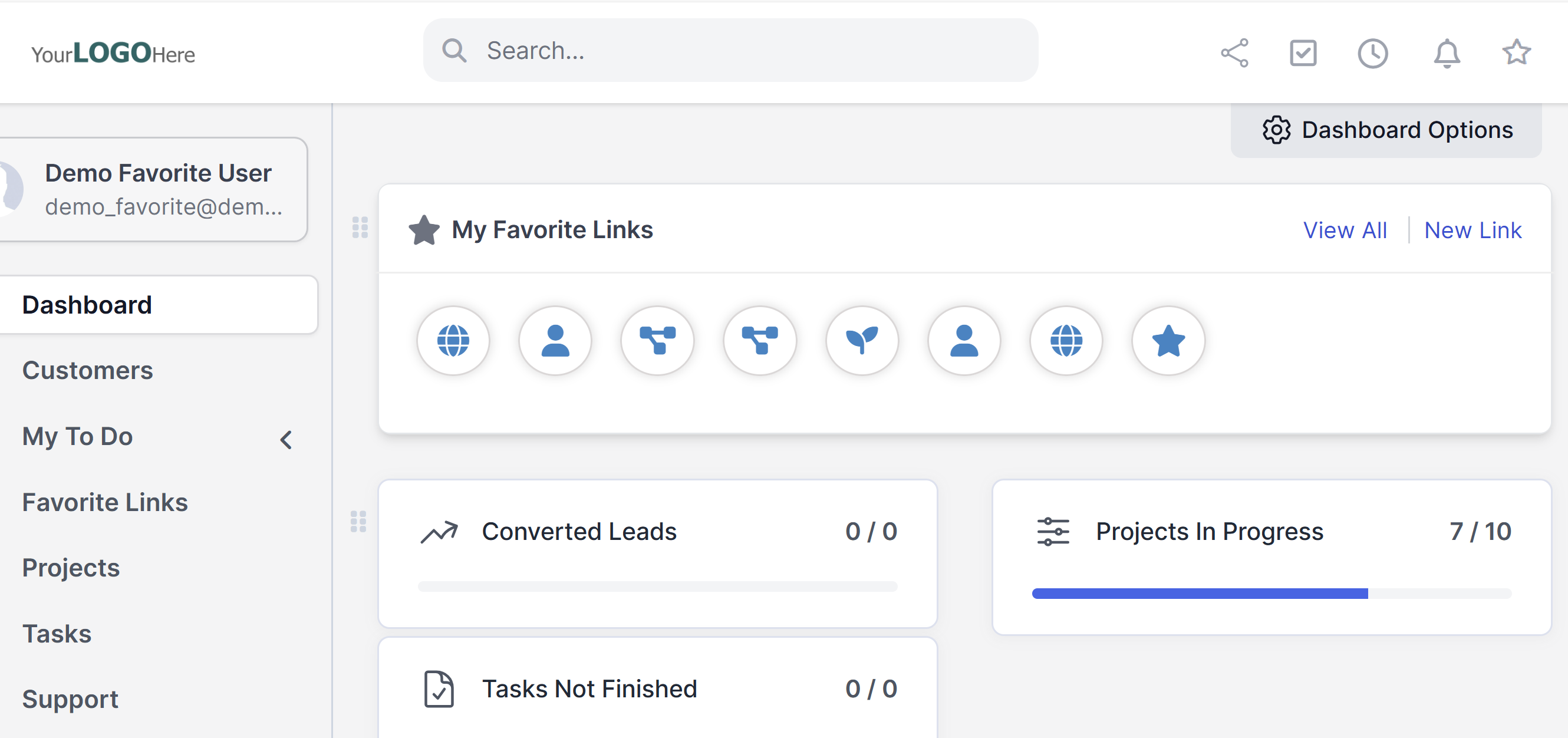
Dashboard widget Styles:
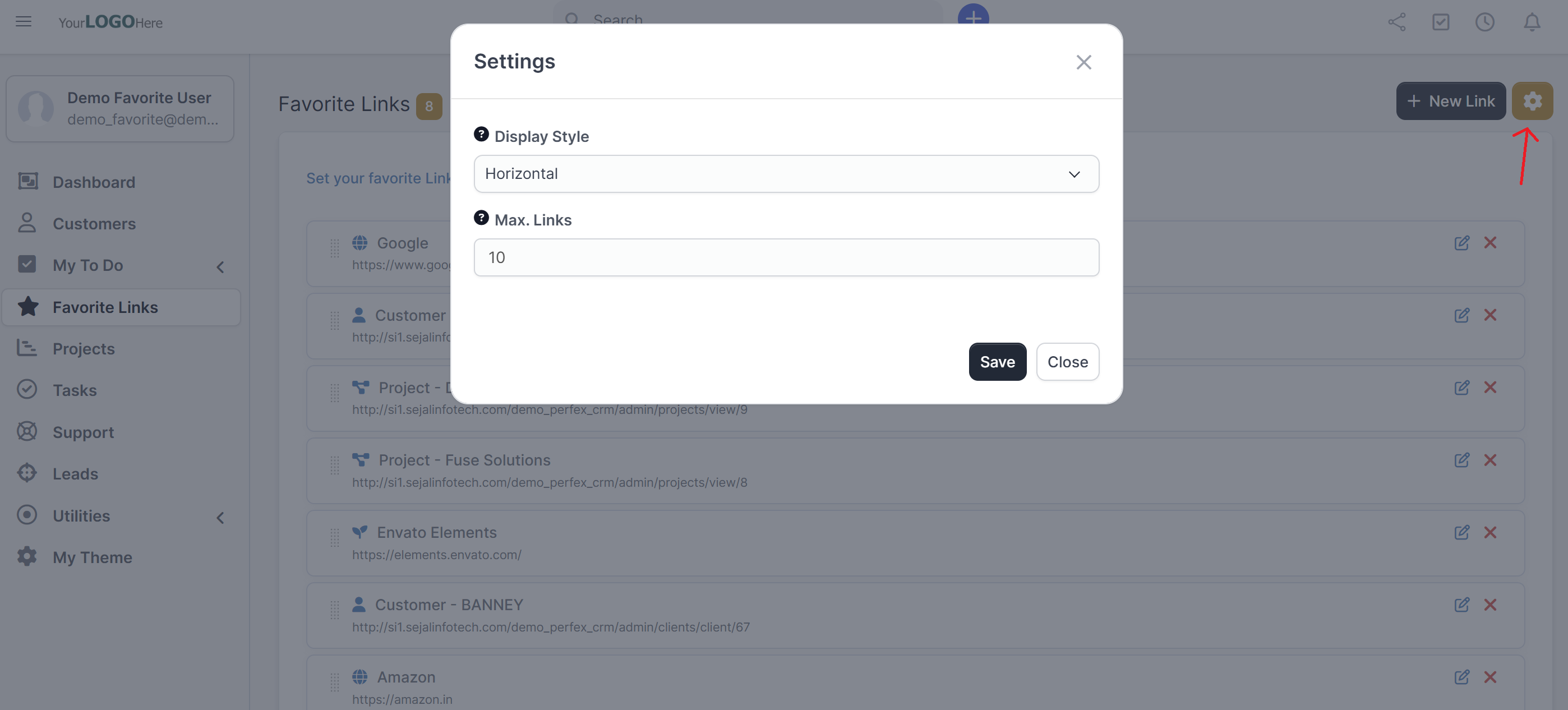
- Staff can set different style in Dashboard Links via settings.
Added advantage:
- The Favorite Links module in Perfex CRM is designed to supercharge user productivity by providing personalized access shortcuts right on the dashboard. Whether you’re a Staff member managing daily tasks or an Admin overseeing operations, this feature allows you to pin your most-used links—internal or external—for lightning-fast access.
- Think of it as your CRM homepage’s custom launchpad. Instead of navigating through multiple menus or tabs, you can create a curated list of links that matter most to you: your active projects, Google Drive folders, invoicing pages, or even third-party tools and websites.
- Each user controls their own list independently, which means your dashboard is truly yours—tailored to your role, responsibilities, and preferences. And with drag-and-drop reordering, you can place your priorities front and center.
- Easy to create from by Drag and Drop links.
- Time-saving: Jump to frequently-used resources in one click.
- Improved organization: Users tailor their dashboard to match their workflow Simple & intuitive: Requires no technical skill to install or configure
Documentation
It takes only a few seconds to be installed and activated. Documentation is included.
If you have any questions, feel free to raise a support ticket at our support area. Guys from support department will get back to you as soon as possible with a reply.
Keep in mind that absolutely no coding is needed! Just follow the instructions and be able to use “Favorite Links” module in minutes.
Demo
View Demo
UserName : demo_favorite@demo.com
Password: 12345678
Change Logs
Version 1.0.4
- Added quick access link on the top header to access from any page.
Version 1.0.3
- Design issue fixed.
Version 1.0.2
- Design issue fixed.
Version 1.0.1
 - Added style to display in Dashboard.
- Staff can set his own settings for favorite links.
Version 1.0.0
- Initial Release.