ElmapiCMS – AI-Powered Self-Hosted Headless CMS
Introduction
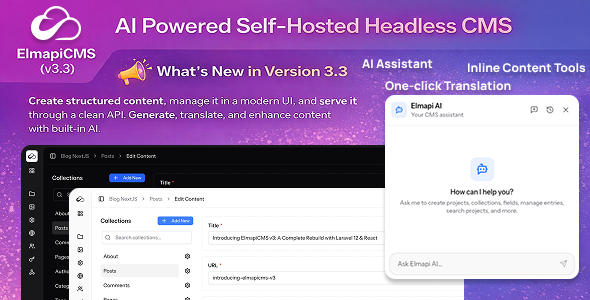
ElmapiCMS is a modern, self-hosted, AI-powered headless CMS built with Laravel, React, TypeScript, Inertia.js, and Tailwind CSS.
It’s designed to be fast, flexible, and developer-friendly. Generate, translate, and enhance content with built-in AI. Perfect for building content-driven applications without the complexity of traditional CMS platforms.
Whether you’re creating websites, SaaS tools, mobile backends, or API-powered platforms, ElmapiCMS gives you full control over your content infrastructure.
Live Demo
User: admin@admin.com
Password: password
Resources
Everything you need to get started and build with ElmapiCMS.
- MCP Server: https://github.com/elmapicms/elmapicms-mcp-server
- Documentation: https://docs.elmapicms.com
- Tutorials: https://elmapicms.com/tutorials
- Examples: https://github.com/elmapicms/elmapi3-examples
- JavaScript SDK: https://github.com/elmapicms/elmapicms-js-sdk
Starter(Frontend) Templates
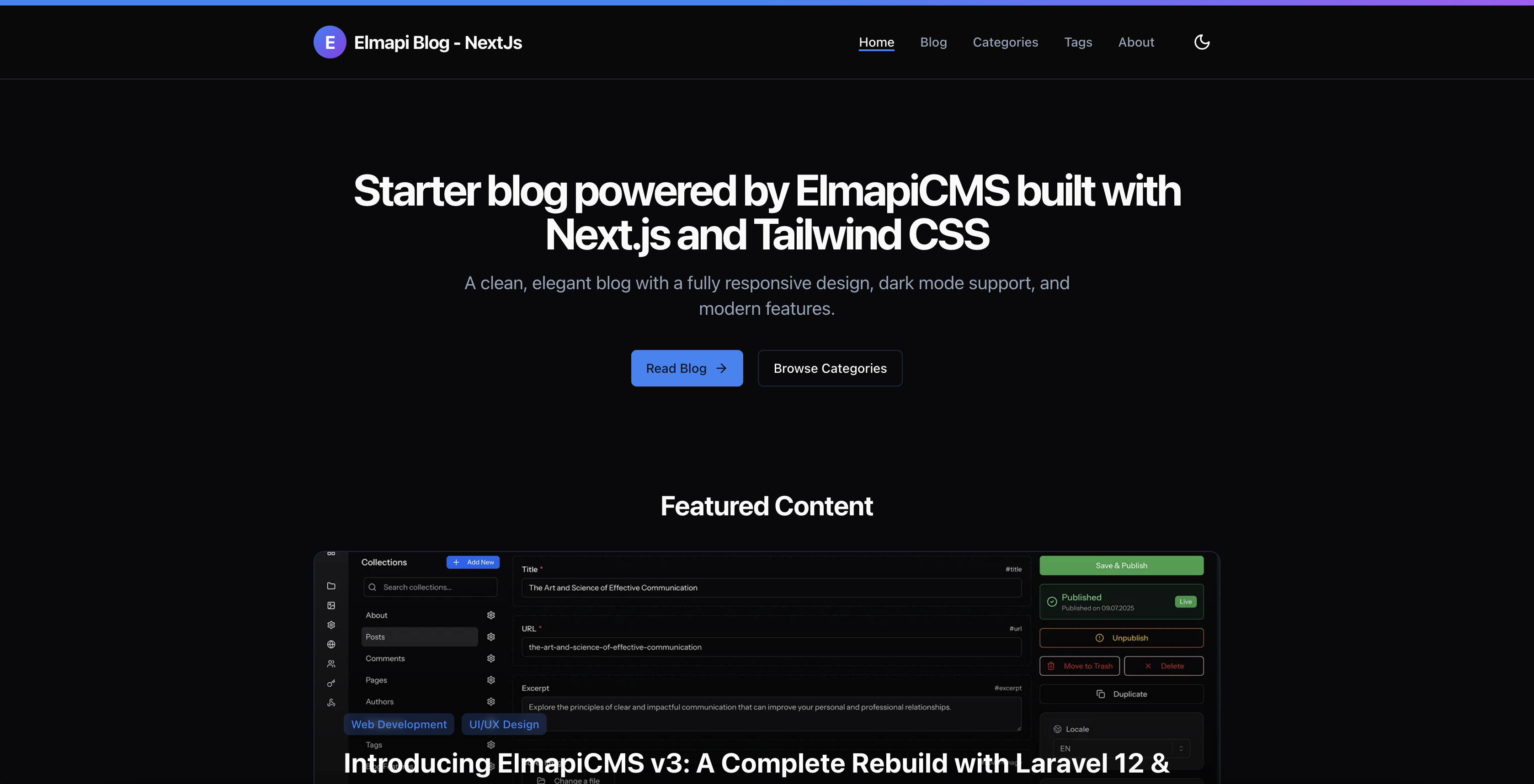
Blog (Next.js) Starter Template: https://blognextjs.elmapicms.com/
Landing Page (Next.js) Starter Template: https://landingnextjs.elmapicms.com/
Features
-
AI-Powered Content Management (NEW in v3.3)
- AI Chat Assistant: create projects, collections, fields, and content entries through natural conversation
- Inline content tools: generate, rewrite, expand, summarize, fix grammar, and translate text in any field
- One-click entry translation: translate entire entries to any locale preserving formatting
- Rewrite with tone: Professional, Casual, Friendly, Formal, Concise, or custom instructions
- Rich text AI: AI actions available in the floating toolbar when selecting text
- Context-aware generation: AI considers field labels, collection name, and other field values
- Real-time streaming: see AI output as it generates
- Undo AI changes with one click
- Token usage tracking per session
- Bring your own API key: OpenAI, Anthropic, or Google Gemini
- Configurable model, max tokens, max steps, and conversation memory
- No AI markup or hidden fees from ElmapiCMS
-
MCP Server
- Connect Cursor, Claude Code, or any MCP-compatible AI tool directly to your CMS. Manage collections, content, and assets through natural language.
- 17 tools for full CMS management
- Built-in schema & field type docs
- Install via npm, configure & go
-
Content Management
- Multiple projects
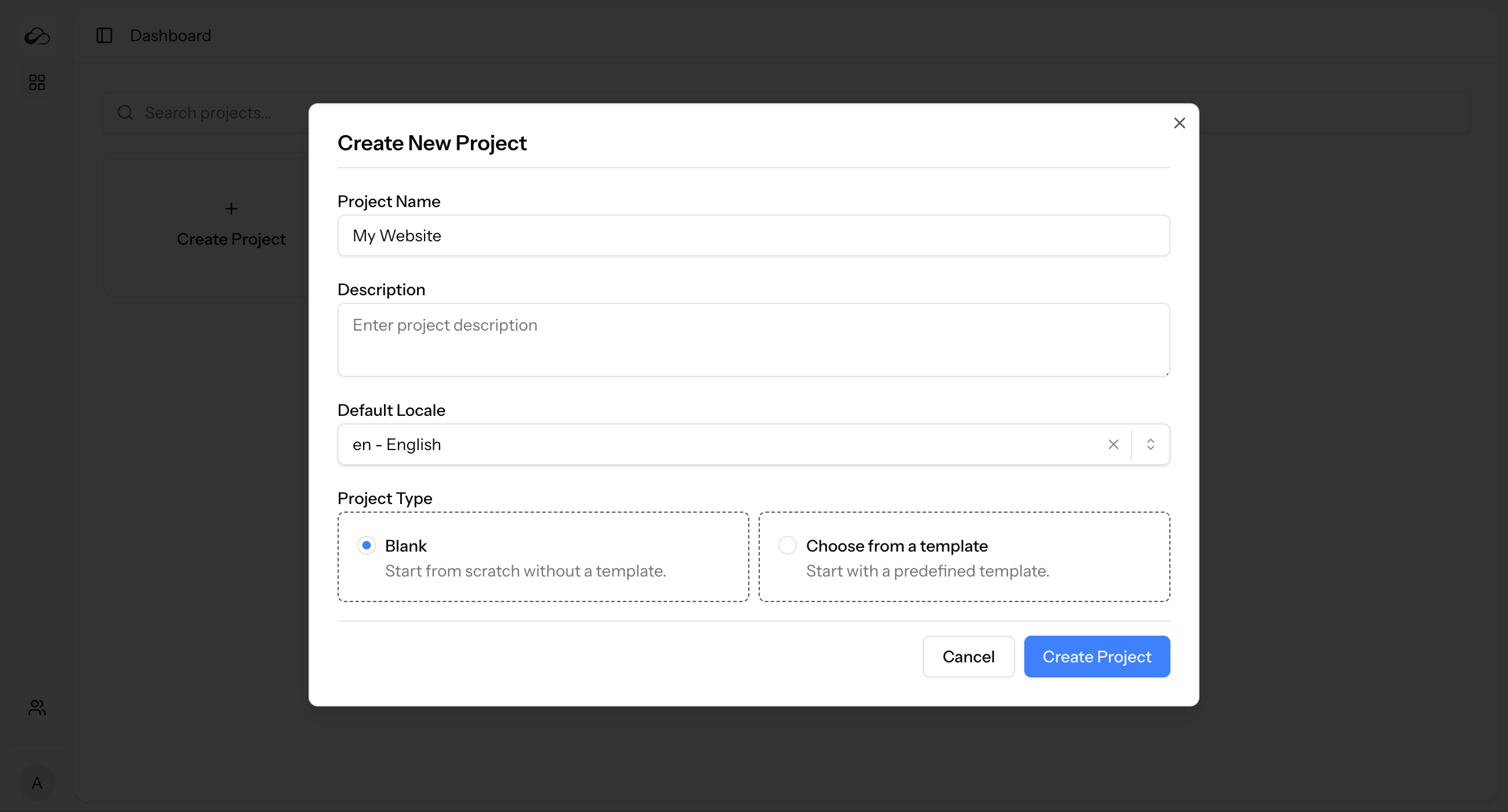
- Blank projects or start from templates
- Import projects from JSON file
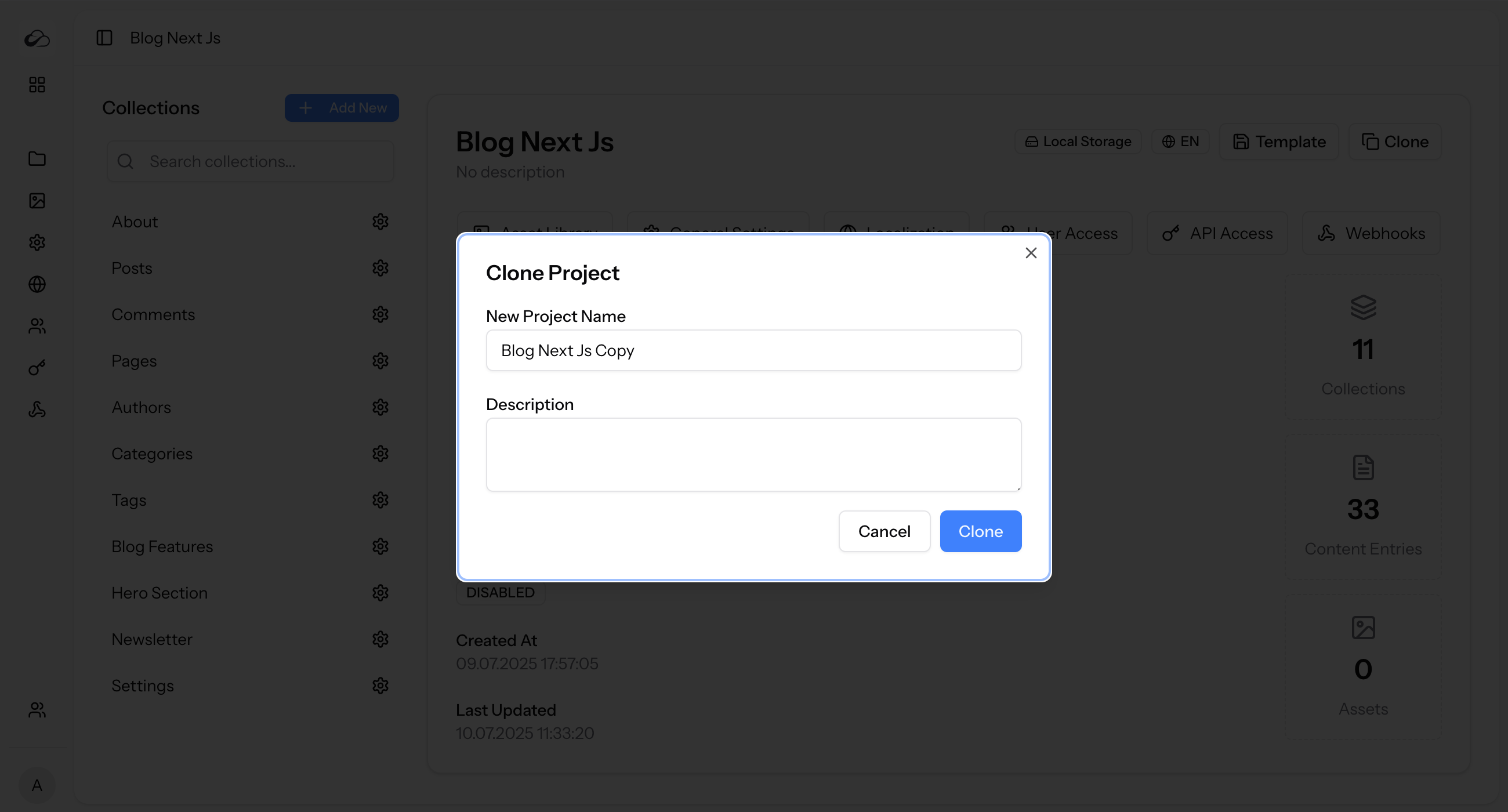
- Clone projects
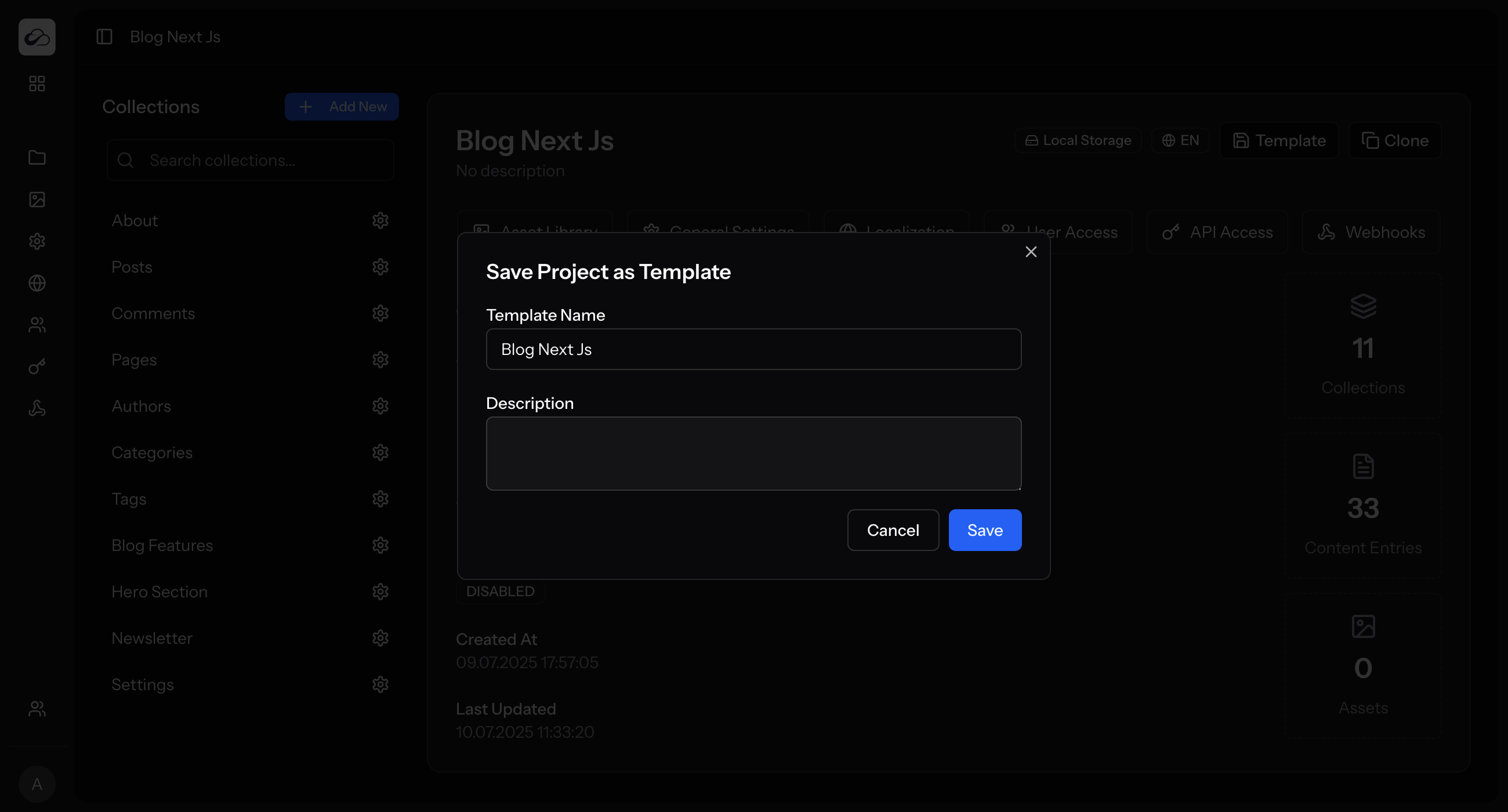
- Save projects as reusable templates
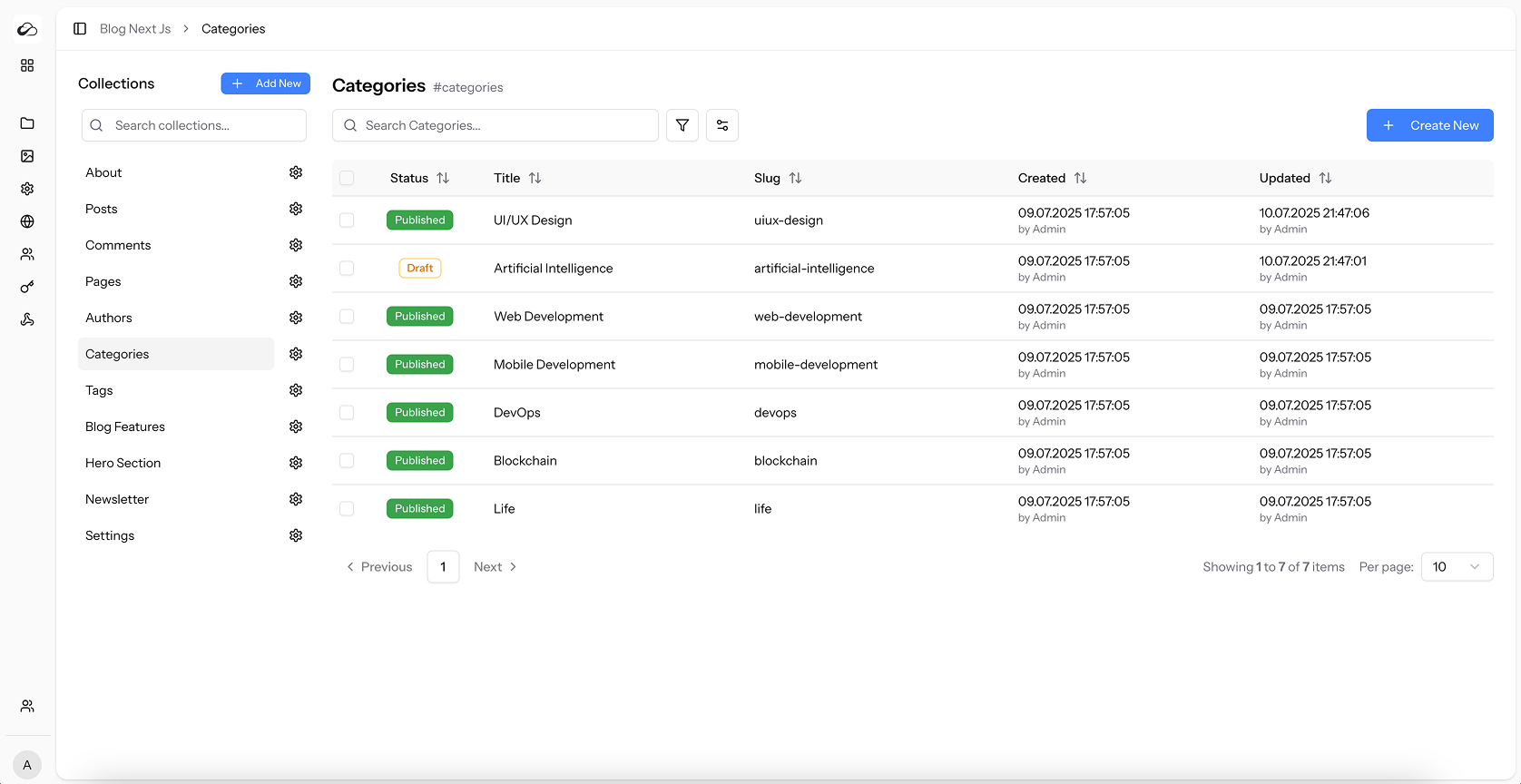
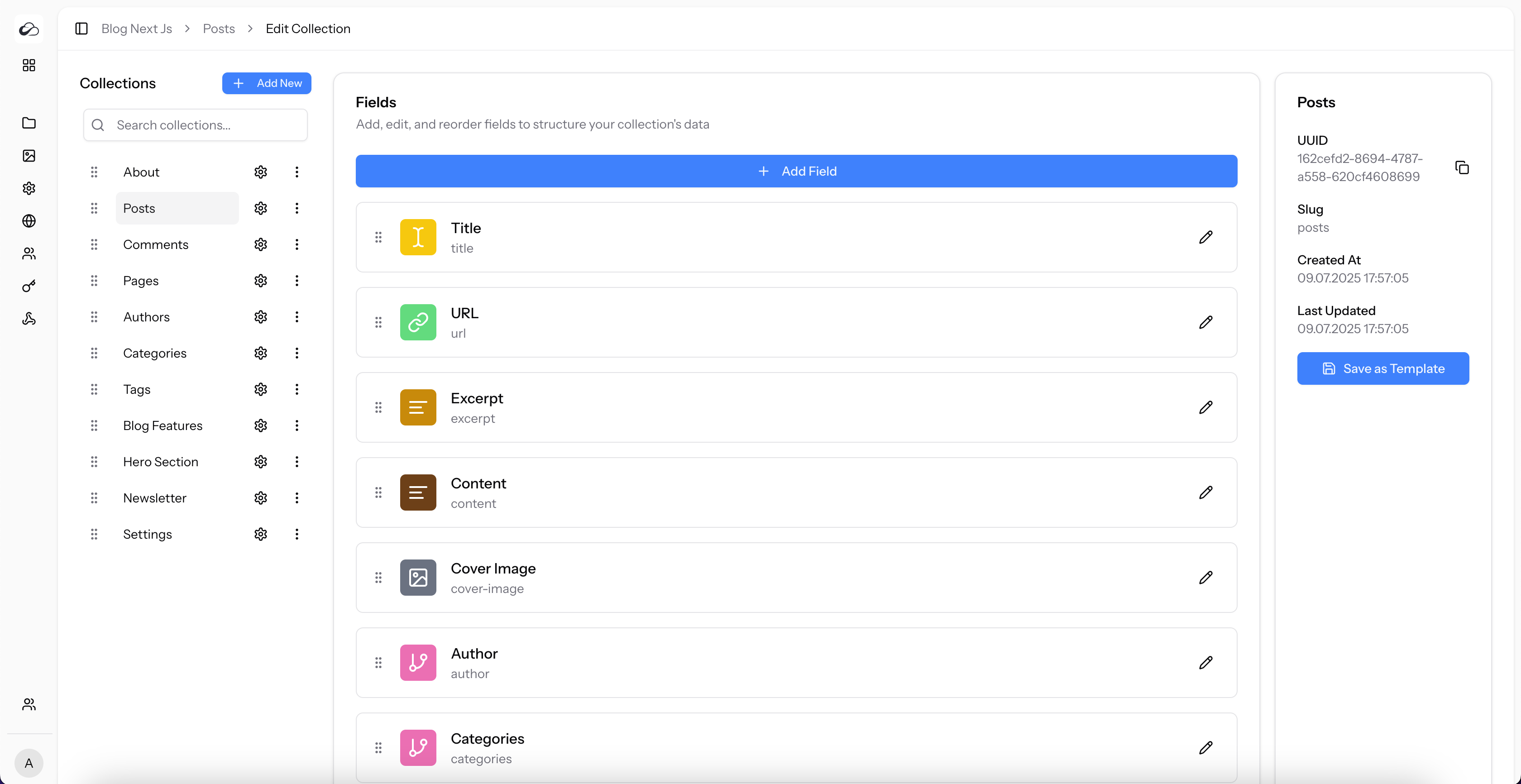
- Create collections to define content types
- Single-entry collections for one-off pages
- Multiple-entry collections for lists of content
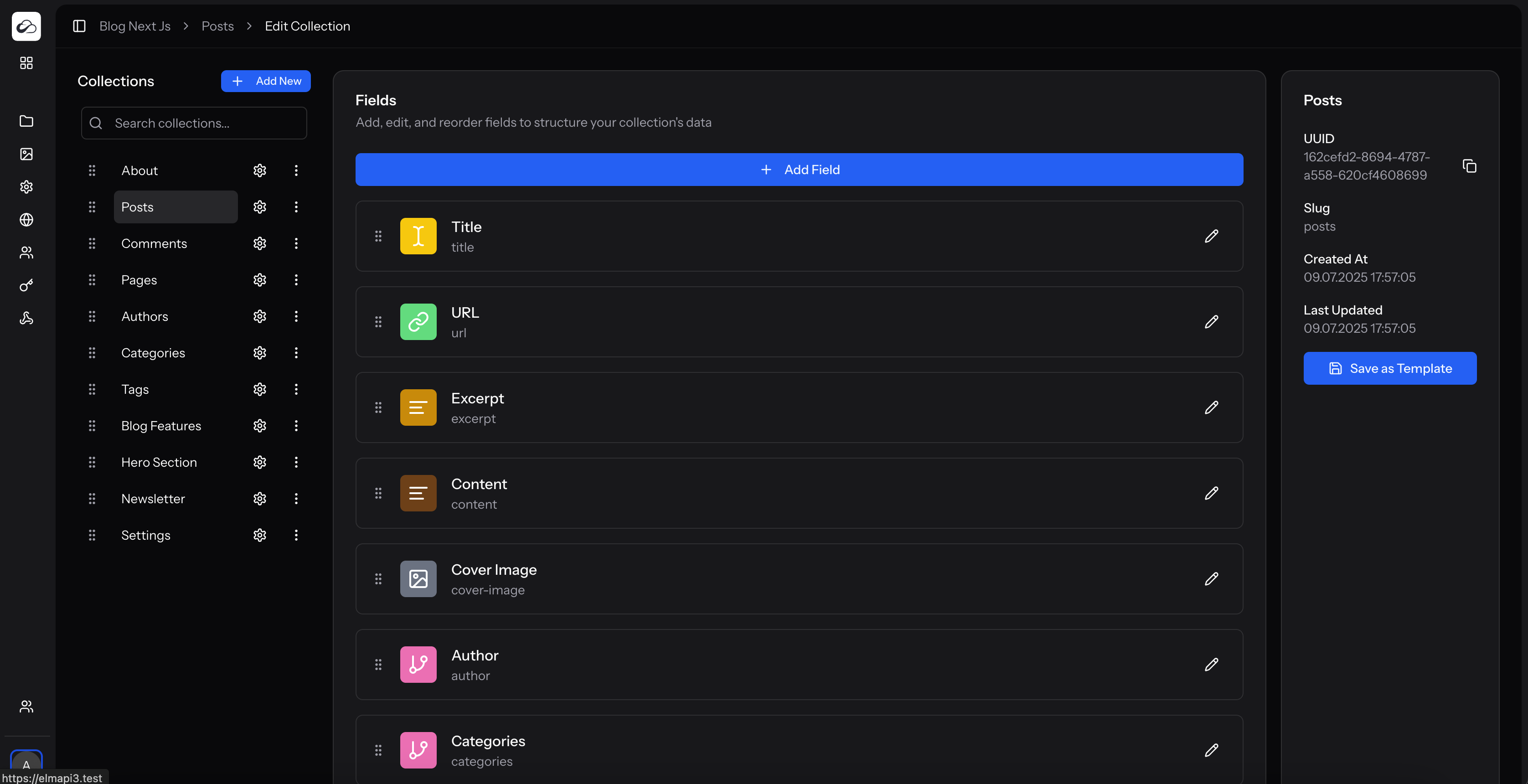
- Add custom fields to collections
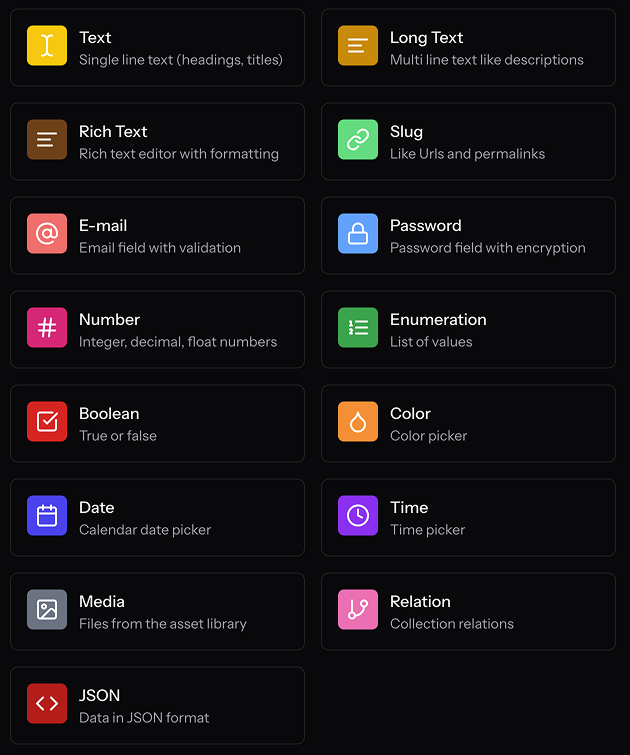
- Choose from 16 field types: text, long text, rich text, slug, e-mail, password, number, enumeration, boolean, color, date, time, media, relation, json, field group
- Group fields for nested content structures
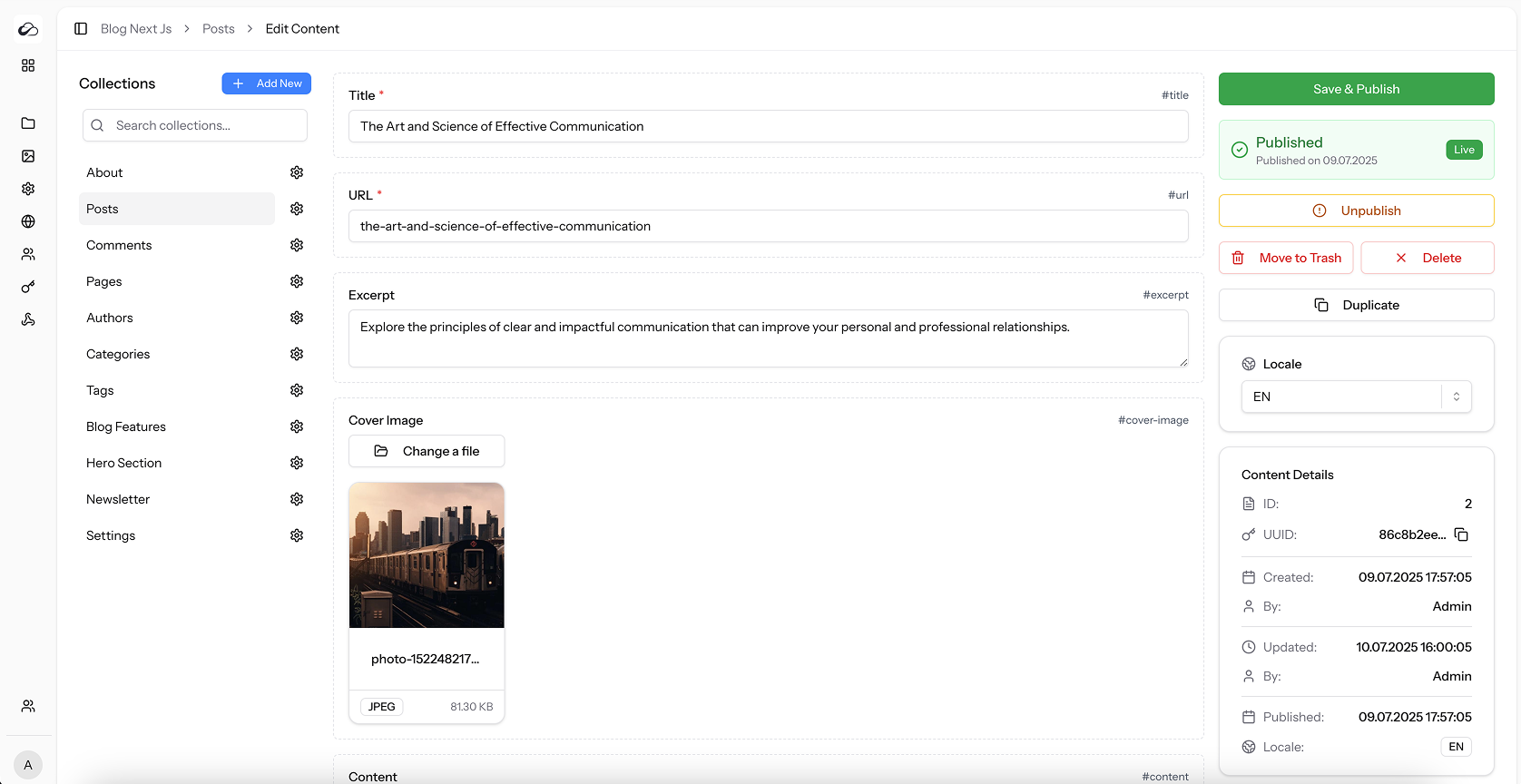
- Duplicate content entries with one click
- Publish and unpublish content
- Move content to trash
- Restore content from trash
- Permanently delete content
- Switch between draft and published states
- View content in a data table with filtering
- Set fields as required
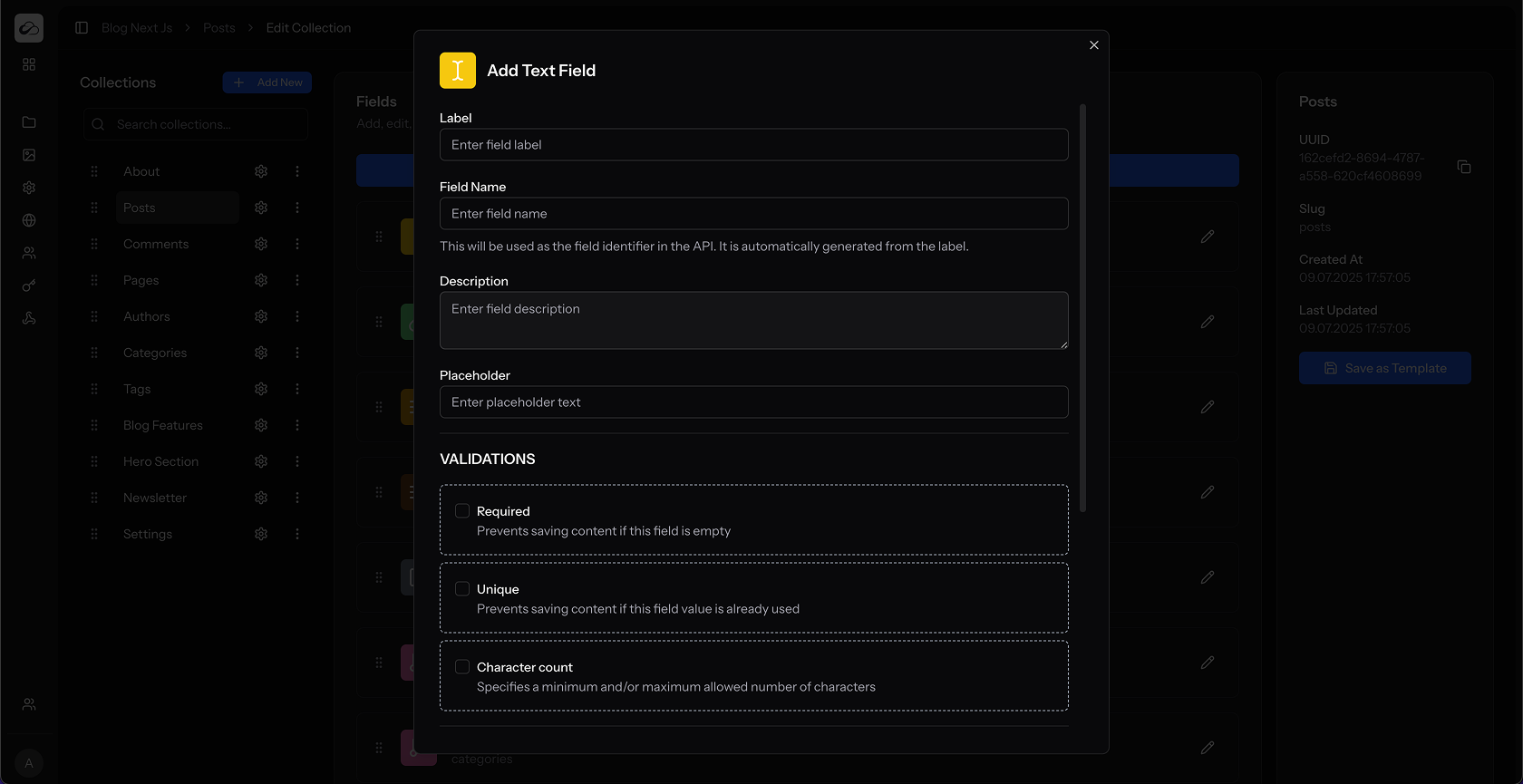
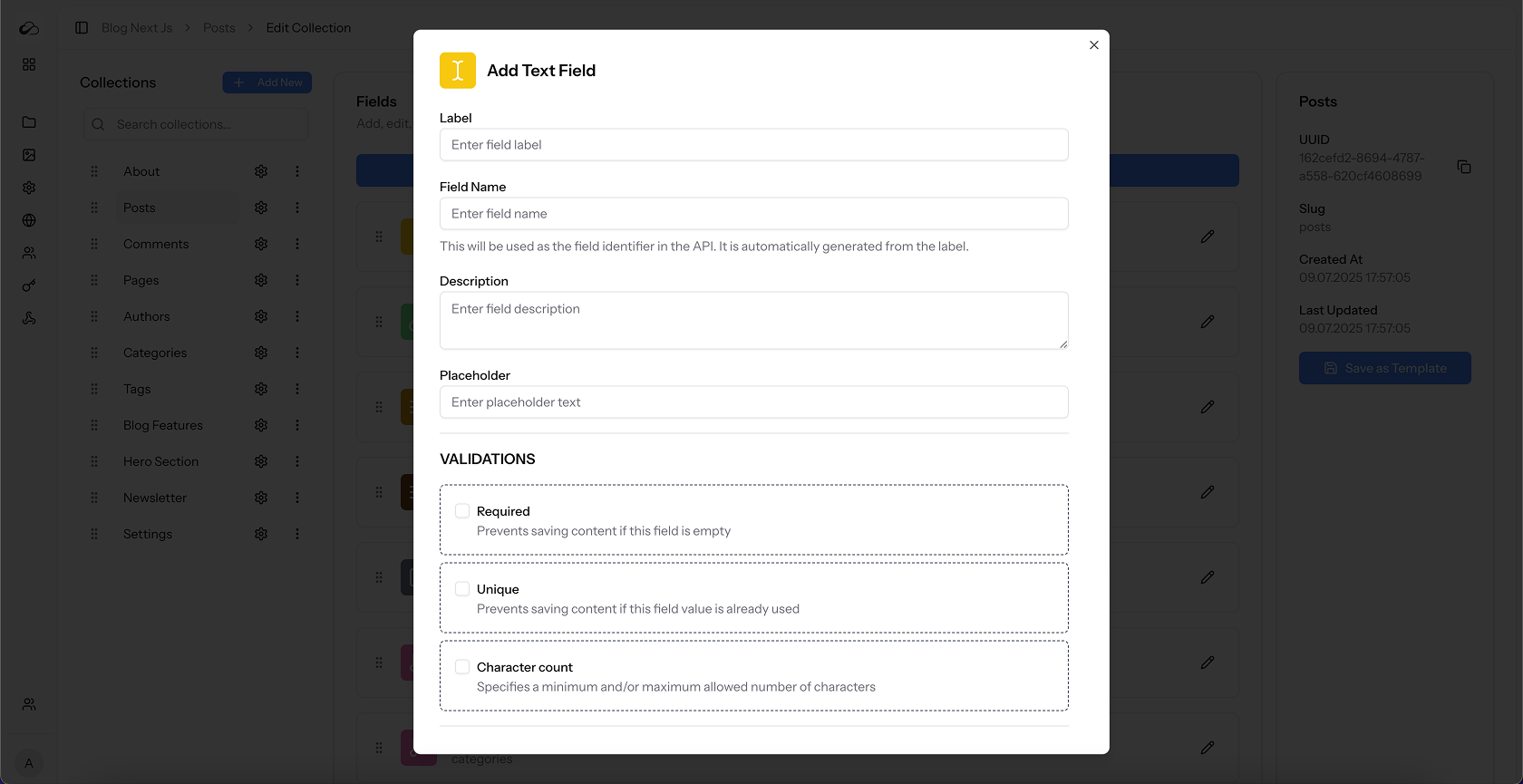
- Field Validations: unique, required, charcount
- Custom validation error messages
- Repeatable fields for multiple values
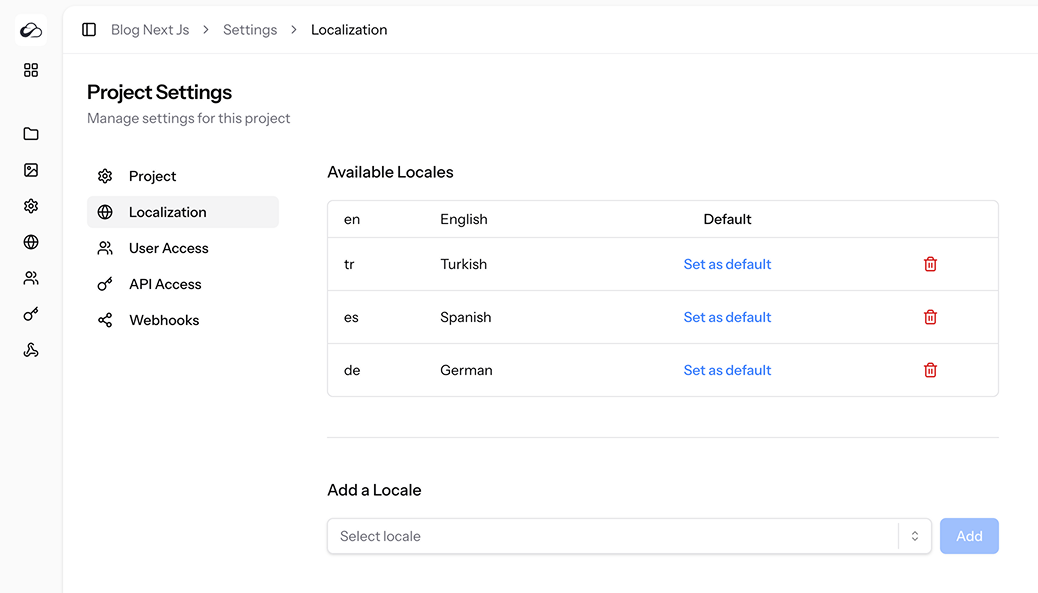
- Manage multilingual content with translations
- Set default language for projects
- Add or remove languages from projects
- Import and export content, collections, and projects
-
Asset Library
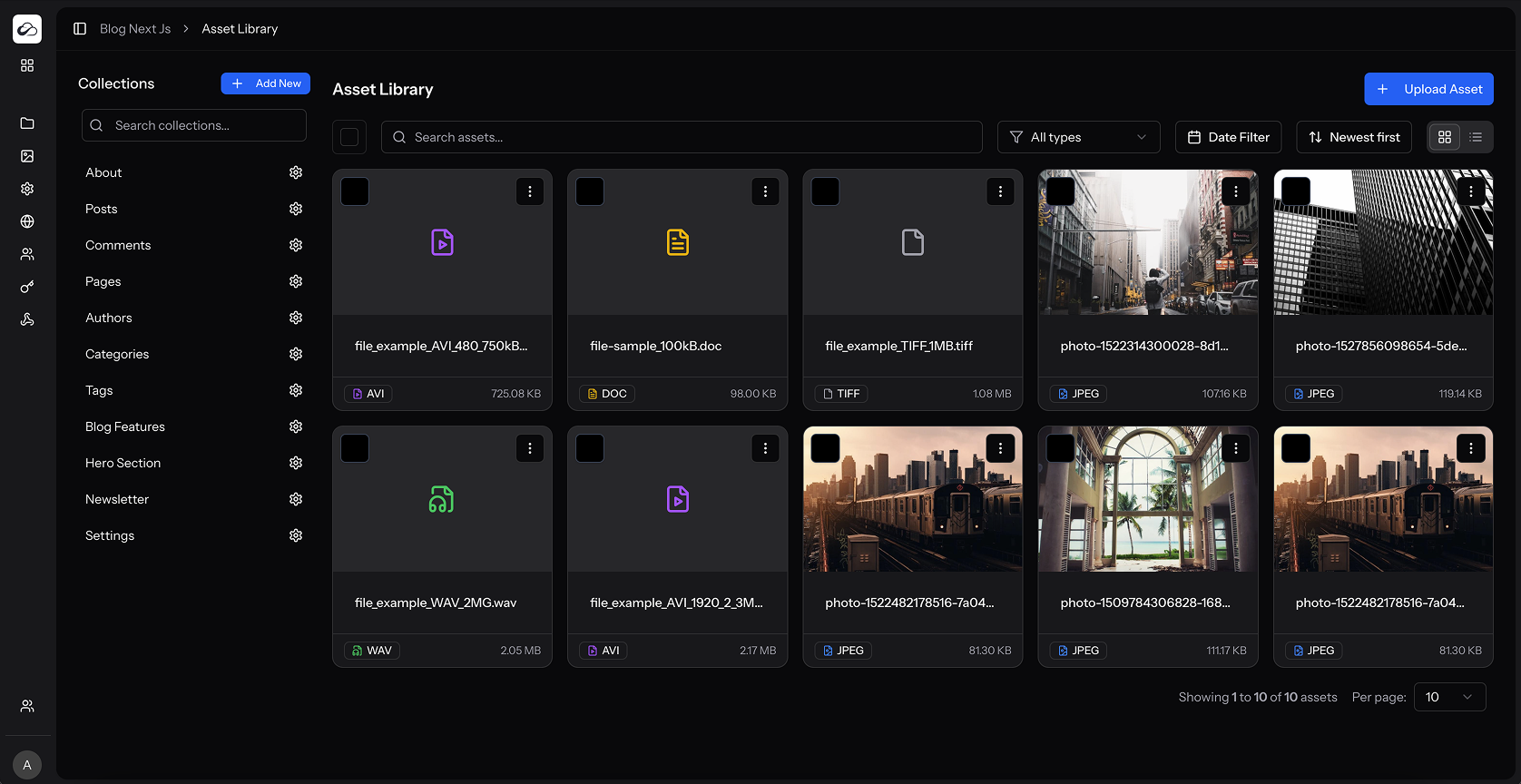
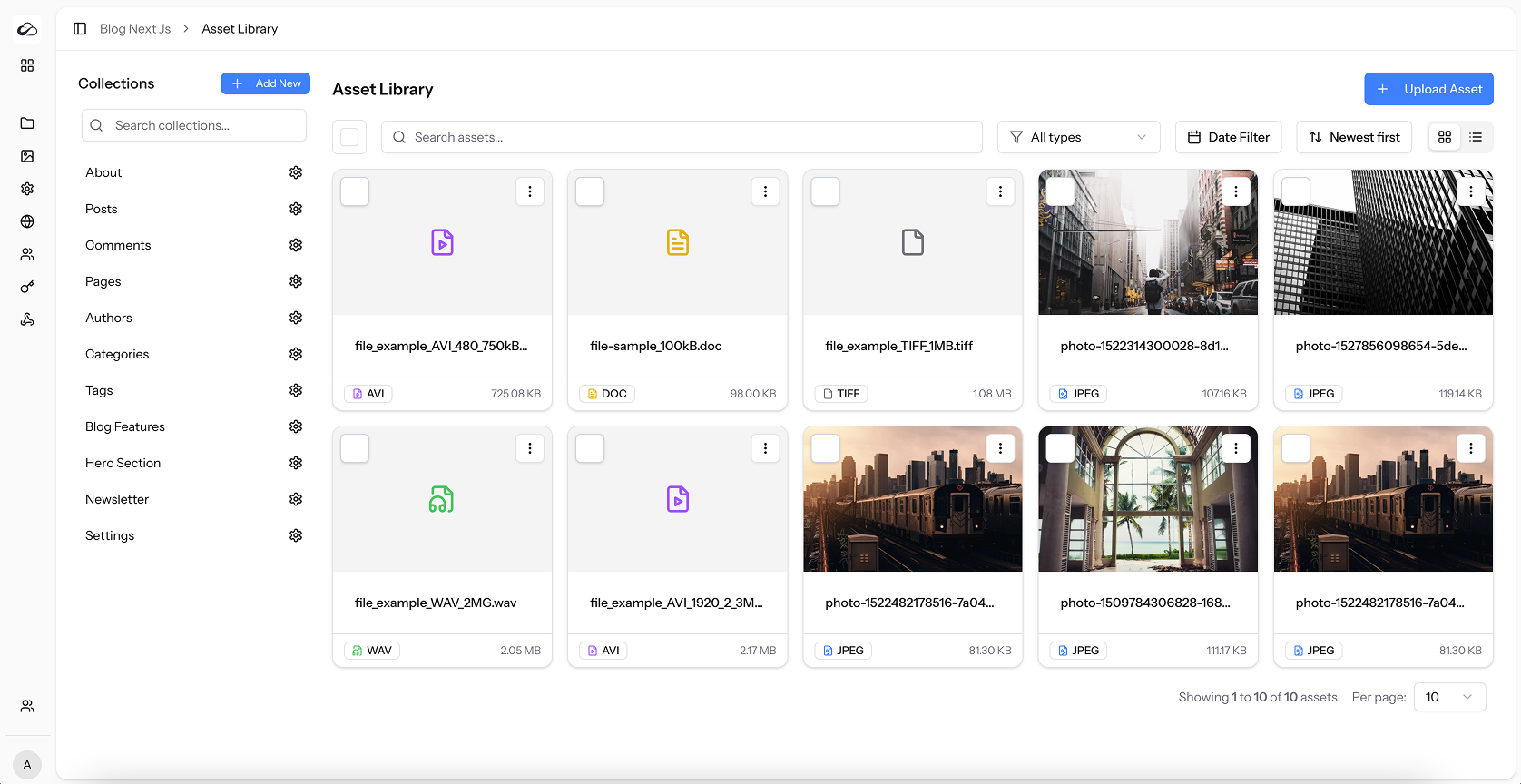
- Upload images, videos, documents, and other files
- View assets in grid or list view
- View and edit detailed metadata for each asset
- Crop images without leaving the CMS
- Update asset information
- Get assets by name via API
- List all assets via API
- Upload assets via API
-
Rich Text Editor
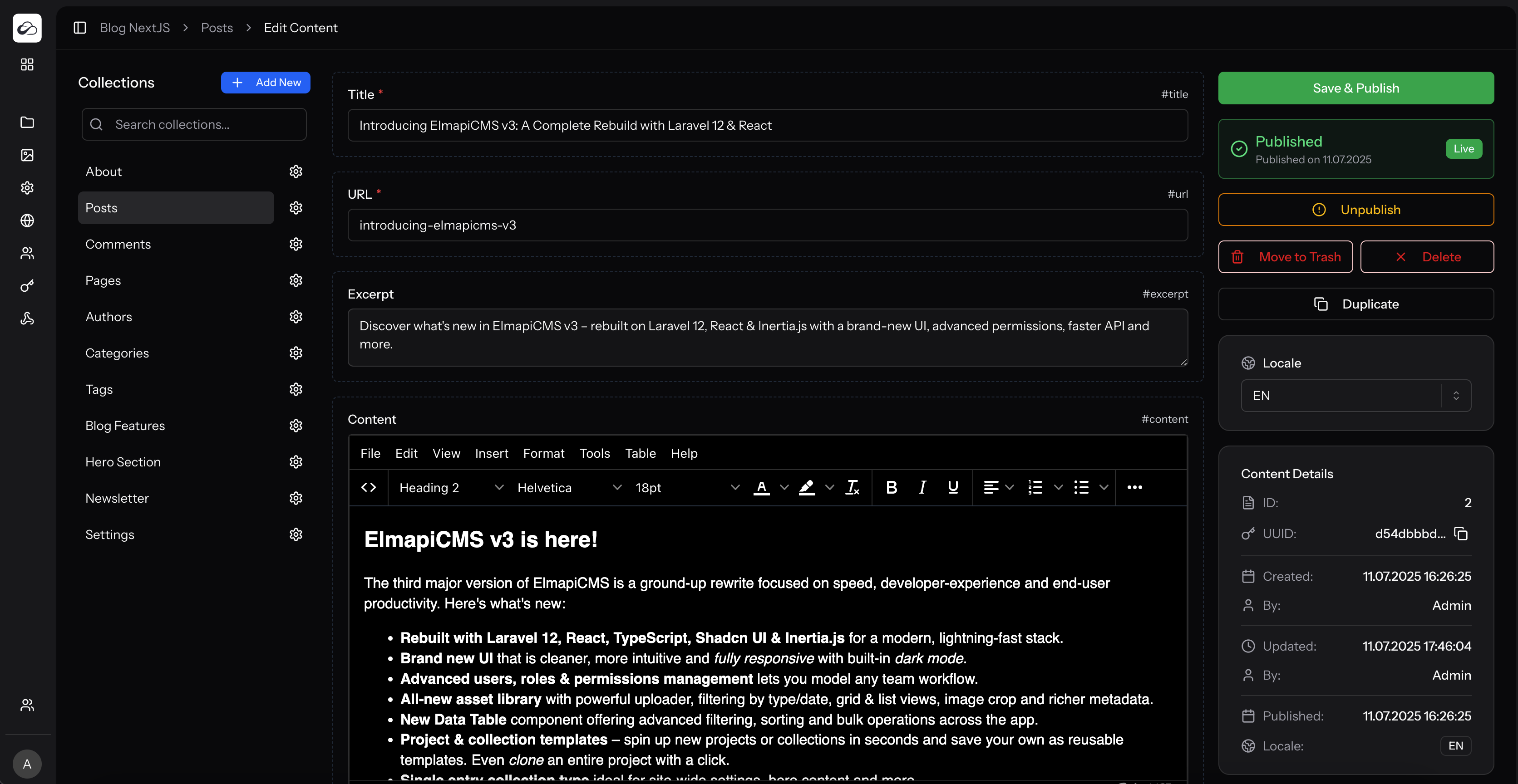
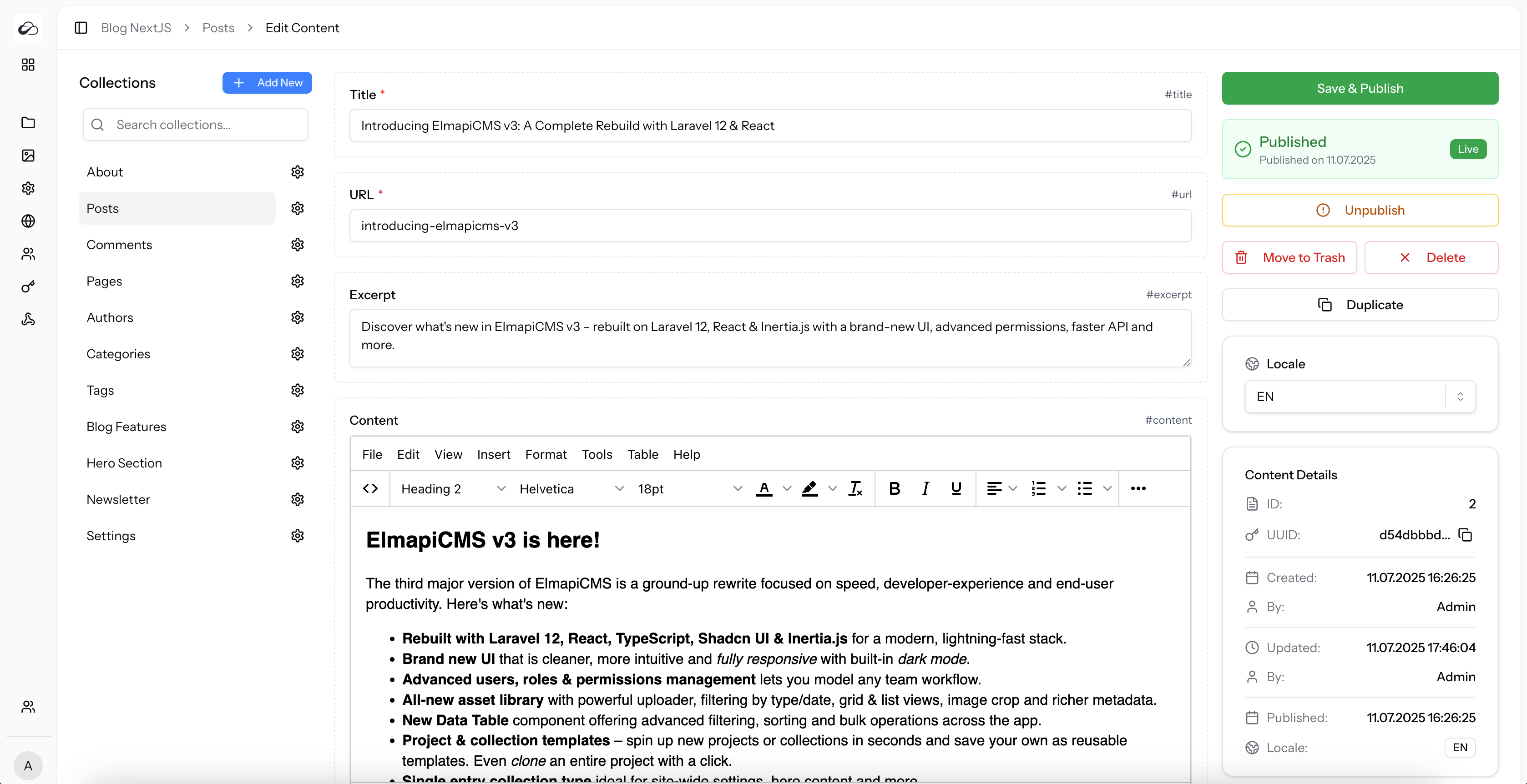
- Edit formatted content with Lexical editor
- Insert media directly from Asset Library
- View source code of rich text content
- Edit in fullscreen mode
- Use rich formatting toolbar
-
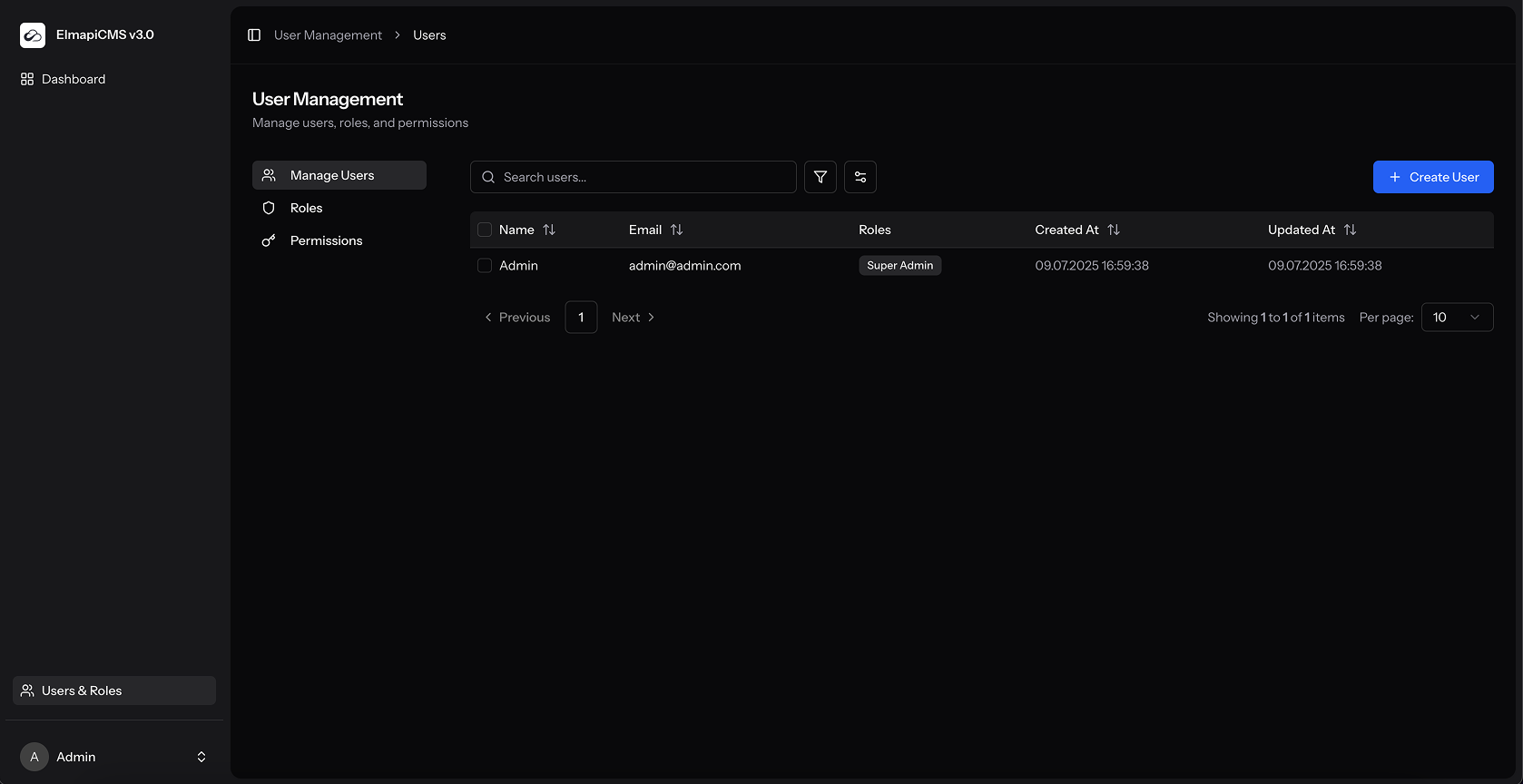
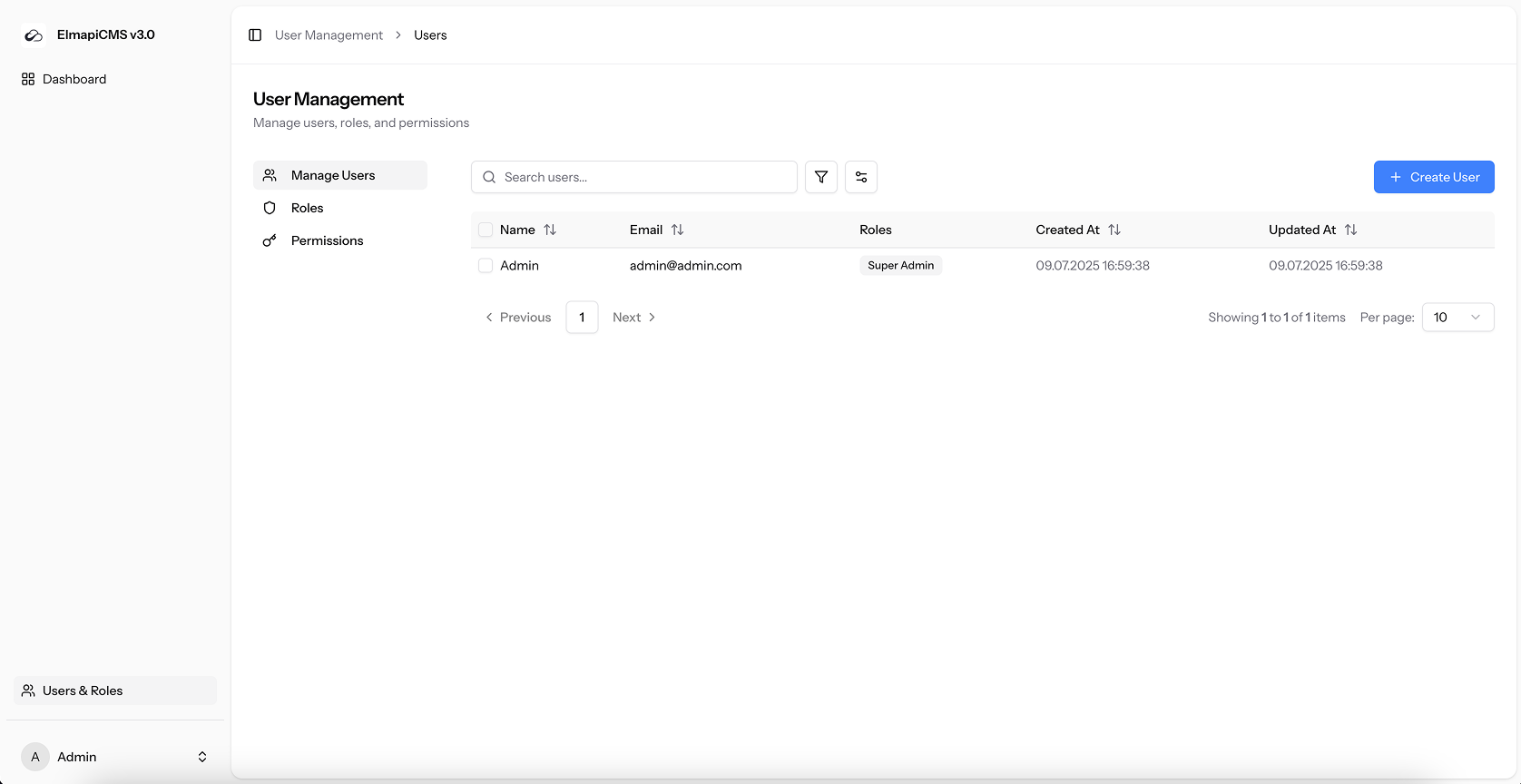
User Management
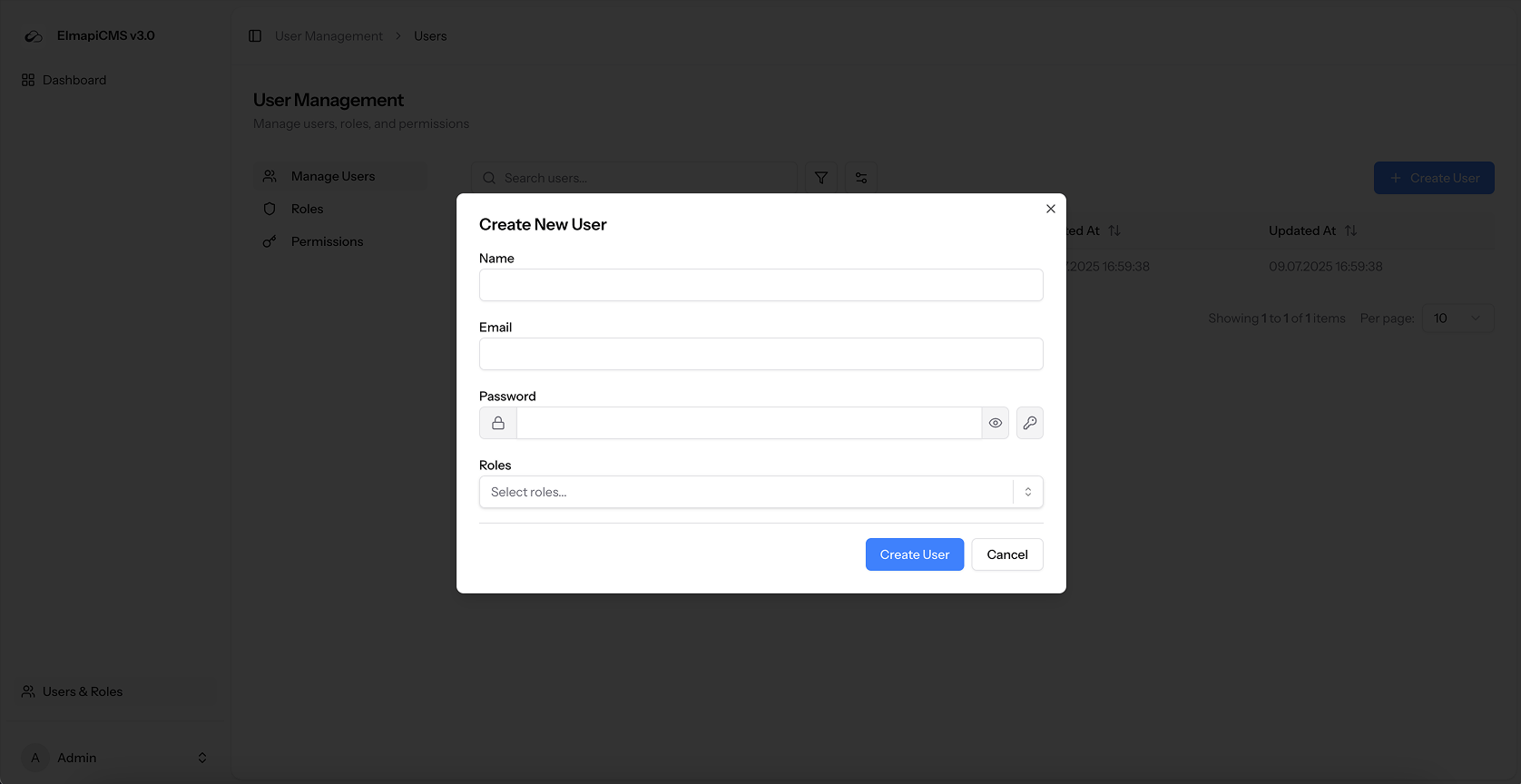
- Create user accounts
- Assign roles to users
- Assign multiple roles to a single user
- Create custom roles
- Edit role permissions
- Create custom permissions
- Control access to all projects or specific projects
- Grant project access to specific users
- Update your own profile information
- Change your password
- Switch between light and dark themes
- Sync theme with operating system
-
API & Integration
- Access content via REST API
- Generate API access tokens
- Create tokens with specific abilities (read, create, update, delete)
- Make API public for unauthenticated GET requests
- Keep API private requiring authentication
- Filter content via API with advanced operators
- Sort, Paginate, Filter content via API
- Exclude specific fields from API responses
- Get total count of entries via API
- Filter by related collection fields
- Use AND, OR, NOT logics in filters
- Filter by equals, not equals, greater than, less than
- Filter by like, in, not in, between, not between
- Filter by null or not null values
- Get single entry by UUID
- Get single entry by slug
- List all entries in a collection
- Create entries via API
- Update entries via API
- Delete entries via API
- Get translations via API
- Use official JavaScript SDK
- Rate limit API requests (60 per minute by default)
-
Webhooks
- Create webhooks to notify external services
- Trigger webhooks on content creation, updates, deletions, publications, unpublications, trashing, restorations
- Sign webhook payloads with a secret
- View webhook delivery logs
-
Templates
- Start projects from built-in templates
- Save collection structures as templates
- Include demo data with templates
- Create templates manually via JSON files
- Use project templates when creating new projects
- Use collection templates when creating collections
-
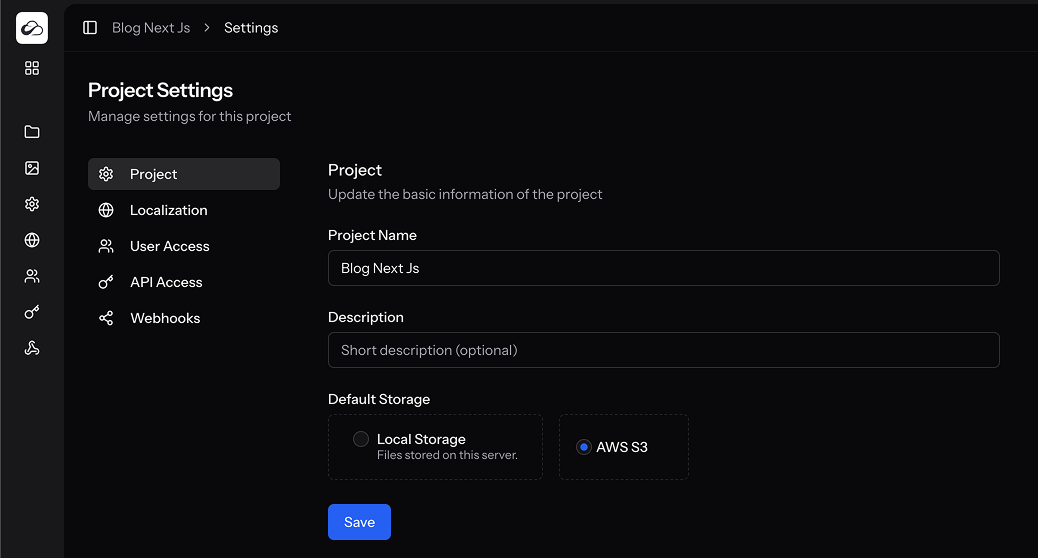
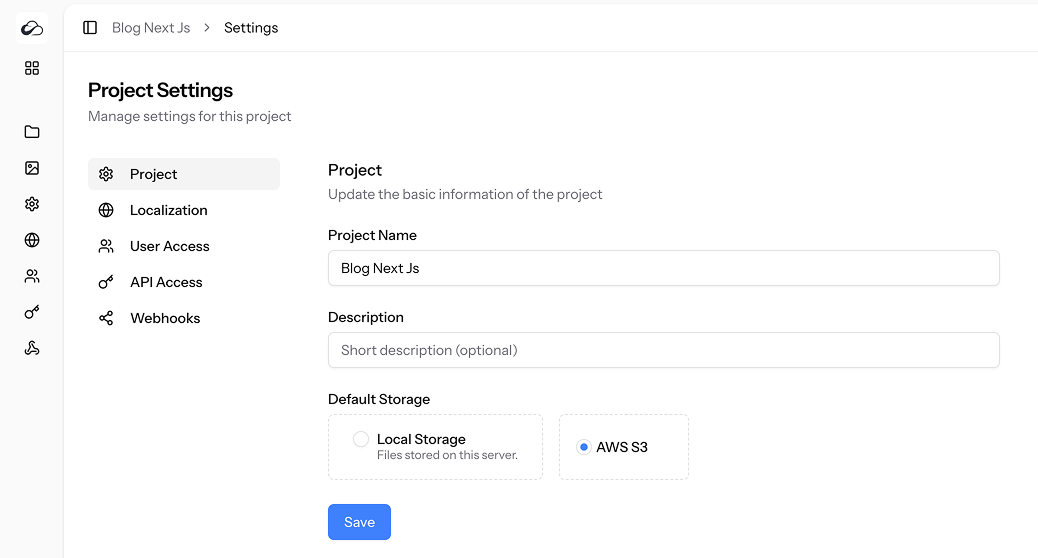
Storage
- Store files locally
- Store files on AWS S3
- Store files on S3-compatible services
- Choose storage disk per project
Who It’s For?
- Laravel developers
- Indie makers
- Freelancers and small agencies
- SaaS builders
- Content teams managing multilingual sites
- Anyone who wants a modern, AI-powered CMS backend they can own and customize
Server Requirements
- PHP >= 8.4
- Ctype PHP Extension
- cURL PHP Extension
- DOM PHP Extension
- Fileinfo PHP Extension
- Filter PHP Extension
- Hash PHP Extension
- Mbstring PHP Extension
- OpenSSL PHP Extension
- PCRE PHP Extension
- PDO PHP Extension
- Session PHP Extension
- Tokenizer PHP Extension
- XML PHP Extension
Database Support
- MySQL >= 8.0
- MariaDB >= 10.5
- PostgreSQL >= 12.0
Web Server
- Nginx or Apache (configured to serve the
public/directory)
For Development / Building Assets
- Composer >= 2.x
- Node.js >= 18.x
- npm >= 9.x (or pnpm/Yarn)
UPDATES
Version 3.3.0 - 12 February 2026
- NEW: AI Chat Assistant - create projects, collections, fields, and content through conversation
- NEW: Inline AI content tools - generate, rewrite, expand, summarize, fix grammar in any text field
- NEW: AI entry translation - translate entire entries to any locale with one click
- NEW: Rich text AI tools - AI actions in the floating toolbar when selecting text
- NEW: AI field context - generation considers field labels, collection name, and other field values
- NEW: Token usage tracking per session
- NEW: AI settings page - configure provider, model, max tokens, max steps, conversation memory
- NEW: Create blank translation entries for any locale
- NEW: Improved dashboard design and other UI changes.
- NEW: API admin endpoints to manage collection and fields schema.
- NEW: MCP Server.
Version 3.2.0 - 23 November 2025
- Added translations.
- Added import/export.
- Added new field type: field group.
- Added a new frontend template: Landing Page.
- Added examples
- Added tutorials
- New Javascript SDK
- Added locale field and filter by locale to the content list.
- Added drag and drop sorting for selected relations.
- Added seeders for examples.

- Fixed content list media load issue.
- Fixed login page app name from settings issue.
- Fixed editor source code removing tags issue.
- Removed backend html conversion. Rich text is saved in both format.
- Fixed asset library server error when aws s3 is not configured.
- Fixed underscore to dash conversion for slug field.
- Fixed API query sorting issue when combined with paginate.
Version 3.1.0 - 23 September 2025
- Replaced TinyMCE with the new Lexical Editor.
- Added OpenAPI annotations and swagger docs.
- Added force param to API when deleting entries.
- Added first param to API when querying entries.
- Added app settings page for updating app name, logo, and favicon.

- Fixed preventing updating or deleting system permissions.
- Fixed count with limit and offset.
- Fixed API relation null not_null issue.
Version 3.0.0 - 12 July 2025

Rebuilt from scratch using Laravel 12, React, TypeScript, Shadcn UI, and Inertia.js
Brand new user interface with modern design
Fully responsive layout for desktop, tablet, and mobile
Added full Dark Mode support
New user, role, and permission management system

New asset library with:
    - Advanced uploader (drag & drop)
    - Filter by type, date, and sort options
    - Grid and list views
    - Image crop tool
    - More file info and metadata display

New data tables with advanced filtering and bulk actions
Project templates – create projects from predefined or custom templates
Project cloning – duplicate entire projects instantly
Collection templates – create and save reusable collection blueprints
Added support for single entry collections (ideal for About, Terms, etc.)
Duplicate entries with one click

New integrated editor: TinyMCE with:
    - Source code mode
    - Fullscreen editing
    - Insert image from URL or asset library

Rewritten content API – now faster and supports advanced filtering
Completely updated documentation – better organized and easier to follow
v2.0.0 - 29 January 2023
- Upgraded to Laravel 9.
- Added: Webhooks.
- Added: Embeddable Forms.
- Added: Repeatable fields.
- Added: Option for enabling public API access (unauthenticated get requests).
- Added: Timepicker option for the date field type.
- Added: New field type: Color picker.
- Added: Allow multiple option to the enumeration field type.
- Fixed: refreshing the page issue when saving project settings.
- Fixed: the thumbnail issue while uploading files.
- Fixed: change password issue.
- Fixed: unnecessary query in the content resource for collections.
- Fixed: small UI issues.v1.1.2 - 18 March 2022
- Added: API endpoints for managing Media Library
- Added: uploading files via API
- Added: AWS S3 Upload feature.
- Added: whereRelation filter option.
- Added: Include timestamps option to API requests.
- Added: API error message when the field doesn't exist using where clause.
- Added: API error message when using offset without limit
- Fixed Trying to get property 'id' of non-object error
- Fixed: Disabled thumb field for non-image files in API responses.v1.0.0 - 23 Nov 2021
Initial release