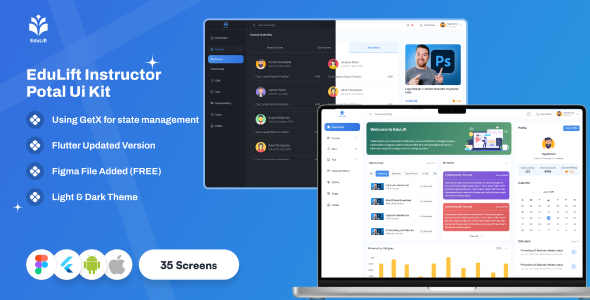
EduLift Instructor Portal – Flutter Education App UI Kit (Mobile & Web Responsive)
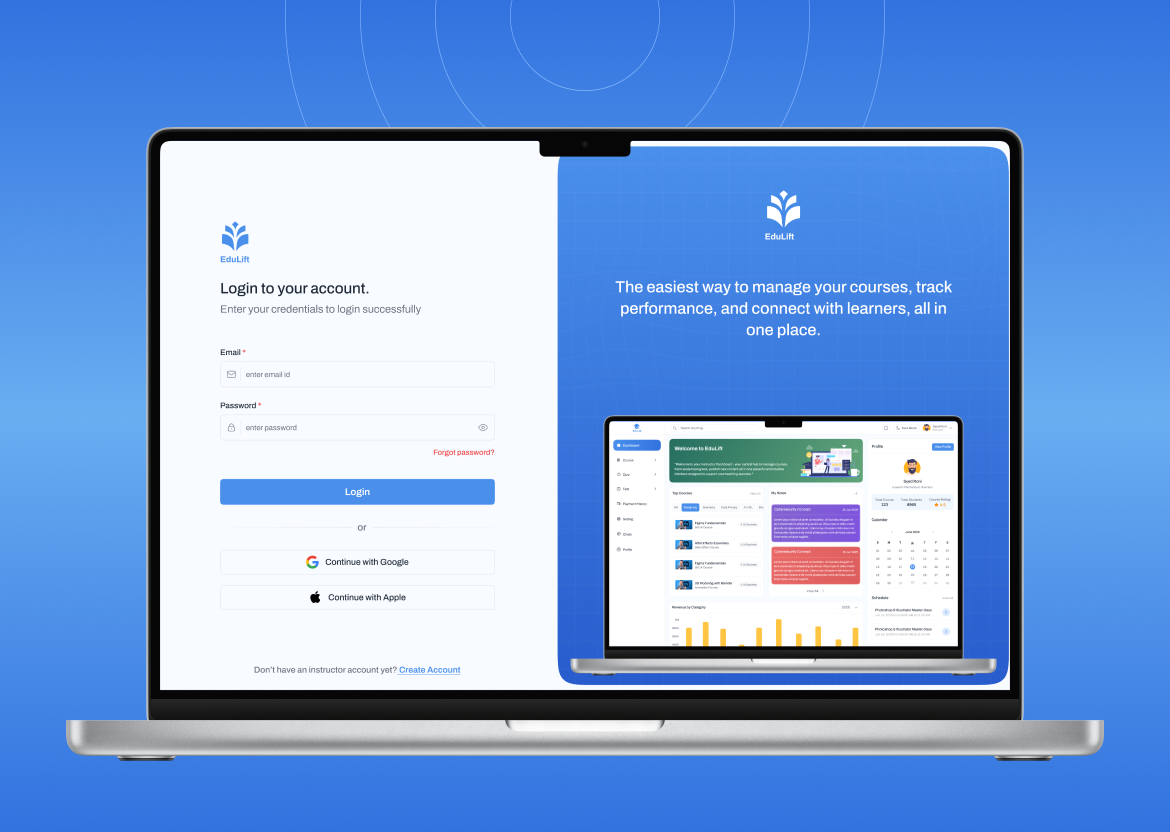
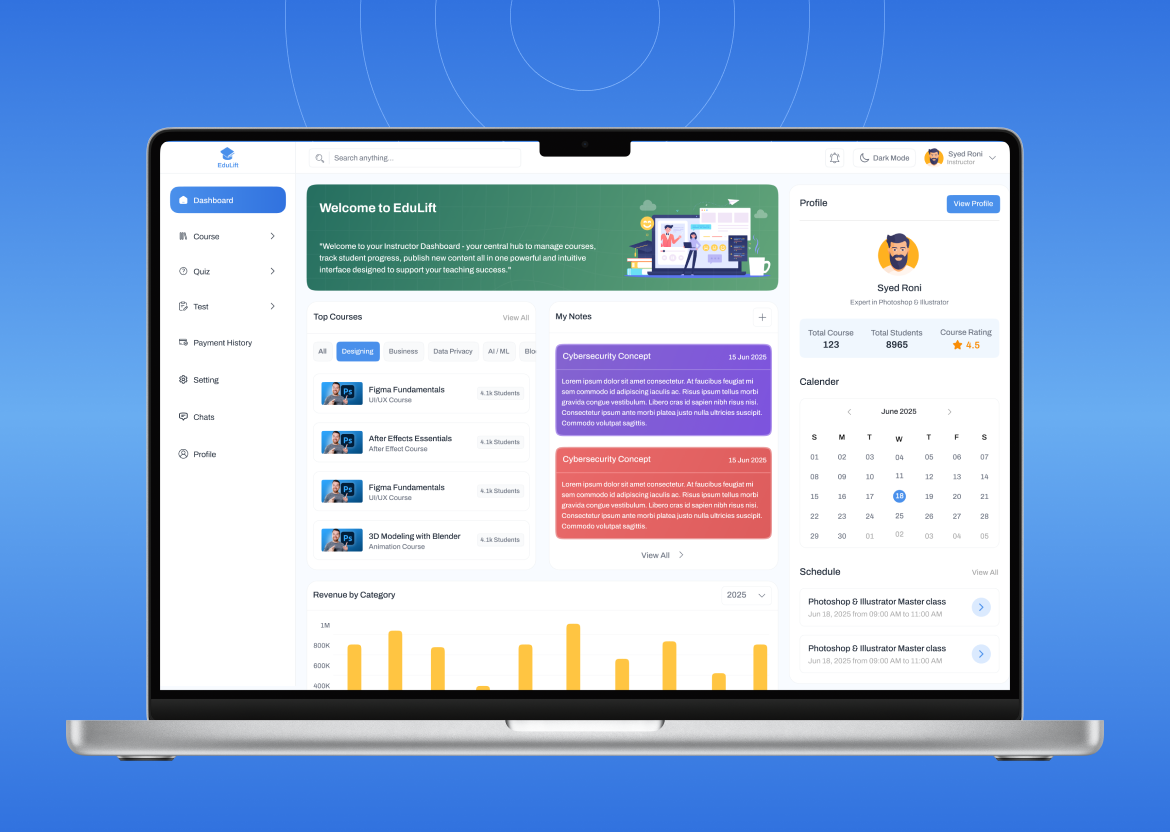
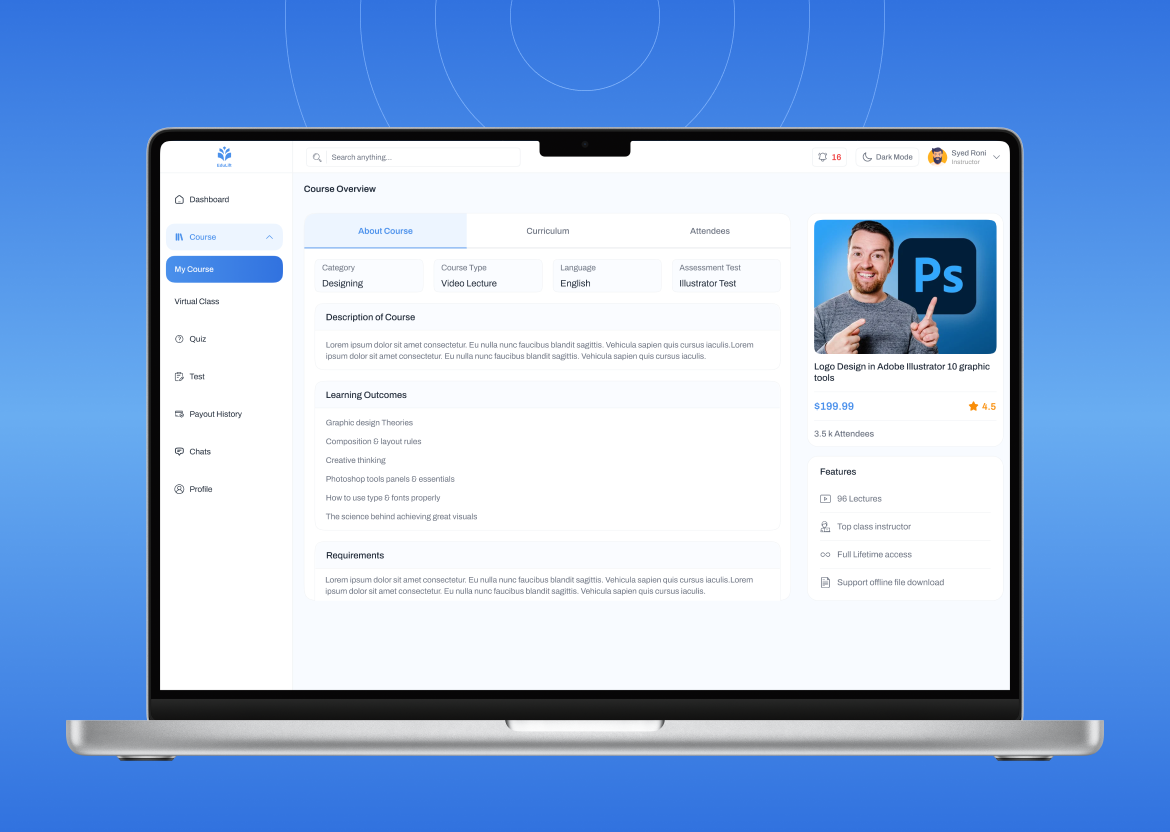
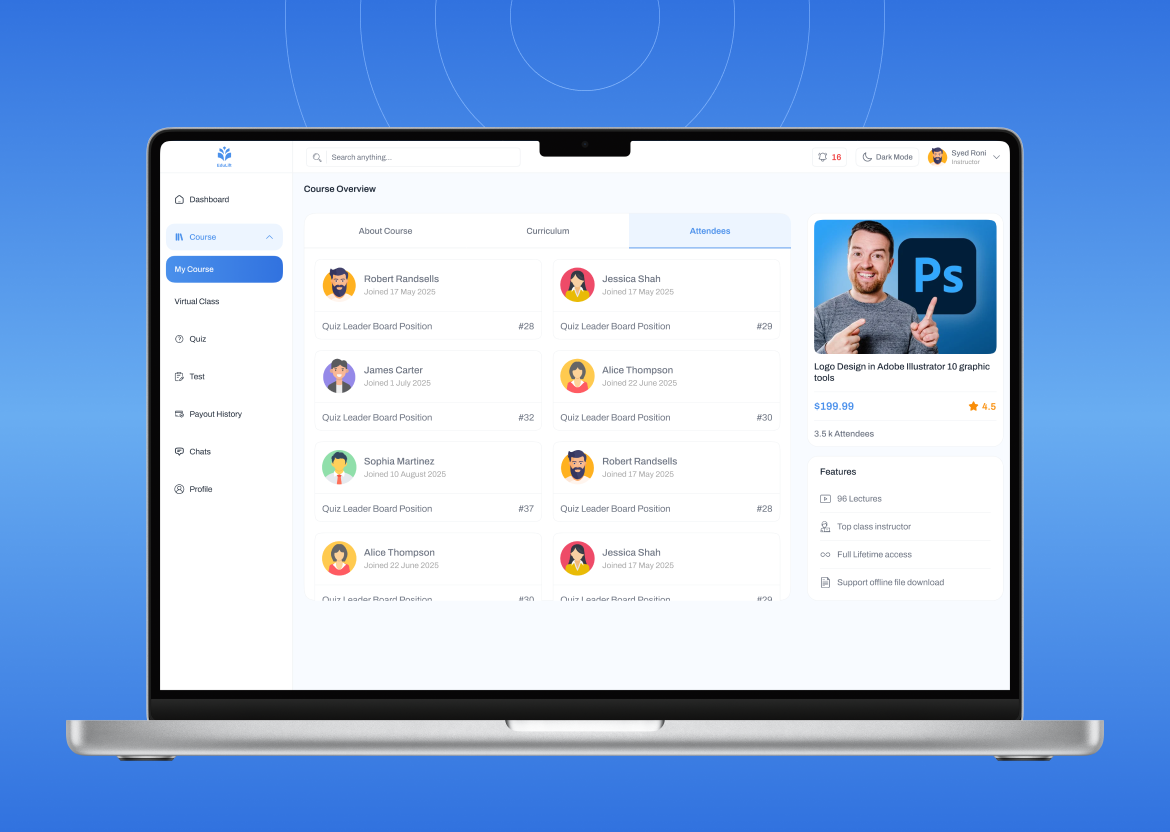
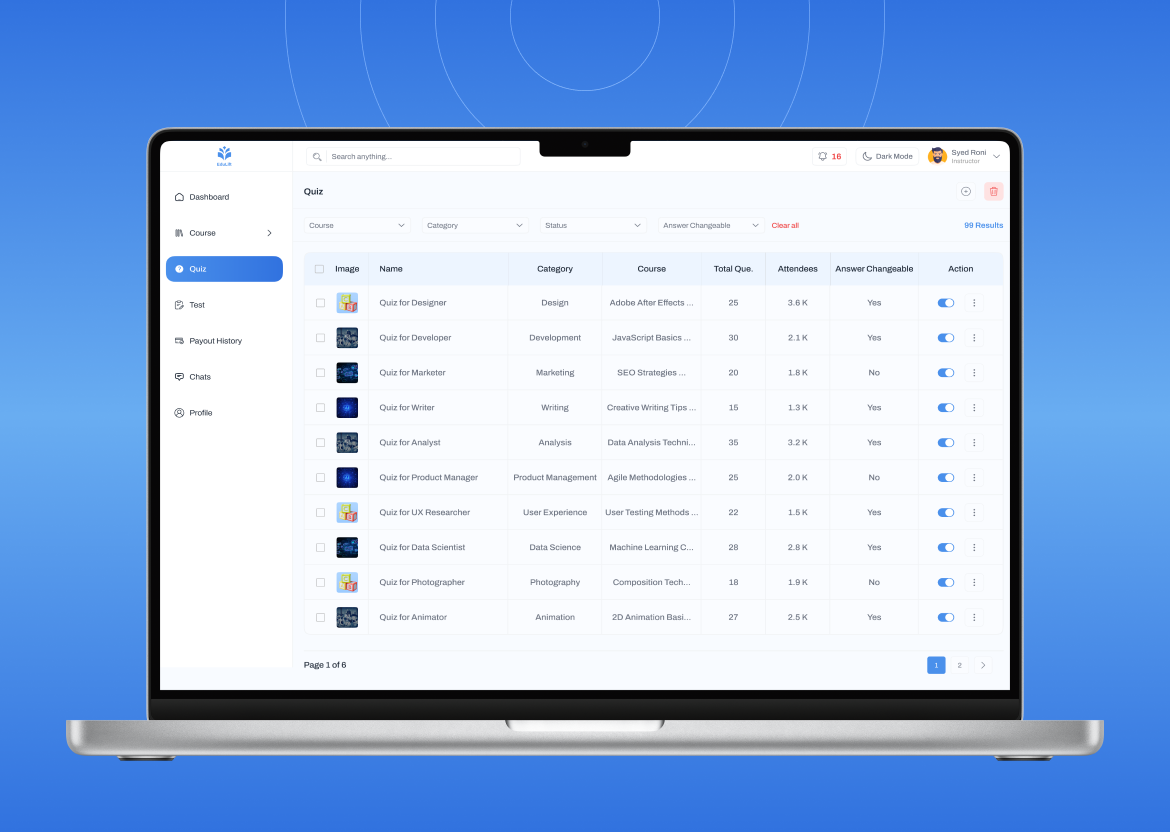
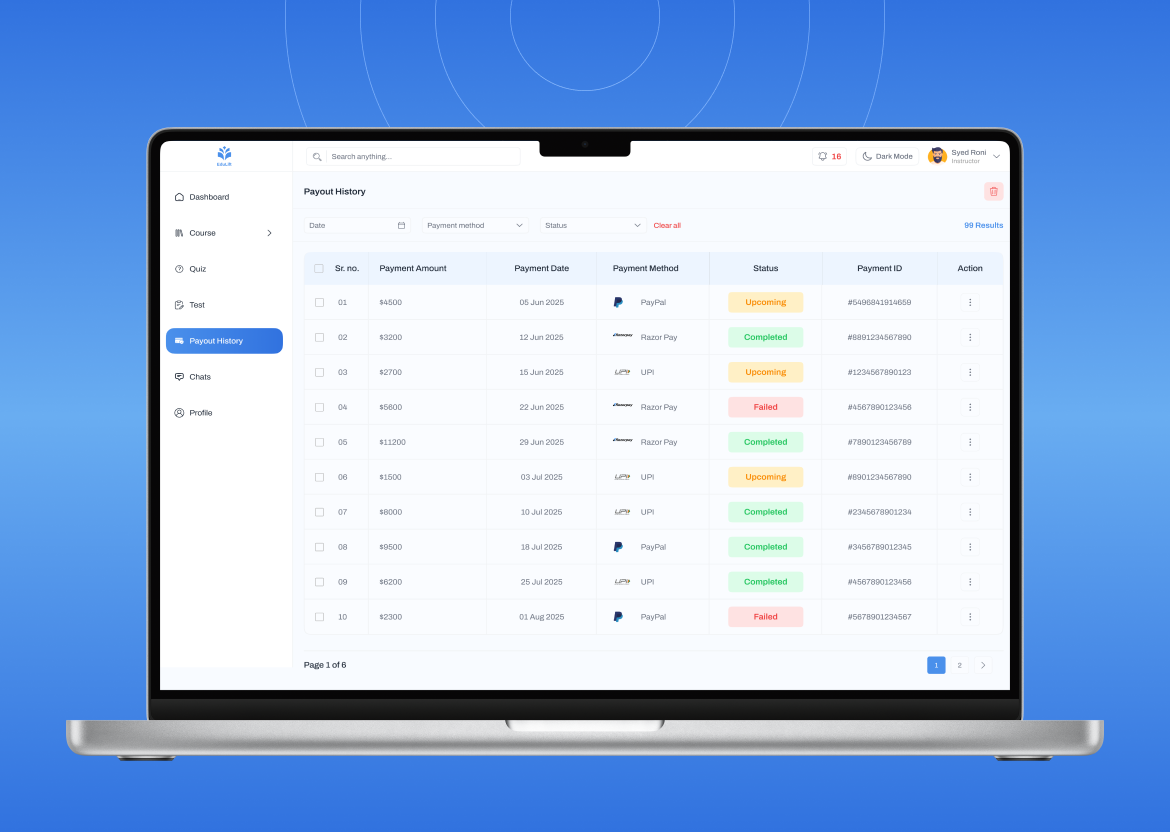
EduLift Instructor Portal is a powerful Flutter Education App UI Kit designed for instructors, tutors, and educators to manage their online teaching journey efficiently. It covers login, onboarding, course creation, student tracking, earnings, analytics, and messaging. Built using Flutter + GetX, it’s fully mobile and web responsive — adapting seamlessly across devices.
Why Choose Instructor Portal?
- 100% Flutter-based UI (Mobile + Web Responsive)
- Clean, modular, and scalable UI architecture
- Pre-built instructor-side experience for LMS and education platforms
- Ready-to-use Flutter screens with reusable widgets
- Built using GetX for state management and responsive layout
- Reusable UI components and adaptive design across devices
Key Features
- Cross-Platform: Works perfectly on both Mobile and Web (responsive Flutter layout)
- Authentication: Email, phone, OTP & social login (Google, LinkedIn)
- Instructor Onboarding: Profile setup, qualifications, experience, and document uploads
- Dashboard: Course statistics, revenue reports, pending tasks, and analytics charts
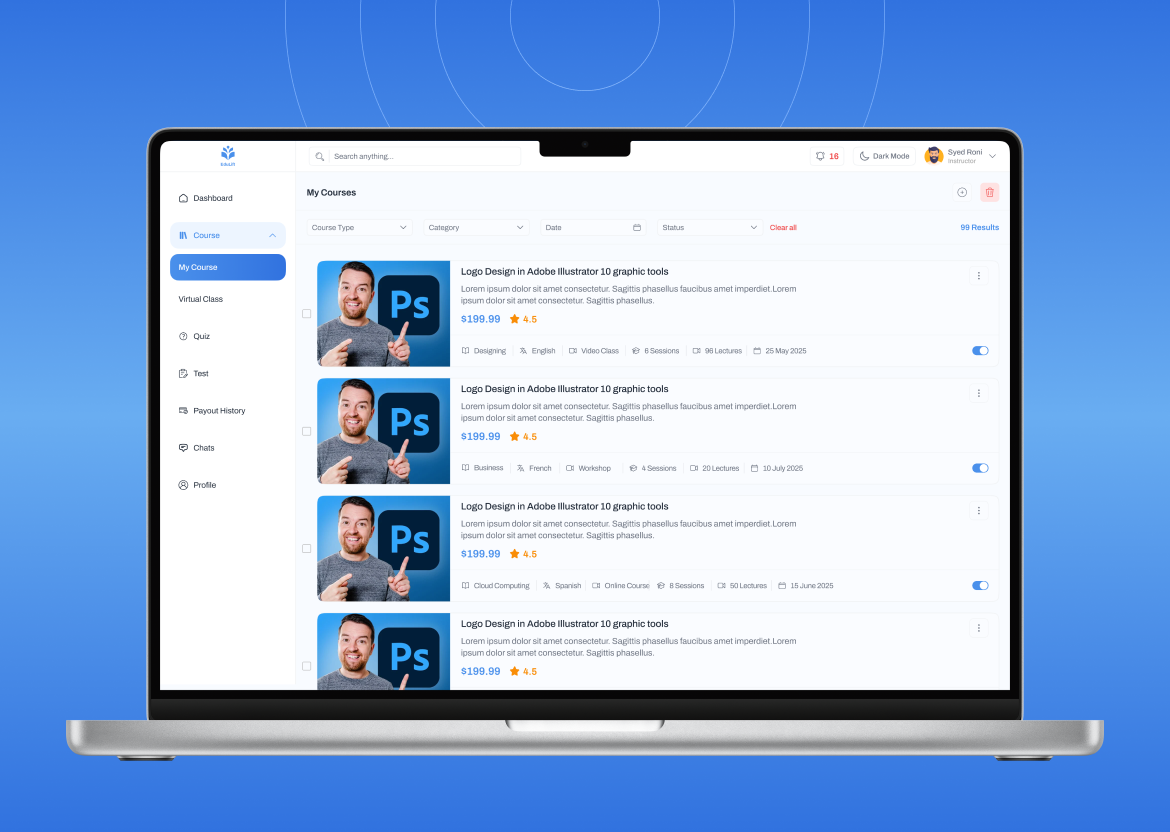
- Course Management: Create, edit, publish/unpublish courses with videos and quizzes
- Student Management: Track enrollments, performance, and course progress
- Assessment & Grading: Assignments, quizzes, grading & feedback
- Earnings & Payouts: Monthly reports, commission breakdown, and payout history
- Certificates: Auto/manual issuance with customizable templates
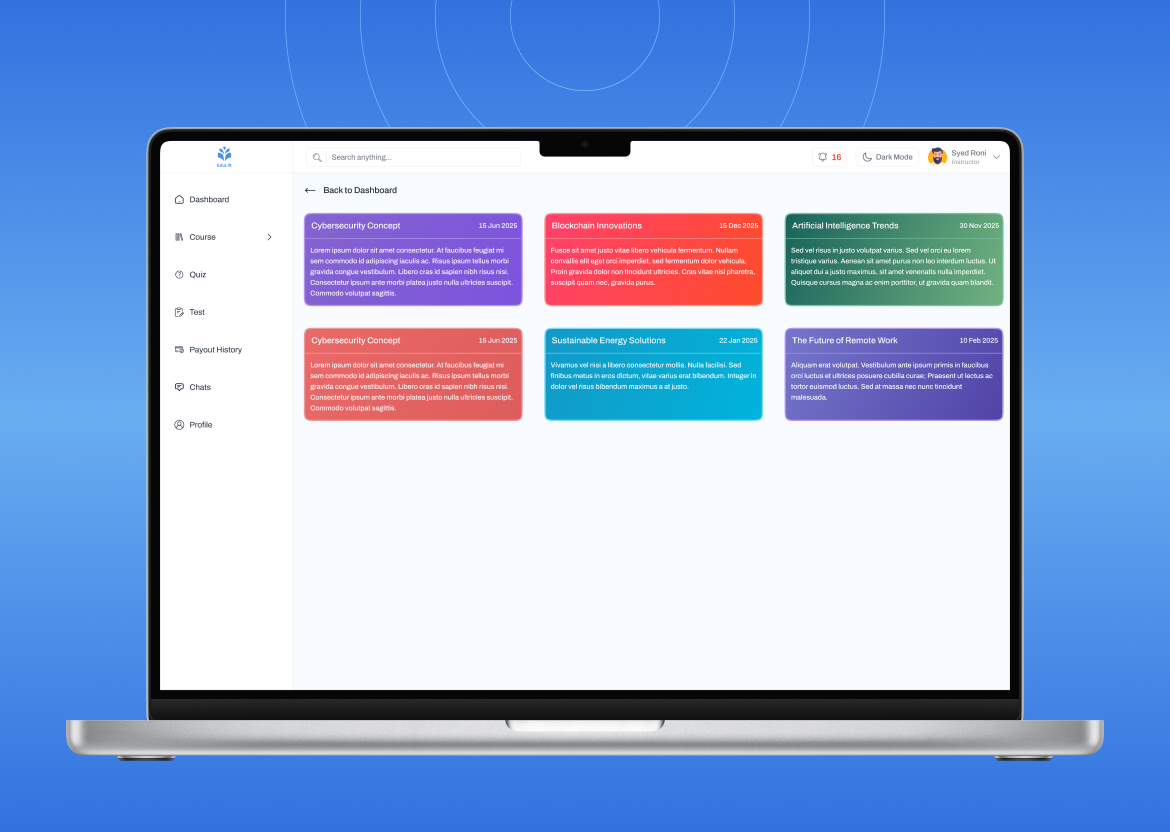
- Messaging & Announcements: In-app messages and notifications to students
- Analytics & Insights: Charts for engagement, completion rate, and revenue
- Dark/Light Mode: Modern theme switcher included
- Support Center: FAQ, help desk, and ticket system screens
Highlights
- Fully mobile and web responsive design — works across devices & screen sizes
- Modular & reusable Flutter components
- Clean and minimal UI for an enhanced instructor experience
- Interactive charts and stats for earnings & engagement
- Multilingual support-ready layout
- Designed for seamless backend integration (Firebase, Node.js, PHP, etc.)
Perfect For
- Online Course Platforms & LMS
- EdTech Startups
- Private Tutors & Coaching Institutes
- Universities and Training Academies
- Flutter Developers building instructor dashboards
What’s Included
- Full Flutter UI Source Code
- Instructor Dashboard Screens
- Onboarding & KYC Flow
- Course & Student Management UIs
- Earnings, Analytics & Reports Screens
- Messaging, Tickets & Notifications
- Mobile + Web Responsive Layout
- Light/Dark Mode Support
- Clean Folder Structure with Reusable Widgets
Technical Details
- Framework: Flutter 3.x+
- Language: Dart
- State Management: GetX
- Design: Fully responsive (mobile, tablet, web)
- Platforms: Android, iOS, Web
How to Customize
- Download and extract the zip package.
- Open the project in Android Studio or VS Code.
- Run
flutter pub getto install all dependencies. - Update app name, logo, and colors inside the
constants/ortheme/folder. - Modify texts, icons, and layouts as needed.
- Integrate your own backend or API for live data.
Note
This is a UI Kit only. It does not include backend or API integration. You can integrate it with your own backend or any third-party APIs like Firebase, Supabase, or REST services.
FAQ
-
Does this app include backend or database?
No, this is a frontend UI kit only. -
Is it mobile and web responsive?
Yes, the design is 100% responsive across mobile, tablet, and web. -
Can I integrate my own API?
Yes, it’s designed for easy backend integration. -
Does it support GetX?
Yes, GetX is pre-integrated for routing and state management. -
Can I use it for iOS, Android, and Web?
Absolutely — it’s built for all three platforms.
Support
For questions beyond this documentation, please contact:
Email: support@imperiathemes.com
© ImperiaThemes. All trademarks and logos belong to their respective owners.