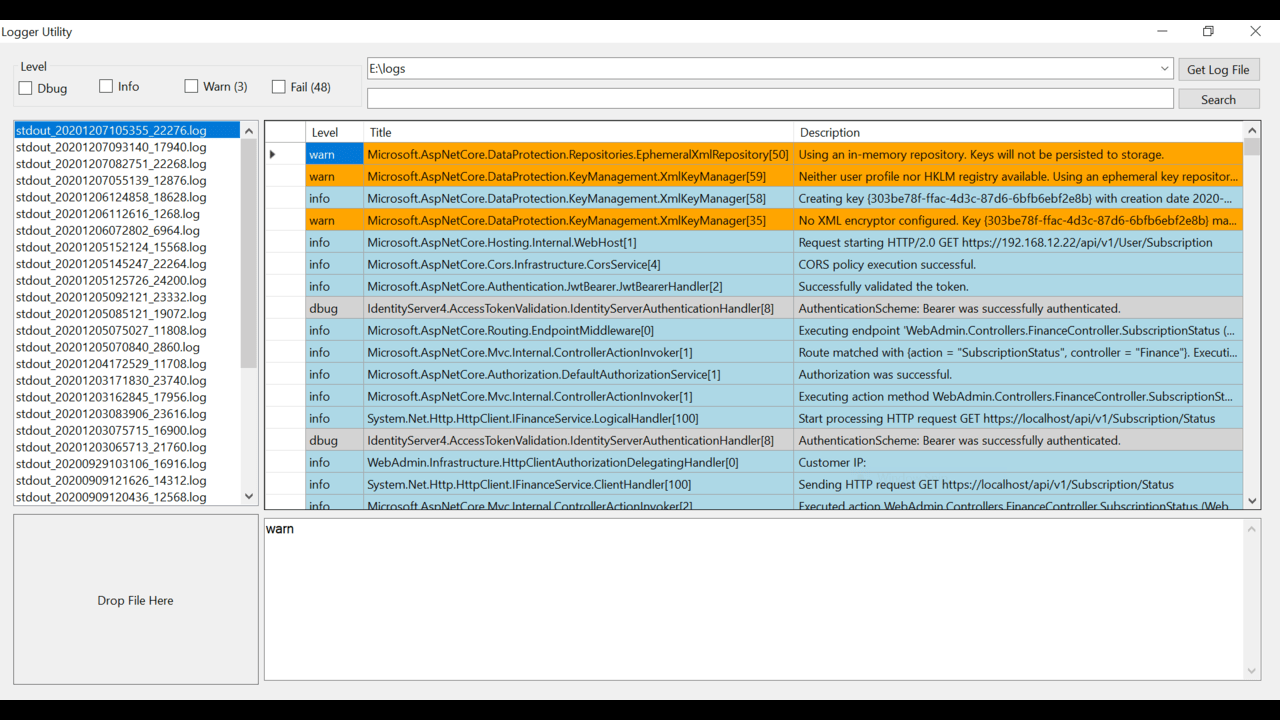
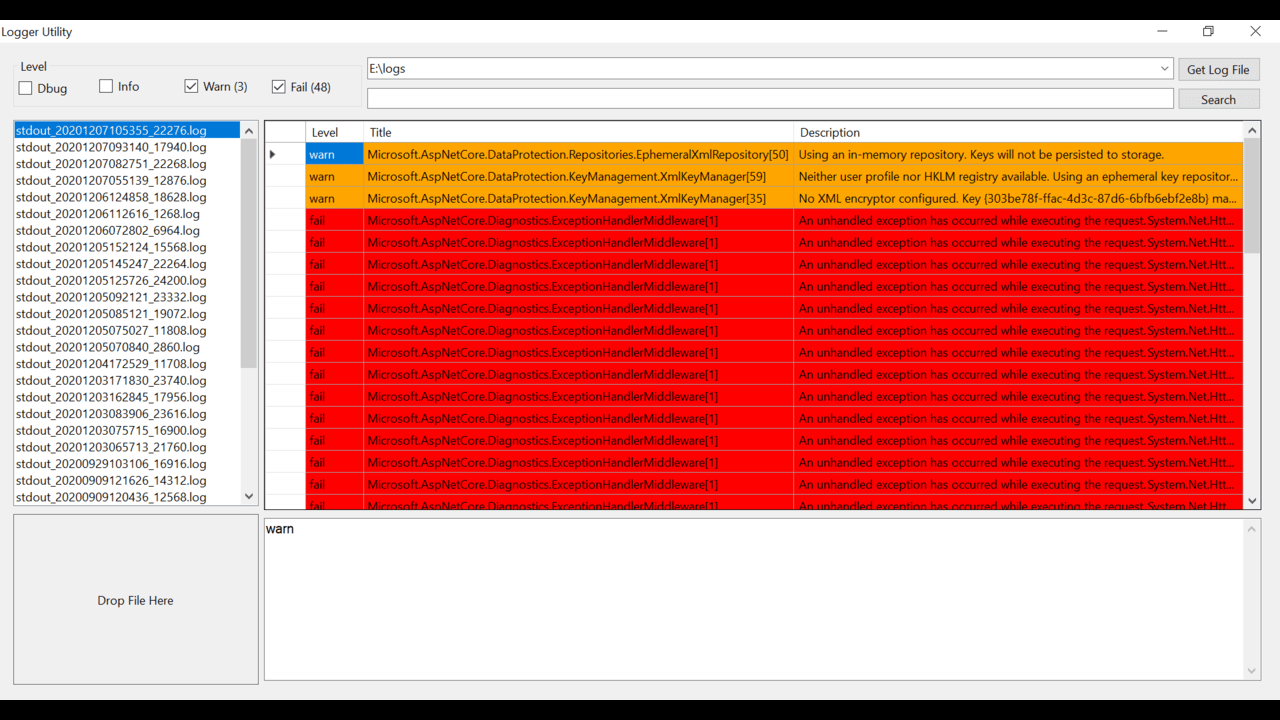
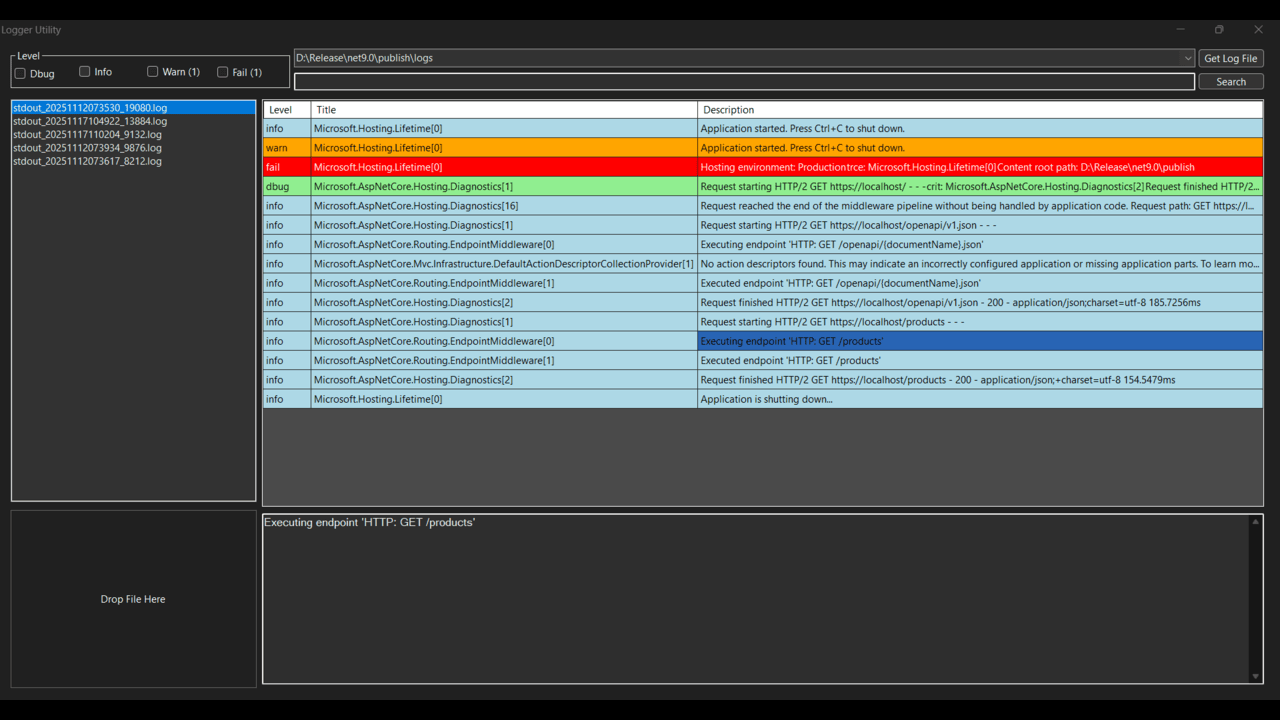
A lightweight Windows Forms log viewer for .NET 10 that parses plain-text `.log` files produced by simple prefix-based logging (levels like `info:`, `dbug:`, `warn:`, `fail:`). It supports drag-and-drop, folder scanning for recent logs, level filtering, text search, and shows multi-line descriptions for each log entry.
In current version there are this feature:
- Multiple File Support
- Drag & Drop File Support
- Filters Available
- Search Support
Key features
- Parse .log files with entries that start with a level prefix (case-insensitive):
info:,dbug:,warn:,fail:. - Multi-line message support subsequent lines are appended to the previous entry’s description.
- Non-blocking parsing file I/O and parsing run on a background thread; UI remains responsive.
- Filter by level using checkboxes (Debug, Info, Warn, Fail).
- Free-text search across Title and Description.
- List recent
.logfiles from a selected folder and open them. - Row coloring in the grid by level (Fail = red, Warn = orange, Info = light blue, others = light gray).
- Click or navigate to a grid cell to view the full value in the result text box.
- Virtual-mode DataGridView for very large logs (feeds rows from an in-memory
List<LogEntry>and an index map for filtered views). - Keyboard shortcuts and accessibility improvements:
- Ctrl+F focuses the search box and selects its text.
- Esc clears the search box (if populated) and focuses the results grid.
- AccessibleName properties set for key controls to improve screen-reader support.
Built With - Dotnet Core 10 - VS 2026 WinForm
Changelog
Version 2.0.0net core version update and performance improvementVersion 1.0.0
Init release