Put your HTML text here
Doc Scanner – AI Powered Document App (Flutter)
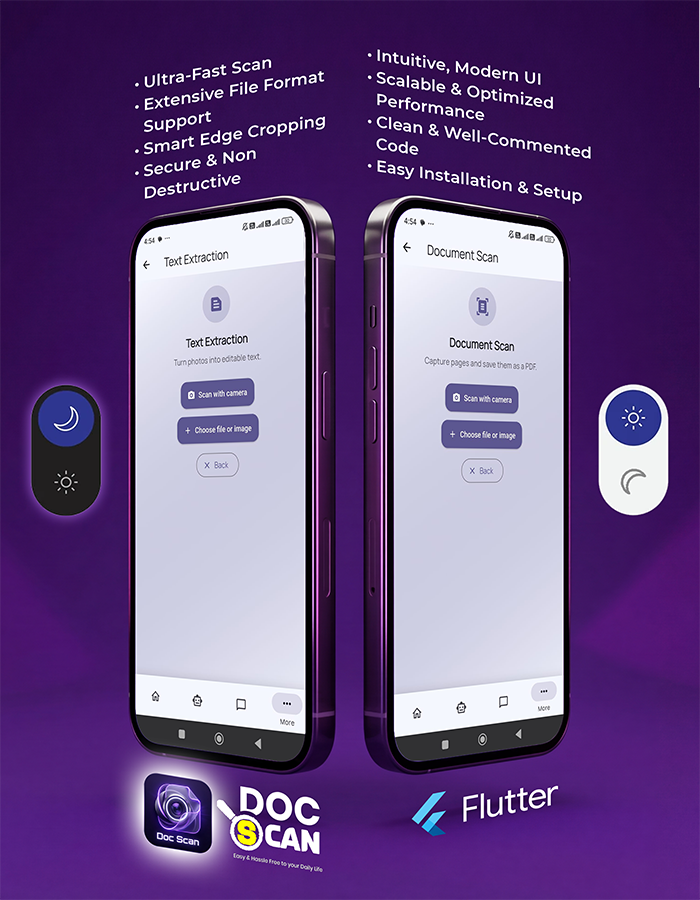
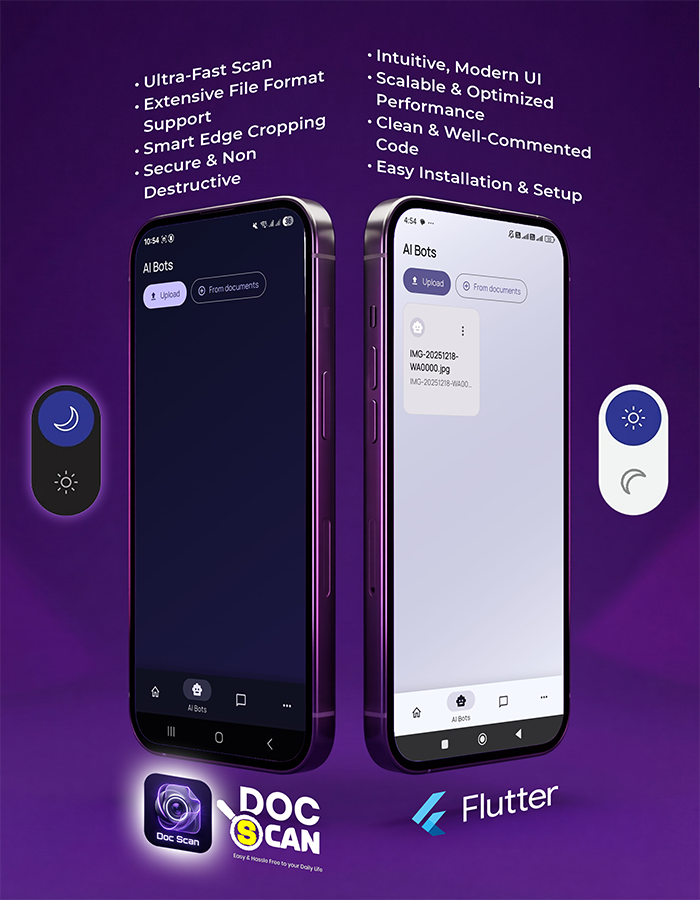
Doc Scanner is a Flutter-based mobile application designed to scan, store, and work with documents. It includes OCR support, cloud sync, and AI-powered features such as document Q&A and summaries.
Demo App
Download and test the demo APK:
Android only. You may need to enable “Install from unknown sources”.
Key Features
- Flutter-based cross-platform mobile application
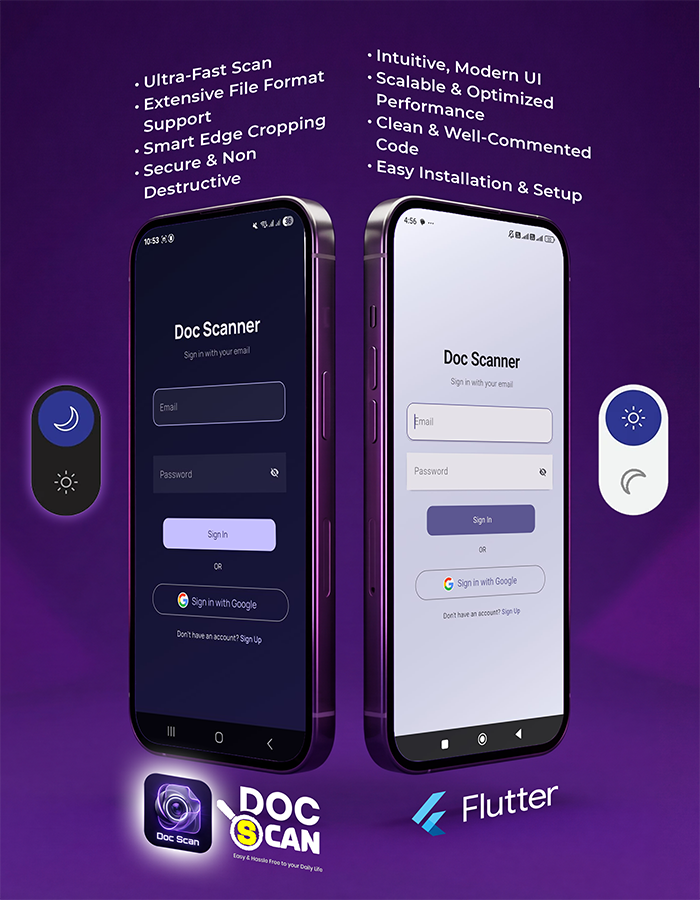
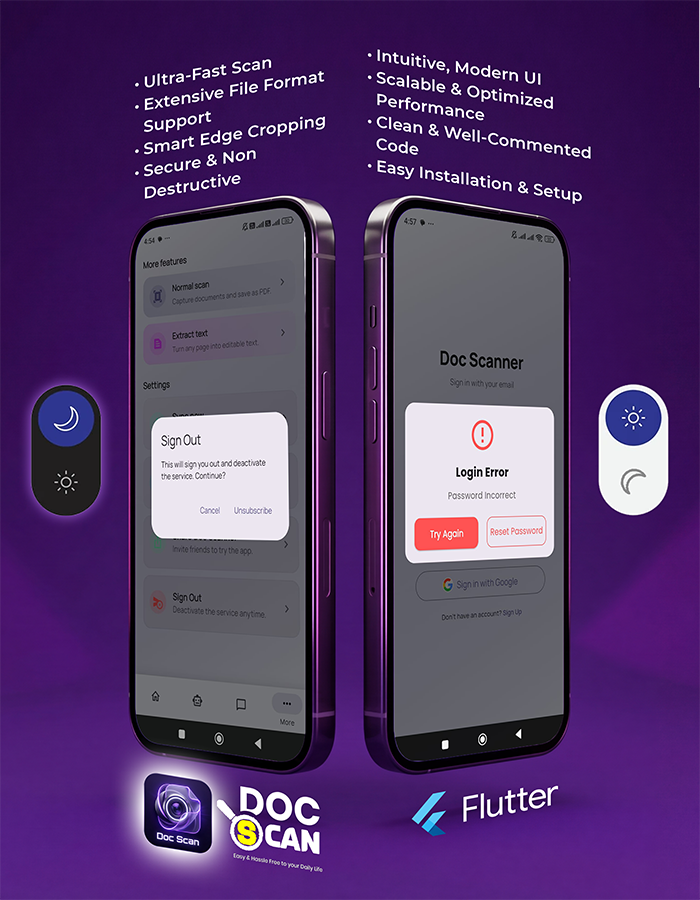
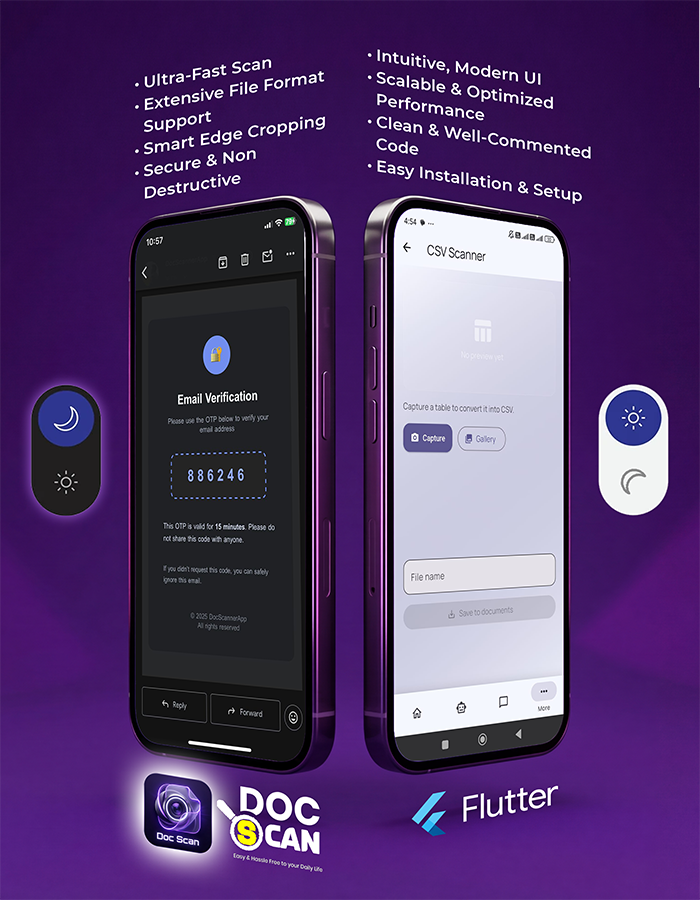
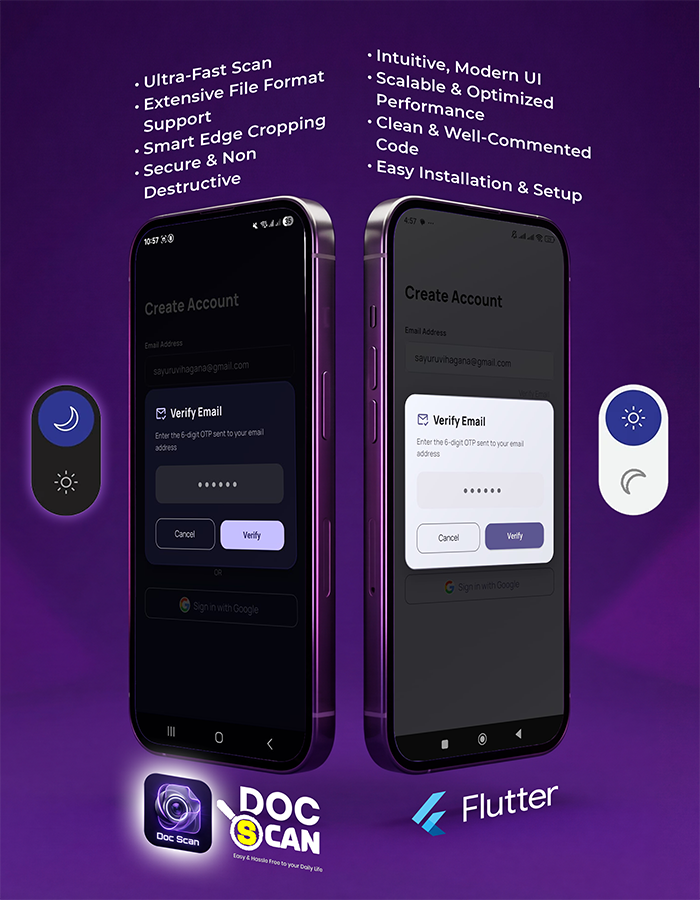
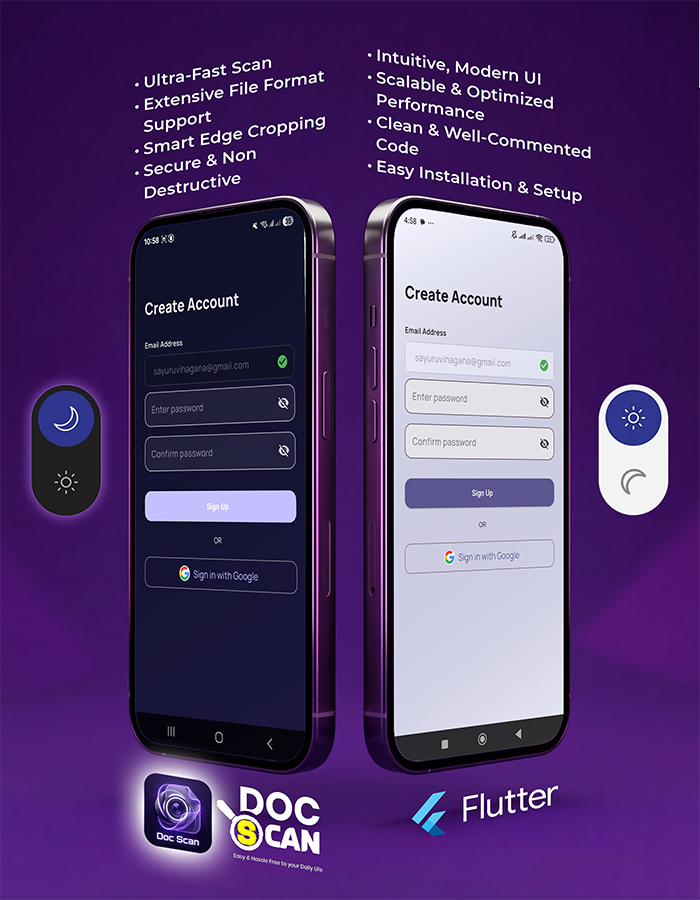
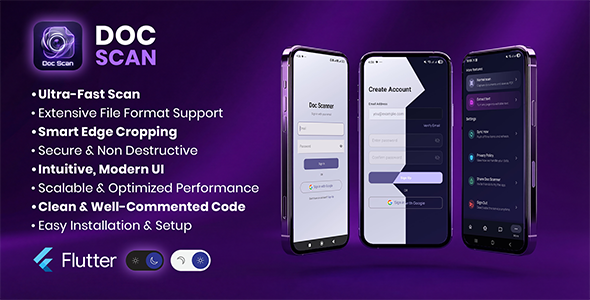
- Google Sign-In and email authentication with email verification
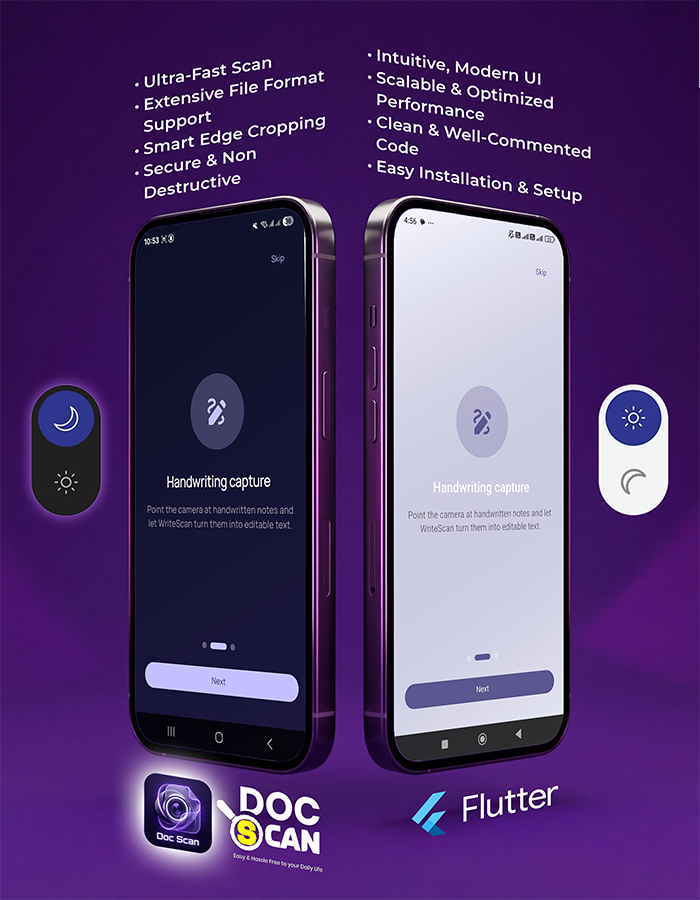
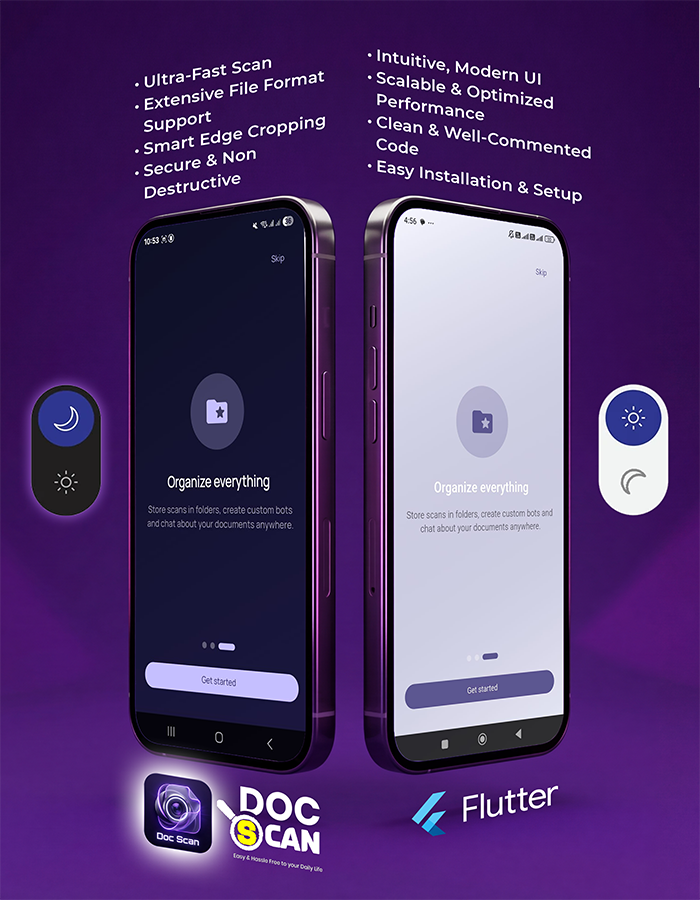
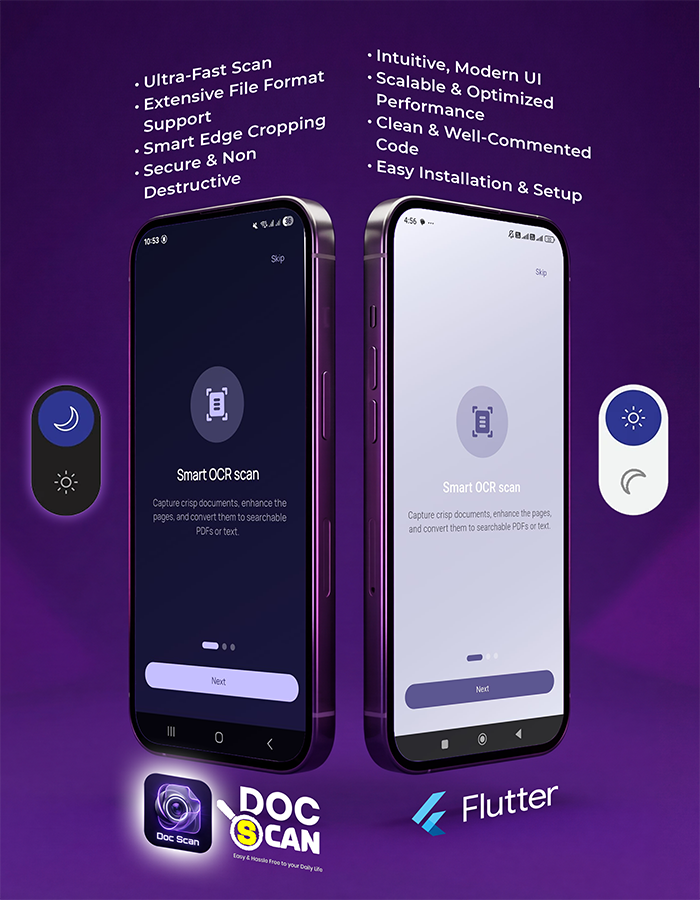
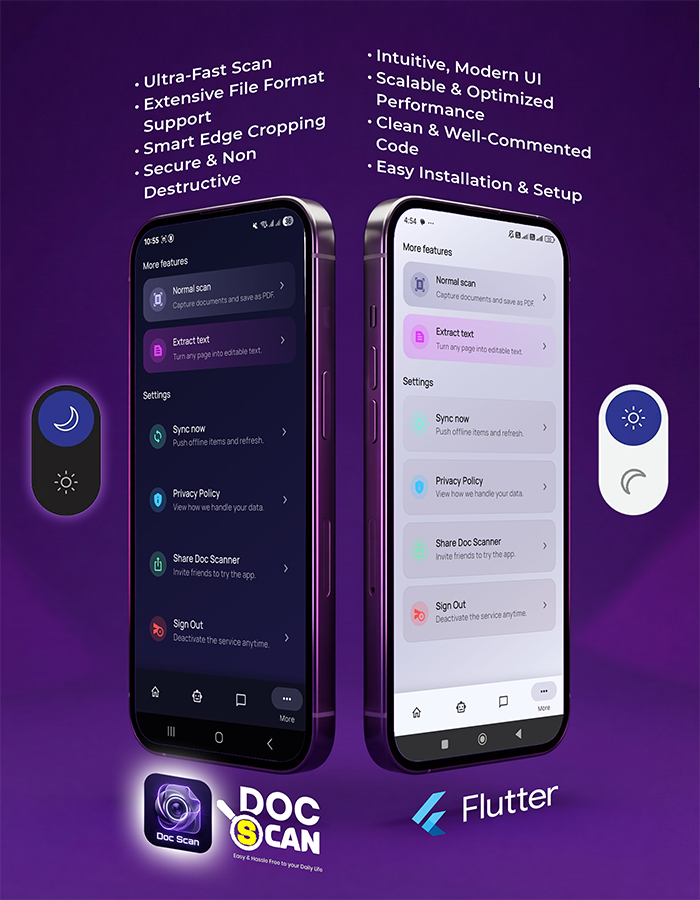
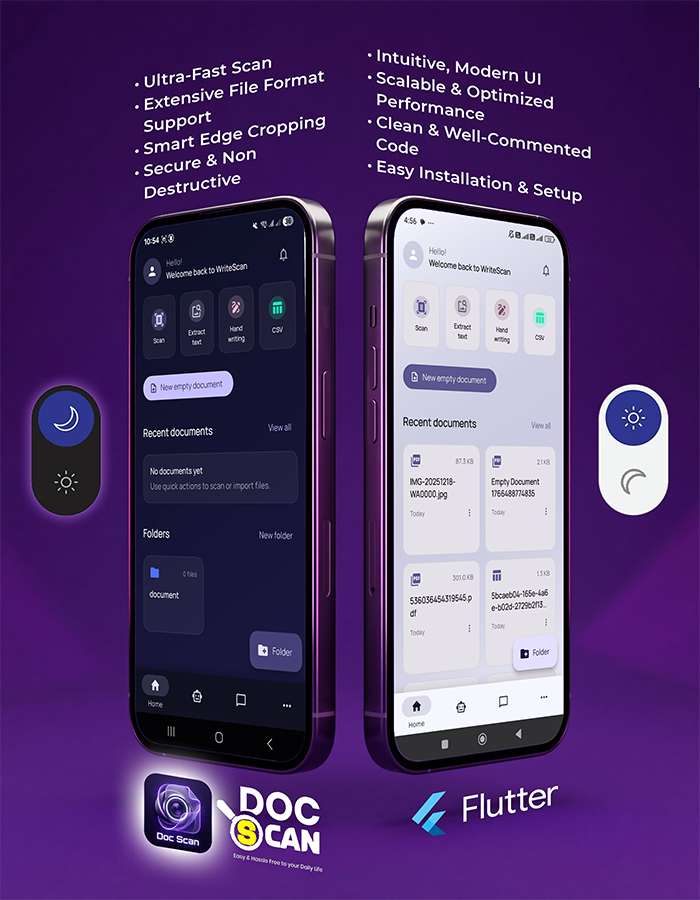
- Light mode and dark mode support
- High-quality document scanning with automatic edge detection
- Multi-page scanning with PDF creation and image export
- Automatic cloud sync with server-side backup
- Folder organization with color coding and archive
- Built-in PDF viewer for managing scanned documents
AI Powered Features
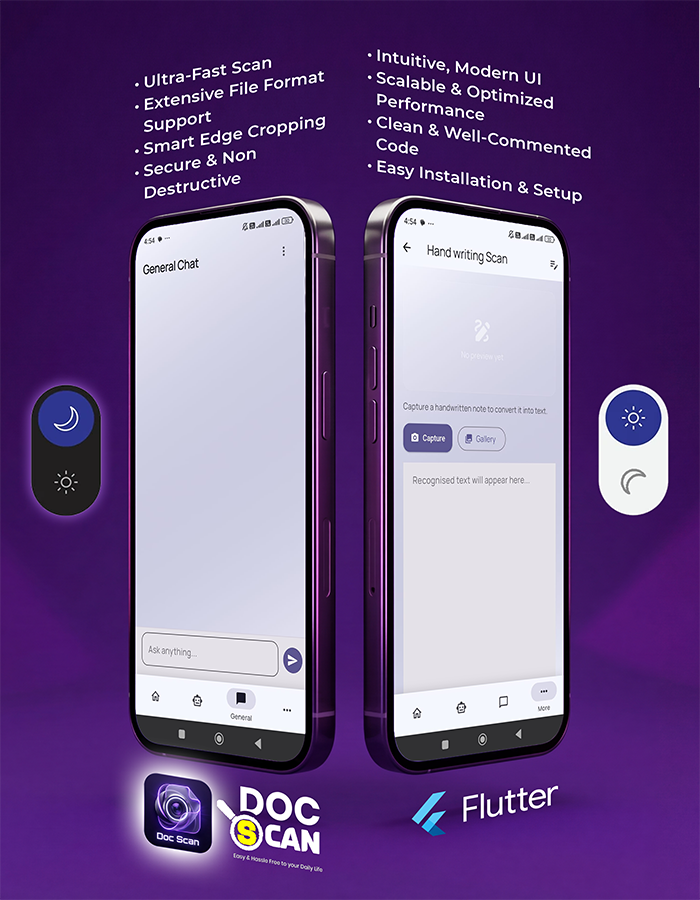
- Chat with Documents: Ask questions and receive answers based on scanned document content
- Smart Summaries: Generate summaries, extract key points, and find information quickly
- General AI Chat: Separate workspace for brainstorming and productivity tasks
Included Components
- Mobile App: Flutter app for Android and iOS
- Backend: Secure REST API developed using CodeIgniter 4
- Database: MySQL database schema for document storage
Technologies
Flutter Android iOS PHP CodeIgniter 4 MySQL Firebase Auth Google Gemini AIRequirements
- Flutter SDK
- Android Studio and/or Xcode
- Hosting/server for backend deployment
- Basic knowledge of Flutter and PHP (CodeIgniter)
Note: Any third-party services (AI/OCR) may require separate API keys and billing depending on the provider.