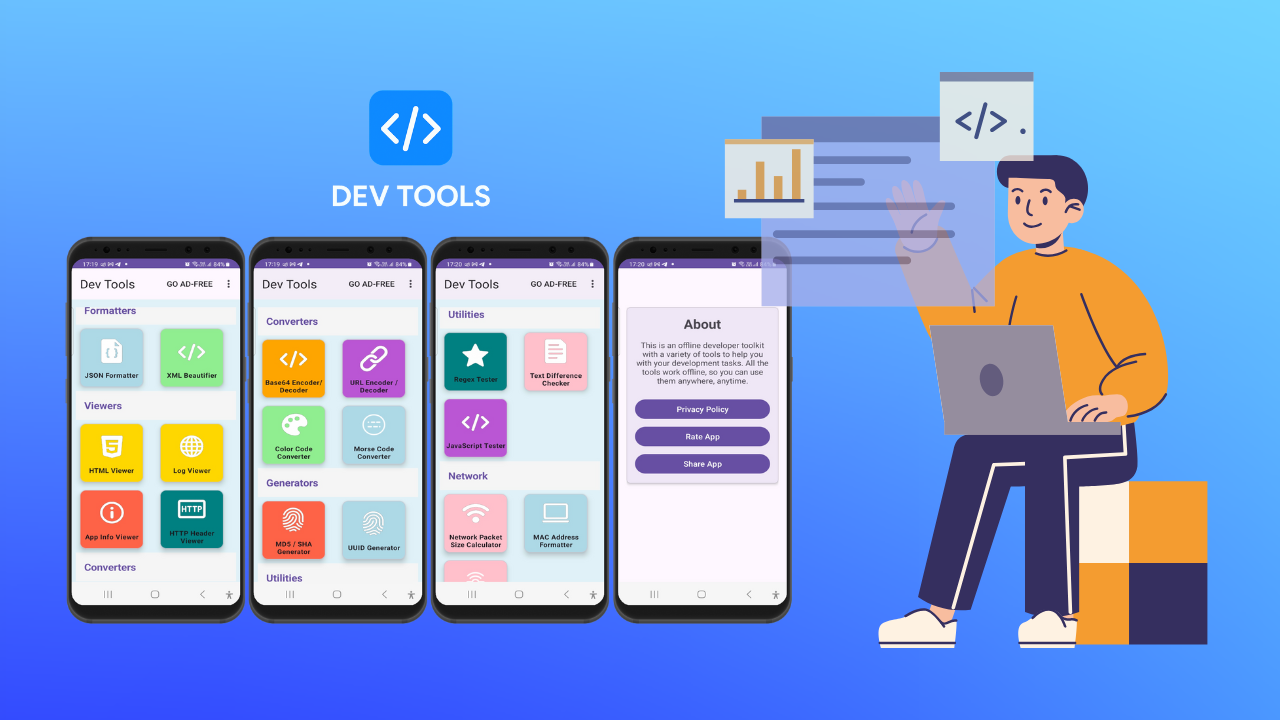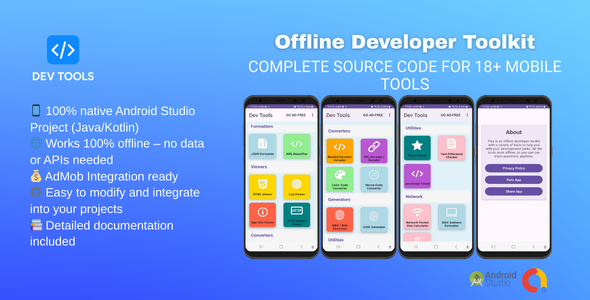
A fully offline Android developer toolkit featuring 70+ professional tools — JSON formatter, hash generator, QR code creator, regex tester, subnet calculator, JWT decoder, barcode generator, device info, and much more. Built entirely with native Android SDK and Java. No internet required, no third-party libraries, no ads, no premium gates. Every tool is free forever.
DevTools is the ultimate offline developer toolkit for Android, packing 70+ essential developer tools into a single lightweight, ad-free app that works without any internet connection. Whether you are a backend developer, front-end engineer, security researcher, mobile developer, or network administrator, DevTools has the tools you need — always available, always free, right on your device.
Built from the ground up using only the native Android SDK and Java standard libraries, DevTools contains zero third-party dependencies. No Retrofit, no Gson, no OkHttp, no ZXing, no Lottie, no external SDKs of any kind. This means a lean APK, fast startup, and no privacy concerns from external libraries phoning home.
The app is structured around 11 tool categories, each accessible from the bottom navigation. A powerful real-time search bar lets you find any tool by name, description, or category in milliseconds. Every tool run is logged to a local SQLite history database, and any tool can be starred as a favorite for one-tap access. Output from any tool can be copied to clipboard, shared via the Android share sheet, or saved directly as a .txt file on device.
The QR Code Generator and Barcode (Code 128) Generator are implemented entirely in pure Java — no ZXing or any external barcode library. The QR engine implements Reed-Solomon error correction and GF(256) arithmetic from scratch, supporting inputs up to ~271 bytes across QR versions 1–10. This alone represents significant engineering work not commonly found in Android source items.
The app ships with full Material3 theming, automatic dark mode that follows the system setting, and a manual dark/light toggle in Settings. ViewBinding is used throughout for null-safe, type-safe UI access. All database operations use a singleton SQLiteOpenHelper, keeping memory overhead minimal.
DevTools is ideal as a learning resource, a professional utility app, or a foundation for your own developer tools product on the Google Play Store.
CORE APP FEATURES — 70 developer tools across 11 categories, all completely free — 100% offline — no internet permission required for core tools — Real-time search across all tool names, descriptions, and categories — SQLite history — every tool run automatically saved locally — Favorites system — star any tool for instant access — Dark mode — follows system setting with manual override in Settings — Export options — copy to clipboard, share via Android share sheet, or save .txt file — Material3 UI with ViewBinding throughout — Lightweight APK — zero third-party library dependencies — Fast splash + async DB initialization for smooth startup — Configurable history limit (10–500 entries) via Settings
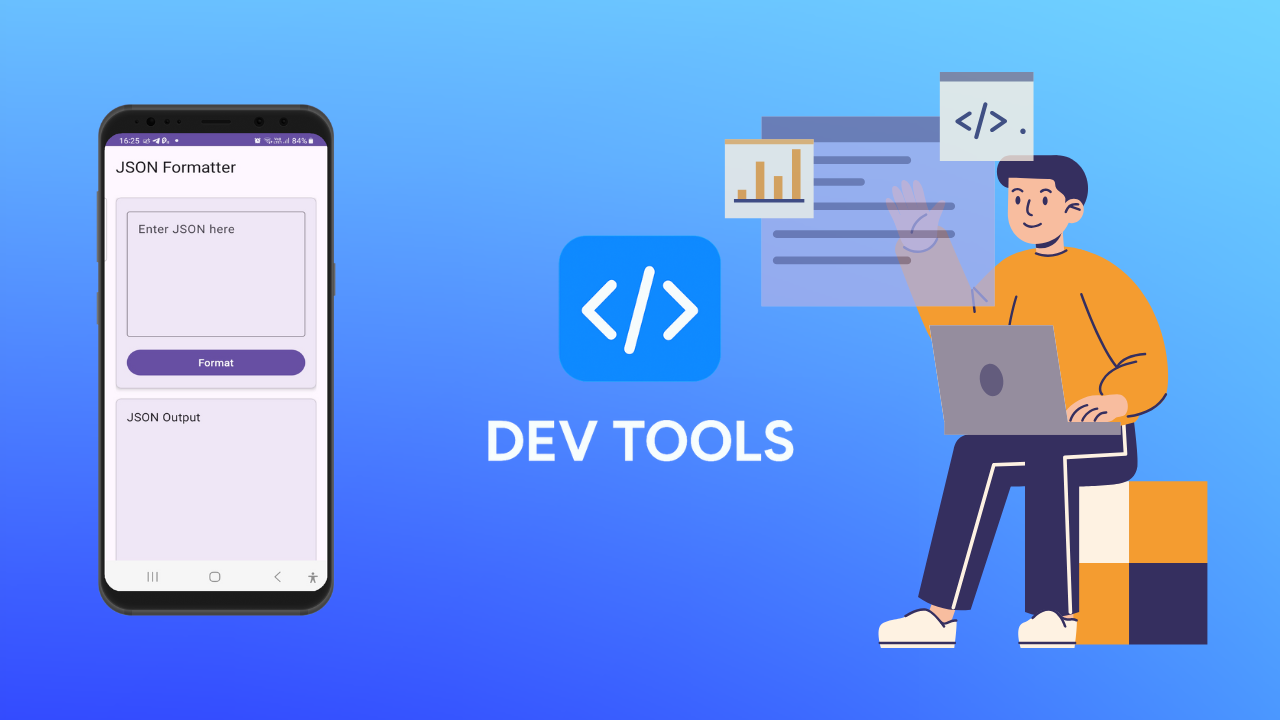
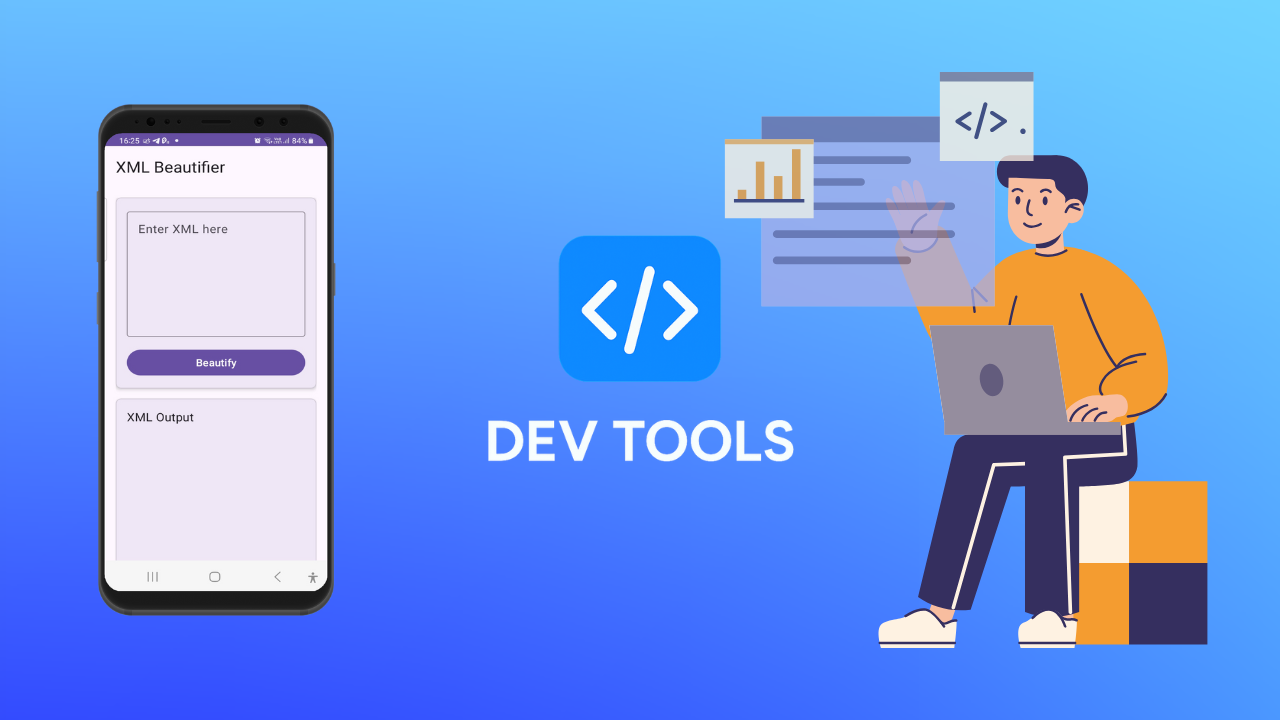
DATA FORMATTING TOOLS — JSON Formatter: beautify, minify, and validate JSON using org.json — with live preview — XML Beautifier: TransformerFactory pretty-print with 4-space indent + well-formed validation — HTML Viewer: render any local HTML string in a WebView sandbox — YAML Formatter: custom indentation-aware beautifier — CSV Viewer: quote-aware parser converts CSV to formatted JSON preview — SQL Formatter: keyword-aware tokenizer with SELECT/FROM/WHERE/JOIN indentation
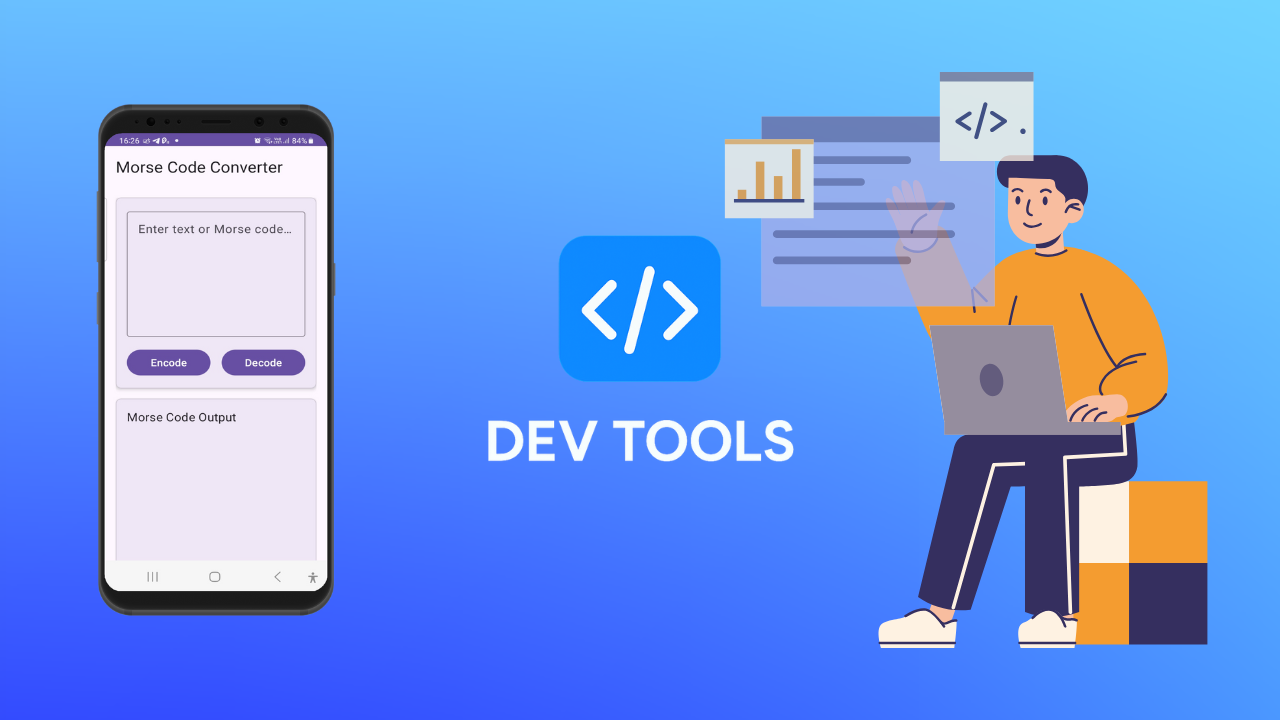
ENCODING AND DECODING TOOLS — Base64 Encoder/Decoder: android.util.Base64, handles padding edge cases — URL Encoder/Decoder: java.net.URLEncoder/URLDecoder with UTF-8 — Morse Code Converter: full A–Z, 0–9 dictionary, bidirectional — JWT Decoder: splits header and payload, Base64url decodes and pretty-prints JSON — HTML Entity Encoder/Decoder: covers &, <, >, ”, ‘ — Unicode Converter: characters to \uXXXX escape sequences and back
HASH AND SECURITY TOOLS — Hash Generator: MD5, SHA-1, SHA-256, SHA-512 via MessageDigest — Password Generator: SecureRandom with configurable length, uppercase, digits, symbols — Password Strength Checker: 7-point scoring rubric with per-criterion checklist — Checksum Validator: CRC32 and Adler32 for data integrity verification — HMAC Generator: javax.crypto.Mac — HMAC-SHA256 and HMAC-SHA512
TESTING TOOLS — Regex Tester: java.util.regex.Pattern compile + live validation + flag inspector — JavaScript Tester: evaluates JS snippets inside a WebView with console.log capture — API Request Previewer: builds HTTP request preview and generates equivalent cURL command — Webhook Payload Simulator: generates realistic webhook JSON payloads by event name — HTTP Header Viewer: parses and formats raw HTTP header blocks — User-Agent Parser: detects OS, browser, version, mobile flag, bot detection
COMPARE AND ANALYZE TOOLS — Text Diff: line-by-line diff with added/removed/unchanged counts — JSON Compare: recursive key-by-key comparison of two JSONObject trees — Folder Structure Scanner: scans external storage and renders a tree view — Log Viewer: import and display plain-text log files — Response Timer: precision stopwatch for manual timing
GENERATOR TOOLS — UUID Generator: up to 50 UUIDs per run, java.util.UUID — Random Number Generator: SecureRandom with configurable min/max range — Fake Email Generator: 10 realistic addresses per run from local name/domain datasets — Fake User Data Generator: full profile — name, email, phone, address, age, username — Lorem Ipsum Generator: custom word-pool generator, up to 10 paragraphs — Slug Generator: normalizes any string to a URL-friendly kebab-case slug
DESIGN AND UI TOOLS — Color Converter: HEX to RGB, HSL, and CMYK using inline math formulas — CSS Gradient Generator: linear-gradient() builder with direction control — Image to Base64: Bitmap + Base64 encoder for inline image embedding — CSS Box Shadow Generator: 6 ready-to-use shadow presets with inset variant — CSS Border Radius Generator: 8 radius presets (uniform, pill, directional) — Tailwind CSS Builder: searchable quick-reference across 10 Tailwind categories
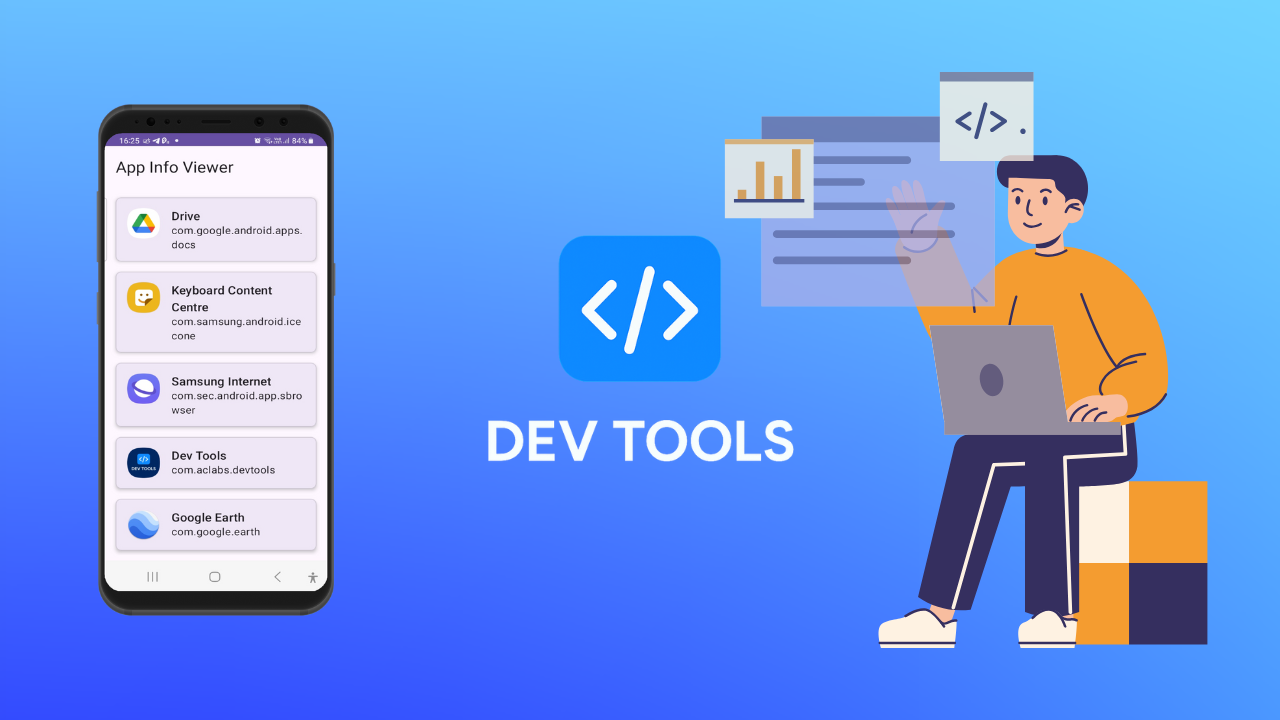
MOBILE AND DEVICE TOOLS — App Info Viewer: lists all installed apps with package name, version, and system/user flag — APK Signature Checker: reads signing certificate MD5, SHA-1, SHA-256 fingerprints — Device Info Viewer: model, manufacturer, Android version, SDK, ABI, RAM, storage — Battery Health Viewer: level, status, health, temperature (°C and °F), voltage, technology — Network Info Viewer: connection type, state, roaming flag, all network interface IPs and MACs
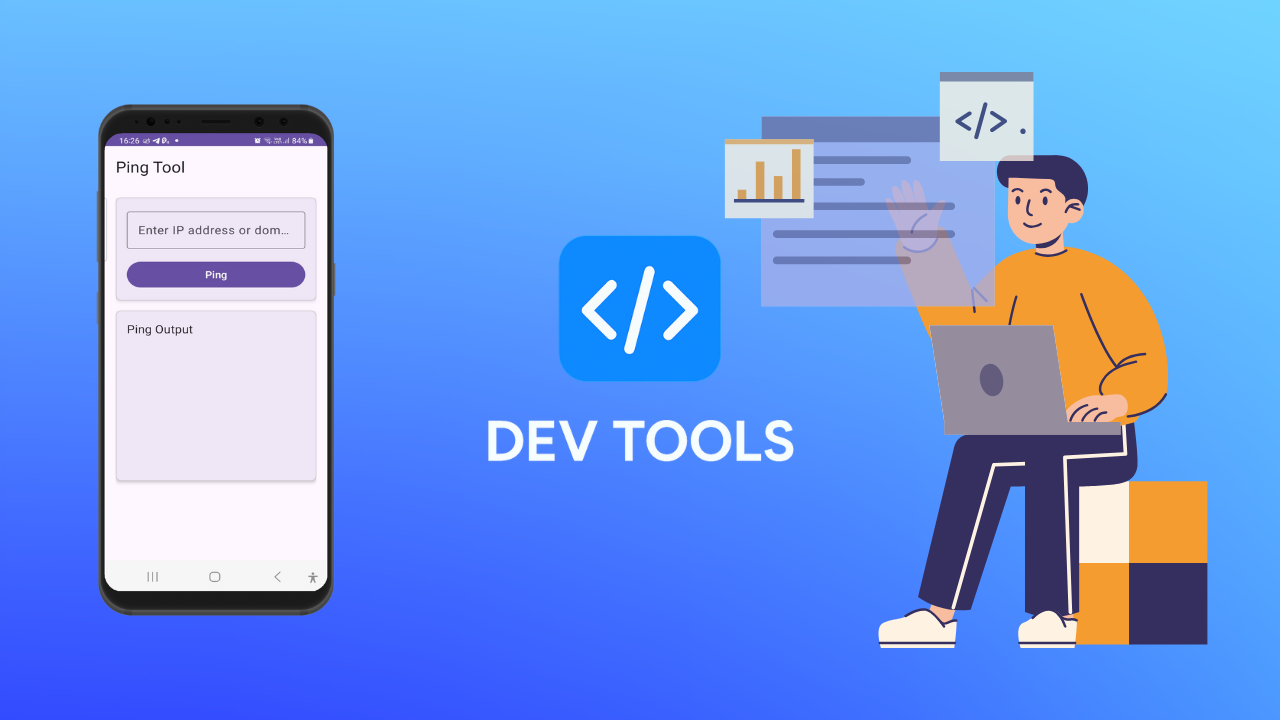
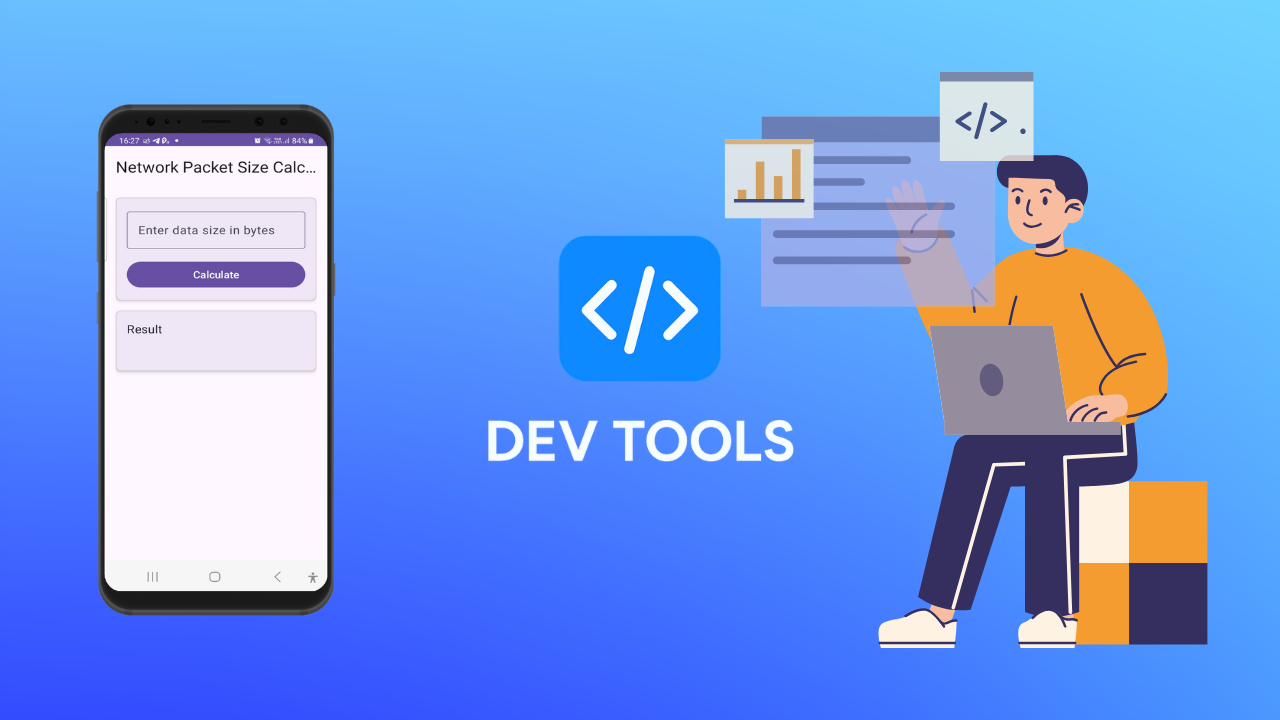
NETWORK TOOLS — Packet Size Calculator: Ethernet + IP + TCP/UDP/ICMP header overhead with MTU check — MAC Address Formatter: colon, hyphen, dot, and no-separator formats — IP Address Classifier: private/public/loopback/multicast/broadcast + class and binary — Port Lookup: database of 40+ well-known ports with category classification — Ping Tester: InetAddress.isReachable() with round-trip time — DNS Lookup: InetAddress.getAllByName() returning all IPv4 and IPv6 records — Subnet Calculator: full CIDR breakdown — network, broadcast, first/last host, usable count
PRODUCTIVITY TOOLS — Unix Timestamp Converter: seconds or milliseconds to local, UTC, and ISO 8601 — Cron Expression Builder: 5-field parser with plain-English explanation per field — Markdown Previewer: custom parser covering headings, bold, italic, code, links, lists — QR Code Generator: pure Java Reed-Solomon + GF(256) — no ZXing; supports versions 1–10 — Barcode Generator: pure Java Code 128-B renderer on Android Canvas — Case Converter: lowercase, UPPERCASE, Title Case, camelCase, PascalCase, snake_case, kebab-case, CONSTANT_CASE, Sentence case — all at once — Unit Converter: length (km/mi/m/ft/cm/in), weight (kg/lb/oz), temperature (°C/°F/K)
EXTRA TOOLS — Text Counter: characters, characters without spaces, words, lines, sentences, paragraphs — Word Frequency Analyzer: sorted frequency map of up to 40 top words — Duplicate Line Remover: order-preserving deduplication using LinkedHashSet — JSON to CSV: JSONArray of objects to CSV with header row — CSV to JSON: quote-aware CSV parser to JSONArray — Binary Converter: text to 8-bit groups and back — Roman Numeral Converter: Arabic to Roman and Roman to Arabic (1–3999) — Age Calculator: exact years, months, days, total days, and total weeks from birthdate — Percentage Calculator: value/total + common breakdown (10%, 25%, 50%, 75%) — Number Base Converter: binary, octal, decimal, hex — full cross-conversion table — Stopwatch and Timer: precision stopwatch (16ms tick) + configurable countdown timer
DEVELOPMENT ENVIRONMENT — Android Studio Hedgehog (2023.1.1) or newer (Iguana, Jellyfish, Koala, Ladybug all supported) — Java Development Kit (JDK) 8 or higher — Android SDK with API level 34 build tools installed — Gradle 8.4 (configured in gradle-wrapper.properties — downloaded automatically on first sync) — Minimum 4 GB RAM recommended for Android Studio; 8 GB preferred
ANDROID REQUIREMENTS — Minimum SDK: API 24 (Android 7.0 Nougat) — covers approximately 97%+ of active Android devices — Target SDK: API 34 (Android 14) — Compile SDK: 34 — Java source and target compatibility: VERSION_1_8
PERMISSIONS REQUIRED — android.permission.ACCESS_NETWORK_STATE — used only for reading local network interface info in the Network Info tool; no internet calls are made — android.permission.READ_EXTERNAL_STORAGE — legacy file access for API 24–32 (maxSdkVersion 32) — android.permission.READ_MEDIA_IMAGES — API 33+ image picker for Image to Base64 tool — android.permission.QUERY_ALL_PACKAGES — used by the App Info Viewer to list installed applications — android.permission.WRITE_EXTERNAL_STORAGE — file export on API 24–28 (maxSdkVersion 28) — No android.permission.INTERNET permission — the app is fully offline
DEPENDENCIES (AndroidX only — no third-party libraries) — androidx.appcompat:appcompat:1.7.0 — com.google.android.material:material:1.12.0 — androidx.constraintlayout:constraintlayout:2.1.4 — androidx.recyclerview:recyclerview:1.3.2 — androidx.cardview:cardview:1.0.0 — androidx.coordinatorlayout:coordinatorlayout:1.2.0 — androidx.fragment:fragment:1.8.1 — androidx.core:core:1.13.1 — androidx.preference:preference:1.2.1
DEVICE REQUIREMENTS FOR END USERS — Android 7.0 (API 24) or higher — Any CPU architecture (armeabi-v7a, arm64-v8a, x86, x86_64 — no native code) — Minimum 50 MB free storage (for APK + SQLite database) — No internet connection required
STEP 1 — DOWNLOAD AND EXTRACT Download the DevTools.zip file from your CodeCanyon purchase. Extract it to a folder on your computer. You will see the root DevToolMax/ folder containing the full Android Studio project.
STEP 2 — OPEN IN ANDROID STUDIO Launch Android Studio. From the Welcome screen, choose “Open” (not “New Project”). Navigate to and select the extracted DevTools/ folder. Android Studio will recognise it as a Gradle project and begin loading.
STEP 3 — SYNC GRADLE Android Studio will automatically prompt you to sync the Gradle project. Click “Sync Now” in the notification bar. If it asks to download the Gradle wrapper JAR (gradle-wrapper.jar), allow it. This only happens on the first open. All dependencies are from Google Maven and Maven Central — no other repositories needed.
If the sync fails, go to File → Project Structure → SDK Location and ensure your Android SDK path is set correctly.
STEP 4 — RUN ON DEVICE OR EMULATOR Connect an Android device via USB (with USB debugging enabled) or launch an emulator via AVD Manager (API 24 or higher). Click the green Run button (Shift+F10) or go to Run → Run ‘app’. Android Studio will build a debug APK and install it automatically.
STEP 5 — BUILD A RELEASE APK To generate a production APK: Go to Build → Generate Signed Bundle / APK → APK. Create or select a keystore file and fill in the key alias and passwords. Choose the “release” build variant. Click Finish. The signed APK will be output to: app/build/outputs/apk/release/app-release.apk
Alternatively, build from the command line: chmod +x gradlew (Mac/Linux only) ./gradlew assembleRelease (Windows: gradlew.bat assembleRelease)
STEP 6 — CUSTOMISE THE APP (OPTIONAL) Change the app name: edit app/src/main/res/values/strings.xml — update the “app_name” string. Change the package name: In Android Studio, right-click com.aclabs.devtools → Refactor → Rename. Also update applicationId in app/build.gradle. Change the primary color: edit app/src/main/res/values/colors.xml — update colorPrimary and colorPrimaryDark. Add or remove tools: edit app/src/main/java/com/devtools/utils/ToolRegistry.java — each tool is one line. Add the corresponding case to the runTool() switch in ToolActivity.java. Disable the QUERY_ALL_PACKAGES permission: remove it from AndroidManifest.xml and delete tools #41 and #42 (App Info Viewer and APK Signature Checker) from ToolRegistry.java and ToolActivity.java.
STEP 7 — PUBLISH TO GOOGLE PLAY Create or sign in to your Google Play Console account at play.google.com/console. Create a new app, fill in store listing details. Upload your signed release APK (or convert it to AAB format using Build → Generate Signed Bundle). Complete the content rating questionnaire — this app is rated Everyone. Set pricing to Free (or paid — your choice). Submit for review. Note: if you keep the QUERY_ALL_PACKAGES permission, you will need to complete Google’s Permissions Declaration Form explaining its use (app list viewer).
TROUBLESHOOTING “Gradle sync failed: SDK location not found” — Go to File → Project Structure → SDK Location and set the correct Android SDK path. “Minimum supported Gradle version is X” — Open gradle/wrapper/gradle-wrapper.properties and update the distributionUrl to the required Gradle version. “AAPT error: resource not found” — Ensure all vector drawable files (ic_home.xml, ic_grid.xml, etc.) are present in app/src/main/res/drawable/. “Cannot resolve symbol R” — Rebuild the project: Build → Rebuild Project (Ctrl+F9). App crashes on launch — Check logcat for “DevTools” tag. Most common cause is a missing resource file or an API level permission issue.
APK: https://www.mediafire.com/file/9dct2gws22ewp9q/DevToolsADVersion.apk/file