️ Convert Image To Data
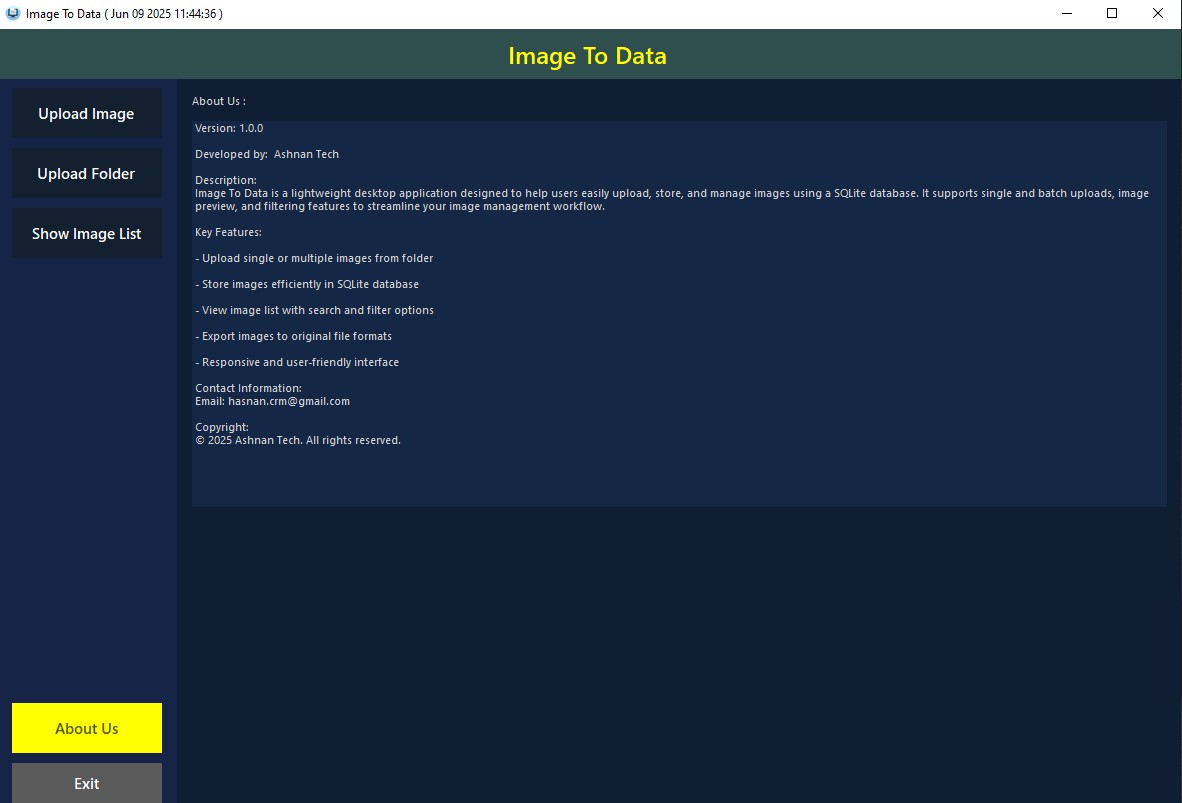
A simple Windows desktop application that lets you store, manage, and retrieve image files using a local SQLite database.
Perfect for organizing images offline, without cloud or server dependencies.
Key Features
- Upload single image with optional description
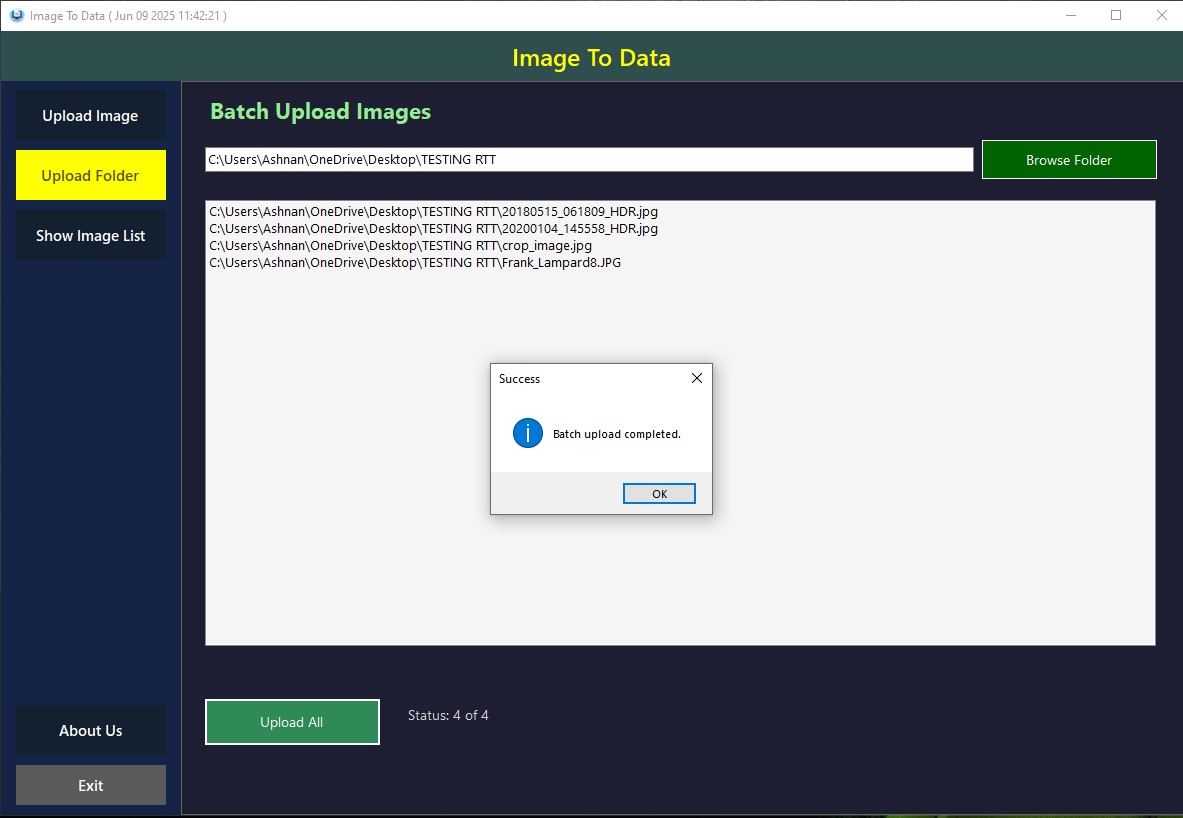
- Upload all images from a folder at once
- View all stored images in a list
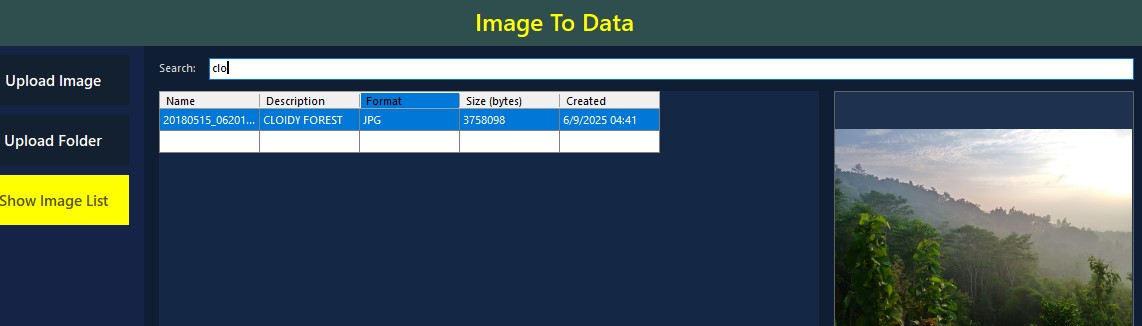
- Search by filename or description
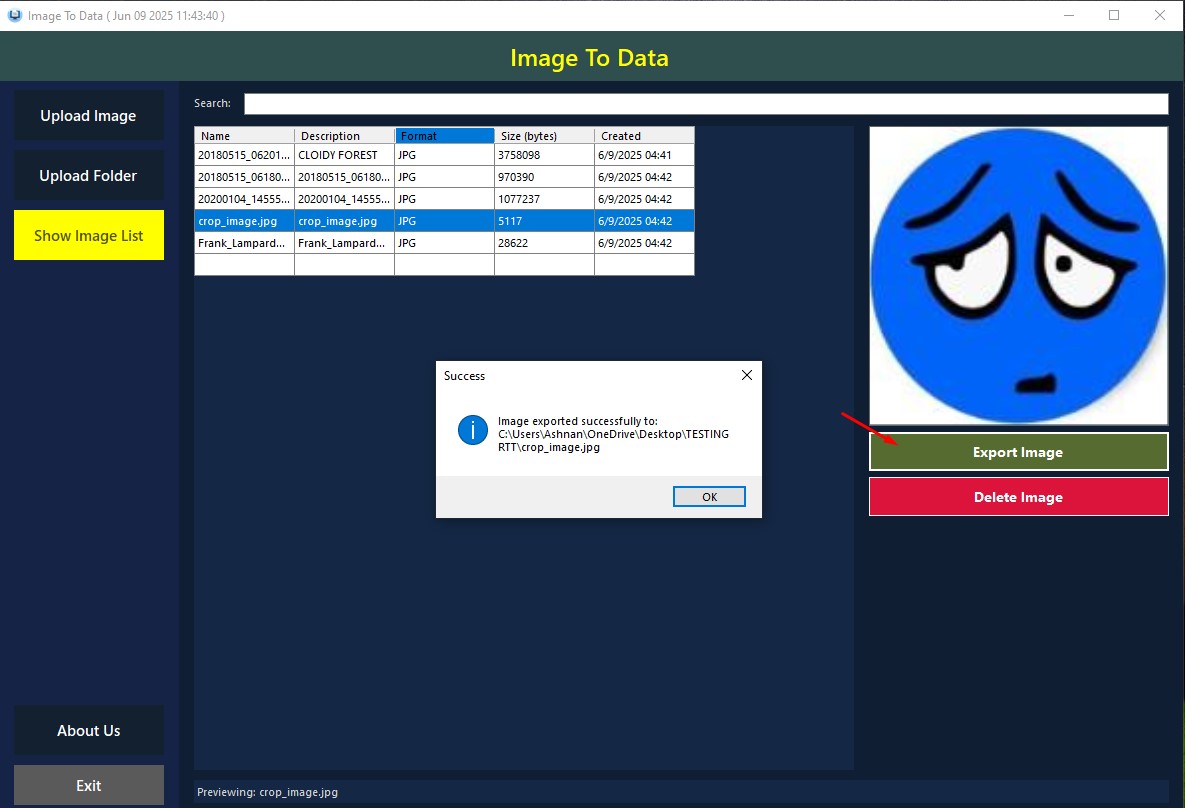
- Export images from database back to file
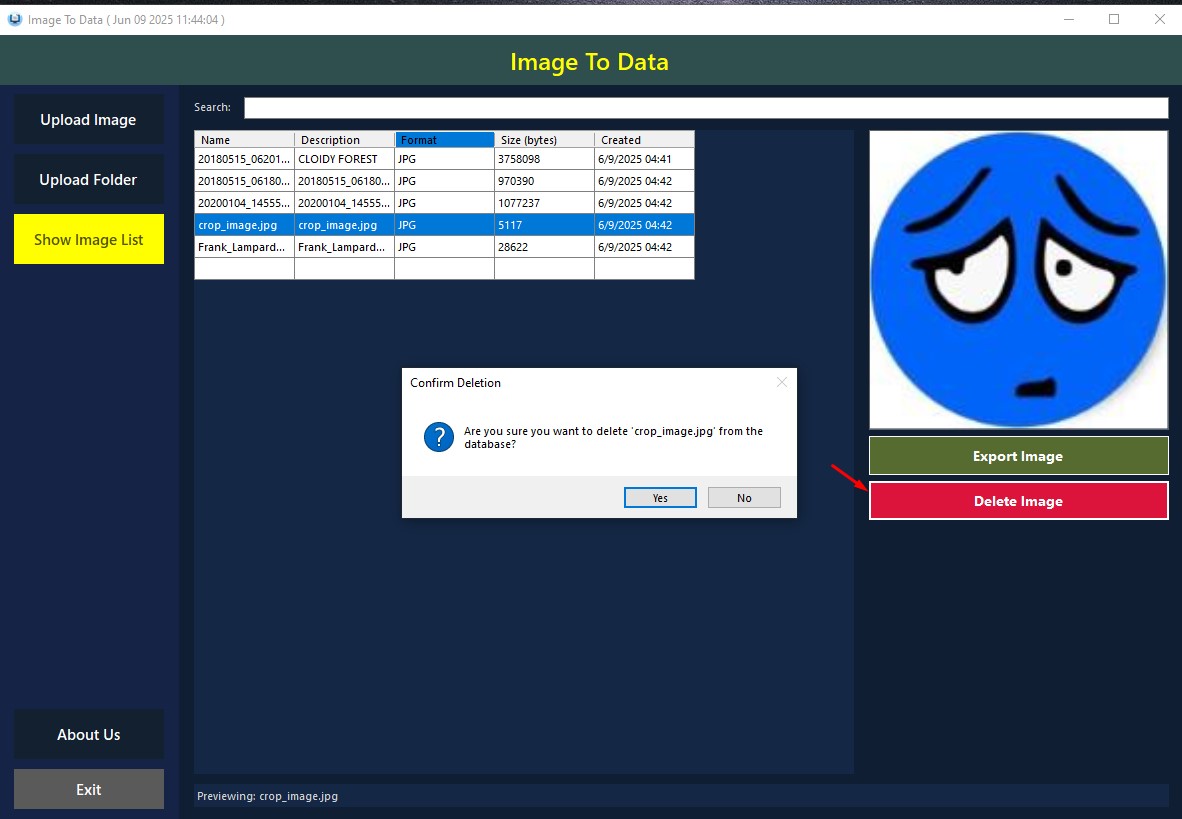
- Delete unwanted images from database
⚡ Quick Start Guide
- Run
ImageToData_Setup.exeto install the application - Open the app and choose Upload Image or Upload Folder
- Use Show Image List to browse, search, export, or delete
- All data is saved locally – no internet required
Use Case Examples
- Archive personal photo collection into database (offline)
- Secure image storage for field reports or surveillance
- Batch import/export product images for local POS system
Technical Info
- Built with VB.NET 4.7.2
- Uses SQLite (.db)
- No network, no cloud, no server
- Database is auto-created on first run