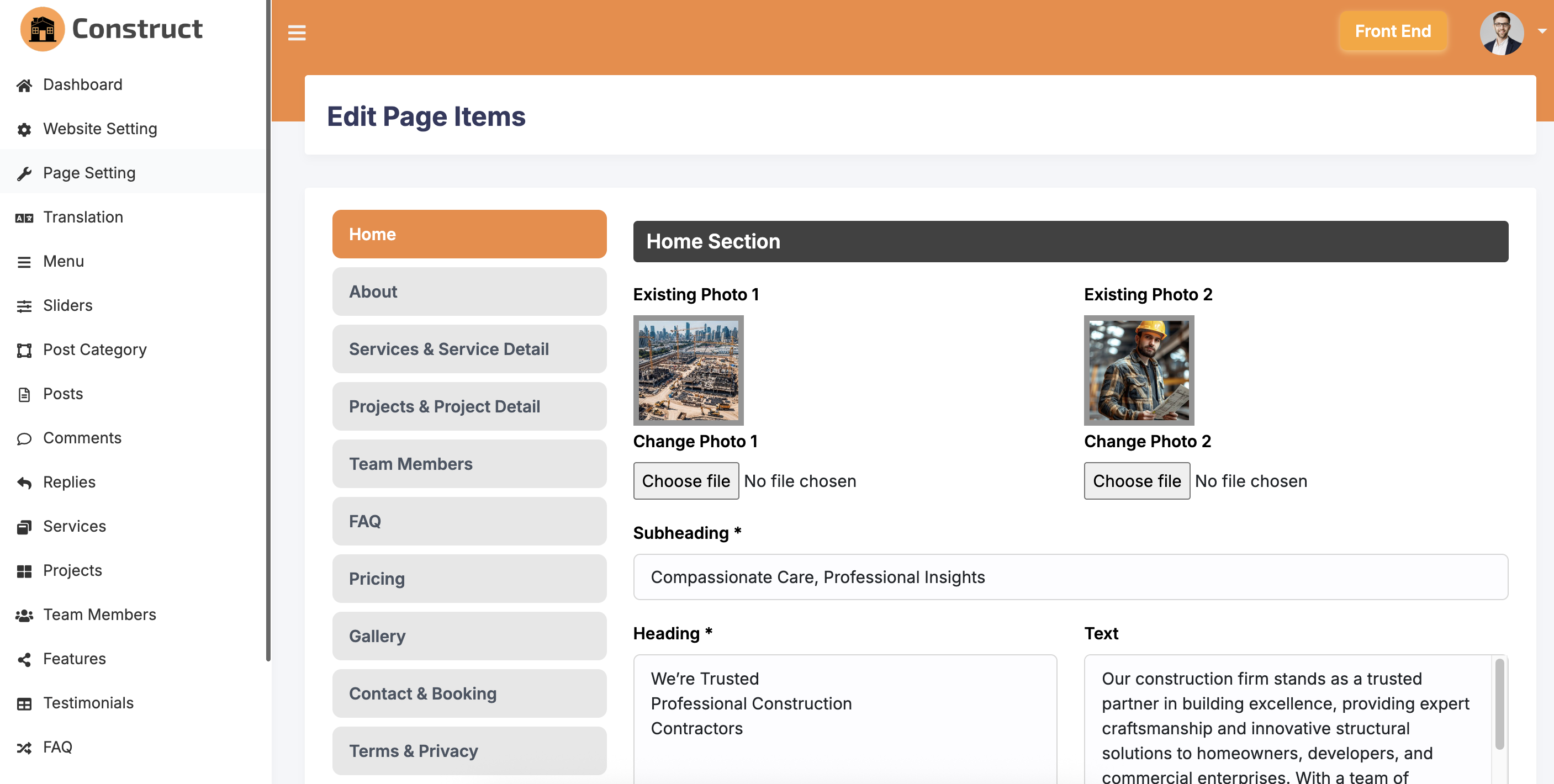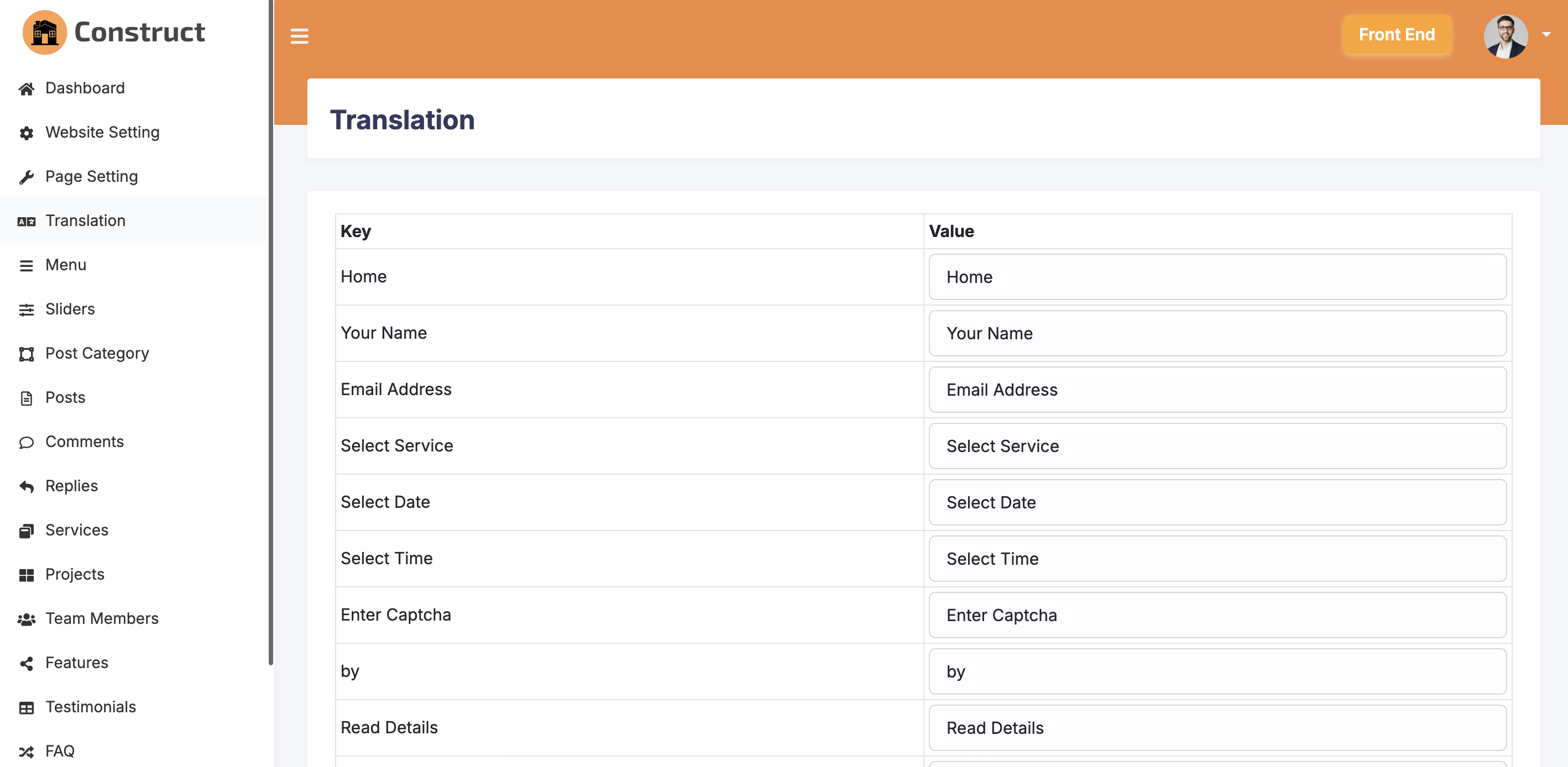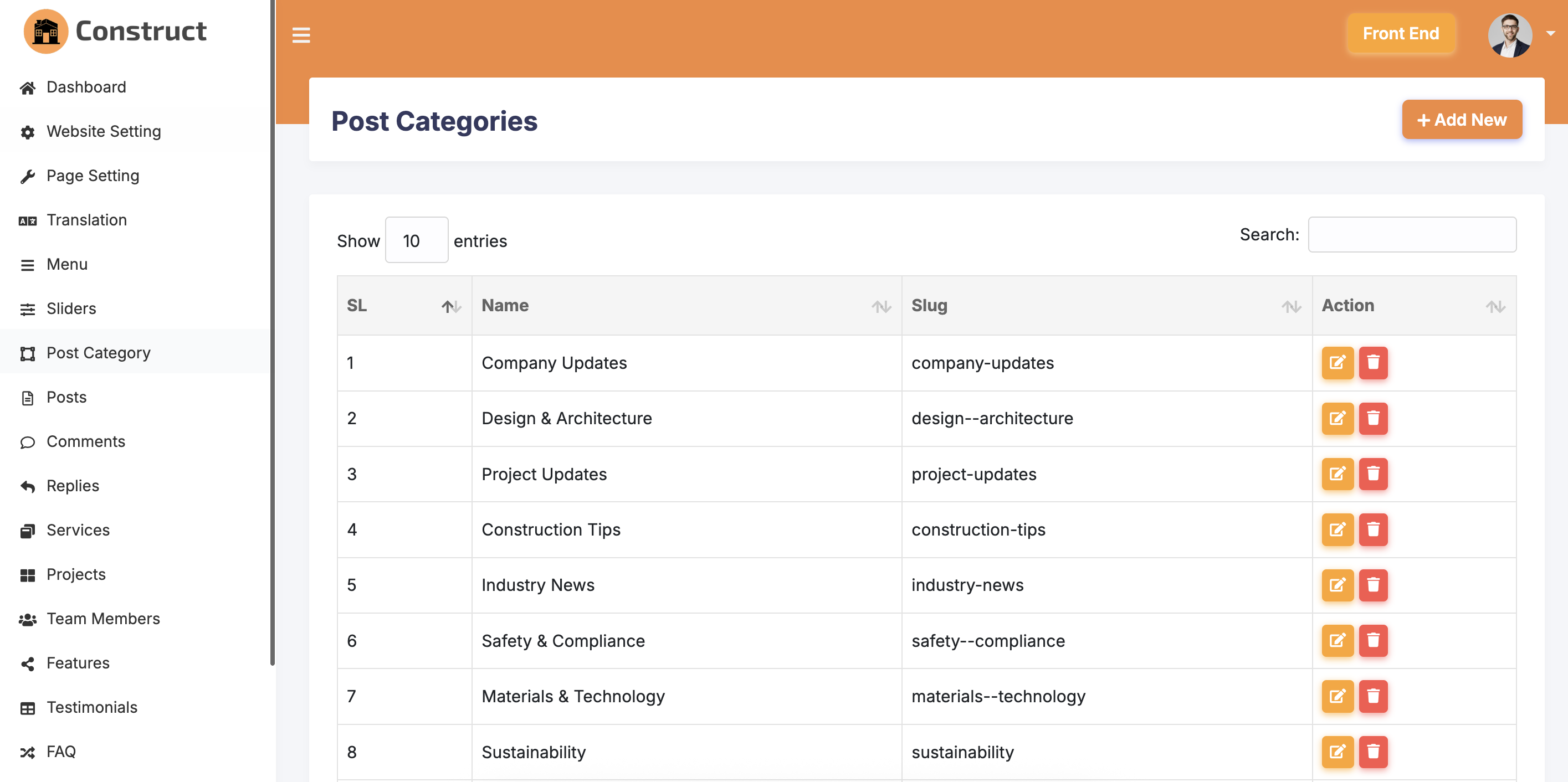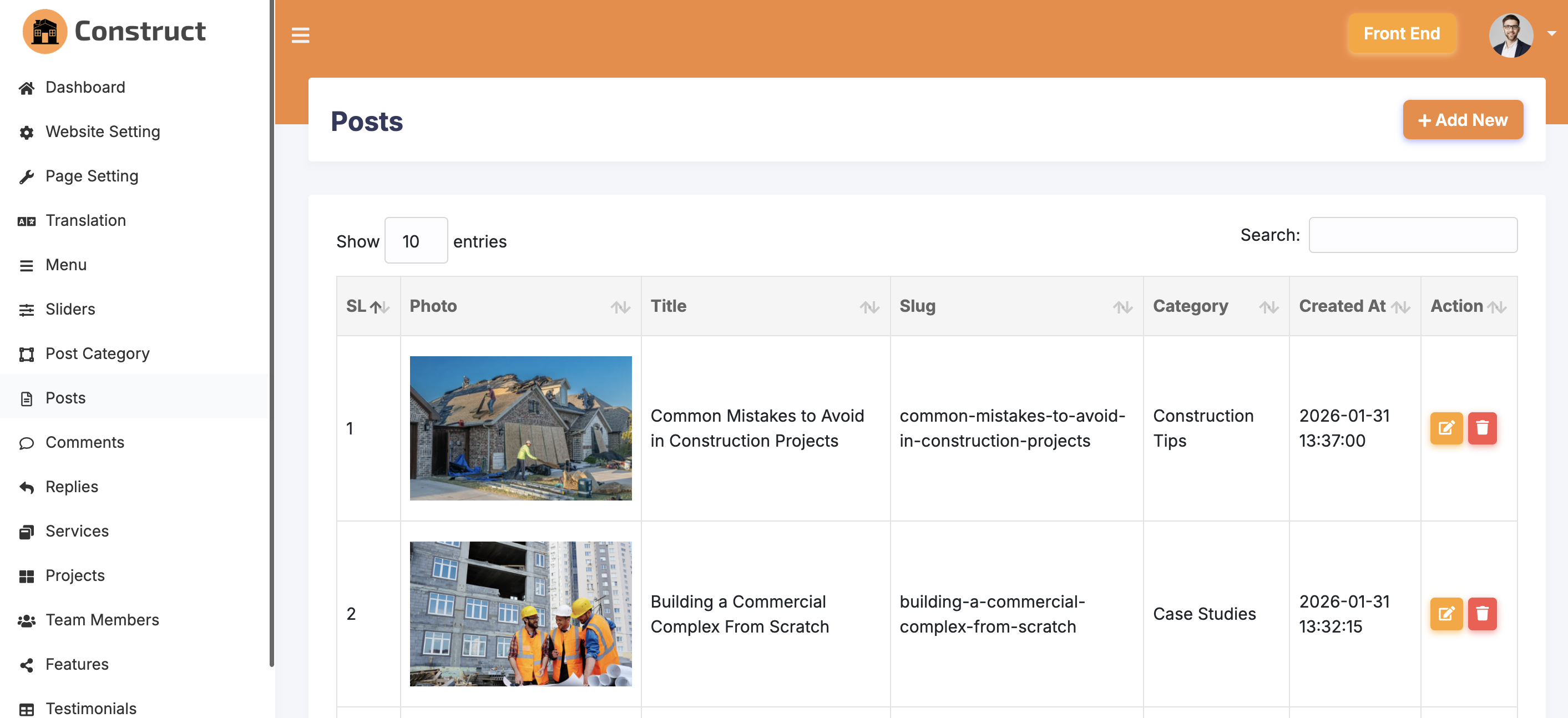
Overview
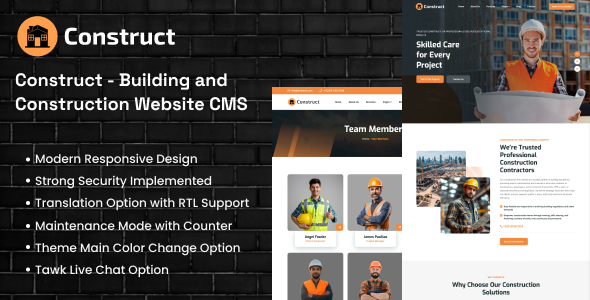
Construct is a responsive, user-friendly, translatable and easy-to-use construction and engineering website CMS. Using this system, you can easily build a nice, modern and clean construction based website that have almost all the pages like team member, about, service, project, blog, contact etc.
This CMS is developed using the popular PHP framework Laravel. So, it can easily be customized by other programmers. Developers will be able to understand the source code easily and can modify the database and files if needed.
The source code of this script is very easy and clean. The interface is user-friendly. Non-technical users can modify every contents, photos etc.
Features
This CMS System has the following features:
- Easy and simple interface to use
- Fully responsive for any kind of device
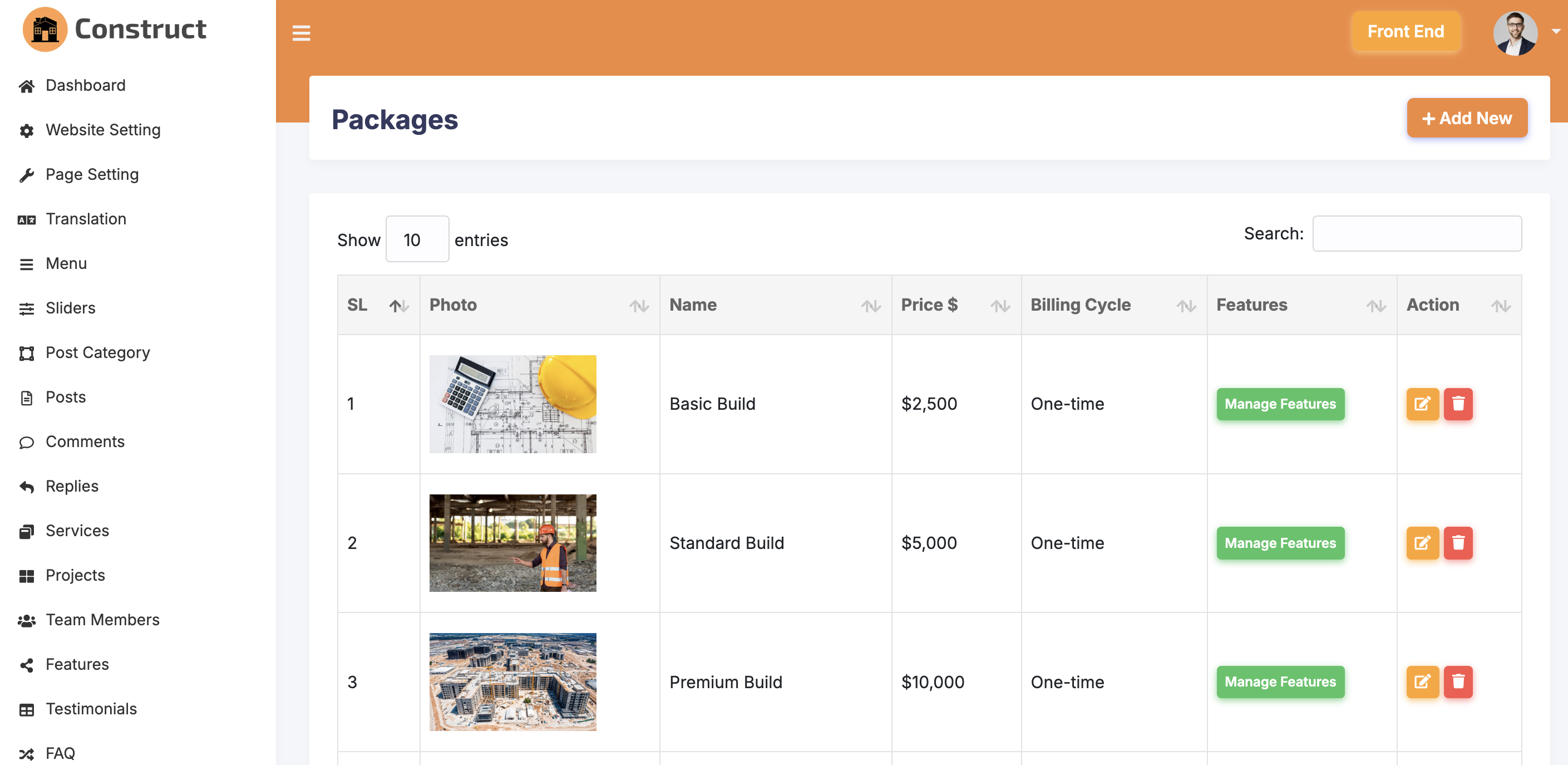
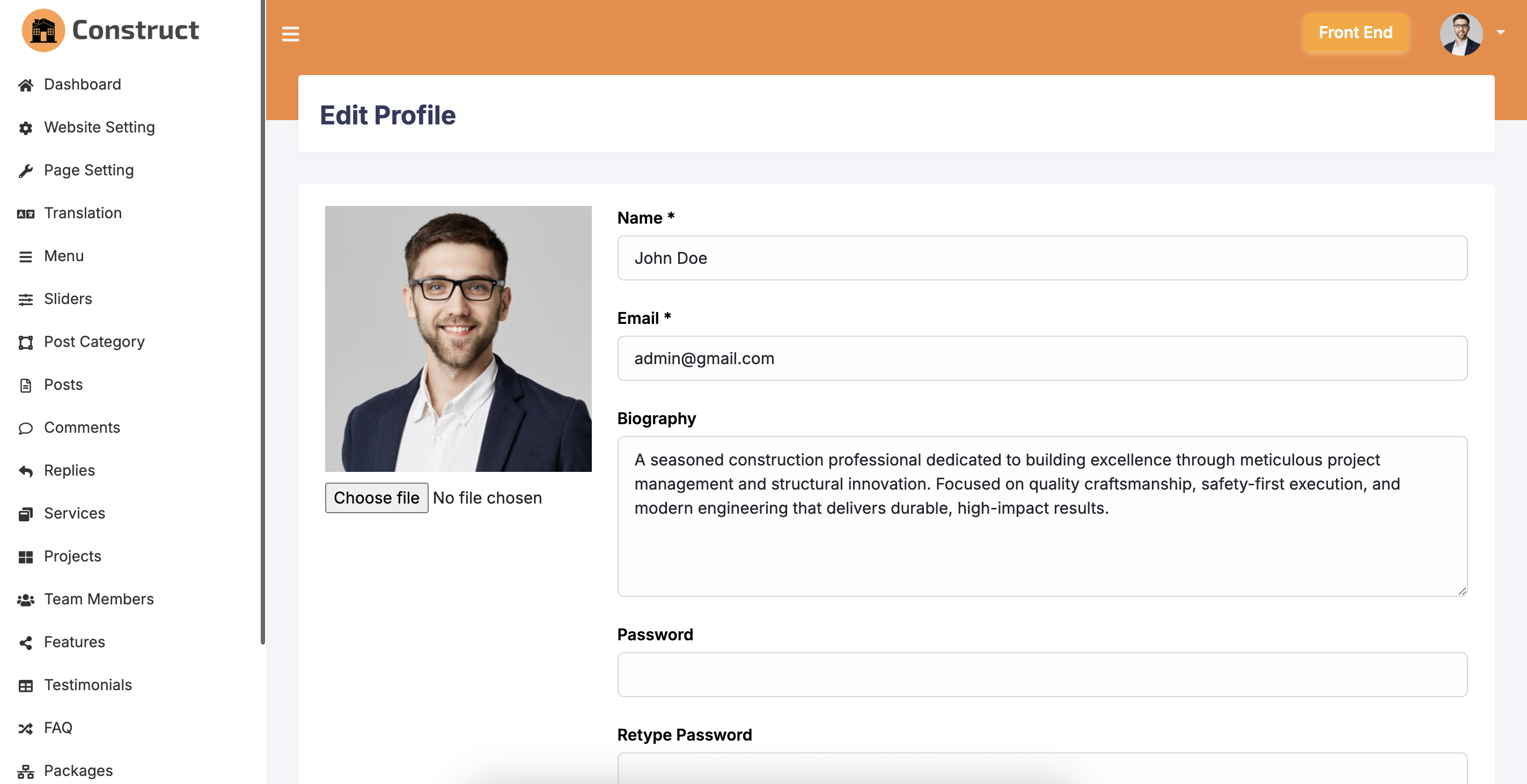
- Powerful admin backend
- Clean coding with proper commenting
- Secured coding against SQL injection, XSS attack etc.
- Direct access or invalid URL press stopped for each pages
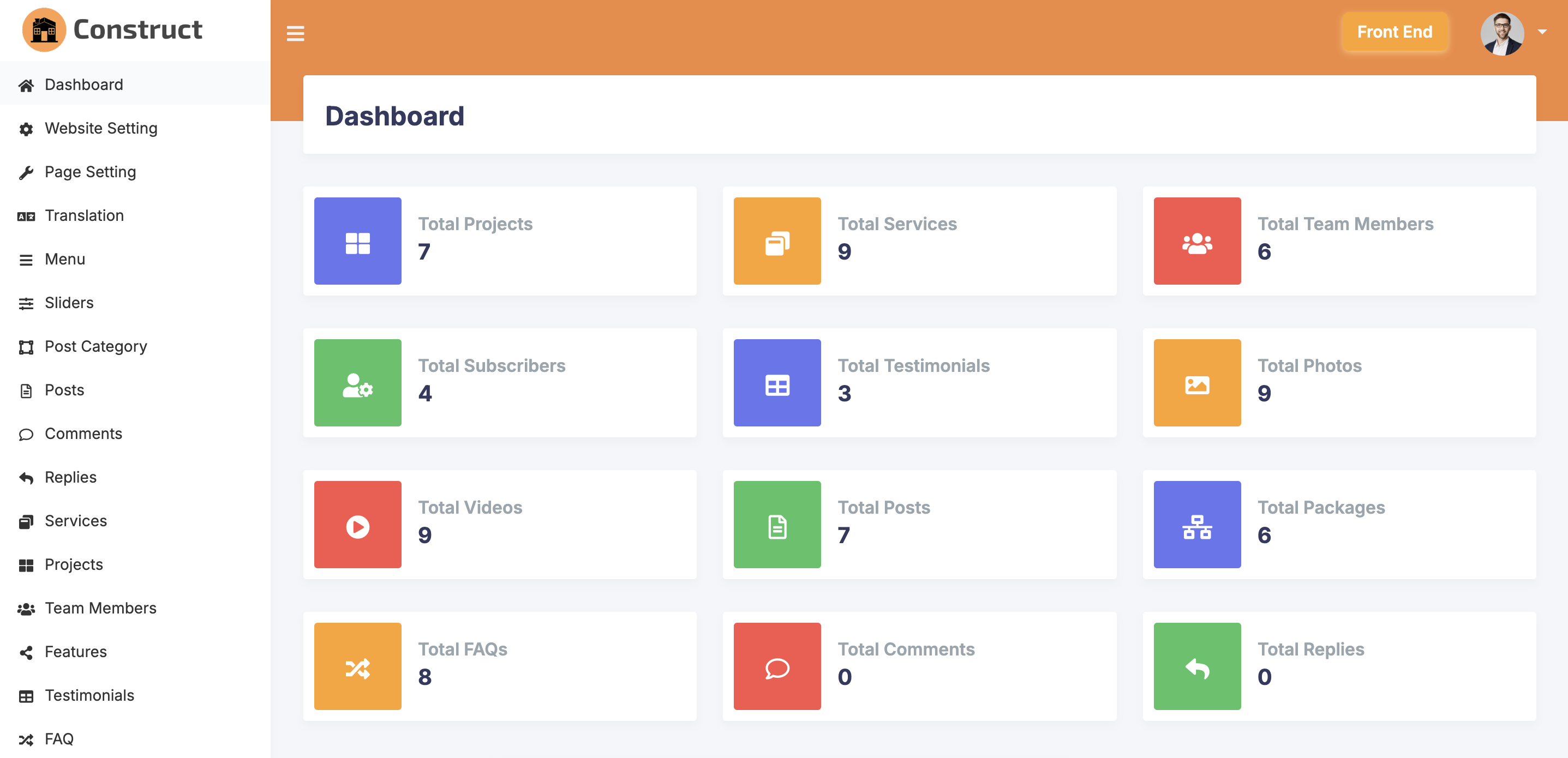
- Statistics of some data in dashboard
- Manage Blog Category
- Manage Blog
- Complete Blog comment management system
- Complete Blog tag management system
- Manage photo gallery and video gallery
- Manage Page Items
- Manage Menu Items
- Manage Counter Items
- Manage home page video section
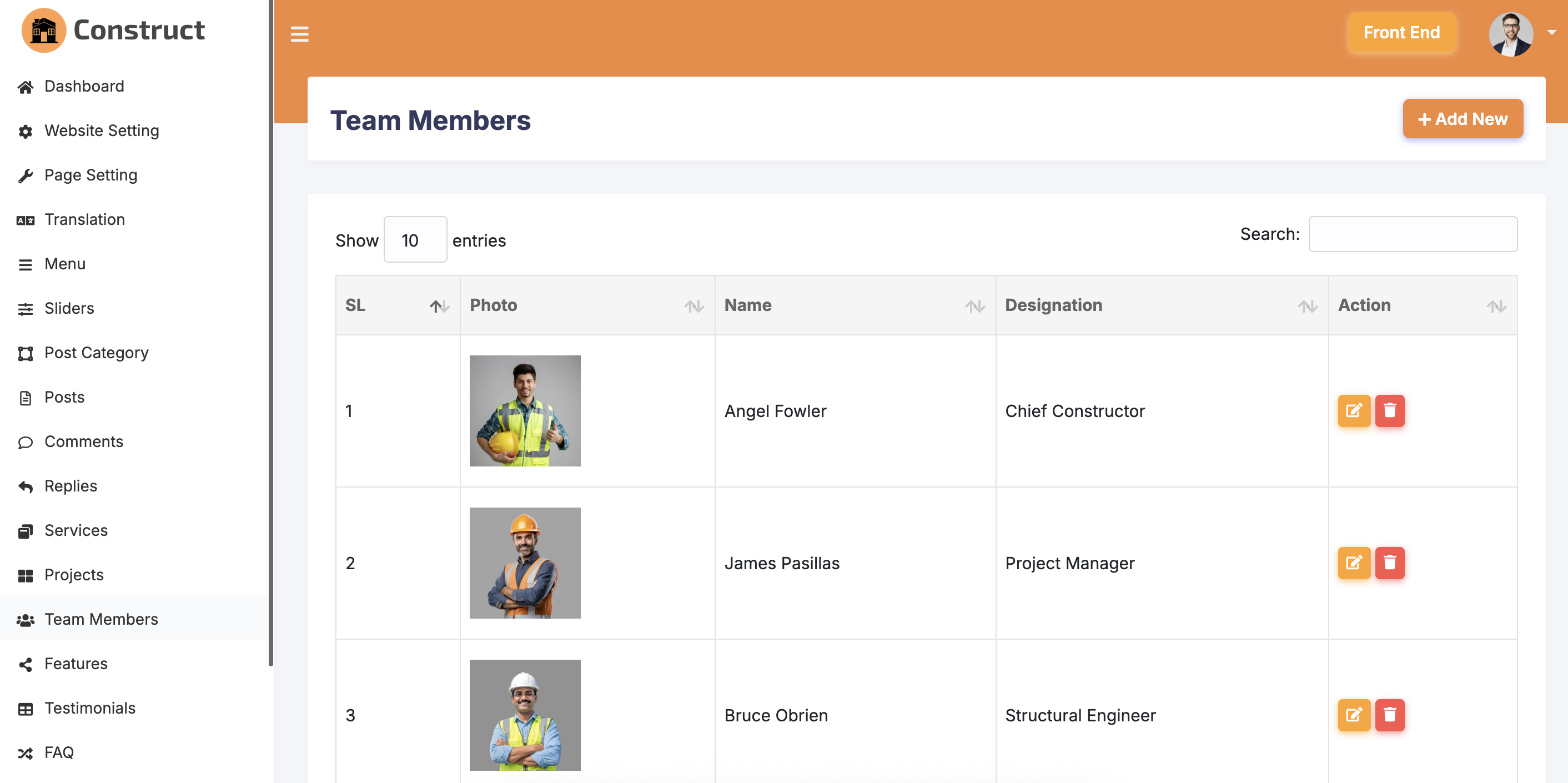
- Manage Team members
- Manage Services
- Manage Testimonials
- Manage FAQs
- Ajax based subscription management
- Export subscriber system as CSV
- SEO title and meta description setup for front end pages
- SEO friendly URL structure
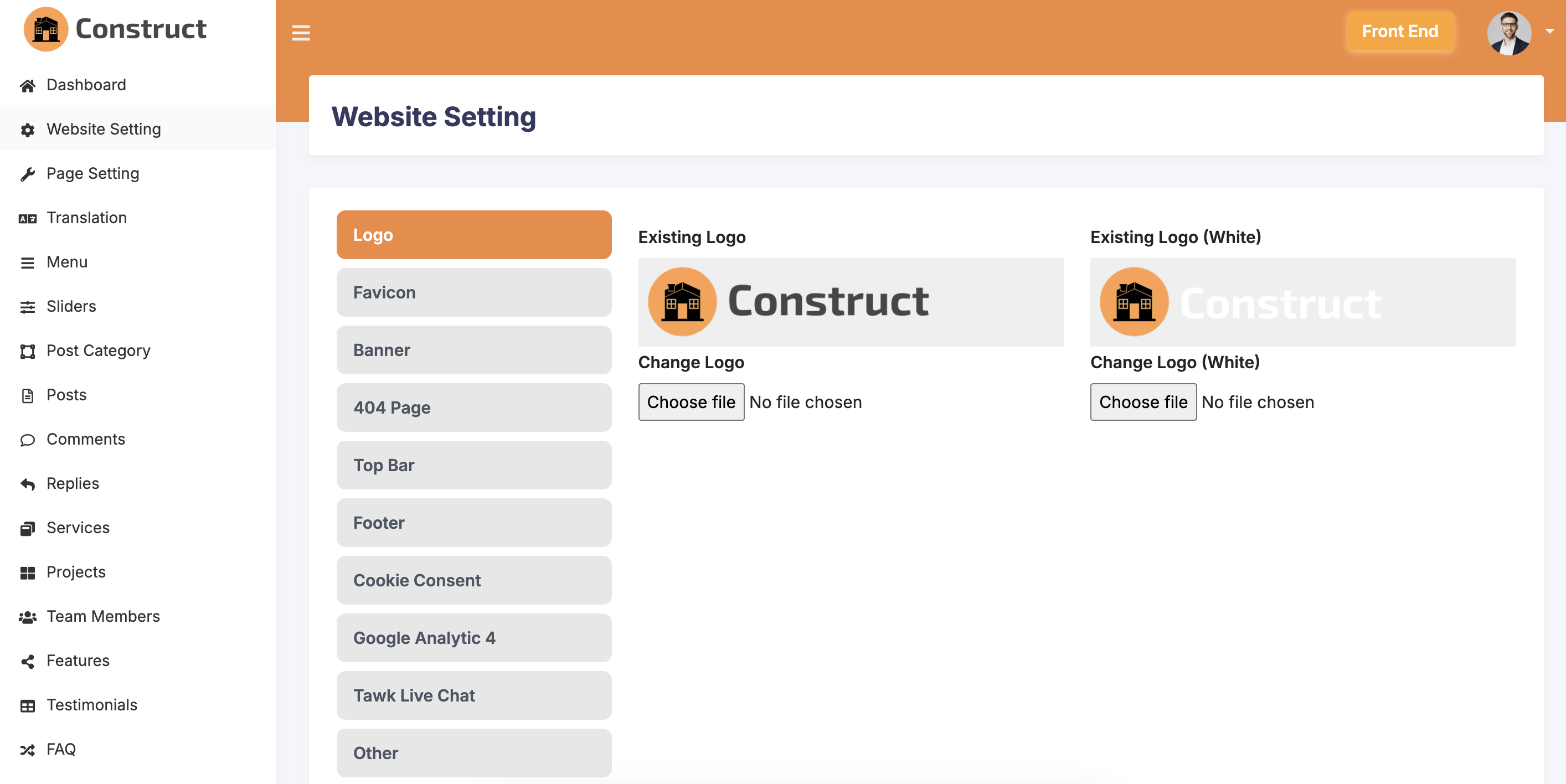
- Manage top bar and footer items.
- TinyMCE Editor used
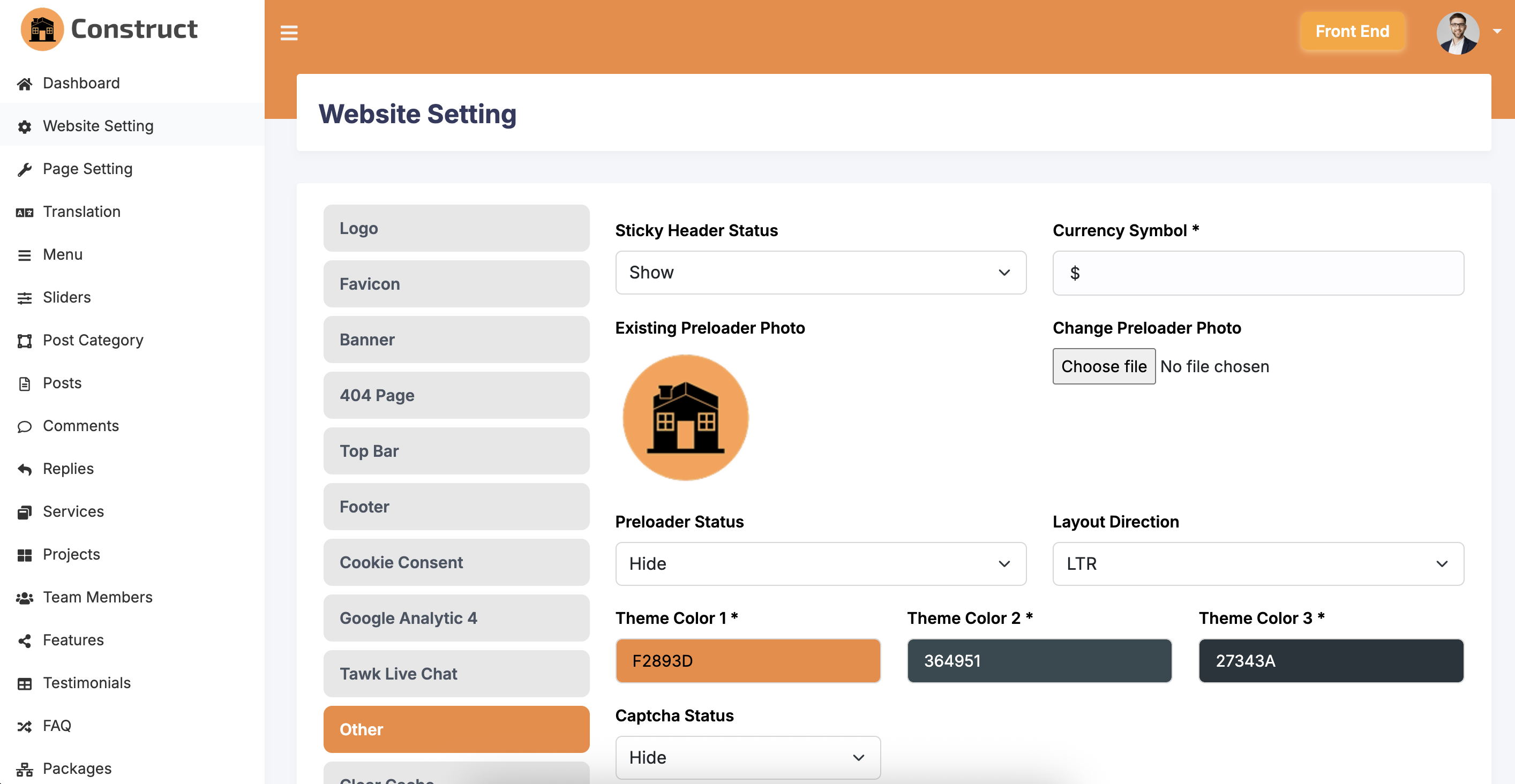
- Manage Preloader
- Manage 404 Page
- Manage Maintenance Mode and Custom Options with date-time counter
- Manage Sticky header status
- Manage Google Analytic 4
- Manage Tawk live chat system
- Manage Translation and setup LTR and RTL
- Manage Theme Color option
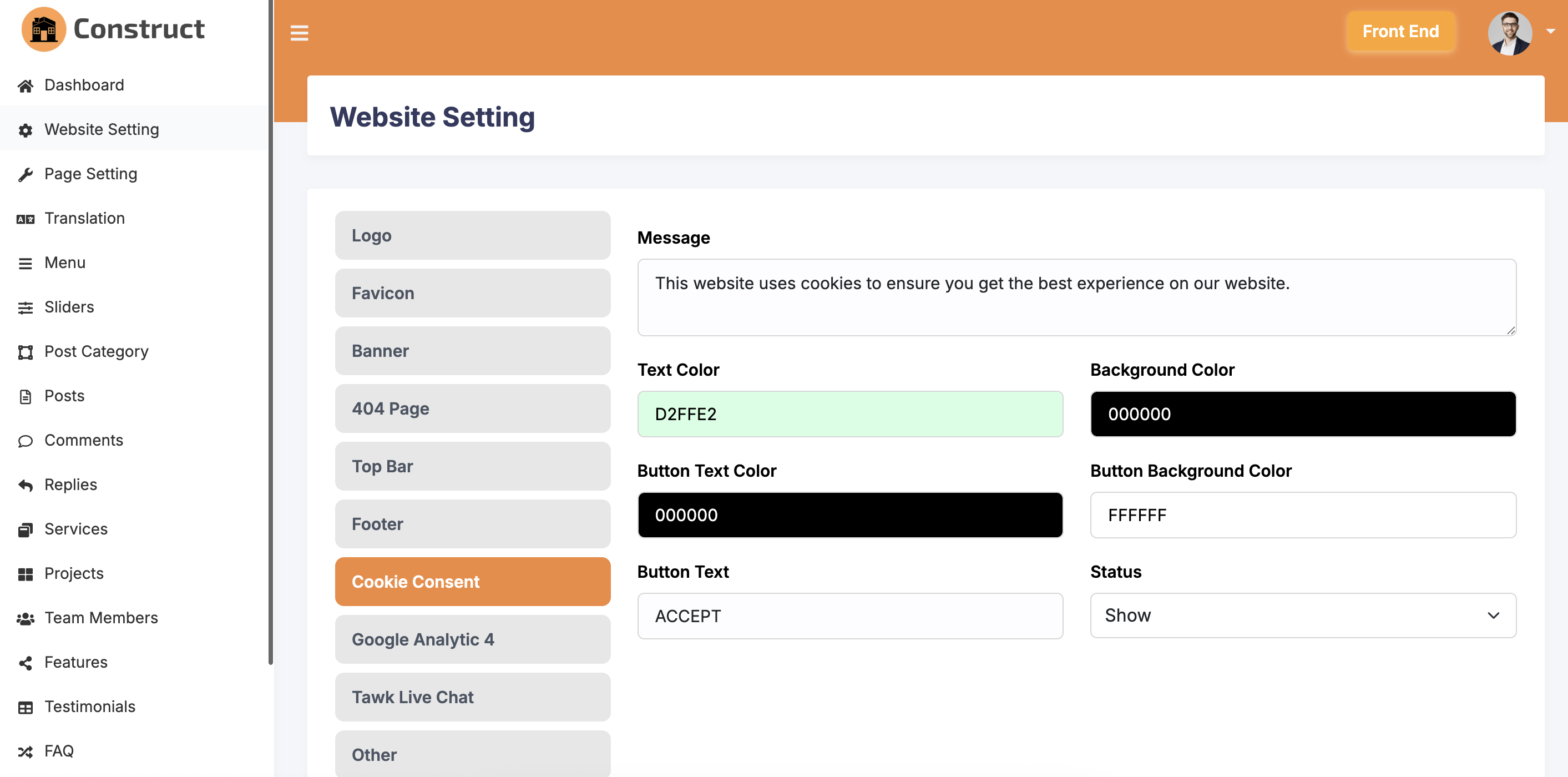
- Manage Cookie Consent option
- Manage Currency Symbol option
- Manage Clear Cache option
- Manage Captcha option. No need to setup any key. Easiest Installation.
Demo
Front End: https://demo.phpscriptpoint.com/construct
Back End: https://demo.phpscriptpoint.com/construct/admin
Login
Admin
Email: admin@gmail.com
Password: 1234
Changelog
Version: 2.0 (February 07, 2026)
- Upgraded the script to Laravel 12
- Improved security and performance
- Completely changed the front end and back end template. It is a modern design now.
Version: 1.3 (August 21, 2022)
- Changed the phpmailer codes for php 8+
- Made the script compatible with php 8+
Version: 1.2 (April 14, 2021)
- Base_URL set up not needed anymore (changed config file)
- Changed all the table collation as Unicode (UTF-8)
- Added Preloader On/Off status option
- Added Tawk Live Chat option
- PHPMailer with SMTP Option added in email setting
- Forget Password option added admin panel
- Auto taking the "Home" menu
- Main css file of admin is not in "css" folder
- Summernote Editor added as new content editor
- Editor change option added
- Website Name field added
Version: 1.1 (December 27, 2019)
- Fixed the blog and service page broken styles for mobile devices.
Version: 1.0 (December 06, 2017)
First Release