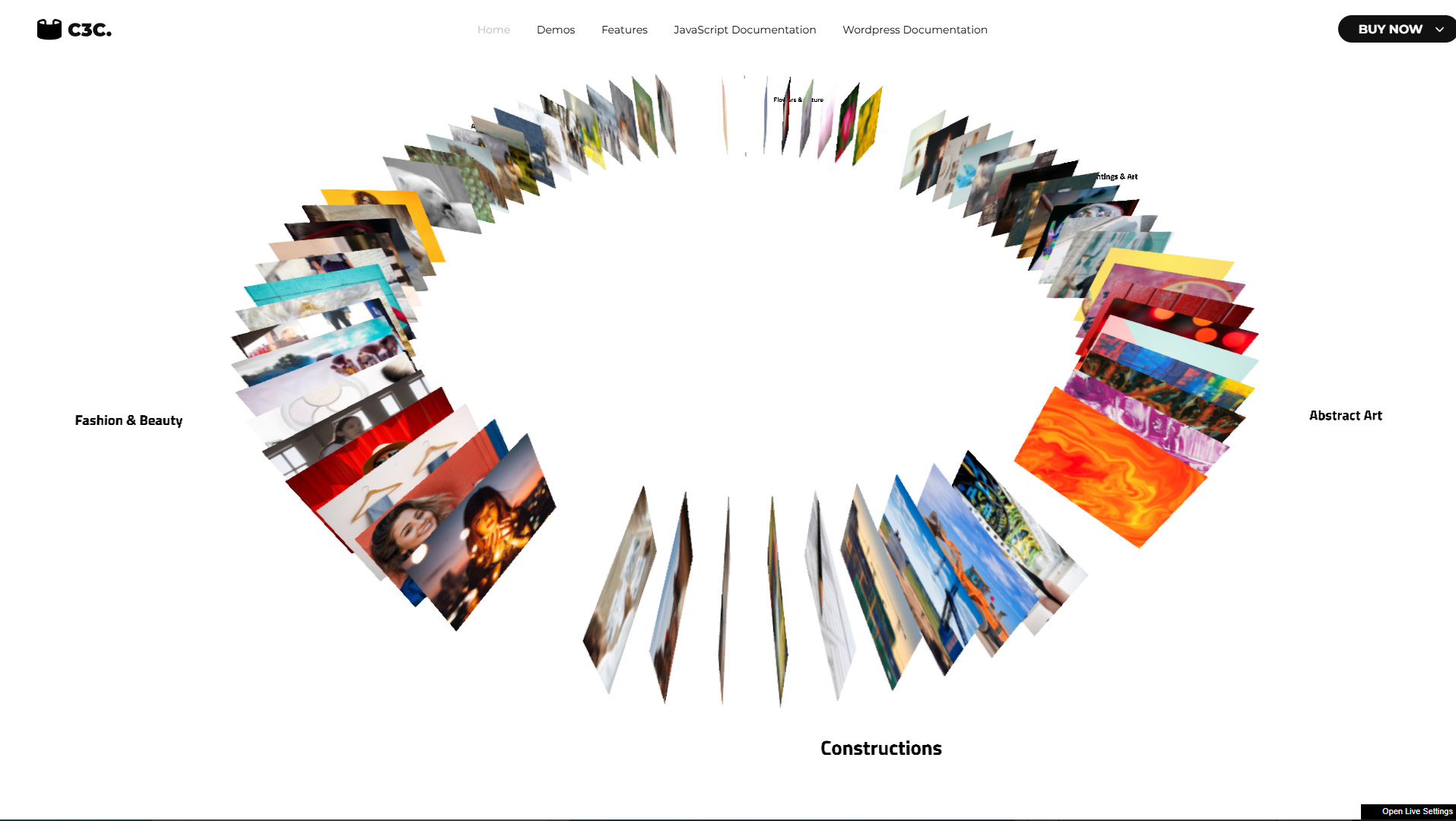
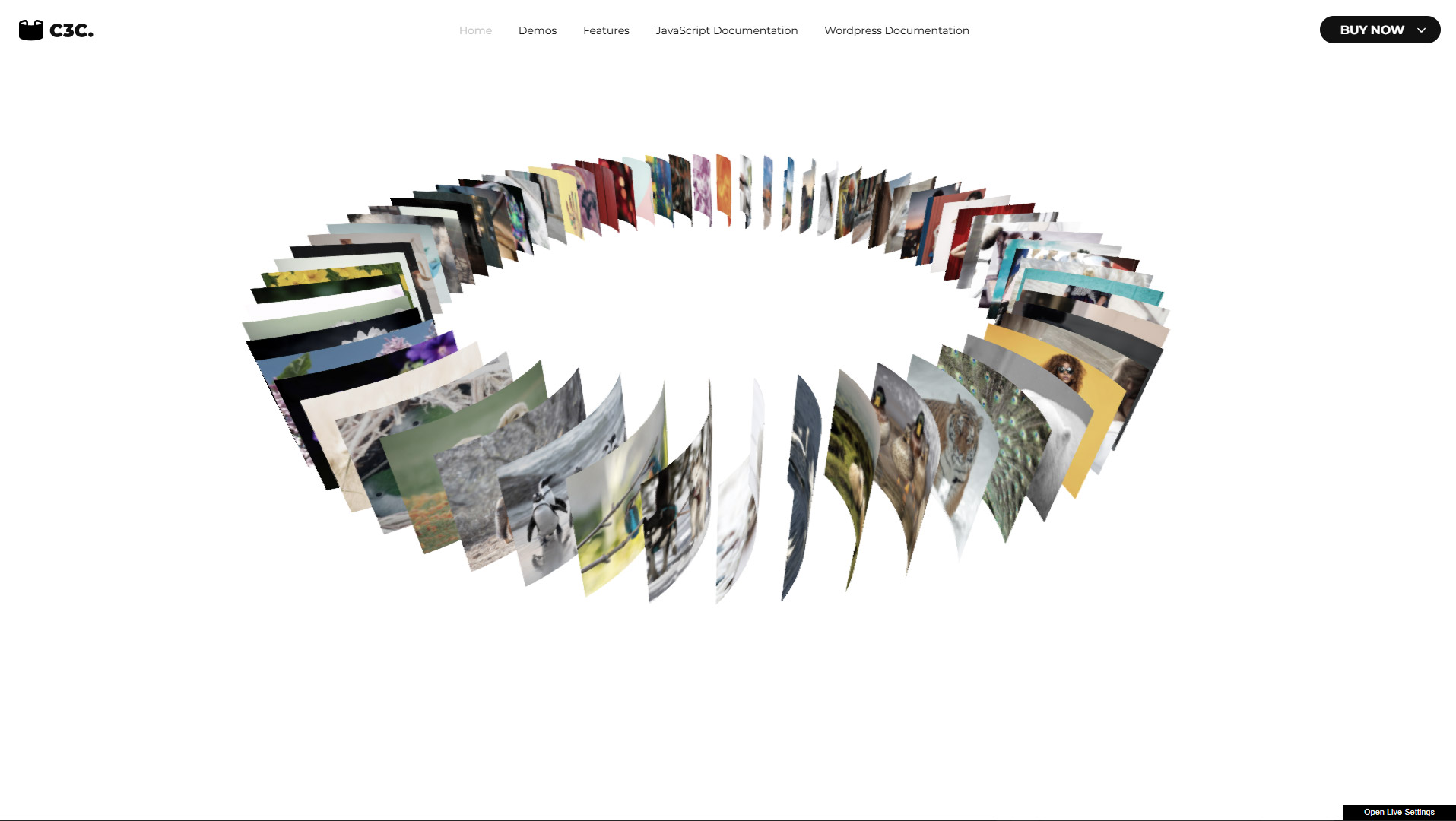
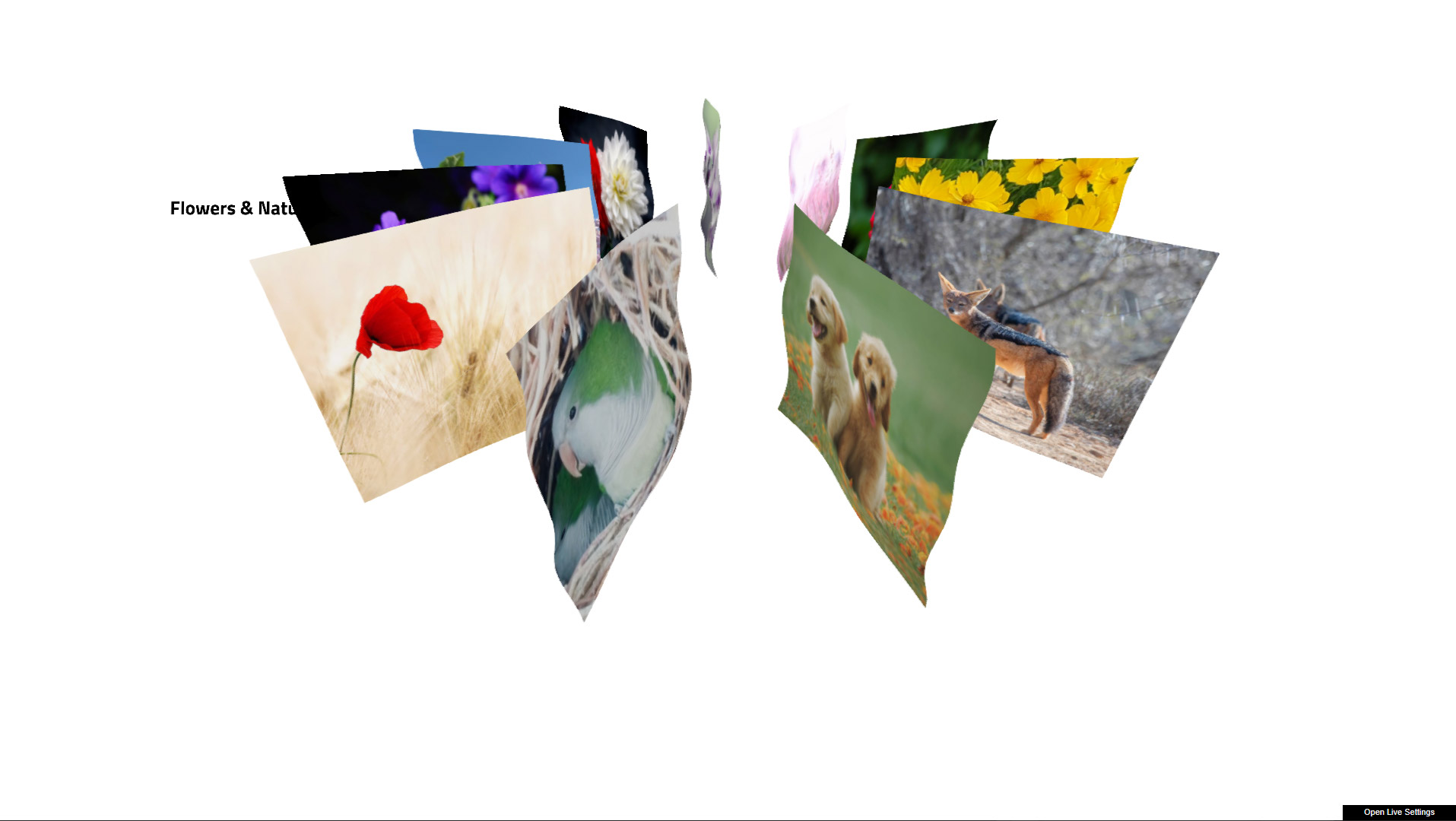
What is Circular 3D Carousel
An advanced 3D carousel component featuring customizable item bending during rotation, real-time caption rendering using DOM-to-canvas conversion, and smooth, user-responsive camera interaction. Mouse movement dynamically influences the carousel’s orientation, with adjustable sensitivity for fine-tuned control. Ideal for creating interactive, visually engaging presentations of images, categories, or other content.
Main features
Responsive Layout – Fully responsive and adaptable regardless of which device is used.
Desktop & Mobile Optimized – Circular 3D Carousel will adapt to any screen size and any device, wheater you are using a mobile phone (IOS, Iphone, Android) or on your desktop browser.
Lazy Scrolling/Loading – Option to initialize Circular 3D Carousel only when it becomes visible on scroll, preventing initialization if it’s in an off-screen section. Circular 3D Carousel will load when the user scrolls to the section containing it.
Multiple Display Types – The carousel can be displayed using a responsive layout or an “afterparent” mode, which allows it to adapt based on the size of the parent element.
Customizable Size – The carousel size (width and height) can be set to any dimensions you need, and the Circular 3D Carousel can be added anywhere within your page content.
Parallax – Optional parallax scrolling effect.
Preloader – Optional animated preloader.
Categories Support – Supprt for multiple categories or no single/no category.
Caption – Optional captions for carousel items and for the carousel categories, fully customizable with your own CSS styling.
Customizable Geometry – Adjustable geometry like the carousel radius and carousel items aspect ration and size.
Customizable Item Bend Strength – When the carousel rotates, the bending of each item can be adjusted as needed.
Mouse Rotation – Customizable mouse rotation: as the mouse moves, the camera slightly rotates, and the strength of this effect can be adjusted as needed
Item Noise Animation – Optional item noise animation, the items will add a flag like customizable animation.
Scroll Speed Strength – Adjustable drag speed for smooth, responsive carousel control with the mouse.
Scroll Scale Strength – Adjustable scroll scale strength to control how items scale during scrolling.
Distortion Curve – Adjustable item distortion curve as the carousel is dragged.
Fluid Post-Processing effect – Intro fluid effect.
Post Processing – Various post-processing effects included—mouse ripple, fluid distortion, grid effect, afterimage, bulge, and more.