Code

CameraX & Machine learning

CameraX & Machine learning

By
Cart 18 sales

Last update

V 5.0 • 12/04/2025

- Android Studio Meerkat | 2024.3.1 Patch 1
- Migrate to Android 16 (SDK 36)
- Dependencies update

CameraX & Machine learning with option to take photo, record video, image labeling, barcode scanning, text recognition and translate text.

Tested on Android 9 through Android 16

DEVELOPMENT REQUIREMENTS

  • Android Studio: Meerkat 2024.3.1 Patch 1
  • Language: Kotlin (native implementation)
  • Java: Version 17

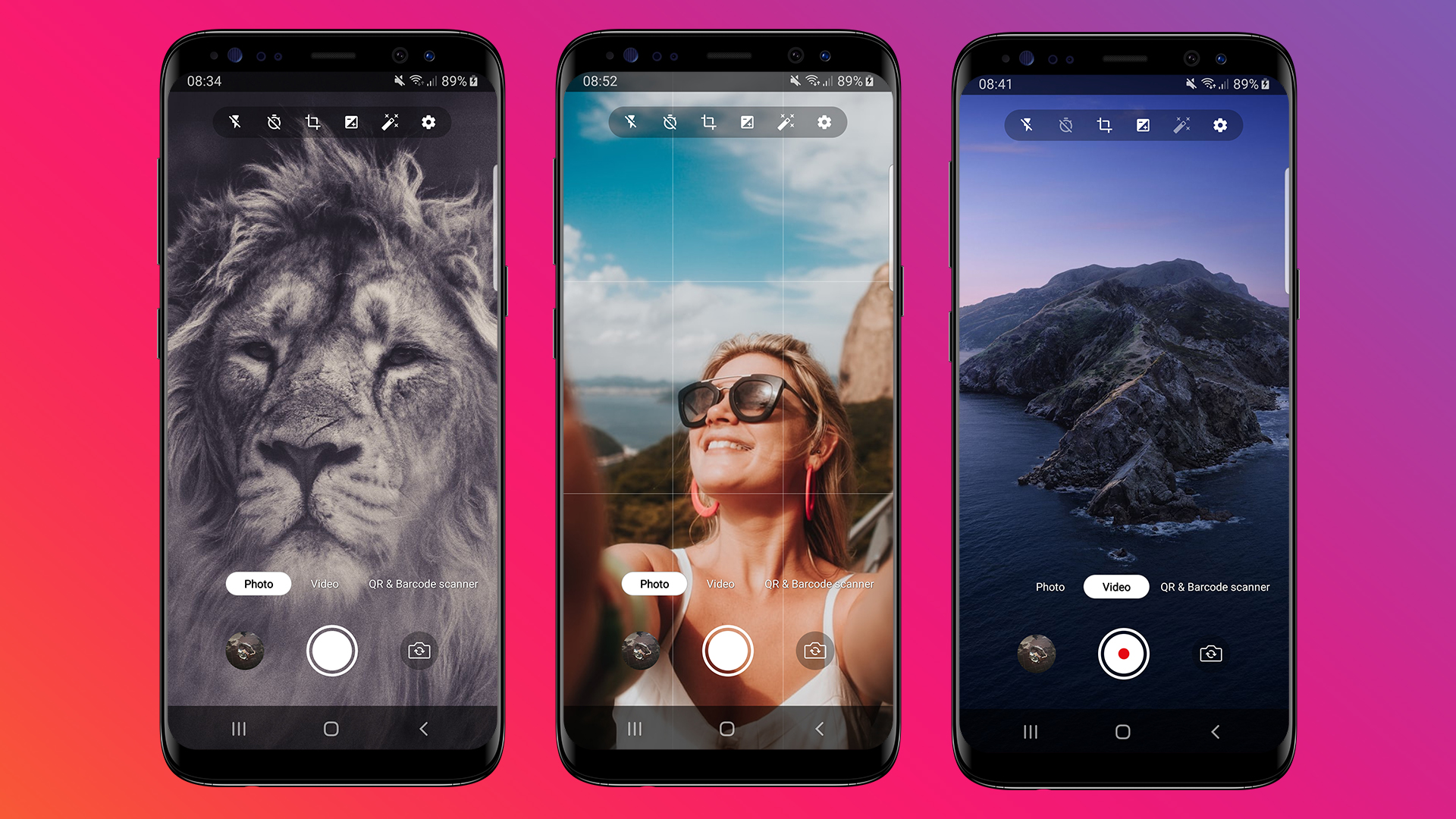
Photo

  • Take photos in high quality
  • Flash mode: on, off or auto
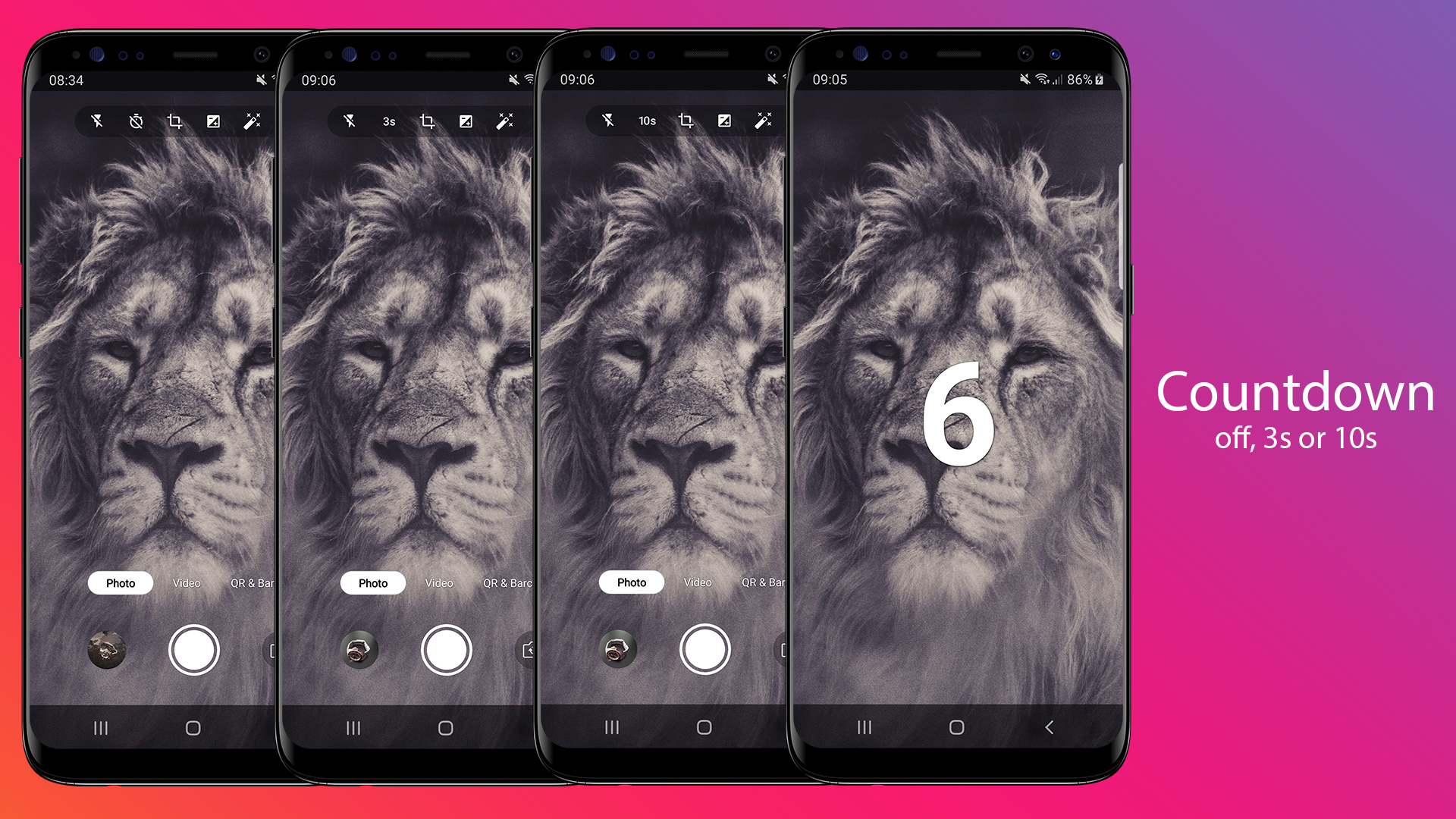
  • Countdown timer: off, 3s or 10s
  • Switch front-back camera
  • Photo viewer
  • Video

  • Record video in high quality
  • Flash mode: on or off
  • Chronometer
  • Switch front-back camera
  • Video viewer
  • QR & Barcode scanner

  • Real time scanner
  • Flash mode: on/off
  • Works with any orientation
  • Automatic format detection
  • Reads most standard formats:
    -Linear formats: Codabar, Code 39, Code 93, Code 128, EAN-8, EAN-13, ITF, UPC-A, UPC-E
    -2D formats: Aztec, Data Matrix, PDF417, QR Code
  • Restart action
  • Copy result to clipboard
  • Share result
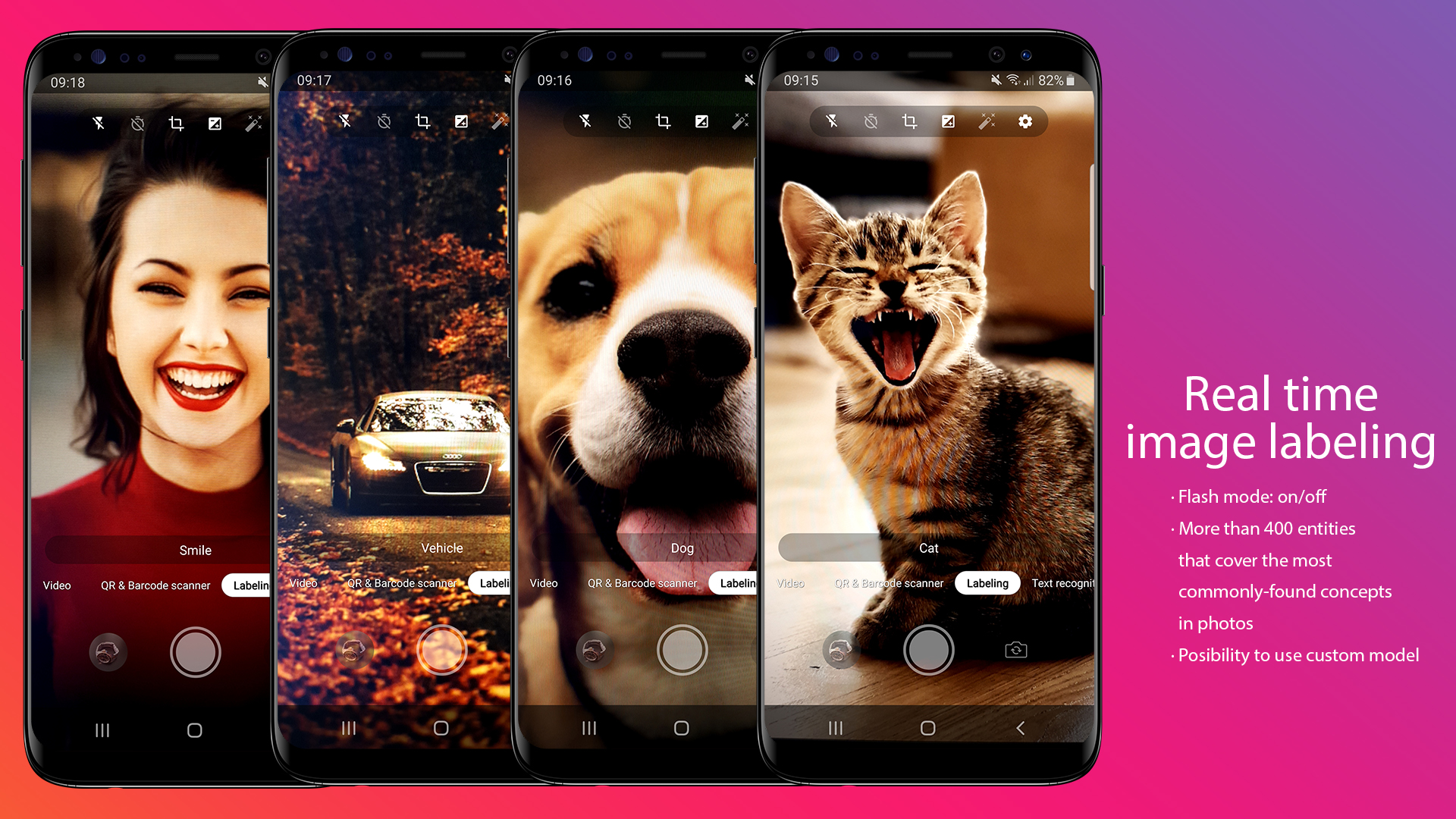
  • Image labeling

  • Real time image labeling
  • Flash mode: on/off
  • You can detect and extract information about entities in an image across a broad group of categories. The default image labeling model can identify general objects, places, activities, animal species, products, and more.
  • More than 400 entities that cover the most commonly-found concepts in photos.
  • Possibility to use custom model
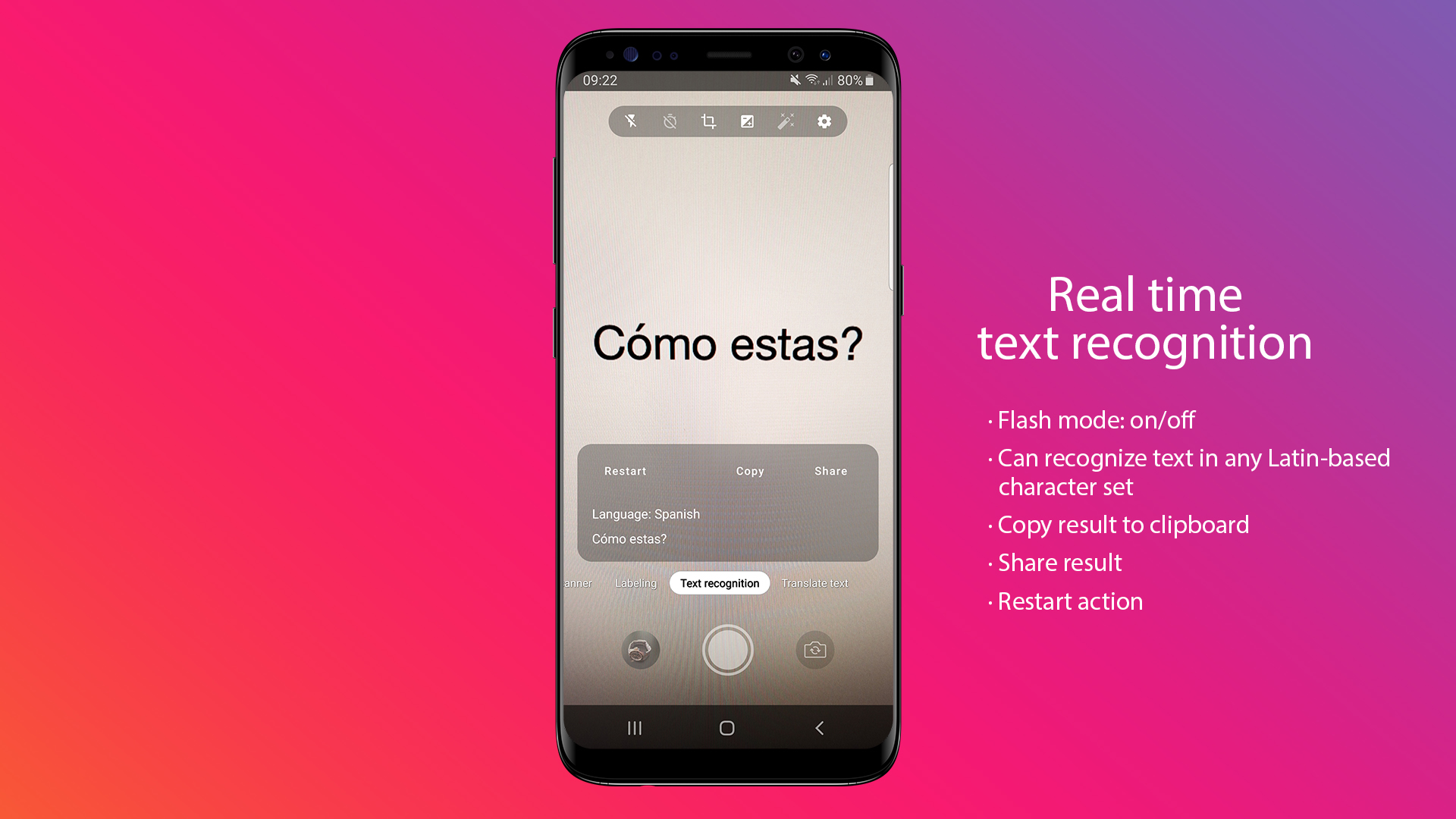
  • Text recognition

  • Real time text recognition
  • Flash mode: on/off
  • Restart action
  • Copy result to clipboard
  • Share result
  • Show recognized text
  • Show language
  • Can recognize text in any Latin-based character set. They can also be used to automate data-entry tasks such as processing credit cards, receipts, and business cards.
  • Possibility to recognize text from a Bitmap, media.Image, ByteBuffer, byte array, or a file on the device.
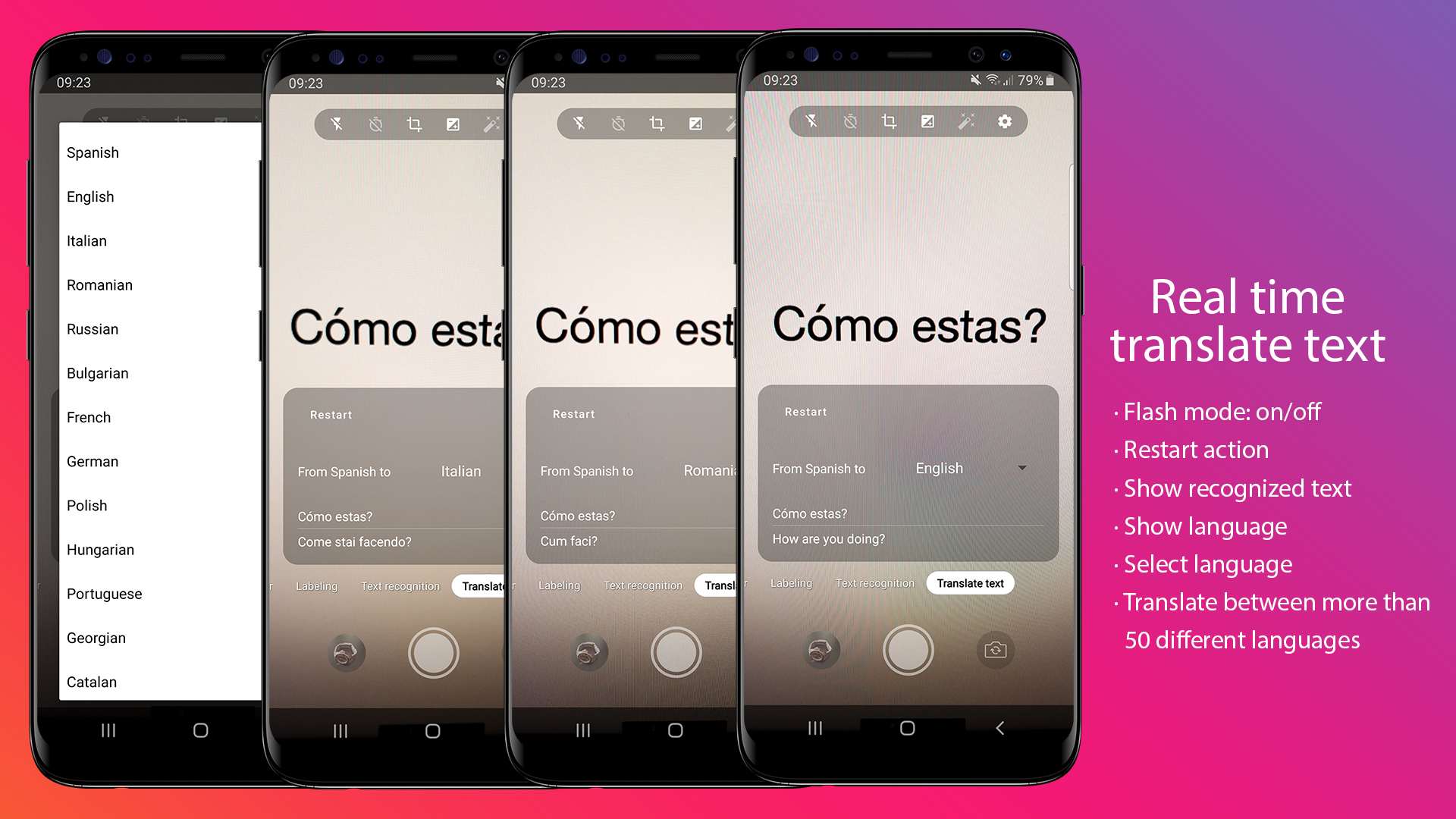
  • Translate text

  • Real time text recognition & translate
  • Flash mode: on/off
  • Restart action
  • Show recognized text
  • Show translated text
  • Show language
  • Select language to translate to
  • Translate between more than 50 different languages COMPLETE LIST
  • Powered by the same models used by the Google Translate app’s offline mode
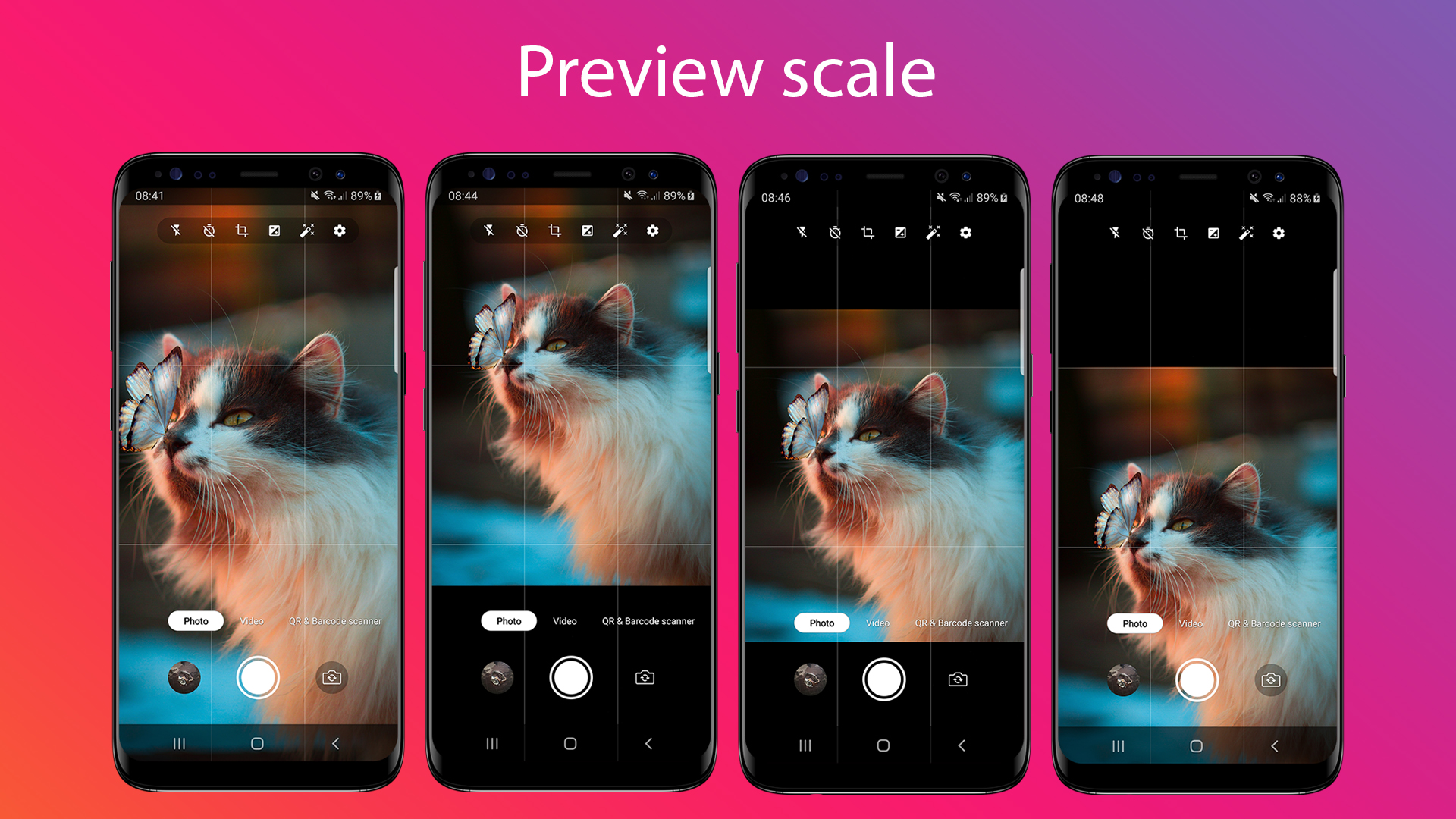
  • Preview scale

  • Fill
  • Top
  • Center
  • Bottom
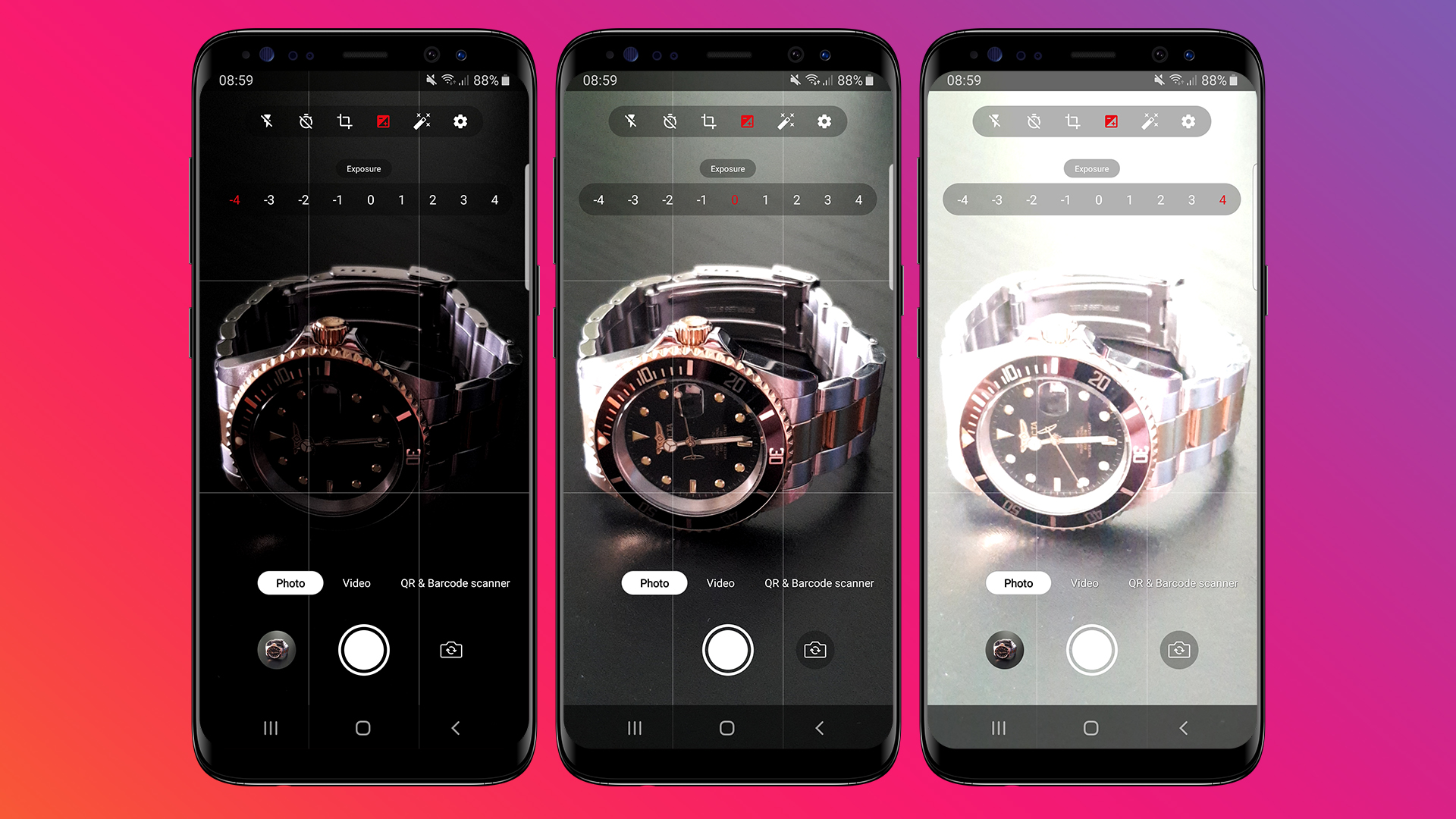
  • Exposure

  • From -4 to 4
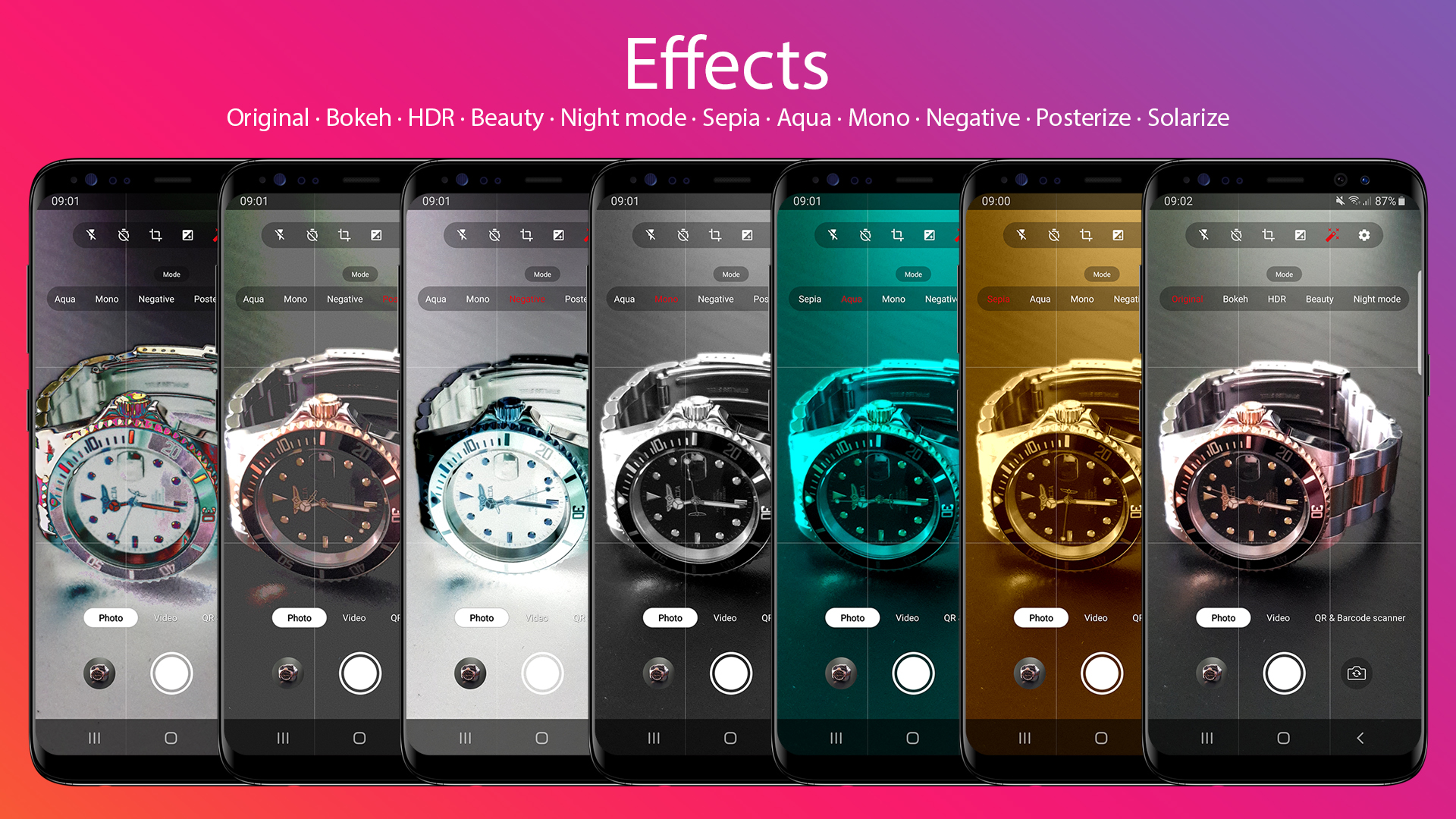
  • Photo mode

  • Original
  • Bokeh
  • HDR
  • Beauty
  • Night mode
  • Sepia
  • Aqua
  • Mono
  • Negative
  • Posterize
  • Solarize
  • **Bokeh, HDR, Beauty and Night mode is not available in all devices

    COMPATIBLE DEVICES

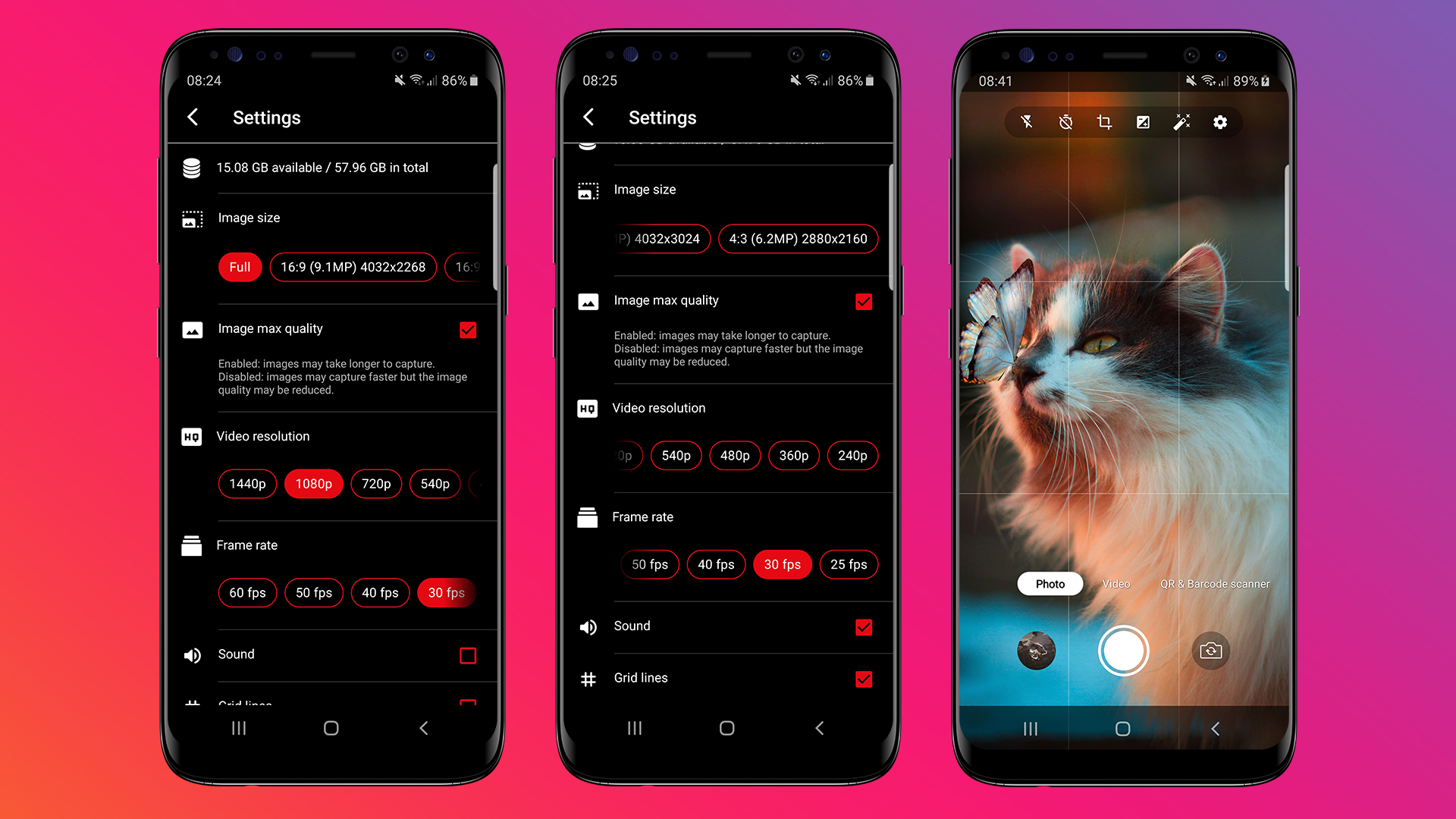
    Settings

  • View available space and total space of device
  • Change image size and aspect ratio
  • Enable/Disable image max quality
  • Change video resolution
  • Change video fps
  • Enable/Disable sound (timer, take photo and stop recording video)
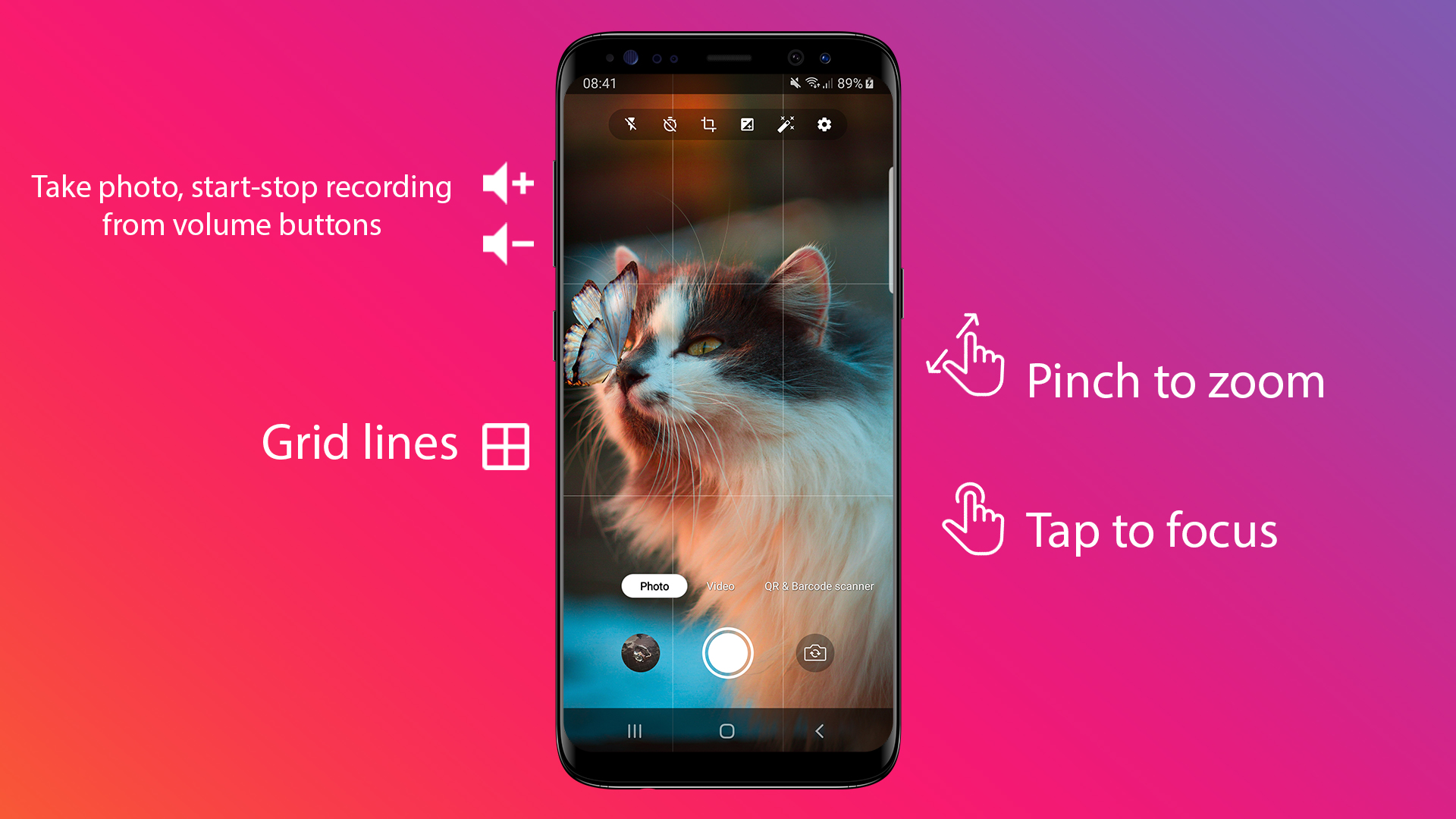
  • Show/Hide grid lines
  • Pinch to zoom

  • Available in all modes
  • Tap to focus

  • Available in all modes
  • With animation
  • Take photo, start-stop recording from volume buttons

    Change log

    V 5.0 • 12/04/2025

    - Android Studio Meerkat | 2024.3.1 Patch 1
    - Migrate to Android 16 (SDK 36)
    - Dependencies update
    

    V 4.0 • 22/02/2024

    - Android Studio Hedgehog | 2023.1.1 Patch 2    
    - Migrate to Android 14 (SDK 34)
    - Dependencies update
    - Code refactoring
    

    V 3.0 • 08/03/2023

    - Migrate to Android 13 (SDK 33)
    - Dependencies update
    - Permissions Android 13
    - Code refactoring & optimization
    - Design changed
    - Get media from gallery updated for android 13
    - Warning: Change video fps it's not available by now
    
    by
    by
    by
    by
    by
    by

    Tell us what you think!

    We'd like to ask you a few questions to help improve CodeCanyon.

    Sure, take me to the survey