BatchPixel – All in One Image Conversion & Optimizer Tool
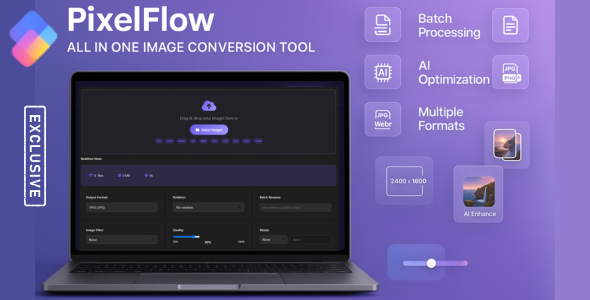
BatchPixel is a powerful, browser-based tool that lets you convert, enhance, and optimize multiple images in seconds. With support for 10+ formats, advanced processing features, it’s perfect for photographers, designers, and developers. All processing happens locally your images never leave your device. Save time and get professional results with zero hassle!
Core Features
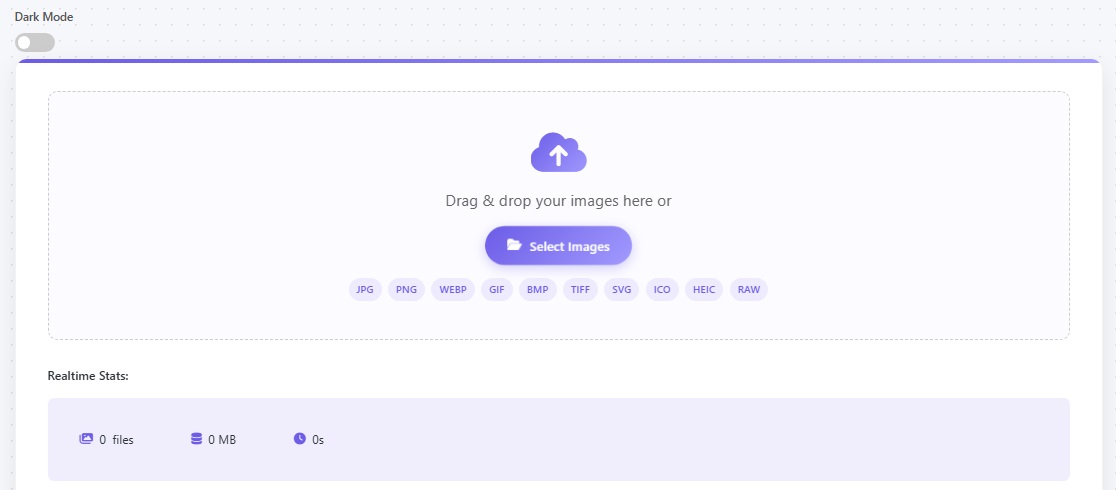
- Batch Processing
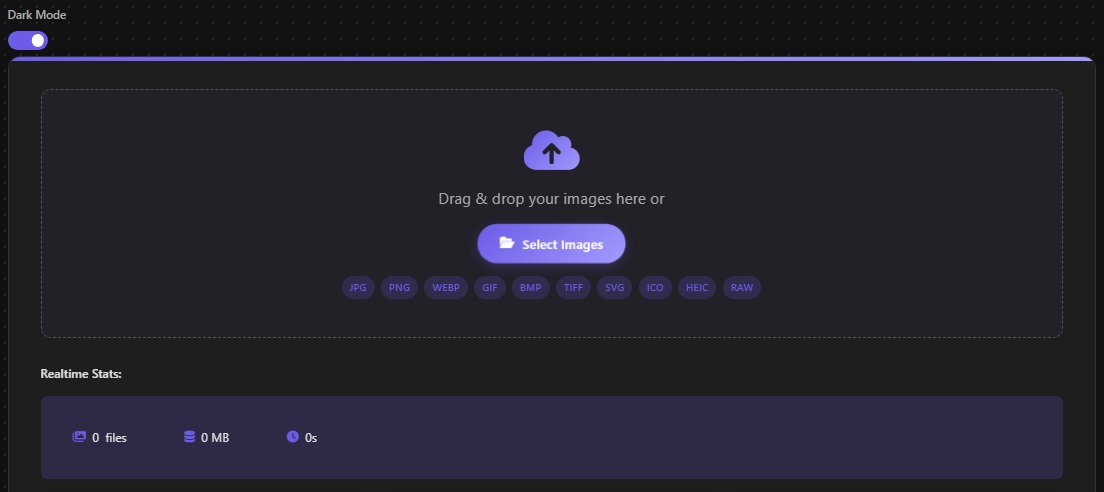
- Supported Wide Format Support
- Advanced Batch Processing
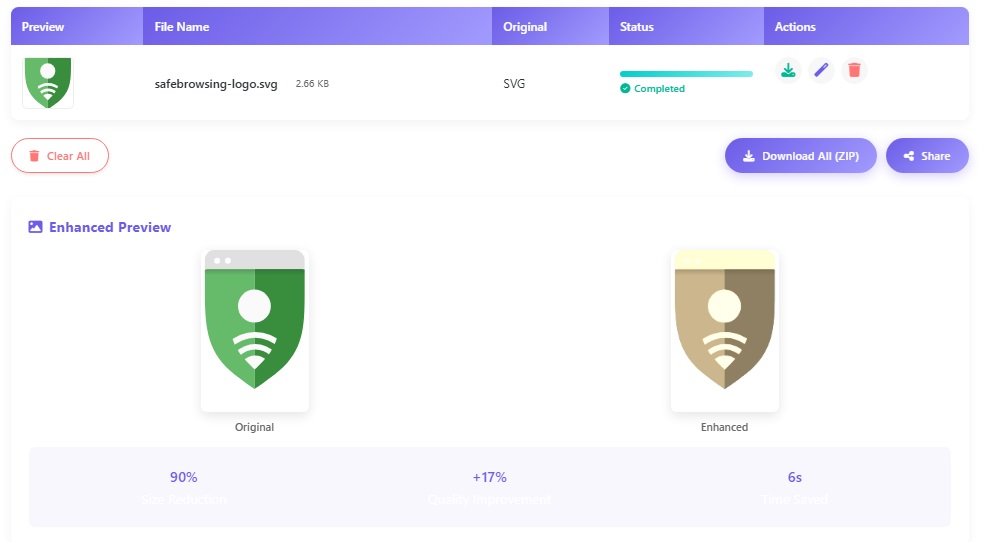
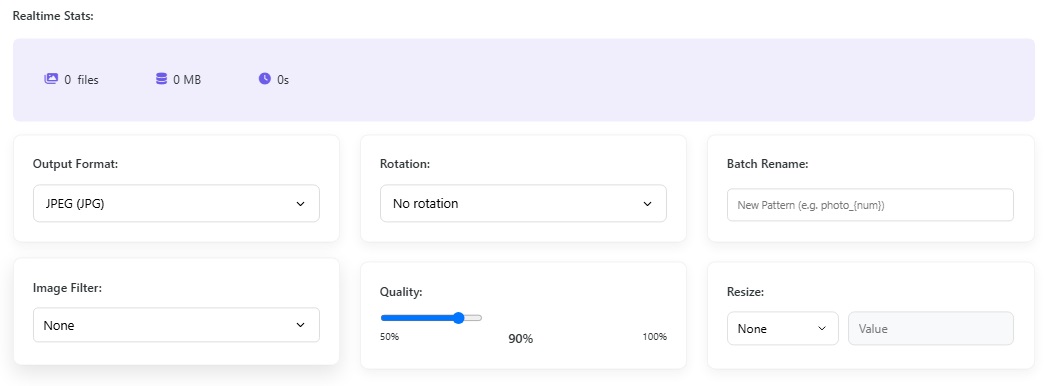
- Image Enhancement & Filters
- Resizing Options
- Rotation
- Quality Adjustment
- Batch Renaming
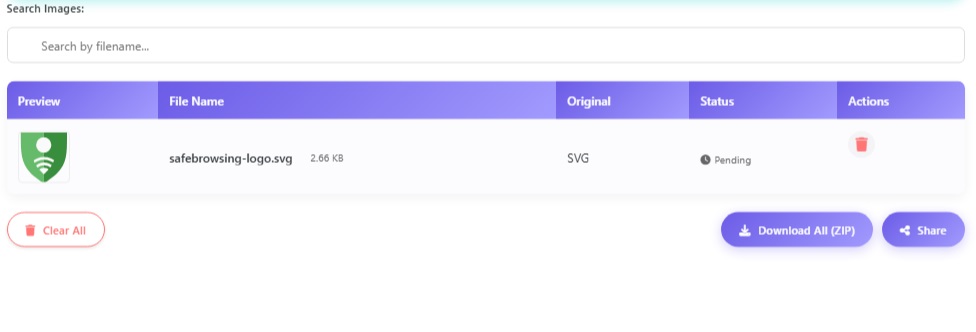
- Real-Time Stats
- Dark Mode Toggle
Advanced Features
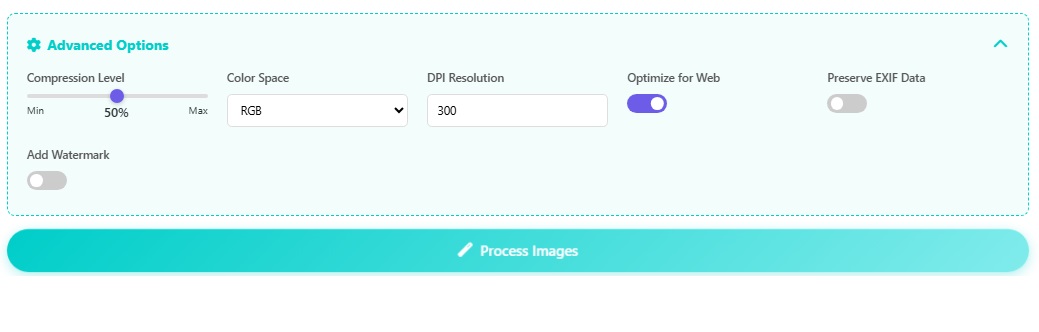
- Compression Level Control
- Color Space Conversion
- DPI Resolution Adjustment
- Web Optimization
- EXIF Data Preservation
- Watermarking
- Toast Notifications
Technical Specifications
- Pure HTML5/CSS3/JavaScript – no server requirements
- Works on all modern browsers
- Easy to integrate with any website
- Comprehensive documentation included
Why Choose BatchPixel?
BatchPixel offers professional-grade image conversion tools with unmatched privacy protection. Unlike cloud-based solutions, your images are processed locally for maximum security. The intuitive interface makes batch processing effortless, while advanced features provide all the control professionals need.
Perfect for web developers to integrate into client projects, photographers who need to process large collections, and marketers who require optimized images for multiple platforms.
CHANGELOG
IMPORTANT:

UPDATING THE PLUGIN

1. Redownload the plugin from Codecanyon to get the latest version
2. Copy folders js, css and assets from folder deploy to your server

=================
version 1.01
date 15-09-2025
=================
* CRITICAL FIX: Image conversion issues resolved - fixed blank image display after conversion
* FIX: HEIC to JPG conversion now works properly with proper format handling
* FIX: JPG to PNG conversion issues resolved with correct canvas-to-blob conversion
* FIX: All format conversions (JPG, PNG, WEBP, GIF, BMP, TIFF, SVG, ICO, HEIC) now work correctly
* ENHANCEMENT: Improved filter application with proper pixel data manipulation
* ENHANCEMENT: Fixed file naming logic to use correct output format extensions
* ENHANCEMENT: Added proper error handling for image loading and processing
* ENHANCEMENT: Optimized memory usage with proper object URL cleanup
* ENHANCEMENT: Improved responsive layout for all device sizes
* ENHANCEMENT: Better HEIC format handling with fallback options

=================