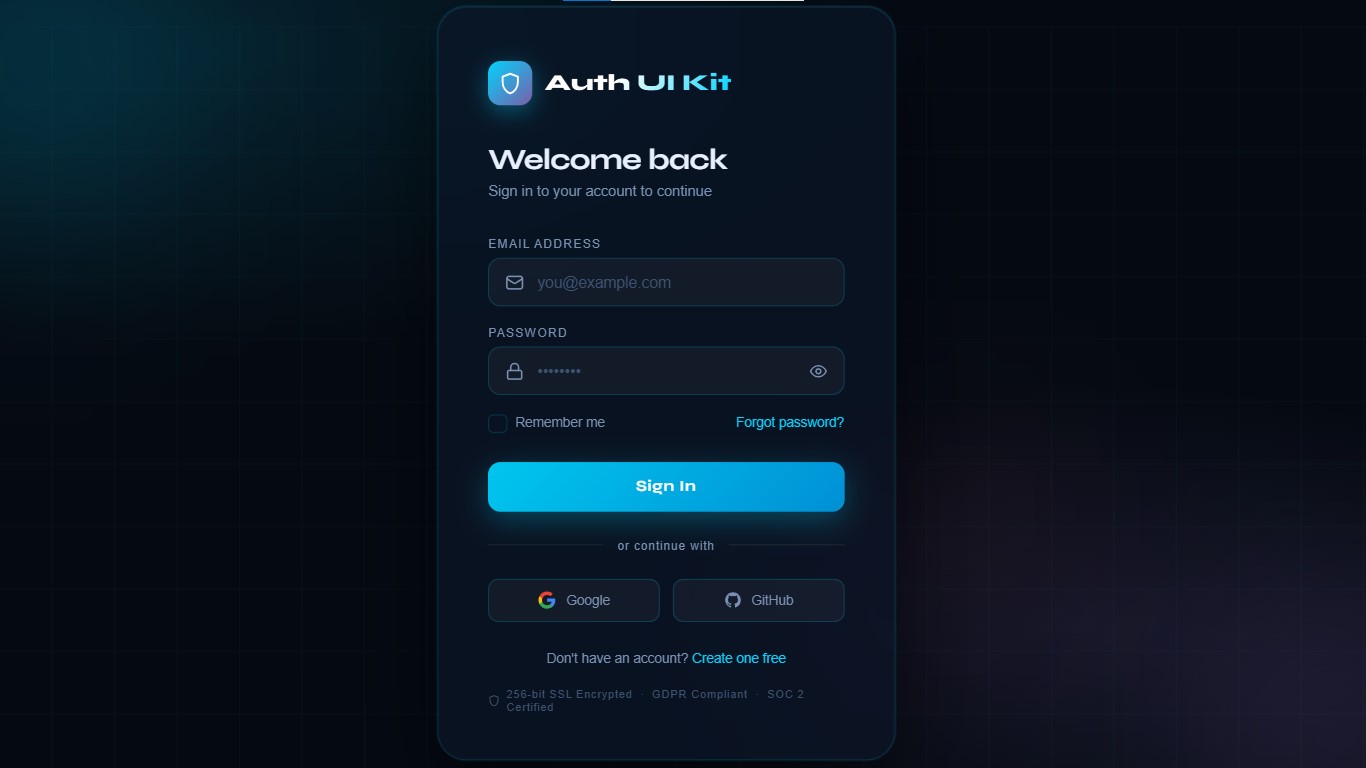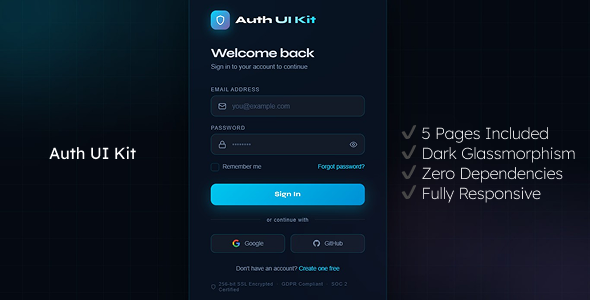
Auth UI Kit is a beautifully crafted, dark-themed authentication UI template built entirely with pure HTML, CSS, and vanilla JavaScript — no frameworks, no build tools, no dependencies. Just open in a browser and it works. Whether you’re building a SaaS product, web app, or client project, Auth UI Kit gives you a production-ready set of authentication screens that look stunning and are easy to integrate with any backend.
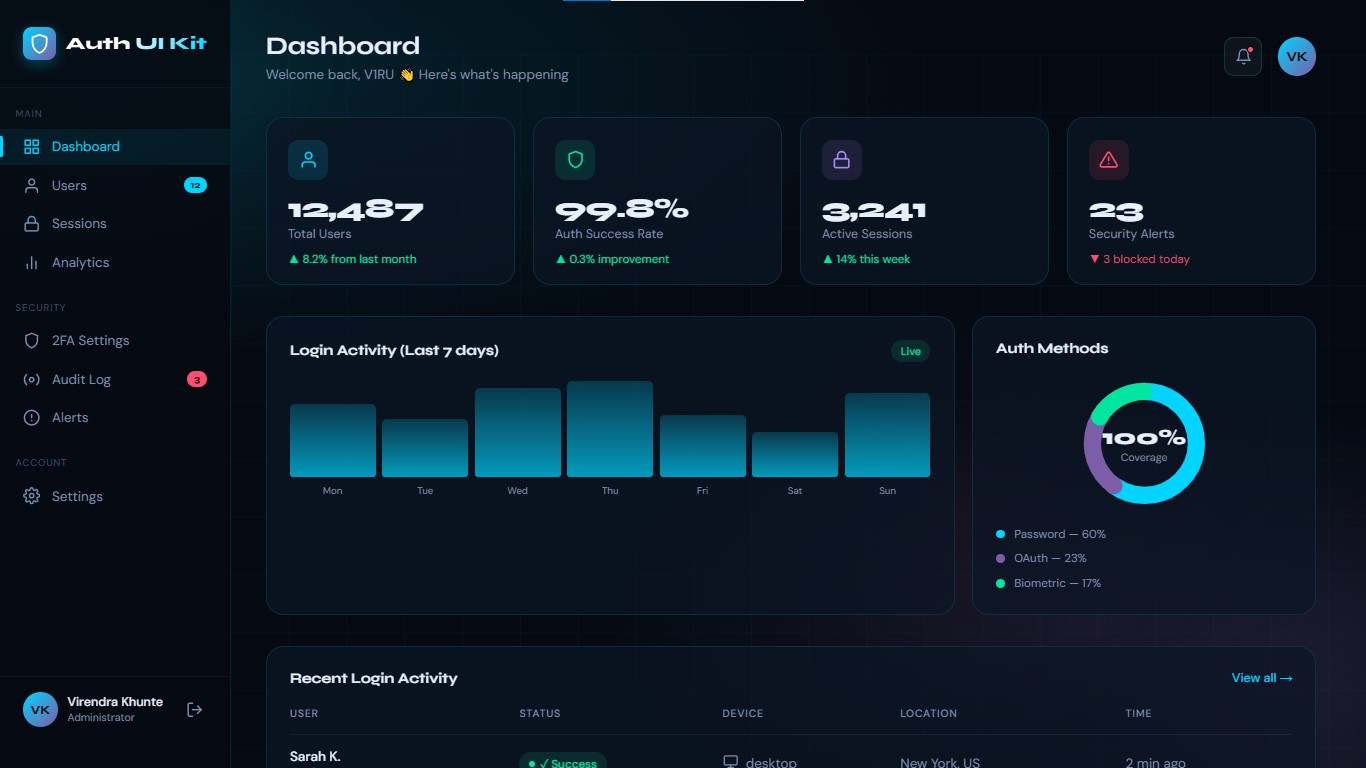
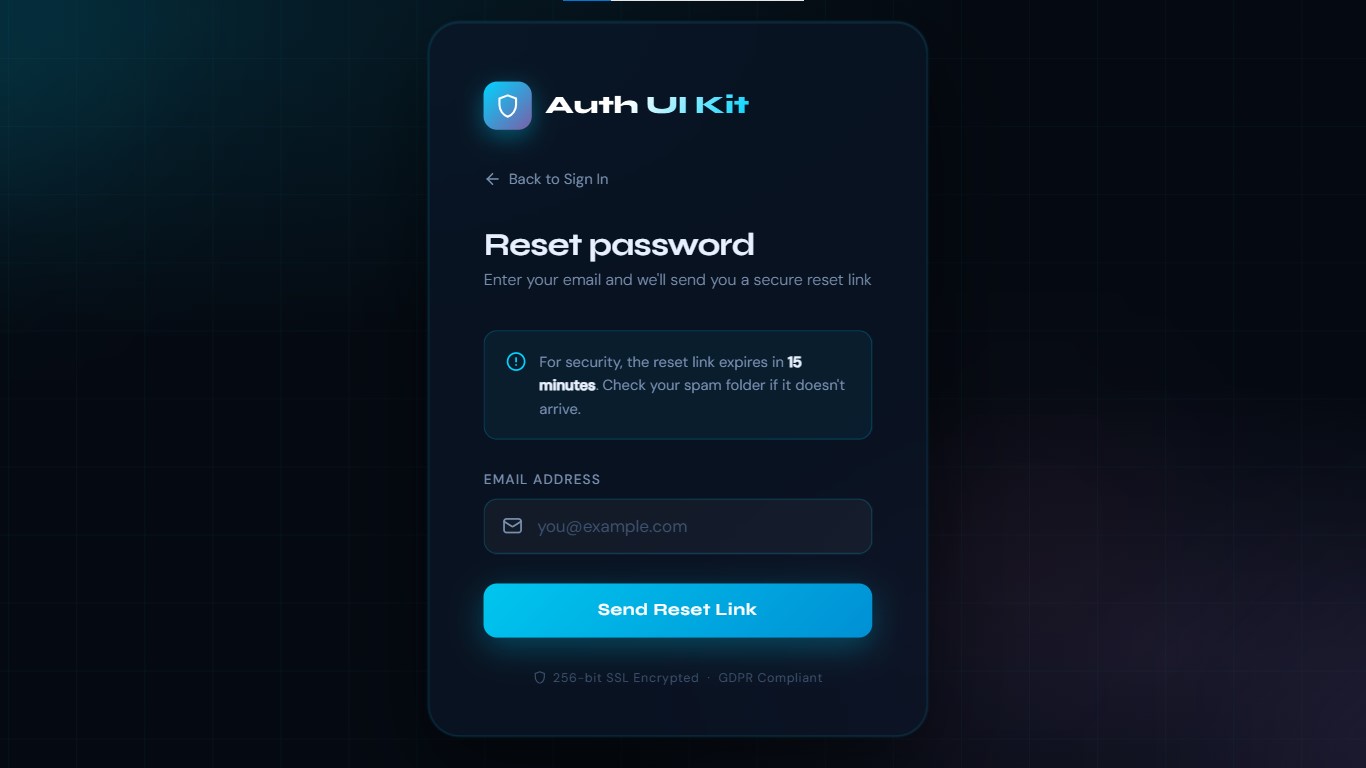
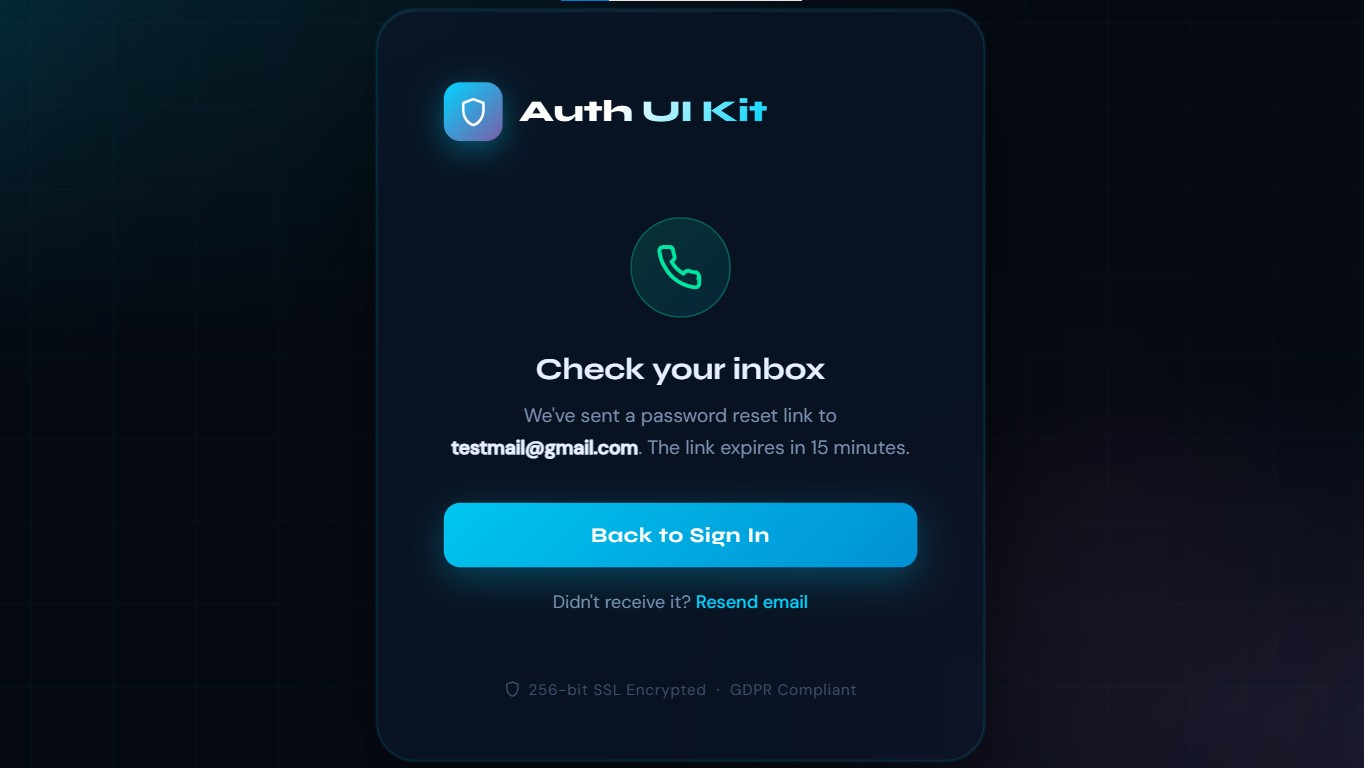
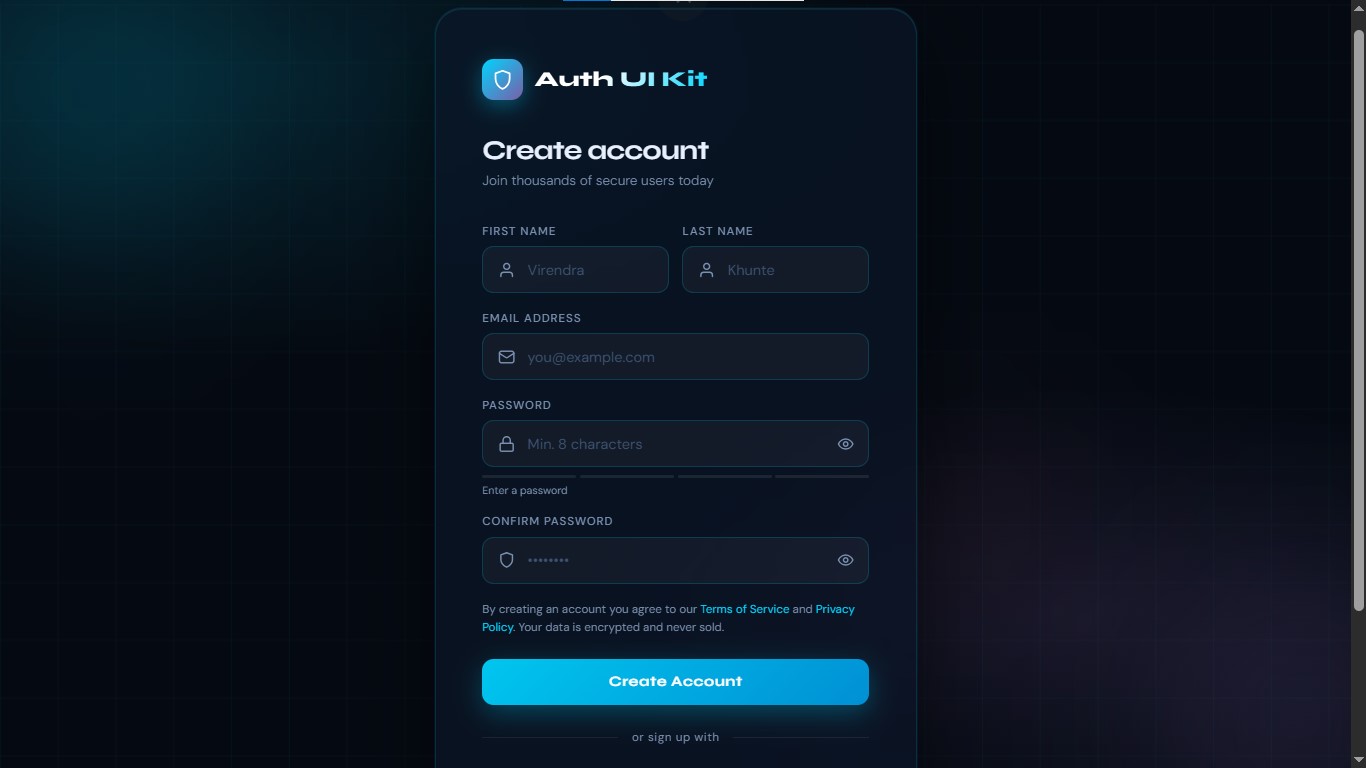
What's Included — 7 PagesLogin Page — Email/password sign in with Remember Me, Forgot Password link, Google & GitHub social auth buttons, and toast notifications. Register Page — Full registration form with first/last name, email, real-time password strength meter, confirm password, and terms agreement. Forgot Password Page — Email submission with animated success state and 60-second resend cooldown timer. OTP Verification Page — 6-digit OTP input with 5-minute countdown timer, auto-advance between fields, clipboard paste support, and auto-submit on completion. Reset Password Page — New password form with live requirement checklist (uppercase, lowercase, number/symbol, 8+ chars), password match indicator, and step progress indicator. Dashboard Page — Auth metrics dashboard with stat cards, bar chart, donut chart (auth methods), and recent login activity table with device icons and status badges. Documentation Page — Complete integration guide with code examples, customization reference, and backend hookup instructions.
Design Highlights
Dark Glassmorphism — Frosted glass cards with backdrop blur, layered transparency, and soft inner highlights Animated Background — Drifting CSS grid + 3 floating color orbs that create depth without heavy assets Micro-interactions — Button shimmer on hover, staggered entrance animations, shake on error, scale-in on success Step Progress Indicator — Visual 3-step flow on the reset password page (Verify → Reset → Done) Animated OTP Timer — Countdown ring with color change at 60 seconds (warning) and 0 seconds (expired)
Security FeaturesContent Security Policy (CSP) headers on every page — blocks XSS, injection attacks X-Frame-Options: DENY — prevents clickjacking attacks X-Content-Type-Options: nosniff — prevents MIME sniffing No inline event handlers — all events via addEventListener only User data via textContent — never innerHTML, eliminating XSS risk Input length limits — email (254 chars), password (128 chars), name (50 chars) Strict input validation — email regex, name character whitelist, password strength enforcement No localStorage for sensitive data — tokens handled safely
Responsive & Accessible
Mobile-first CSS — works from 320px to large 4K displays Semantic HTML — proper <label>, aria-label, aria-live, aria-pressed on all interactive elements Keyboard accessible — Enter to submit, Arrow keys for OTP navigation Screen reader friendly — toast notifications use aria-live=”polite”
Technical Specs
Zero dependencies — no jQuery, no React, no npm, no build step Pure HTML + CSS + Vanilla JS — works on any hosting: Netlify, Vercel, GitHub Pages, cPanel, Apache, Nginx Single shared CSS file — all design tokens (colors, fonts, spacing) in one place via CSS custom properties Easy to rebrand — change brand name and colors in under 2 minutes Every page has a clearly marked handler function ready to replace with your API call: // Example: Connect Login to your API fetch(’/api/auth/login’, { method: ‘POST’, headers: { ‘Content-Type’: ‘application/json’ }, body: JSON.stringify({ email, password }) }) .then(res => res.json()) .then(data => { if (data.token) window.location.href = ‘dashboard.html’; });
Easy Backend IntegrationEasy Customization Change brand colors in 30 seconds by editing CSS variables in shared.css: :root { —accent: #00d4ff; /* Your primary brand color / —accent2: #7b5ea7; / Secondary gradient color / —success: #00e5a0; / Success / green / —danger: #ff4d6d; / Error / red */ } Chrome 90+ · Firefox 88+ · Safari 14+ · Edge 90+ index.html → Login Page register.html → Register Page forgot-password.html → Forgot Password Page verify-otp.html → OTP Verification Page reset-password.html → Reset Password Page dashboard.html → Dashboard Preview documentation.html → Full Documentation shared.css → All Shared Styles README.md → Quick Start Guide
Files Included