Limited-Time Offer – Save 30%!
Enjoy a 30% discount on this item until 19 March 2026
Version 3.0.0 Now Live: Amazon Creators API Integration
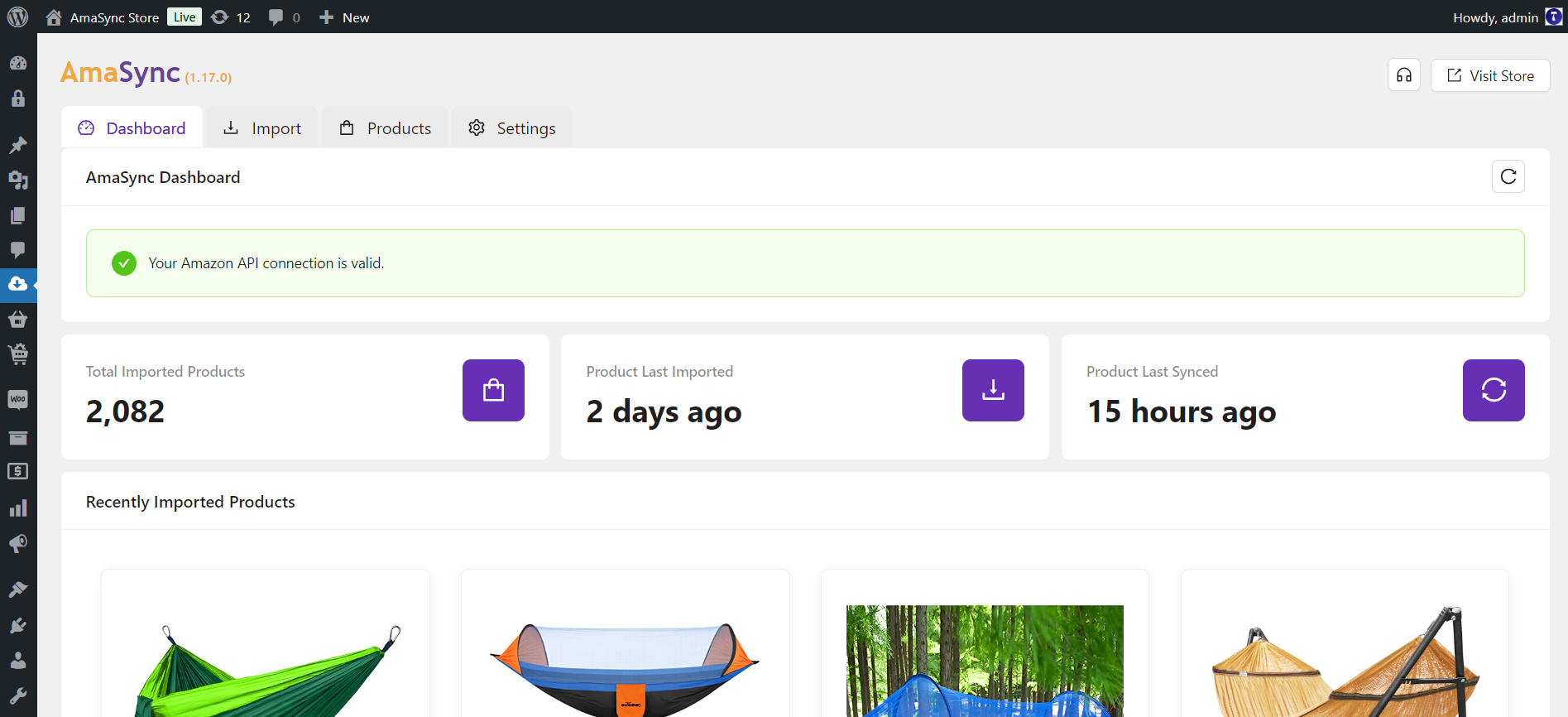
AmaSync is your ultimate gateway to earning passive income through the Amazon Affiliate program—right from your WordPress dashboard. Built for both seasoned marketers and beginners, this powerful plugin makes it easier than ever to import Amazon products directly into your WooCommerce store with just a few clicks.
Whether you’re building a niche site or scaling your affiliate empire, AmaSync empowers you with smart automation tools, seamless product management, and time-saving features designed to maximize your earnings around the clock. No API key? No problem. AmaSync lets you manually add products so you can start importing right away.
If you’re serious about generating affiliate revenue with Amazon, AmaSync is the ideal plugin to turn your website into a passive income machine.
Experience AmaSync in Action – Live Demo
Discover the powerful features of AmaSync by exploring our live demo. Get hands-on with its functionality and see how it can streamline your workflow.
Access Live Demo:
https://www.themedyno.com/amasync-demo/
Username: demo
Password: XrGtoZGk8VnEZZByfisDD
Key Features:
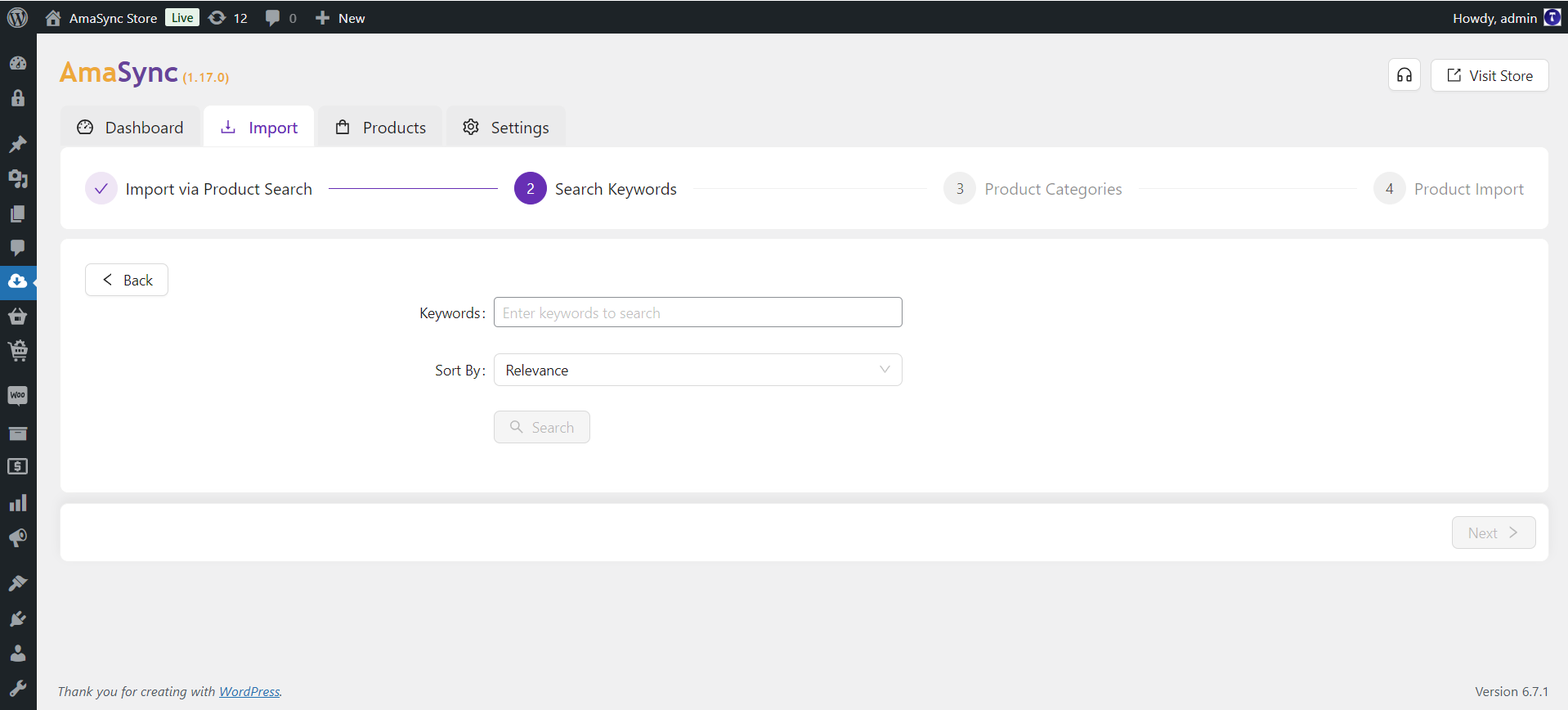
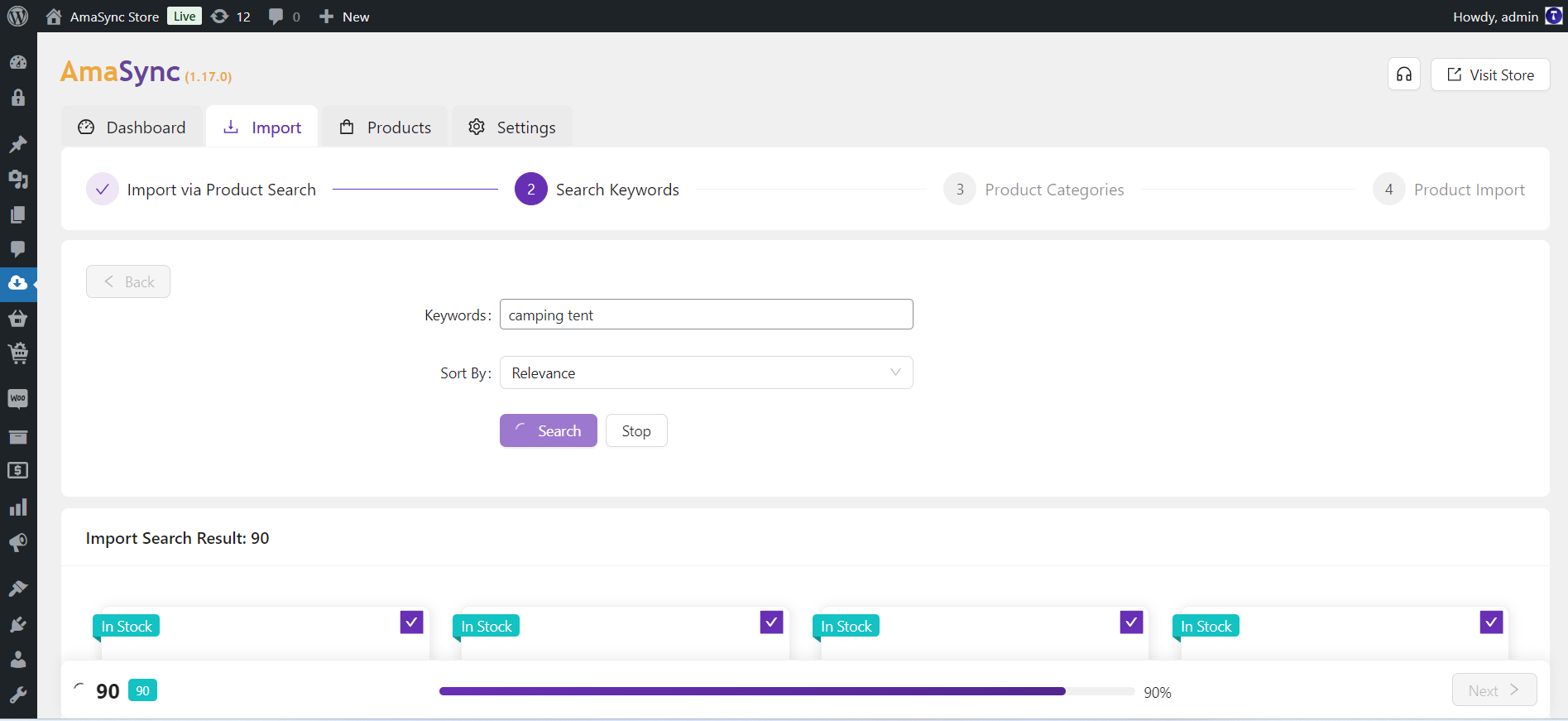
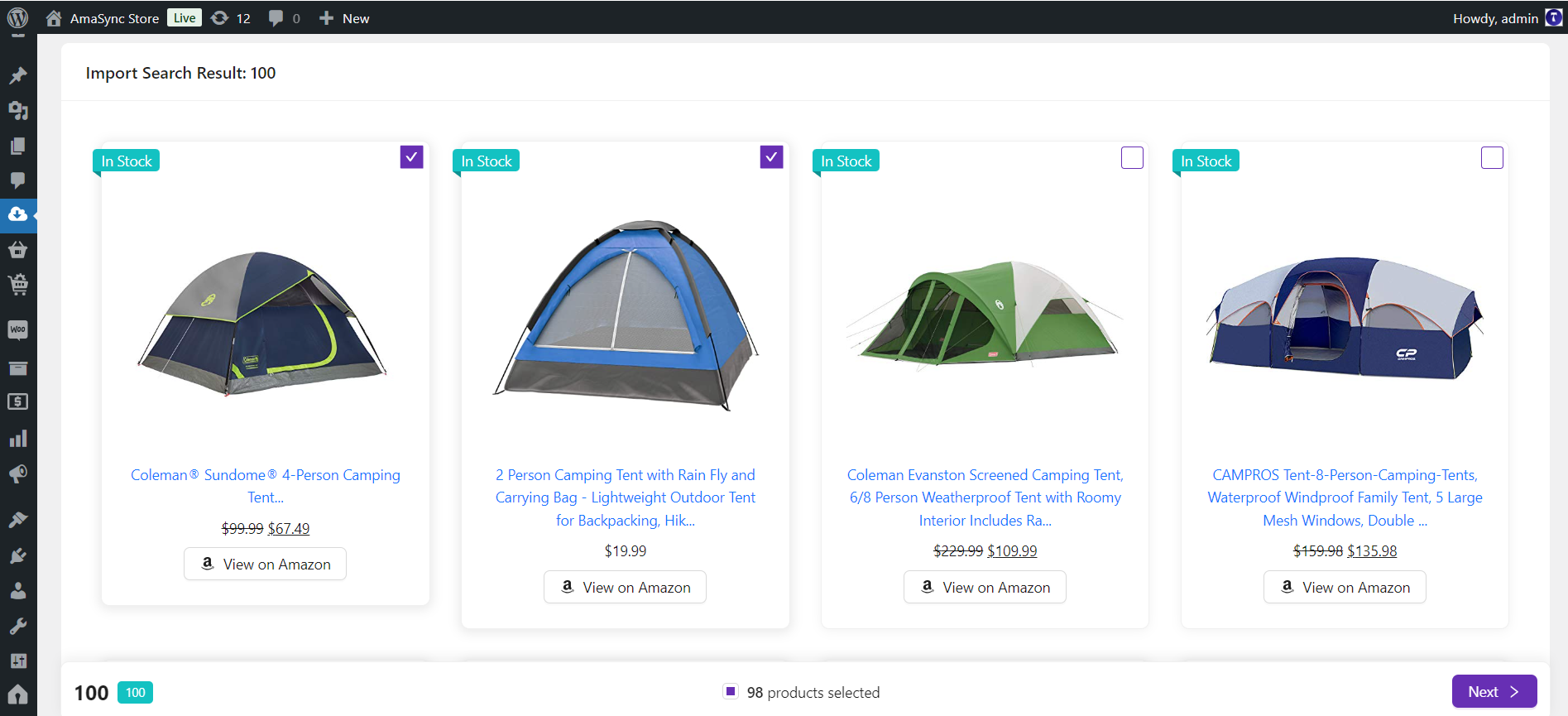
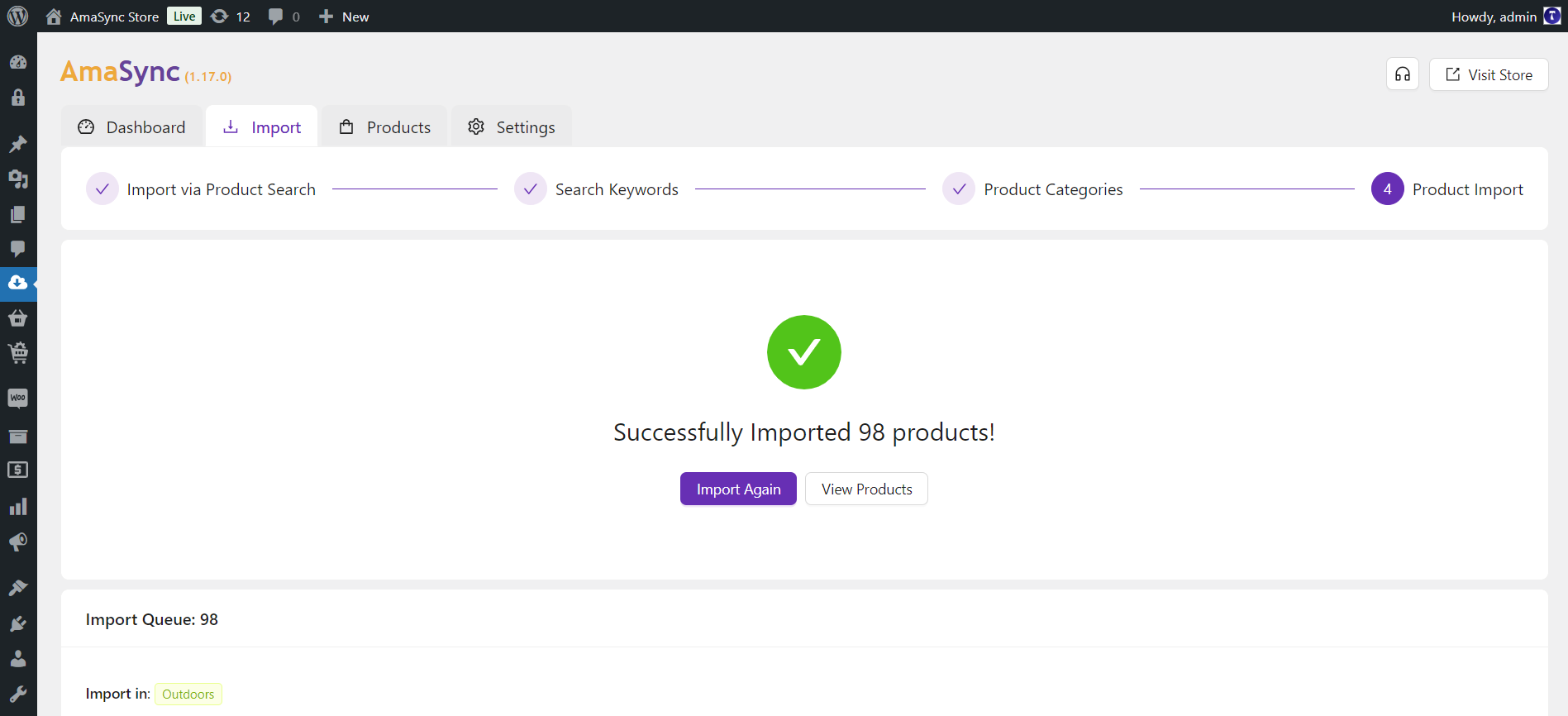
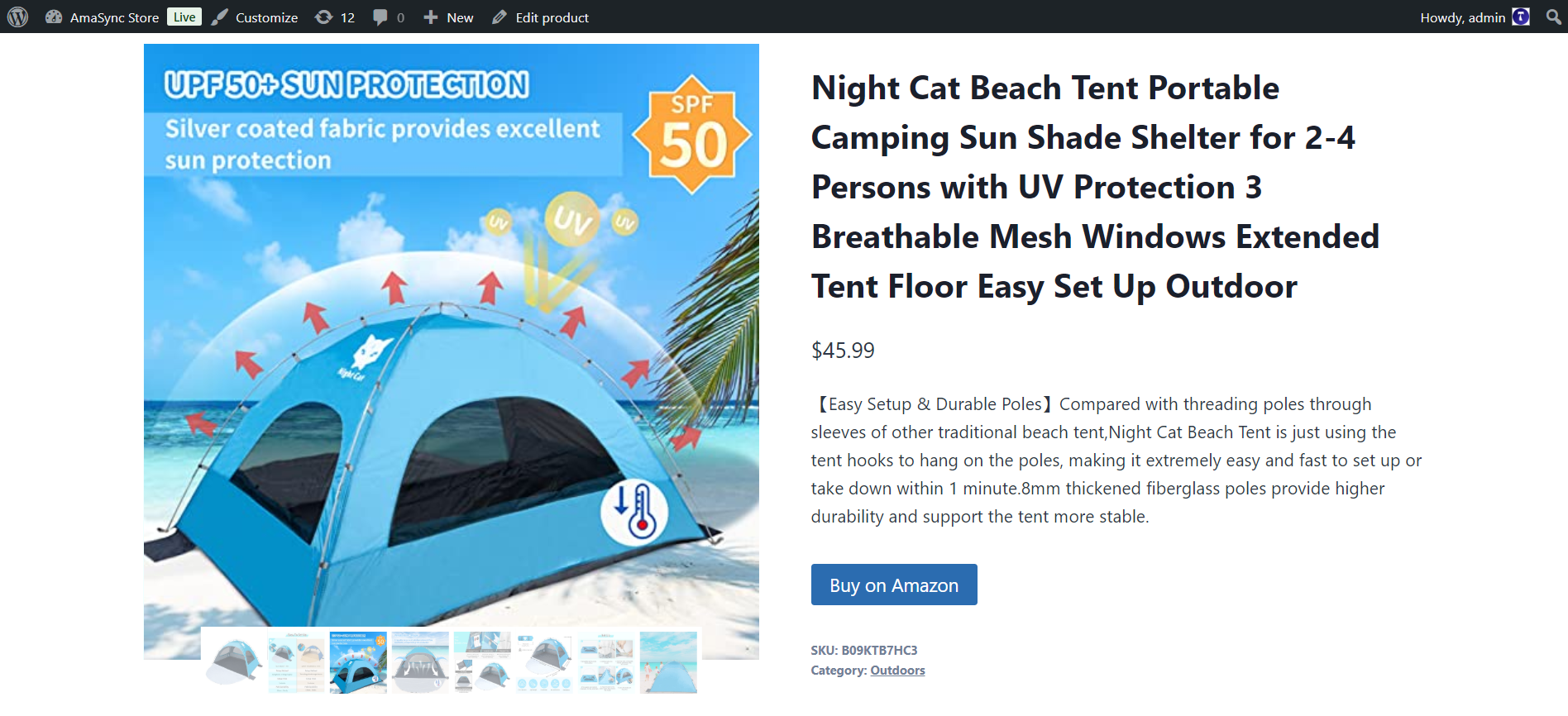
- Effortless Product Import: AmaSync makes importing Amazon products incredibly simple with its search feature. Just enter a keyword, and the plugin will help you find and import relevant products quickly and efficiently, streamlining the process of building your WooCommerce store’s catalog.
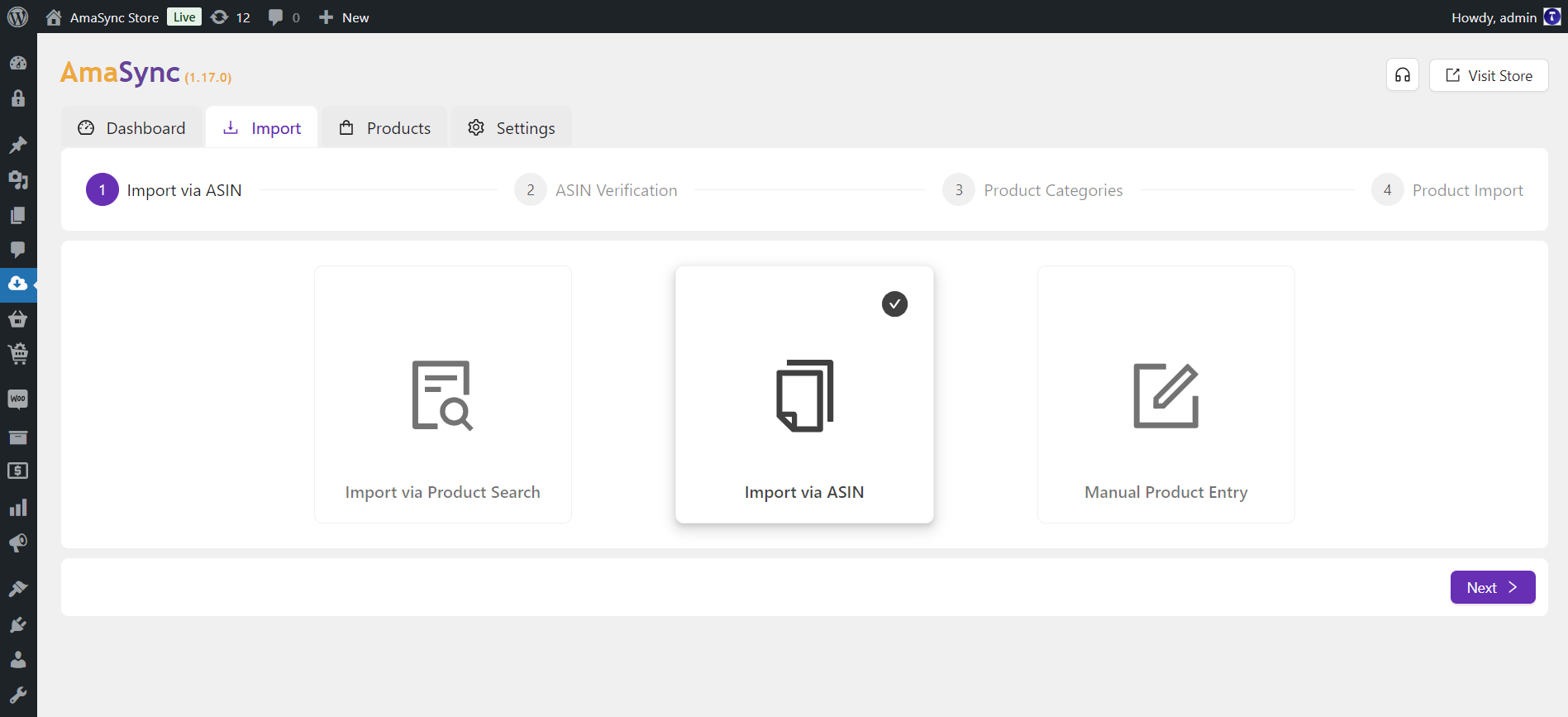
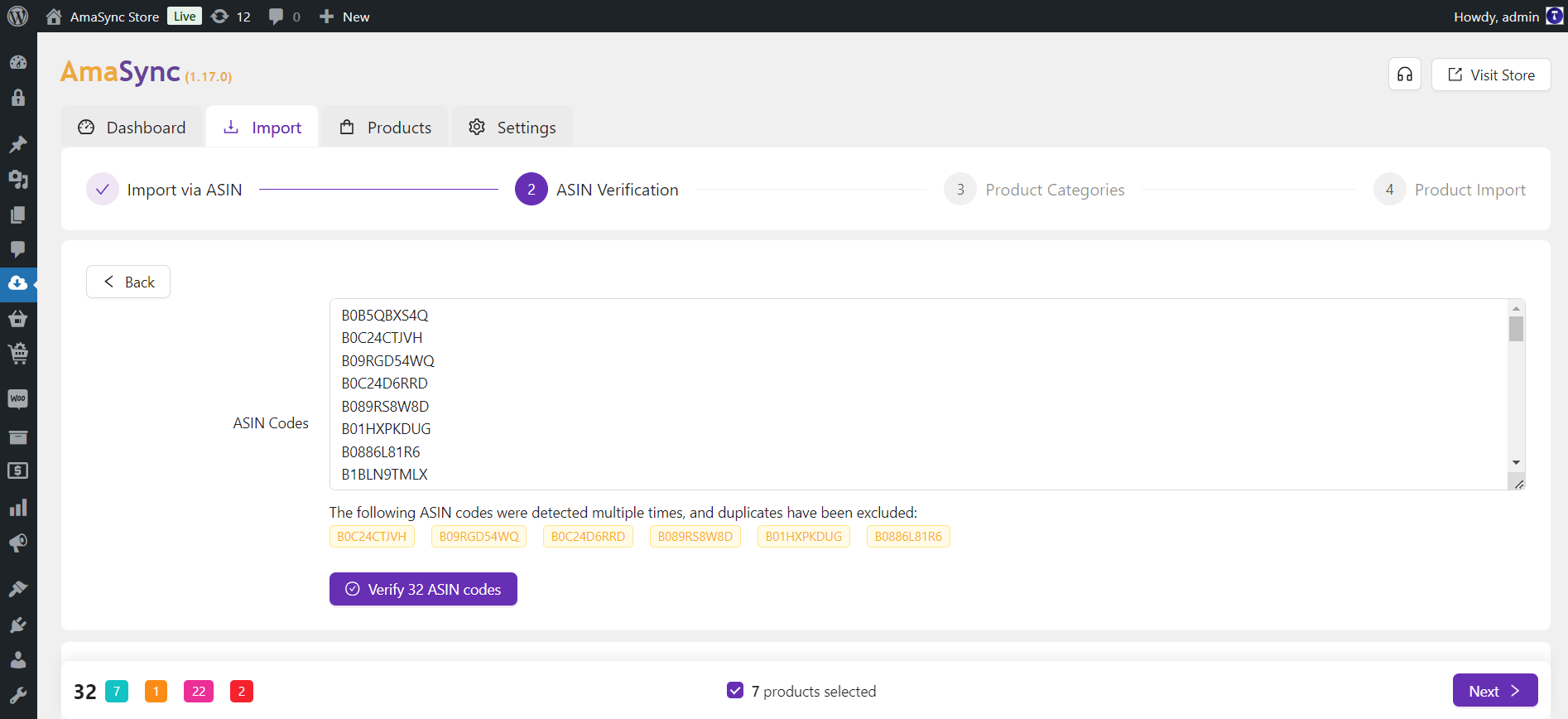
- Multiple Import Methods: The plugin offers various import options, including keyword searches, ASIN code lists, and manual input through an intuitive form. This flexibility empowers you to build your product catalog using your preferred workflow.
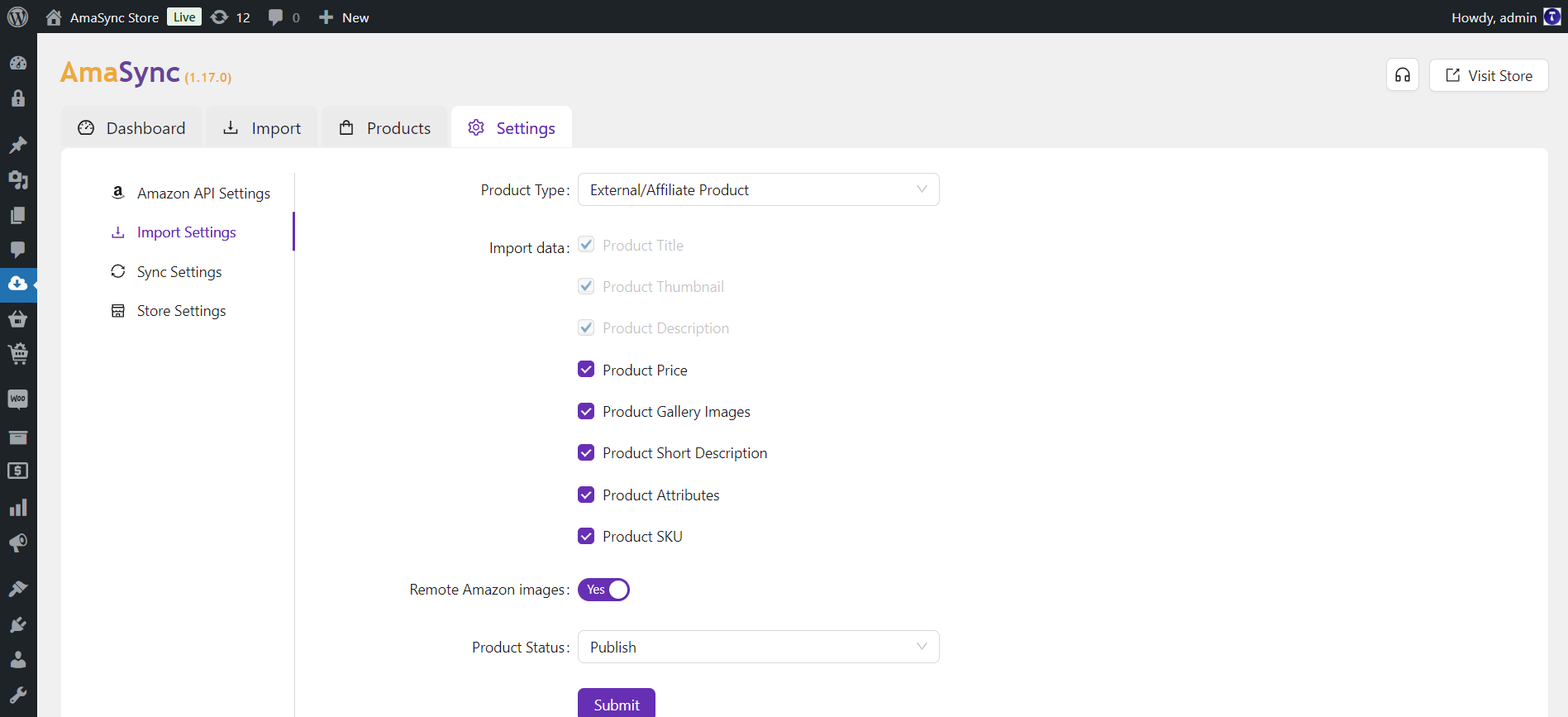
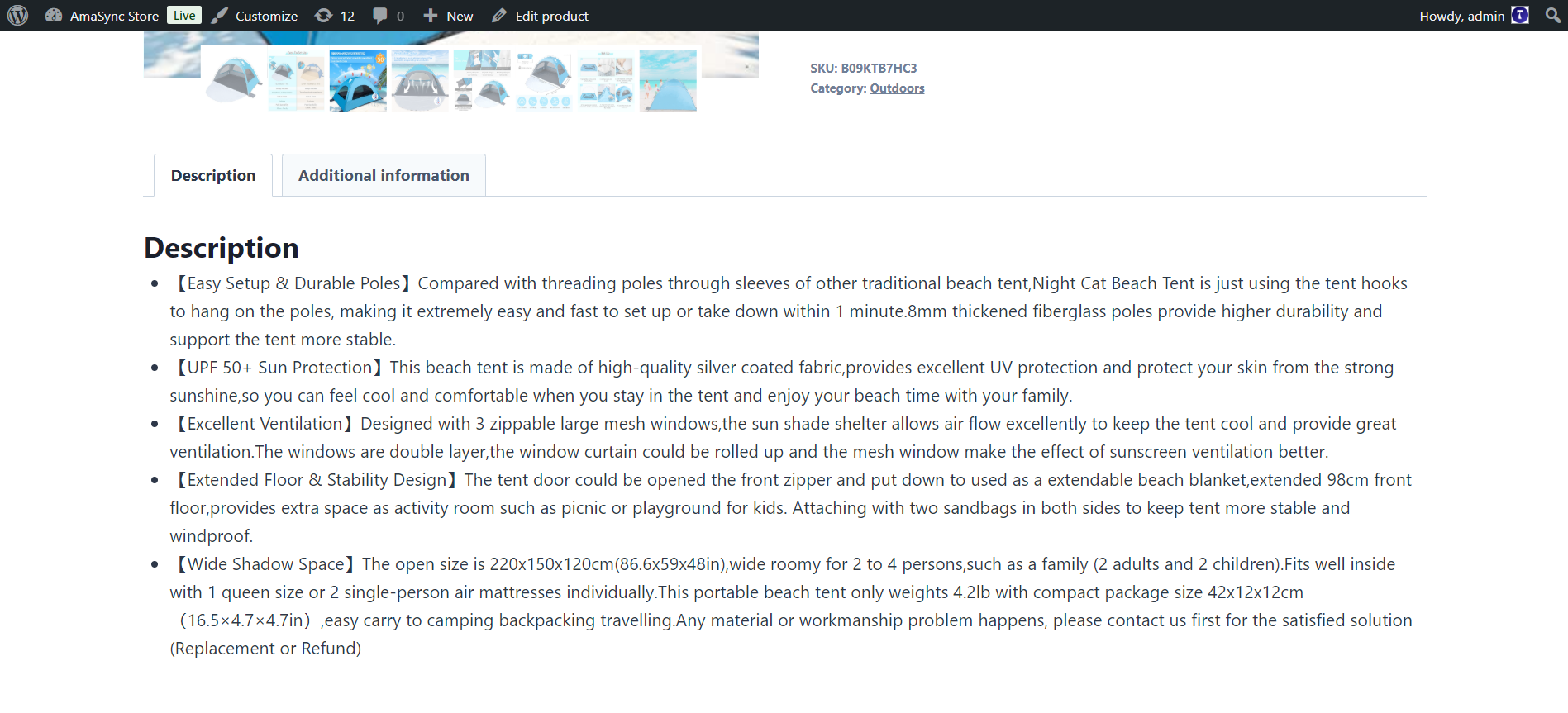
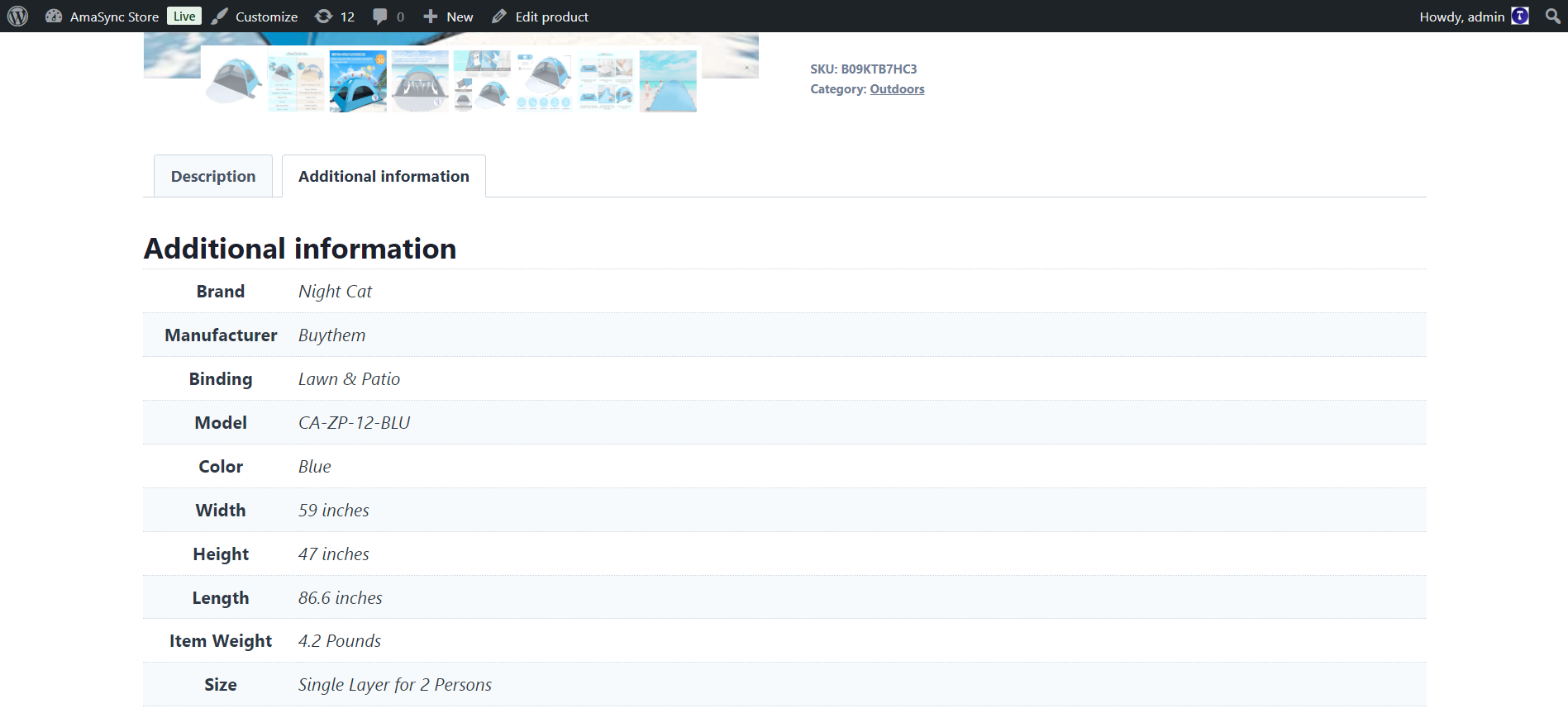
- Import as External or Simple Products: AmaSync gives you the flexibility to import Amazon products as either External/Affiliate products or Simple products, based on your sales strategy.
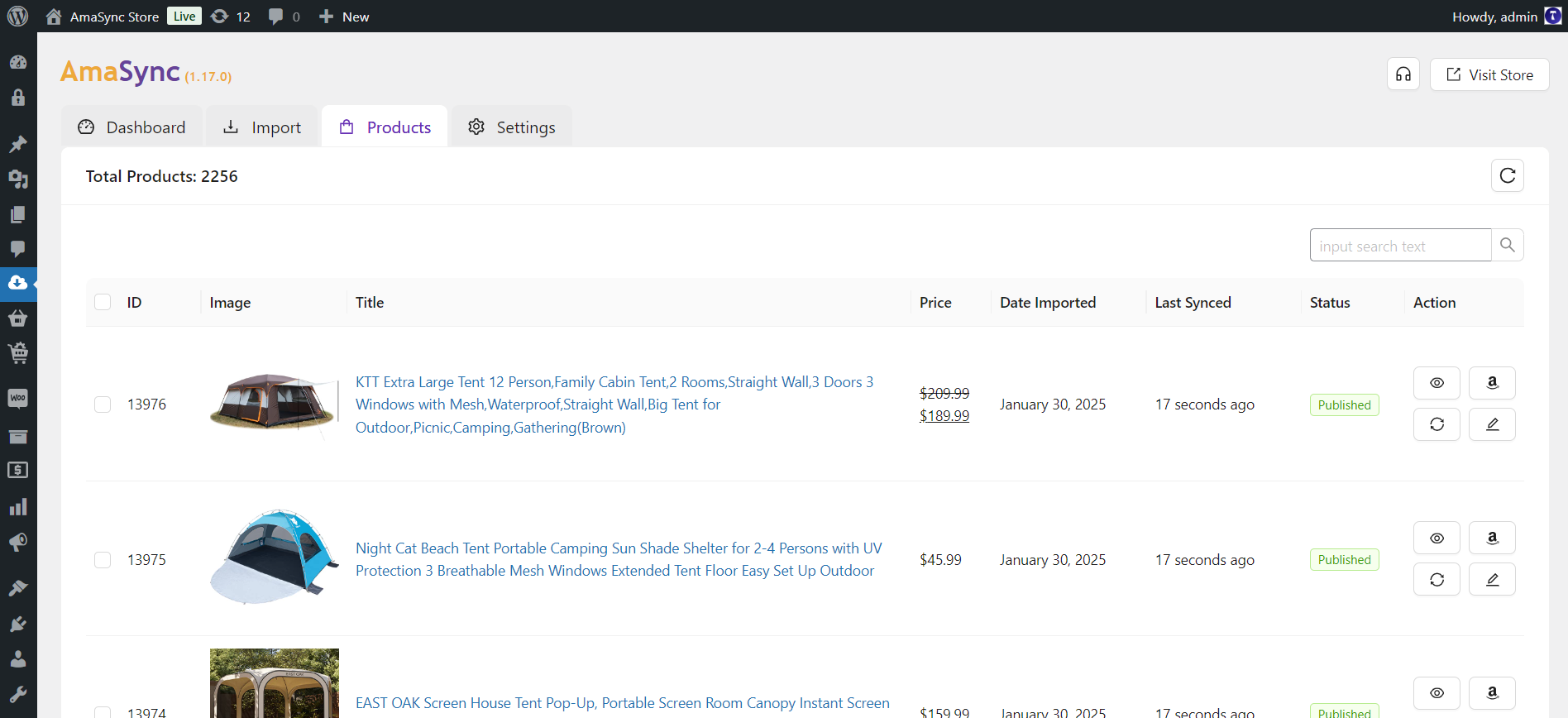
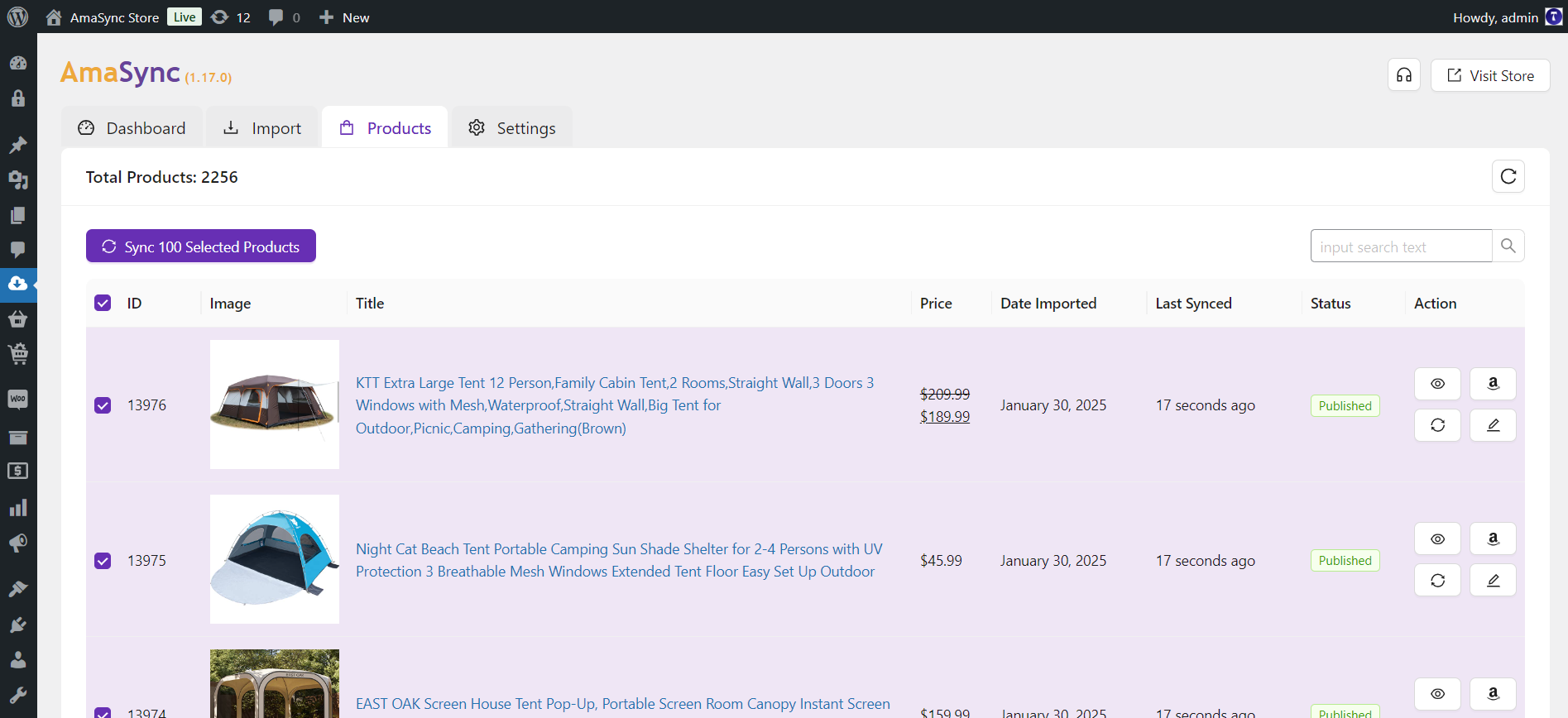
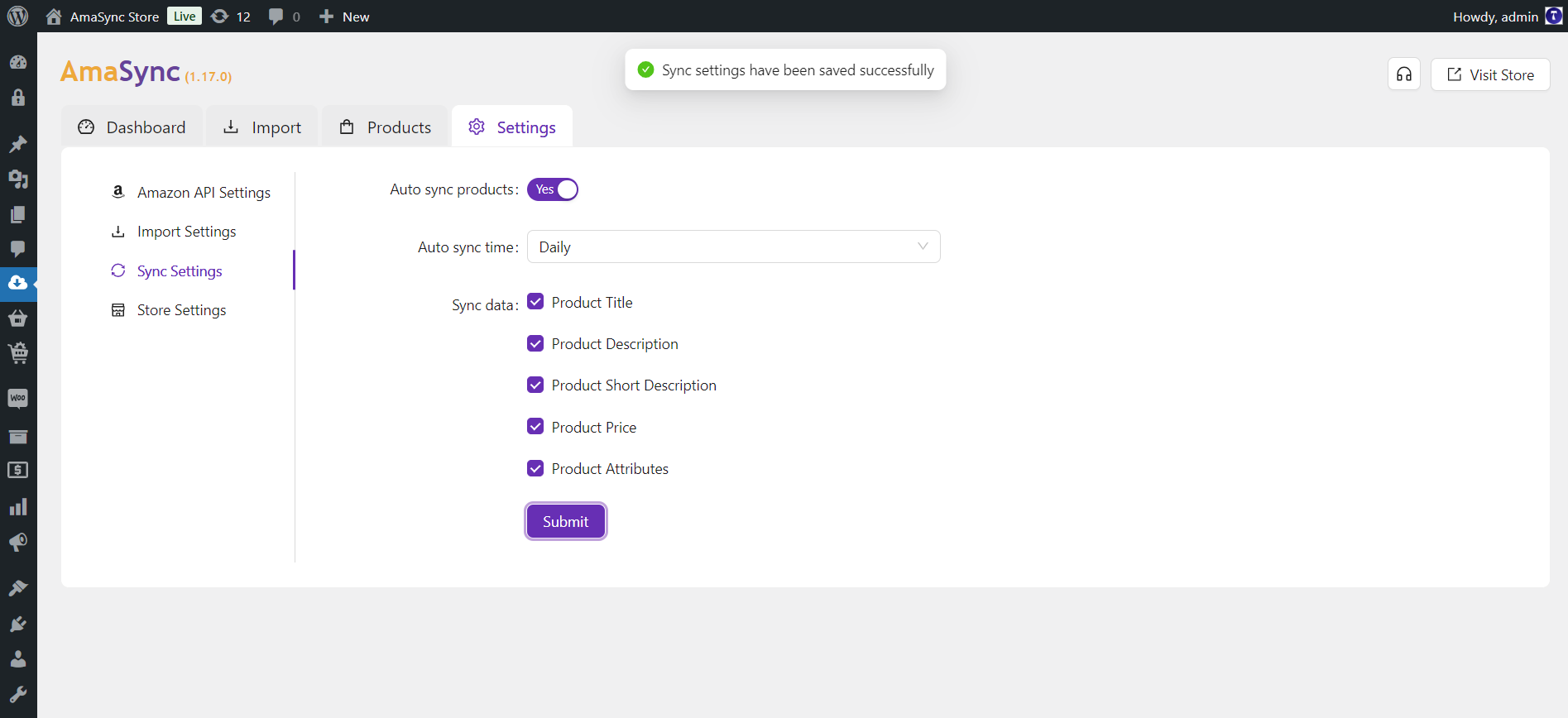
- Automatic Synchronization: AmaSync ensures consistency between your WooCommerce store and Amazon by keeping product details like pricing, titles, and descriptions up to date. It provides an option for automatic synchronization, allowing products to sync on a daily or weekly schedule. This ensures your store remains updated effortlessly without requiring manual intervention.
- Sync Settings: Users can exclude specific fields, such as product titles and descriptions, from synchronization, offering greater control over updates and customizations.
- User-Friendly Interface: Designed with simplicity in mind, the plugin offers an intuitive interface that allows users to manage imports and updates easily, whether importing single products or managing bulk operations.
- API-Driven Automation: AmaSync leverages the Amazon Creators API to seamlessly import products from Amazon into your WooCommerce store. This integration guarantees precise product data retrieval, including descriptions, images, prices, and attributes, all sourced directly from Amazon’s database.
-
Manual Product Entry (For Beginners Without API Keys): Even if you don’t yet have access to Amazon’s Creators API, AmaSync lets you get started right away with its easy-to-use Manual Import tool. Simply copy and paste product details into a straightforward form—no technical setup needed—and AmaSync takes care of the rest, including loading compliant remote images that follow Amazon’s Affiliate Guidelines. It’s an ideal way for beginners to start building their affiliate store, gain experience, and begin earning passive income without delay.
To help you get started with Amazon Affiliate Marketing without API keys, we’ve created a step-by-step guide: How to Start Amazon Affiliate Marketing Without Amazon Advertising API Keys - Support for 22 Amazon Marketplaces: AmaSync supports importing products from 23 Amazon marketplaces including: Australia, Belgium, Brazil, Canada, Egypt, France, Germany, India, Ireland, Italy, Japan, Mexico, Netherlands, Poland, Saudi Arabia, Singapore, Spain, Sweden, Turkey, United Arab Emirates, United Kingdom, and the United States.
Reviews – Read All Reviews
- “Best Wordpress Plugin. Easy to use, efficient and no bugs.”
- “High quality designer with great support.”
- “Super easy to use product! Good price-performance ratio!”
- “I had an excellent experience with the team. They were responsive, knowledgeable, and quick to assist with my issue. Everything was resolved smoothly, and the plugin works perfectly. Highly recommend both the plugin and the team behind it!”
- “This plugin is the perfect alternative to the bloated and no-longer-supported Wzone WooCommerce Amazon Affiliates plugin. It’s very easy to use with its simple and intuitive UI. Just a handful of settings and an easy-to-navigate admin so you’re not overwhelmed by pages and pages of options. The plugin author responds timely for support and is open to suggestions for improving the plugin.”
- “Really helpful product! Thank you very much!!!”
- “I’m very happy with the overall quality of the product and support. Before purchase I had multiple questions for the author which were answered quickly and professionally. After purchase this program has worked flawlessly, I haven’t had the need for any further support so far.”
Benefits:
- Save Time and Effort: Avoid the hassle of manual product entry by using the fast product import features, allowing you to focus on growing your business.
- Expand Your Product Catalog: Quickly and easily add a wide range of products to your WooCommerce store, catering to a broader audience.
- Boost Sales and Customer Satisfaction: Offer a diverse and up-to-date product range, enhancing the shopping experience and increasing customer retention.
- Optimize Affiliate Marketing Efforts: Leverage Amazon’s extensive product catalog and maximize your affiliate earnings with streamlined operations.
Amazon Creators API
This plugin utilizes the Amazon Creators API to fetch products from Amazon into your WooCommerce store. To fully benefit from this plugin’s features, you will need access to the Creators API.How to Use:
- Make sure WooCommerce is installed and activated on your website.
- Install and activate the AmaSync plugin.
- Navigate to the plugin Settings tab and enter your Amazon Creators API credentials (Client ID, Client Secret, Tracking ID).
- Go to the Import tab in the plugin and search for products to import.
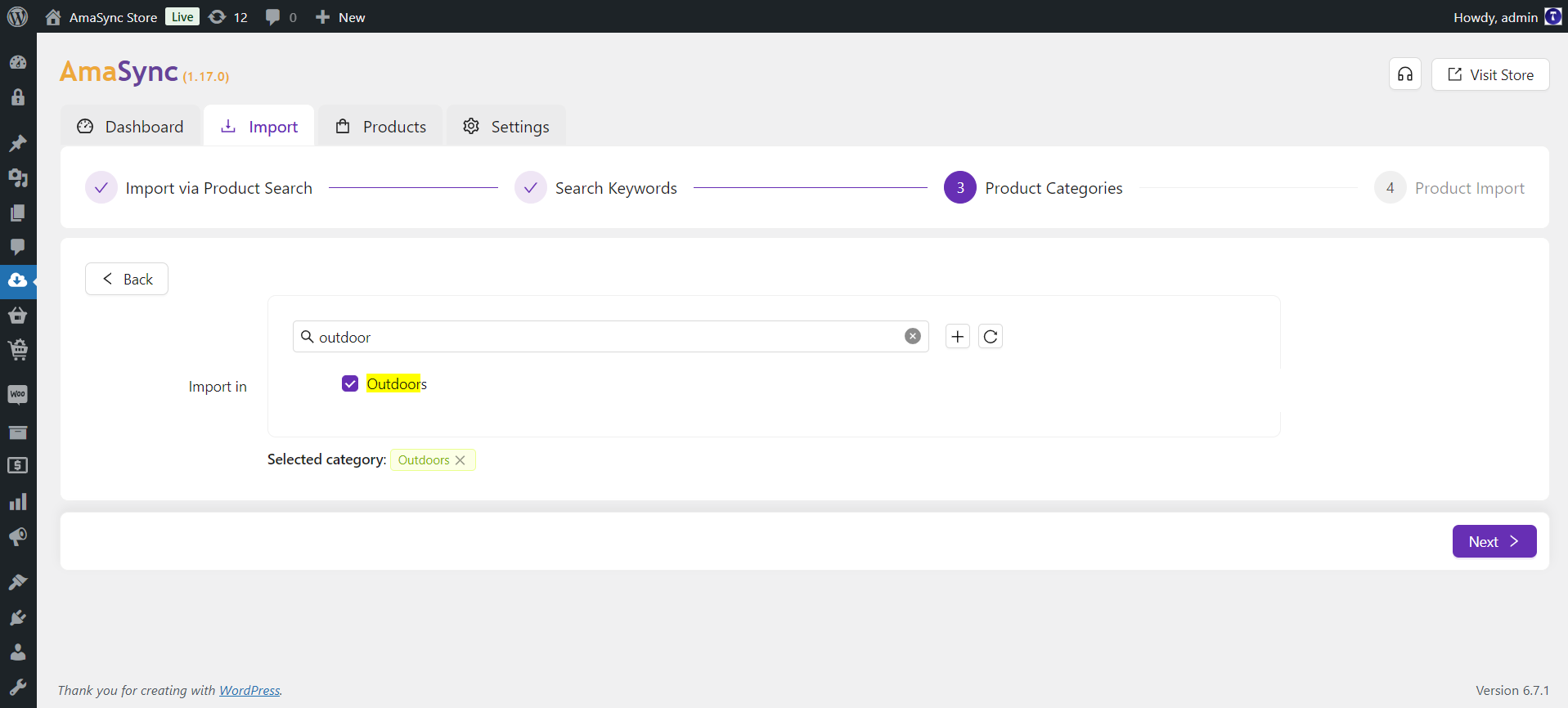
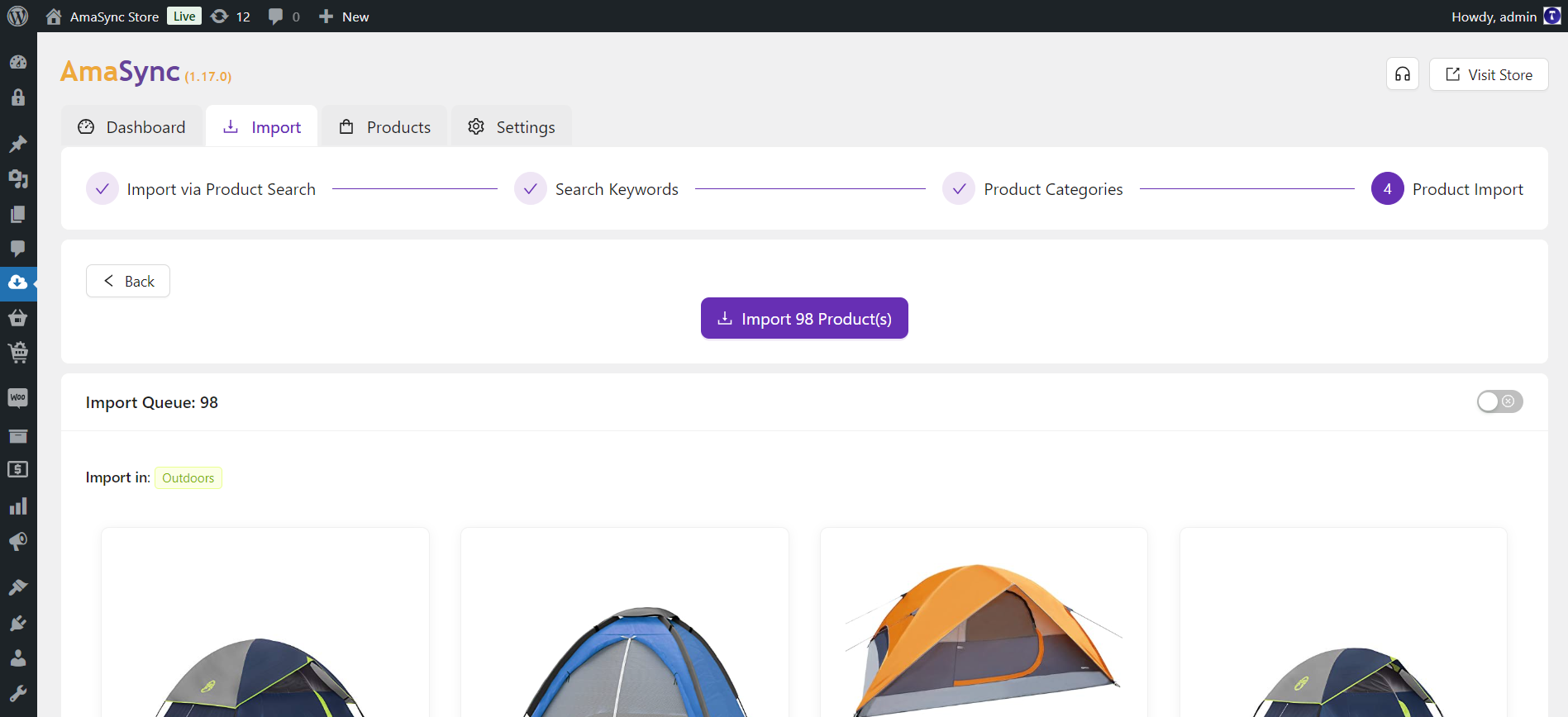
- Select the products and categories, then click on the “Import Products” button to start the import process.
Transform your WooCommerce store today with AmaSync and experience the ultimate convenience in Amazon product management. Start simplifying your operations and maximizing your affiliate earnings with this indispensable WordPress plugin.
Changelog
Version 3.2.1 (May 27, 2026)- Improved the license activation process to prevent activation failures in certain cases.
- Updated the Amazon Creators API integration to support the latest API version and fixed an “invalid parameter: scope” error.
- Added Amazon Creators API version selection to Creators API settings.
- Introduced Amazon Creators API integration, replacing the legacy PA API with a new-generation data source for working with Amazon products.
- Updated the plugin to support Amazon Product Advertising API (PA API) Offers V2, ensuring compatibility with Amazon’s upcoming PA API changes effective 31 January 2026.
- Replaced deprecated Offers V1 data handling with Offers V2.
- Resolved a minor PHP warning caused by an undefined variable.
- Added an option in manual product entry to save product images and type based on the Import Settings.
- Optimised the bulk import process to significantly improve import speed.
- Added enhanced validation to prevent duplicate product entries during import.
- Fixed an issue where product category filters failed to match categories containing HTML entities.
- Added a Feedback & Support button for easier access to assistance and suggestions.
- Fixed an issue that prevented the Amazon Affiliate ID from being saved correctly in manual product entries.
- Added automatic generation of short descriptions, SKUs, and tags for manual product entries, based on the Import Settings.
- Resolved an issue that caused the dashboard widget to fail in displaying the total imported products count when the product count exceeded a specific threshold.
- Reorganized the Store settings into three categories: Price Settings, External/Affiliate Product Settings, and Simple Product Settings.
- Added remote main product images to the SEO schema markup.
- Fixed an issue where the cart became empty during Amazon checkout.
- Resolved a couple of issues responsible for triggering PHP notices.
- Added support for Amazon Ireland in the plugin.
- Improved extraction of product attribute values during import via the Amazon PA API.
- Added a new filter option to the Import via Product Search feature, allowing users to sort products by condition (New or Used).
Version 1.23.1 (April 18, 2025)
- Improved validation mechanisms to prevent potential conflicts with other plugins.
Version 1.23.0 (March 25, 2025)
- Added a new feature to the Simple product type to bypass the checkout process and redirect customers to Amazon.
Version 1.22.0 (March 16, 2025)
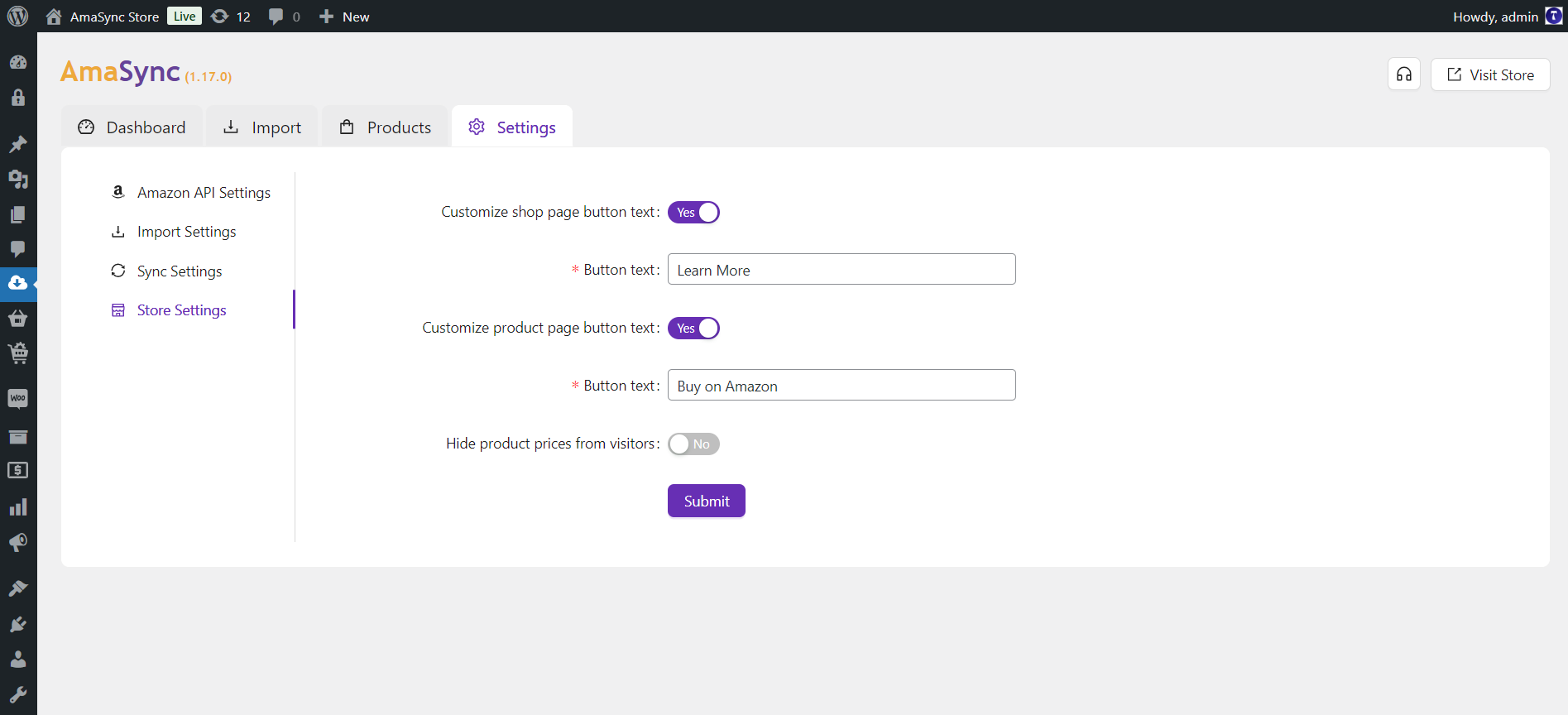
- Added a new option in the Store Settings to customize the ‘Add to cart’ button text for Simple products.
Version 1.21.0 (March 12, 2025)
- Added a new import setting that allows users to import out-of-stock products.
- Introduced a 10-second interval option for the Amazon Request Rate setting.
Version 1.20.6 (February 22, 2025)
- Fixed a bug that was causing Amazon PA API authentication failures for some users.
- Added an option to insert gallery images in the Manual Product Entry form.
- Introduced a new option in the Store Settings to open the Buy button in a new tab.
- Introduced a new option in the Import settings for automatic tagging when importing products.
- Introduced a new option in the Store Settings to display a price disclaimer on the product page.
- The number of products displayed per page in the product list table has been increased from 50 to 100.
- The plugin has been renamed to AmaSync.
- The category selection warning message has been moved to the footer bar.
- Import Settings: Added an option to import product SKU. The Amazon Product ASIN will now be used as the SKU value during import.
- Store Settings: Introduced a new option to hide product prices from visitors while allowing the admin to view prices.
- Introduced a product filtering option in the import search results, allowing users to select or unselect products using checkboxes.
- Updated the tags of searched products to be clickable, allowing users to toggle the visibility of products based on their tags.
- Added a sticky footer bar to the category selection screen for improved navigation.
- Added a product status option in the import settings, allowing users to import products with either the Published or Draft status.
- Introduced a new Status column in the product listing table for better product status visibility.
- Introduced a stop button to the product ASIN verification to allow users to stop the process while it is in progress.
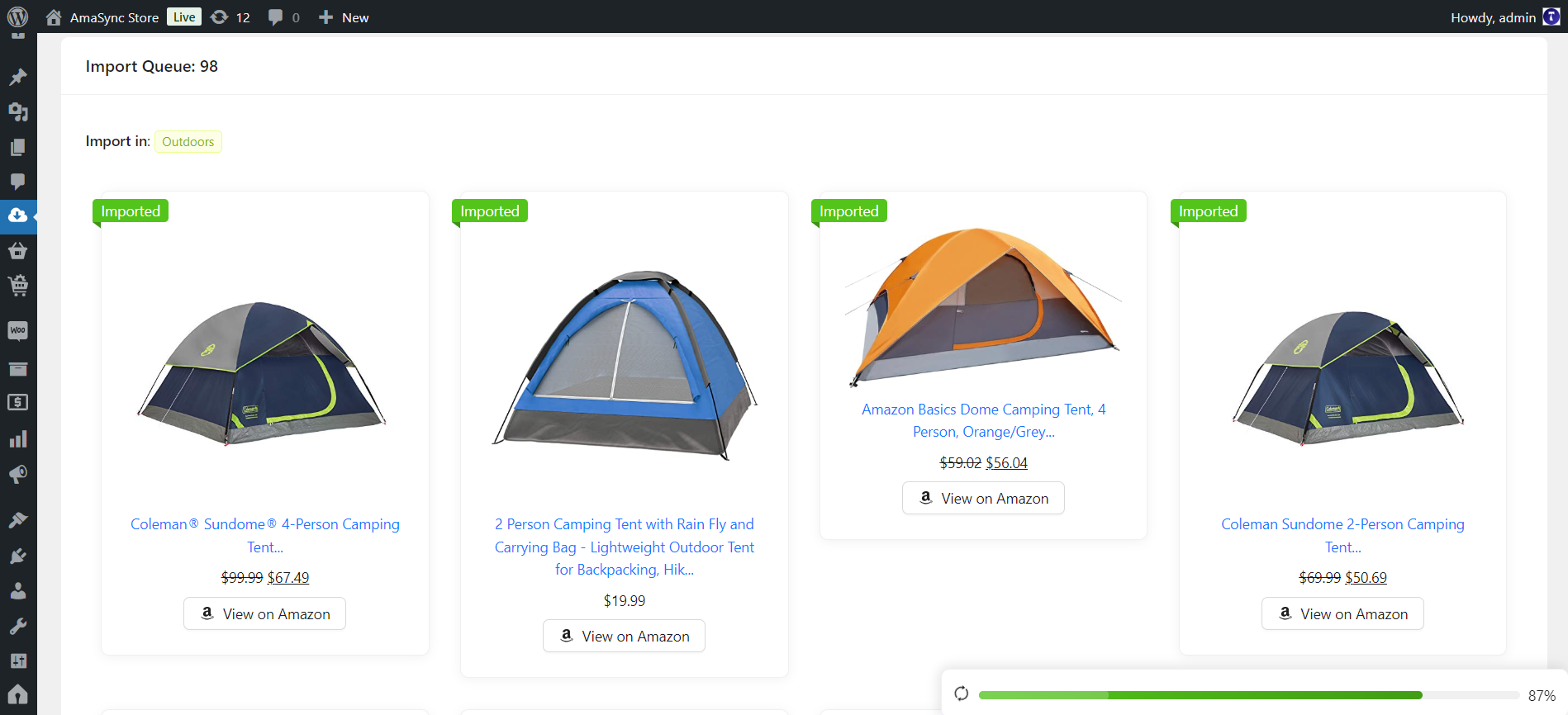
- Moved the import search progress bar to a sticky footer for better visibility of the progress.
- Added a new settings option, Amazon Request Rate, in the Amazon API Settings to control the speed of API requests and prevent throttling errors.
- Fixed an issue where expired discounted prices were still displayed after syncing.
- Introduced a stop button to the product search to allow users to stop the search process while it is in progress.
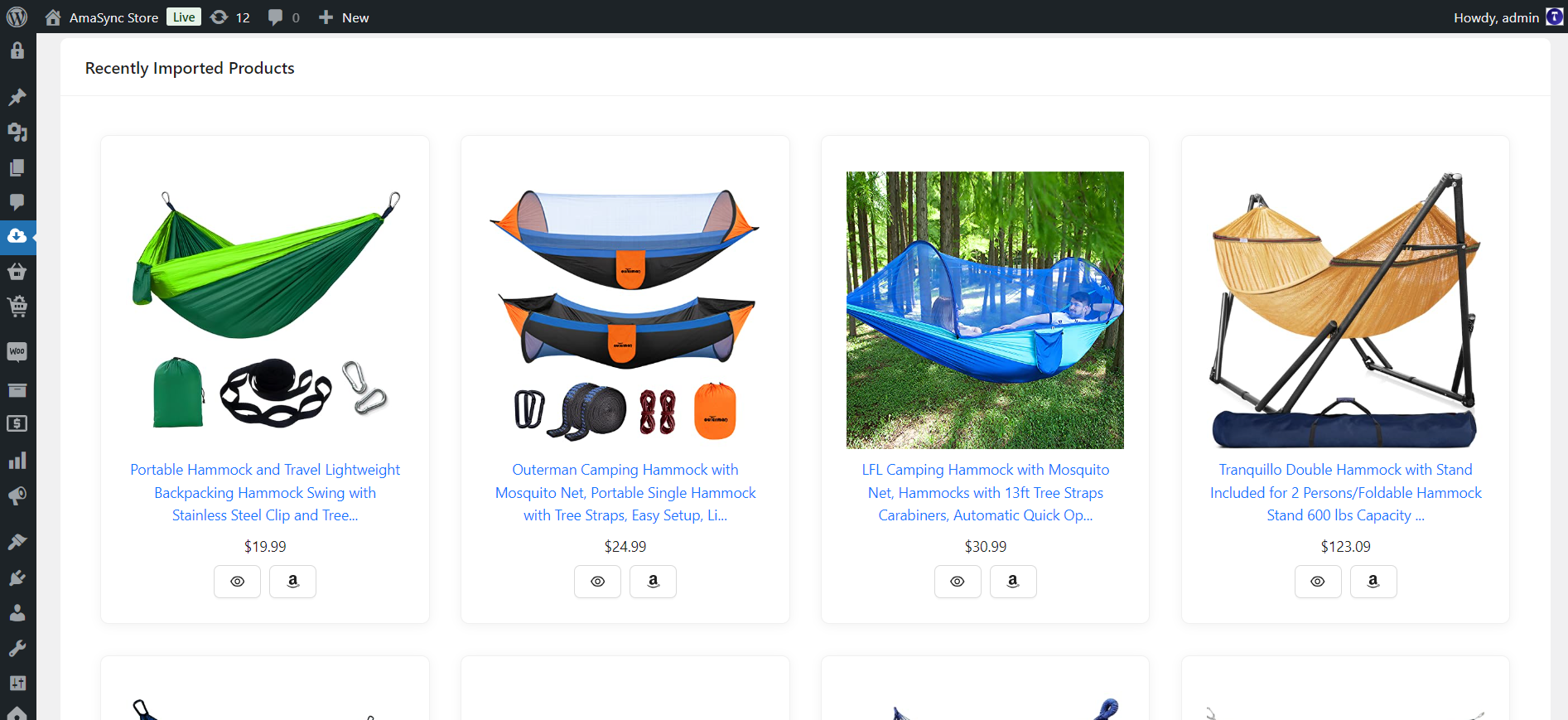
- Enhanced the UI for product listings in the Recently Imported widget and the product search results section by adding card views.
Contact Us
If you have any questions or need further assistance, please feel free to reach out. We’re here to help! Visit our Contact page to get in touch with us.

This item was featured on CodeCanyon
Contact the Envato Market Help Team