Description
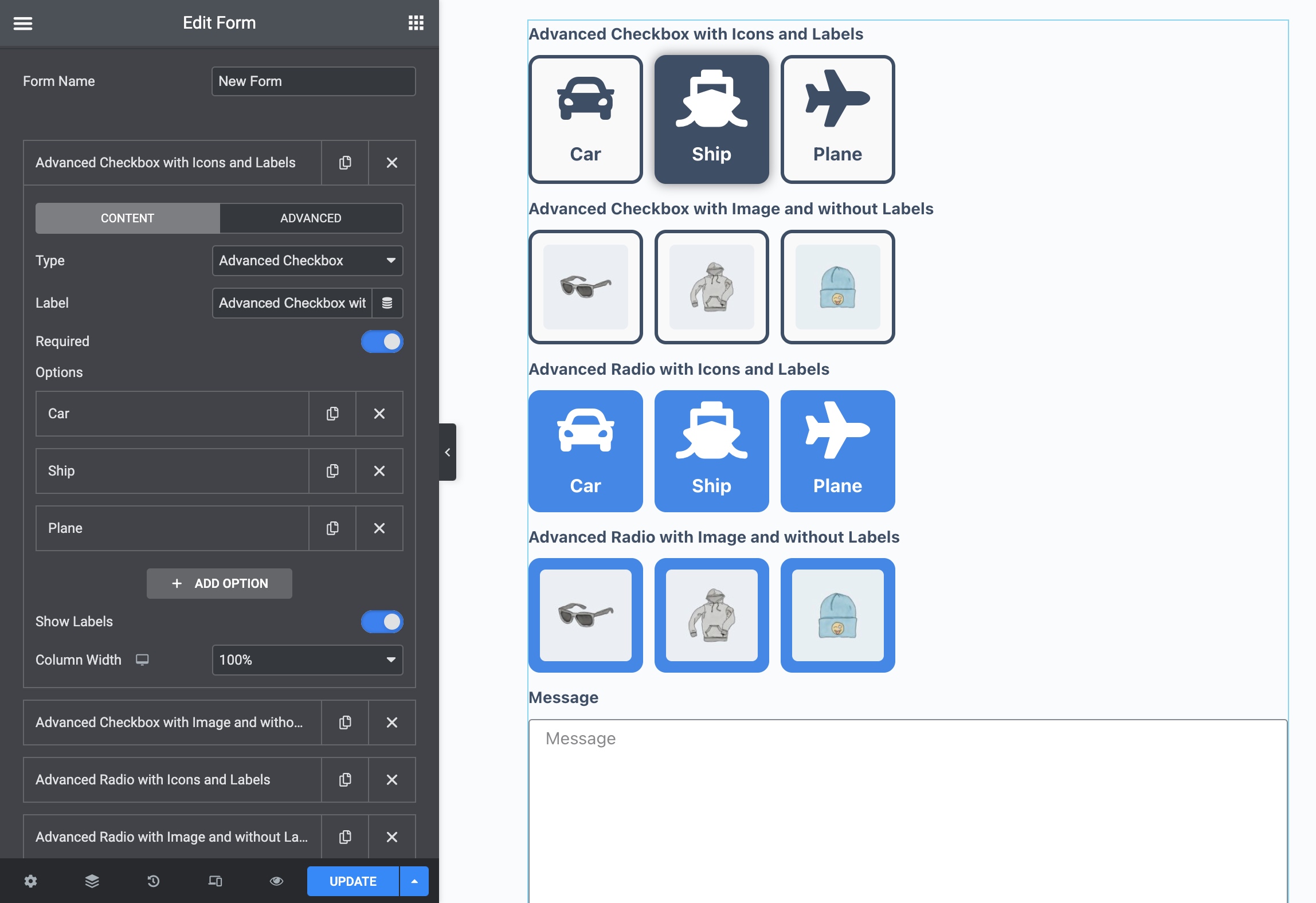
Advanced Checkbox & Radio Fields for Elementor Form – adds an advanced checkbox and radio fields to the Elementor Form widget.
Note: This plugin requires the Elementor Pro ( Form Widget ).
Features
- Advanced Checkbox Fields
- Advanced Radio Fields
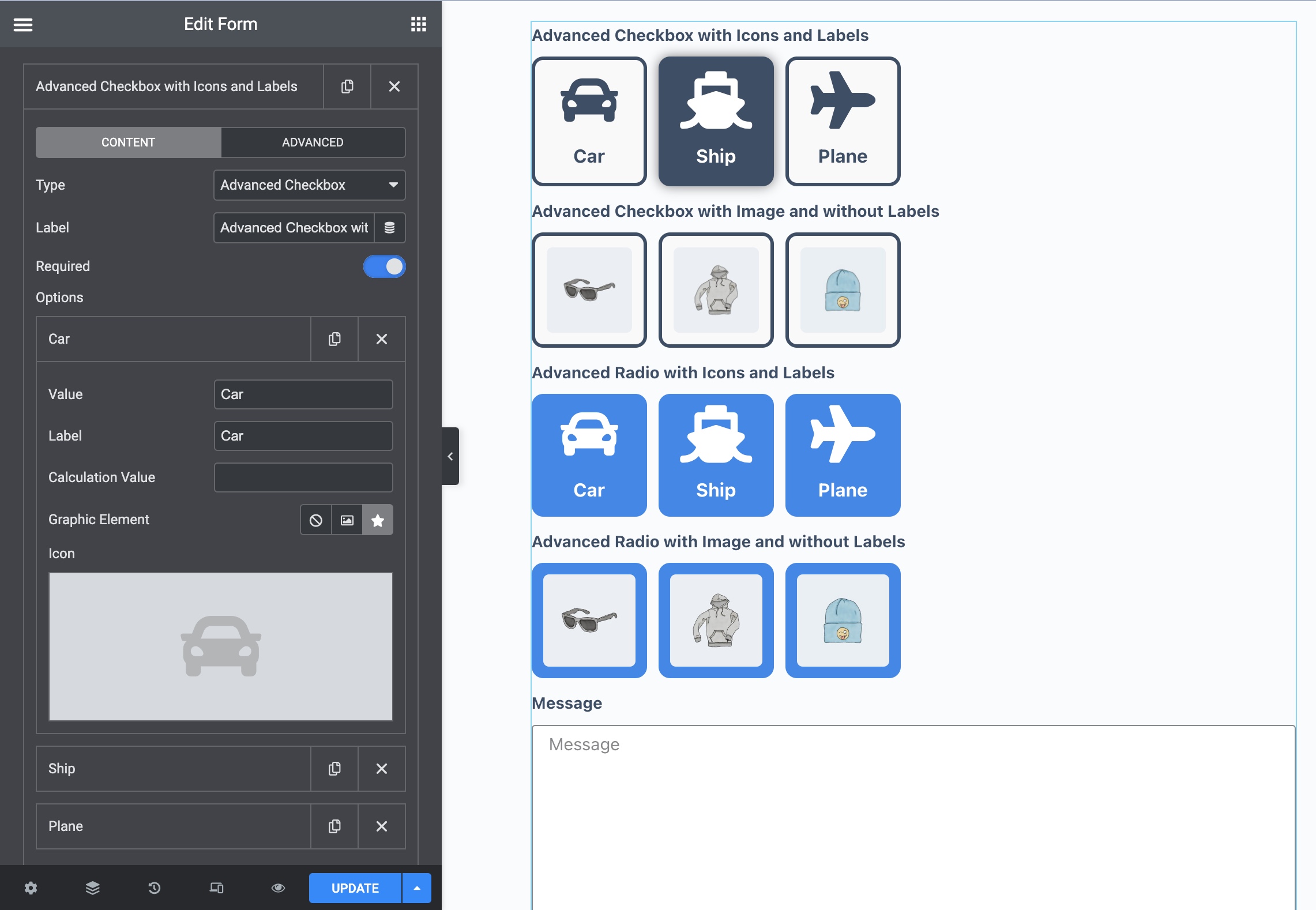
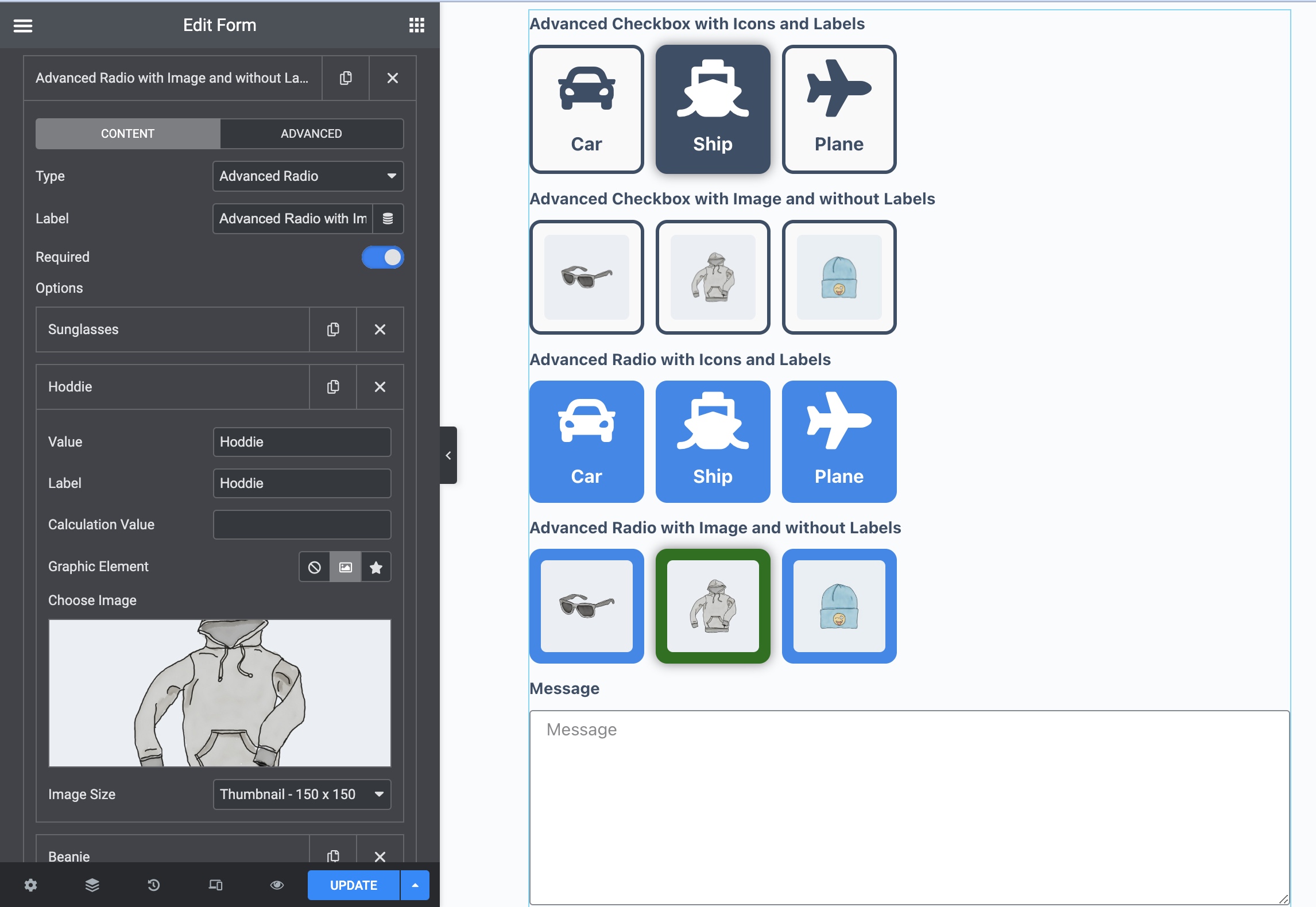
- Checkbox Field with Icon or Image
- Radio Field with Icon or Image
- Ability to Show/Hide the Label
- Checked Icon setting
- Required setting
- Default value
- Compatibility with the Calculated Field for Elementor Form plugin
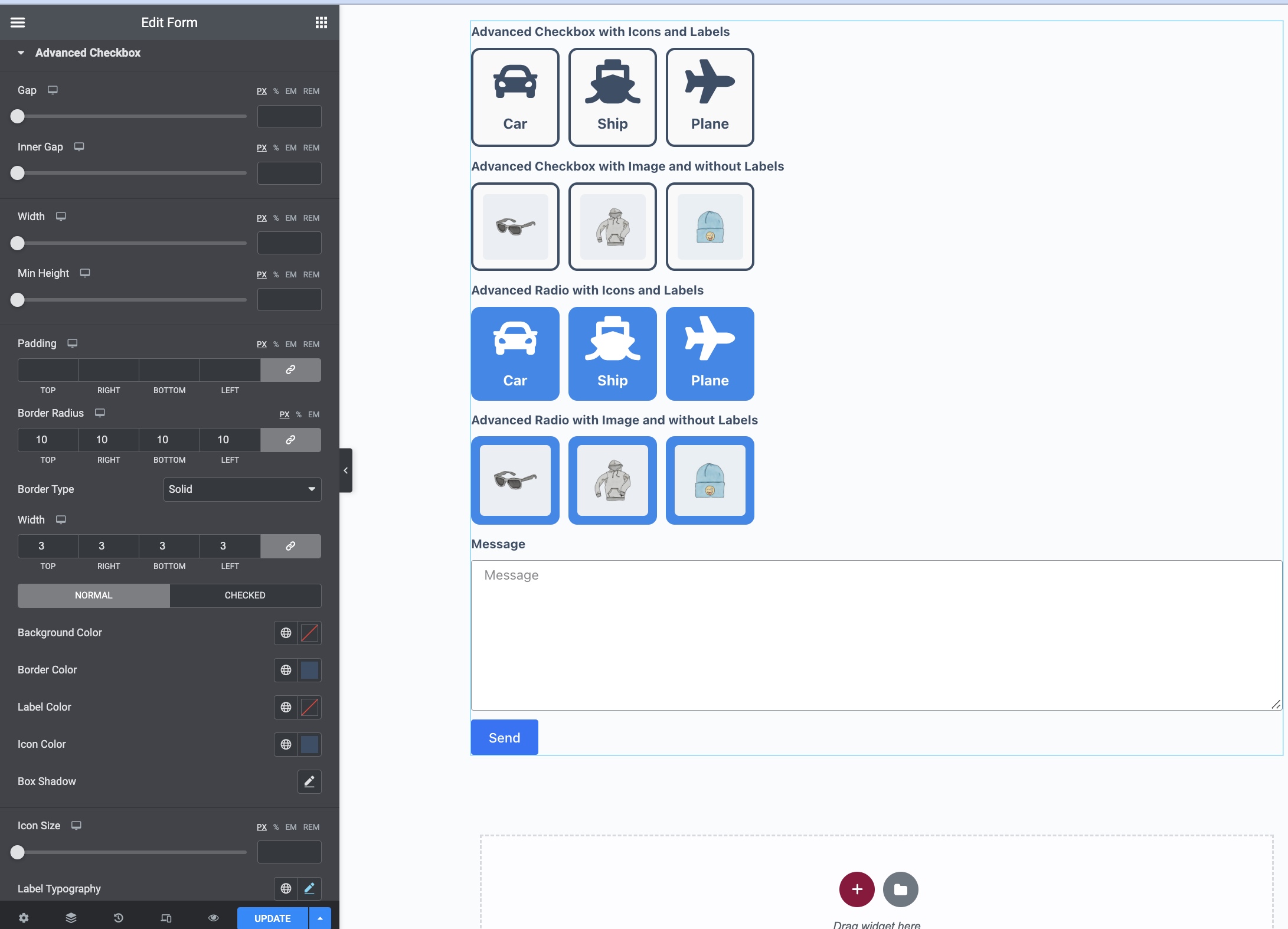
- Different Style settings for checkbox and radio fields
How do I get updates?
For information about the new version and the installation of updates, you can use the plugin from Envato – Envato Market WordPress Plugin.
Change log
v1.0.10
Updated: tested up versions.
v1.0.9
Updated: tested up versions.
v1.0.8
Fixed: minor repeater control styles.
v1.0.7
Added: `Checked Icon` setting;
Added: `Flex Size` style setting;
Added: show the required message if the field is empty, and the form validation is the custom.
v1.0.6
Added: minor improvements.
v1.0.5
Updated: tested with Elementor v3.18.
v1.0.4
Fixed: blinking styles of field on page load.
v1.0.3
Updated: tested with Elementor v3.12.
v1.0.2
Fixed: form not submit if advanced checkbox field is required.
v1.0.1
Added: minor improvements.
v1.0.0
First release