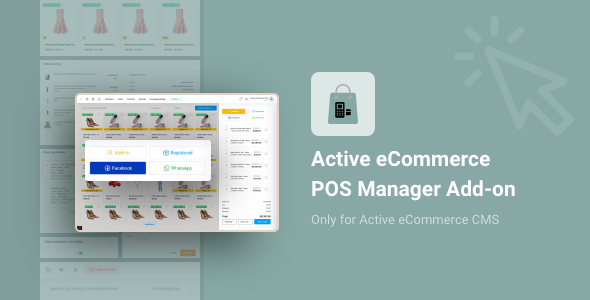
Note: POS Manager isn’t an independent system. This POS Manager add-on is available only for Active eCommerce CMS. If you do not purchase Active eCommerce CMS yet then click here for purchasing
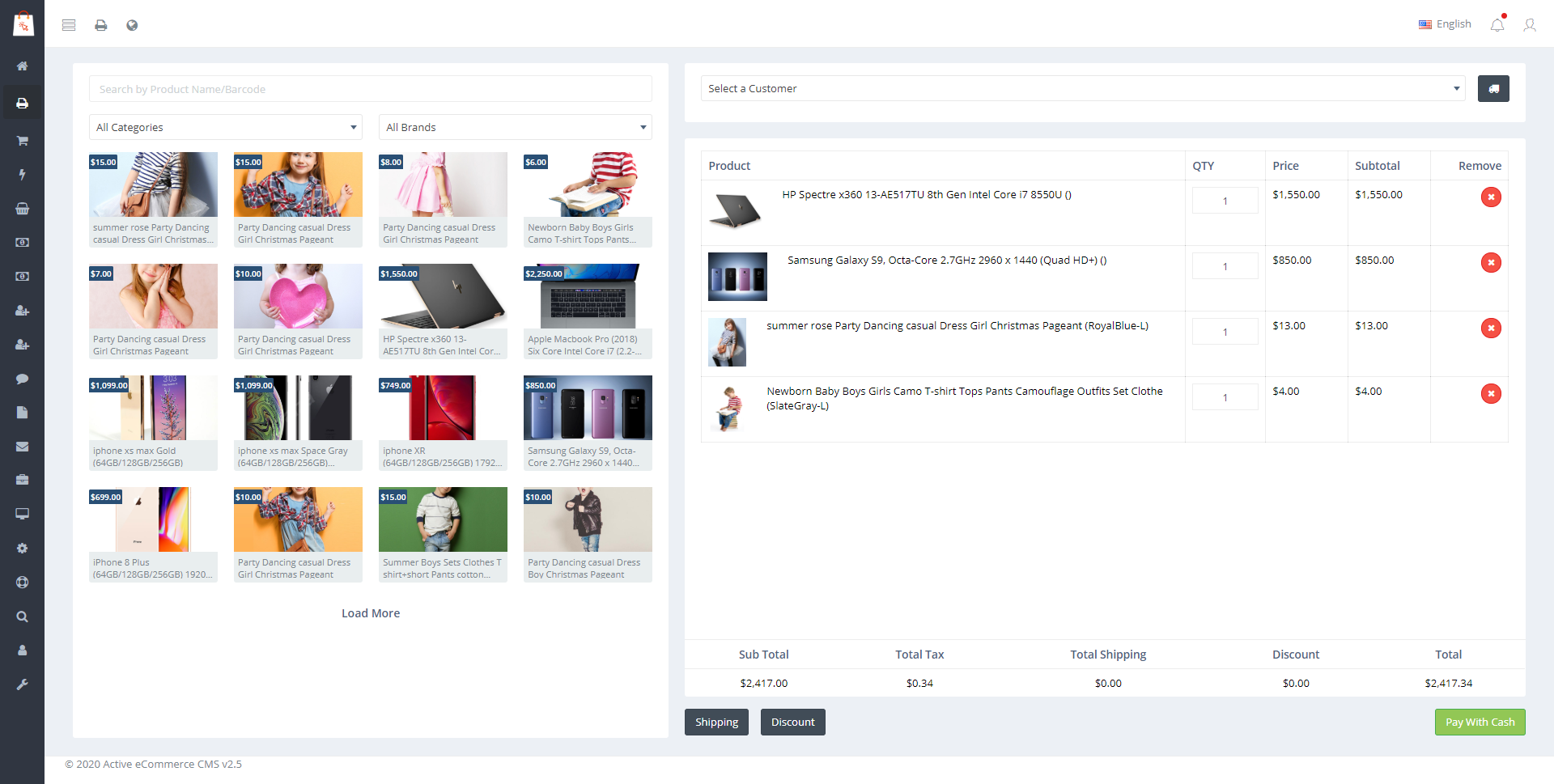
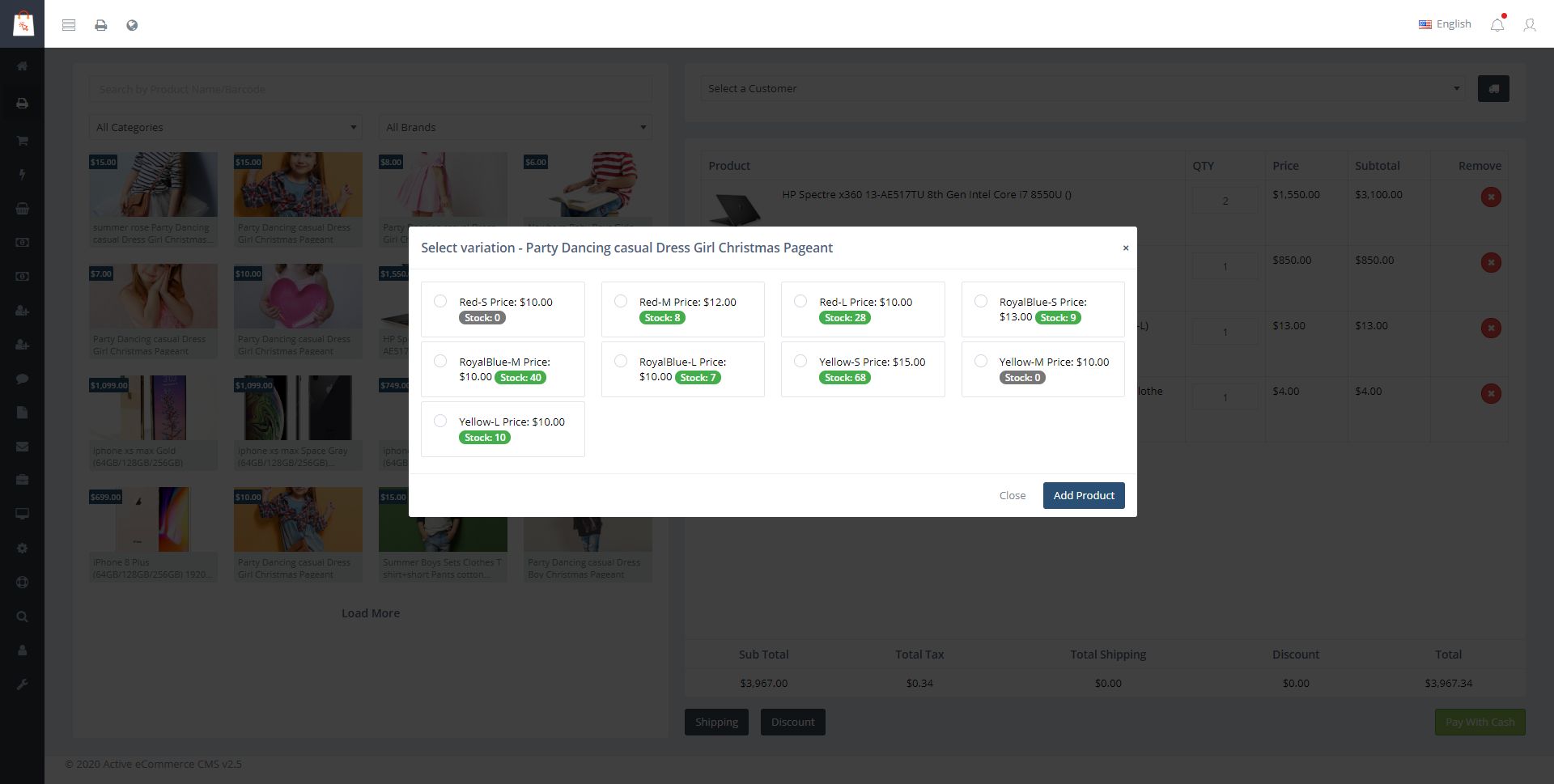
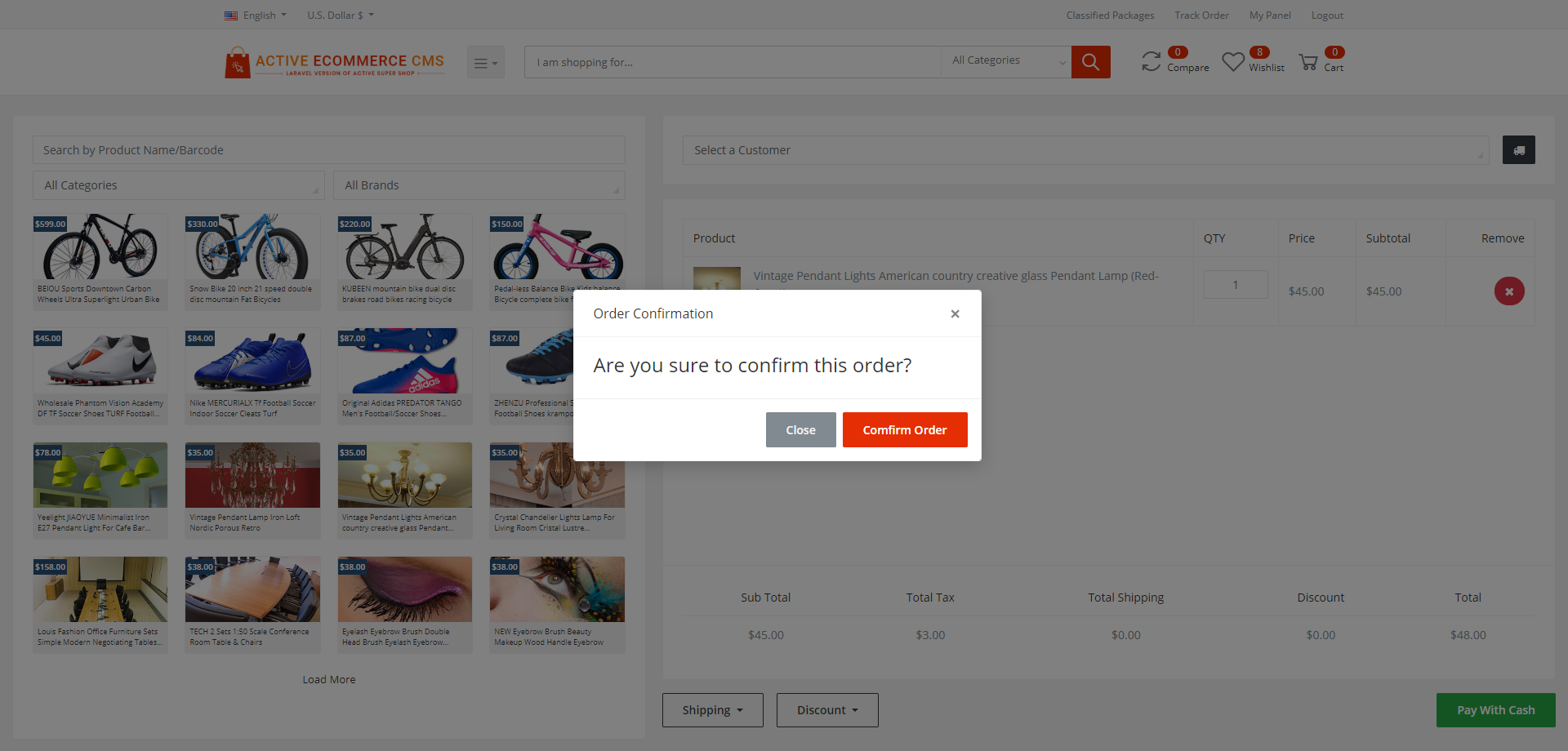
Purchase today! & use POS Manager Addon for your eCommerce business which is only developed with the most efficient eCommerce cms named Active eCommerce cms. By this POS Manager Addon you can add a new option to create an order from the admin/seller panel. Admin can make orders of inhouse products & a seller can make orders of his/her products. Admin/seller can easily select normal/variant products with quantity, select customer, shipping information, select free shipping/paid shipping, add discount & confirm order. Note: all orders from the POS Manager will be in paid status.
How does it work?
- Active eCommerce cms should be pre-installed in your server
- Purchase POS Manager Addon for Active eCommerce cms from codecanyon
- Download and install the addon to your Active eCommerce cms addon manager
- It’s done!
WHY CHOOSE ACTIVE ECOMMERCE POS MANAGER
Because disconnected systems silently kill growth
Most POS tools create data gaps, inventory errors and reporting blind spots. AEC POS Manager is built to eliminate those problems at the root.
Built Natively for Active eCommerce CMS
This is not a third-party POS stitched on with APIs. It’s a native extension, so inventory, orders, customers and reports stay perfectly aligned in real time.
Zero Sync Risk
Every POS sale instantly updates stock, customer history and order records across the system. No delays, no mismatches, no manual reconciliation.
Designed for Real Retail Speed
From barcode scanning to instant search and one-screen checkout, the POS is optimized for high-volume counters where seconds matter.
Total Control Without Complexity
Admins control who can access POS, what products appear and how orders are managed. Sellers get a clean, focused interface with no risky permissions.
Sell to Anyone Instantly
Handle walk-in customers, social media orders and registered users from one flow. Even partial data like phone or email can auto-load existing customer details.
Flexible Payments for Real Markets
Cash, COD and offline payments are fully supported with proper documentation and traceability, ideal for regions with mixed payment behavior.
Hardware-Ready by Default
Thermal printer configuration, invoice printing and receipt downloads are built in. No external billing or POS software required.
Scales With Your Business
Whether you run a single retail store or a multi-seller marketplace, the POS Manager adapts without performance loss or workflow changes.
One Truth for Every Sale
Online or offline, every transaction lives in one system. That means accurate reporting, cleaner accounting and smarter business decisions.
AEC POS Manager isn’t just a POS tool.
It’s the missing offline engine of your eCommerce business.
FEATURES OF ACTIVE ECOMMERCE POS MANAGER
CORE VALUE PROPOSITION
One System. Every SaleRun your physical store and online business from a single unified platform without stock mismatch or operational chaos.
Built for Speed at the Counter
Designed for high-volume retail where checkout speed directly impacts revenue and customer satisfaction.
Online + Offline, Perfectly Synced
Every POS order updates inventory, customers and reports in real time across the eCommerce system.
POS SYSTEM & OPERATIONS
Seamless POS InterfaceA clean, distraction-free POS screen optimized for fast product selection and order completion.
Real-Time Order Processing
Orders are created instantly with live stock validation and system-level accuracy.
Admin & Seller Ready
Both admins and sellers can operate POS independently with role-based access.
Zero Learning Curve
Anyone familiar with Active eCommerce CMS can start selling from POS immediately.
PRODUCT MANAGEMENT
Selective POS Product ControlOnly products you explicitly enable appear in POS keeping the interface clean and relevant.
One-Click Product Import
Move products from online store to POS in seconds without duplication or reconfiguration.
Import Instantly from POS
If a required product isn’t available in POS, you can add it instantly directly from the POS Manager without leaving the checkout flow.
Smart Product Search
Find products instantly by name or category even with large catalogs.
Variation-Aware Selling
Display size color and other variations with real stock visibility.
Stock-Sensitive Checkout
Stock alerts help prevent overselling at the counter.
ADVANCED POS PRODUCT FILTERING
Discounted Product ViewInstantly surface discounted items to drive faster in-store conversions.
Low Stock Visibility
Identify products that need urgent restocking directly from POS.
Sales-Driven Sorting
Sort products by total sales to prioritize top performers.
Rating-Based Sorting
Push highly rated products to the front for better in-store upselling.
ORDER CREATION EXPERIENCE
Lightning-Fast Cart BuildingAdd remove or update quantities without page reloads or delays.
Right-Side Order Summary
Clear real-time order breakdown ensures zero billing mistakes.
Flat Shipping Control
Apply simple flat shipping rates instantly during checkout.
Instant Discount Application
Apply order-level discounts without complex coupon logic.
CUSTOMER HANDLING
Walk-In Customer SupportCreate orders for unregistered customers in seconds.
Multi-Source Sales Tracking
Track sales from walk-in, WhatsApp, Facebook like channels.
Phone or Email-Only Checkout
Complete orders even with minimal customer information.
Registered Customer Integration
Link POS orders to existing customers for full purchase history.
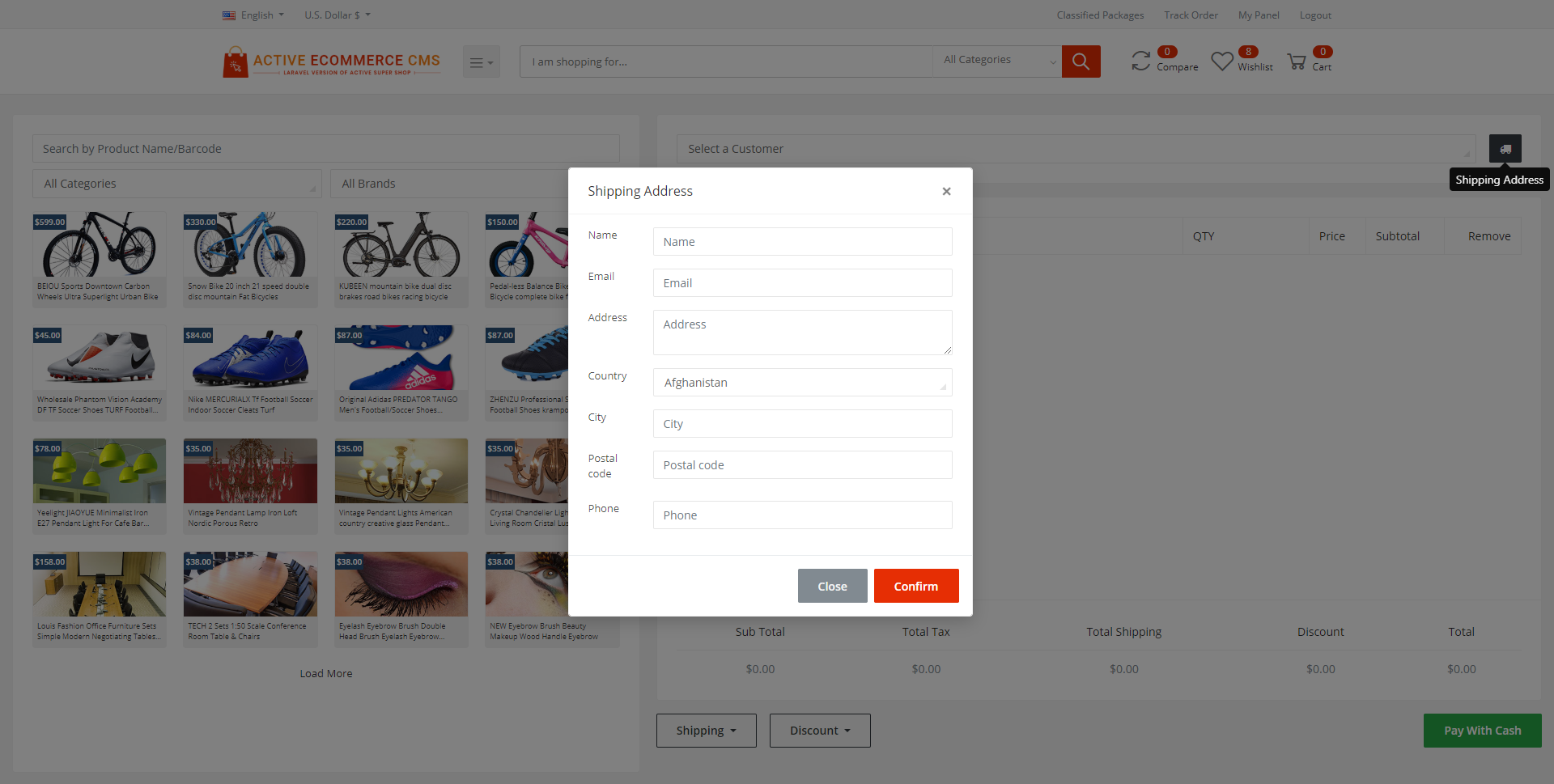
Address Management on the Fly
Add or update customer shipping addresses during checkout.
PAYMENT FLEXIBILITY
Cash Payment SupportHandle direct cash payments with zero friction.
Cash on Delivery Ready
Support COD workflows identical to online orders.
Offline Payment Handling
Accept bank transfer or manual payments with transaction proof.
Secure Payment Validation
Attach transaction IDs and documents for full payment traceability.
PRINTING & INVOICING
Thermal Printer OptimizationConfigure print width to match your receipt printer perfectly.
One-Click Invoice Printing
Print POS invoices instantly after order placement.
Downloadable POS Invoices
Download invoices anytime for accounting or customer requests.
Professional Invoice Format
Invoices remain consistent with your eCommerce brand identity.
ORDER MANAGEMENT
Centralized POS Order ListAll POS orders are stored in a dedicated management panel.
Status-Driven Order Flow
Move orders through Pending Confirmed Picked Up Delivered or Cancelled stages.
Quick Order Search
Find orders instantly using order code or customer name.
Order Detail View
Inspect full order breakdown including products payment and customer data.
BULK & ADMIN CONTROLS
Bulk Order DeletionAdmins can clean up test or invalid orders efficiently.
Seller Permission Control
Sellers operate POS with admin given permission from configuration.
Hide Other Customers of Your Business
Sellers can view only their own customers. However, if a phone number or email matches an existing customer in the business, the customer’s address is automatically loaded.
BUSINESS INTELLIGENCE READY
Unified Sales RecordsPOS sales appear alongside online sales for accurate reporting.
Source-Wise Sales Insight
Understand where offline sales are coming from.
Stock Accuracy Guaranteed
Every POS sale updates stock across the entire system.
CONFIGURATION & CONTROL
Central POS ConfigurationControl POS behavior from a single admin configuration panel.
Seller POS Enablement
Decide if sellers can access POS functionality.
Hardware-Friendly Setup
Works smoothly with barcode scanners and thermal printers.
SCALABILITY & RELIABILITY
Built for High-Volume StoresHandles continuous orders without performance degradation.
Multi-Seller Marketplace Ready
Perfect for marketplaces with both online and offline sellers.
Enterprise-Grade Stability
Designed to work reliably in real retail environments.
Version : 2.6 (17/03/2026)
— The invoice now correctly shows the currency icon for all currencies.— Compatible with Active eCommerce CMS version 10.7
Version : 2.5 (16/02/2026)
New & Improved— Added a dedicated POS Products menu in both Admin and Seller panels with a full product listing and import functionality.
— Introduced a separate POS Orders page for cleaner and more efficient order management.
— Added customer sources: Facebook, WhatsApp and Walk-in.
— POS orders for Facebook, WhatsApp and Walk-in customers can now be completed using only phone number or email.
— Added Registered Customer option to load existing customer information instantly.
— Customer details now auto-load when phone number or email matches an existing customer.
— Updated POS thermal printer invoice design.
— Commission History now shows a POS tag for POS-based commissions.
— Sellers are restricted to viewing only their own customers.
— Fully compatible with Active eCommerce CMS v10.4.2
Bug Fixes
— Offline payment option is now shown only when the Offline Payment add-on is installed.
— Fixed COD and Cash payment button issues.
— Sellers can now print invoices with dynamic thermal printer size support.
Version : 2.4 (19/12/2025)
— Compatible with Active eCommerce CMS Version 10.2 — Compatible with Active eCommerce GST Add-on Version 1.0Version : 2.3 (20/11/2023)
Compatible with Active eCommerce Seller App version 2.7.0Version : 2.2 (01/10/2023)
— Change the option for searching category wise product— Compatible with Active eCommerce CMS version 7.9.1
Version : 2.1 (16/07/2023)
— Introduced Dynamic Thermal Printer option(Admin and Seller can set their print width)
— Add badge for POS order
Version : 2.0 (13/03/2023)
Important Bug fixingVersion : 1.9 (07/09/2022)
Compatibility for Active eCommerce CMS 6.3.0Version : 1.8 (18/04/2022)
Compatibility for Active eCommerce CMS 6.0Version : 1.7 (10/02/2022)
Manual payment for POS ordersVersion : 1.6 (12/12/2021)
Compatibility with eCommerce 5.5.3Version : 1.5 (21/06/2021)
— UI improvement— Manual input for shipping cost
Version : 1.3 (17/11/2020)
Compatibility support for active ecommerce cms 3.6Version : 1.2 (07/09/2020)
— Image issue fixed— Admin order stuck issue fixed
— Walk in customer option