Live Demo – Flutter Live Demo with PWA Support
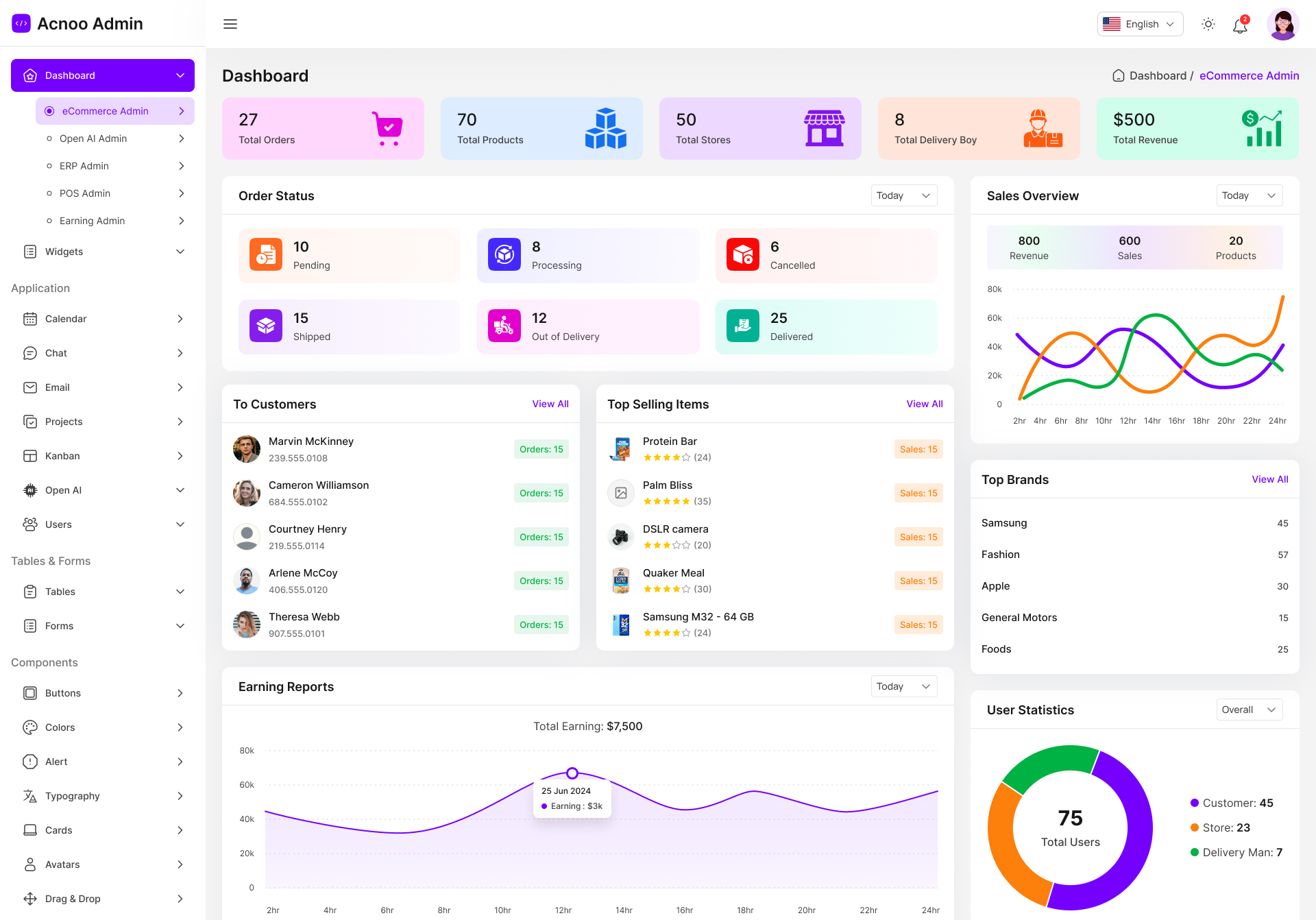
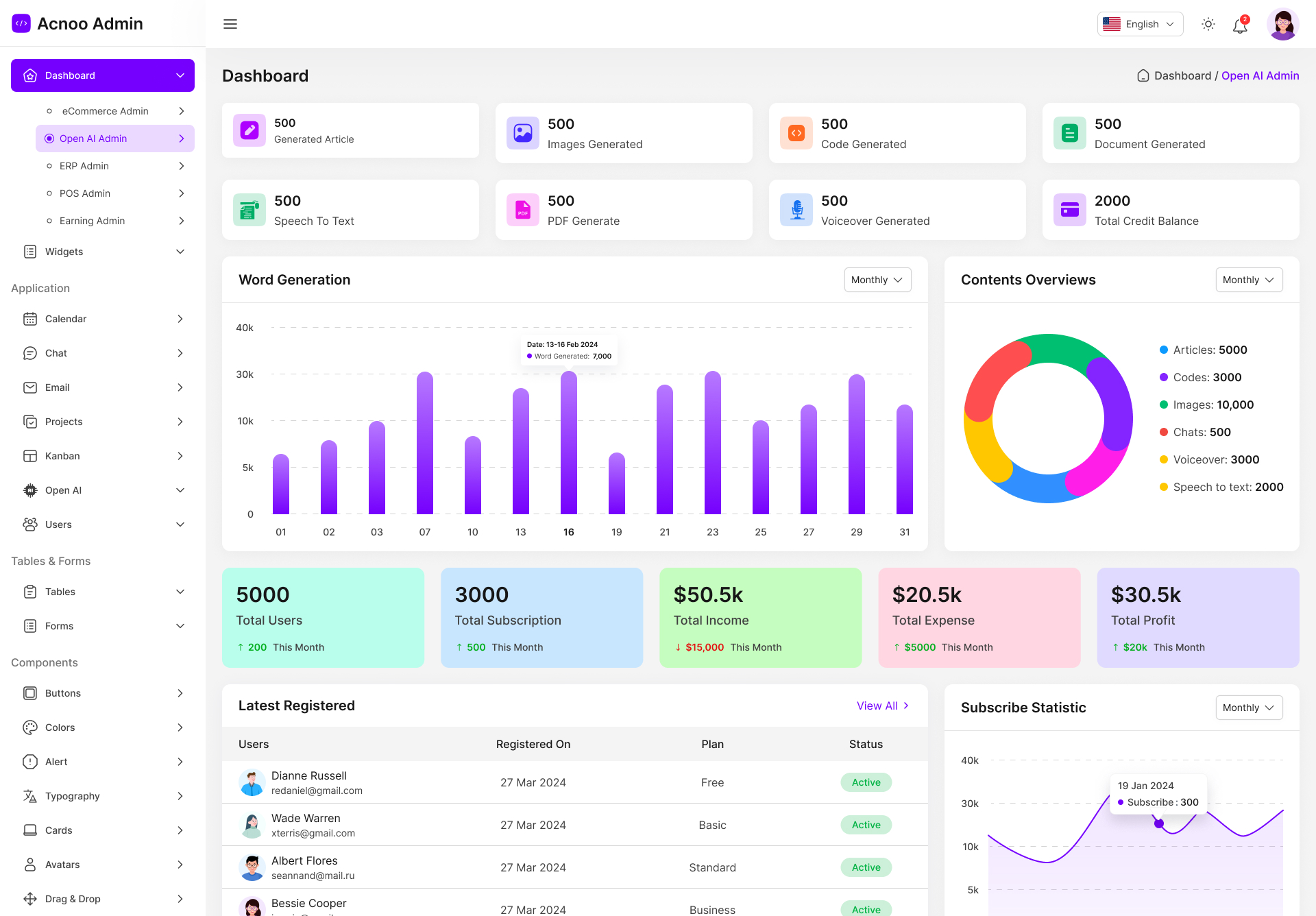
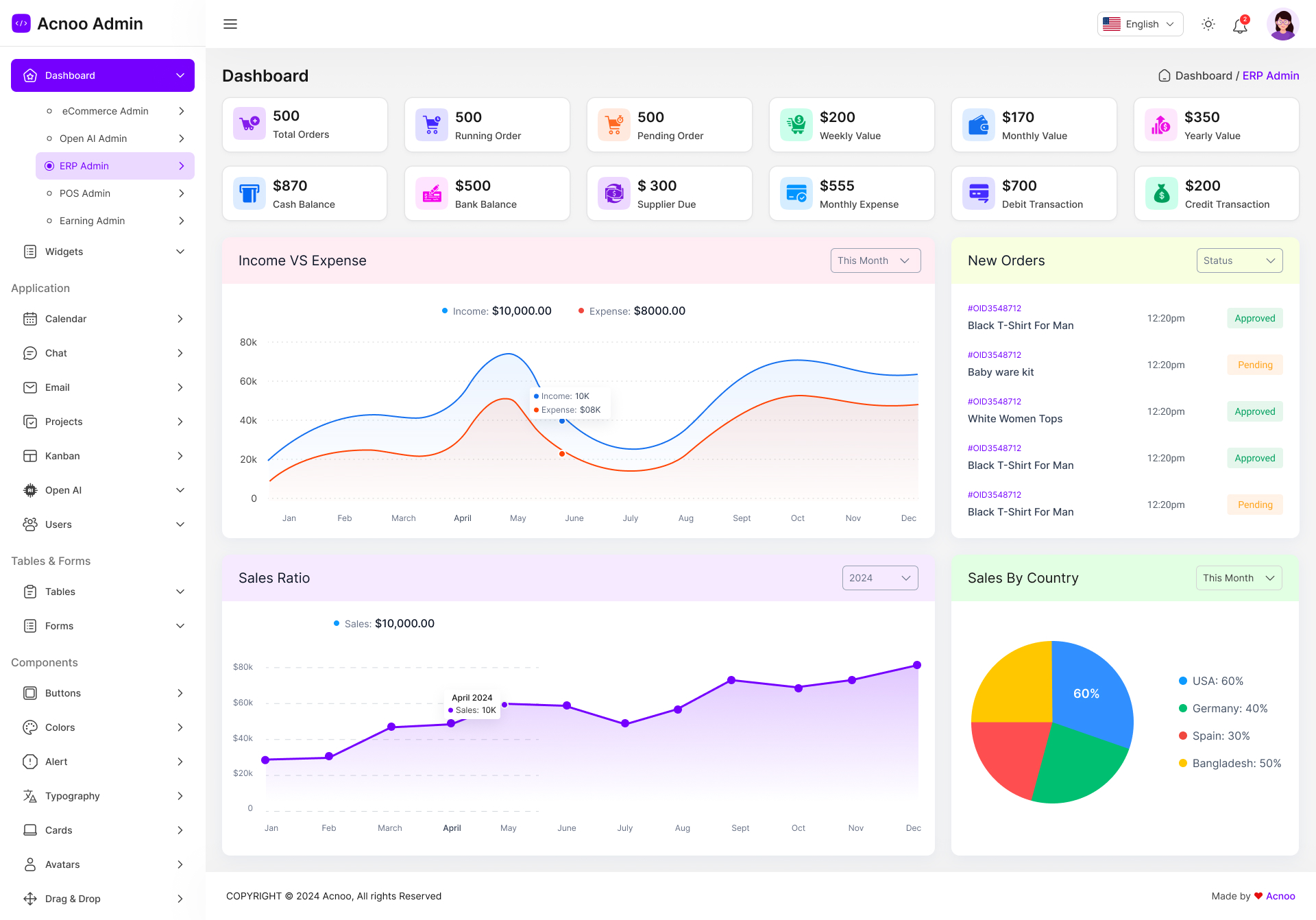
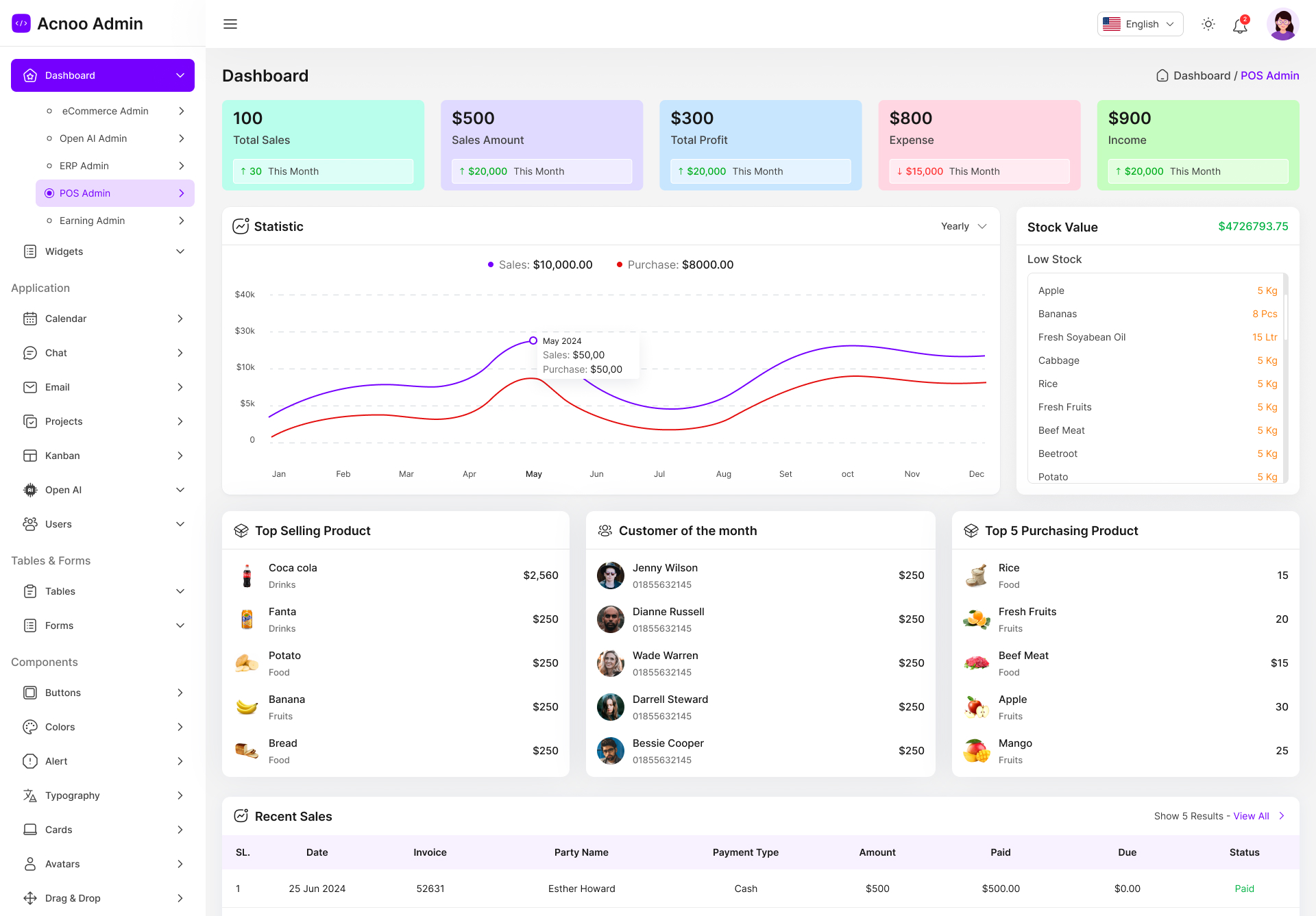
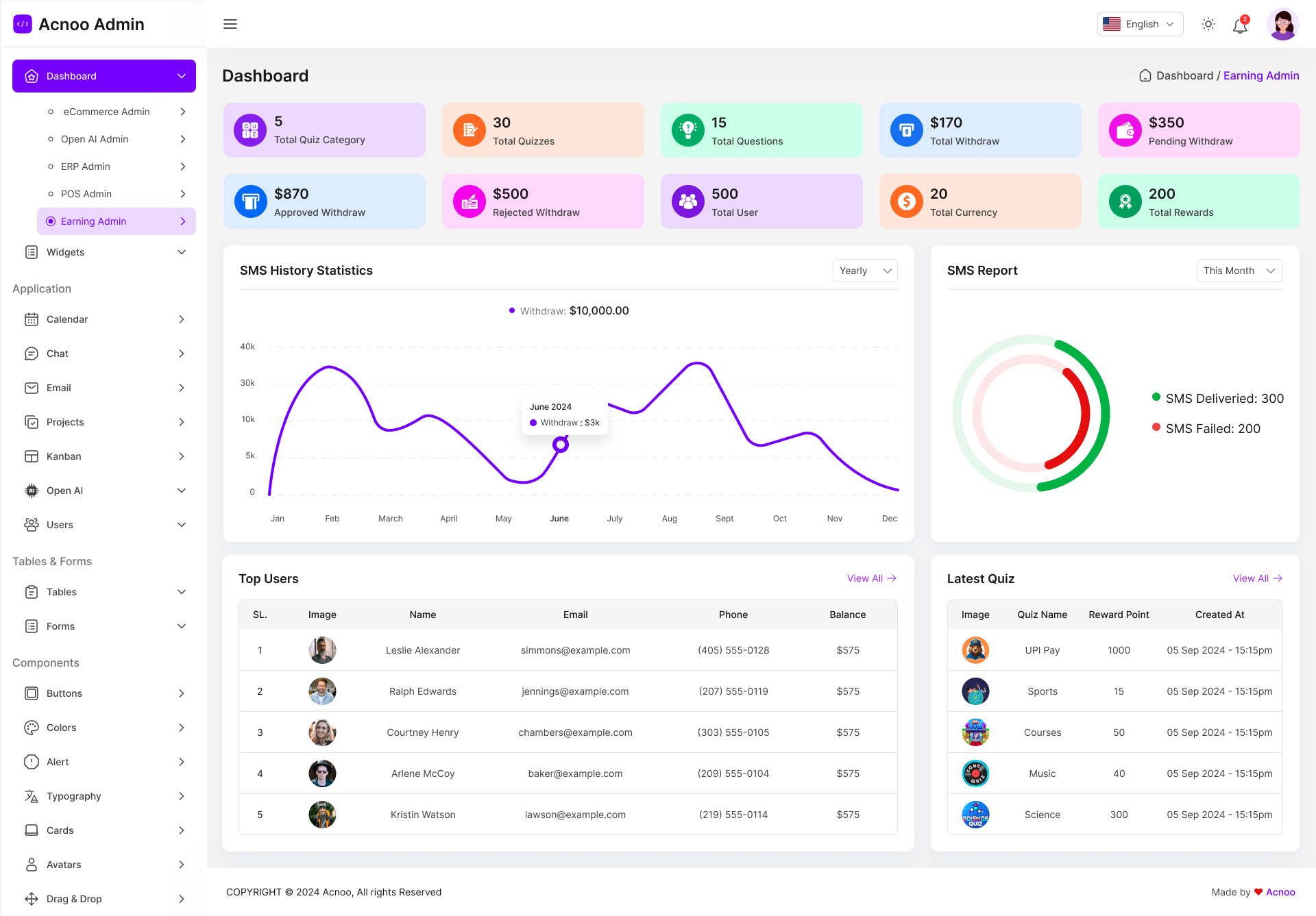
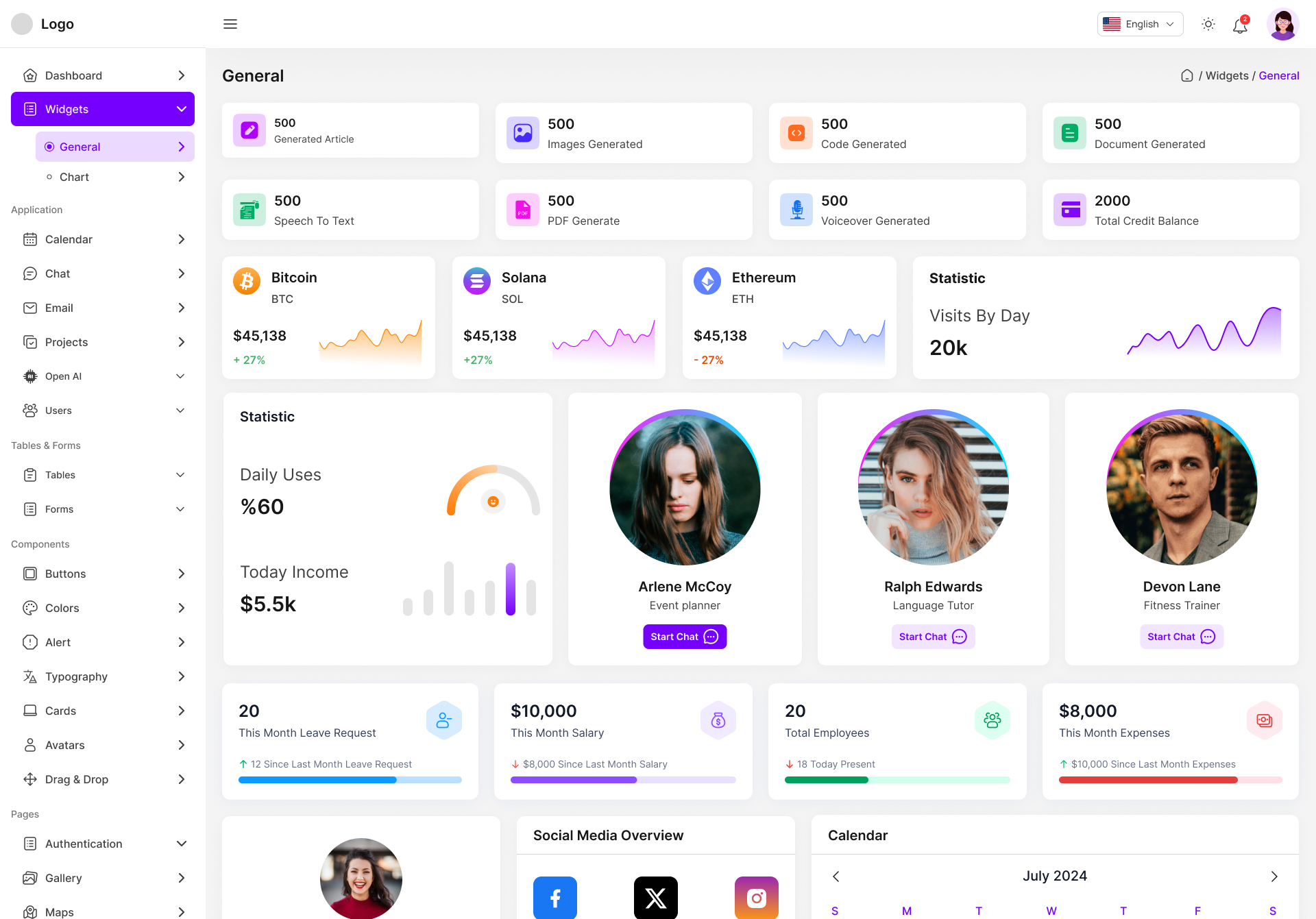
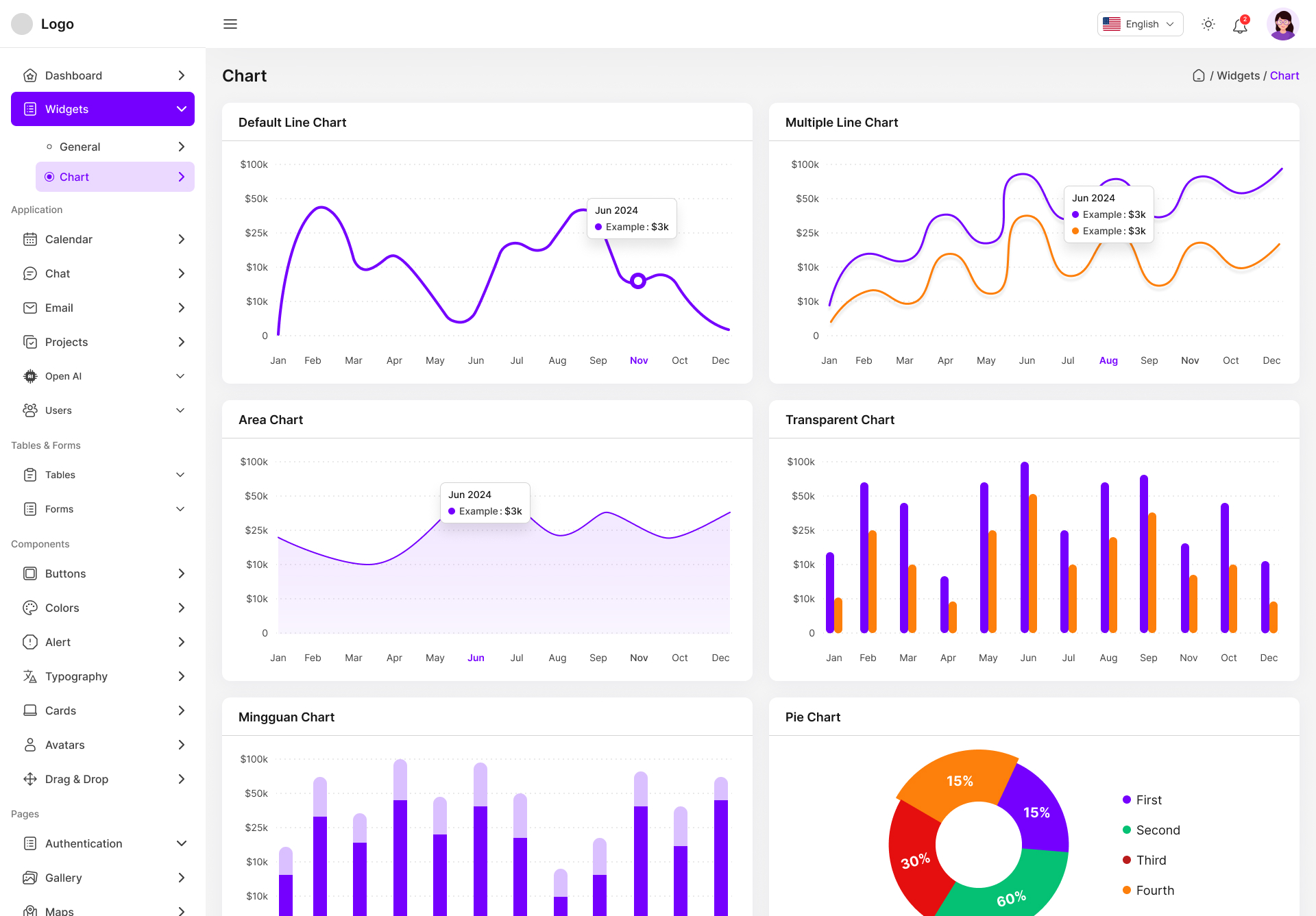
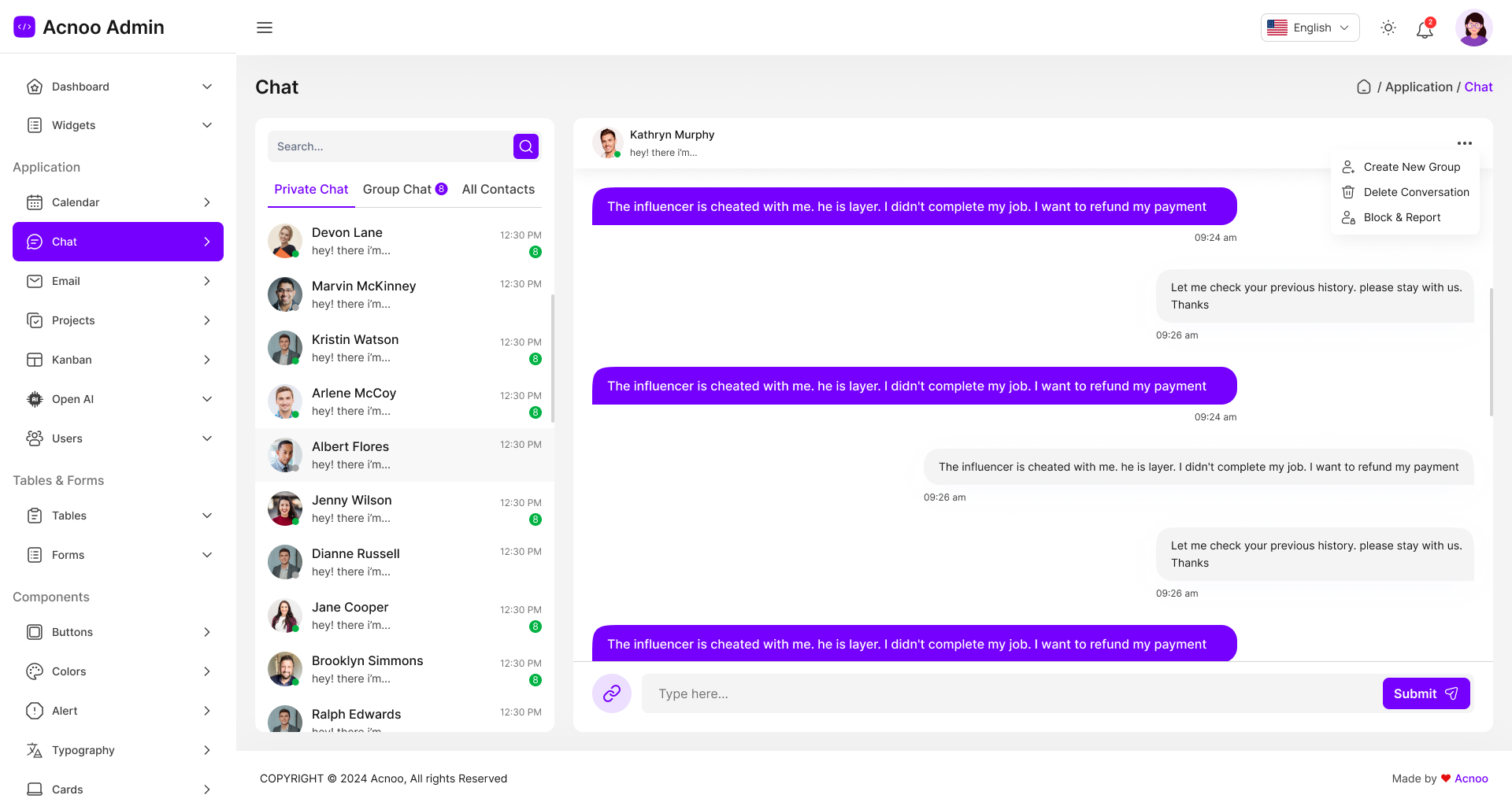
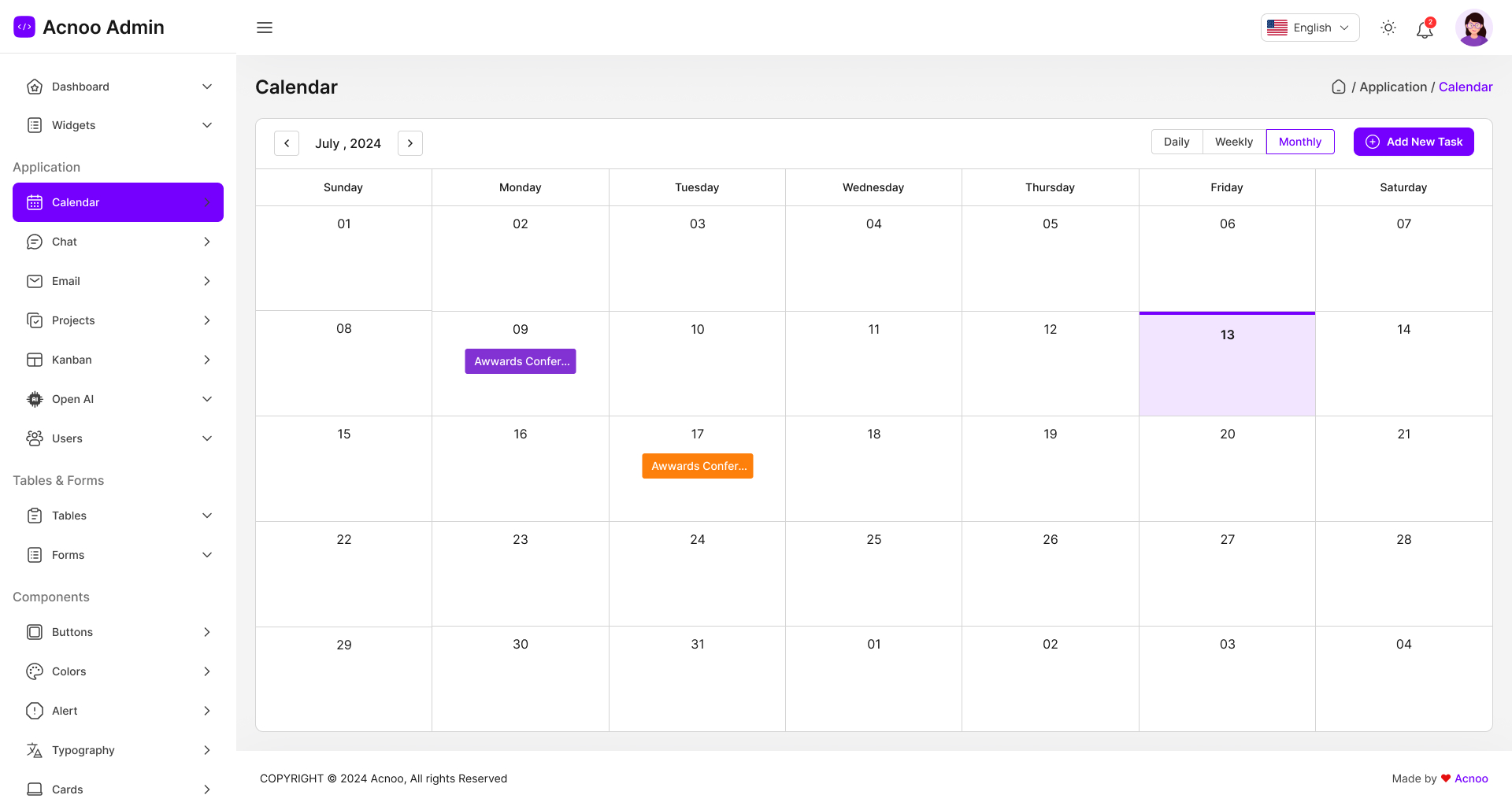
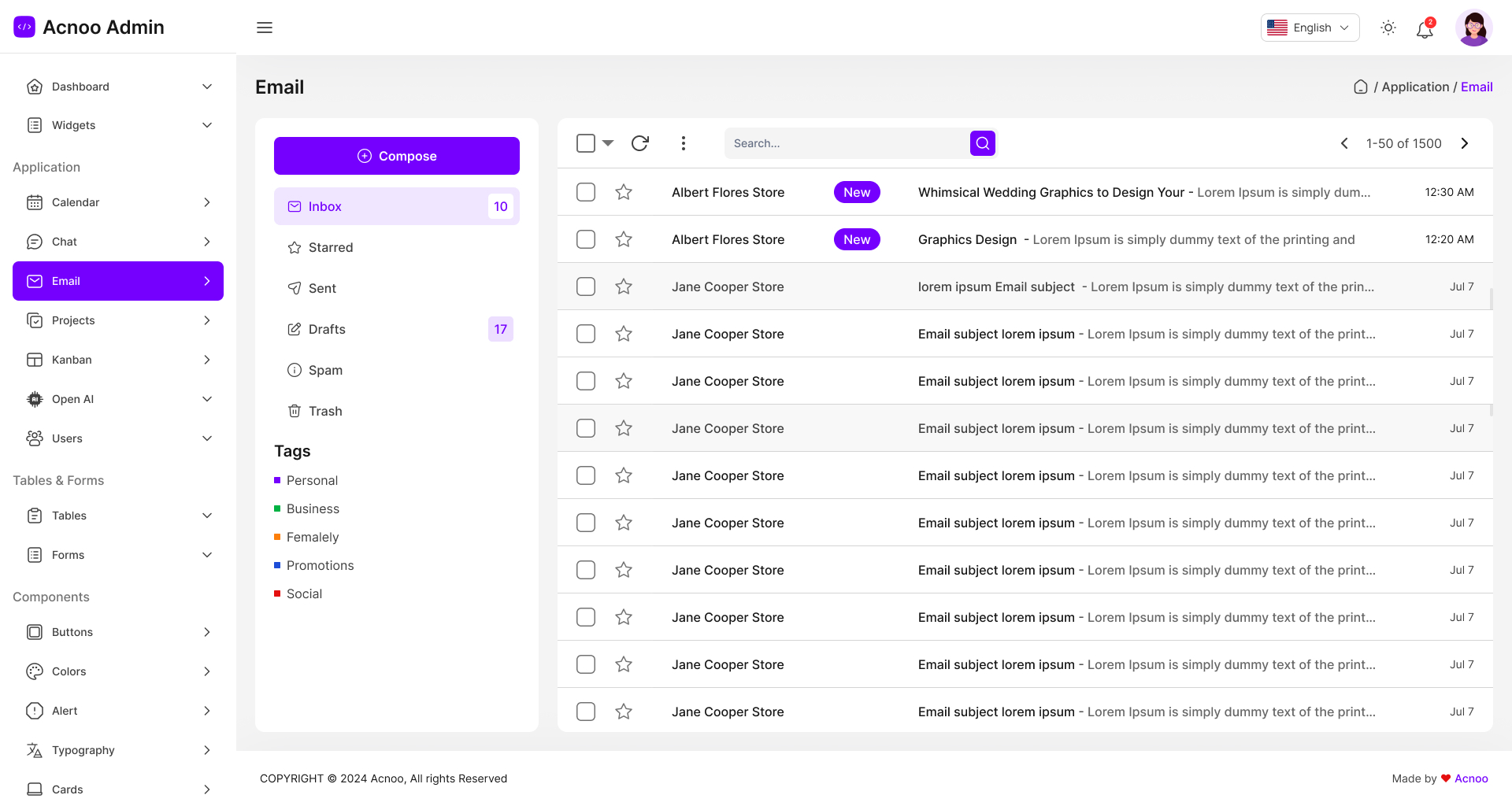
Acnoo Admin is a powerful and user-friendly Flutter admin panel Dashboard with PWA design features five versatile dashboards, each tailored for specific needs: e-commerce, Open AI integration, ERP (Enterprise Resource Planning), POS (Point of Sale), and earnings tracking. The design is packed with a comprehensive set of widgets and functionalities including a calendar, chat interface, email client, Kanban boards, Open AI user integration, data tables, forms, and various button styles. It also offers customizable color schemes, alert systems, typography options, card layouts, user avatars, drag-and-drop functionality, and authentication pages. Additional components include a gallery, interactive maps, an FAQs section, a 404 error page, tabs and pills navigation, along with pages for privacy policy and terms & conditions.
Admin Demo Url: https://acnooadmin.acnoo.xyz
Features for Acnoo Admin Dashboard:
1. Key Features:
2. Pages:
Authentication
- Sign Up
- Sign In
- Forgot Password
Dashboard
-
1. eCommerce
2. Open AI
3. ERP
4. POS
5. Earning
6. Bulk SMS
7. Influencer
8. HRM
9. News & Blog
10. LMS
11. Delivery
12. Pharmacy
13. Store Analytics
14. Grocery coming!!!
Open AI
- AI Writer
- AI Image Generator
- AI Chatbot
- AI Code Generator
- AI Voiceover Generator
Users
- User List
- User Grid
- User Profile
Table
- Basic Table
- Data Table
Form
- Basic Form
- Form Select
- Form Validation
Widgets
- Chart Widgets
- Cards
- Dialogs
- Google Maps
- Input Fields
- Alert Tile
- Avatars
- Drag & Drops
Others
- Project Management
- Kanban
- Calendar
- Chat
- Pricing
- 404
- Privacy & Policy
- Terms & Conditions
- FAQs
- More pages coming soon…
Flutter and Android Studio Setup Guide
Follow these steps to set up your development environment for Flutter:
Step 1: Install Flutter
Download and install Flutter by following the official instructions:
Step 2: Install Android Studio
Download and install Android Studio from the official website:
Step 3: Set Up Android Studio
- Open Android Studio.
- Go to File > Settings (on macOS, go to Android Studio > Preferences).
- Navigate to Appearance & Behavior > System Settings > Android SDK.
- Ensure that the Android SDK and necessary tools are installed.
Step 4: Configure Flutter in Android Studio
- Open Android Studio.
- Go to File > Settings (on macOS, go to Android Studio > Preferences).
- Navigate to Plugins and search for “Flutter”.
- Install the Flutter plugin and restart Android Studio.
- After restarting, open File > New > New Flutter Project to start a new Flutter project.
Step 5: Set Up Your Device
- Enable Developer Mode on your Android device.
- Enable USB Debugging from the Developer Options.
- Connect your device to your computer via USB.
Once you have completed these steps, you are ready to start developing with Flutter and Android Studio.
Version 5.0 ( Update 12/05/2026 )
Updated Flutter SDK to v3.41.9 (latest)
Migrated platform native code
Updated all dependencies
Rebuilt release assets for distribution
Version 4.9 ( Update 10/02/2026 )
Updated Flutter to latest version (3.38.9)
Updated all dependencies to latest version
Version 4.8  ( Update 11/12/2025 )
Updated Flutter to latest version (3.38.8)
Updated all dependencies to latest version
Version 4.7  ( Update 21/09/2025 )
Updated Flutter to latest version (3.35.4)
Migrated deprecated code for latest flutter
Version 4.6  ( Update 20/08/2025 )
Flutter version update 3.35.1
Code Optimized
Version 4.5  ( Update 12/08/2025 )
Grocery New Dashboard added
updated StatisticsLineChart
added EarningOverviewChart
updated orverview cards
updated top 5 customers list
added stock alert table
fixed gradient color
working on translation
added missing translation
updated missing translations
fixed responsive layout
updated flutter version to 3.32.8
Version 4.4  ( Update 20/07/2025 )
Flutter version update 3.32.7
Code Optimized
Version 4.3  ( Update 05/07/2025 )
Flutter version update 3.32.5
Code Optimized
Version 4.2  ( Update 04/062025 )
Real estate Landlord Dashboard added
Code Optimized
Version 4.1  ( Update 28-May-2025 )
Flutter version update 3.32
Code Optimized
Version 4.0  ( Update 20-April-2025 )
Added new Pharmacy Dashboard
Flutter version update
Code Optimized
Version 3.2  ( Update 17-Feb-2025 )
Updated Flutter Version to 3.29.0 (Latest)
Updated fl_chart and applied migration
Code optimized for latest flutter version.
Version 3.1  ( Update 02-Jan-2025 )
Added Delivery Management Dashboard.
Added LMS Dashboard.
Code optimized for chart widgets.
Version 3.0  ( Update 12-Dec-2024 )
Added new Dashboard
Flutter version update
Code Optimized
Version 2.2  ( Update 24-Nov-2024 )
Minor bug fixed
Code Optimized
Version 2.1  ( Update 17-Nov-2024 )
Updated Flutter version from 3.23.3 to 3.24.5
Updated Android Gradle Version to support latest Android Studio
Code Optimized
Version 2.0  ( Update 24-Oct-2024 )
Added: POS Inventory Inner pages
Product Page
POS Sale
Sale List
Purchase
Purchase List
Code Optimized
Minor UI Issues
Performance Optimization
Version 1.3  ( Update 16-Oct-2024 )
News & Dashboard added
Code Optimized
Version 1.2  ( Update 11-Oct-2024 )
Change Log;
1. Added Blog & News Admin Dashboard
Added e-Commerce inner pages including:
2. Product List
3. Product Details
4. Cart
5. Checkout
Fixed minor design issues & bugs
Version 1.1  ( Update 27-Sep-2024 )
1. Added 3 Dashboard including (Bulk SMS Admin, Influencer Admin & HRM Admin)
2.  Updated App Routing for deep linking & page redirection
3. Fixed minor bugs & UI issues
Version 1.0.0
Initial Release