Modern CSS 3D Animation Library – 66+ Pure CSS Effects
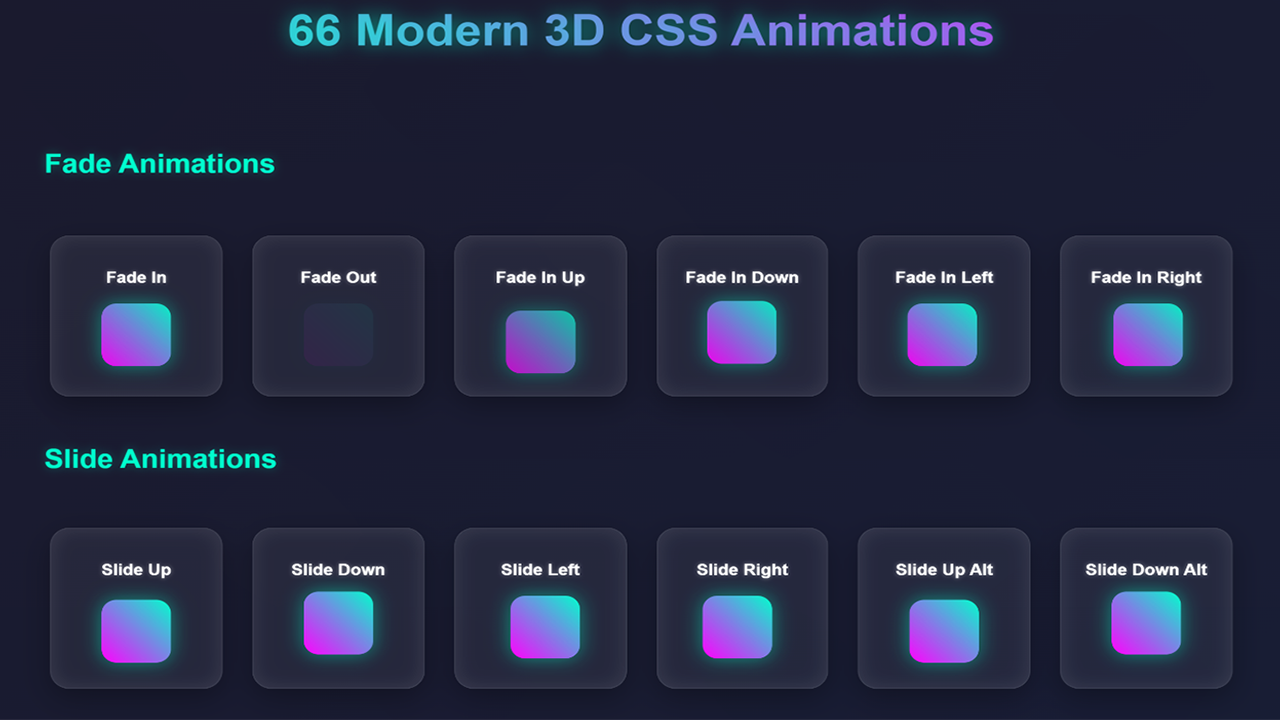
Modern CSS 3D Animation Library is a lightweight pure CSS animation library with 66+ ready-to-use CSS3 animation effects, 3D transform effects, hover animations, card animations, button effects, image reveal effects, and UI micro-interactions for modern websites, landing pages, portfolios, SaaS pages, dashboards, and eCommerce interfaces.
This no JavaScript animation effects toolkit is built for developers, UI designers, agencies, WordPress creators, frontend teams, and website owners who want smooth website animation effects without adding heavy animation dependencies. Add motion to your website by applying simple CSS classes to HTML elements.
Use it as a frontend animation toolkit for HTML websites, WordPress themes, Elementor sections, Bootstrap templates, Tailwind CSS layouts, React components, Vue components, Angular templates, Laravel Blade views, Webflow custom code blocks, and modern static websites.
Why Choose This Pure CSS Animation Library?
- 66+ ready-to-use CSS animation effects for modern web interfaces.
- Pure CSS animations with no JavaScript required for the core effects.
- Lightweight CSS animation toolkit built with HTML and CSS files.
- CSS3 animation effects using transforms, transitions, keyframes, opacity, scale, rotate, and 3D perspective.
- 3D transform effects CSS for cards, images, content blocks, UI sections, and visual highlights.
- One-class implementation for fast setup in existing projects.
- Responsive web animations suitable for desktop, tablet, and mobile layouts.
- CSS hover effects for buttons, cards, product blocks, galleries, and call-to-action sections.
- Animate.css alternative for users who need a focused CSS animation pack for modern UI projects.
- Easy customization through CSS duration, delay, easing, transform, scale, rotate, and perspective values.
Animation Effects Included
- Fade animation effects
- Slide animation effects
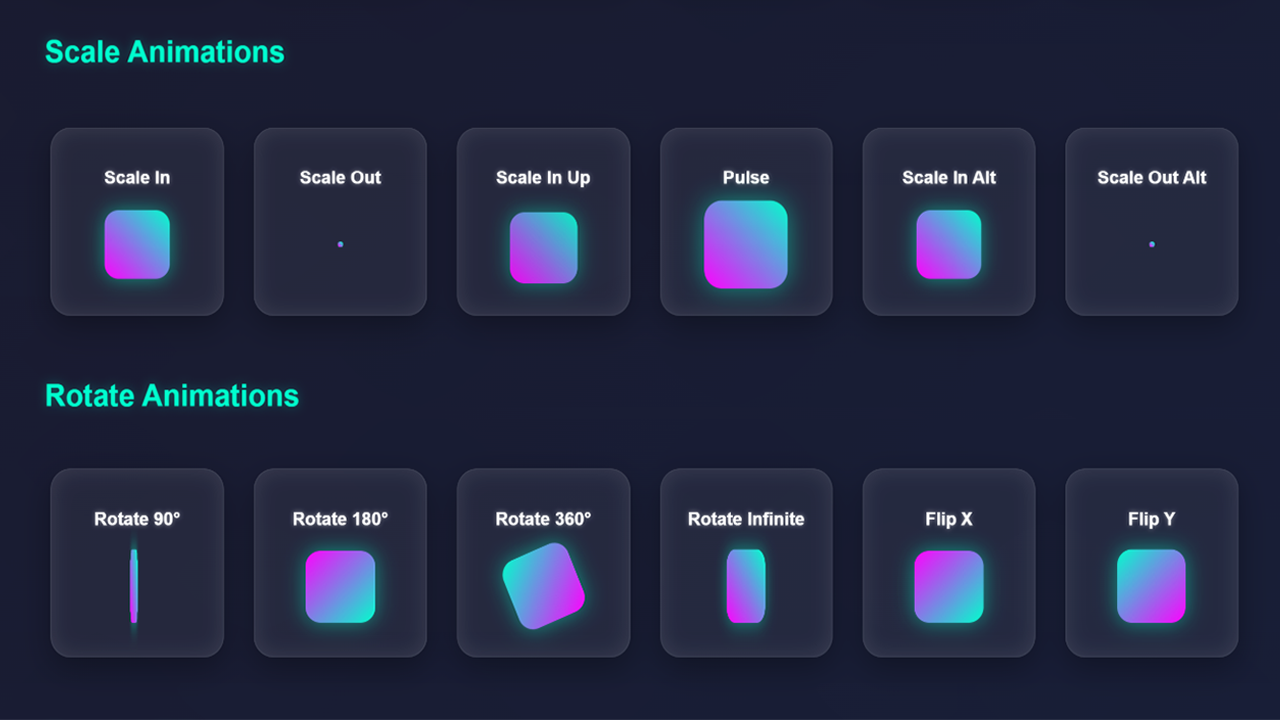
- Zoom animation effects
- Rotate animation effects
- Flip animation effects
- 3D CSS transform effects
- CSS hover effects
- Card hover animation effects
- Button hover animation CSS
- Image reveal CSS animation
- Content reveal animations
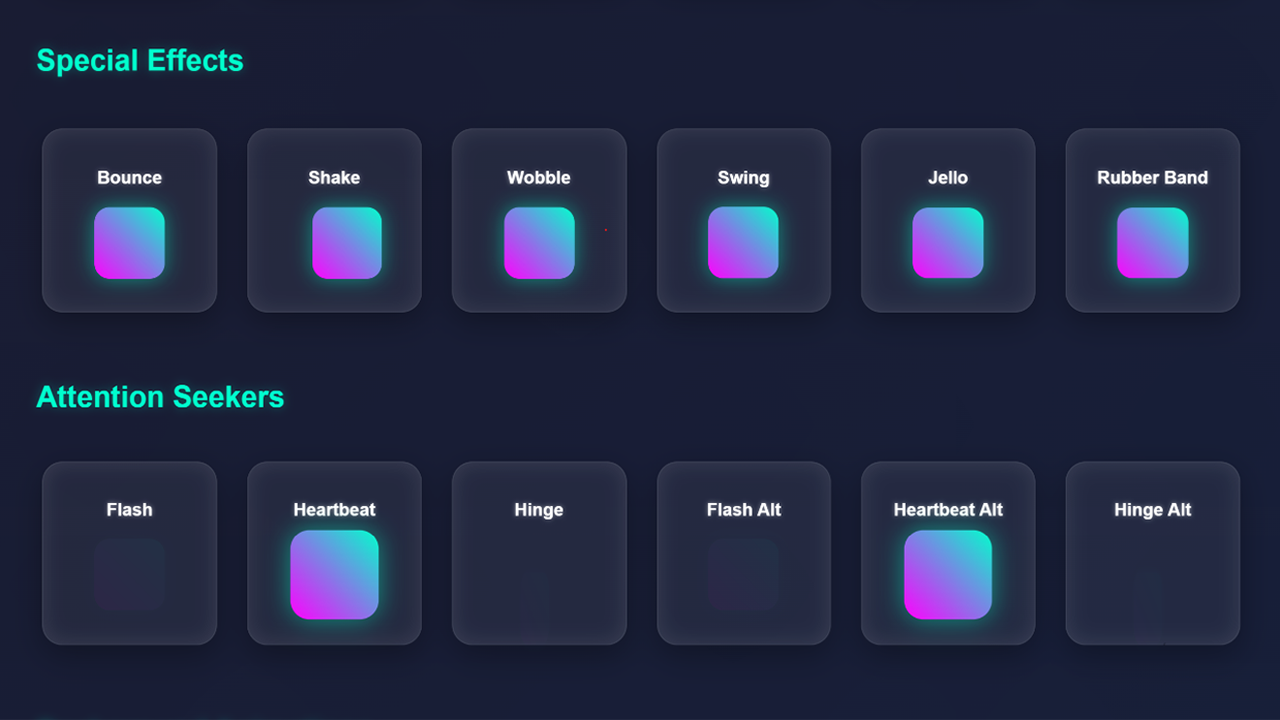
- Website micro-interactions
- Landing page animation effects
- UI animation effects
- Modern website animation pack effects
Perfect For
- Frontend developers who need reusable CSS animation classes for websites and client projects.
- UI/UX designers who want clean motion effects for modern interface design.
- WordPress developers who want CSS animation effects for themes, templates, custom sections, and page builder layouts.
- Elementor users who need class-based animation effects for sections, columns, buttons, cards, and custom HTML widgets.
- React developers who want a CSS animation library for React components without adding a JavaScript animation engine.
- Vue and Angular developers who need lightweight UI animation effects for component-based projects.
- Tailwind CSS and Bootstrap users who want extra animation effects for cards, buttons, modals, navbars, pricing tables, and landing pages.
- Digital agencies building business websites, SaaS pages, portfolios, product pages, and marketing websites.
- eCommerce designers who need product card hover effects, image reveal animations, sale banner animations, and checkout highlight effects.
- Template authors who want a reusable website animation pack for HTML templates and UI kits.
High-Value Use Cases
- Landing page animations: animate hero titles, subtitles, CTA buttons, badges, feature blocks, and lead-generation sections.
- SaaS website animations: add motion to dashboard previews, feature cards, onboarding screens, notification panels, and pricing sections.
- eCommerce UI effects: use product card hover effects, image reveal animations, sale banner animations, and checkout highlight effects.
- Portfolio website effects: animate project cards, gallery grids, case studies, image overlays, and personal branding sections.
- WordPress and Elementor animations: apply CSS classes to sections, columns, widgets, buttons, and custom HTML blocks.
- Bootstrap and Tailwind CSS projects: add ready-made CSS3 animation effects to cards, modals, navbars, buttons, and layout sections.
- React, Vue, and Angular UI: use the classes inside components for lightweight UI animation without depending on heavy animation libraries.
- Marketing websites: improve visual attention on CTA sections, newsletter forms, testimonial blocks, feature comparisons, and offer banners.
- Admin dashboards: add subtle UI micro-interactions to widgets, alerts, reports, cards, panels, and menus.
- Image galleries: use CSS hover effects, 3D image effects, zoom effects, reveal effects, and overlay transitions.
- Pricing tables: highlight popular plans, feature rows, price cards, badges, and buy buttons.
- Navigation menus: add smooth dropdown effects, hover transitions, reveal animations, and mobile menu motion.
- Modals and popups: create smooth open and close transitions for notices, forms, offers, and content dialogs.
- Blog layouts: animate post cards, author boxes, category blocks, sidebar widgets, and newsletter forms.
- Agency websites: improve service cards, team sections, testimonials, process steps, and portfolio showcases.
SEO-Friendly CSS Animation Toolkit for Modern Websites
This pure CSS animation library is designed for developers who need fast, reusable, and lightweight CSS3 animation effects without adding JavaScript animation dependencies. It works as a practical Animate.css alternative for projects that need modern UI motion, 3D transform effects, responsive web animations, hover effects, and simple class-based implementation.
Use this CSS animation library for WordPress, Elementor, React, Vue, Angular, Bootstrap, Tailwind CSS, Laravel, Webflow, HTML landing pages, SaaS websites, portfolio websites, agency websites, eCommerce websites, admin dashboards, and business websites.
The animation pack includes useful effects for hero section animation, call-to-action animation, pricing table animation, product card hover effects, button hover animation CSS, image reveal CSS animation, modal transitions, navigation menu effects, dashboard UI animation, card hover animation effects, and website micro-interactions.
Easy One-Class Implementation
Using the library is simple. Include the CSS file in your project, then apply an animation class to the element you want to animate.
<link rel="stylesheet" href="css/animations.css">

<div class="fadeInUp">
  Your animated content here
</div>
You can customize animation duration, delay, easing, scale, rotation, opacity, transform distance, and 3D perspective by editing the CSS values.
Framework Compatibility
- HTML websites
- CSS3 projects
- WordPress themes and templates
- Elementor sections and widgets
- React components
- Vue components
- Angular templates
- Laravel Blade views
- Bootstrap layouts
- Tailwind CSS projects
- Webflow custom code embeds
- Static websites and landing pages
- Portfolio websites
- SaaS websites
- eCommerce websites
- Admin dashboards
What Is Included?
- 66+ CSS animation effects
- Pure CSS animation classes
- 3D CSS transform effects
- CSS hover effects
- Button hover animation effects
- Card hover animation effects
- Image reveal animation effects
- HTML demo files
- CSS animation files
- Example usage structure
- Documentation for setup and class usage
- Future updates through Envato
- 6 months item support according to Envato support policy
What Is Not Included?
- No JavaScript animation engine is included or required for the core CSS effects.
- No WordPress plugin installer is included unless specifically stated in the package files.
- No Elementor widget or page builder plugin is included; CSS classes can be applied manually where custom classes are supported.
- No React, Vue, Angular, Laravel, Bootstrap, or Tailwind package installer is included; the CSS files can be integrated manually into those workflows.
- Preview images, fonts, or third-party assets shown in demos may be for demonstration only unless included in the download package.
Technical Details
- Files included: HTML, CSS
- Technology: CSS3
- Core dependency: None
- JavaScript required: No, not for the core animation effects
- Use method: Add CSS file and apply animation classes
- Best for: landing pages, portfolios, SaaS websites, dashboards, business websites, eCommerce UI, WordPress sections, and frontend components
- Browser support: Modern browsers that support CSS3 transforms, transitions, keyframes, and animations
Recommended Usage
- Use landing page animation effects on hero content, CTAs, feature sections, and testimonials.
- Use card hover animation effects for service cards, product cards, portfolio items, and pricing tables.
- Use button hover animation CSS for calls to action, checkout buttons, lead forms, and navigation links.
- Use image reveal CSS animation for galleries, product images, case studies, and portfolio previews.
- Use 3D transform effects for visual highlights, cards, UI panels, and interactive sections.
- Keep animation timing short and subtle for a professional user experience.
- Test important animations on mobile layouts before publishing.
Support
Support is provided according to Envato Market item support policy. Support includes help with included files, basic setup questions, and guidance for using the documented CSS animation classes.
Support does not include full custom website development, third-party theme customization, page builder customization, server setup, or integration work outside the included files.
Start Building Better Animated Websites
Modern CSS 3D Animation Library gives you a practical website animation pack with 66+ pure CSS animations, CSS3 animation effects, 3D transform effects, CSS hover effects, responsive web animations, card hover effects, button animations, image reveal effects, and UI micro-interactions for modern frontend projects.
Add clean, reusable, class-based animation effects to your website, landing page, portfolio, SaaS interface, WordPress layout, Elementor section, Bootstrap template, Tailwind CSS project, React component, Vue component, Angular template, Laravel view, or eCommerce interface.