7 comments found.

Morning,
It took me some time to work out that I had to click thr bottom right icon to see a list of posts. I had to read someone elses message to you to find out.
My feeling is this is quite a good app, However ….
a) the popup botton right is “useful” on certain pages for certain needs, but should not be the only way to view feddback and suggestions etc.
What you need is a full screen display of the suggestions, cards, spaced out, where people can see and vote for those suggestions. It also displays InProgress, Completed, etc etc just like you do in the popup, but full screen.
There is another product on code canyon that has a nice layout like that – but I won’t mention their name here.
b) Another thing is, for your demo, we need to get to the back-end. This is a must. Just seeing that little popup is fairly meaningless.
Hope you take my feedback as constructive.
Cheers
Your thoughts are important, and we appreciate you sharing them with us, “Krammig.”
We wanted to build Blink with a minimal design and as a small, sweet add-on. There are certainly better ones out there.
When users provide feedback, they generally use a few sentences and screenshots. For this reason, a full-screen interface didn’t appeal to us in terms of user experience. Additionally, users who use Blink receive email notifications for all processes (planned, started, done).
Best regards.
prepurchase querry 1. where is the demo? or an explainer video on how it works 2. we are looking for a chat support solution for wordpress. users can submit quries on front end via chat widget then receive a reply from support , we need to collect email and name so at we can convert them to subcribers 3. how does the admin dashboard look like , can we add support agent, email notification on ticket reply etc
Hello digitali_ke.
Thank you for your interest in Blink. Sorry for the late reply 
I made a very short video for Spike, if you want to check it out: https://youtu.be/4viREsRa5RQ?si=6XaOHjlq8-F52rt3 I will shoot detailed videos for all settings and customizations in the near future.
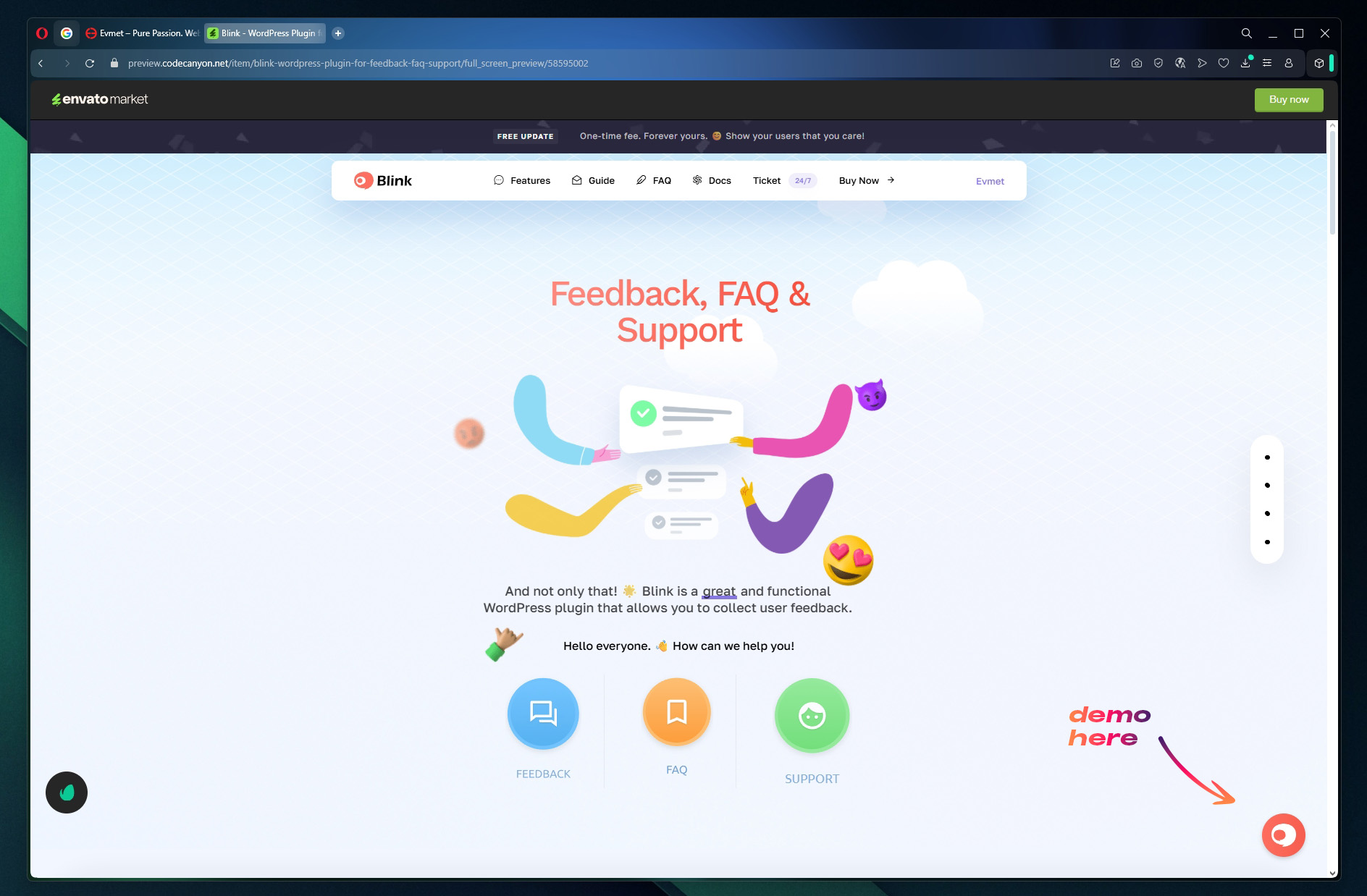
#1. Live Preview” On the page that opens, the demo is in the bottom right corner and active. https://evmet.net/blink/ss/demo-here.jpgAdditional documentation is at this link: https://evmet.gitbook.io/blink
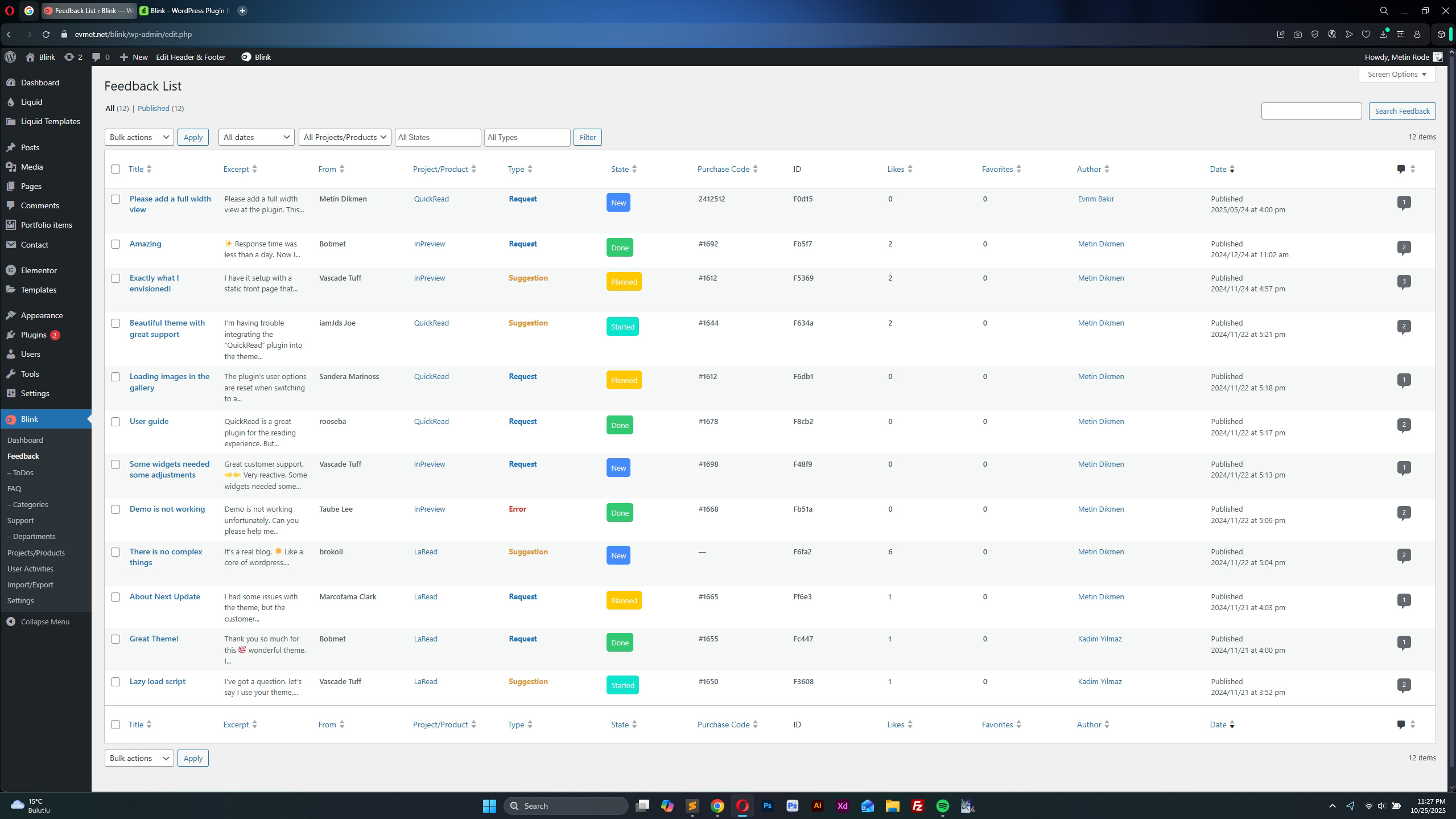
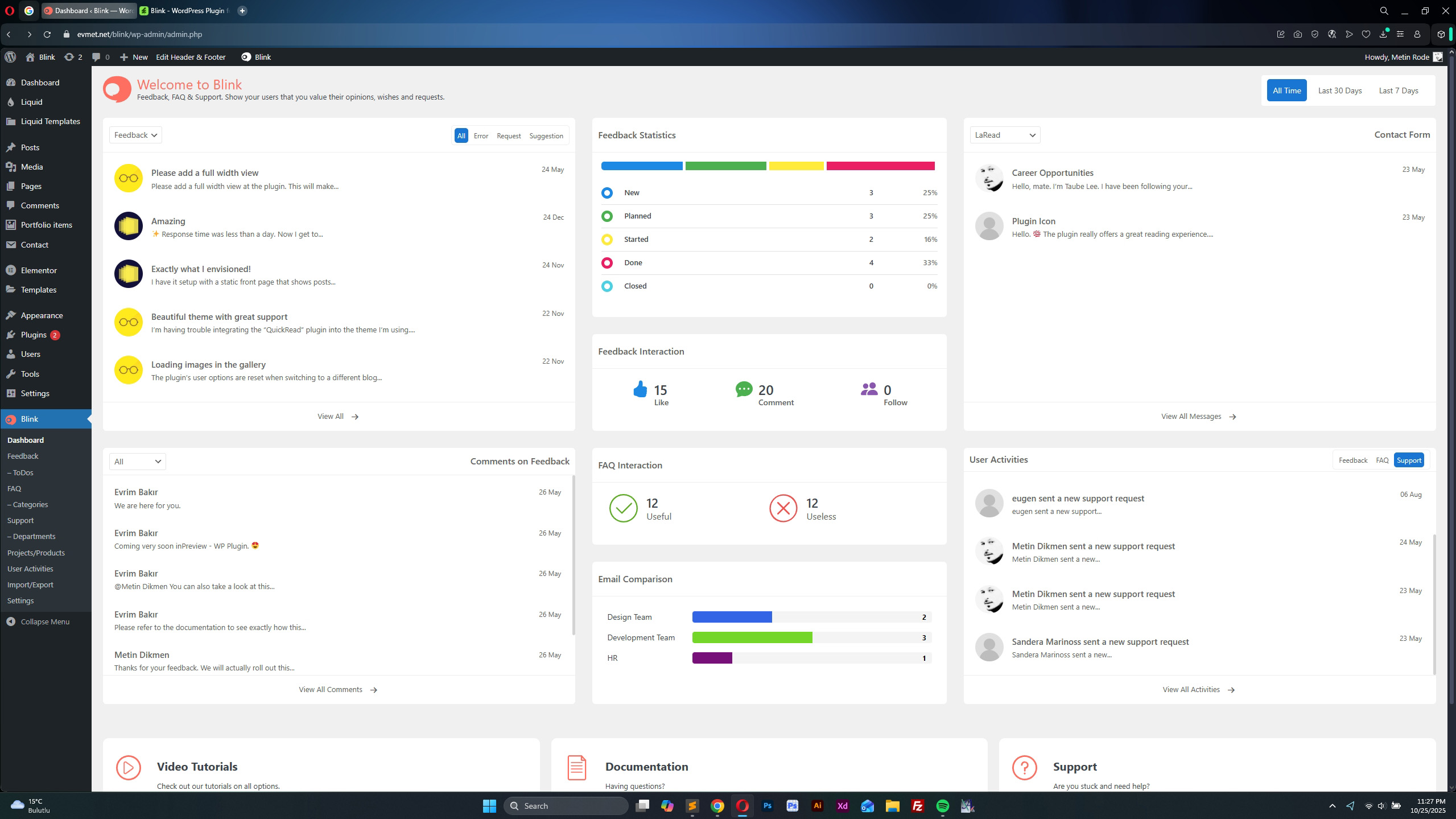
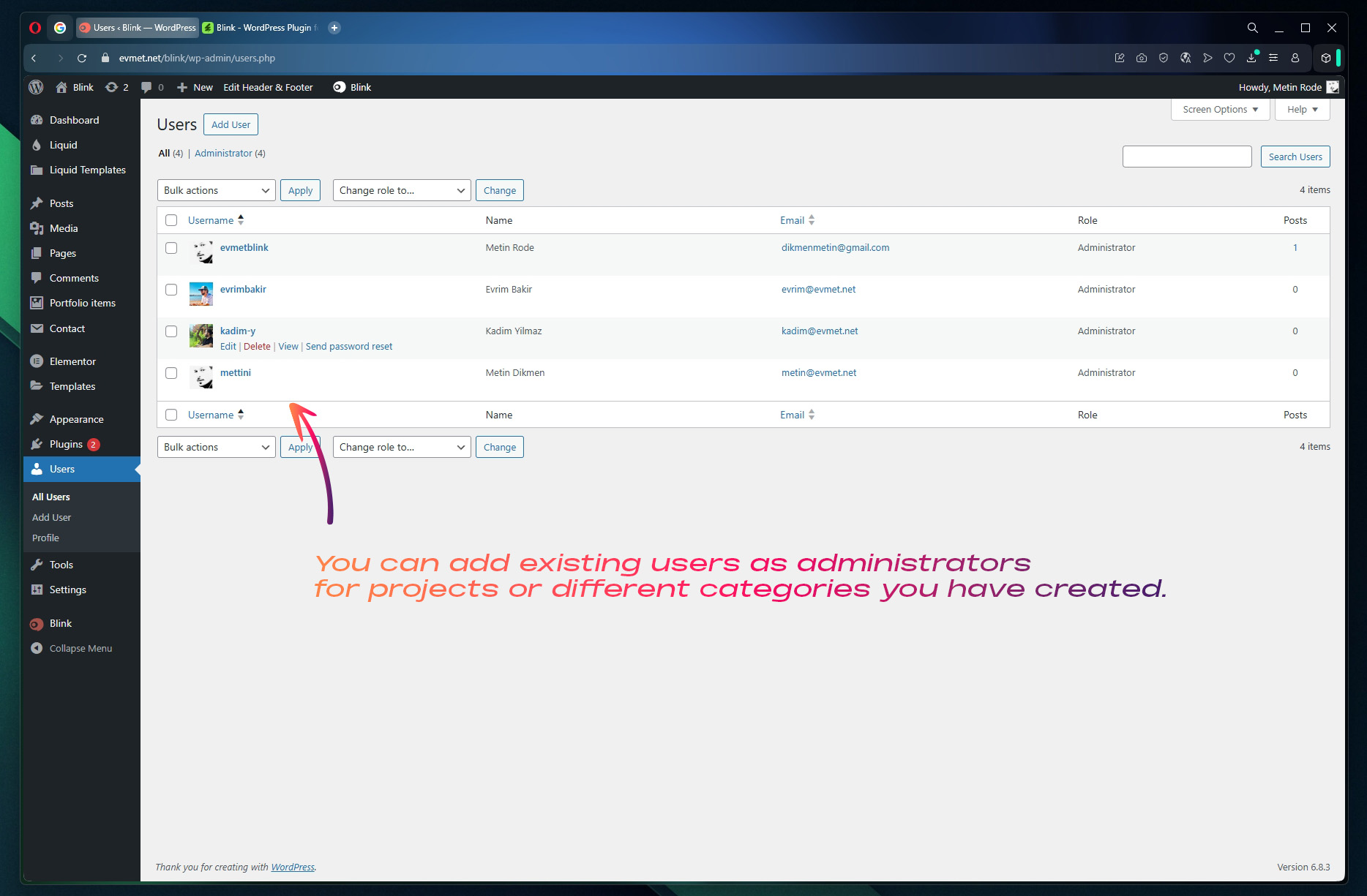
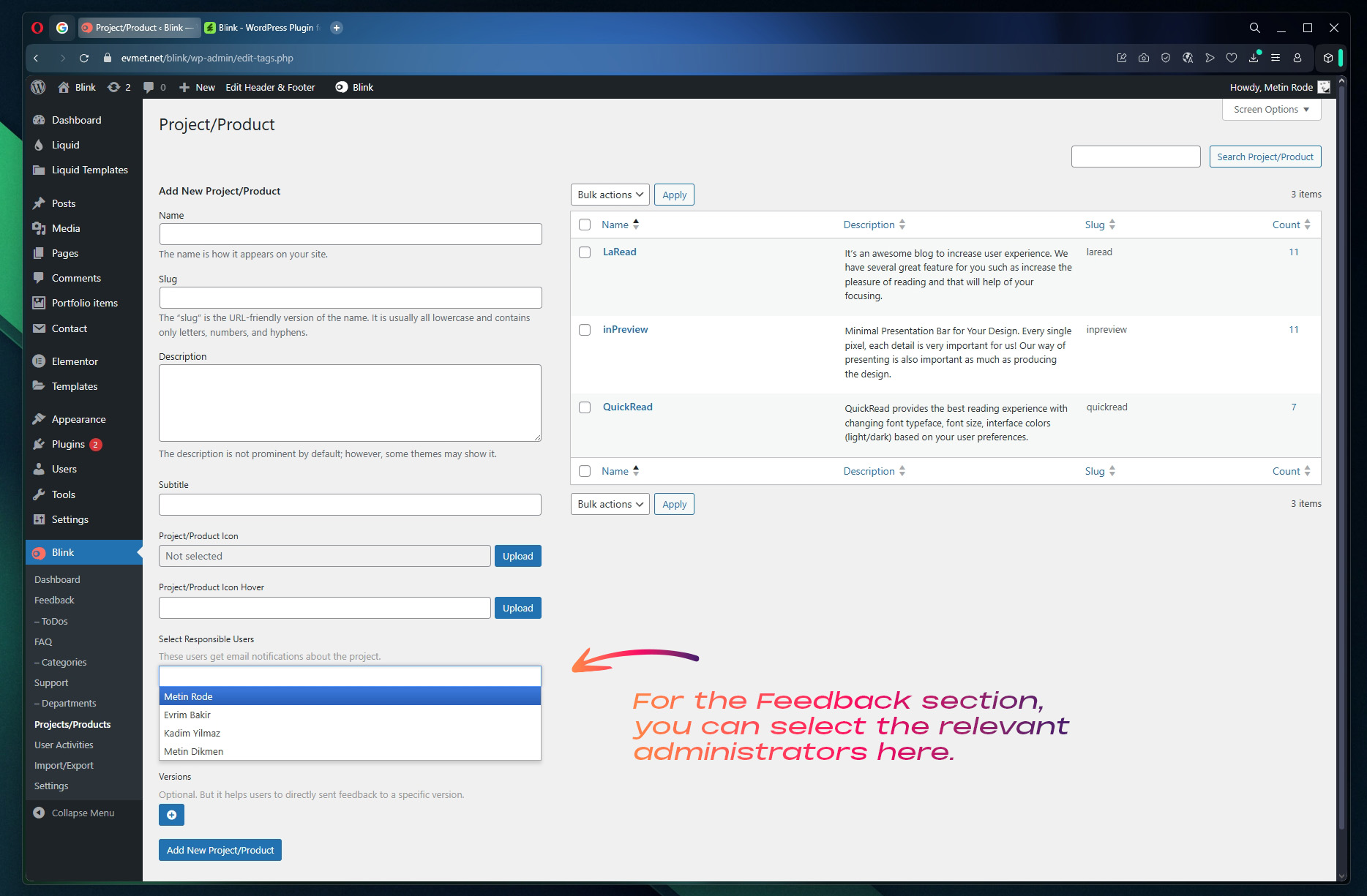
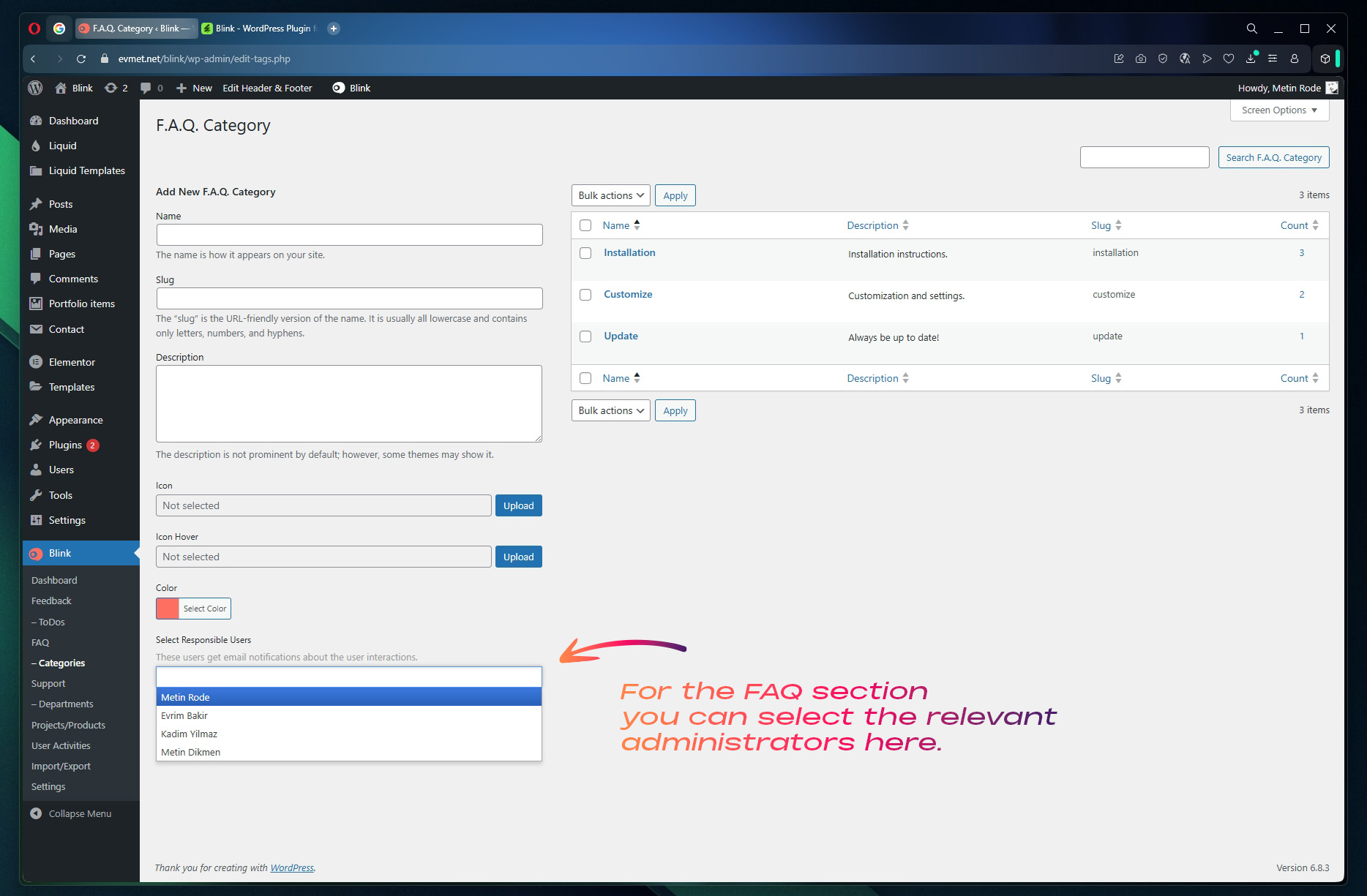
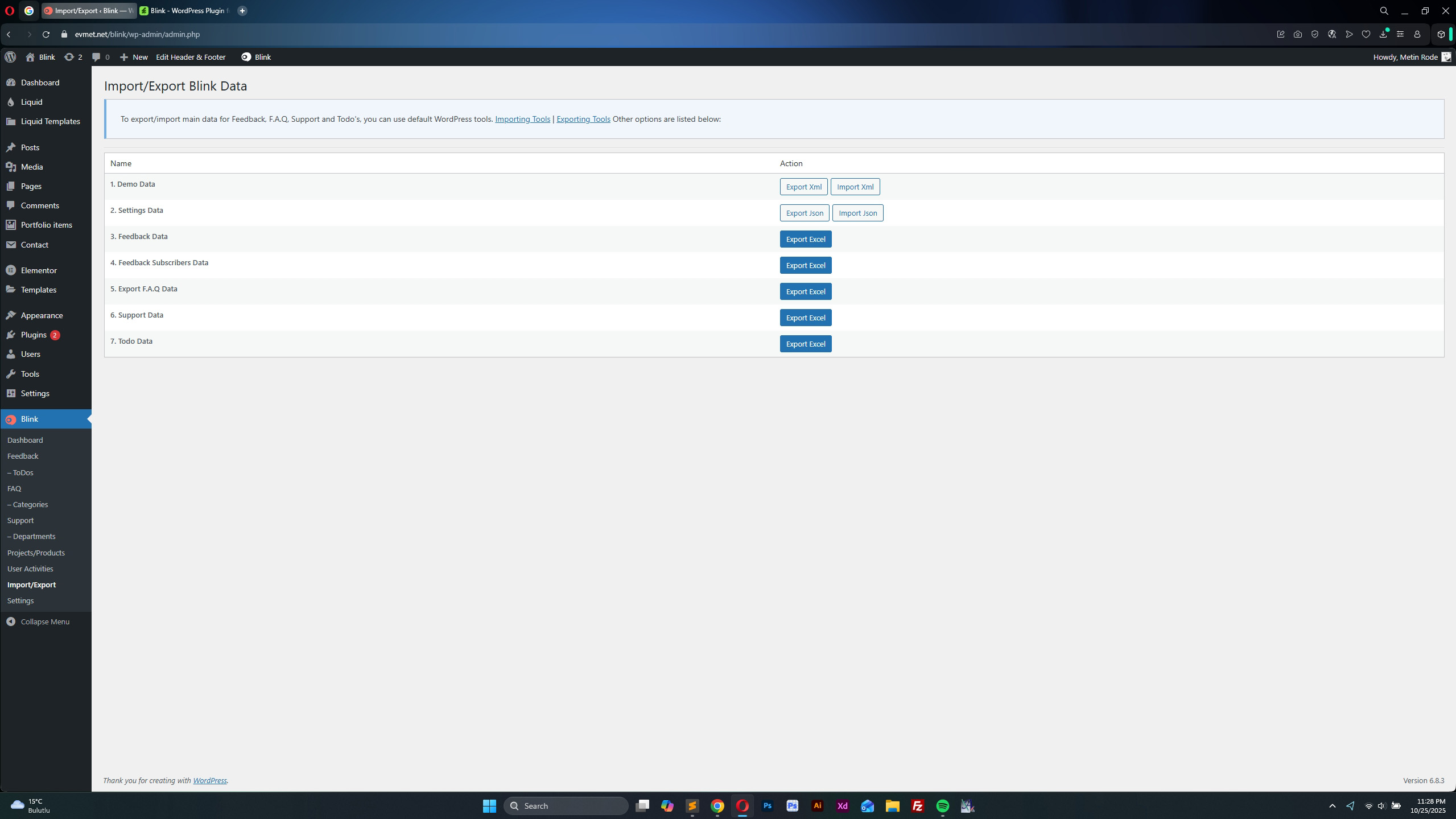
#2. Users can send you their questions in the “Support” section. In the “Feedback” section (your existing users) can give feedback about the service/service they use. You can see their emails and names from the administration panel. https://evmet.net/blink/ss/feedback-list.jpg #3. Dashboard view: https://evmet.net/blink/ss/dashboard.jpg You can create as many users as you want and assign them as administrators to the relevant section. Your administrators will be notified by email about the situations. https://evmet.net/blink/ss/users-01.jpg https://evmet.net/blink/ss/users-02.jpg https://evmet.net/blink/ss/users-03.jpg You can export all your data and use it for different purposes: https://evmet.net/blink/ss/import-export_data.jpgHi, I’m a little confused, is this plugin for something? or everything I see in the demo is what’s available?
Hi Spike.
Yes, “blink” is an independent release. Its main purpose is to collect feedback from users. It allows you to collect their wishes and opinions to optimize your current version.
There are also “FAQ” and “Support” sections. Everything you see in the blink window in the bottom right corner is included in blink.
Take a look at this short video: https://youtu.be/4viREsRa5RQ?si=6XaOHjlq8-F52rt3Hello. Is there any possibility to integrate Envato code verification? What about AI responses? Looks amazing!!!
Hi visualexpresions, Thanks for the suggestion! Integration with Envato code verification and AI responses is something that could possibly be added in a future version.
Will user tickets be saved and it will be in the form of a chat ? For example, I receive several requests from one user and it is convenient for me to split them into tickets in order not to turn the correspondence into confusion for both parties. Thanks for reply.
In Blink, all user actions and interactions are clearly visible. Advanced filtering options can help you. Take a look at this short video: https://youtu.be/4viREsRa5RQ
I’ve seen how this works for an admin, but my main concern is the convenience for the client. Having all their questions in a single chat thread might be confusing for them. Thanks.
We thank you and wish you a good day.
Since you ended our previous conversation, I assume I need to greet you again. I have a question regarding my earlier description: will the client see everything in a single thread, even if they have ten separate issues?
Each piece of feedback and each issue is evaluated separately. Discussions related to the relevant feedback can be held in the “Comments” section within that feedback.
We have 12 different email actions to inform users about all processes. If the user wishes, they can search within “Blink” using the “ID” sent to them via email. They can view and follow the feedback details and comments made.
If you wish, take a look at the detailed documentation we have prepared: https://evmet.gitbook.io/blink
 I wish you good sales.
This item was featured on CodeCanyon

Elite Author
Contact the Envato Market Help Team