248 comments found.
Hello. Your code is stateless? I wish run in balanced load servers. Do you use S3 for save files? What laravel version uses ? Thanks.
Hi,
Yes, the script is stateless and works on load-balanced servers. It runs on Laravel 13 (PHP 8.3/8.4), so you can use Redis or database session drivers for horizontal scaling.
S3 is supported out of the box. Go to Admin → Settings → Media and switch the driver to S3, or set FILESYSTEM_DISK=s3 in .env. All media uploads go through the configured disk so multiple app servers share the same storage.
i want to buy
how can add page for example www.mydomain.com/seo-services/portfolio
Hi,
Nested URLs like /seo-services/portfolio are not supported by the default page slug — slugs get sanitized (the slash is removed).
You have two options:
1. Go to Admin → Settings → Permalink and set the Page permalink prefix to seo-services. Then any page you create will live under /seo-services/{slug}. This applies to all pages.
2. For a single nested page, add a custom route in platform/themes/agon/routes/web.php that maps /seo-services/portfolio to a specific page.

Hello
1. LiteSpeed and Cache Optimization: Since we are hosting on a LiteSpeed server via o2switch, does the script natively support LiteSpeed Cache or LSCache tagging via the htaccess file, or do we need to implement a custom service provider for cache purging to ensure the fastest load times?
2. Image Optimization and WebP Automation: Does the Media Manager automatically generate WebP versions for all uploaded images? Also, does it support native Lazy Loading for all UI Blocks to ensure a Google PageSpeed score of 95 plus on Mobile devices?
3. Multilingual SEO and RTL Architecture: How does the script handle SEO for Arabic RTL? Does it automatically update the dir attribute and lang tags in the HTML head? Are the URLs or Slugs fully translatable and SEO friendly for Arabic keywords?
4. Schema Markup and JSON-LD: Is the Schema.org or JSON-LD structured data dynamic? For example, does it automatically generate BreadcrumbList and Organization schemas to improve our visibility in Google Rich Snippets?
5. Custom JS and CSS Injection: We need to inject custom tracking codes like Google Tag Manager and Meta Pixel. Is the Custom JS and CSS section in the admin panel persistent during script updates, or will our custom code be overwritten when we update the script?
6. Database and API Performance: The script is listed as Laravel 12 compatible. Have all database queries been optimized for high traffic scenarios to keep the Time to First Byte or TTFB under 200ms?
7. Visual Builder Flexibility: Can we create custom UI Blocks or Shortcodes within the theme folder that will be automatically recognized by the Visual Page Builder, or are we limited to the pre defined blocks provided with the theme?
Hi,
1. LiteSpeed/Cache: Standard Laravel cache works on LiteSpeed. Use file or Redis cache driver. LSCache tag-based purging is not built-in and would need a custom service provider.
2. WebP/Lazy loading: Auto WebP conversion is opt-in — enable it at Admin → Settings → Media → Convert image to WebP. Theme images use native loading=”lazy”. PageSpeed 95+ on mobile also depends on server, CDN, and image sizes.
3. RTL/Arabic SEO: The theme auto-sets dir=”rtl” and lang attributes. Translatable slugs (Arabic URLs) are available via the Language Advanced plugin.
4. Schema/JSON-LD: Yes — BreadcrumbList, Product, and Article (with publisher Organization) schemas are generated automatically.
5. GTM/Meta Pixel: Use Admin → Settings → Website Tracking — built-in fields for GTM container ID, Facebook Pixel, and custom tracking code. Values are stored in the database and survive script updates.
6. Laravel version: The current version runs on Laravel 13 (PHP 8.3/8.4), not 12. Queries use eager loading and indexes. TTFB depends on your hosting and cache configuration.
7. Custom blocks: Yes — register your own shortcodes in platform/themes/agon/functions/shortcodes.php and they will appear in the Visual Page Builder.
how can add page for example www.mydomain.com//landing-pages/full-stack-development
Hi,
Nested URLs like /landing-pages/full-stack-development are not supported by the default page slug — slugs get sanitized and the slash is removed.
You have two options:
1. Go to Admin → Settings → Permalink and set the Page permalink prefix to landing-pages. Every page will then live under /landing-pages/{slug}. This applies to all pages.
2. For individual nested URLs, add a custom route in platform/themes/agon/routes/web.php that maps the desired path to a specific page.
I’m interested in purchasing this script, but I’d like to know if it has a photo gallery option.
Hi,
The theme doesn’t ship with a dedicated photo gallery shortcode out of the box. The product detail page does have an image gallery (lightbox + zoom) for ecommerce items.
For a standalone photo gallery page, you can either build one with the Visual Page Builder using image blocks, or add a custom gallery shortcode in platform/themes/agon/functions/shortcodes.php.
Is there a way the cart or anything related to e-commerce on the homepage can be removed ?
Hi,
Yes. Go to Admin → Pages, open the page set as homepage, and edit its content in the Visual Page Builder. Remove the ecommerce-related shortcodes (featured products, explore by categories, products by category, etc.).
If you don’t need ecommerce at all, you can also deactivate the Ecommerce plugin at Admin → Plugins → Installed Plugins to remove the cart, mini-cart, and all shop routes site-wide.
hello, I have checked the demo its good desing for multipurpose but i see one thing there is no slider and gallery option in the demo. it would be perfect if it had these two options.
Hi,
The homepage uses a Hero Banner shortcode that supports multiple background images (used as a slider on the demo). You can configure it at Admin → Pages → Homepage → Edit.
A dedicated photo gallery shortcode is not bundled with the theme. You can build a gallery page with the Visual Page Builder using image blocks, or register a custom gallery shortcode in platform/themes/agon/functions/shortcodes.php.
Hello, I would like to know how to load the images, they come in some file to download
Hi,
The package ships with a database.sql file that imports all demo pages, products, and content. Demo images are not bundled due to copyright restrictions.
If you would like the demo images, please contact us directly (via a support ticket or email with your purchase code) and we will send them to you.
Hello. How do I get the plugin updated? I can see on your demo that you have the 3.11.2 version of ecommerce but mine is still 3.10.11 – In the “Updates Available” tab shows “0”.
We do not release this version yet. It will come to next week.
Hey buddy. I messaged you on here and also emailed you to ask you a question before purchase and still haven’t heard from you. Please can you reply at your earliest convenience. Many thanks.
Hi,
I replied your email. Please check it.
Thank you. I’ve replied back.
Hi, i check your demo, i love your home pages designs in Desktop view, but the mobile views are disaster, knowing that over 50% of the traffic comes from mobile users. any plan of improvement
Hi,
Thanks for the honest feedback. The theme is built with Bootstrap 5 so it is responsive, but we agree the mobile layout on some of the homepage designs can be tighter. We will review the mobile styles and improve them in a future update.
If you already purchased, please open a support ticket with the specific pages/sections you’d like improved, and we can prioritize those in the next release.
This project looks interesting.
Before purchasing the product, I would like to ask a few questions. I have only tested the demo version so far.
1. Search
The search function only works for searching for products in the shop. I couldn’t find an option to set up the search so that it would also search the blog, for example.
2. Blog
The overall design of the CMS is great, but the Blog is only basic. It is not possible to display categories in the Blog. I couldn’t find any settings for showing or hiding categories for the Blog anywhere.
3. Improvements
I need paid membership for individual registered users to work. Is it possible to implement this feature as a plugin, for example? I would be happy to contribute financially to the further development of this feature. I can send more information by email.
Hi,
1. Search: The header search targets products when ecommerce is active. You can switch it to blog search by going to Admin → Appearance → Theme Options → Ecommerce and setting Enabled products search on header to No. Searching both products and blog posts in one query is not built-in and would need a small customization.
2. Blog categories: Blog category pages are available at /blog/category/{slug} and can be added to any menu via Admin → Appearance → Menus. The theme ships several blog shortcode styles (style-1, style-3, style-4) that you can drop on any page to list posts filtered by category.
3. Paid membership: A paid membership plugin is not bundled. We offer customization services at $30/hour — please email contact@botble.com with your requirements and we will send a quote.
This product is absolutely amazing! The code quality is excellent, the documentation is clear, and the features are very well thought out. I really appreciate how user-friendly the admin panel is and how smoothly everything works. The support from the author and the regular updates also make this a truly valuable purchase.
I just have one question: in the current version, is the IndexNow function still available under admin/settings/sitemap?
Hi,
Thank you for the kind words!
Yes, IndexNow is still available at Admin → Settings → Sitemap. You can enable it there, set your IndexNow key, and the sitemap package will automatically submit new and updated URLs to supported search engines (Bing, Yandex, etc.).
I want to buy this homage https://archielite.com/landing/agon where different themes are showcased, is it available for sale.
Hi,
When you purchased our scripts, we will get all of the theme from showcase.
Please help me remove https://prnt.sc/FvTc3ra5TPKc
no found theme / image :/
and edit : https://prnt.sc/QmGPIqIxTT3N
Hi,
There are quite a few places with this image now, I guess you want to change it at hero banner, you can delete or change it at Admin -> Page -> Homepage -> Content -> and select shortcode “hero-banner” and press edit and edit Background Image 1 and Background Image 2
You can edit it here: Admin -> Appearance -> Widgets -> Pre footer sidebar -> App Downloads
Hello!
RSSFEED has a problem with the definition of a language.
Look at the screenshot https://spido.ru/language.png
Can you fix this in the next version?
Hi,
Thanks for your report, this bug will be fixed in the next version. I also fixed that in the pre-release.
The latest version of the Agon has JS errors.
Product card https://agon.archielite.com/products/red-black-headphone
Watch the screenshot https://spido.ru/front-review-js-error.png
Can you fix this in the next version?
Yes. I will fix it in the next version.
v1.18.4 The error is not fixed.
Hi,
Google curses that on the product page there is no “ShippingDetails” Field (in Offers). How to fix it?
Hi Spidomentrs,
I’m not clear tabout hat. What do you mention? Can you describe it clearly?
Google Search Console has a tool: Code check.
This tool checked the code of the product page and found that the product page does not contain the ShippingDetails field (in Offers).
This field needs to be added, otherwise Google notes the lack of field “Shippingdetails” as an error.
I have already corrected myself, but this correction is only for a small store with digital goods.
You need to fix this for any goods and for any countries.
platform\plugins\ecommerce\src\Providers\HookServiceProvider.php Line 525
$offers['shippingDetails'] = [
    '@type' => 'OfferShippingDetails',
    'deliveryTime' => [
            '@type' => 'ShippingDeliveryTime',
            'transitTime' => [
                '@type' => 'QuantitativeValue',
                'minValue' => '0',
                'maxValue' => '1',
                'unitCode' => 'DAY',
            ],
            'handlingTime' => [
                '@type' => 'QuantitativeValue',
                'minValue' => '0',
                'maxValue' => '1',
                'unitCode' => 'DAY',
            ],
        ],
        'shippingRate' => [
            '@type' => 'MonetaryAmount',
            'value' => '0',
            'currency' => 'USD',
        ],
        'shippingDestination' => [
            '@type' => 'DefinedRegion',
            'addressCountry' => 'US',
        ],
];This may be the new feature… So, the shipping details should be configured once or differently for every goods?
It is necessary to fill out the prefixes of the country in which the conditions are indicated.
The country’s prefixes must correspond to the language of the product page.
This is a task for ingenuity.
Can you do it?
platform\plugins\ecommerce\src\Providers\HookServiceProvider.php Line 554
if ($privacyPolicyUrl = theme_option('merchant_return_policy_url')) {
    $offers['hasMerchantReturnPolicy'] = [
        '@type' => 'MerchantReturnPolicy',
        'applicableCountry' => 'US',//Spido
        'returnPolicyCountry' => 'US',//Spido
        'productReturnLink' => $privacyPolicyUrl,//Spido
        'returnPolicyCategory' => 'https://schema.org/MerchantReturnFiniteReturnWindow',//Spido
        'merchantReturnDays' => theme_option('merchant_return_days', 30),
        'returnMethod' => 'https://schema.org/ReturnInStore',//Spido
        ‘returnFees’ => ‘https://schema.org/ReturnFeesCustomerResponsibility',//Spido
    ];
}Delivery parts can be tuned once or differently for each product.
It depends on the store delivery policy and on the functional capabilities of the online store.
For Agon, you can configure once for all goods.
But the country’s prefix should be its own language.
Hello!
I looked at the database and the result seems strange to me.
The column content does not contain a shortcode tag and contains a shortcode tag.
The column content of goods options has zero, the translated content has a description of the goods.
The column description – should also be null.
This is wrong, I think so.
Look carefully screenshots.
https://spido.ru/mysql-1.png https://spido.ru/mysql-2.pngHi,
The content will be duplicated from the main language until you change it. The shortcode tag will be removed when rendering, just ignore it.
Content is duplicated for each product attribute.
Absolutely the same content for each product attribute.
This content is not needed for each product attribute.
This is a real problem.
Version 1.18.2
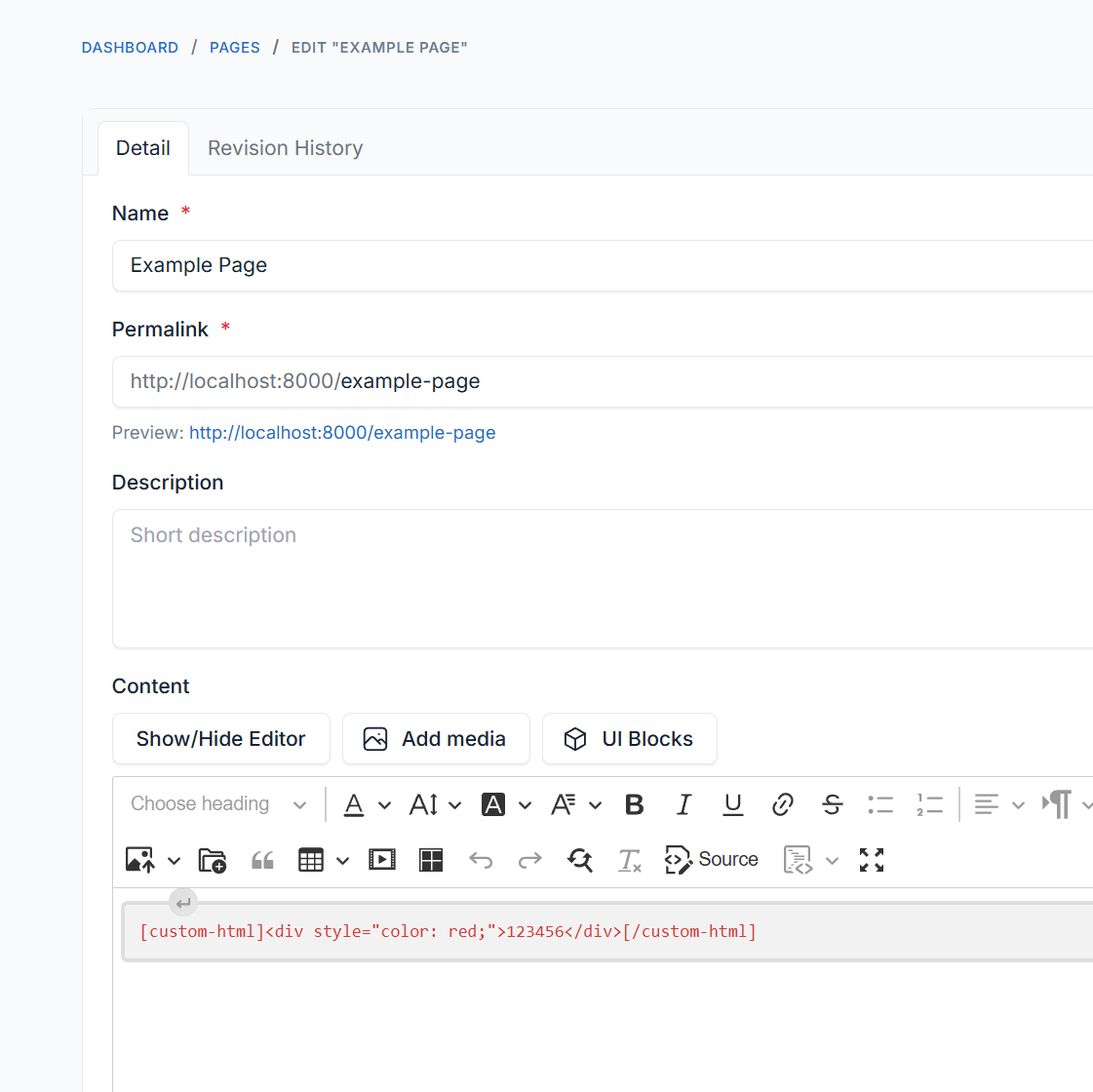
Shortcod custom-html – does not work in the editor as it should.
If you insert the html: <_div>12345</_div> code into the shortcode, save the page, reload the page, then the shortcode breaks.
<shortcode>[custom-html]<_div>12345</_div>[/custom-html]</shortcode>
Result:
<_p>[custom-html]<_div>12345</_div><_p>[/custom-html]</_p>
It was a problem on my side.
Yes, there is a problem, I checked on your demo.
Check, please.
Hi,
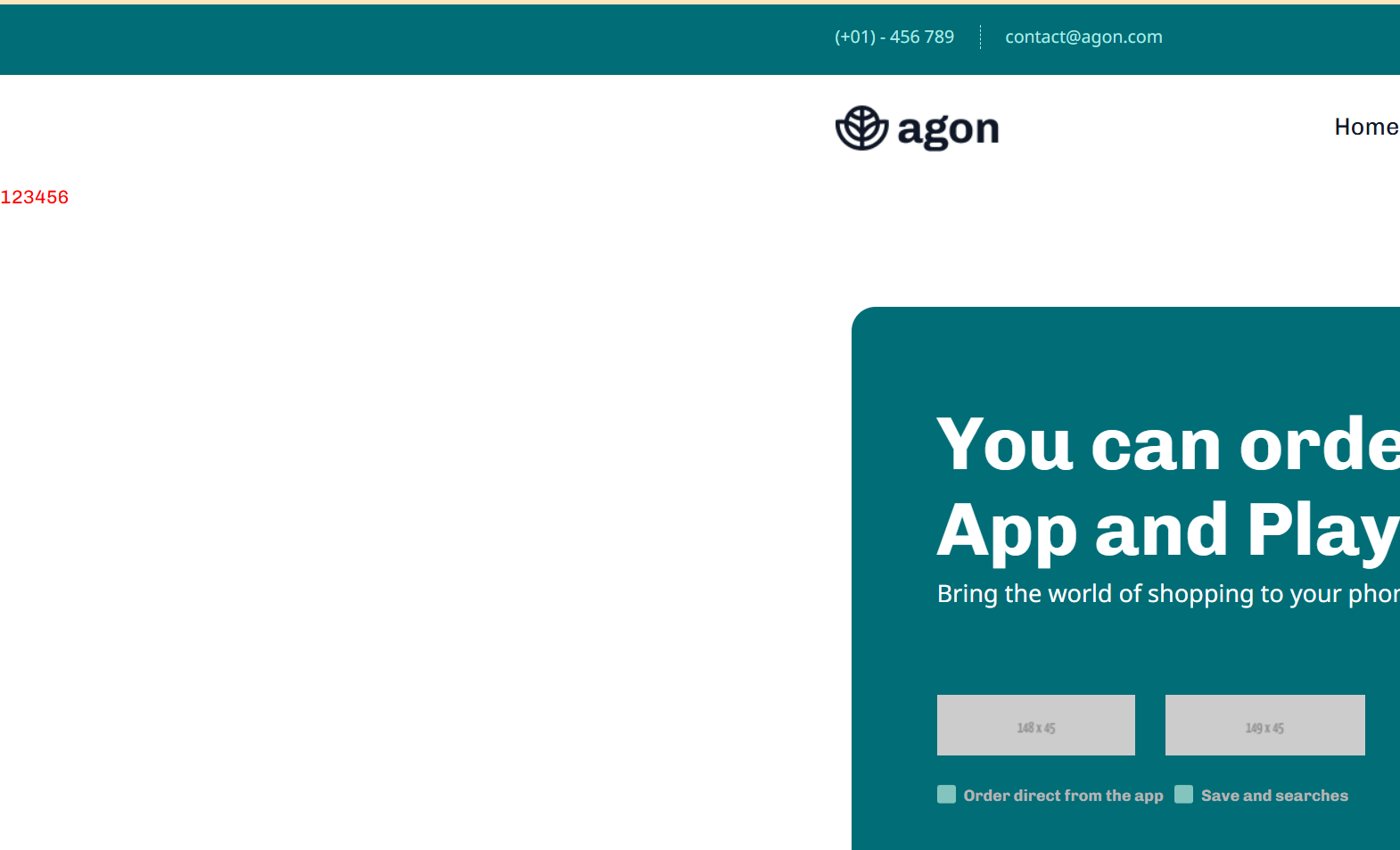
Custom HTML is disabled on demo mode. I’ve tested on local, it works okay. Check screenshots:
https://static.archielite.com/storage/quick-share/screenshot-2025-05-05-112923.png https://static.archielite.com/storage/quick-share/screenshot-2025-05-05-112931.pngTry to do it on the blog page.
Be sure to save and update the page.