7806 comments found.

Hi, quick question – does 66biolinks have support to do something similar to the following?:
https://help.liinks.co/article/38-auto-add-links-in-instagram-posts#:~:text=Connect%20your%20Liinks%20account%20to,magically%20appear%20on%20your%20page!Thanks
Hey there
Good day,
Right now, that is not possible, no.
Regards
AltumCode.
ok, thanks
Hi,
In v48.1.0, when you create a QR code and set its Background color transparency to 100%, after you hit Create, the transparency setting doesn’t get saved, and it gets reset to 0.
So basically, you can’t create QR codes with transparent backgrounds. The same happens when you try to edit/update a QR code.
Hey there again, Tangol
Thank you for the notice.
Regards
AltumCode.
HI,
I have just updated to the latest release from 47 to 48.1 and all went well apart from none of my created biolink pages are now showing on the users accounts or the 3 additional custom domains, these show in the admin section but when you click on the url link it goes to 404 page not found it shows in the admin section 9 biolink pages, only one that works now is the example page?
Luckily there is only 6 customers
just to update I have managed to get those missing biopages back by editing them and updating they are now showing again however none of the addon domains are showing in the users side when creating a new biolink page only the original domain is now showing the 3 additional ones are not showing and they used to all is enabled as well and for the plan which is strange as it worked fine before the latest updates.
It’s now showing it seems I now have to enable custom domains in the settings as this was off but I hadnt changed this prior to the updates
Hello
Hope you’re doing good,
Thank you for the update on this,
The custom domains side was changed in the settings as the page was re-organised in the backend and frontend
Now it is good for you, correct?
Regards
AltumCode.
Hi,
Yes all working again thank you.
I’m having issues with the payment block plugin.
I just got it today, im running the last biolink version 48.1.0, I added my paypal settings (sandbox mode to test).
The plugin it was installed as the other plugins, it has the same privileges as the others, I setup the settings to allow this block and also I marked -1 on the plan page and also on the user page. I also cleaned the cache in the software and my server.
I can add the any of the 3 payment blocks with no issue, but when I want to customize either the colors or any text it just keeps failing, check the pic: https://prnt.sc/BhtdGTukp-P0
Hey
Hope you’re doing good,
Please send me an email from the contact form on my profile page with your website link, admin login and FTP details and I will check it for you.
Regards
AltumCode.
Fabian, any reason why the Dark Theme color settings are inverted vs the Light Theme?
On the dark theme, Primary is 900 (darkest), instead of 50.
In case this is how it should be, the text should reference it and say: Primary color shades – from dark to light

Hello there once again, Tnagol
The text is correct and also they are correct, the dark theme is the inverse of the light in the backend and this is how I made it to work.
Regards
AltumCode.
The uploaded file is too big, the maximum file size you are allowed to upload is 2 MB.
Where can this be changed?
Hello there, chronoshift
Please do that from the admin panel – settings – links page.
Regards
AltumCode.
If thats not the case, please give me more context on where you get that error.
Hi, Is it possible to put the site in maintenance mode during the configuration, or avoid standard users login/registration during the configuration activity?
Hey
Good day to you,
It is not possible to disable the login page, as otherwise you would not be able to login as well.
You can disable the register page via the admin panel – settings – users page.
Regards
AltumCode.
Fabian, how are you? I haven’t used your script for a long time, I installed it again and I’m testing some things. I know I need to renew my support, I’ll try to do that soon. Can you answer a question for me? I installed the script normally and went to test the payment via Stripe. For some reason it’s not working, it says that my card is not accepted in the desired currency, which is strange because I usually make international purchases with it.
When I accessed the Stripe dashboard I noticed that it’s trying to post this amount: US$ 2.00 (US$ 2.00 USD)
I think that when redirected it’s trying to pass the amount of US$, when it should be different, I don’t know, I didn’t make any changes to the currency, it’s default according to the latest version available here, I just installed it, configured my Stripe keys (and webhook) and I’m not getting it to work.
https://ibb.co/nrZ3kzLHello,
Good day to you,
Please show me a bit more details on your current setup, as this is the first time I see anything like this – so I would need to know more before I can guess what might be going on.
Regards
AltumCode.
Hi, pre-sales questions: When editing a bio page in the demo, I noticed the text “by AltumCode ” appears. Is it possible to remove it?
Hey
Hope you’re doing good,
Yes – I also answered your email.
Regards
AltumCode.
Hello, I have an issue where many users are registering with fake or incorrect email addresses, even though I’ve implemented Google verification. Is it possible to set a requirement for registration that the email must be either a Gmail or Hotmail account?
Hi,
Good day to you,
It is not possible to enforce gmail or hotmail, but you can block the domains you wish to blacklist
This change that you mention can only be done with custom work
Regards
AltumCode.
Do you do any custom development on your script?
I would need to connect via API to add and remove users because in my ecosystem I have more applications and I want to release access to the respective applications that were purchased when the purchase is made.
And outside of this application, others are created, such as new themes or other applications that we would like to customize.
Hello there,
Wish you are good,
Unfortunately, no – as I do not take on any freelance work anymore – at least for now
Regards
AltumCode.
can you please add only review system under each tools, without login….users can rate our tools. see the attachment : https://prnt.sc/x3nhmFBTreHL
Hello again, akashcode
Im sorry, no plans to add such feature right now as there is no demand for it.
I will consider this most likely for 66toolkit, as that is more suitable for that product.
Regards
AltumCode.
I am having difficulty installing custom domains. My host provider is hostinger and there is no option for add on domains. I contacted hostinger and did the steps they advised, put a CNAME to my main domain, but there is no option inside of 66biolinks for me to select the other domains.
Hey there,
Good day to you,
Inside 66biolinks you must go in the admin panel – settings – links – enable the custom domains system and then
Add the custom domain via the admin panel (if you want it to be a globally used domain by other users as well)
Go in each plan you create and select the newly added domain to the particular plan that you want to change
After that, that domain will be available to the users of that particular plan
Regards
AltumCode.
I enabled custom domains. The options show up in the plan and for the users. However, when I try to create a new short link or bio page, I don’t have the option to select a custom domain. I just can use the main/home domain. I don’t have the option to select a custom domain for biopages or short links.
Please share your website link, admin login and I will check it for you, no problem.
Please share these details via the contact form on my profile page.
Please keep in mind, I am on the road until Saturday morning, so my responses are delayed.
Hello,
Just wanted to confirm I got your email right now after 2 weeks,
I’ve sent you a screen recording on how exactly you can do it
Please check, and enjoy!
Regards
AltumCode.
Please Add HEIC To JPG and HEIC To PNG Converter tool
Hello, akashcode23
Thank you for your suggestion.
Regards
AltumCode.
@Fabian, on v48.1, I’m testing the Google Safe Browsing system, with this URL (screenshot), but it doesn’t seem to work.
The Google API console registers every call correctly, so the script makes the call to the API, but the URL is always marked as safe. So users can create short URLs using this, without any issues.
And an example with the Safe URL checker tool: screenshot
I think that’s one of the reasons a lot of users are complaining about their domains getting blacklisted. They rely on this feature, without it actually working.
Thanks!
PS: Google has released the Safe Browsing API (v5). The script uses v4.
Edit: Ok, did some more tests with other URLs, and it seems that Google is actually the issue here. Its API has some problems with how it handles reported URLs. For example, this is flagged correctly by 66biolinks.
However, the API v5 update should still be put on the list, as they will probably deprecate v4.
Thanks!
Hey, Tangol
Hope you’re doing good,
Thank you for the suggestion regarding v5
However, this is not a priority – since they mentioned this:
“We have not announced a date for sunsetting v4; if we do, we will give a minimum notice of one year.”
Regards
AltumCode.
Hello, I just bought your great work.
I am setting it up and I have a problem with the automatic translation.
It translates successfully at first and then I get an error and I can’t save anymore.
However it tells me that I can translate 200,000 words without any problems on my server.
Is it possible to translate the language file directly and import it?
I tried but I get a blank page when I do like that.
Thank you in advance for your help.
Hey there
Hope you’re doing great,
Thank you for the purchase!
Yes, you can do that manually as well, from the app/languages/ folder files.
Regards
AltumCode.
Mmmm Very Big Problem.
https://i.ibb.co/rsb9yYf/Screenshot-2024-08-09-at-22-00-29-Probl-mes-de-s-curit.pngI have a huge problem.
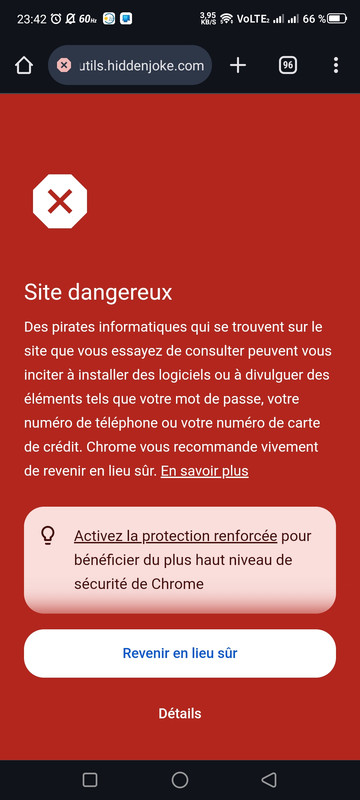
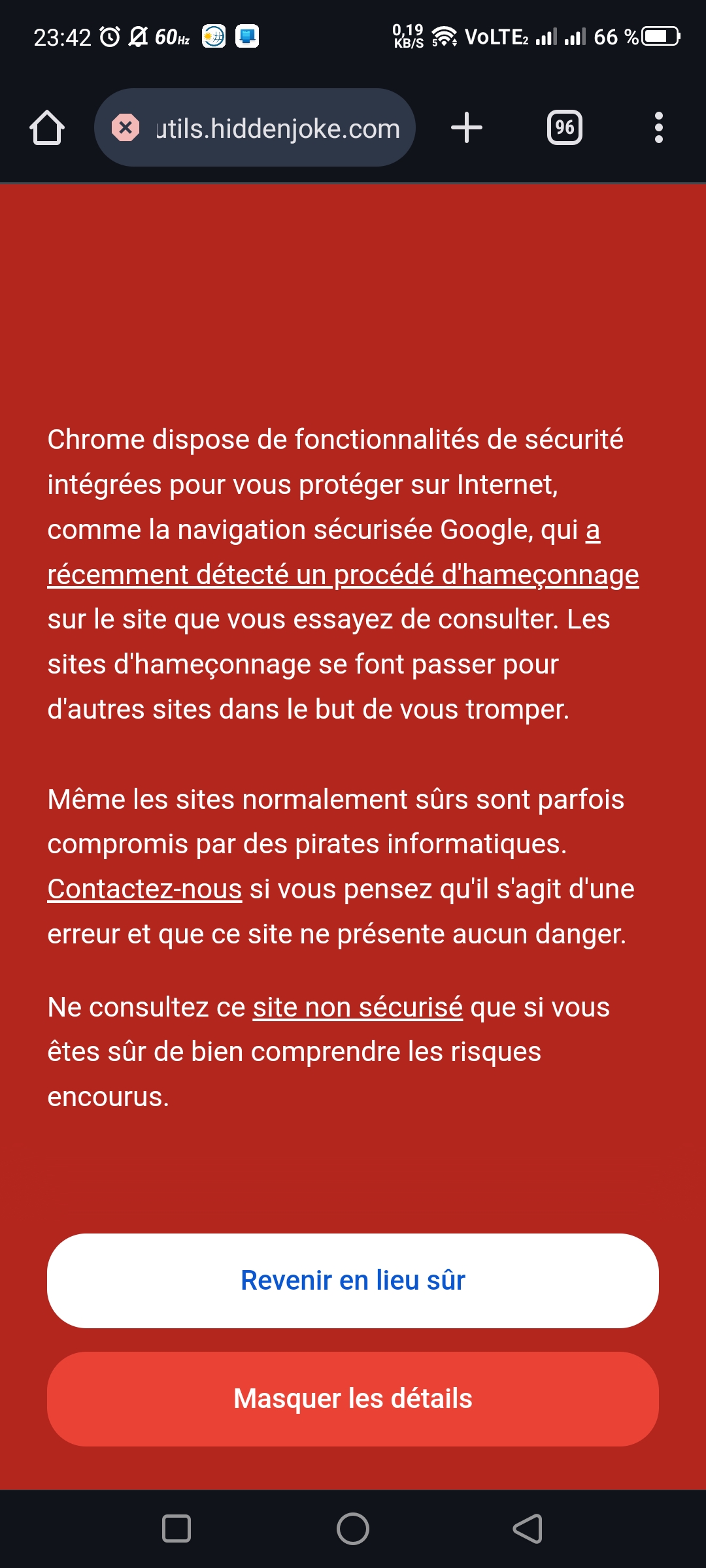
The script is recognized as dangerous and fraudulent by Google. Which makes it unusable since alerts are displayed and prevent people from logging in.
I will have to ask for a refund since this makes the script unusable.
The ssl is active and everything is in order, but not for Google.
Do you have a quick solution?
Hello again,
I don’t know what that message is saying as it is not in English.
There is nothing fraudulent or dangerous about the script.
Literally almost 4K people use it, it would’ve not been approved on the market if that were the case.
Please send a proper screenshot in english with more details on what the issue is about.
Regards
AltumCode.
Thanks for your quick reply.
I can’t provide you with English screenshots due to my location.
Here are two more screenshots made now with my phone.
https://i.postimg.cc/Bnb5mwLz/1.jpg https://i.postimg.cc/SmSgXgsC/2.jpgHere is the address where I installed your script:
https://outils.hiddenjoke.com/You can go to the link with your phone and see for yourself.
I understand that this may seem strange, but I have this problem.
1 – You can if you change your language of your account to English.
2 – The problem is either your domain, or your users or even you that might have been URL shortening URLs that are malware or scam.
3 – https://transparencyreport.google.com/safe-browsing/search?url=https:%2F%2Fhiddenjoke.com%2F&hl=en
You can see the main domain is flagged, not the subdomain only.
Because if you check the subdomain, its not even flagged.
https://transparencyreport.google.com/safe-browsing/search?url=https:%2F%2Foutils.hiddenjoke.com%2F&hl=en4 – I would suggest you use a new domain and not a subdomain and do not use it to shorten URLs that might be considered malware by google.
5 – You can clearly see the demo has been running for more than 7 years with no such issues on the browser, this is not a script issue.
I totally understand your point of view. I bought the script today, I installed it normally. On the main domain there is a new Joomla site that is not even configured yet.
The only thing I have done with your script so far is to make a shortened url and a QR code.
So I assure you of my good faith. And I can understand that this does not come from you.
On the other hand, do you have any idea how and why?
These are two blank installations and I bought the domain 48 hours ago.
I have no problems on the main domain when displaying
https://i.postimg.cc/LX0F187X/3.jpgUnfortunately, can’t really give you any exact reason why, as Google does this without actually telling you why (or maybe I do not understand from your screenshots, as they are not English)
I would suggest simply reporting the issue to google from your webmaster page
Thank you for your time and help and I will look into this.
When I have new information I will get back to you.
Have a nice evening.
Welcome I have a problem with Create QR code No code can be made HTTP ERROR 500
Hello,
Please send me your website link, admin login credentials and FTP via the contact form on my profile page, I will check it for you.
Regards
AltumCode.
Create biolink page × × We could not perform this action. (((((
Hello again,
Please share your website link, admin login and FTP via the contact form on my profile page.
Regards
AltumCode.
In the file manager. I downloaded the zip archive and unzipped it on the server.
Hey,
Please try to use the FTP, as file managers can fail and not properly upload everything in some cases.
Regards
AltumCode.
Suggestion for next update
Option to allow only logged users to access file links. Today is possible to set a password to access the link. An additional option to only provide access to registered/logged users would be good. Options to allow only users with certain email domain would also be aprecciated.
Hello,
Good day,
But why would you not use the password option if you want the link private?
Not sure if there is any demand for such feature right now, but we’ll see in the future.
Regards
AltumCode.