91 comments found.

Hi, it’s working fine for me in my local environment but on my dev site, it isn’t displaying. Can you explain why this might be?
Hello, please provide your website details in private message. I’ll take a look.
Hey Alex
Testing our your plugin, works great but we are getting a conflict with this plugin which I am hoping you can help resolved. Doesnt load your functionality when this plugin is enabled.
We use popups and multiple gf forms on landing pages where we need to add this multi instance plugin to support multiple forms for conversion optimisation.
Gravity Forms: Multiple Form Instances Add On https://wordpress.org/plugins/multiple-gf-form-on-single-page/Hello,
I’ll check it now and let you know.
Unfortunately it will not work, this plugin changes html side only, and I can’t catch such changes from the backend. My plugin very depend on original form id.
have you tested your functionality with any other multi form logic/plugins?
Is there an ability to make the logic generic/global, so that it targets any ‘phone’ field on the page?
typically a website would be supporting forms to be all one specific format rather at a form by form basis
class = ginput_container_phone
looked over the code, I feel if we were able to setup a settings option that made it global, this would sort all compatibility issue with this plugin and many others.
Multi instance forms is very popular with landing pages where you have a structured CTA and customer journey
Also very keen to set a pre-defined default/validation country at a global level too
ie for us we would only want to accept Australian mobile numbers
Hello I use the gravity form plugin and this is javascript object output displaying : [object object]
Hello, I have sent you a message, please check your inbox.
Im trying to get the Country code value sent in the form submitted data. is this possible ? if not, is it possible to do this using a jQuery even trigger that assigns this value to a hidden field once its changed in the “dropdown list” ? i tried to do this but could find the correct even listener to use (since its actually a DIV element and not a real drop down). Any help would be welcome.
Hello,
Please check this snippet: https://pastebin.com/TirQzs5P
It returns an object of selected country for specified input id. It includes clean dial code property which you’re looking for.
Hope it helps.
Alex
Thank you.it works
I have installed the plugin and it worked fine on WP 5.6 however on 5.6.1 it broke several dynamic elements on the site.
I think it is to with the jquery updates.
Hello, I just tested the plugin and everything works fine on version 5.6.1.
Can you provide your website details in private message please? I’ll take a look.
Hello Alex, Is it possible that we can show the country code in form field and next we will enter the phone number?
Thanks
Hello! Unfortunately it’s not possible, it’s built to hold the whole phone number including country code in a single field.
Hello, I have an issue that on mobile devices, the flags don’t appear. Can you please solve the issue.
Thank you
Hello, please provide your website details in private message. I’ll take a look.
I tried your code from pastebin, but it doesn’t fully work. If I first type a wrong phone number, then answer the next button, I get the error message that the phone number is invalid and I can’t submit the form. If I then correct the form by filling in my correct phone number, but the submit button is still disabled. Only if I click somewhere in another field, the button becomes active again. It should perform the check ontype or something instead of on-exit.
Hi, please provide your website details in private message. I’ll take a look.
Email sent
I am using this plugin in one website and I am using Gravity form steps. My problem is when we enter the invalid number and hit the next button then there is no validation. It goes to next step and when we comeback by click the previous button the flag gone. Can you please solve this issue or tell me any code which I will enter. Thanks
Please add this code inside your functions.php
https://pastebin.com/WbsWwWKCIs there a way to have Gravity Forms notifications separate the country code from the rest of the phone number? Like a merge tag for each?
Hello, unfortunately it’s not possible.
Alex, is it possible to have it at least auto-insert a space between the country code and the rest of the phone number in the notification email? This will help us identify what country it is. Thanks.
Hi, it’s possible by customisation of phone-validate.js
Please see new lines here: https://pastebin.com/2bT5GqR7
Thanks! However, will that customization be overwritten by your next plugin update?
Surely it will. You’ll need you do such changes for future versions as well.
Hmmm, is it possible to have an option in Gravity Forms settings to separate the two? It would be a tremendous help to everyone I believe to be able to quickly know what country the phone number is from. Either that or a separate line in Gravity Forms notification that shows the country with the phone number.
Alex, with all due respect, I think it’s important to distinguish between the country code and the rest of the number in the Gravity Forms notifications. Can you please just add an extra space between the two in the notification as part of the code?
Hello,
Unfortunately most of SMS sending services require clean phone number without any spaces, that’s why my plugin format phone number in that way.
Anyway, I’ll add your request to the “feature request” list and will try to realise in the near future, I’ll add some custom filter to achieve that.
Thank you, much appreciated!
I have installed plugin but it is not displaying phone number at the front ? Do I need to add filters ? where is the documentation for this plugin ?
Hi,
Please send me a message via PM form (on my profile page). I’ll take a look.
Another issue I’m seeing is that on mobile devices, the flags don’t appear.
Please send me a message via PM form (on my profile page) with temporary admin access please. I’ll take a look.
We’re in the process of transferring hosting, but I will let you know when that’s done and when I can set up a staging site for you to have access to troubleshoot. Thank you for your patience.
When someone chooses a flag from a country other than the one they are located in, an “Invalid” error message appears, even though the form gets submitted. I believe the IP detection is conflicting with the user’s choice of a country other than their own. Is there a way to disable the IP detection or better yet, disable the error message if IP does not correlate with the country flag the visitor chose?
Hello, please add this filter inside your functions.php https://pastebin.com/PbupYWUJ
Thank you, but that won’t solve the issue where the IP might be different from the phone number the visitor wants to use. For example, if a person is in Germany the field will expect a German phone format, but they may want to input a U.S. phone number instead.
Hello, how are you?
How can I use ipstack.com instead of ipinfo.io?
Can you rebuild this code compatible with ipstack.com.
I have a token from ipstack.com
How can I use it?
Thank you.
if (gfpMainJsVars.autoSetIp) {
    options.initialCountry = "auto";
    //options.initialCountry = gfpMainJsVars.initialCountry;
    options.geoIpLookup = function(success, failure) {
            $j.get("https://ipinfo.io", function() {}, "jsonp").always(function(resp) {
                var countryCode = (resp && resp.country) ? resp.country : "";
                success(countryCode);
            });
        }
}Hello, unfortunately it’s out of scope of current plugin.
But if you want, I’m available for freelance job and happy to help you with customizing the plugin. Please send me private message via form on profile page if you’re interested.
Is it possible to have the flag auto populate based on a Country field before it? So if someone selects Egypt from a Country field, your plugin then automatically displays the Egypt flag and the country calling code of +20?
Sorry, plugin doesn’t work in that way, but your developer can edit it a bit to achieve your needs.
Hi Alex this would be a very nice feature and you’d think it would default to this scenario. If someone is filling out address fields before a phone number, it seems intuitive that if someone selects Egypt for example, that your plugin defaults to display the Egypt flag and prepare for an Egyptian phone number. This way the user doesn’t have to waste time selecting a Country flag then their phone number – don’t you agree? Is so, could you provide the necessary code edits to make this happen? That would save a lot of time since you now your plugin better than anyone else. Lastly, I’m using Beaver Builder and the Astra Pro theme and it looks like the css for your plugin is being overwritten in that the flag icon isn’t being aligned in the middle of the field. How can this be fixed?
Hello!
It’s possible by adding simple JS snippet which tracks “billing_country” select changes. Maybe in future I’ll implement such feature, thanks for your suggestion.
Thanks. What about making sure the CSS for you plugin does’t get overwritten by Beaver Builder or the Astra Theme? Is there a line of code you could post to make sure the CSS used for your plugin doesn’t conflict with our themes CSS?
Please send me a message via PM form (on my profile page) with temporary admin access please. I’ll take a look.
Can you take a look at this page:
https://www.leadev-langham.org/donate-2The label is sitting on top of the number. Am I doing something incorrect?
Hello, please add this CSS fix: https://pastebin.com/X8BMixEs
Go to Wordpress Admin panel > Appearance > Customize > Additional CSS
And paste code there. Let me know if it helps.
Alex
Take a look at the page, I inserted the code but I do not see any difference.
https://www.leadev-langham.org/donate-2Also, is there a way to default a particular country?
I don’t see the css code, are you sure you did it right? Maybe you forgot to hit “Publish” button?
Also I can help you if needed, please send me a message via PM form (on my profile page) with temporary admin access.
I just emailed you credentials. I do show the code published. Perhaps it is needed in another place..
Hello,
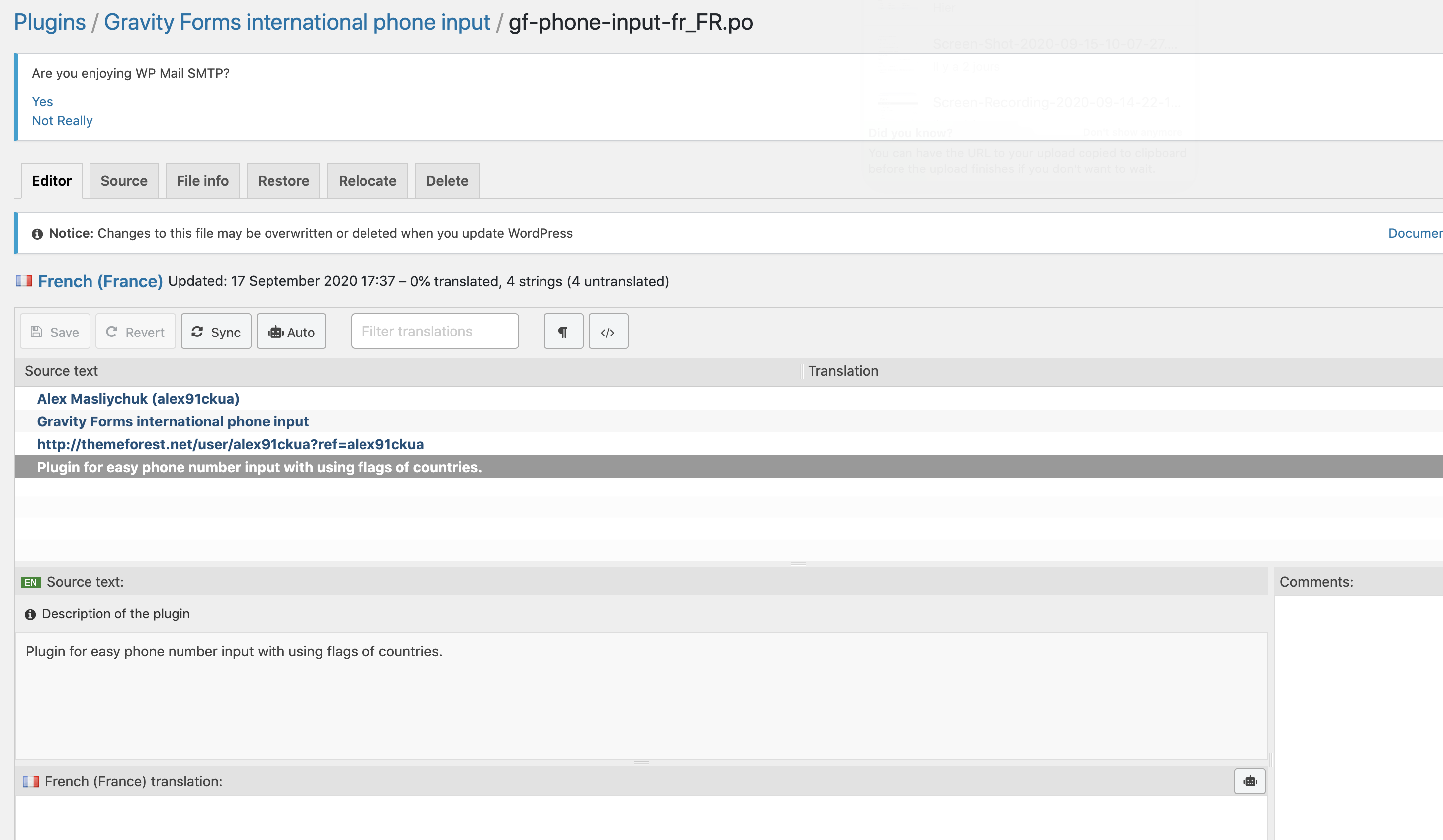
Is there any way to change the following messages, shown after entering the phone number: “✓ Valid”, “Invalid number”.
Maybe through a .po language file?
Also as many have requested, it’s absolutely not normal that the form accept invalid phone numbers, the whole point of this plugin is to validate AND avoid bad phone submission, this needs to be fixed asap, the plugin is not usable as is.
Thanks,
Hi,
Yes, you can try to localise plugin messages with Loco Translate. https://wordpress.org/plugins/loco-translate/ It’s free and easy for usage.
OK thanks I’ll look into it.
Regarding the other issue (saving invalid phone), maybe you could use a workaround, e.g. set the value of another configurable field to “invalid” so we could disable saving if this field is set to “invalid”.
Hope it’ll get fixed, it’s almost the solution I was looking for but saving bad phone is not OK.
Oh right.. I didn’t translated that plugin at all. Will try to add localisation in a day or two (with France too  ).
).
Hello,
Update has been released, you can update the plugin now.
Hi! Seems like the form can be send even though number is invalid, and can see that people are asking for this. This is vital for us, what is the planning for this?
Hello,
Please send me a message via PM form (on my profile page) with temporary admin access please. I’ll take a look.
This plugin is really vital for my sms marketing. Thank you.
I would like to ask how to prevent someone from submitting the form, if the phone number is “not valid”
Thank you
Hello, thanks for your suggestion! I’ll try to realise such feature in future releases.
Hello,
There is a CSS glitch with your plugin, at least when used with the gravity forms columns CSS classes (gf_right_half and gf_left_half).
Here is an example of a for WITHOUT activating your “Friendly int. phone field” checkbox :
https://www.screencast.com/t/dIal7k3Sa5And here is the same form but with “Friendly int. phone field” checked:
https://www.screencast.com/t/6CRYeGllfdOfCan you have a look and let me know what the problem is? (I guess you’ll probably need to create a bug fix for this).
Cheers,
Hello,
Please send me a message via PM form (on my profile page) with temporary admin access please. I’ll take a look.