541 comments found.

I try Free Version before buy. then i try to add atribute to a product but it not work. are this feature is not available on free version? or this plugin is not working with my site.
Hello
Only two taxonomies are available in the free version. These are usually product categories and tags. In this case, the attributes may not work in the free version.
Is this support to bulk editing on WPML translation product?
I purchased this plugin. Instaled on my website. My type product is “Simple Product” I want to add new “Attributes” to a few product at once (7 products) everything going well.
the problem is, I am using WPML. The default product is updated new attributes but translation is still not added new attribute. where I can fix that?
Hello
Please switch to another language and retry the operation
I only use 2 language. English as default and Indonesia as translated. But atribute is not showing on Indonesia display product
Hello
Did you translate these attributes?
Yes of course, i found why translated attribut not apear.
After i add attribute with WOOBE, my translation product at WPML automated change to mode “need to be updated” which is I have to open it manually on WPML translation editor, and save it without edit anything inside.
It will be painfull bc i have 400 products. Do you have any suggest about it?
Hello
Unfortunately, we do not have a solution for this.
You can write here – https://pluginus.net/support/forum/woobe-woocommerce-bulk-editor-professional/
Paste your license key here – https://c2n.me/43SC6rb.png -> https://c2n.me/42HBIt7.png and FTP+ wp-admin access – https://c2n.me/42BAoj4.png I will try to fix it
Hello,
We have around 300+ products and need to add a attribute type to each product.
The plugin works perfectly in terms of adding the correct attribute but it adds the following by default.
Visible on the product page Used for variations
Do you have anyway of unticking these predefined boxes? It massivly messes up everything on the frontend of the site when they are enabled.
Thank you
Hello
Please watch video – https://bulk-editor.com/video-tutorials#video_2506
I need to be able to bulk edit cross sells . My current plugin makes me enter product id manually, no search feature. Is cross sell a premium feature? or can it be added in free version? I want to test this before buying. Thanks
Hello
Is cross sell a premium feature? – Yes
or can it be added in free version? – Unfortunately not
hey guys, can i merge two products?
(product a has variation X, product b has variation Y) the resault will be product a with variations X and Y
Hello
Unfortunately, the plugin does not have such a feature
Hello
Maybe this will help you: https://wordpress.org/support/topic/combining-simple-products-into-one-product-with-variations/
How can I INTEGRATE searchs for products/attributes in the Wordpress normal search? Thanks
Hello
This plugin is a product editing and works only in the administration panel. And this is not related to the Wordpress normal search
pre-sale question – Hi, I’m looking to bulk edit the price of my product variations for 250+ products. For example, I have product variations of colour and want to INCREASE all red colours by £15 and INCREASE all yellow colours by £40….is this possible?
Hello
Yes! Please watch video – https://bulk-editor.com/video-tutorials#video_2502 AND https://bulk-editor.com/video-tutorials#video_2506
Try a free version – https://wordpress.org/plugins/woo-bulk-editor/
how do i bulk edit the thumbnail (featured image) for my variation products. I have many variations that use the same image and I thought this plugin can bulk update the thumbnail image??? Thank you.
Hello
Yes, this plugin con do that.
Please try to watch video – https://bulk-editor.com/video-tutorials#video_1291 AND https://bulk-editor.com/video-tutorials#video_2502
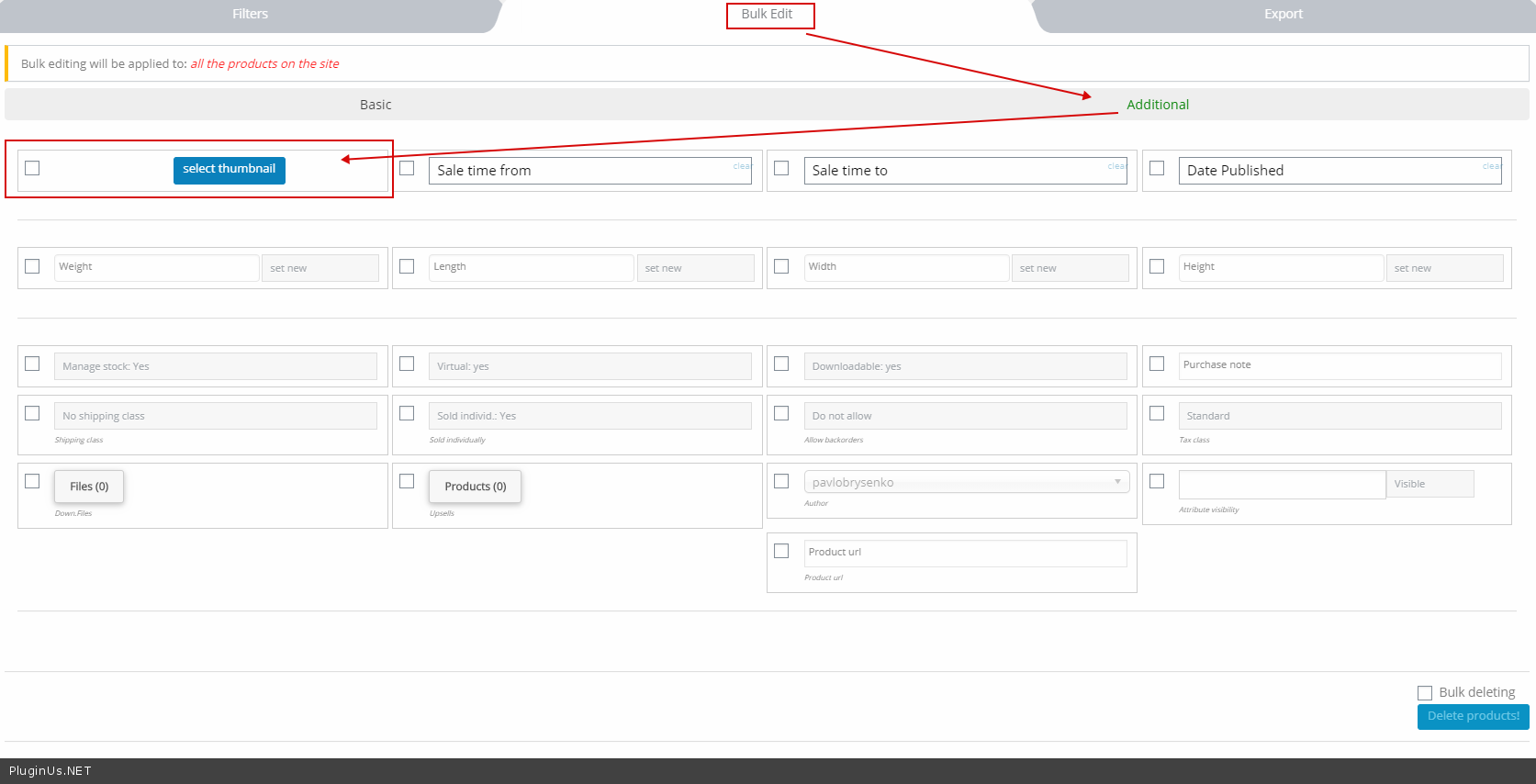
In bulk edit – https://c2n.me/45kBX5f.png
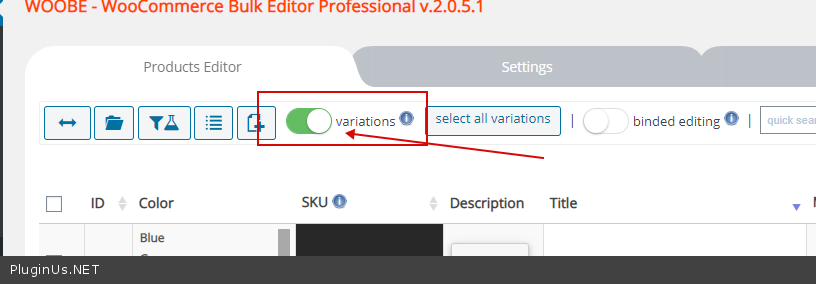
To change it in variations – https://c2n.me/45kC1lO.png
only_report_to_plugin_owner
Hi, I think there are some bugs on your plugin.
Please check in the following order: 1. Perform a product filter. 2. do bulk editing on it. 3. do a filter again. 4. do bulk editing on it without selecting the check box, then what will be updated by bulk editing are all products (not products that have been filtered), this can still be overcome by reloading the page then filtering the product again to get the right bulk editing results.
I hope this is useful for your developting
Thank you …
There is bug also after make a filter and to next page, the product show is not match with filter.
Hello
I can’t repeat this error on my sites.
Try to disable all plugins except woo+woobe and do test.
If no luck – please write me here – https://pluginus.net/support/forum/woobe-woocommerce-bulk-editor-professional/
Ok i will test
Hello
Ok!
REDACTED
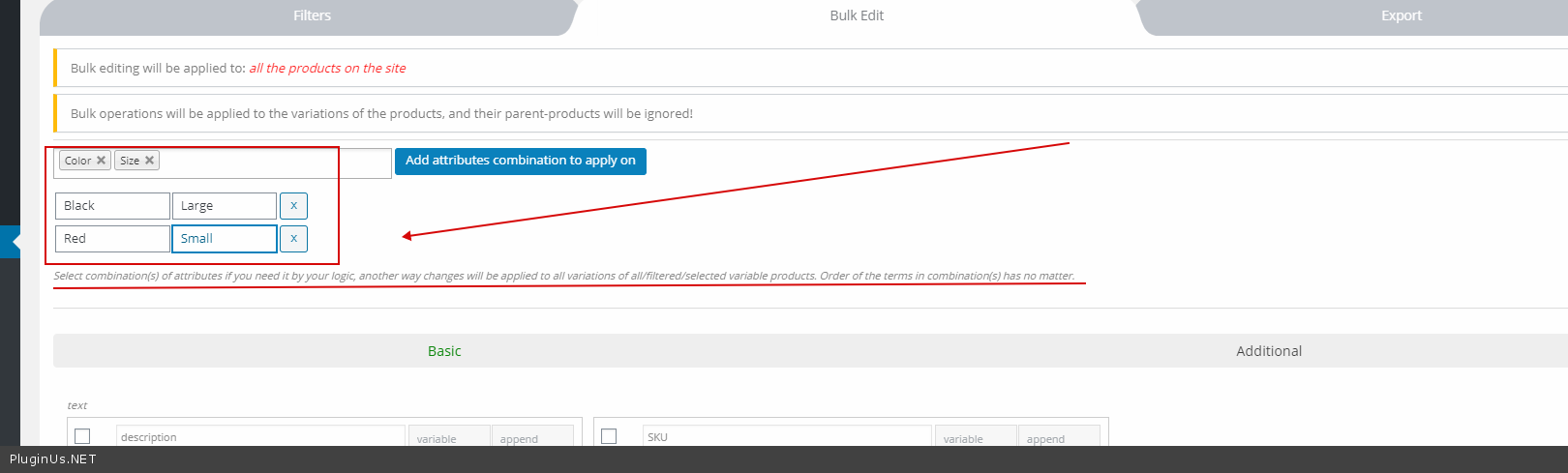
Hello Please check option – https://c2n.me/450o1nO.png AND select exact variants – https://c2n.me/450obCz.png
REDACTED
Hello
Welcome;)
Great product, just purchased the Premium version but cant seem to be able to activate it. I have tried removing old free version and reinstalling but still no change. I cant find a different version of the plugin so every time i activate it goes back to free version. Any suggestions?
Hello
Read this please – https://bulk-editor.com/howto/i-just-bought-the-plugin-and-cant-install-it-error/
Clear all cache
If no luck – please write me here – https://pluginus.net/support/forum/woobe-woocommerce-bulk-editor-professional/
Paste your license key here – https://c2n.me/43SC6rb.png -> https://c2n.me/42HBIt7.png and wp-admin access – https://c2n.me/42BAoj4.png
I will check it
If using the free version is admin support?
Hello
I did not understand your question. Describe your problem in more detail please.
PRE SALE qeustion: the editor for changing description is compatible or integrate Visual Composer WPBakery editor or only classic editor ? because my product pages are made with VC WPBakery thanks
Hello
Unfortunately with Classic Editor only …
Hello i bought your manager… seems great but i ask you: 1) can be managed Meta title 2) meta description 3) change the product Tags, delete or add news 4) add more than 1 category (hope yes appending them?) thanks
Hello
1/2/3/4) – Yes Please watch video – https://bulk-editor.com/video-tutorials#video_1291 AND https://bulk-editor.com/video-tutorials#video_1290
hi not find meta title and meta descriptio ?? not in bulk edit not in show columns in product grid ? are they?
Hello Please write me here – https://pluginus.net/support/forum/woobe-woocommerce-bulk-editor-professional/ Paste your license key here – https://c2n.me/43SC6rb.png -> https://c2n.me/42HBIt7.png and wp-admin access – https://c2n.me/42BAoj4.png
And copy your message
Hi, Pre-sales question.
Does this allow setting Product(s) to be a Featured product—right from the front? Currently has to use Quick Edit function to do that and its quite tedious for a huge number of items. (Will need to set and unset Featured, as some products are not permanent featured items, only when promotions kick in from our Brands’ distributors)
Also does it allow editing of Custom fields that is already predefined by say a User Role pricing plugin.
Thanks.
Hello
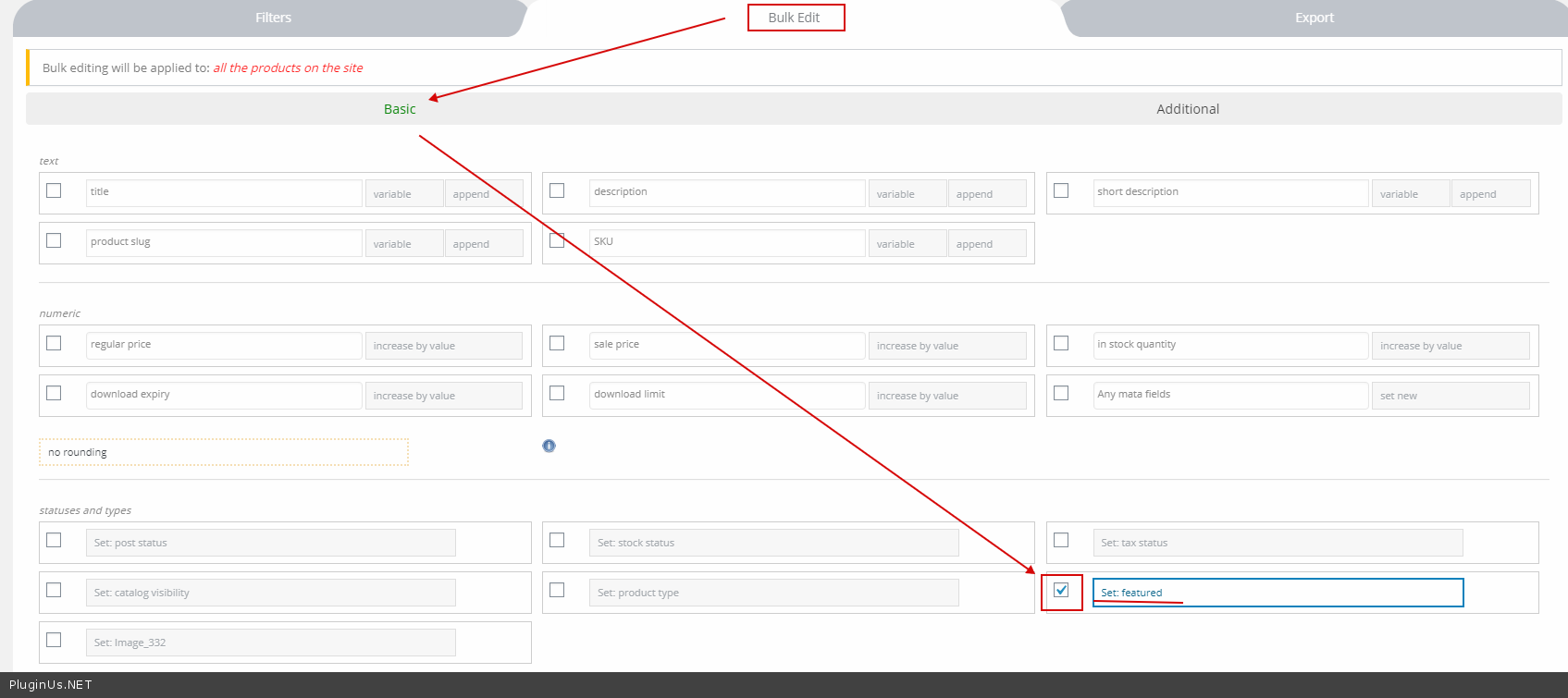
1) Please use bulk editor – https://c2n.me/44StWJw.png
2) I think yes. Please watch video – https://bulk-editor.com/video-tutorials#video_1290 AND https://bulk-editor.com/video-tutorials#video_3044
Can i set Binded Editing always on
Hello Unfortunately, the plugin does not have such a feature
Hi, brilliant plugin I have been using it from the start and love the updates.
One problem I am finding is that if I bulk add a new attribute by default the “attribute is used for variations” becomes checked automatically, this means that it messes up my existing variable products. Maybe there is a way to detect if the product already has this attribute and if it does not change this option ? Thanks.
To clarify this is only a problem when using the normal editor, not bulk operations which has the option to change this.
Hello
Please watch video – https://bulk-editor.com/video-tutorials#video_2506 – this is the right way to add and remove attributes.
Hi, is there a “filter” problem? After the last update filter is not working anymore.
Problem solved, Redis Cache plugin was the bad boy… So no problem with Woobe!
Hello Ok! Great!
Hello. Is it possible to use several keys in the product title search, and what should be the separator? I want to find several different items by their name at one time.
Hello
Please read this ( https://c2n.me/44Pd9jj.png ) – https://bulk-editor.com/document/filters/#text-search-hint
Hi! After using your free plugin for some time, I finally bought the Pro version. I was wondering, if it is possible in some way to use the WooCommerce Cost of Goods price, to bulk edit prices and sales prices? So if a COG price is $10, then set a the pice to be COG price x 2 = $20
Hello
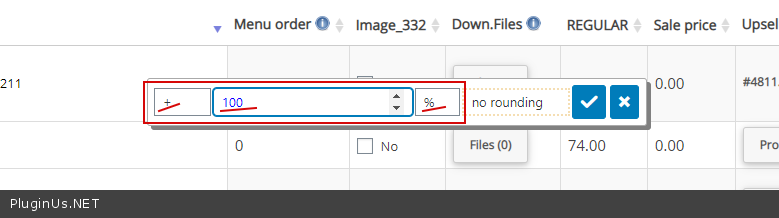
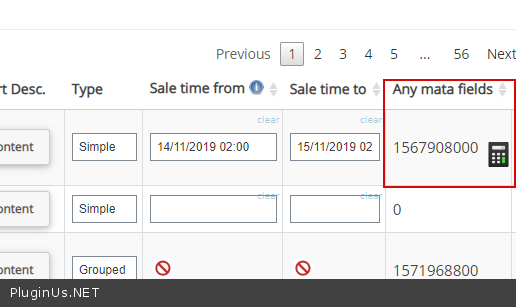
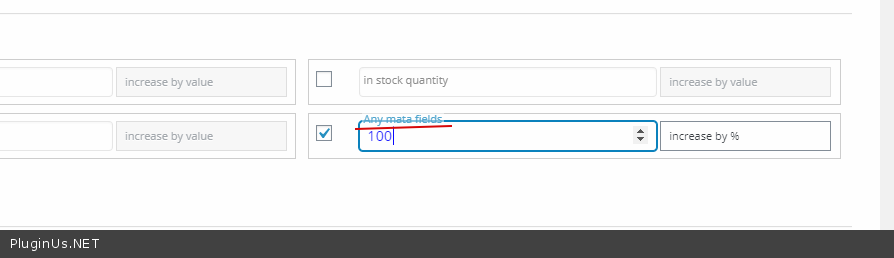
Please use calculator(feature – https://c2n.me/44NVdJd.png ) – https://c2n.me/44NVdJd.png
Hi! I still can’t see how I can use the Cost of Goods price (custom meta) to bulk edit prices. It seems like you are just reffering to percent change in price.
Hello, is there an option to bulk import products in this plugin?
Hello
Please watch video – https://bulk-editor.com/video-tutorials#video_2504 OR use any plugins to import products
Hi, I would like to know if with this add-on I am able to make price changes to the products through quick processing so I can set the discount prices too
Hello
Yes! please watch video – https://bulk-editor.com/video-tutorials#video_2502
Try free version – https://wordpress.org/plugins/woo-bulk-editor/

This item was featured on CodeCanyon

Power Elite Author
Contact the Envato Market Help Team