541 comments found.

Does your plugin allow editing the “Downloadable file URL” of virtual product. By editing I mean replacing and appending text.
Hello
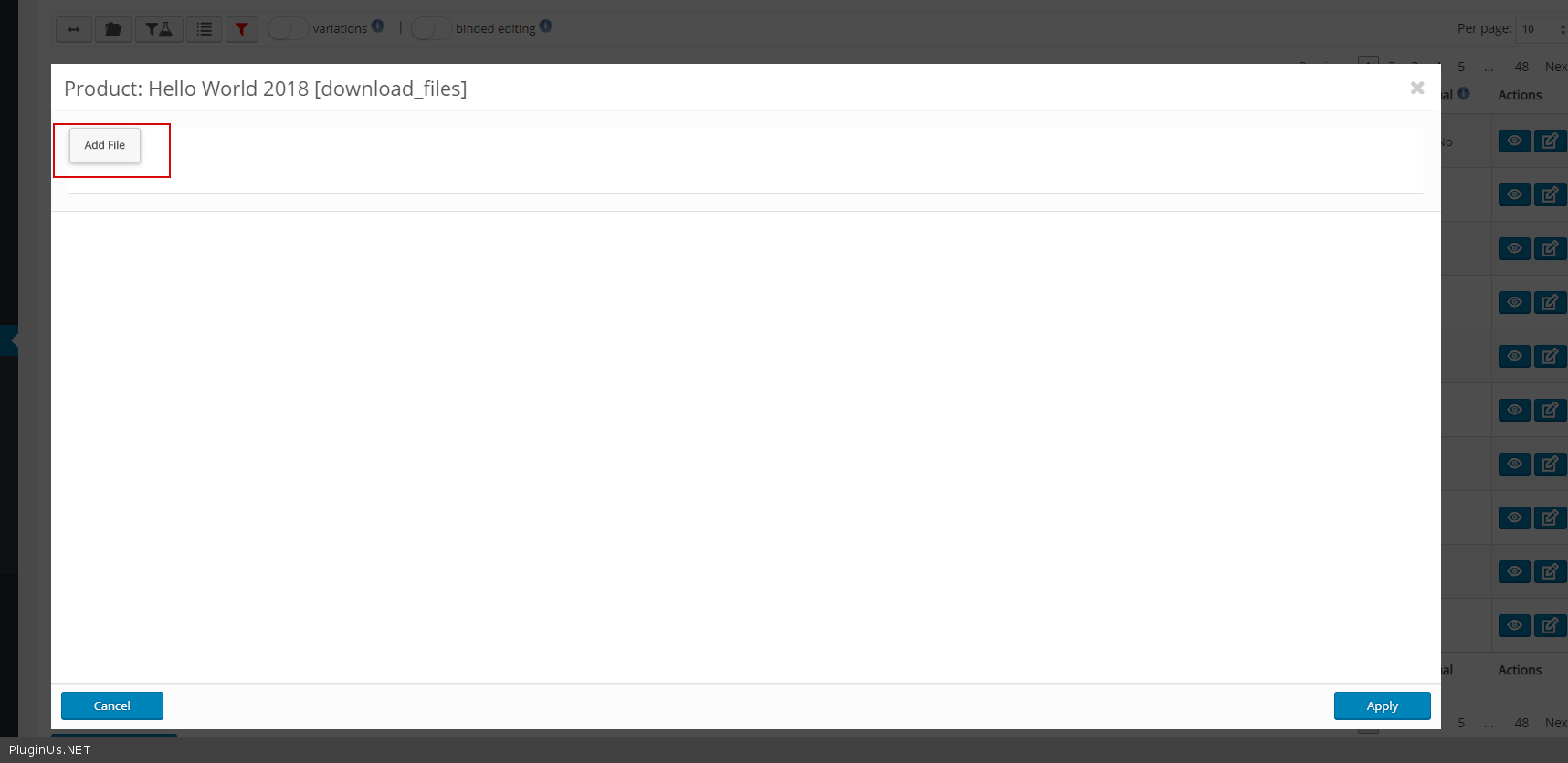
Yes.You can add or remove links to files – https://c2n.me/3Yncbv3.png
I have 2000 variable products. I have an attribute called color on most of these products and currently the “visible on product page” is UNCHECKMARKED for all these products. I need to bulk checkmark the “visible on product page” for all these variable products for the attribute color and save in bulk. Will your editor do this? Thanks
I think from this page on your website https://bulk-editor.com/document/manipulations-with-variable-products-and-their-variations/ the above is possible with your bulk editor as long as the attribute color IS NOT a custom product attribute that is text, can you confirm?
Another question, is it possible to in bulk REMOVE a customer product attribute that is text? I have a custom product attribute on each variable product that is free-form text. Woocommerce/WP in the most recent version removed the text field for attributes and going forward is encouraging only using selectable terms for each attribute. Will your product allow us to bulk delete these custom product attributes that are text and freeform and don’t have terms? This would be an important feature going forward as many stores are struggling with this since this change was made in how attributes/terms are handled. Thanks
Hello
Unfortunately the plugin does not work with these text attributes.
Hello
WOOBE works with woocommerce 3.3.x and higher, and looks like text attributes were removed from there https://wordpress.org/support/topic/updated-to-3-3-1-and-text-attributes-now-all-select-type/ for new installations
How i can edit multiple categories ? for example. I have Item which is ‘iphone charger” It assigned it to only 1 category iphone 5, But i want to assign this item to multiple categories iphone 5,iphone 6,iphone 7. Can i do this ?
Hello
Please watch video – https://bulk-editor.com/video-tutorials#video_1291
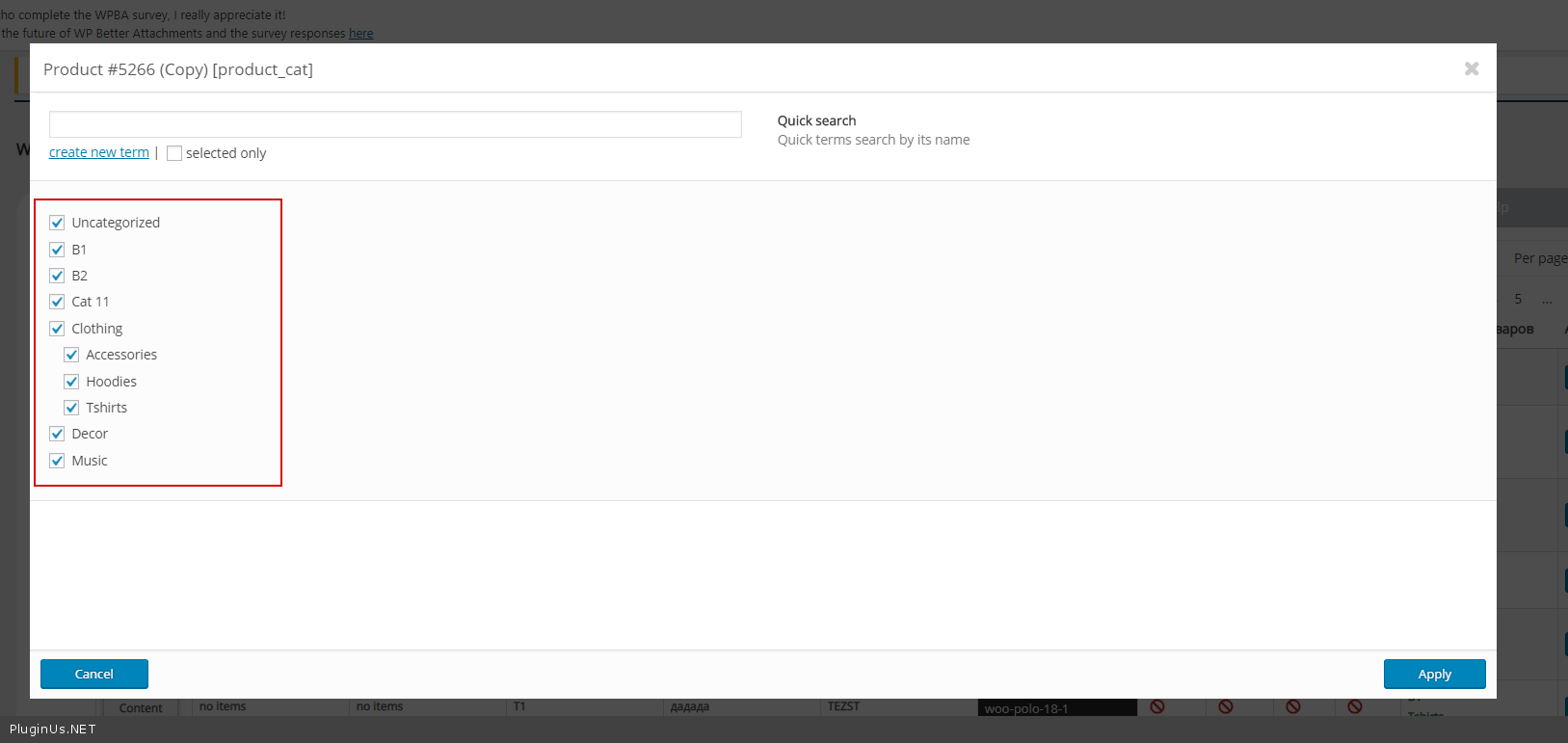
Just check these categories – https://c2n.me/3YeUMAx.png
HELP! How do I edit my product title??? IT just keeps going back to what was originally there.
Hello
I think something is in conflict, try next please: - create site clone on test sub-domain by https://wordpress.org/plugins/duplicator/ - leave enabled there only woocommerce and WOOBE - try to save, if saves one by one enable there plugins related to woocommerce - if no luck write request here please https://codecanyon.net/item/woobe-woocommerce-bulk-editor-professional/21779835/support
Pre-sale question: I have around 1k product, and would like to add a “brand” attribute with the value of the brand’s name to them, is it possible to do that for all the products with a specific tag or category? Thanks.
just a little clarification at the end, is it possible to add those attributes to products that have a specific tag or category?
Hello
Yes! try free version – https://wordpress.org/plugins/woo-bulk-editor/
Watch video please – https://bulk-editor.com/video-tutorials#video_2500 AND https://bulk-editor.com/video-tutorials#video_2502
What is the operator for AND in the title field? I understand (^) for OR, and (!) for NOT, but you haven’t posted the one for AND.
Thank you.
Hello
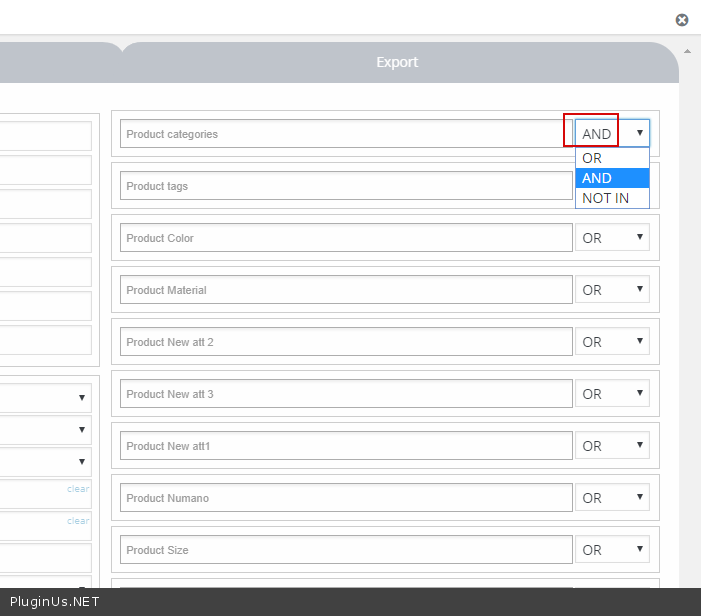
If you mean this – https://c2n.me/3Y6R1Hi.png
this is the comparison logic – https://c2n.me/3Y6RALX.png
No, i mean in the product title field, I want to select products that have both “cats” AND “360”, how would I type this in?
Hello
Unfortunately the plugin does not have this option. You can offer this option(idea) here – https://bulk-editor.com/forum/
How can you change the font in the main filter pages to a different color when typing into the boxes? At the moment it’s pink, and VERY difficult to see.
Thank you.
Hello
Please write me on support ( use contact form ) – https://codecanyon.net/item/woobe-woocommerce-bulk-editor-professional/21779835/support
Paste your message + wp-admin access
I would like to purchase this pro version but I can not get the free version to work. It installs fine but it doesn’t load. The icon on the page just spins and spins. I disabled all plugins except woocommerce and the bulk editor but no difference. Can I get some help on getting this to work? I can send you diagnostics info if you contact me.
Hello
Yes! Please write here – https://codecanyon.net/item/woobe-woocommerce-bulk-editor-professional/21779835/support
I will help you
I have sent the request at the link you specified above but have not hear anything back.
Hello
I answered you on email
I emailed you access. Any news on a fix? This is a bit time-sensitive for me. Have a bunch of product data to change before Black Friday.
Hello
I answered you om email
We have the pro version, however, I know I am not the buyer as it’s under my CTO account. But I am trying to use binded editing for 100 products per page to change stock qty to 0 for all products. We have over 5500 to change. Anyways the first page worked fine. The 2nd it started showing the bulk action text in two places and went way to fast. When it loaded only the first item was changed and none of the others were. So I tried it again. It worked. 3rd page of 100 it did the double status text again each of them showing different numbers of progress again way to fast and nothing but the first changed. Now it does it every time and can only get one item at a time changed. Any ideas or something I am doing wrong? Thanks!
Hello
Please watch video – https://bulk-editor.com/video-tutorials#video_2502
If no luck. Please write on support (use your CTO account – it’s very important ) – https://codecanyon.net/item/woobe-woocommerce-bulk-editor-professional/21779835/support
Paste wp-admin access/ describe what i have to do to get the error
Hi, I have a brand column with attributes that I want to add in bulk to products in product categories.
Everything works great but ONLY on simple products, WOOBE adds the attributes on variable products as well and sets the 2 checkboxes in a product to:"Show on product page" and "Use for variations"
While I only want them to show on the product page, not use the brand attribute for variations.
Is this possible?
Hello
Yes! Please watch video – https://bulk-editor.com/video-tutorials#video_2506
Thanks, that helped 
Hello
Welcome;)
pre-purchase question: I need to filter products who do not have a specific product attribute assigned, is this possible? For example filter all products that do not have attribute color assigned. Thanks
Hello
Yes. Please check it – https://c2n.me/3XMu3gx.png
Any way to select all the variations at once? I want to filter on a product attribute that has around 200 variations inside, so clicking one by one is going to take me a while
Hello
For “bulk edit” – check parent product and – https://c2n.me/3XNV2pN.png
Hello
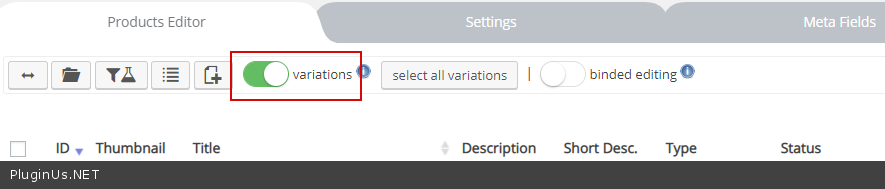
You can check nothing and just press “variations” switcher – from that moment all bulk operations works with variations of products only
https://bulk-editor.com/video-tutorials#video_1291Hi,
I am getting an error after installing the plugin.
Screenshot is here : https://snag.gy/lGBTWd.jpg
Please give instructions to solve the error.
Thanks
Hello
I answered you on email
Hi there, is there a problem with the plugin? I downloaded directly after paying but am getting errors when installing. I’ve tried to download from my download page but after half an hour of waiting for the download to begin I gave up. Thanks
Hello
Read this please: https://bulk-editor.com/howto/i-just-bought-the-plugin-and-cant-install-it-error/
Brilliant my friend. Thank you
Welcome 
Hi, Is it possible to remove/hide filters and edit bulk fields options. I only need a few and all this many options clutter de admin and confuse my users.
Hello
Try in file – plugins\woocommerce-bulk-editor\index.php – delete this – https://c2n.me/3XGNyer.png
If I did the wrong bulk editor, how do I go back to the previous steps?
Hello
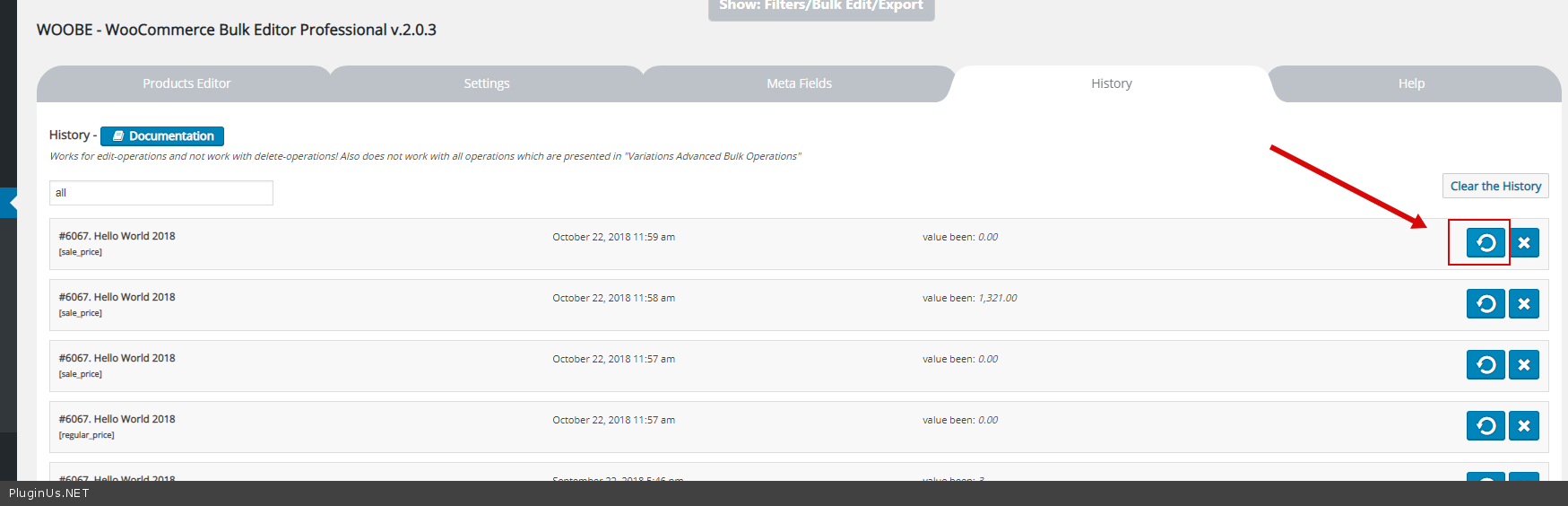
Try in History – https://c2n.me/3XFiFOf.png
Read this please – https://bulk-editor.com/document/history/
Hi, how can I bulk update visibility and order of attributes for NON variable products? My site has both variable and non variable products and I want to set visibility and order for all my products. Please help.
Hello
unfortunately the plugin cannot do this. please add your idea here – https://bulk-editor.com/forum/
Hello
It will be investigated AND added. Looks like this field appeared some time ago with latest versions of woocommerce. Cooperate with the support please …
I think that is can be meta field, so try to add it as meta https://bulk-editor.com/document/woocommerce-products-meta-fields/
Hello, I got the attribute visibility to work with meta fields using _product_attributes and binded editing – thanks! . I look forward to seeing it added. I have tried many bulk editors and really like this one. Keep up the good work!
Actually I can not get it to work using _product_attributes array as updating any of that data resets all the variations ;/ . So no solution at present.
Hello
Please write me on support – https://codecanyon.net/item/woobe-woocommerce-bulk-editor-professional/21779835/support
It would be great if you could include easy terms editing. Currently it’s only possible to just create a term with Name, Slug and Parent of the new term(s). It would be handy to edit and delete terms from there, and if all fields are available. For example, common additional terms are Authors and Publishers with additional fields like description and image. Thank you!
Hello
please write it here - https://bulk-editor.com/forum/ - to discuss this possibilityHello, pre-purchase question – is it possible to edit/remove the download limit on one of our downloadable products – then deactivate the plugin and the settings to be active? Or does the plugin need to be actiated all the time?
Hello
Yes it’s possible. Try free version – https://wordpress.org/plugins/woo-bulk-editor/
OK, but i see it is not possible to leave blank for unlimited downloads as the field keeps returning to ‘-1’, and also is it possible for any edit/action be applied on all previous orders? for example set unlimited downloads to all previous orders of a downloadable product.
Hello
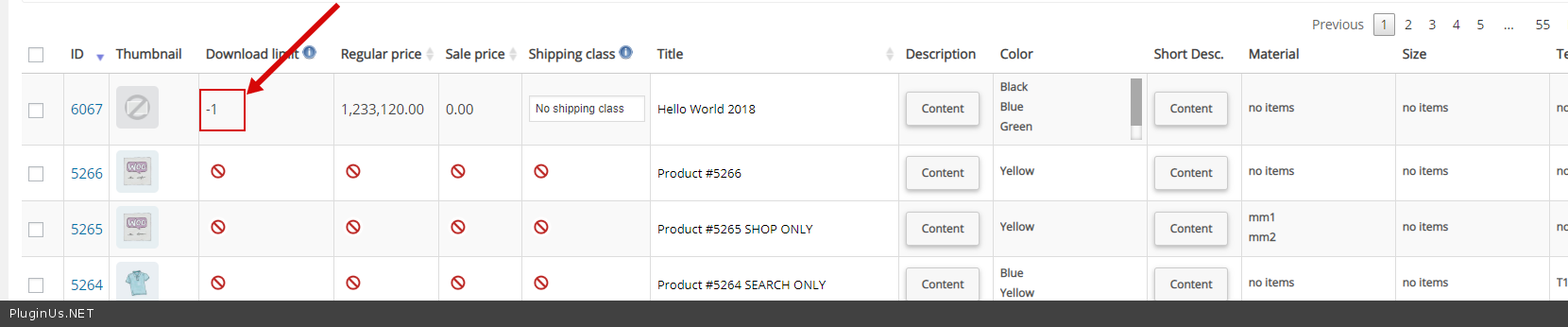
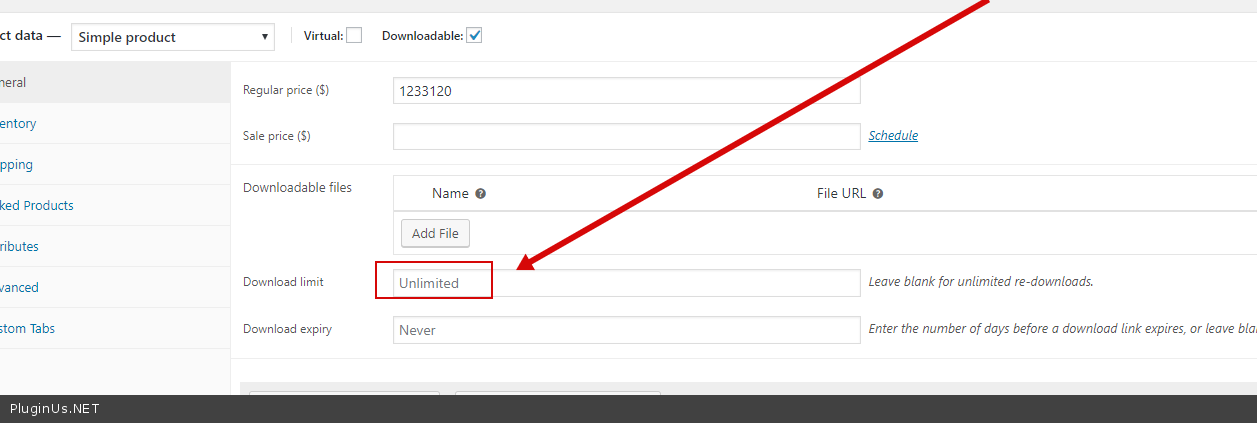
for unlimited downloads as the field keeps returning to ‘-1’, – Yes https://c2n.me/3Xu3OPt.png product – https://c2n.me/3Xu3VHd.png Set -1 to “unlimited downloads”any edit/action be applied on all previous orders – This plugin works only with products.
When i search product category
could add “select all” option? (select Parent and child together )
It will easy me to set product category
http://villages.sites.moho.tw/wp-content/uploads/sites/54/2018/10/2018-10-21_035503.jpg
ok no problem
Hello. I can not get WOOBE to work. Plugin stays stuck during preloading. Inspector shows some CSS.MAP files can not be found and some Cloudflare link is not secure (http). Please advice. Thank!
Hello
I answered you on email

This item was featured on CodeCanyon

Power Elite Author
Contact the Envato Market Help Team