Code

Task - Tasks Management System For Small Business

Task - Tasks Management System For Small Business

By
Cart 412 sales
Recently Updated

Overview

Task Manager is a task management tool with advanced features designed to help you manage project tasks efficiently. It provides a centralized platform to organize and track multiple tasks in one place. company can manage various tasks securely within their own environment. The tool is cost-effective and simplifies task management, making workflows more streamlined. Projects can be created and managed using an admin login. Overall, it is a robust solution for effective task and project management.

Demo

Url : Demo Link
Login as Company : company@example.com / password

What to expect from Task Management Tool

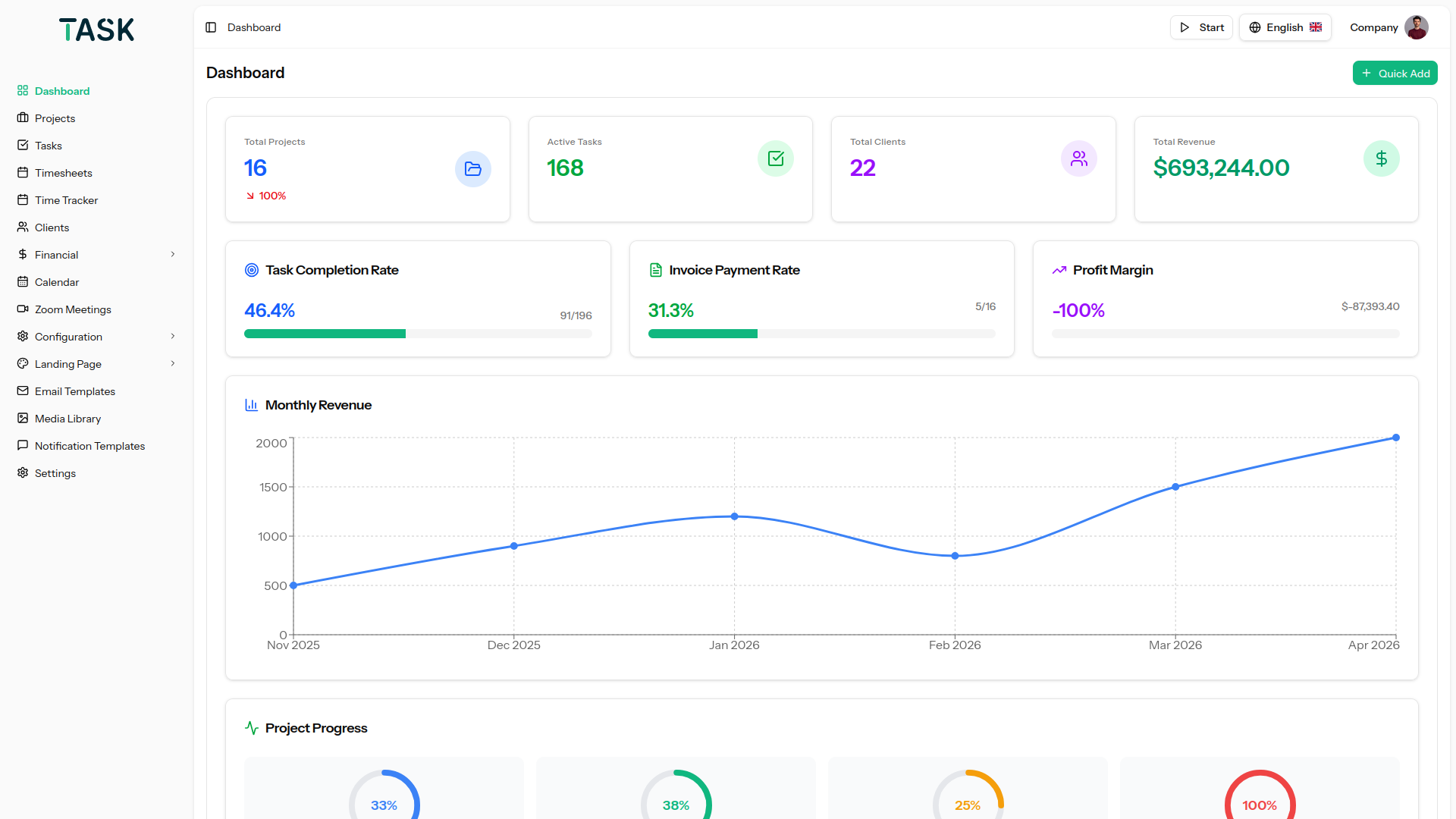
  • An effective dashboard to understand various aspects of tasks and projects
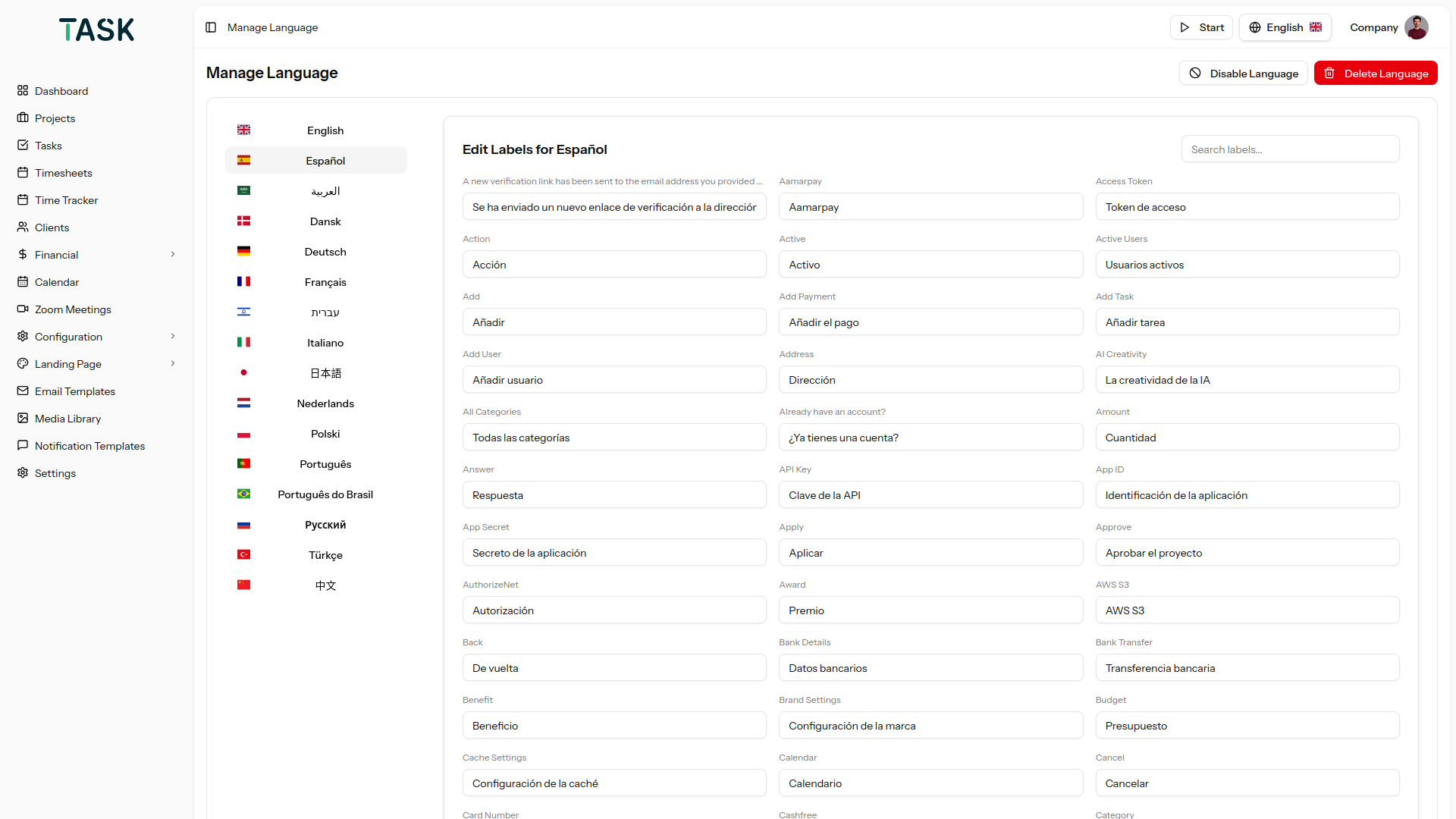
  • Our platform offers supported multi language functionality with 15+ languages, enabling users across the globe to interact in their preferred language. With built-in RTL (Right-to-Left) compatibility, the system ensures a seamless and inclusive experience for all users, regardless of language direction.
  • Feasibility in finding tasks with a search tab on the top
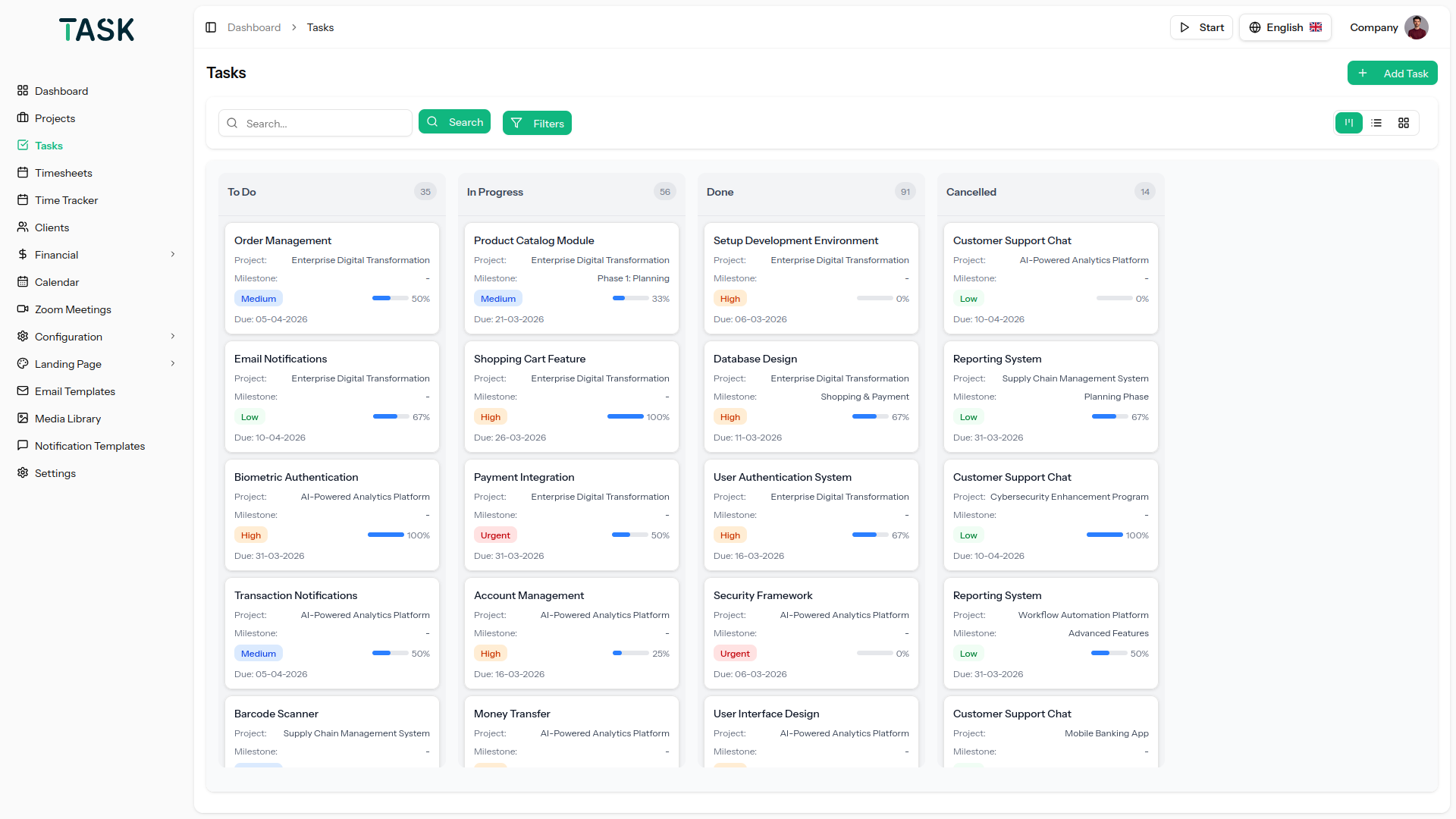
  • Task management through kanban drag and drop
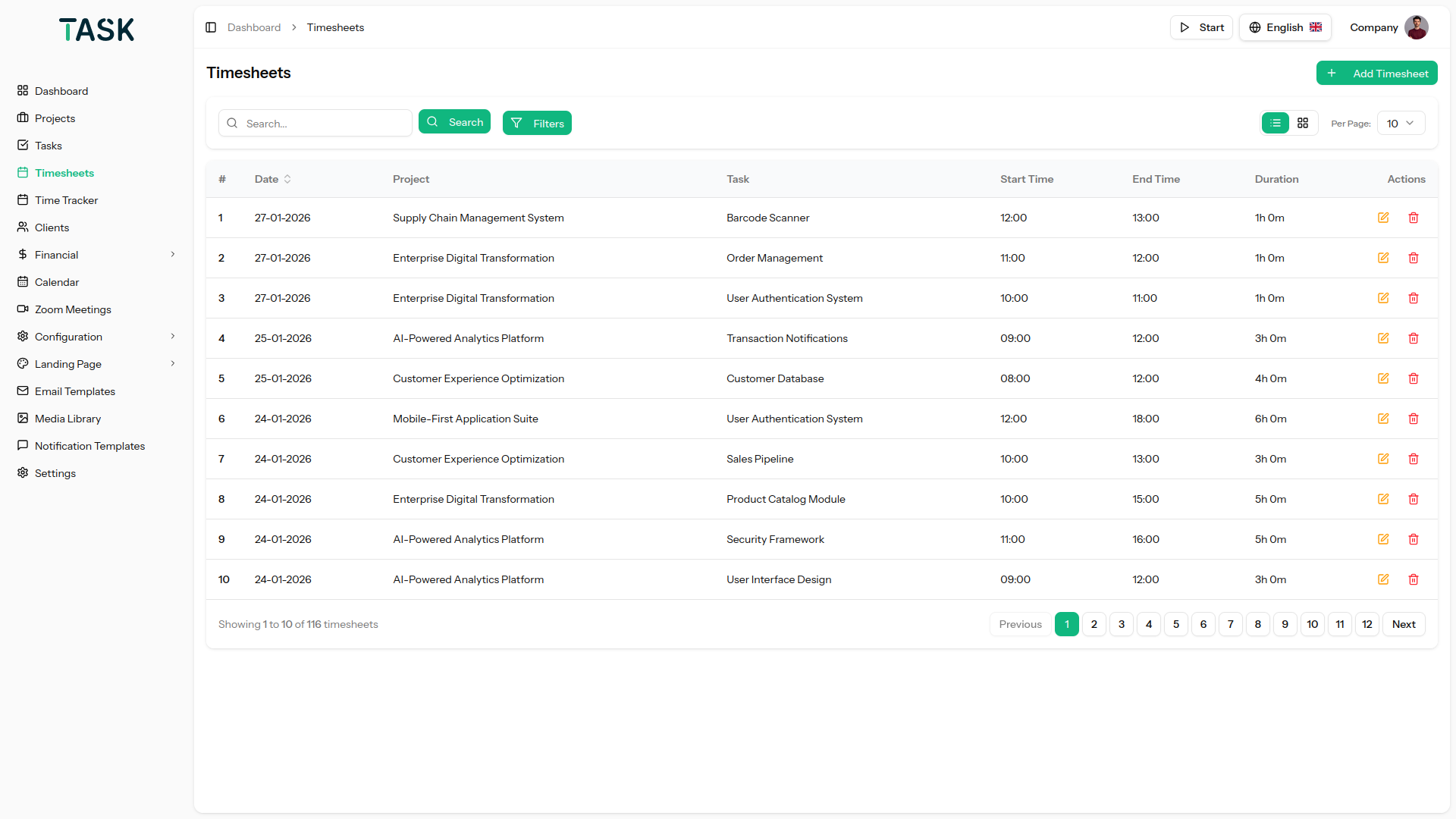
  • Management of expense and timesheet of projects
  • Various options for task details like a checklist, add a favorite, attachment, multi-user, etc.
  • Dark mode feature that is adaptive to DPI screens
  • A lot of project settings options
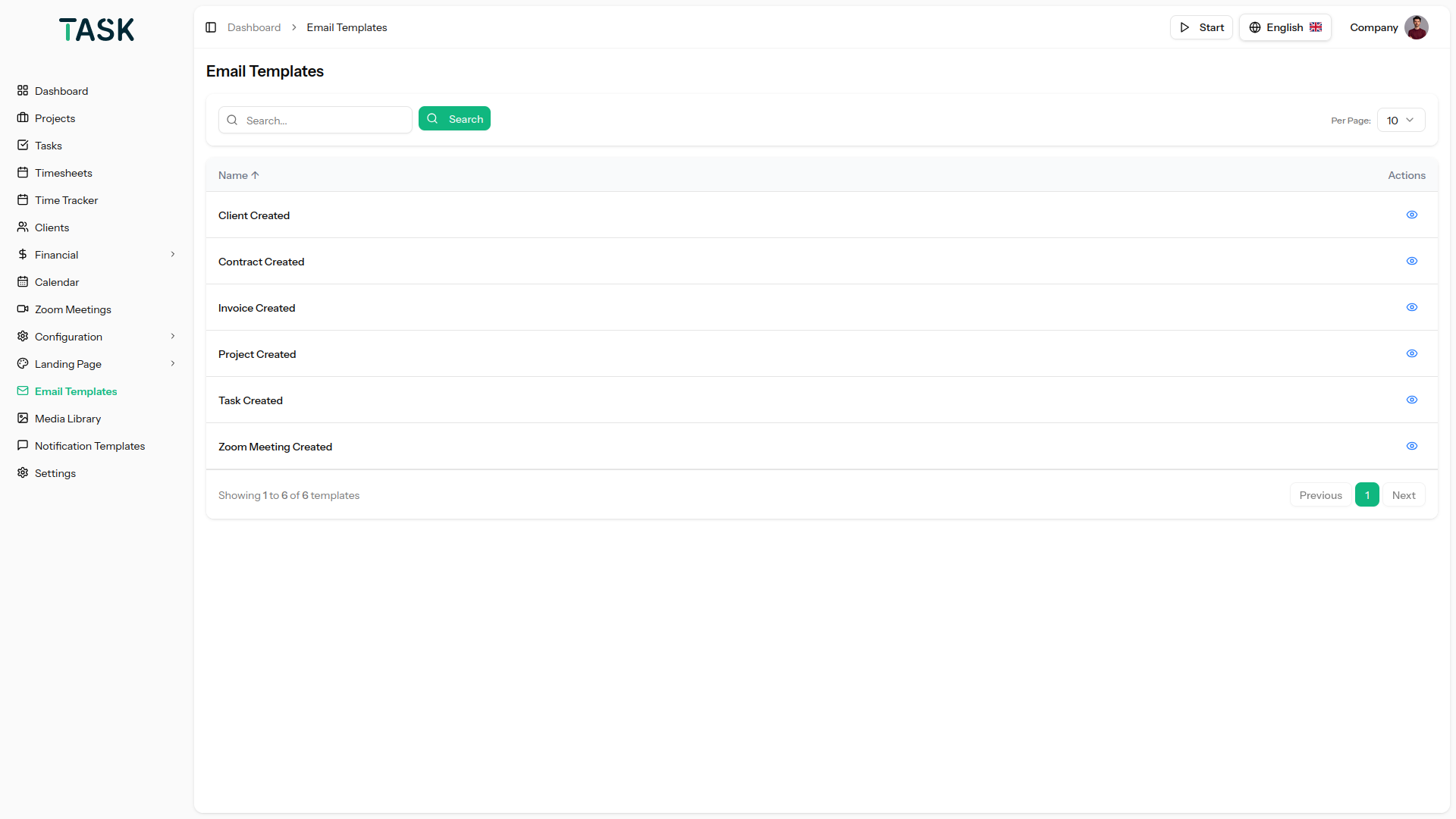
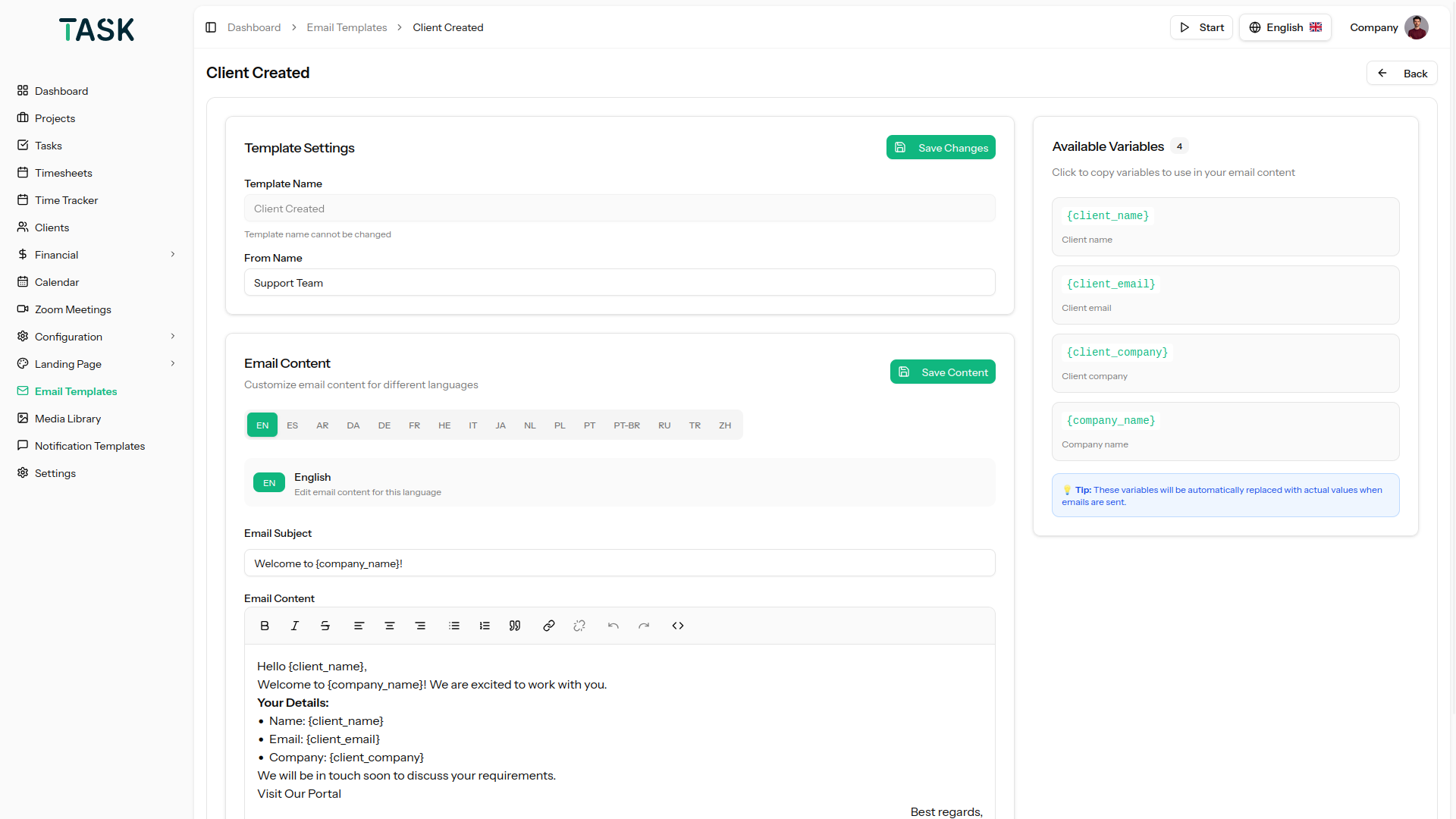
  • Email templates to send prompt Emails immediately
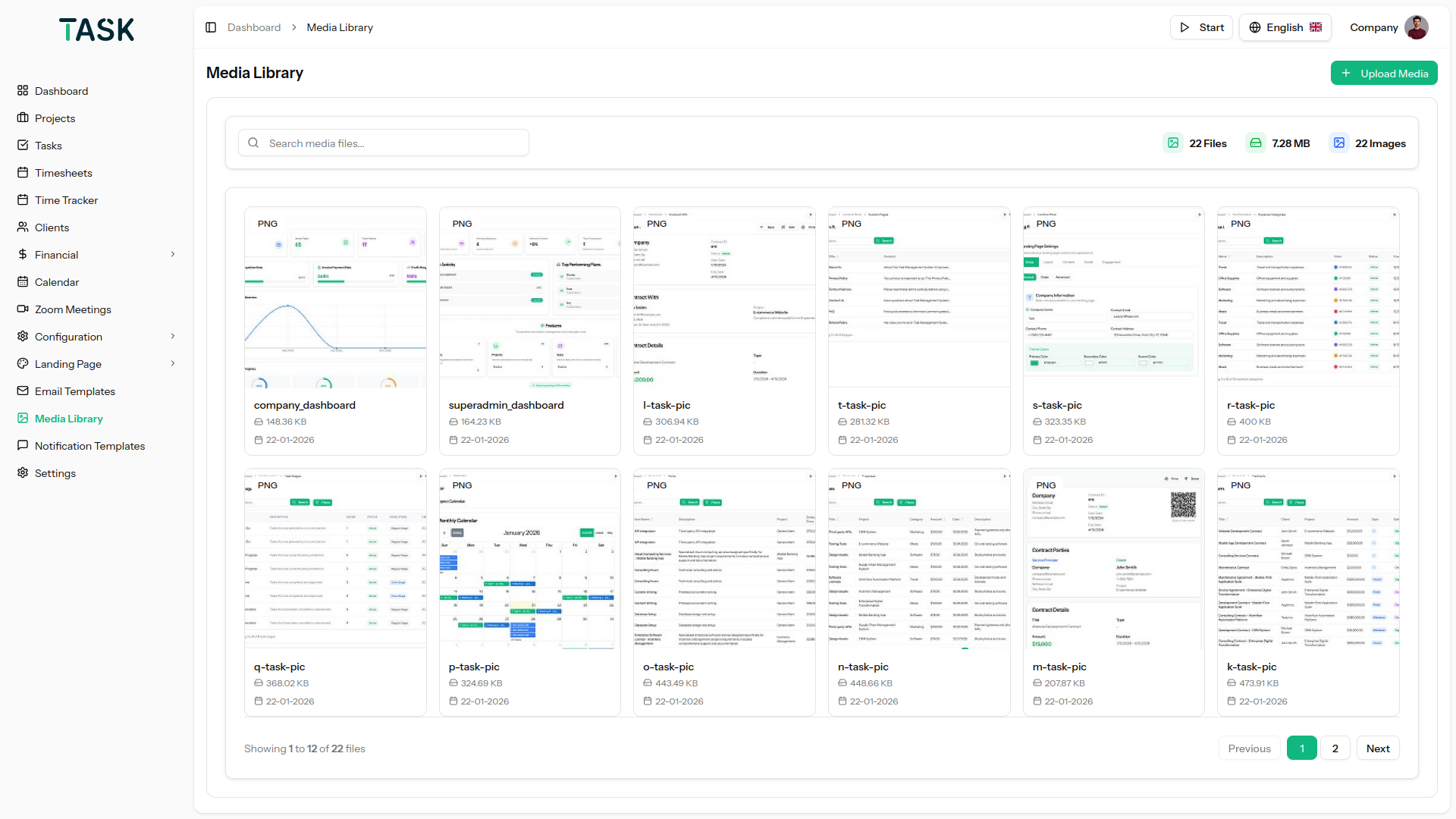
  • upload images with an instant preview for better clarity and confirmation.
  • ReCAPTCHA in the Login & Reset Password Page
  • Duplicate Project Module
  • Google Calendar for Events
  • Projects can be exported in PDF format.
  • Themes, Color Setting, and Dark Layout under Theme Customizer
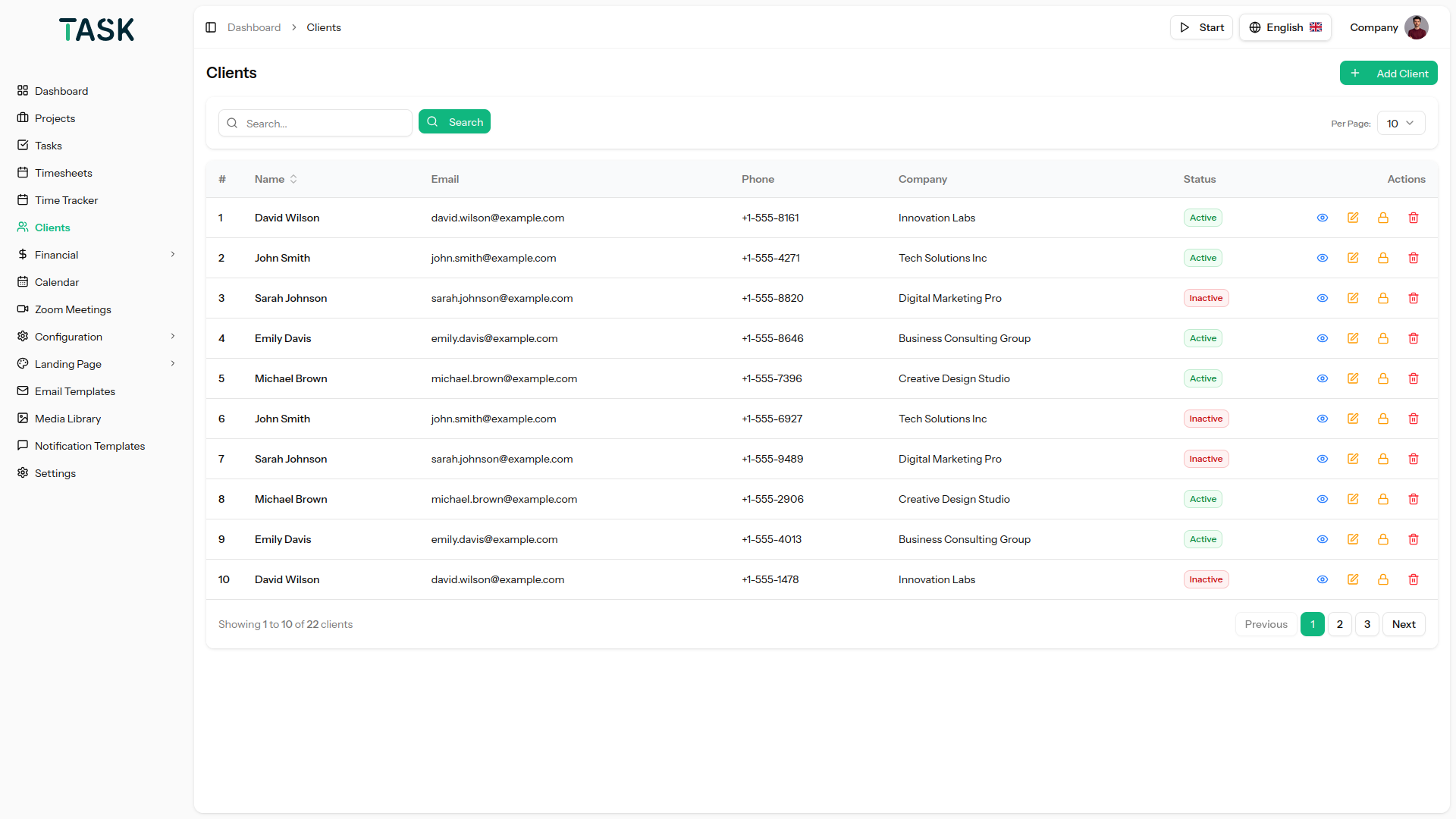
  • Add your Client and User of Project
  • View and manage all tasks efficiently in a grid layout.
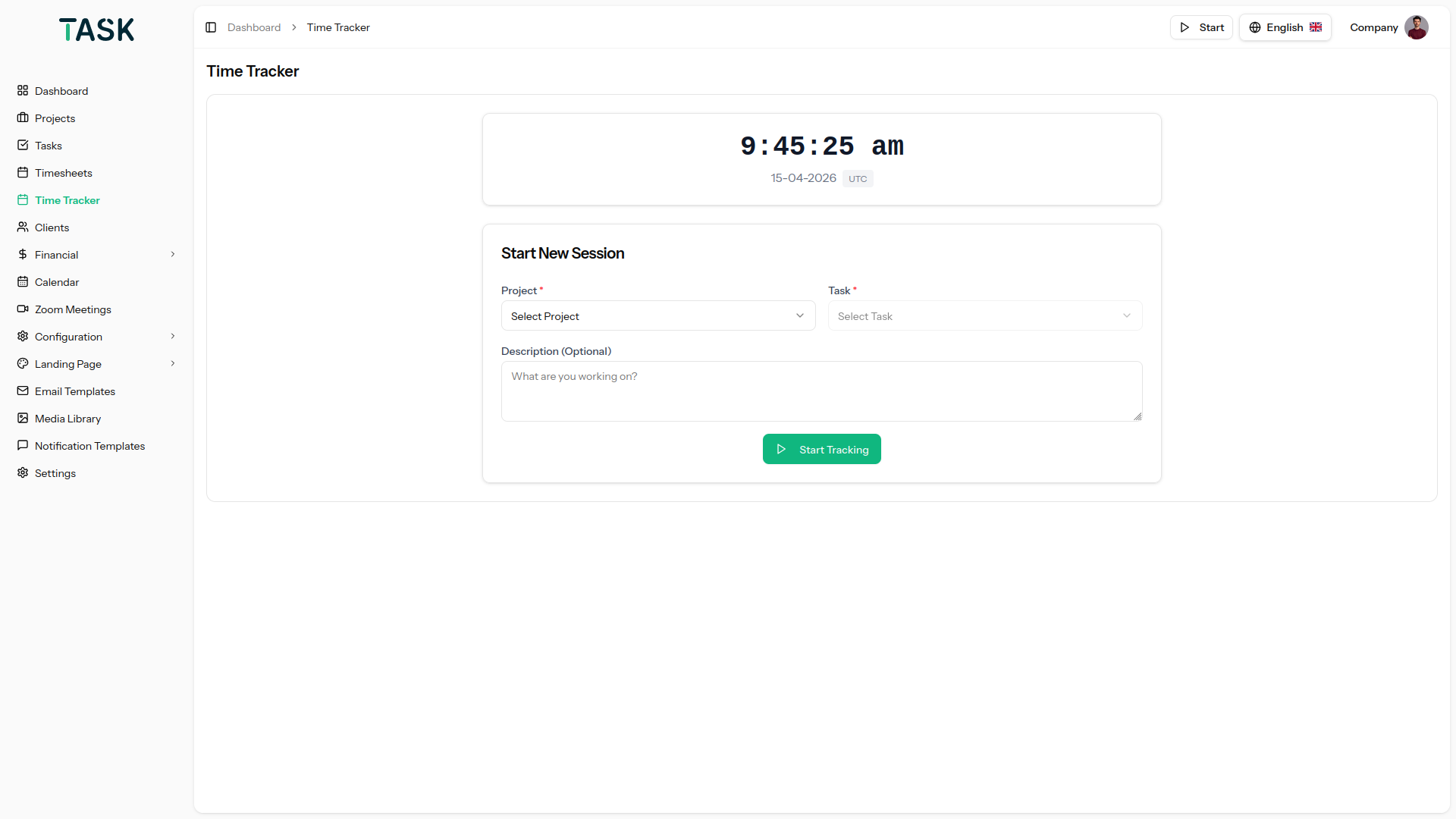
  • Added task-wise Time tracking
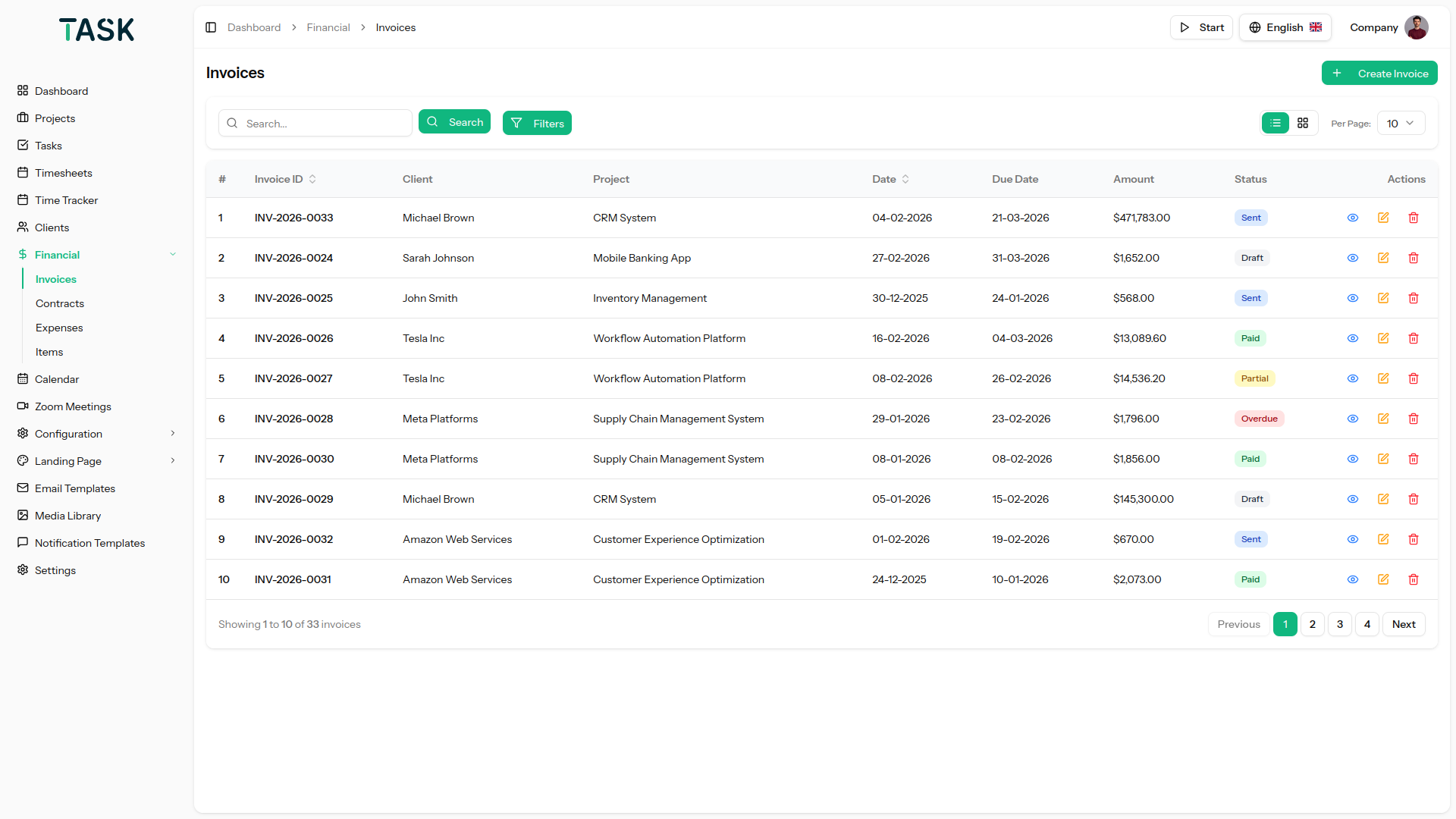
  • Easily create and send invoices to your clients.
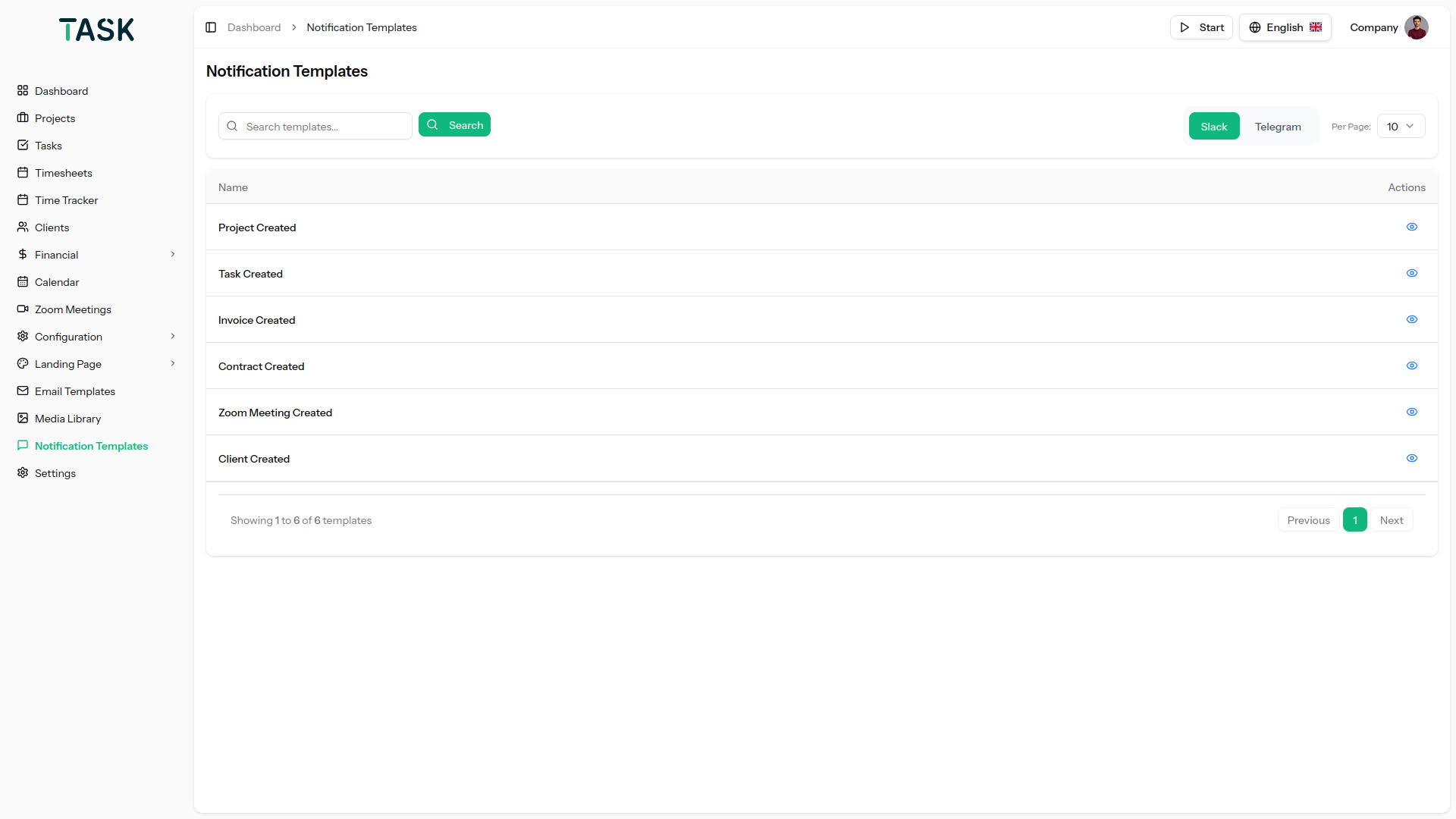
  • Seamless integration with Slack, Zoom, and Telegram to streamline communication and collaboration.
  • A user-friendly RTL experience for customers using Arabic, Hebrew languages
  • Any of the invoice payments can be done using Stripe and Paypal.
  • Built with Laravel 12

Salient Features of the Task – Project Management Tool

Efficient Dashboard

It offers a versatile dashboard that allows you to keep a tab on Total projects, tasks, expenses, and users. It also offers a graphical representation of a task overview and timesheet for an ongoing week. You can check the project status of various projects and also maintain a to-do list. You also get to manage your top due projects and tasks on the dashboard through a simple click which would redirect you to the detailed page.

Project Management

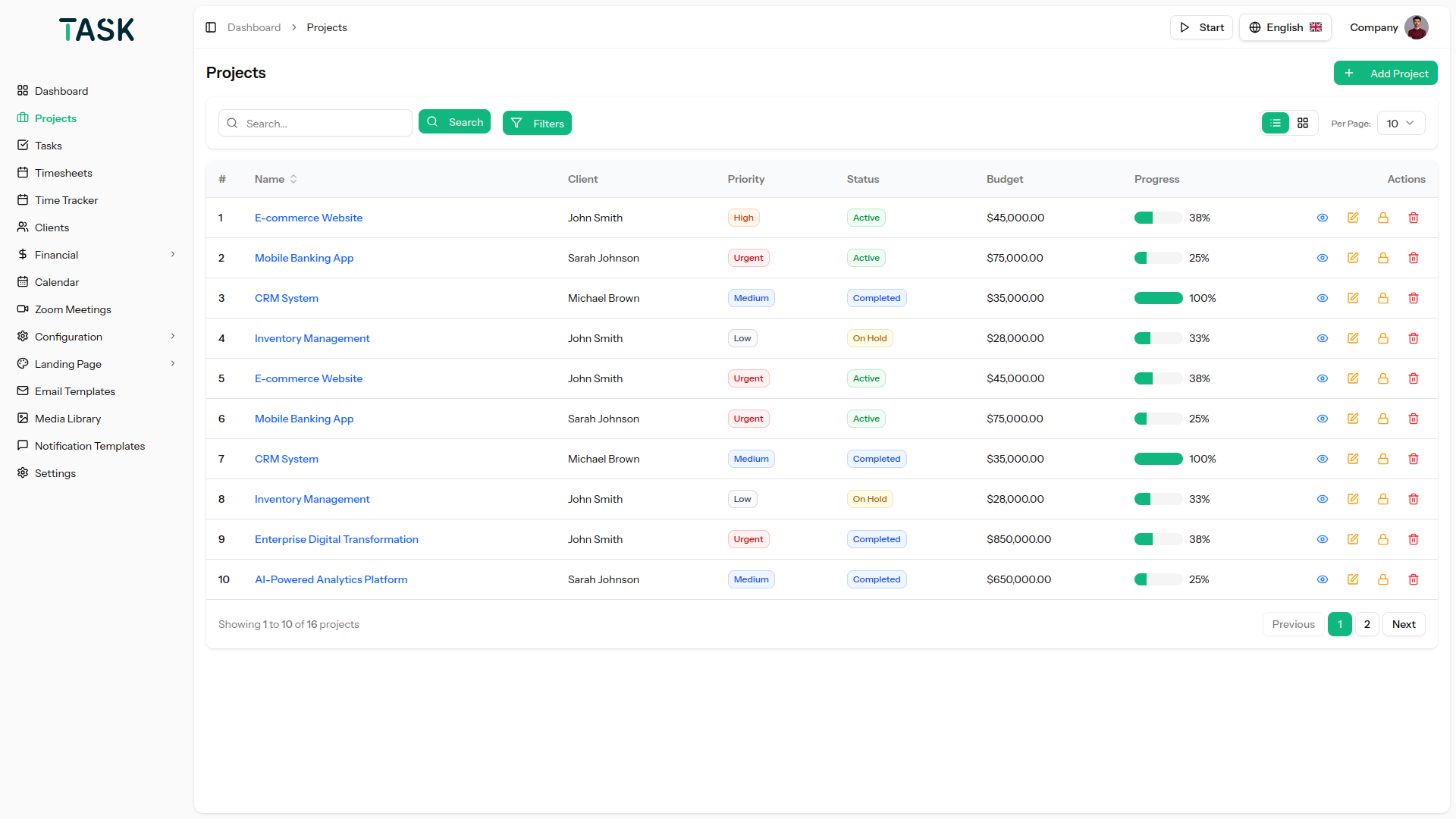
The project tab allows you to view your projects in the grid and list view. It allows you to filter the projects through different options. The flagged option allows you to search for projects based on their status. Also allows you to invite members to different projects.

Project Features

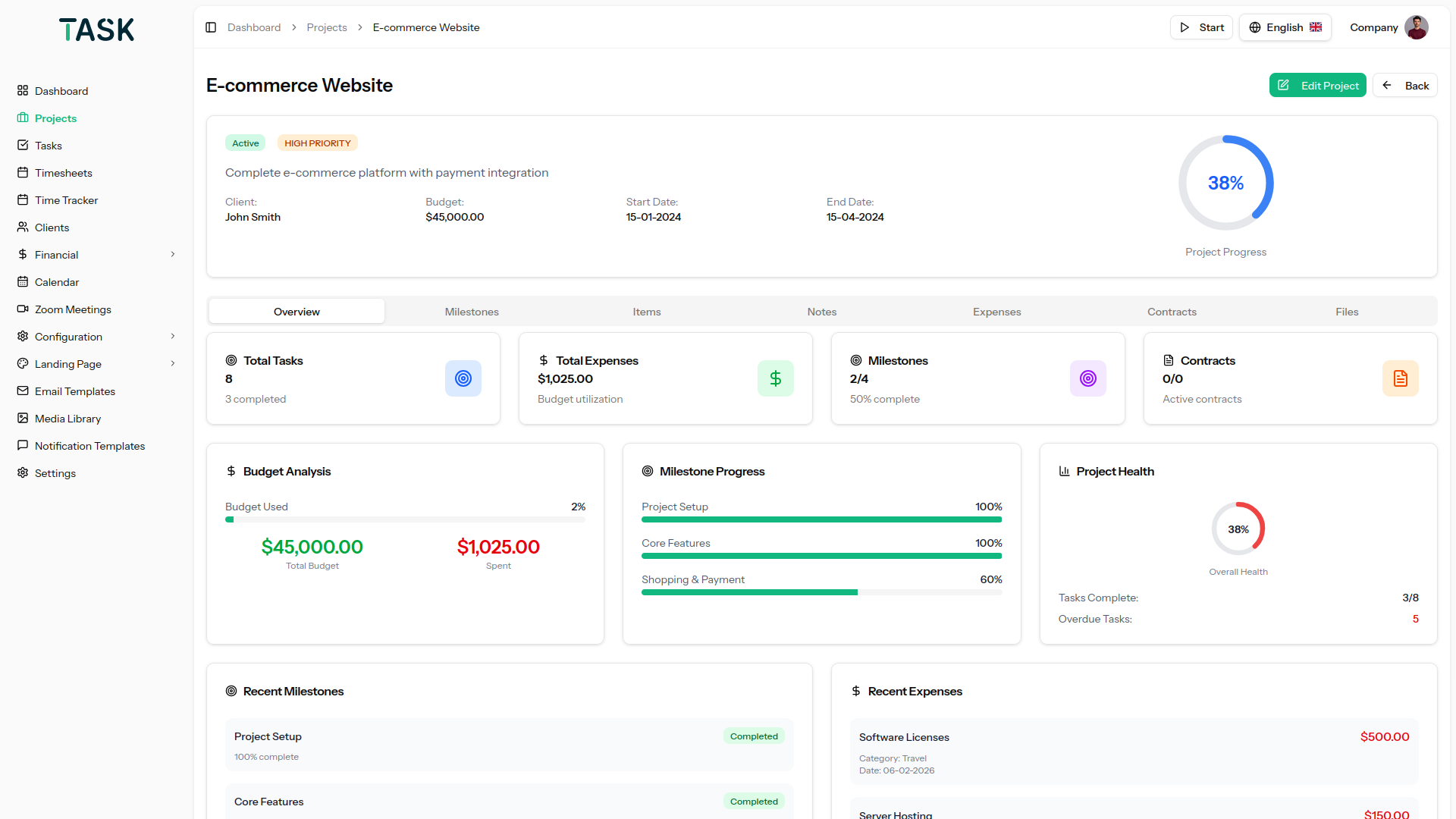
You get detailed information about each project on selecting it. You get access to brief synopsis through the statistical display of tasks achieved, expenses, days left, open tasks, milestones achieved, assigned users, allocated hours, and time spent. In short every detail of a project. You can add new users and manage their permissions. The view tab on milestones allows you to view, edit and delete milestone details. You can download the files that were added for tasks and view the activity log of the particular project.

Task Management & Timely Execution

The Kanban board allows tasks to be easily dragged and dropped according to their completion status. You can add comments, attachments, and checklists for each task to keep everything organized. New tasks can be created by assigning names, estimated hours, users, and due dates. Milestones and priorities can be set for each task, helping you manage your project timeline efficiently. This ensures tasks are tracked and completed on schedule.

Timesheet

You can manage the timesheet of each project by adding task-wise. This would ensure project completion on time and you get to know which users have worked how much time on each task.

Expenses

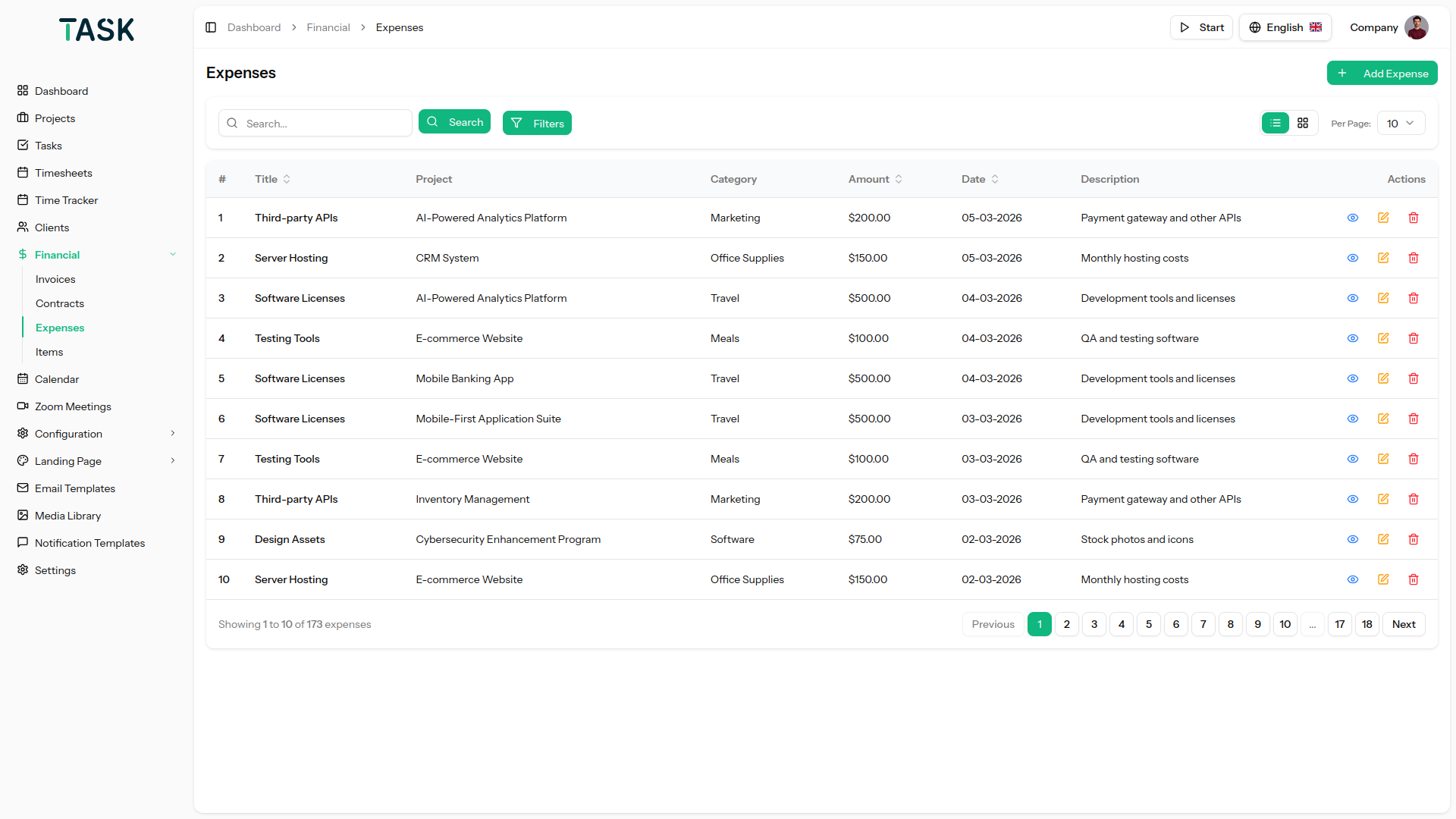
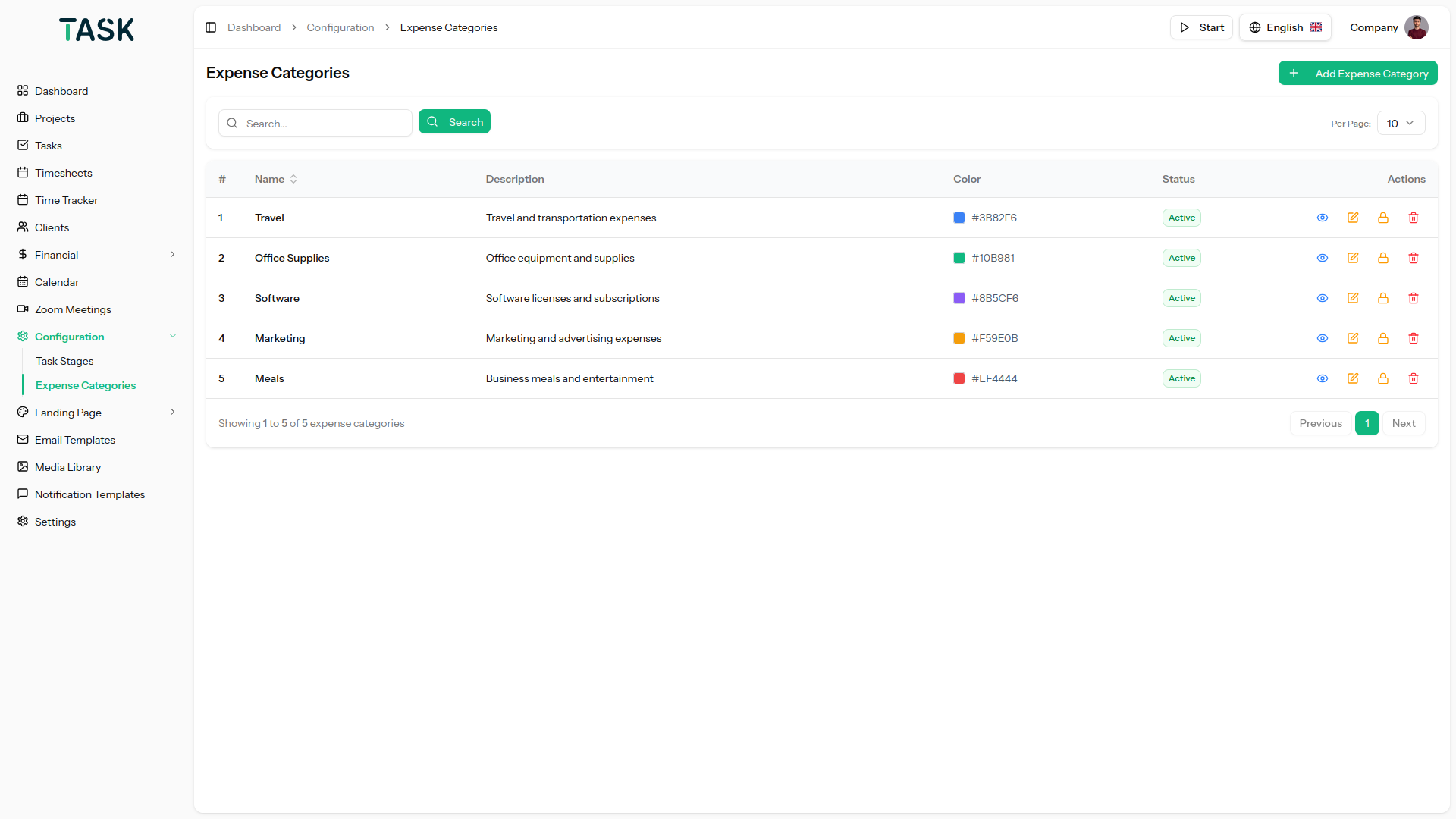
Track all project-related expenses within each project. Add detailed information for every expense, including amounts, categories, and dates. Easily review and manage expenses to stay on budget. Monitor spending trends and identify cost-saving opportunities. This ensures full transparency and control over project costs

Project Settings

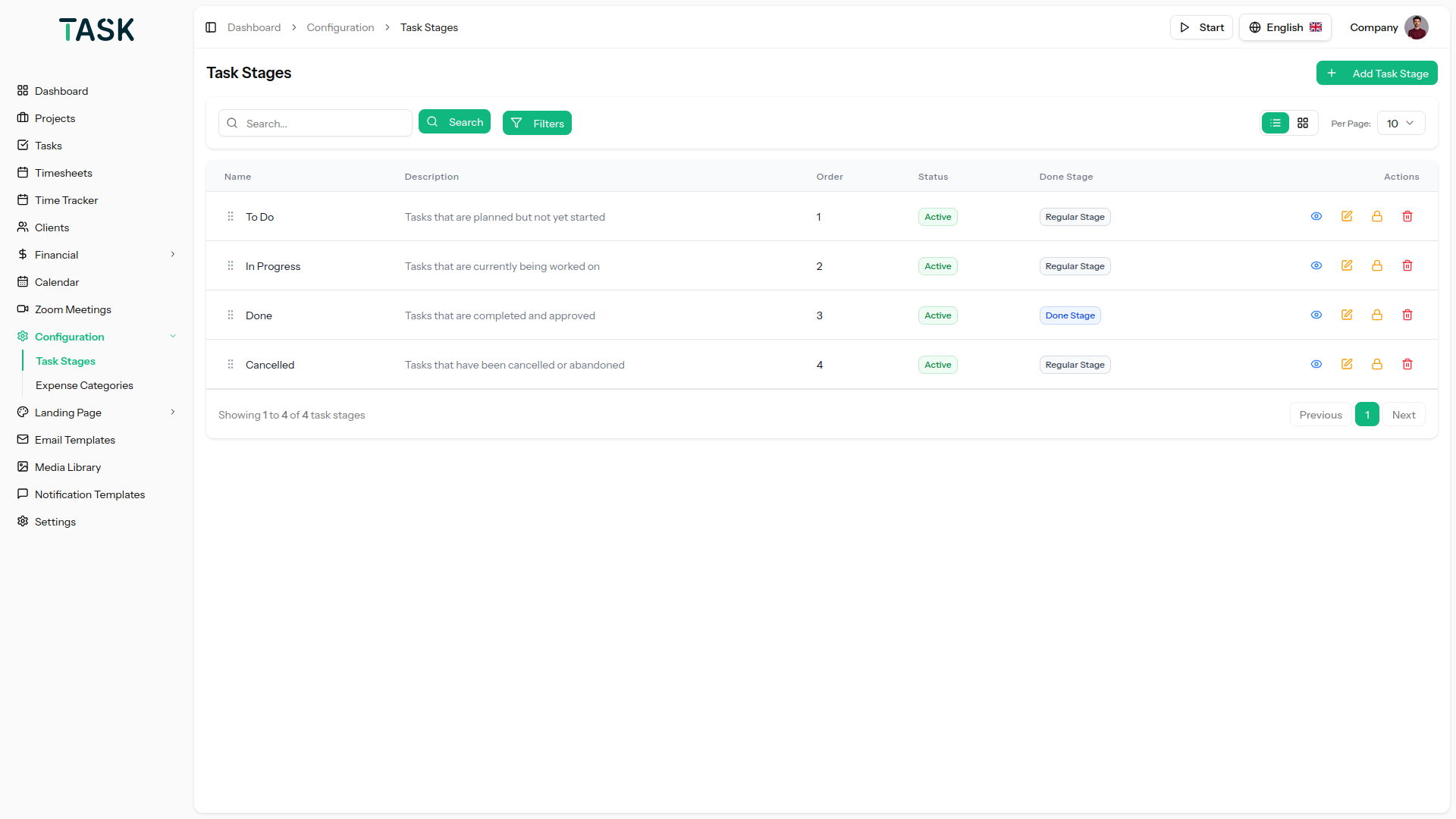
Basic settings allow you to assign project names, descriptions, and dates. You can upload project images and change the status of projects for your ease. You can also manage project and task progress through manual entry. Additional settings allow you to assign budgets, hours, and tags. You can add your currency symbol for budget estimation. The Task stage allows you to add and remove task stages. Manage various project notifications through simple settings.

Task List

You can search for tasks using the available options and filter them by priority or due date. Each task opens on a Kanban board, where you can easily manage it using drag-and-drop functionality. This allows for efficient organization and quick updates. By providing clear task visibility, it ensures you stay on top of project progress. Overall, it simplifies task management and enhances workflow control.

Calendar

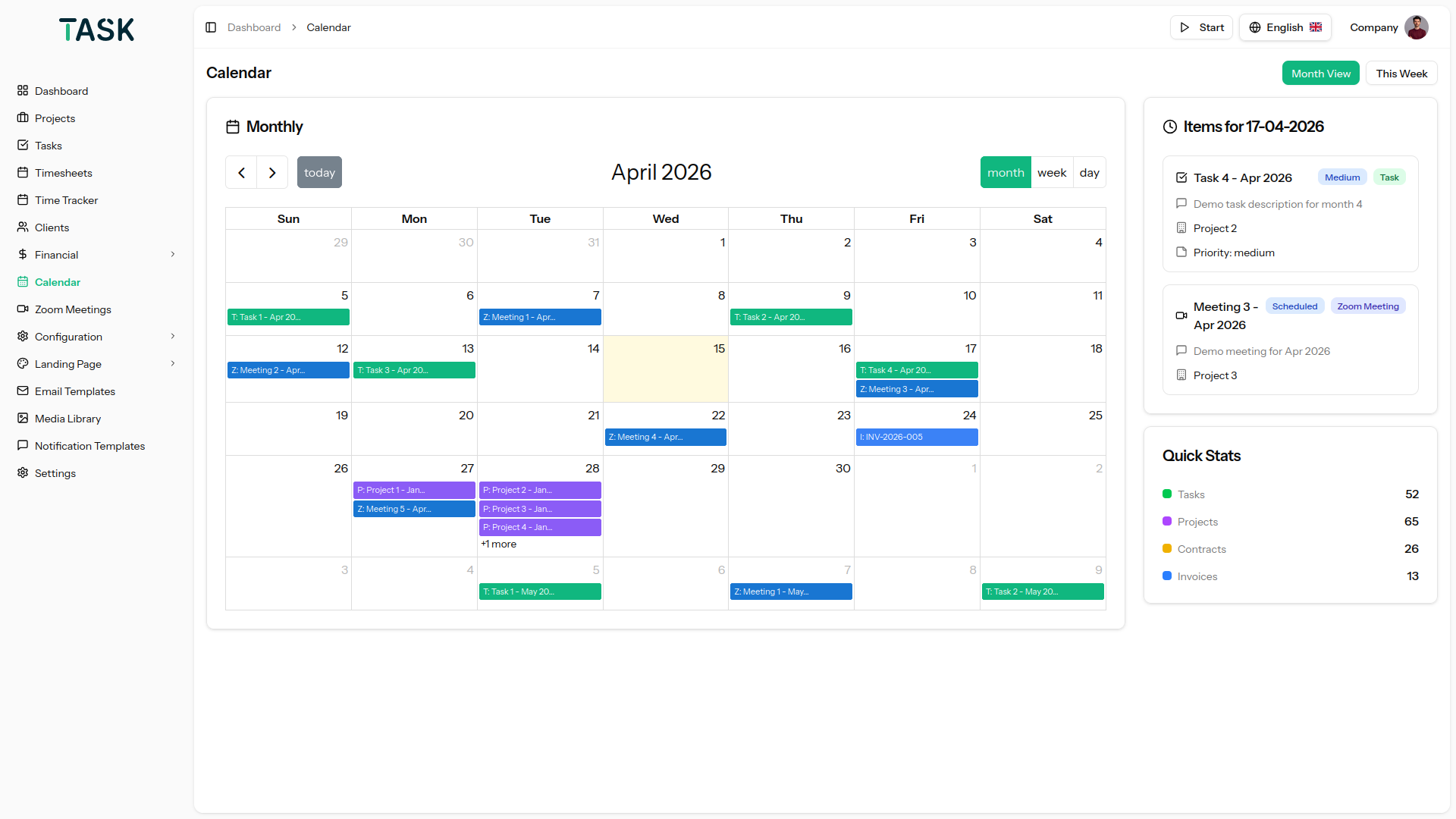
The calendar provides a clear overview of all tasks, organized by priority and due dates. It helps you visualize upcoming deadlines and important milestones. Easily track task progress and manage your schedule efficiently. Stay on top of your projects by managing timelines at a glance.

Invoice Management

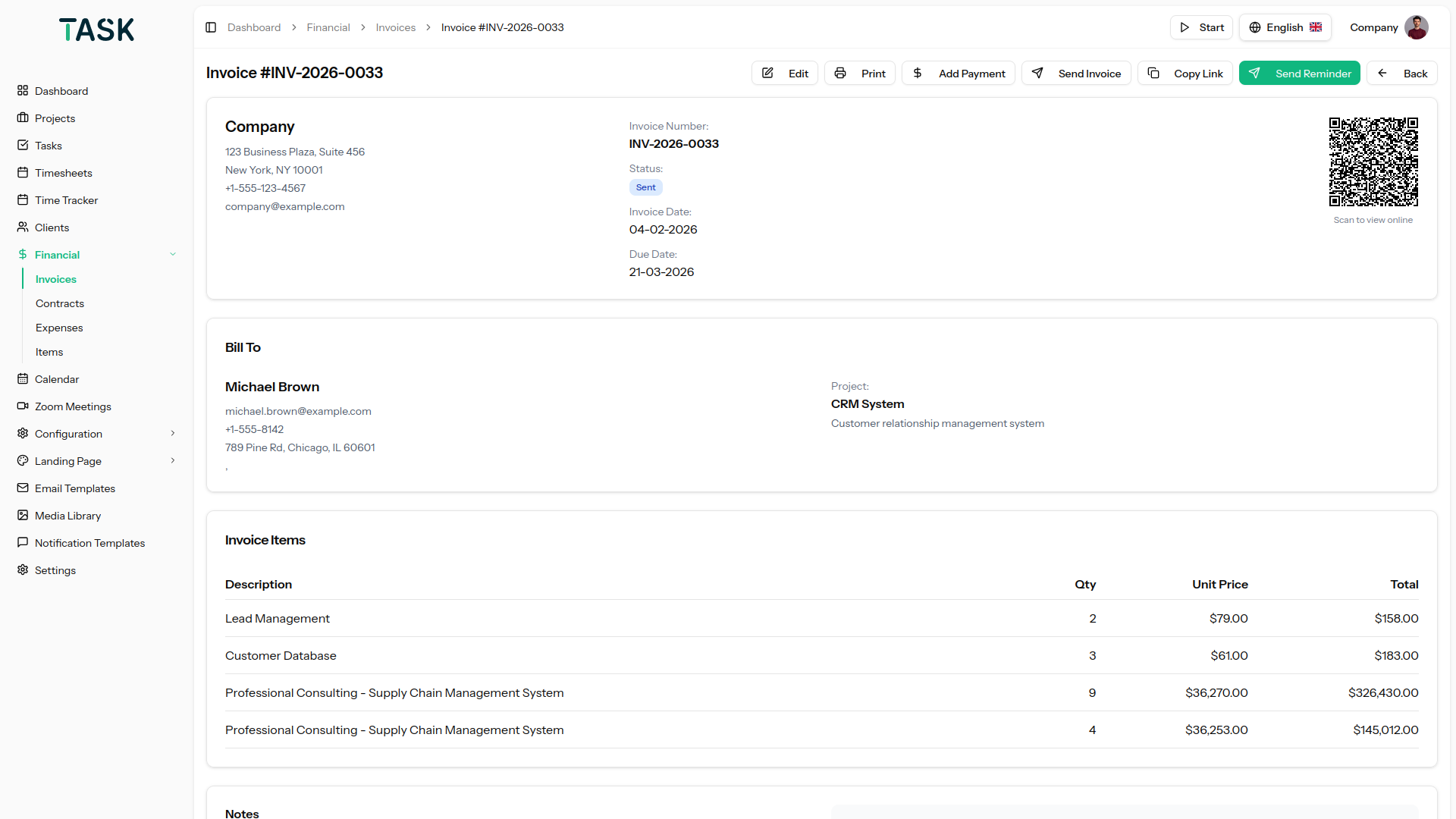
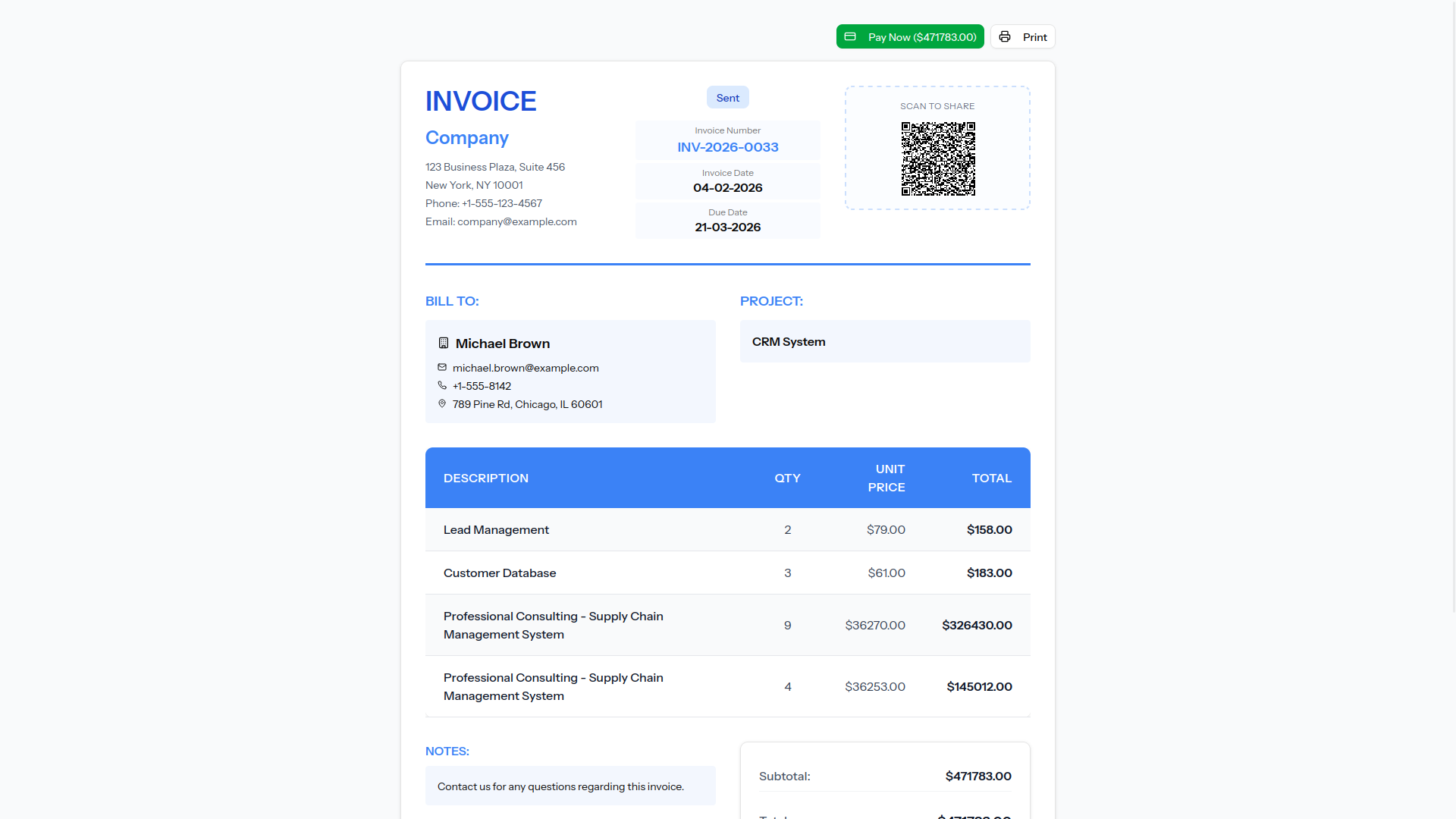
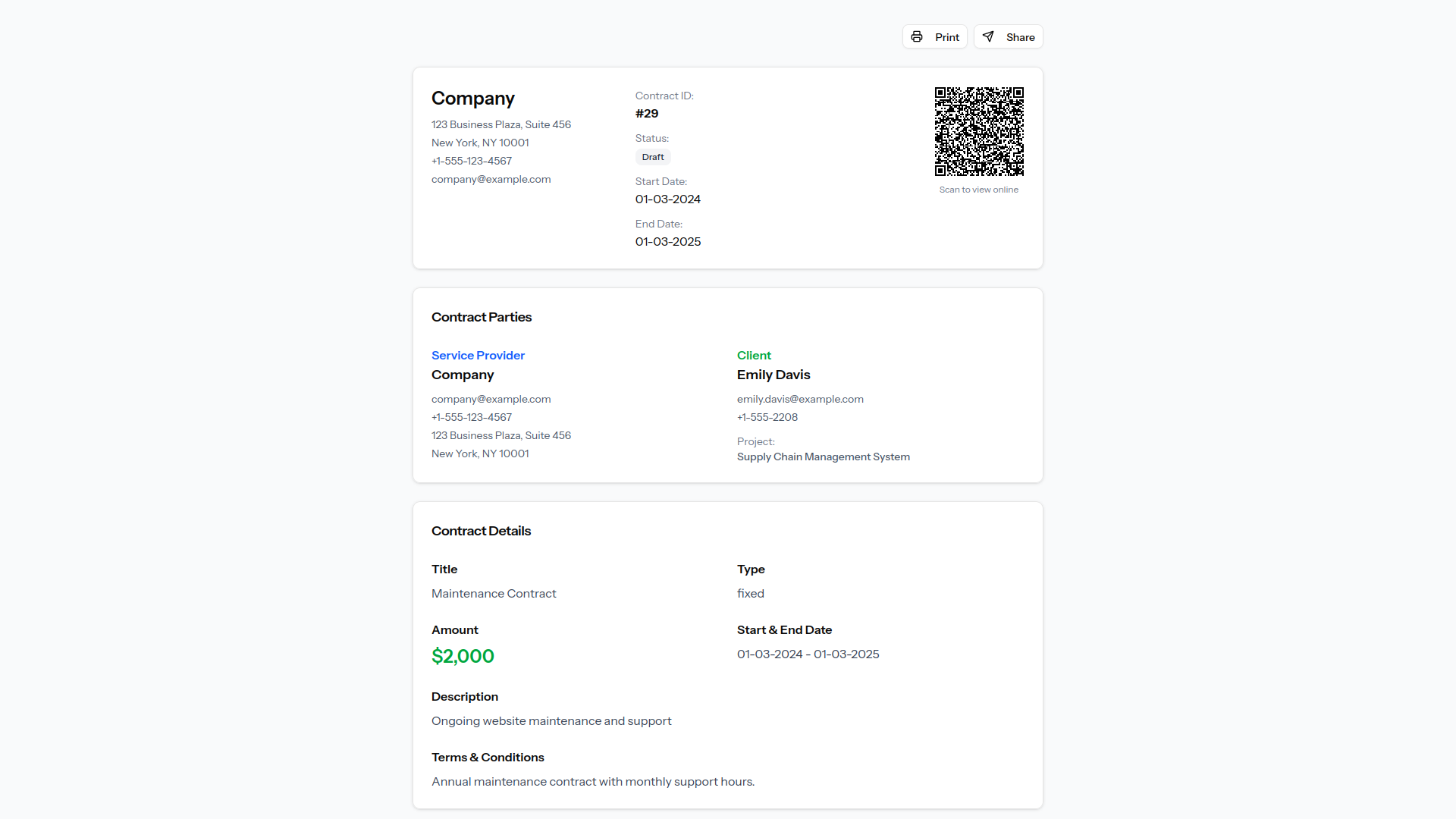
Invoices can be generated directly from projects and client records. can set each invoice as a draft or mark it as sent to track its status. Once sent, clients can make secure payments using Stripe or PayPal. The system allows you to monitor payments and maintain accurate billing records. This feature ensures efficient invoice management and timely collection of payments.

Slack Integration

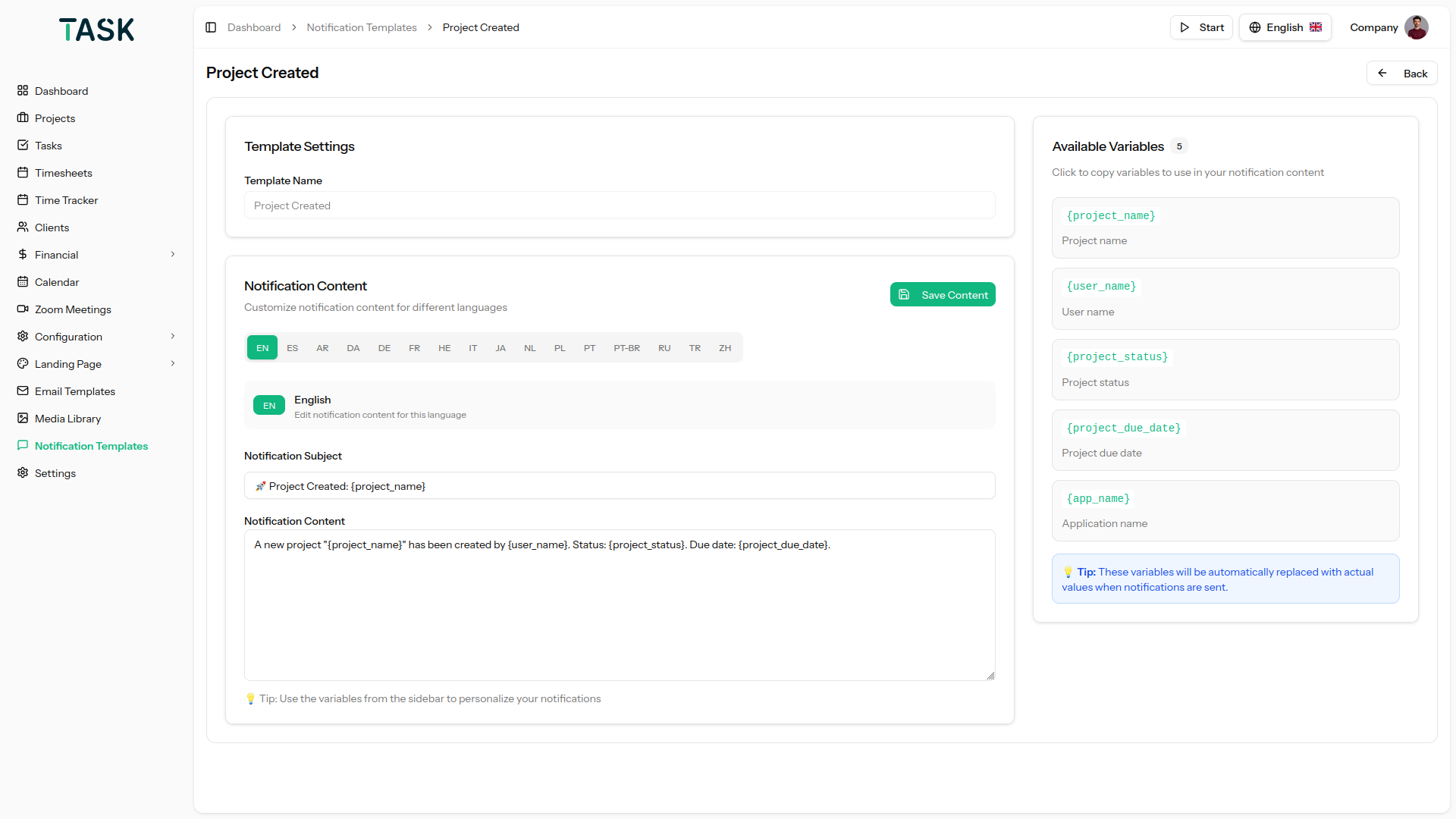
Receiving instant notifications of the company’s activities is one of the most painless ways to keep a tap on them. With the help of Slack Integration, you can get insight into the major actions through the specific channels and when they are performed. It also helps you to schedule the messages for future dates. Rectifying mistakes is also not burdensome.

Zoom Integration

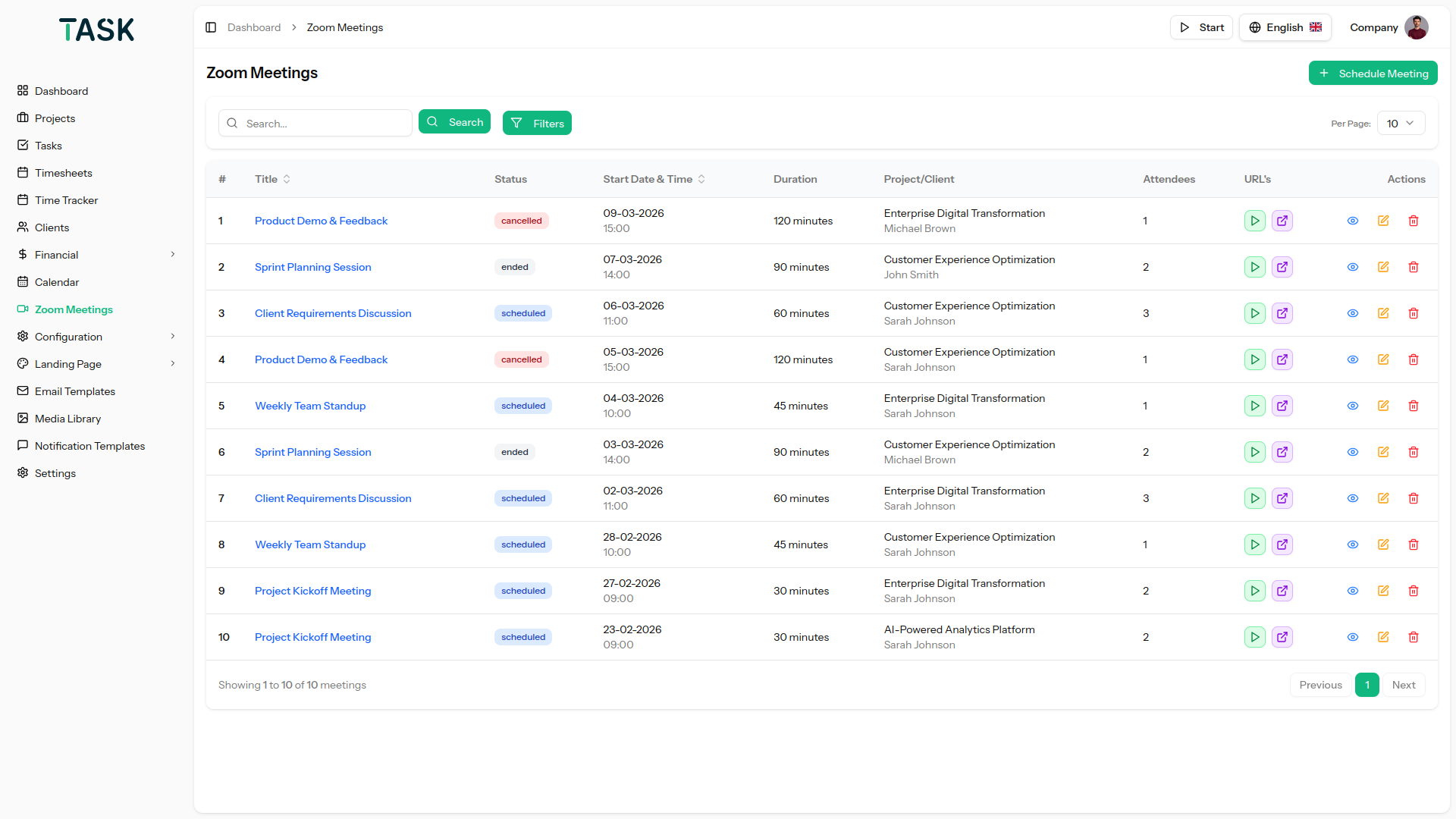
Virtual meetings are no new to us. The Zoom Integration provides a platform where you can create a zoom meeting after giving inputs of asked details like; Client, User, Meeting Time, and Duration, and it generates a link through which people can join the meeting. You can create, View, Start, and Delete meetings with ease. Along with that, the zoom meeting created will be synced with the calendar which will show the meeting details, as well as which are people joining the meeting and at what time. This calendar syncing feature helps to schedule meetings accordingly.

Telegram Integration

Hassle-free and instant message is one of the absolute ways to stay in tune and connected with projects and activities of the projects. With the Telegram Integration, you can get the notification of the actions performed regarding anything which interests you. Staying in tune with the performing jobs is smooth with this feature.

Media Library

Upload, store, and organize all images and attachments in a centralized media library. It allows easy file management with quick access and reuse across different modules, ensuring efficiency and consistency in handling documents and media files.

System Settings

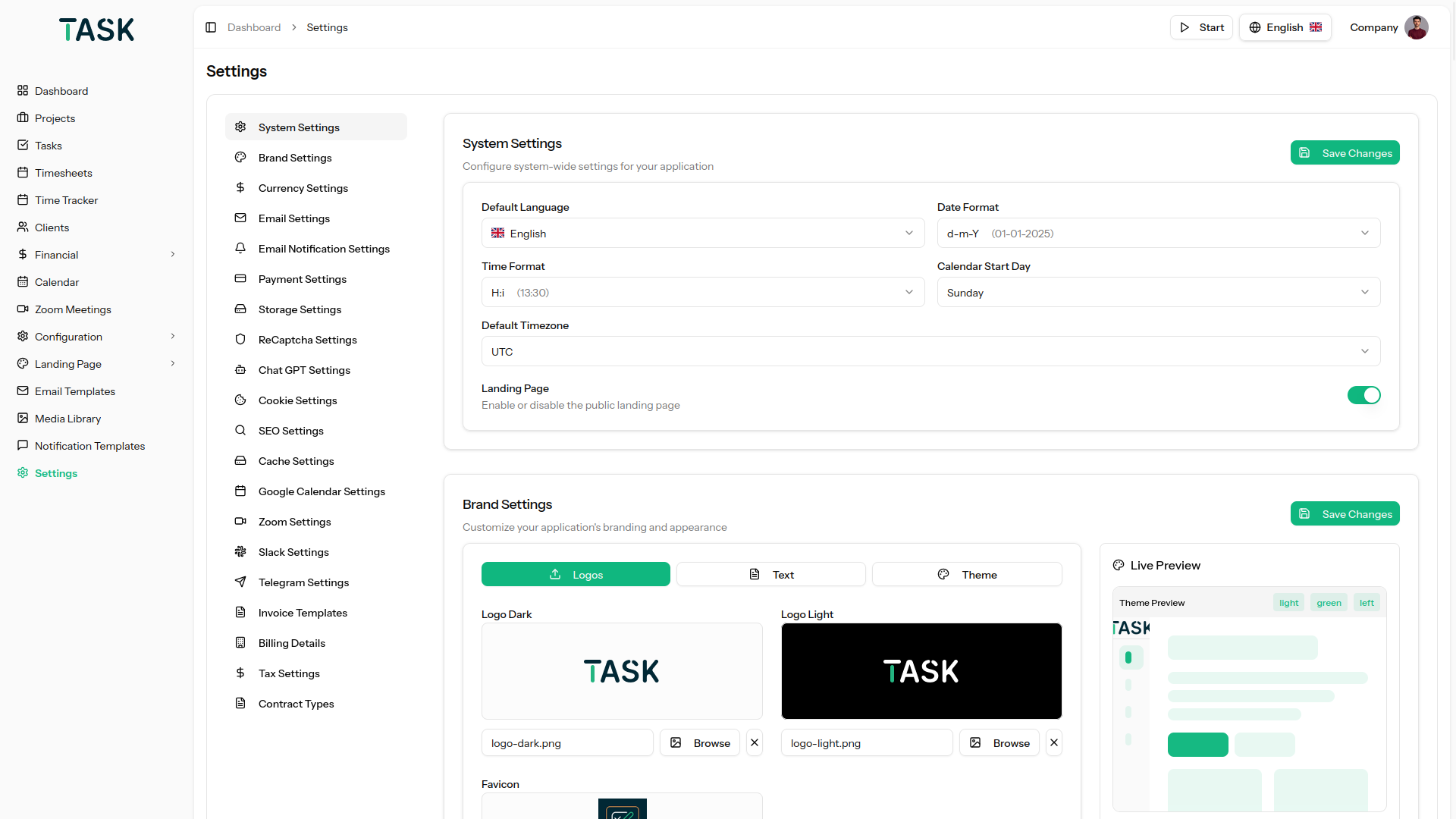
Under system settings, you get to customize your site, system, company, and Email settings. Customize your site setting by adding the files of the logo and creating the text for the title and footer. Create the custom settings for the company and Email address. With system settings, you could add currencies and time formats.

AI Integration

Harness Artificial Intelligence to streamline repetitive tasks, interpret data, and deliver intelligent insights. AI integration boosts efficiency by optimizing workflows, minimizing manual work, and supporting quicker, more precise decision-making throughout the organization. Ensure compliance and transparency with the Cookie Consent feature. When enabled by the company, a cookie accept popup is displayed across the authentication pages, company dashboard. When users Accept Cookie, their consent is securely recorded, and all details are saved into a .csv file for auditing and tracking purposes. This functionality helps organizations manage user consent efficiently while maintaining privacy compliance.

Changelog

Here you can see what updates came out and did we bring new to the version.
View Changelog

Support

Please send support request here for any issues, questions or suggestions. To save time and get quick feedback, please do not ask for support in the comments section.

by
by
by
by
by
by

Tell us what you think!

We'd like to ask you a few questions to help improve CodeCanyon.

Sure, take me to the survey