540 comments found.

This plugin looks great, but I am using the ‘WooCommerce Bookings And Appointments’ plugin by Pluginhive. Do you think I will be able to edit the booking price block fields etc in quick edit mode. Can your plugin work with any fields or only the standard woocomerce ones? I want to be able to add any of the fields that are accessible in the actual product to the quick edit. Is this possible with your plugin?
Thanks Lee
Hello Lee
I think you can edit this as a meta field.
Watch video please – https://bulk-editor.com/video-tutorials#video_1290 AND https://bulk-editor.com/video-tutorials#video_3044
Hello,
I am trying the free version of the plugin and I am trying to reset the sale price of some products. However, there is no option to delete the sale price.
Is this functionality supported in the pro version?
Thanks.
Hello
Try in file – wp-content\plugins\woocommerce-bulk-editor\classes\models\products.php add this code – https://c2n.me/41IhH0L.png
if($field_key == 'sale_price' AND $value<0){
    $value=false;
}
Then try to delete sale price – set it as -1
Hi,
Thank you very much!
Hello
Welcome;)
Hi, I have purchased a plugin that allows me to add Min/Max qty rule for products – https://prnt.sc/o4o1i1 . Would the pro version display this section for bulk edit?
Hello
Try to edit it as meta field
Watch video – https://bulk-editor.com/video-tutorials#video_1290 AND https://bulk-editor.com/video-tutorials#video_3044
Hello ! How to make a separate product from individual products. For example, there are several sizes, how to combine them into variations?
Hello
unfortunately the plugin does not have this feature
Hi, I have many products (16k) with many attributes & filters. Can I sort (asc/desc) column “color” (for example) to see all products without color attribute? I tried free version, but there are no sorting options.
Hello
Unfortunately the plugin has no sorting by taxonomy
Hello
to see all products without color attribute – try this please https://bulk-editor.com/howto/how-to-filter-woocommerce-products-by-attachment-of-taxonomies-attributes-to-them/
Hi, it would be super useful if can filter for blank fields. thanks
Hello
Ok. You can add your idea here- https://bulk-editor.com/forum/
Hello,
a) is it possible somehow to jump to a page number instead of just page after page ?
b) is it possible to search for Blank / Null field ? For example all empty SKU’s ? I cannot see an option for this.
thank you
Hello
1) Read this please – https://bulk-editor.com/howto/how-to-jump-to-n-page-in-products-editor/
2) Unfortunately not. You can add your idea here- https://bulk-editor.com/forum/
Hi, I wanted to see if it were possible to include the Woocommerce Min/Max Quantities feature in this. Is this a Attribute or variation?
So far so good on the free version! Thank you!
Hello
I think you need to edit meta data. – https://bulk-editor.com/video-tutorials#video_2502 AND https://bulk-editor.com/video-tutorials#video_3044
You can try free version – https://wordpress.org/plugins/woo-bulk-editor/
Good afternoon, I can not understand in the trial version how a product group will add an attribute without variations? Where to read in steps?
In the filters, I select a group of products. In the “bulk edit” I add attributes. In “Variations Advanced Bulk Operations”, I uncheck “Used for variations”. I press “Edit” – I get variations. I do not need variations. What am I doing wrong?
I realized
Yes, I understood what to do in 2 stages. First add attributes, and then turn off the variations.
Hello
Yes! You are right!
Hi,
Is your plugin works with bundle products? https://woocommerce.com/products/product-bundles/
Best regards, Max
Hello
This plugin can edit any data stored on the product side.
I think you need to edit meta data. – https://bulk-editor.com/video-tutorials#video_2502 AND https://bulk-editor.com/video-tutorials#video_3044
You can try free version – https://wordpress.org/plugins/woo-bulk-editor/
Hi In our dessert delivery site we have 30 attributes and all 30 attributes have same 21 terms For example term is called bitter orange is out of stock When it happens we should hide/private bitter orange term from all attributes İs there any easy way to private same attribute term? Thanks
Hello
I’m not sure I understood you correctly.
In bulk editor you can change delete this term in all products – https://bulk-editor.com/video-tutorials#video_2502
Hello
In the pro version it is possible to sort products by category first, and edit the description of several products at once?
Thank you
I mean, adding the same text on several products at once. Thanks!
Hello
1) The plugin does not sort by category, it can only filter by category – https://bulk-editor.com/video-tutorials#video_2500
Thank you!
Hello
Welcome;)
Hi again
I’m using the bulk description editor and it doesn’t look exactly the way I want it. I want to write like this: - The pieces will arrive in a box with the signature - The pieces will be shipped in 2 days. Blablablabla, blabla bla, blalabalaal. Instead, it stays that way: - The pieces will arrive in a small box with the signature. – The pieces will be shipped in 2 days. Blablablabla, blabla bla, blalabalaal.
Is there any way I can write in the style I want? Thank you.
Oh, The same thing happens here… I want to write as a list, point 1, point 2, etc. separated.
Hello
Please write me on support – https://codecanyon.net/item/woobe-woocommerce-bulk-editor-professional/21779835/support
Paste your message/
hello i would like to do a price update of all my products (more than 15K products with variation ). the problem is that i can’t do them one by one as you all know . these are my pricing rules
Pricing Rules 1 – 0.01 to $10.00 — multiply price times 3 (price x 3 )
10.01 – $34.99 ——– Add $15
35.00 – 49.99 ———- Add $20
50.00 – 99.99 ———– Add $30
100.00 – 149.99———- Add $50
150.00 – 200.99———- Add $82
200.00 –249.99———–Add $100
250.00 –299.99———–Add $150
2—I am using your free version on woocommerce Anytime i try to fetch data of products with specific data example (weight from 0.05kg or weight between 0.01kg to 0.09kg) it always gives me wrong feedback . meaning wrong data.
3- when i try bulk editing all products at once or replace them with another text , i always find out later that some have bot been changed . example i tried replacing a text on website with another text . When i searched again , i saw that the text that should be replaced is still around and still in 800 products .
any help with this please ? can the premium fix all this issues ?
Hello
1) Please watch video – https://bulk-editor.com/video-tutorials#video_2502 this should not cause problems
2/3) Drop me a video with these errors
3- this is the 3rd problem i was talking about https://youtu.be/Fw0RiS-r4ek
Hello
Ok! Please write me on support – https://codecanyon.net/item/woobe-woocommerce-bulk-editor-professional/21779835/support
Paste your message and wp-admin access I will check it
why do you take a lot of time to reply to messages ?
Hello
Saturday and Sunday is weekend and nobody works, support conditions is here https://codecanyon.net/user/realmag777
Is it possible to do something as simple as bulk edit and remove a category from products? Is there a limit in the number of items that can be edited between the free & paid versions? Any responses appreciated.
Hello
1) yes. Please watch video – https://bulk-editor.com/video-tutorials#video_2502
2) If you mean items as products – no . as taxonomy – yes( only product category and one attribute)
Hello! In FREE version, is it possible to bulk edit Weight / Width / Height / Length ..? Thanks
Hello
Weight / Width / Length – is in free version, but Height is in premium version only
Hello
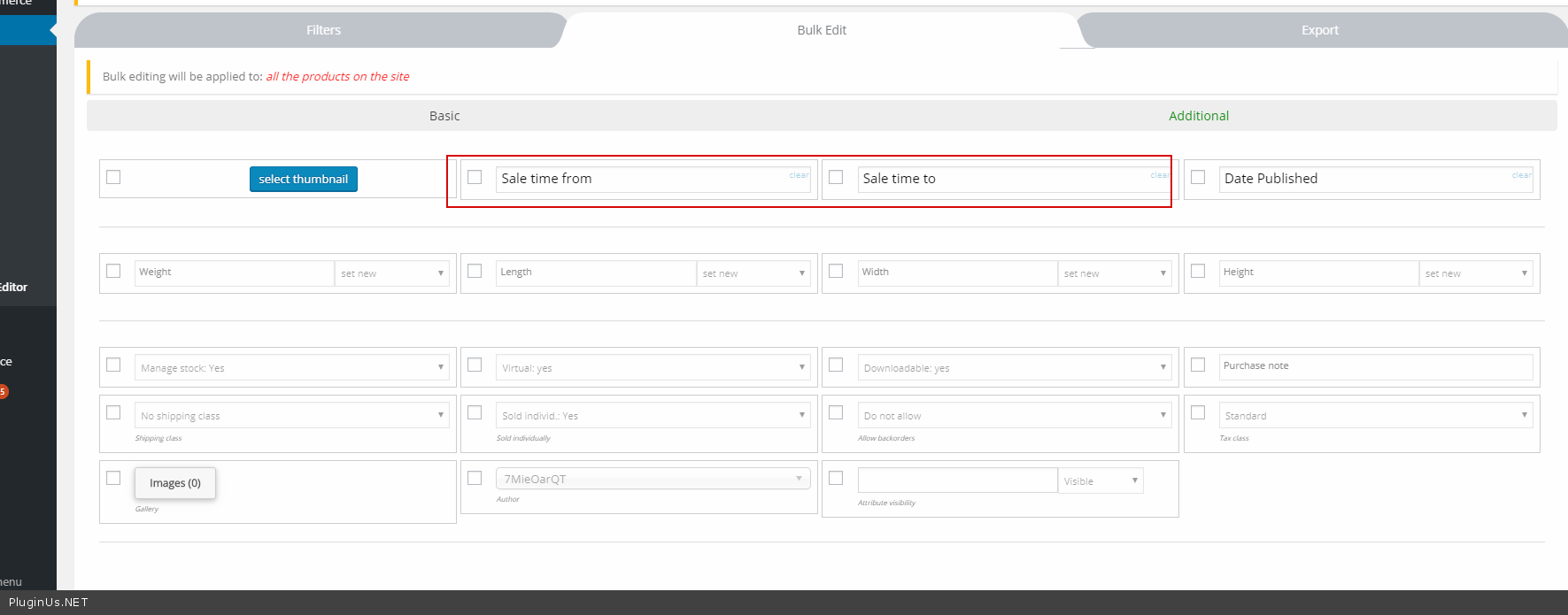
Presales question: Is it possible to set the Sale end date? For example if I want to have a store wide sale for 5 days.
Thanks
Hello
Yes – https://c2n.me/41IibGO.png Please try free version – https://wordpress.org/plugins/woo-bulk-editor/
Thank you so much 
Hello
Welcome;)
Hello, I am running the Free version to see if it will do the job before purchasing,
The issue I am seeing is in using Roles I can see the Administrator is able to access the middle tab called – Bulk Edit – (inbetween Filters and Export)
However if I select the Editor role, all fields the the Bulk Edit tab are hidden frm the Editor role.
I have gone through and made sure the Editor can edit, update, delete, anything that resembles products, pages, files… but still it is not showing any info in the Bulk Edit tab.
Any suggestions would be appreciated.
thanks
Hello
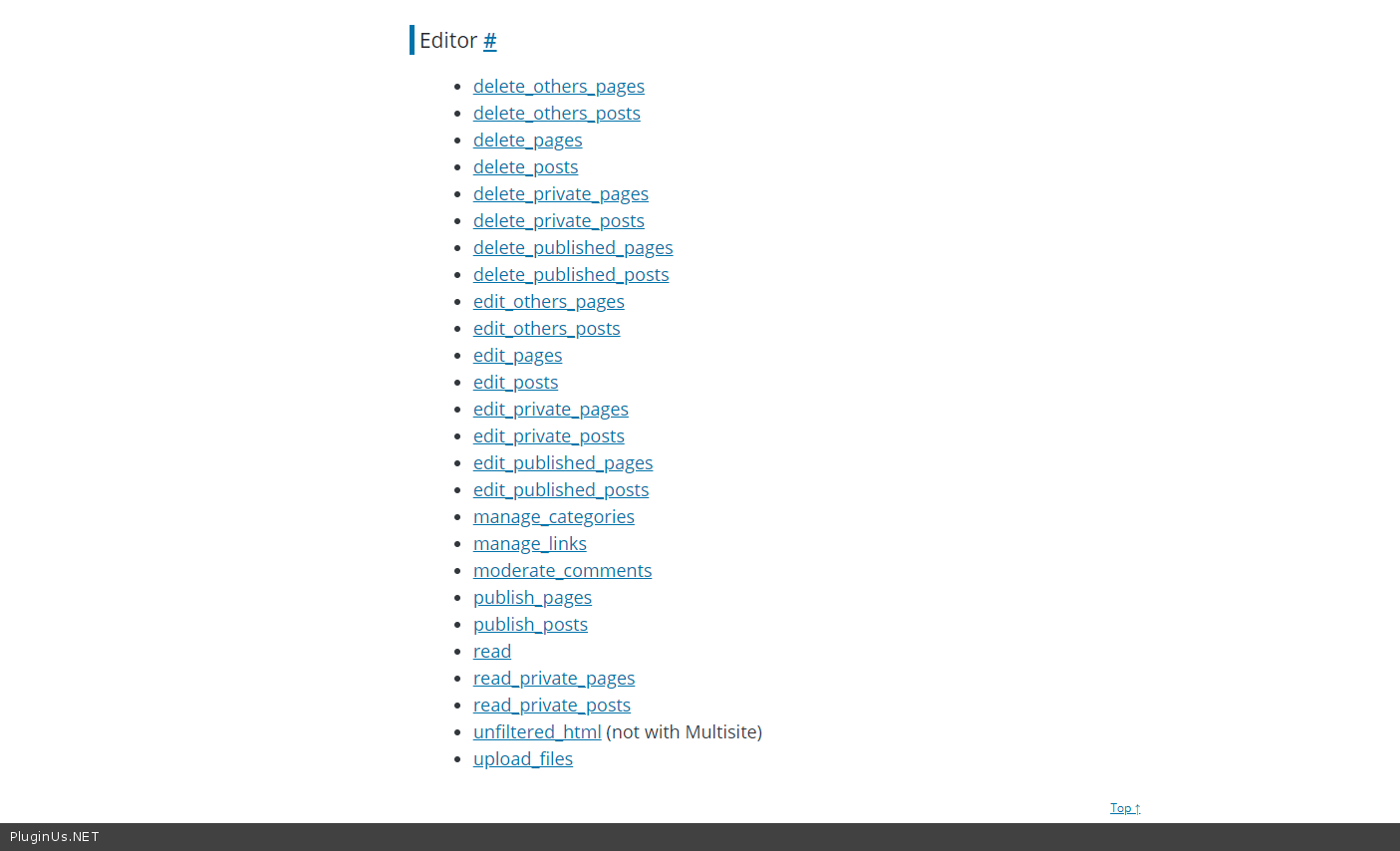
this type of user must have a capability – manage_options
No idea what that means sorry.
What capability, where ? manage_option, where ?
thanks
Hello
Read this please – https://wordpress.org/support/article/roles-and-capabilities/
Hello,
Thank you for taking the time to reply. As I mentioned in my original message I did set the user as Editor however the “Bulk Edit” tab is not populated with anything apart from a couple of headings. The “Filter” is populated.
I even went through and set many additional individual additional flags however it made no difference.
Unless you can advise exactly what options need to be set under Roles, my feeling is there is something wrong with the plugin. At least the demo version, because it is not working correctly for Editor. It does work Ok for Administrator.
thanks
Hello
As I wrote in the previous message – The editor should have “manage_option” – https://c2n.me/41M4GDV.png
How to add it – https://wordpress.stackexchange.com/questions/83788/temporarily-give-manage-options-capability
Deleted
In the paid version can we edit more than 10 at once?
Hello, yes! And you can do it also with free version if to use filtration, watch video please https://bulk-editor.com/video-tutorials#video_2502
Hi, can I choose a category? I would like to display a list of a certain category.
Hello
Use filter please – https://bulk-editor.com/video-tutorials#video_2500

This item was featured on CodeCanyon

Power Elite Author
Contact the Envato Market Help Team