541 comments found.

Hello. I read in the description that it is Compatible with – WC vendors
I want to add bulk products in store of a vendor. However, it is not showing an option to select vendor to attach.
Hello
Please write me on support( use contact form ) – https://codecanyon.net/item/woobe-woocommerce-bulk-editor-professional/21779835/support Paste your message+wp-admin access
Add products, then assign the vendor for these products.
Hello. Written to you on support and sent the admin access. Waiting for a reply
Hello
I answered you on email
Hi. Replied on email. Author is the vendor
Waiting for a reply.
Ok!
Hello. Please let me know if you can do the settings for “vendors” in dokan? Its been days since I have sent you the admin access. I cannot see “author” or “vendor” in filter section.
Hello
I installed pre-release version from you
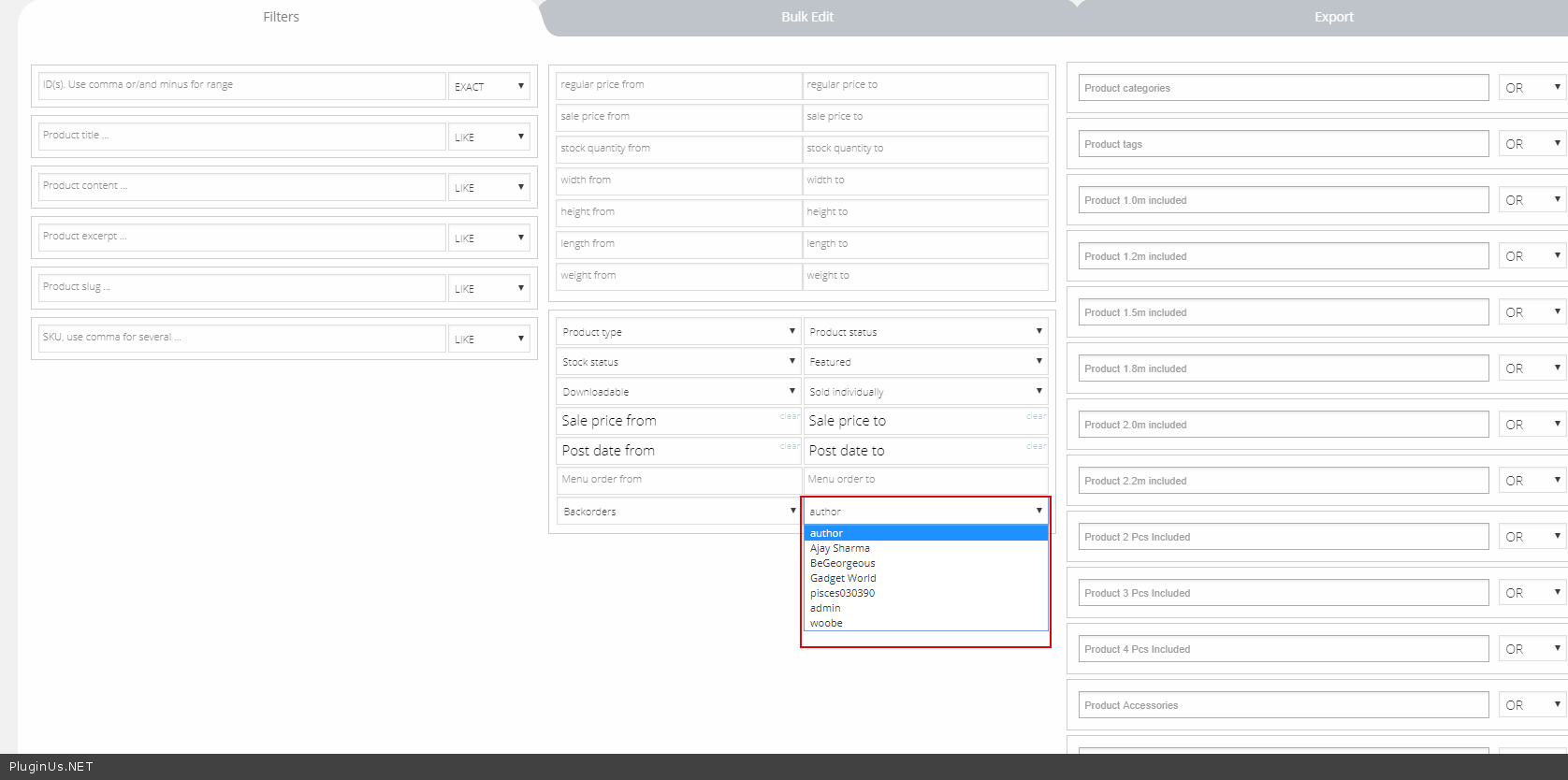
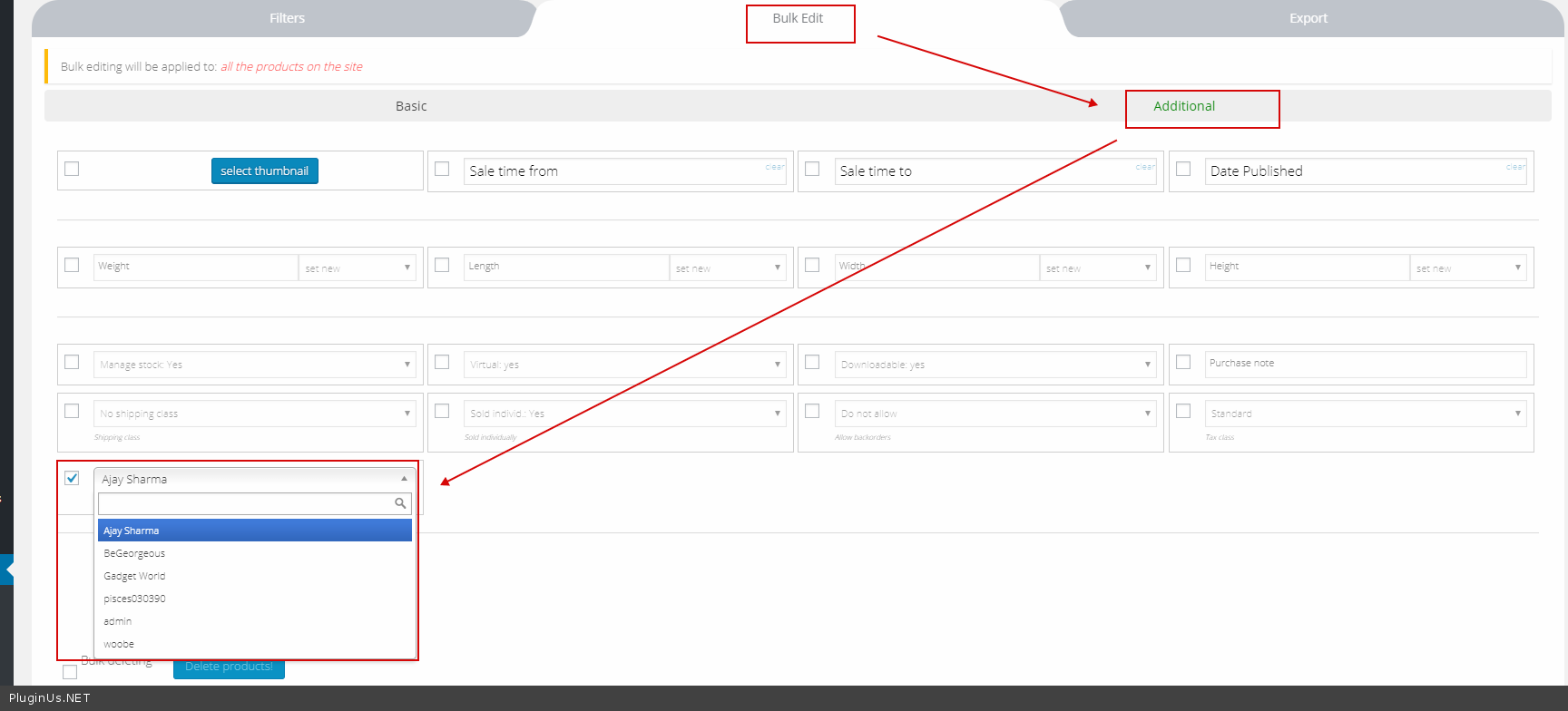
To filter by author/vendor – https://c2n.me/3W7uRcA.png To bulk edit author/vendor – https://c2n.me/3W7v4rE.png
Hello. I tested it. This is not what I wanted. Dokan is -
1. Add new product 2. Sell what is already being sold by another seller.
That is, one product can have multiple vendors/authors. Dokan gives us ability to compare product prices if multiple vendors.
Can you set vendor options to ”- append, new, replace “
Hello
Please better write in support – https://codecanyon.net/item/woobe-woocommerce-bulk-editor-professional/21779835/support we will discuss in more detail what you need
Hello. I am waiting for a positive response. I have tasks to finish. Kindly set the plugin for “multi vendors” asap. Ty
Hello
We are working on it
hi we are currently use your currency plugin. I have a question before buy does this plugin compatible with variable products plugin WooCommerce Extra Product Options author themecomplete?
Hello
Unfortunately we do not have information about this. But I think it’s compatible
Watch video please – https://bulk-editor.com/video-tutorials#video_3044 Try free version – https://wordpress.org/plugins/woo-bulk-editor/
I purchased this plugin and want to use this for creating variations and editing them. When I add all the attributes through the “Variations Advanced Bulk Operations” 2462 variables are generated. When i Bulk add them only 200 are created. How do I create ALL the variatons.
Afterwards I am not able to filter bij size for example so i can edit only these sizes..how to solve?
Hello
Please watch this video – https://bulk-editor.com/video-tutorials#video_2506
Hello
About filtering as I undertood you need filter by attribute – please look closer in tab Filters – they should be there. If you still not understand smth please create short video to make things clear and share it with support here https://codecanyon.net/item/woobe-woocommerce-bulk-editor-professional/21779835/support with some little comments if nessesary
Hi,
Your plugin will search text in custom fileds. I made with https:// toolset. com/documentation/user-guides/using-custom-fields/
??
Hello
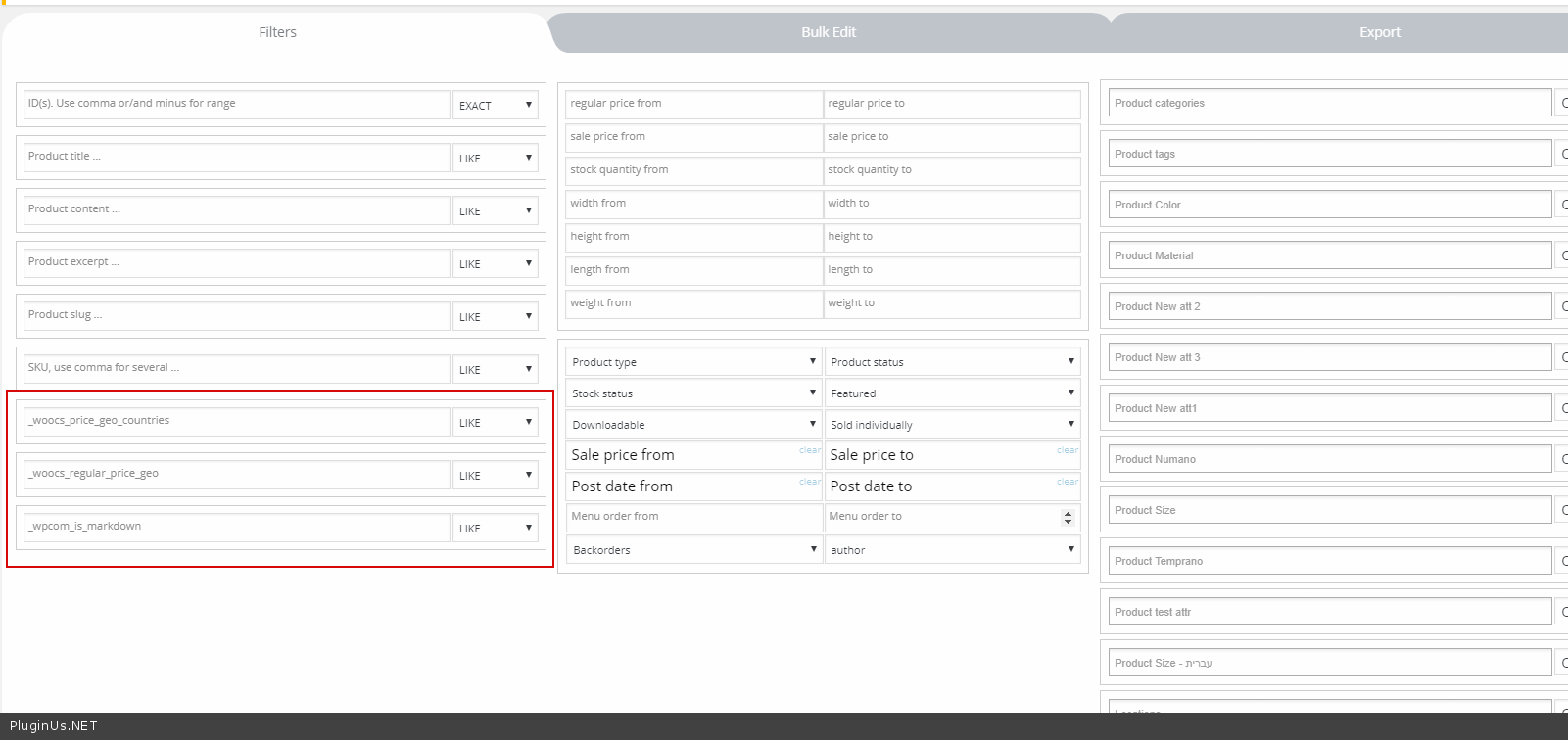
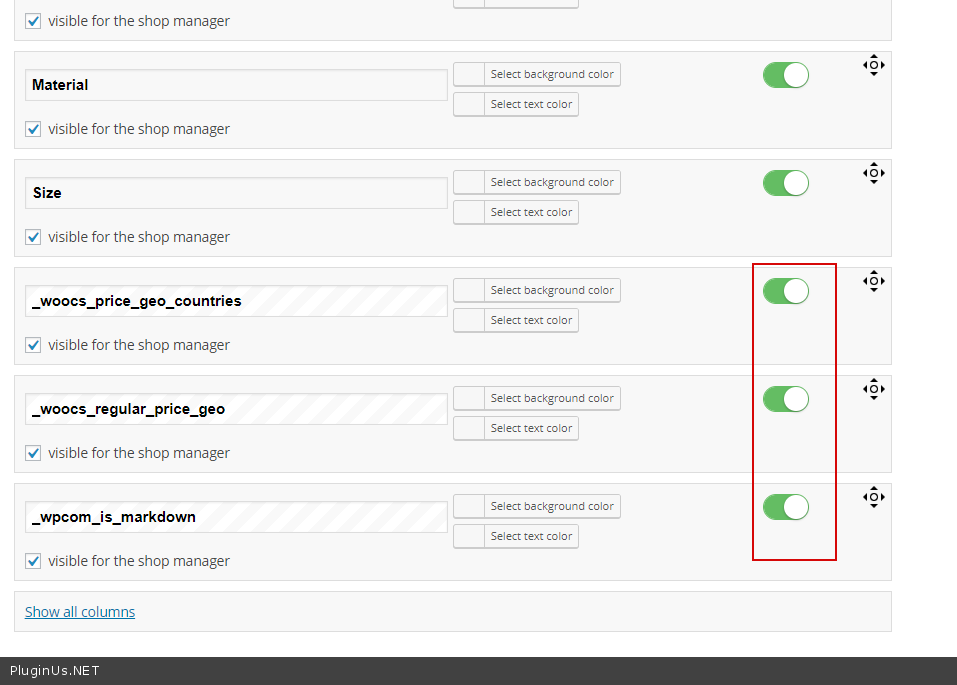
Yes. Example – https://c2n.me/3VTdqtD.png Add your meta field in settings – https://c2n.me/3VTdzNQ.png
Hi, when I set attribute for individual product it will auto used for variation. How do I disable that?
Hello
Please watch video( https://c2n.me/3VQHaN9.png ) – https://bulk-editor.com/video-tutorials#video_2506
Hi,
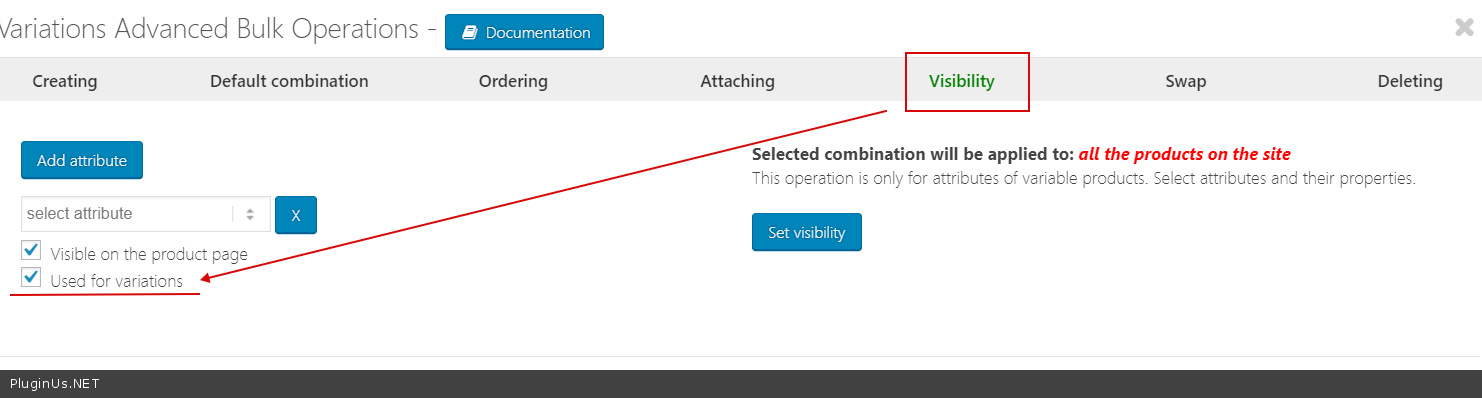
I don’t want bulk edit because each product has different colors. I want to add the color individually. Something like this: http://prntscr.com/kecrf1 Also you variations advanced bulk operations has bug for visibility. Even I have unchecked use for variation, it will still use for variation in the front end (not in the editor). Please try out.
Hello
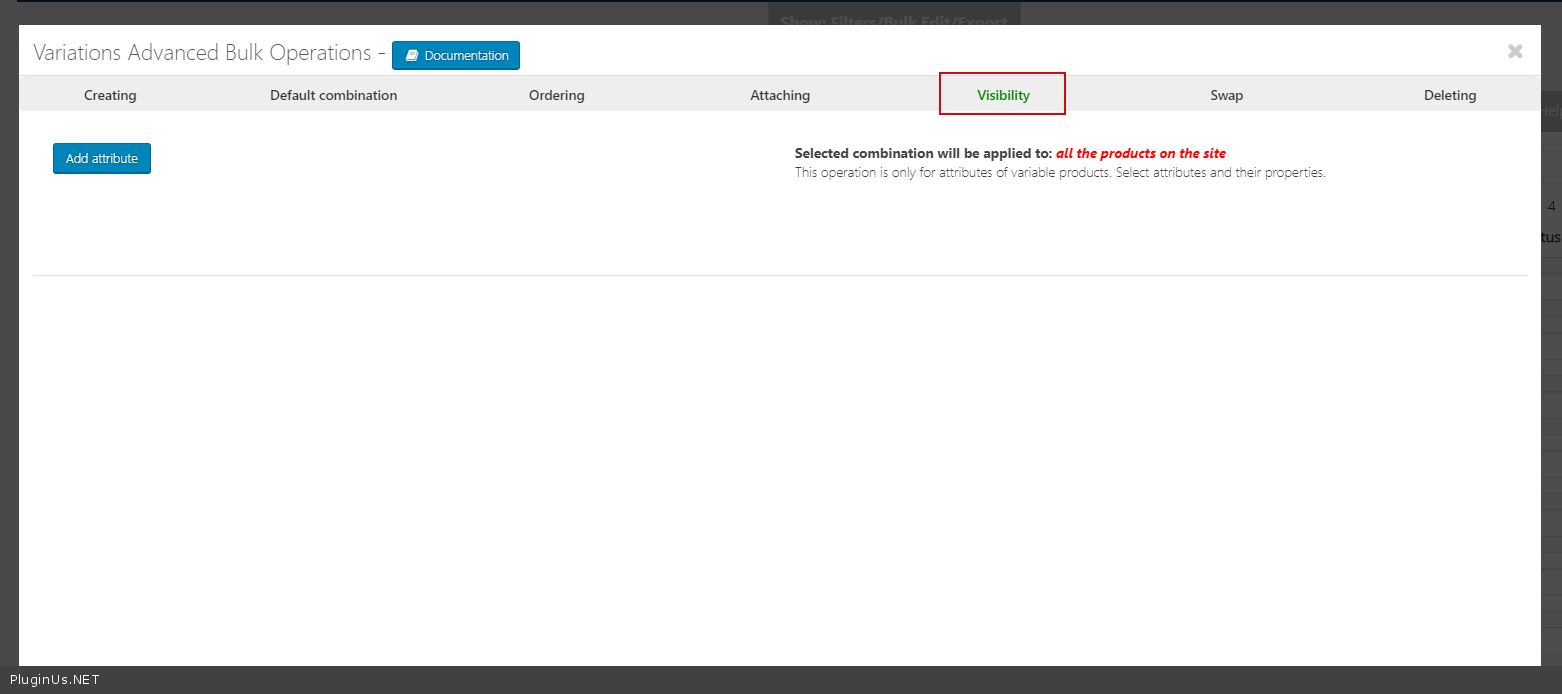
Add colors and then use “Variations Advanced Bulk” to change visibility
variations advanced bulk operations has bug for visibility. – https://c2n.me/3VTeCbq – I did test. Everything works fine
Hi, the video you sent me is showing the backend editor of the product. After you set the used for variation please go to the front end (product page) and see.
Hello
ok! New video – https://c2n.me/3VUFPd0 – everything works fine
Try to disable all plugins except woo + woobe and do test. Be sure to disable the cache
If no luck :
You can write on support( use contact form ) – https://codecanyon.net/item/woobe-woocommerce-bulk-editor-professional/21779835/support Paste your message – FTP+wp-admin access I will investigate this problem
Hola,
The plugin version pro can import products that have the ACF PRO (Advanced Custom Fields Pro)? and ACF TABLES (Advanced Custom Fields: Table Field)? plugins.
Thanks
gracias
Hello
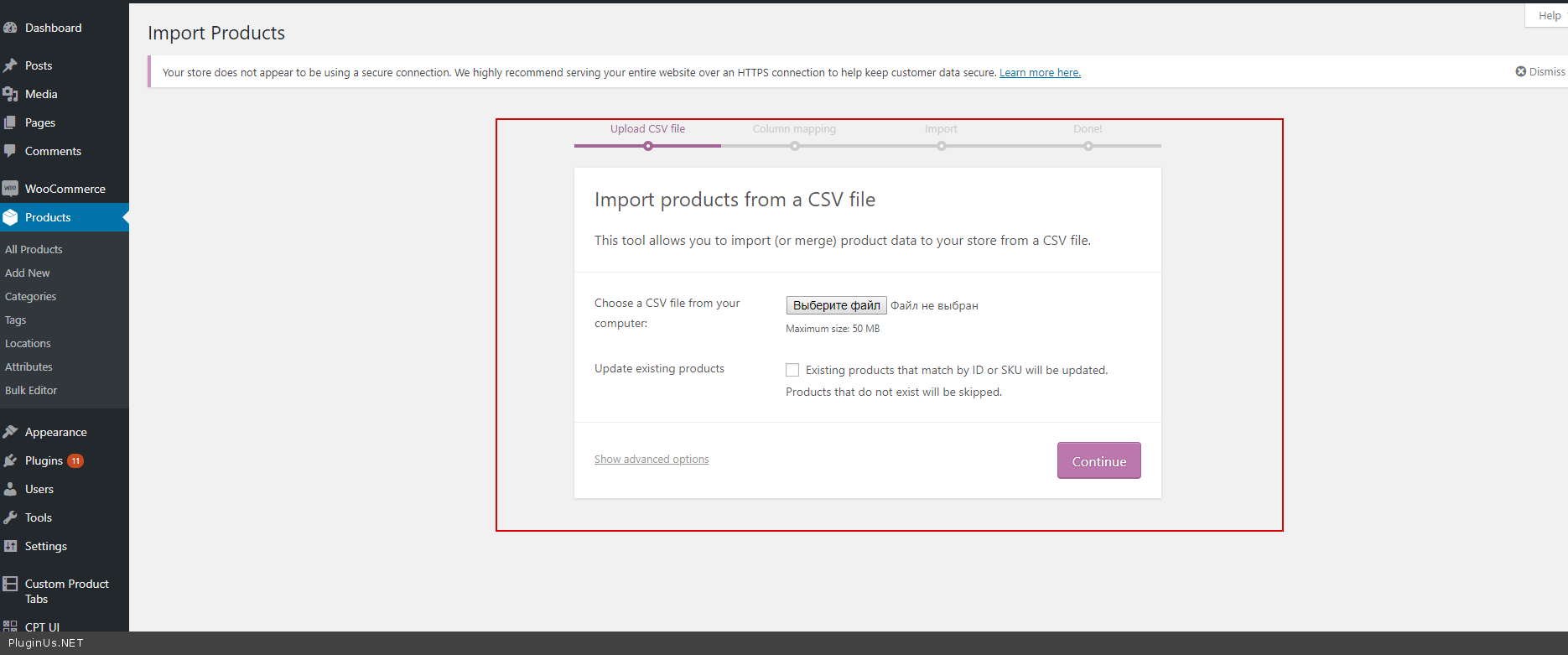
To import products the plugin use a standard woocommerce function – https://c2n.me/3VQHVZR.png so it has the same options as the standard import
I’ve just bought this and it’s already saved me time, just one thing, when I update the published date it sets the time to 1pm, I would like to be able to bulk change the time so it shows higher in my catalogue, can this be done?
Also is it possible to filter by visibility?
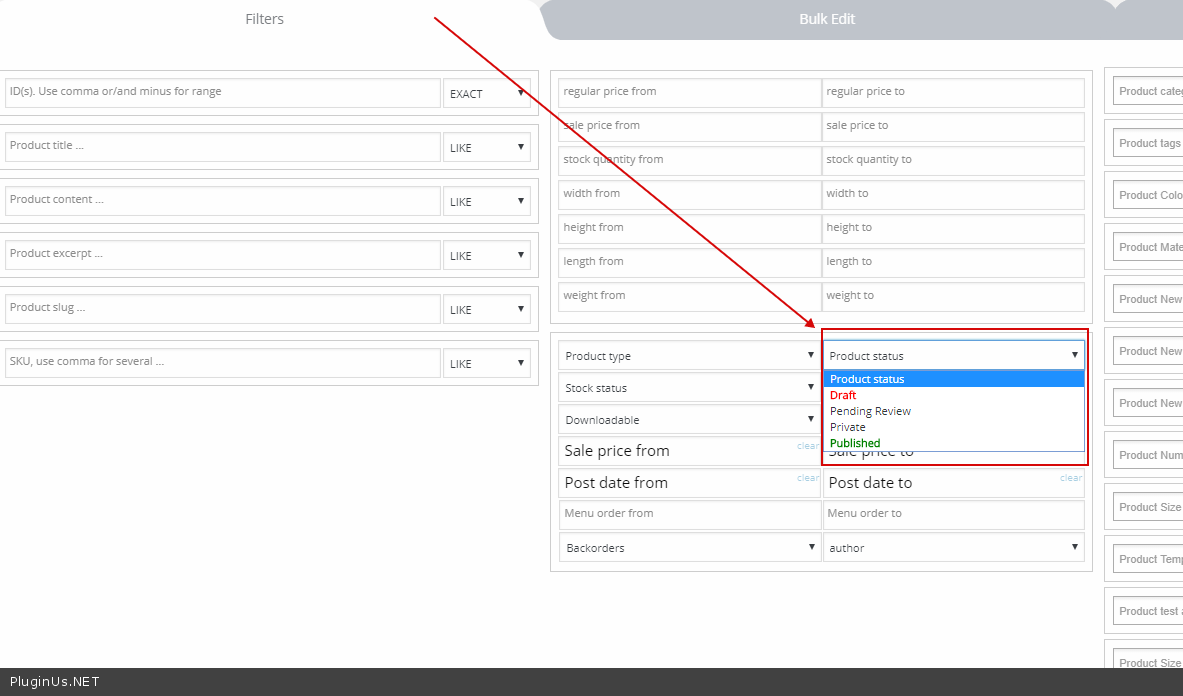
Hello 1) -write your idea here – https://bulk-editor.com/forum/ 2) Yes – https://c2n.me/3VKMBK9.png
Hi, Thanks I will do that, but the product visibility you linked to is product status, I should have said catalouge visibility, Shop and search results, Search results only etc
Hello
Ok! You mean catalog visibility. Add this idea – https://bulk-editor.com/forum/
Hello
Catalog visibility is implemented in 2.0.2 https://clip2net.com/s/3VMp9Ip
p.s. Undertood, you meant Filter functionality!
Yes, so can’t it be filtered yet?
Hello
Not now, but will be implemented, stay in touch ..
Hello, It says set up is not possible due to unappropriate plugin. Install is not possible. I just purchased the premium verison. Can you help? Thanks, Vanda
Hello Vanda
Unpack downloaded zip bundle, the plugin is inside
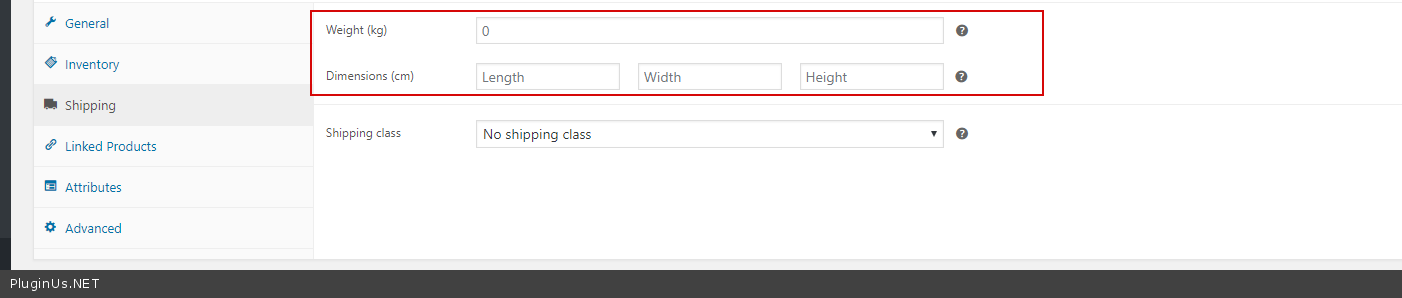
Pre-Sale Question – A bit confused with the $59 offer etc. What do I need to bulk edit dimensions and weight. Will the plugin do it or do I ned to buy more stuff?
Hello
If you mean this – https://c2n.me/3VGGLa0.png In the plugin setting activate this fields – https://c2n.me/3VGGBGN.png
Hi there, how can I get free 2 plugins free from the offer: https://clip2net.com/s/3UWShb0 I already purchased 1 (bulk-editor) I need currency switcher full version thank you
Hello
Here: https://codecanyon.net/item/woobe-woocommerce-bulk-editor-professional/21779835/support – but re-read conditions carefully before request, for now they are not complited
Any option to continue bulk editing from the point it got terminated by mistake?
And how can I increase the speed of the editing process? I have 1000s of products and it takes a lot of time to add a single attribute to them.
Hello
the point it got terminated by mistake? - Unfortunately, there is no such possibilityhow can I increase the speed of the editing process? - what version are you using?Version 2.0.2
Hello
This option is good and useful, lets discuss it here https://bulk-editor.com/forum/
About long time – make please video how exactly you do it and share it here https://codecanyon.net/item/woobe-woocommerce-bulk-editor-professional/21779835/support as support request. Also will be good if you will create clone of your site on test subdomain by https://wordpress.org/plugins/duplicator/ and share access with support to check the reasons of terminations
+ Check that you have not less tha 256 MB of RAM and will be good if PHP 7.2 activated
Hi
First of all, thanks for the plugin. This is the best solution for bulk edit that I’ve found.
Could you please help with my question. I made a bulk action of adding attribute values to the products. They all have automatically “used for variations” checked. But I do not need this to be checked. It’s not that attributes, that should be used for variations. How can I remove “used for variations” for those specific attributes using your plugin?
Hello
Watch video please – https://bulk-editor.com/video-tutorials#video_2506
This tab – https://c2n.me/3VtLtme.png
Thank you so much!
Hello
Welcome;)
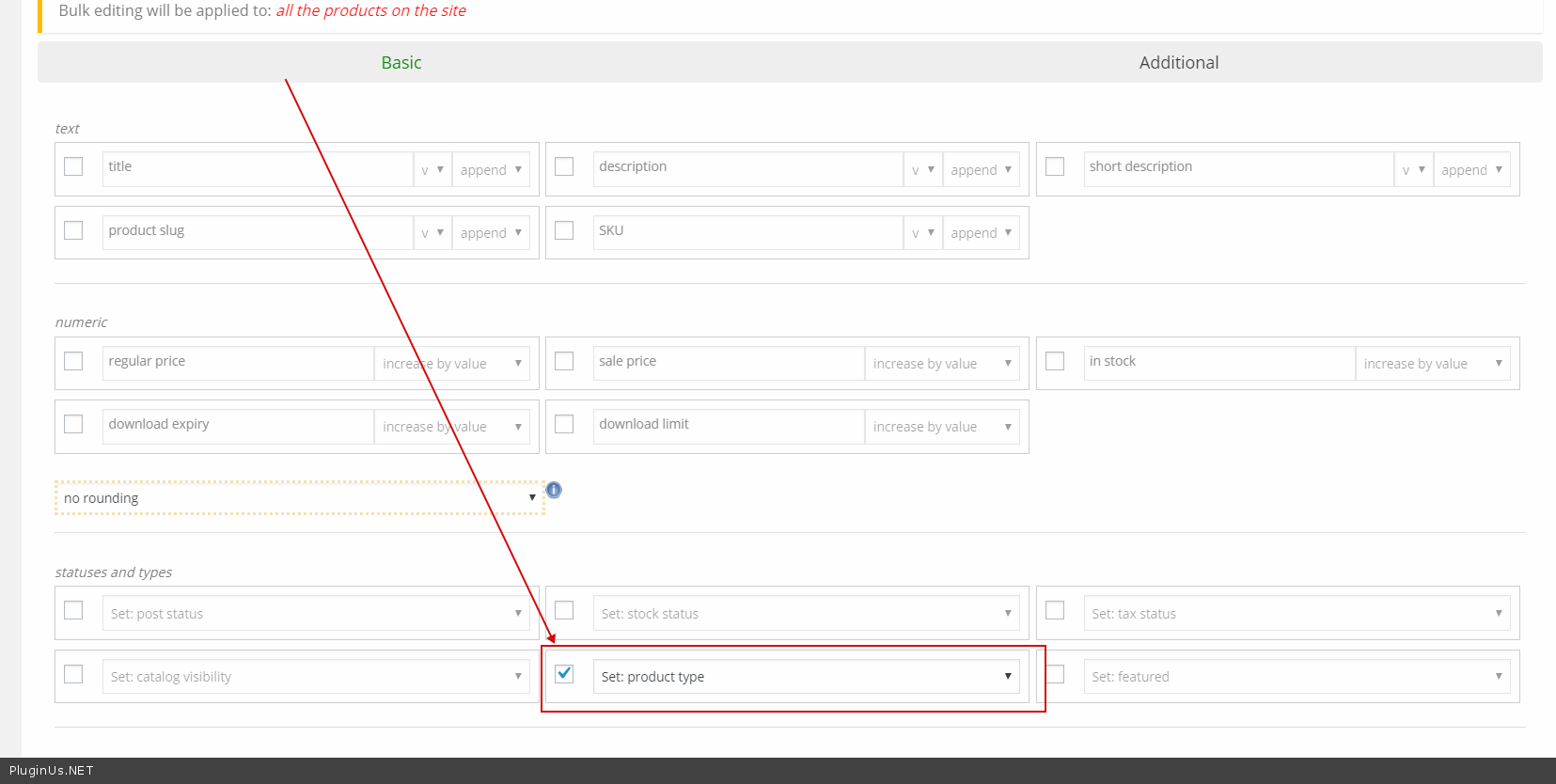
Hello. Will this plugin be able to bulk change “product type”, from external to simple product ?
Hello, yes! You can also try free version: https://bulk-editor.com/downloads/
Hello. I am trying the free version. I just see the option to change attributes. Please help me find the option of “bulk changing external product to simple product”. Thanks
Hello
In “Bulk edit” tab – https://c2n.me/3VtKVmd.png
what features does it give to you if u buy premium version in comparison with free version?
Hello
Unlocking all fields for bulk editing, unlocking settings options – totally all features which marked by red color
Hi, is the offer for the free additional 2 plugins still valid? Thank you!
Hello, Yes!
Super  I made the purchase! I am chasing also the WOOF plugin
Welcome
Hi I would like to edit categories in bulk, how to display category tabs because they are not showing product editor
omg, this tool is so damn powerful! amazing!
is the offer still valid?
Hello
You about gifts?
Yes, write on support please …
Hello, i was try to updated sales price and regular for 203 simples products and variable product , but not work for all products , some product are updated good, but others have bad calculations in sales prices and regular prices… Can you tell me what is wrong here ?
Hello
Sure. Write me please here https://codecanyon.net/item/woobe-woocommerce-bulk-editor-professional/21779835/support with exact details what is wrong, with video will better to understand (and to see how you doing bulk operation to repeat one-in-one). Maybe wp admin access will be necessary, also you can create clone site by https://wordpress.org/plugins/duplicator/ if site is alive or just share generated zip and we install your site-clone on our server.
Is the pack offer still valid? Let me know so i can get it
Hello
Yes, this offer https://clip2net.com/s/3UWShb0 is valid! Read please it carefully
Hello, I want to buy for the special offer, my question for future updates of the gift plugins, how much would I have to pay for them to be updated?
Hello Daniel
Answered in your email
Insanity, months of works done in few hours. Even if its a one-time full edit and this plugin will eat dust now, hella worth it! Time saved with this plugin is priceless!
Welcome

This item was featured on CodeCanyon

Power Elite Author
Contact the Envato Market Help Team