142 comments found.

I searched for hours trying to find a solution to blurry 100% background images on mobile for Wordpress and your plugin fixed the problem right away.
Thanks!
I send you support message, having problem content dissapear when video loading. Details in PM
Hello,
I’ve replied your email
Regards
Great Help A++, great plugin and service!!
Thank you.
The images don’t look good in mobile devices, can we have a different slider for mobile?
Hello,
Please send me on office@lambertgroup.ro the link where you have the slider, to take a look.
Regards
Email sent. Subject : Background Slider. thanks
Hi Presale question is it possible to create different background slide for each pages and poses. Thank you
Hello,
Yes, you can. Like you see int this video tutorial: How To Add Background For Only One Page – https://www.youtube.com/watch?v=W6-5OEWji_w
Regards
As I put a background video
Hello,
I’m sorry, I don’t understand. Please give me additional details and a link.
Regards
Put a background video ? as I do ?
Full background…
Hello,
Please check this video tutorial – How To Add Background For Only One Page – https://www.youtube.com/watch?v=W6-5OEWji_w
Regards
as it is done to put the video ?
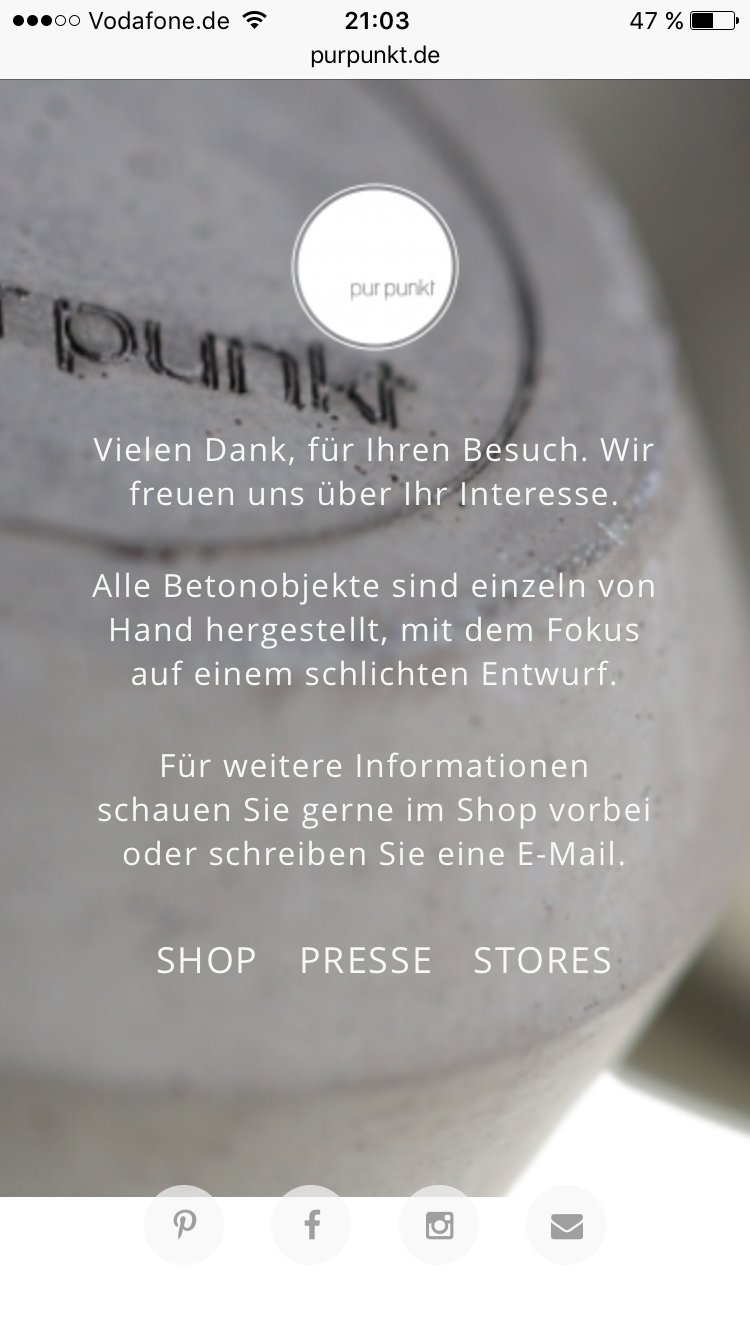
Hello! I bought this plugin an it works almost perfect, except on the iPhone. i have one page with a fullscreen background-Slide and some text above. On the iPhone when I scroll down a bit I always have a white blank part, where the background is not loaded. I attached a screenshot here: http://fs5.directupload.net/images/161004/l57cgrhv.png
This is my site, if you want to check the problem: http://www.purpunkt.de/home-new/ Is there a way to fix that? Thanks for your help! Sam
Hello,
When you first load the page you have the top bar displayed, so the background covers the remaining area. The problem is that the top bar (on a smartphone) disappears when you scroll up and that area remains without a background.
Regards
Yes, sure. But if you set a normal Background-Image to height: 100% then it will adjust the height, when the resolution changes. I saw, that the height of the Slider is set absolutely, not relatively. And its not possible to change that option?
Hello,
The width & height is set in connection with the device width. The scrolling is not detected as a resolution change, only when you rotate the device.
Regards
I want to purchase this plugin but the youtube videos are from 2 years ago, wordpress has made many changes and it doesnt show you how to add code codes on the page backgrounds on any of these new updates. I like what I see but the information seems out dated on how to use it with todays updated versions.
Please advise.
Ok I just purchased the plugin but did not see any videos on how to add this style of image sliders to my posts or pages.
http://www.lambertgroupproductions.com/canyon/wordpress_full_screen_background/fullscreen_gallery_bullets_fade_transition.htmlplease advise.
Hello,
On product page you have detailed video tutorials, under ‘Video Tutorial’ section.
For your question, is this one: How To Add Text Lines Over The Main Image – http://www.youtube.com/watch?v=meuRYLBma8Q
Regards
Hi, I’m considering purchasing the plugin, but I have couple of questions:
Is it easy to make the video autoplay in a header only, not the whole background?
Can I also use a video hosted on my site, not a YouTube or Vimeo video?
Cheers, Kristina
Hello,
We recommend you this plugin http://codecanyon.net/item/video-player-fullscreen-video-bgd-wp-plugin/9323381 which supports slef-hosted videos, too.
If you want the background only for home page you can include it like you see here: How To Create a Video Background For Your Page – https://www.youtube.com/watch?v=EzQfnj7m7aY
You can have it only in header, as a full-width player like you see here: http://www.videoplayerhtml5.com/wordpress_universalvideobackground/the_full_width_youtube.html
Regards
Hello, My footer bar background color disappears when I use this plugin. Please check this. Thanks.
http://etkinlikz.com/prowin/Hello,
I’ve replied your email to put position:relative; for your #main-footer
Regards
Just purchased your Plug 
Unfortunately it is not compatible with my WP theme (Therapy). Neither the gray background of all the text is visible nor the menue sticks at the top of the pages.
URL: http://demo.prysma.de/fensterkonzepte/elemente-2/
Would be great if You could refund the purchase.
Best – John
Hello,
You need to add at least one image in the playlist.
Regards
...which I did – of course .-)
Hello,
I’ve checked the page source (CTRL+U) for your url http://demo.prysma.de/fensterkonzepte/elemente-2/ and the playlist code is empty
<ul class="fullscreen_background_list"> </ul>
it should be like this
<ul class="fullscreen_background_list">
<li data-bottom-thumb="images/thumbsFullScreen/thumbs/01_thumbs.jpg"><img src="images/thumbsFullScreen/01_thumbs.jpg" alt="" width="1920" height="1200" /></li>
</ul>
It looks like there no image in the playlist.
Please send me on office@lambertgroup.ro a temporary user & pass to your wp-admin, to take a look.
Regards
When I go to Add New, enter name and back to manage sliders the slider I created doesn’t appear.
Hello,
I’ve replied your email.
Regards
Settings “Page Background selection” appears after installation of a plug-in? I have no such point. If all parameters of a frame of youtube need to be inserted most, but not in settings of a plug-in. From where such price? I would like to buy a plug-in and to deliver to video only on the homepage, isn’t sure that will work with apex
Hello,
You can use this video dedicated background plugin: http://codecanyon.net/item/video-player-fullscreen-video-bgd-wp-plugin/9323381
You’ll find on the product page detailed video tutorials, under ‘Video Tutorial’ section.
Regards
I understand that I can use your plug-in. I asked some questions and would like to receive answers before purchase
Hello,
The answer was in the video tutorials.
1. In ‘Manage Players’ section you can define as many backgrounds you want and associate them to the desired page (or homepage) using the page custom fields. This link is directly to the section where you can see how to add the background to a specific page: https://youtu.be/EzQfnj7m7aY?t=3m6s
2. To insert in the player playlist a YouTube video you only need the video ID. Like you see here: https://youtu.be/EzQfnj7m7aY?t=1m51s
3. It was not tested with ‘Apex’ theme, but our plugin will work with any WordPress theme which respects WordPress rules. Regards
Please take into account that I was referring at this product: http://codecanyon.net/item/video-player-fullscreen-video-bgd-wp-plugin/9323381
Hello, I need to buy this plugin but i need to know this. Can this plugin randomly change the background video – per visitor session. Thanks
Hello,
This option is not available.
Since the background is inserted by a shortcode which contains an ID, a simple solution is to generate a random ID and use that ID when you call the shortcode. Like this: ID=rand(1, 5);
Of cource, you’ll create multiple backgrounds in admin.
Regards
Hello. I just bought the product, and when i added the background to the whole site with the code, as it was shown on the tutorial, the background came forward and is on the top of everything on the site. My site is in boxed mode so the background images should only be visible on the left and right side. Instead they cover everything except the texts and pictures…. Please tell me how to correct this, because i cant use it like that.
Hello,
Make sure you set Set As Background – true
If you already did this, go into this file ’\wp-content\plugins\lbg_fullscreen_fullwidth_slider\fulscreen_background\fullscreen_background.css’ and for this class ’.setAsBg’ put z-index:-1;
Now, z-index:0; should be ok since it’s inserted as the first element on the page and and 0 is the first level. It seems that your theme is different so please set z-index:-1;
Regards
i have done exactly that, and it did not solve the problem. It still covers everything so it should be something else
Hello,
z-index:-1; is beneath all elements.
Please send me on office@lambertgroup.ro a temporary user & pass to your wp-admin, to take a look
Regards
Try to add it like you see here: How To Add Background For Only One Page – https://www.youtube.com/watch?v=W6-5OEWji_w
Hi, I am very interested in this plugin as it provides the background gallery. I am looking to create a site similar to the demo with the transparency for the content on top of the gallery. I noticed the plugin hasn’t been updated in almost a year so I want to make sure it functions properly and is compatible with WordPress 4.3.1.
Hello,
Yes, is compatible with WP 4.3.1
The plugin provides only the image/video background. The transparency for the content on top of the gallery is part of the theme
Regards
Awesome, I just purchased! How can I make the full background with images appear only on the homepage?
Hello,
Please check this video tutorial: How To Add Background For Only One Page – https://www.youtube.com/watch?v=W6-5OEWji_w
Regards
Hi, does the content stay consistent with the video when the browser is re-sized? Thanks
Hello,
At which example are you referring?
Regards
We would like to get this plugin. Are you adding compatibility for html5 videos other than youtube and vimeo?
Also, are the videos responsive?
Hello,
We have this product with html5 videos support: http://codecanyon.net/item/video-player-fullscreen-video-bgd-wp-plugin/9323381
Yes, the product is responsive
Regards
Hi. I am using the slider just for youtube videos. I’ve noticed that the videos don’t stop playing when you’ve scrolled. Is there any way to stop this?
Hello,
I’m sorry, this option is not available
It is designed as a fullscreen background for the entire website
Regards
Hello,
I’m thinking about purchasing this plugin. Will I be able to setup an image for my home page only and have the ability to make the home page background active; meaning I can click anywhere on the homepage to access a link I’ve specified? Is this possible?
Regards,
Chris
Hello,
Yes, you can add a background only for a specific page. Here’s a video tutorial how to do it: How To Add Background For Only One Page – https://www.youtube.com/watch?v=W6-5OEWji_w
Regards
Hello Team,
Thank you for an amazing plugin. I am having an issue with the footer and I have requested help and have sent a mail from my ID sraj@w*e.net
The site in question is also added in the mail that is sent out.
The issue is that the footer is not at the bottom only on the homepage where the background video from you tube is being played.
I have searched for solutions and not sure what can be done. So need your help.
I have sent the wordpress login details as well for this. Looking forward to hear from you.
Thanks Srinivas
Hello,
I’ve replied your email
Regards