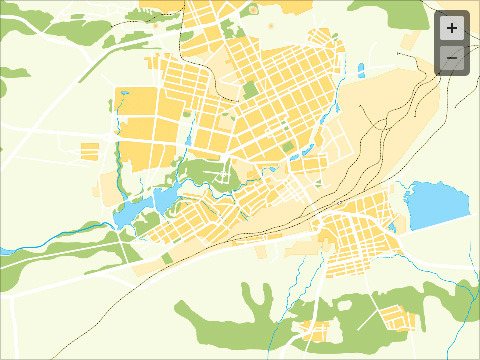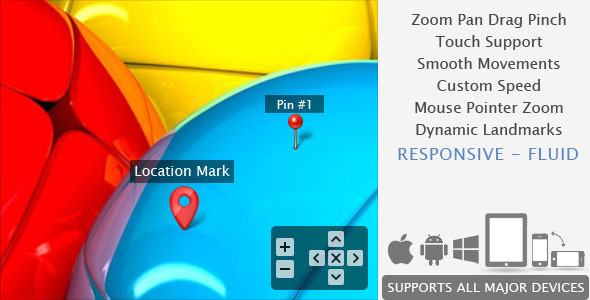
This is a javascript / CSS based image viewer prepared to display product photos, maps or any image within custom small area. Can be configured and implemented in web pages with simple copy / paste steps. Supports all major touch enabled devices and platforms iOS, Android and Windows.
More than 30 parameters available to customize, yet a standard version can work simply with 2 values:$('#yourImageID').smoothZoom({
width: <Enter Width>,
height: <Enter Height>
});
Options:
- Initial Zoom level
- Initial Position
- Maximum zoom level
- Minimum zoom level
- Animation Smoothness
- Animation Speed for Zoom
- Animation Speed for Pan
- Fit or Fill the image
- Enable / Disable Pan buttons
- Enable / Disable Pan Limitation
- Adjustable Button Size, Color, Transparency, Alignment and Margin
- Button Auto Hide and Delay Time
- Mouse Drag / Touch Drag
- Mouse Wheel zoom control
- Mouse Cursor location zoom on mouse wheel
- Mouse Double Click zoom
- Border size, color, transparency
- Full browser size option
- Max width and height (for window resize)
UPDATE V1.7: [30 MAY 2014]
UPDATE V1.6.9: [18 MAR 2013]
UPDATE V1.6: [10 JUN 2012]
UPDATE V1.5: [18 MAR 2012]
– Triggers each time the scale / position values updated (on each animation frame)
– Triggers whenever landmark?s visibility changes
UPDATE V1.4: [04 MAR 2012]
- On Image Load.
- Everytime the zoom/pan action completes (returns scale / position data).
UPDATE V1.3: [12 FEB 2012]
UPDATE V1.2: [02 NOV 2011]
This data will be helpful in the following occasions:
1. To make Crop Tool
2. To store the current zoom data and re-open the page with exact same level and position
UPDATE V1.1: [20 OCT 2011]